Posts tagged with "adaptation"

8 posts

Brand-First Form Localization: Adapting Themes, Layout, and Microcopy for Global Audiences

Your forms don’t just collect data—they represent your brand in some of the most sensitive, high-intent moments of a customer journey. When you go global, those moments multiply across languages, cultures, and expectations. Localization is usually framed as “translate the text and call it a day.” But if you care about brand, that’s not enough


Charlie Clark
Charlie Clark
Offline-Adjacent Forms: Designing Intakes That Work When Your Users Have Bad Wi-Fi
mobile optimization
responsive design

Offline-Adjacent Forms: Designing Intakes That Work When Your Users Have Bad Wi-Fi

If you only design forms for perfect conditions—full battery, strong Wi‑Fi, quiet desk—you’re designing for a tiny slice of reality. Real users: Tap your signup form on a subway with spotty LTE Try to submit an onboarding intake from a hotel network that keeps dropping Scan your QR code at a crowded event where everyone is fighting for the same overloaded access point When the connection stutters, traditional forms fall apart. Fields reset. Error messages vanish. People give up. “Offline-adjacent” forms are built for this messy middle: not fully offline apps, but intakes that stay usable, trustworthy, and forgiving even when the network can’t b

Charlie Clark
Charlie Clark
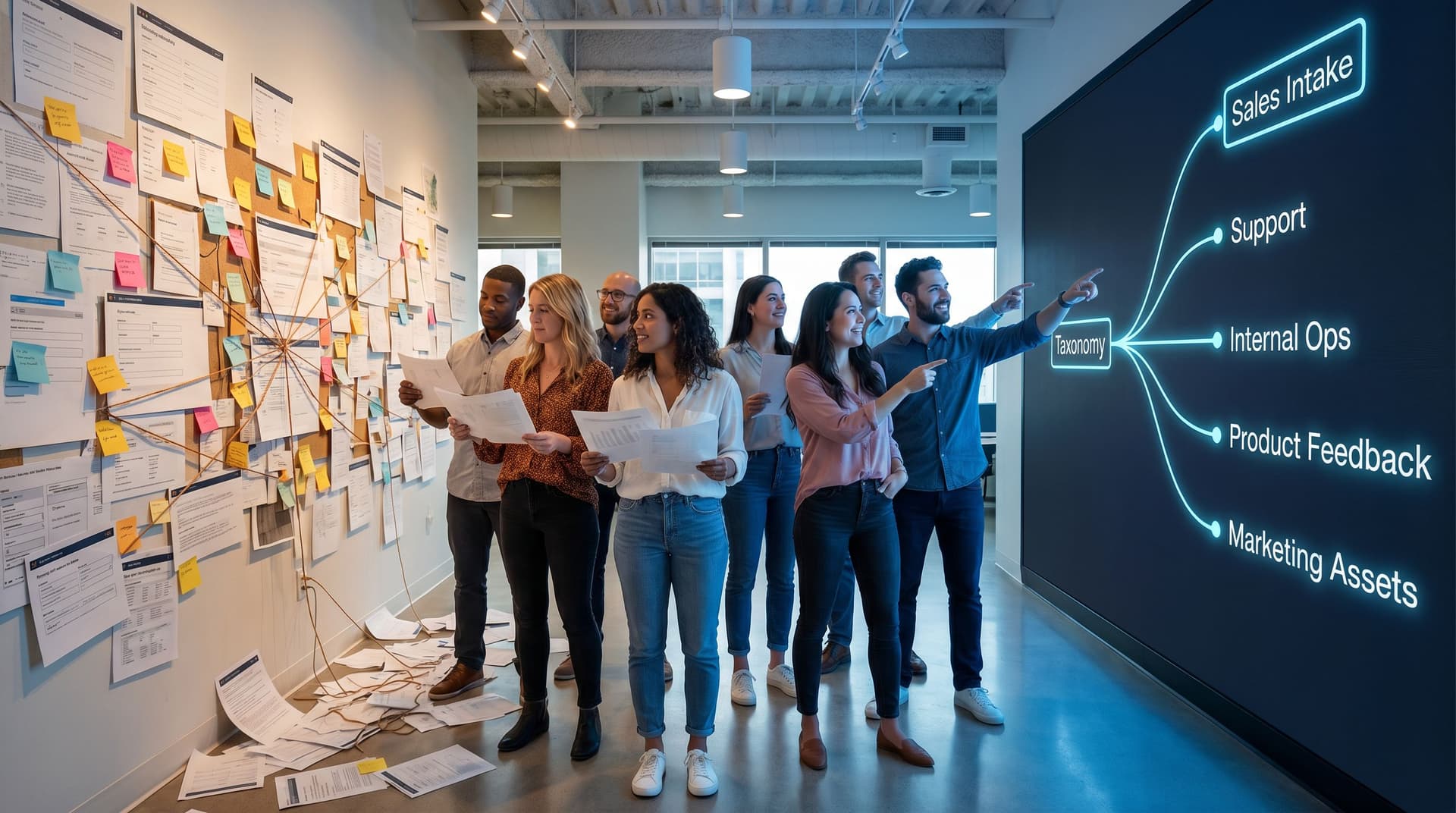
From Drift to Discipline: Designing a Form Taxonomy That Survives Hypergrowth
design
future trends

From Drift to Discipline: Designing a Form Taxonomy That Survives Hypergrowth

Hypergrowth doesn’t just break infrastructure. It breaks naming. One month you have three forms: a demo request, a support intake, and a basic onboarding survey. A year later, you have: 14 “demo” forms, all slightly different 6 onboarding flows owned by different product teams 20+ internal request forms scattered across Ops, CS, Finance, and People A graveyard of old variants that “might still be used somewhere” Everyone feels the drag: Sales can’t tell which demo form is live. Ops discovers there are three “Partner Application” forms feeding different Sheets. Marketing wants to test a new offer but is scared to touch anything. That’s form drift: when naming, structure, and ownership fall behind the speed of shippi

Charlie Clark
Charlie Clark
Drag-and-Drop Ops: How Non-Technical Teams Can Rebuild Legacy Workflows as Modern Forms
drag-and-drop
efficiency

Drag-and-Drop Ops: How Non-Technical Teams Can Rebuild Legacy Workflows as Modern Forms

Legacy workflows don’t usually break all at once. They slowly calcify: A PDF that has to be printed, signed, scanned, and emailed. A shared inbox where requests get lost under long reply chains. A spreadsheet with 18 hidden columns and one person who “knows how it works.” Meanwhile, your team is expected to move faster, support more customers, and stay coordinated across time zones and tools. That’s where drag-and-drop form builders—and tools like Ezpa.ge—change the game. You no longer need engineering time to turn a messy workflow into a clean, trackable, modern experience. Non-technical teams can rebuild the front door of their operations themselve

Charlie Clark
Charlie Clark
Adaptive Question Paths: Using Live Response Data to Reshape Your Forms Without a Redesign
personalization
data-driven insights

Adaptive Question Paths: Using Live Response Data to Reshape Your Forms Without a Redesign

Forms used to be frozen objects. You’d design the questions, ship the form, maybe tweak a field label—and then live with the tradeoffs for months. If the form wasn’t quite right for a specific audience or channel, the only answer was a full rebuild. That doesn’t hold anymore. With tools like Ezpa.ge, real-time Google Sheets syncing, and smarter logic, you can let live response data reshape how your form behaves—without touching the visual design or spinning up a dozen near-duplicate versions. This post is about that shift: how to use adaptive question paths to make your forms feel more like a conversation and less like a static questionna

Charlie Clark
Charlie Clark
Global-Ready Forms: Designing for Time Zones, Languages, and Local Input Patterns
user experience
inclusivity

Global-Ready Forms: Designing for Time Zones, Languages, and Local Input Patterns

Global-Ready Forms: Designing for Time Zones, Languages, and Local Input Patterns Global reach isn’t just for giant platforms anymore. A small team with a single form can easily be serving people across six continents, dozens of languages, and every time zone on the planet. That’s exciting—and dangerous. Because if your form only “works” for people who think, type, and schedule like you do, you’re quietly excluding everyone else. Dates become ambiguous. Names and addresses don’t fit. Error messages punish people for using the formats that make sense where they live. This post is about fixing th

Charlie Clark
Charlie Clark
From Static to Dynamic: The Evolution of Form Design Through Data-Driven Insights
design
data-driven insights

From Static to Dynamic: The Evolution of Form Design Through Data-Driven Insights

In the realm of online interactions, forms are the unsung heroes facilitating seamless communication between users and platforms. Yet, the journey from static forms to dynamic, data-driven designs is a fascinating evolution that has transformed user experience and engagement. Understanding this evolution not only enhances your appreciation for sophisticated forms but also empowers you to leverage these insights for your benefit. Why This Evolution Matters Forms have transcended their original purpose of merely collecting data. They now play a crucial role in user experience, impacting conversion rates and influencing user satisfaction. A well-designed form can mean the difference between a completed transaction and an abandoned cart

Charlie Clark
Charlie Clark
Predicting User Needs: How AI-Driven Forms Adapt to Enhance User Experience
user experience
AI

Predicting User Needs: How AI-Driven Forms Adapt to Enhance User Experience

In a world where technology evolves rapidly, businesses constantly seek innovative ways to meet the ever-changing needs of their users. One area experiencing significant transformation is form creation. With the help of artificial intelligence (AI), form builders are now more dynamic, intuitive, and efficient than ever before. This article delves into how AI-driven forms are revolutionizing user experiences and discusses how you can leverage these advancements to elevate your engagement strategies. The Importance of AI in Form Creation Why does AI matter in the realm of form creation? Simply put, it enhances user experience by making interactions more personalized and efficient

Charlie Clark
Charlie Clark