Offline-Adjacent Forms: Designing Intakes That Work When Your Users Have Bad Wi-Fi

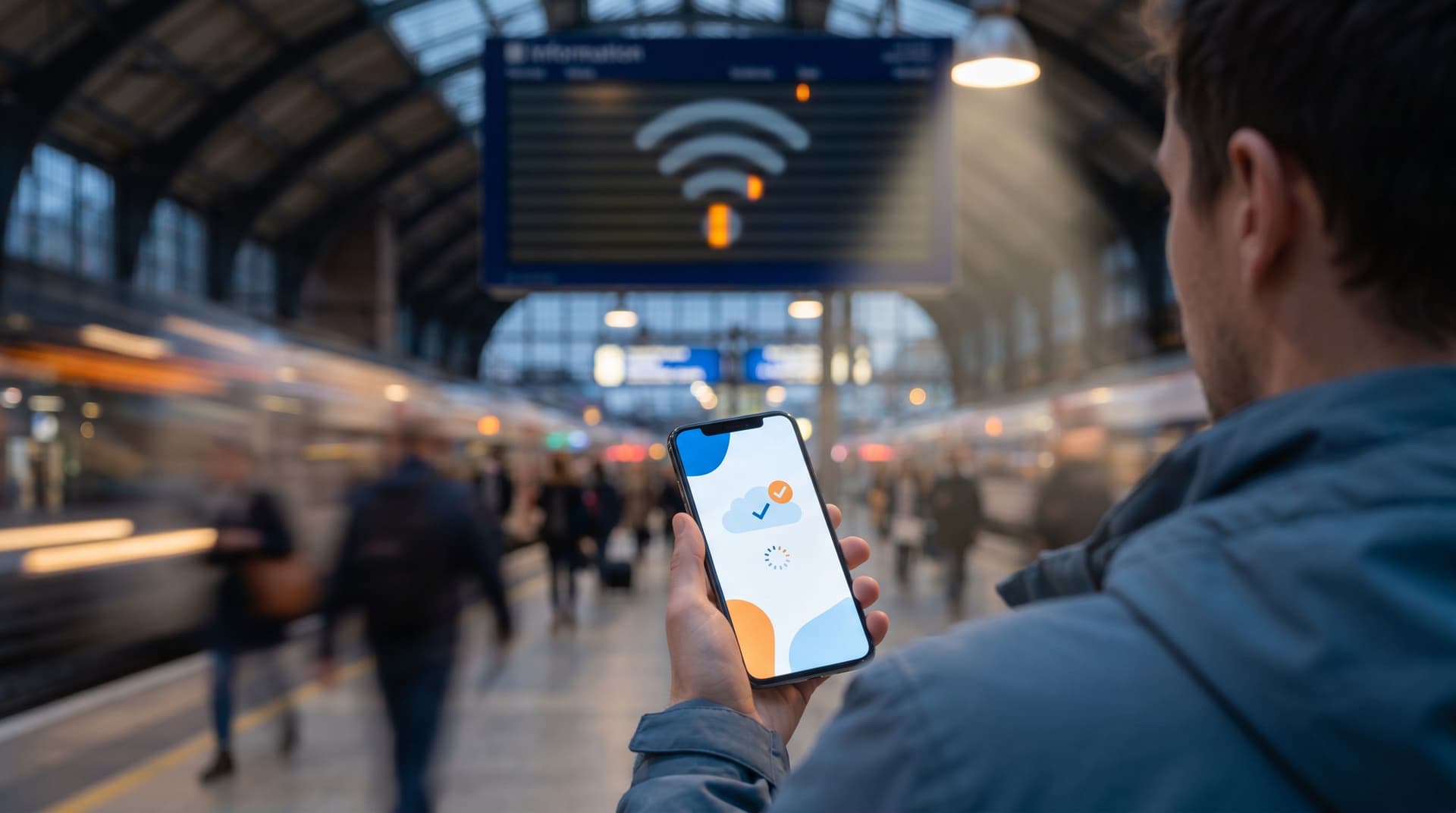
If you only design forms for perfect conditions—full battery, strong Wi‑Fi, quiet desk—you’re designing for a tiny slice of reality.
Real users:
- Tap your signup form on a subway with spotty LTE
- Try to submit an onboarding intake from a hotel network that keeps dropping
- Scan your QR code at a crowded event where everyone is fighting for the same overloaded access point
When the connection stutters, traditional forms fall apart. Fields reset. Error messages vanish. People give up.
“Offline-adjacent” forms are built for this messy middle: not fully offline apps, but intakes that stay usable, trustworthy, and forgiving even when the network can’t be.
This post is about how to design those forms—especially when you’re using tools like Ezpa.ge with custom URLs, themes, and real-time Google Sheets syncing—to capture clean data without punishing people for their connection.
Why bad Wi‑Fi should change how you design forms
Designing for flaky connections isn’t just a nice-to-have. It directly impacts:
1. Completion rates in your highest-friction moments
Network issues show up exactly when people are already stretched:
- Traveling to your event or office
- On mobile, juggling other apps
- Trying to finish something quickly between meetings
If your form dies when the network hiccups, you lose them at the worst possible time.
2. Data quality and operational reliability
Unstable connections create subtle data problems:
- Duplicate submissions when users hit "Submit" multiple times after a freeze
- Half-completed records if only part of the request makes it through
- Mismatched timestamps and states between your form and backend tools
That’s a recipe for messy spreadsheets, confused ops, and brittle automations. If you’re streaming data into Google Sheets and treating it as a live control panel—like we explored in From Forms to Playlists: Unusual Use Cases for Google Sheets–Synced Intakes—you can’t afford that kind of noise.
3. Trust and perceived reliability
When a form fails during submission, people don’t think, “Ah, the network dropped 2 packets.” They think:
- “Did it go through?”
- “Do I have to do this again?”
- “Is this company sloppy with my data?”
Offline-adjacent design is about protecting that trust even when the conditions are rough.
What “offline-adjacent” actually means
True offline support—like a native app that syncs data later—is a big engineering lift. Offline-adjacent is a more pragmatic pattern for web-based forms:
The form is resilient to short outages and poor connections, and minimizes the damage when something goes wrong.
Concretely, that means:
- The form stays usable if the connection drops mid-fill
- The user doesn’t lose their work when a tab refreshes or the browser glitches
- Submissions are idempotent (no accidental duplicates)
- Errors are clear, local, and fixable without redoing everything
- The experience degrades gracefully: maybe some nice-to-have logic disappears, but the core flow still works
Let’s break down how to get there.
Step 1: Start with a “minimum viable submission”
Offline-adjacent design starts with a blunt question:
What is the smallest complete payload of information we actually need from this form?
When the network is unreliable, every extra field is another chance for something to go wrong. This pairs nicely with the principles from The Minimal Field Manifesto: How Fewer Inputs Can Actually Enrich Your First-Party Data.
Define your core vs. bonus fields
Split your fields into:
- Core – absolutely required to act on the request (e.g., email, name, one key qualifier)
- Helpful – improves routing or personalization but isn’t strictly necessary
- Nice-to-have – interesting analytics or segmentation details
Then:
-
Make core fields explicit
- Mark them clearly (and sparingly) as required.
- Group them visually at the top so users can “lock in” the essentials early.
-
Defer or drop nice-to-haves in bad conditions
- If your form tool supports conditional logic (as Ezpa.ge does), you can:
- Hide optional sections on slower connections
- Offer a “Skip details for now” path
- If your form tool supports conditional logic (as Ezpa.ge does), you can:
-
Design a “short path”
- Even if everything loads perfectly, some users will be on borrowed bandwidth.
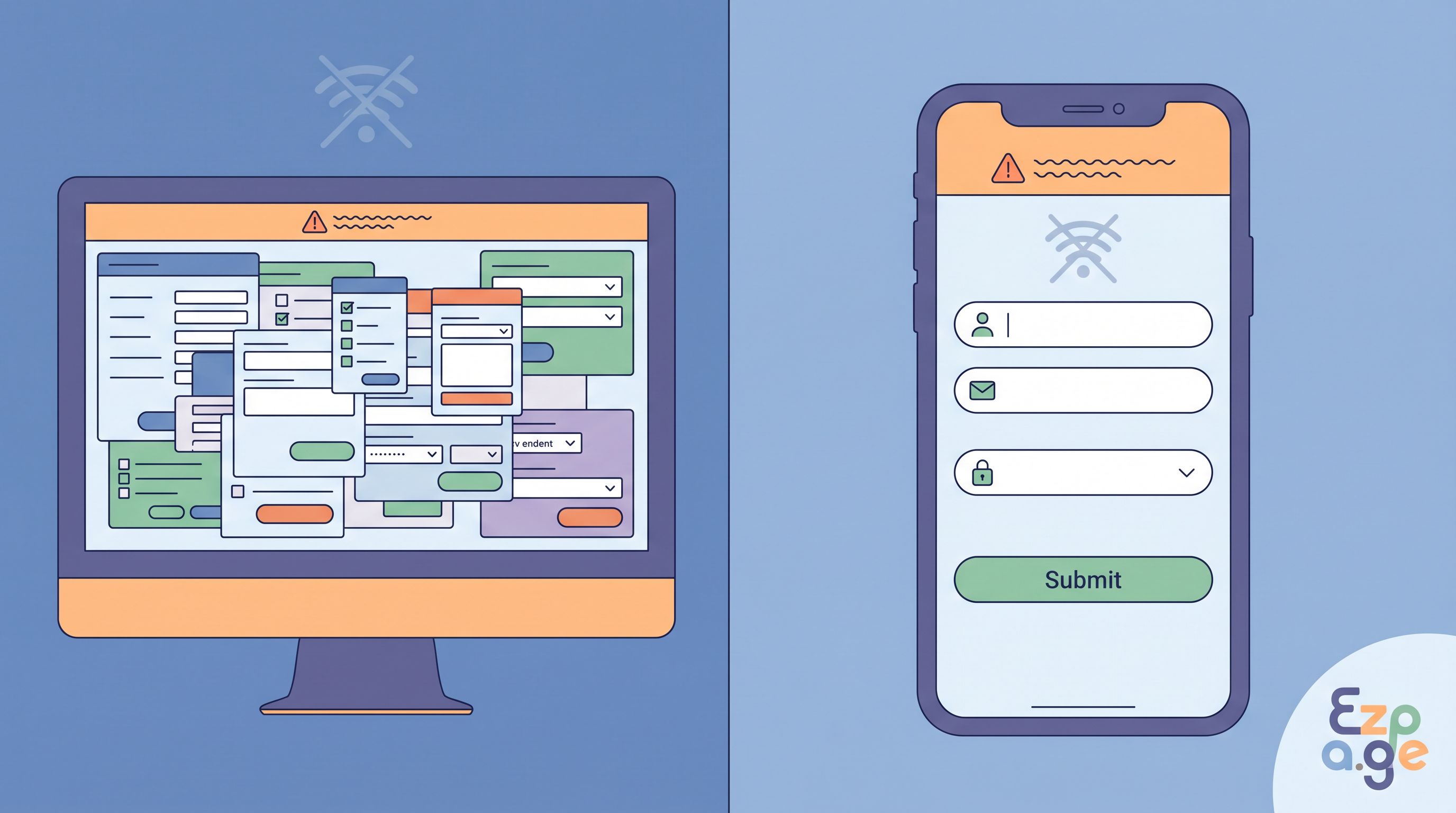
- Offer a mode like “Quick request (30 seconds)” that only shows the core fields and a single free-text box.
This way, if the connection dies halfway through, there’s a good chance the most important data is already captured.
Step 2: Design for “save as you go” without scaring people
The single most powerful offline-adjacent pattern is local persistence: saving what the user has typed so far, even if the network fails.
You don’t need full-blown offline sync to get big wins here.
Practical ways to avoid data loss
Depending on your stack and tools, you can:
-
Use local storage to cache field values
- Save on every change or every few seconds.
- Restore values when the page reloads.
- Clear the cache on successful submission.
-
Chunk submissions into steps
- For multi-step forms, submit each step as its own request.
- If Step 3 fails, you don’t lose Steps 1–2.
-
Offer manual “Save and finish later”
- Even if automatic drafts aren’t available, a simple “Save progress” button that emails a magic link back to the user can be a lifesaver.
If you’re using Ezpa.ge with Google Sheets syncing, you can even treat partially submitted steps as separate rows with a status flag, then complete or merge them later.
Communicate drafts without creating anxiety
Saving drafts can backfire if it feels creepy or confusing. A few microcopy patterns help:
- “Draft saved locally” instead of “We’re tracking every keystroke”
- A small, calm status label near the submit button:
- “Draft saved a few seconds ago”
- “We’ll keep this here for the next 24 hours on this device”
The goal is to reassure users that their work won’t vanish—especially if the network misbehaves—without suggesting that every character is being shipped to your servers in real time.
Step 3: Treat submission like a fragile operation
Most forms act like submission is a single on/off moment. With bad Wi‑Fi, that’s the riskiest part of the whole experience.
You want to make submission:
- Idempotent – repeated attempts don’t create duplicates
- Observable – users can see what’s happening
- Recoverable – failures are clear and fixable
Make submissions idempotent by design
A simple pattern:
- Generate a client-side submission ID when the form loads (e.g., a UUID).
- Include that ID with every submit attempt.
- Deduplicate on the backend or in your Sheet:
- If a row with that ID already exists, update it instead of inserting a new one.
If you’re using Google Sheets as your live database, you can:
- Reserve a hidden column for
submission_id - Use Apps Script or your integration layer to upsert based on that ID
Now when users tap “Submit” three times because the spinner looks frozen, you still only get one logical record.
Give users a clear, honest sense of progress
Don’t leave people guessing whether their submission went through. On unstable connections:
-
Avoid fake instant success states
Don’t show “Thanks, you’re all set!” until you actually get a success response. -
Use a clear, blocking loading state
- Disable the submit button.
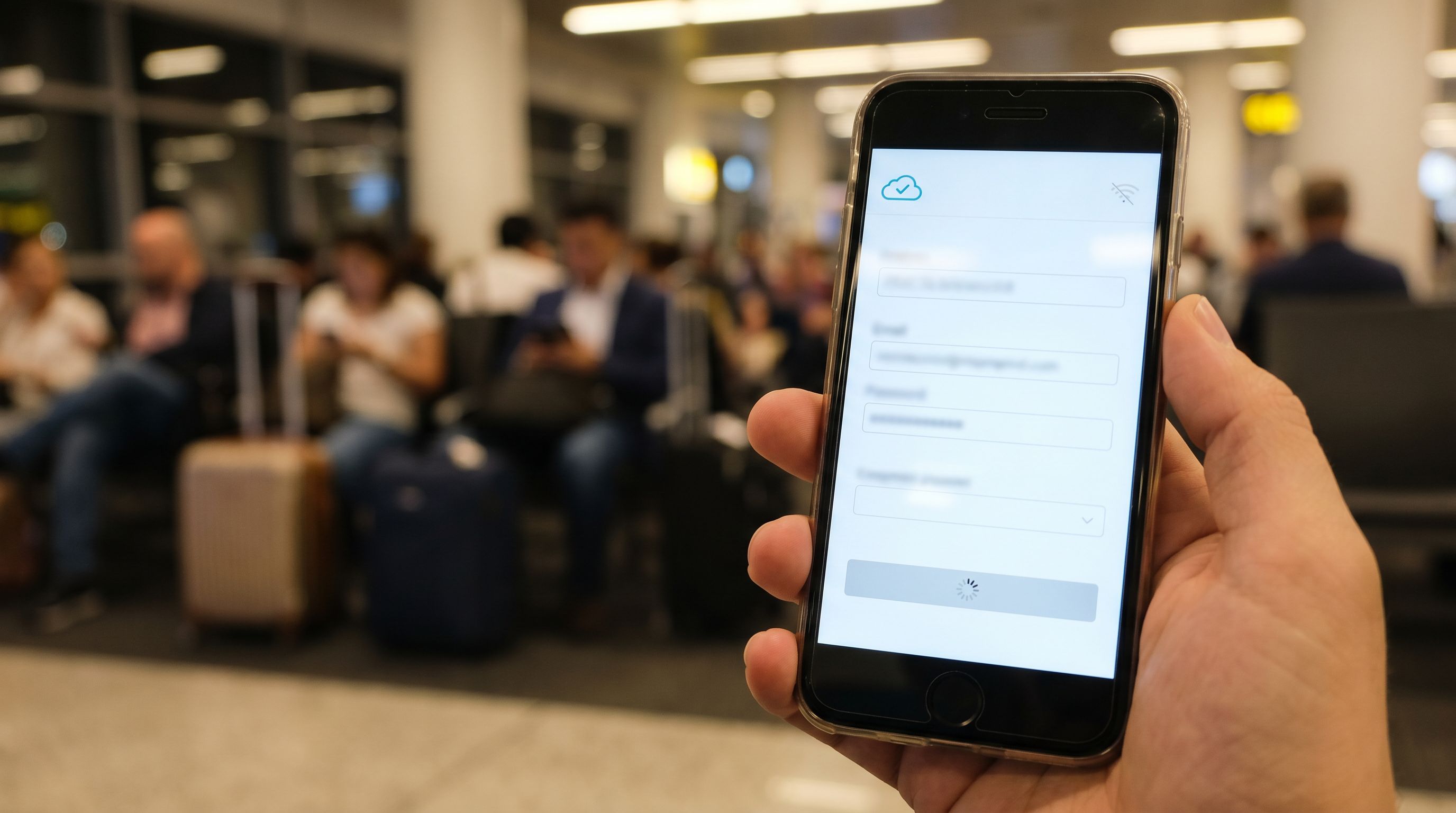
- Show a message like “Sending your info… this can take up to 10 seconds on slow connections.”
-
Offer a “Still waiting?” fallback
After a reasonable timeout (e.g., 10–15 seconds):- Show: “We’re not sure if this reached us. You can:
- Check your email for a confirmation, or
- Try again (we’ll avoid duplicates).”
- Show: “We’re not sure if this reached us. You can:
Confirm in more than one channel
For high-value forms (demos, onboarding, membership changes):
- Send an immediate confirmation email with a summary of what was submitted.
- Consider a secondary confirmation channel (e.g., in-app notification or SMS) if appropriate.
This not only reassures the user but also gives them a way to double-check if they’re worried the submission failed.
Step 4: Make your UI resilient on low bandwidth
Offline-adjacent isn’t just about data; it’s also about what the user sees when assets and scripts fail to load fully.
Keep your critical path lightweight
For the core form experience:
-
Minimize dependencies
- Avoid loading heavy libraries just to style a button.
- Inline critical CSS for the form so it doesn’t render as an unstyled wall of text on slow connections.
-
Defer non-essential scripts
- Analytics, chat widgets, and marketing tags should never block the form from loading or submitting.
-
Graceful degradation for logic
- Conditional logic is powerful (see One Form, Many Journeys: Using Conditional Logic to Personalize Flows Without Creating New Pages), but ask:
- What happens if the logic script fails to load?
- Can the user still complete a simpler, linear version of the form?
- Conditional logic is powerful (see One Form, Many Journeys: Using Conditional Logic to Personalize Flows Without Creating New Pages), but ask:
Design for low-resource devices
Bad Wi‑Fi often correlates with:
- Older devices
- Limited memory
- Aggressive browser tab unloading
Practical tips:
- Avoid huge background images behind the form
- Keep animations subtle or optional
- Use system fonts or a small, cached set of web fonts
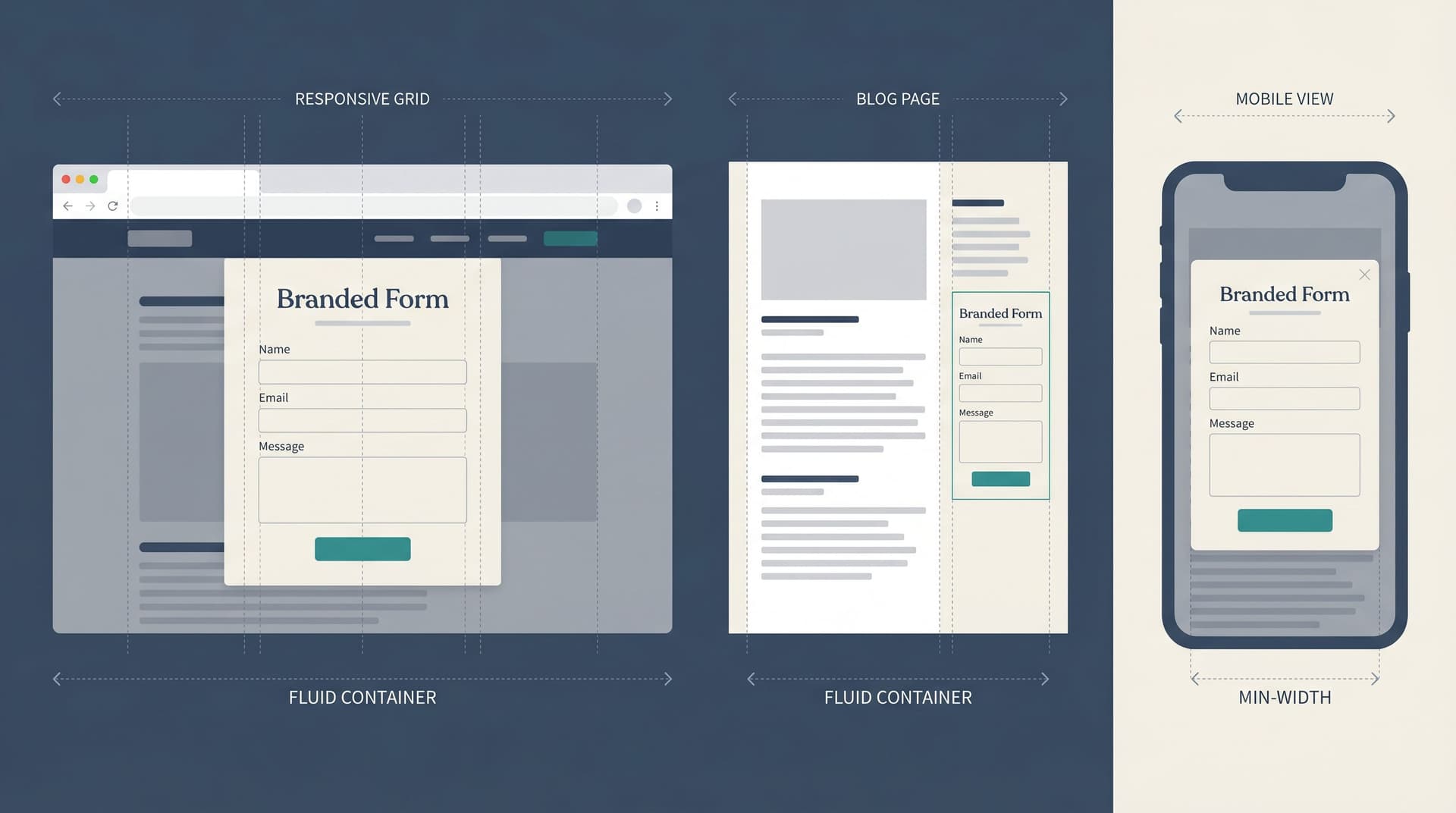
If you’re using Ezpa.ge themes, this is where a “low-friction” variant shines: a stripped-down theme for QR codes, travel-heavy use cases, or emerging-market audiences, as discussed in Responsive by Default: Designing Form Themes That Survive Embeds, Pop-Ups, and In-App Modals.
Step 5: Write copy that anticipates connection issues
Offline-adjacent design is as much about communication as it is about code.
Set expectations up front
A small line of copy near the top can do a lot of work:
- “This form autosaves your answers on this device.”
- “If your connection drops, you can come back to this link and pick up where you left off.”
This reassures people who already know their Wi‑Fi is shaky.
Make error states specific and kind
Avoid vague messages like “Something went wrong.” Instead:
- “We couldn’t reach our servers. Your answers are still here—please check your connection and try again.”
- “We’re not sure if this reached us. If you don’t receive a confirmation email in a few minutes, you can safely resubmit.”
Key principles:
- Don’t blame the user (“You lost connection”)—describe what happened.
- Explain what’s safe to do next (refresh, retry, contact support).
- Reassure them about their effort (“Your answers are saved in this browser”).
Give people an escape hatch
For mission-critical flows, always offer a backup path:
- A link like: “Having trouble submitting? Email us at ops@yourdomain.com with your answers.”
- A downloadable template (e.g., a simple document) for extreme cases.
Most people won’t use these, but their presence signals that you’ve thought about failure modes.
Step 6: Test your forms under “bad Wi‑Fi theater”
You can’t design offline-adjacent forms purely in your head. You have to feel them break.
Simulate poor connections
In your browser dev tools or network tools of choice:
- Throttle to Slow 3G or similar profiles.
- Toggle offline/online while filling out the form.
- Kill and restore the network during submission.
Watch for:
- Fields that reset unexpectedly
- Error messages that flash and disappear
- Spinners that never resolve
- Duplicate rows in your Google Sheet
Test real-world contexts
If your form will be used:
- At events via QR code
- On mobile in transit
- In countries with less reliable infrastructure
…go mimic those conditions:
- Try scanning your QR code at a crowded venue.
- Fill the form from a subway or train.
- Ask colleagues in different regions to test and report back.
Instrument and observe
Use lightweight analytics (without blocking the form) to track:
- Drop-off points per field or step
- Time to complete under different devices/regions
- Rate of duplicate submissions
Then iterate. Offline-adjacent is not a one-and-done setting; it’s a set of habits.
How Ezpa.ge can help you build offline-adjacent intakes
Ezpa.ge wasn’t built as an offline app platform—but it gives you a lot of the building blocks you need for offline-adjacent design:
-
Custom URLs so you can:
- Create short, memorable links for QR codes and events
- Route users to lighter-weight themes in contexts where Wi‑Fi is known to be bad
-
Themes that let you:
- Maintain a low-bandwidth variant (no heavy images, minimal scripts)
- Keep trust high even when you strip the UI down to essentials
-
Real-time Google Sheets syncing so you can:
- Store submission IDs and deduplicate safely
- Track partial vs. full submissions with status flags
- Power follow-up workflows when submissions are ambiguous (e.g., “We think your request went through—here’s a quick confirmation form to finalize details.”)
Combine those with the patterns in this post, and you get forms that:
- Keep people’s work safe
- Fail gracefully when the network misbehaves
- Still plug cleanly into your ops stack when everything goes right
Bringing it all together
Designing offline-adjacent forms is about respecting the reality your users live in:
- Connections are flaky.
- Devices are inconsistent.
- Attention is fragmented.
When you:
- Define a minimum viable submission and cut non-essential fields
- Add local persistence so drafts survive refreshes and glitches
- Make submissions idempotent and clearly observable
- Keep your critical path lightweight and resilient
- Write copy that anticipates and explains failure
- Test under bad conditions instead of just on your office Wi‑Fi
…you get forms that feel calm and dependable, even when everything around them is shaky.
That’s not just good UX. It’s a competitive advantage in every context where your form is the gate between “interested” and “in.”
Your next move
You don’t need to rebuild your stack to get value from offline-adjacent thinking. Start small:
- Pick one high-value form—a demo request, onboarding intake, or internal request form.
- Audit it for minimum viable submission: what can you cut or defer?
- Add at least one safety net:
- Local draft saving, or
- Idempotent submission IDs, or
- Clear, specific error states for network failures.
If you’re already using Ezpa.ge, log in and:
- Clone that form into a “low-bandwidth” variant with a simpler theme.
- Wire it to a Google Sheet with a
submission_idcolumn. - Test it on a throttled connection and tighten up anything that feels fragile.
Your users may never thank you explicitly for not losing their data on a shaky connection. But they will finish more forms, trust you more, and quietly choose your intake over the ones that fail them when the Wi‑Fi does.
That’s the kind of reliability that compounds.