Posts tagged with "Google Sheets"

54 posts

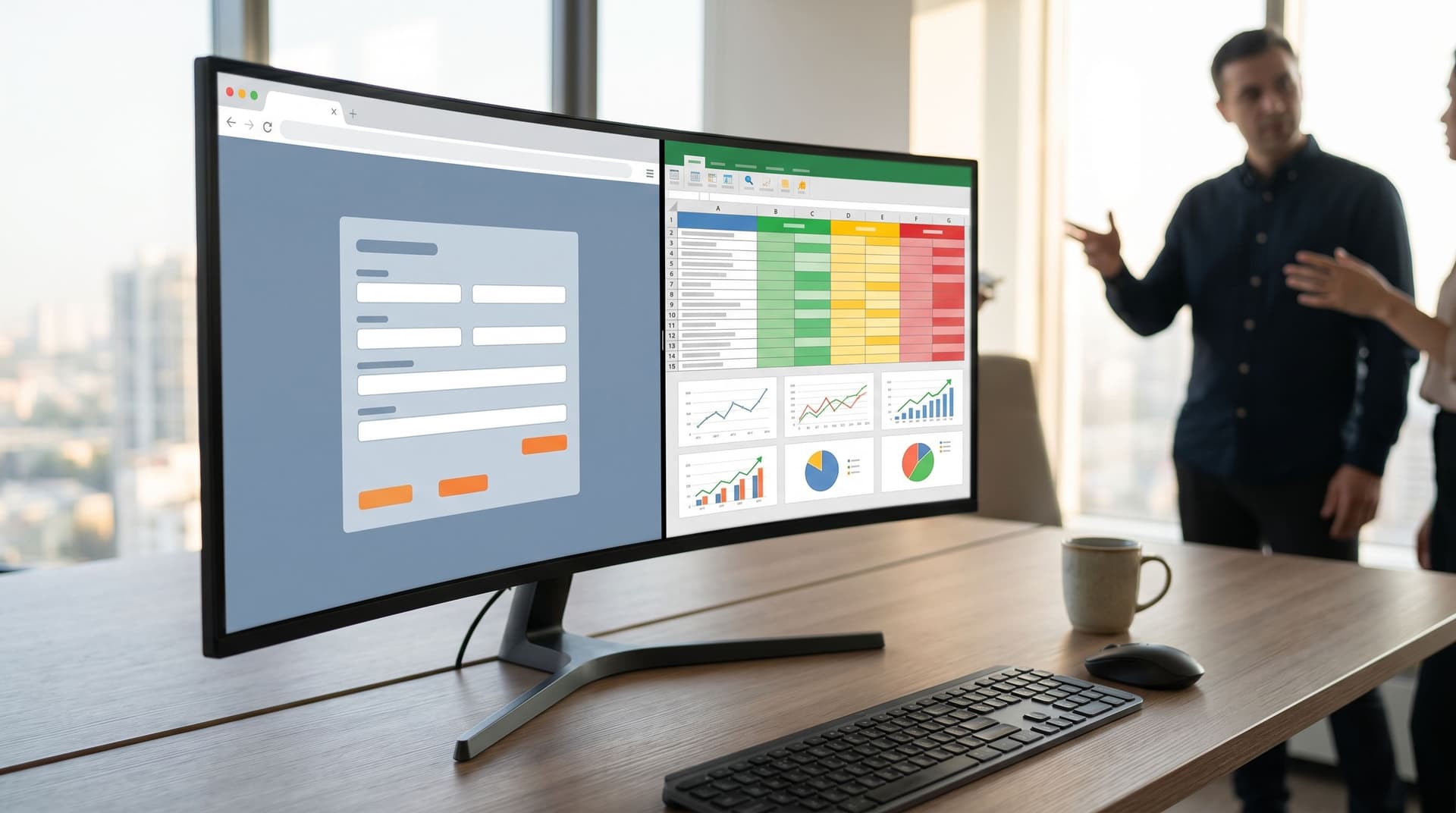
Form-First Playbooks for Agencies: From Discovery to Retainer Renewals in Google Sheets
customization
real-time collaboration

Form-First Playbooks for Agencies: From Discovery to Retainer Renewals in Google Sheets

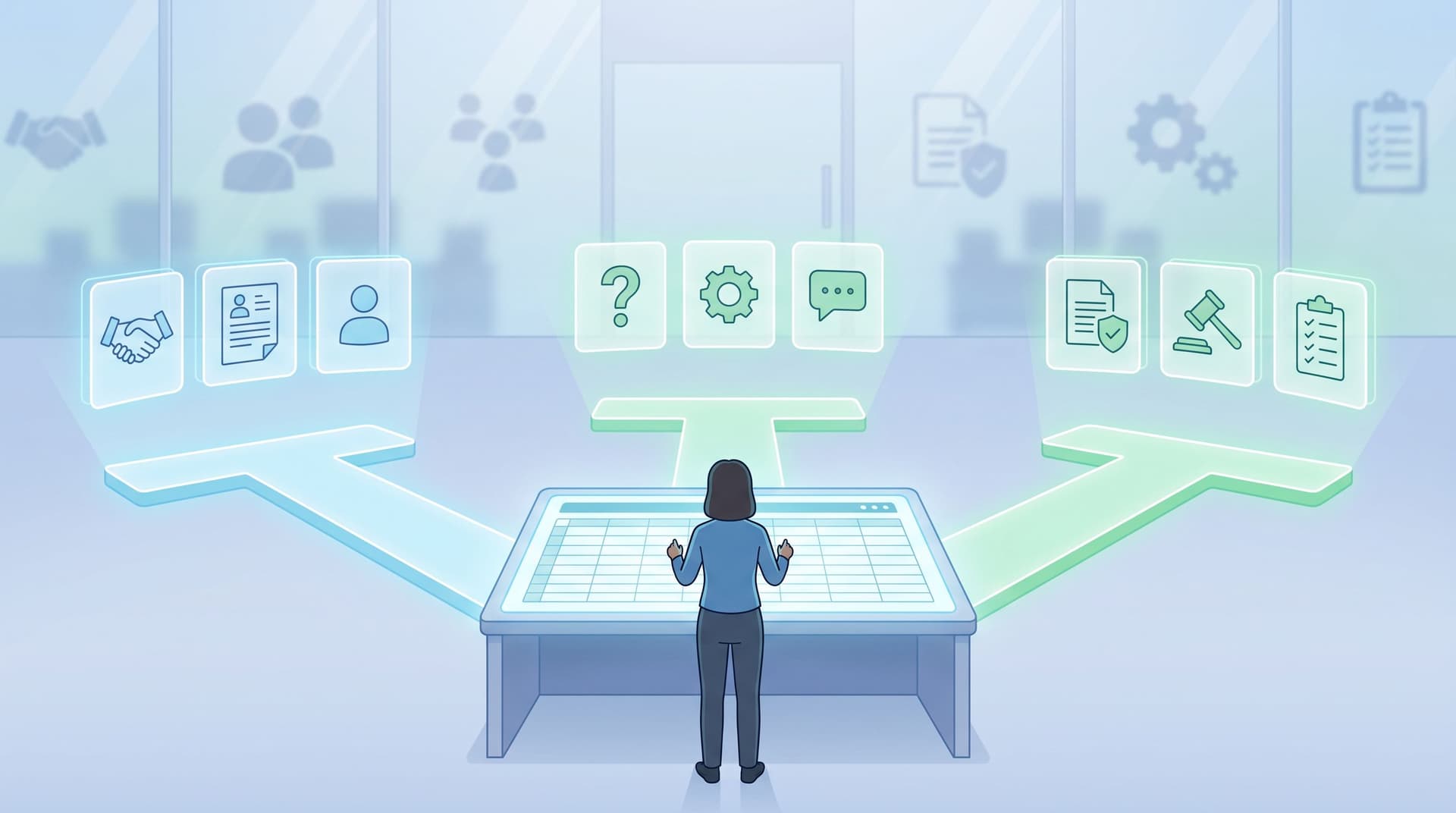
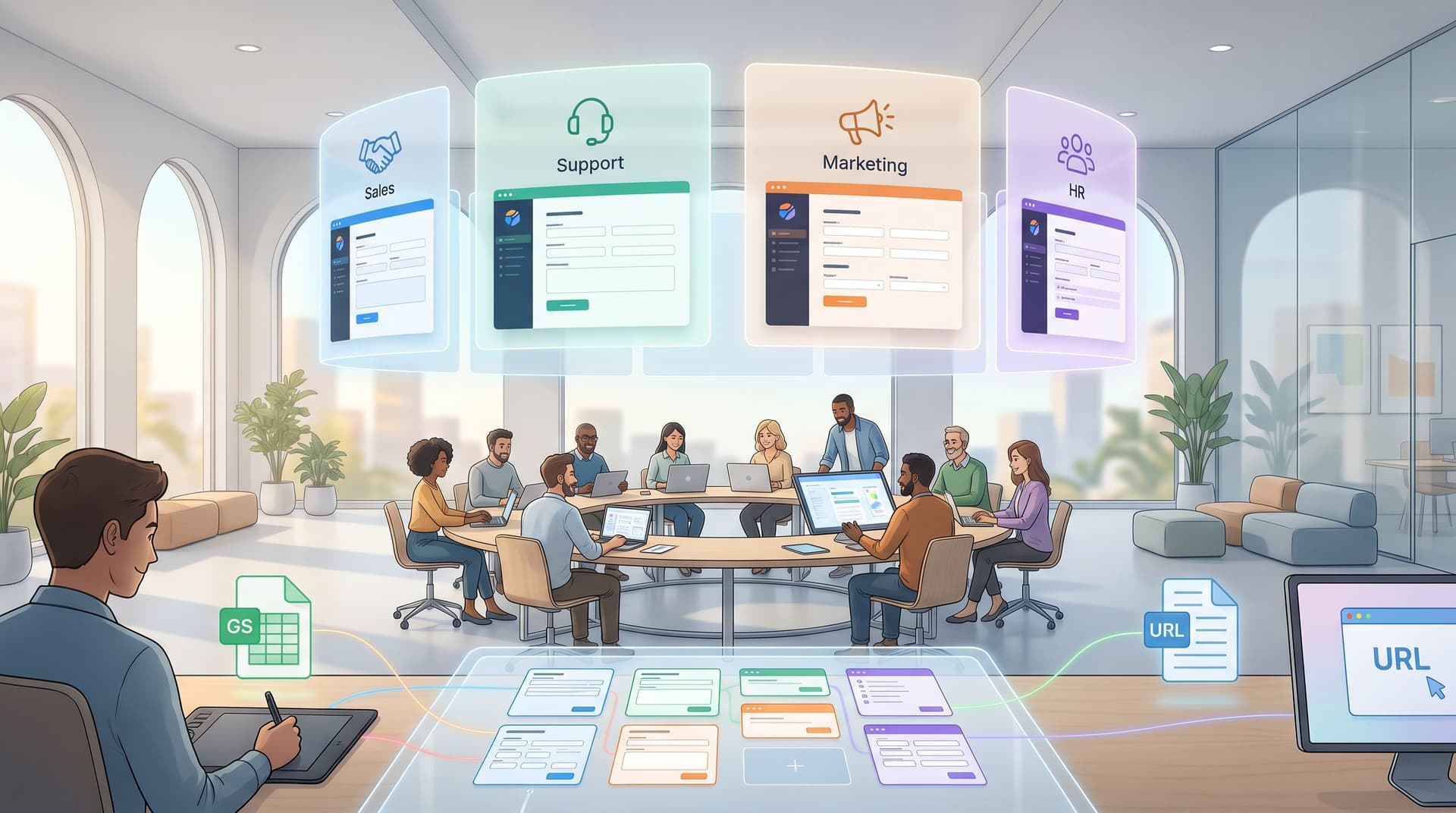
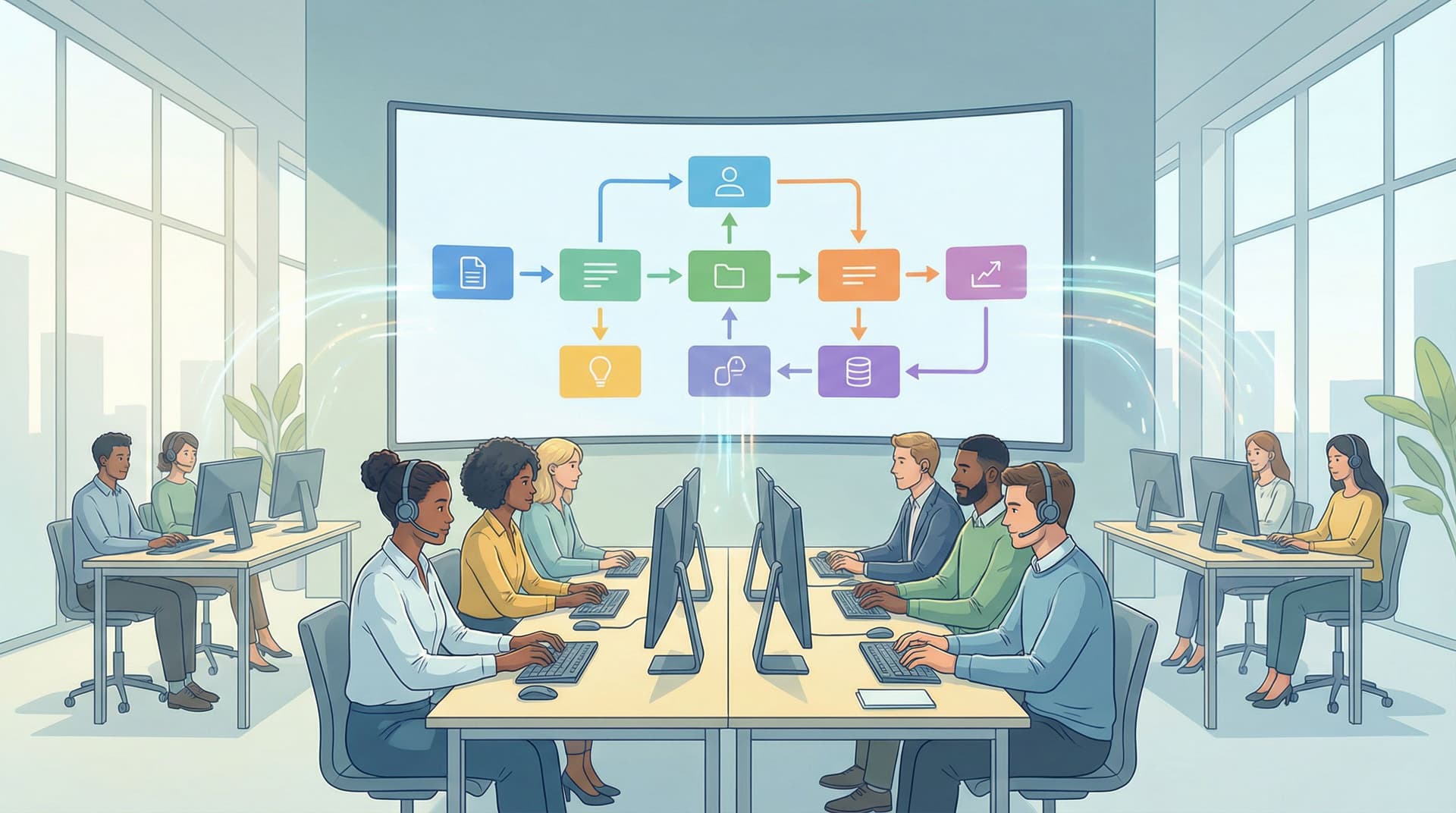
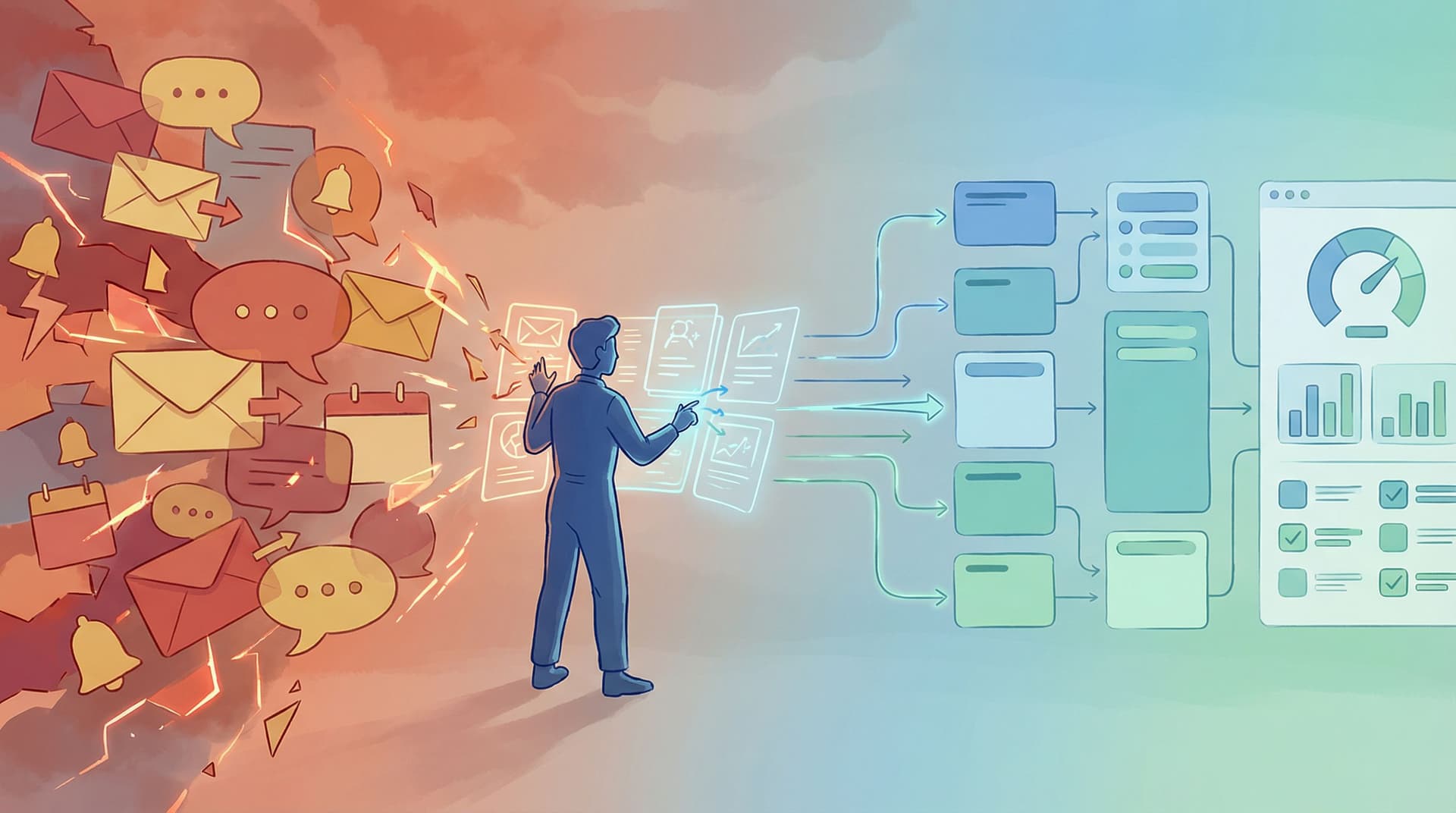
Agencies don’t lose clients because they can’t do the work. They lose them because the work feels chaotic: Discovery notes scattered across email and Notion Scope changes buried in Slack Approvals hiding in comment threads Retainer renewals driven by gut feel instead of clear outcomes A form‑first playbook, wired into Google Sheets, gives you a different operating model: One consistent intake → one shared source of truth → one visible pipeline from first conversation to renewal. Tools like Ezpa.ge make this pattern actually usable day to day: you can ship beautiful, responsive forms with custom URLs, keep them fully on‑brand, and sync everything into Sheets in real time—without waiting on dev or desi

Charlie Clark
Charlie Clark
Forms as Lightweight Onboarding Academies: Teaching While You Collect Data
user experience
customization

Forms as Lightweight Onboarding Academies: Teaching While You Collect Data

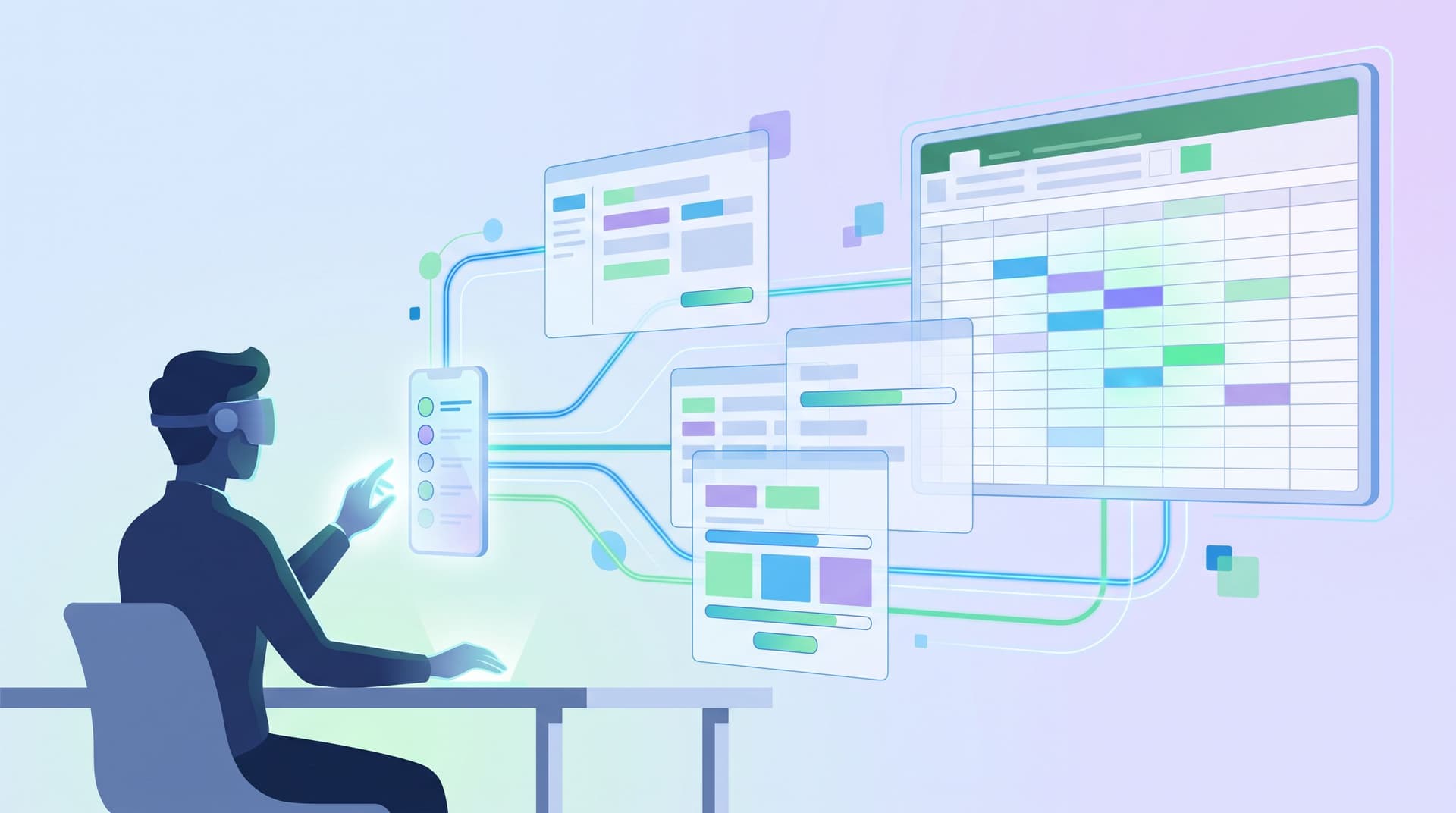
Most teams still treat forms as one-way funnels: “Give us your info so we can do our job.” But the most effective teams are quietly doing something different. They’re turning forms into mini onboarding academies—places where people learn just enough to feel confident, make good decisions, and reach value faster, while you collect exactly the data you need. This isn’t about adding more fields or long-winded help text. It’s about designing forms that teach as they go. A signup flow that explains pricing models while asking about team size. A partner intake that clarifies expectations while collecting use cases. A support form that trains customers to triage their own issues while routing tickets to the right queu

Charlie Clark
Charlie Clark
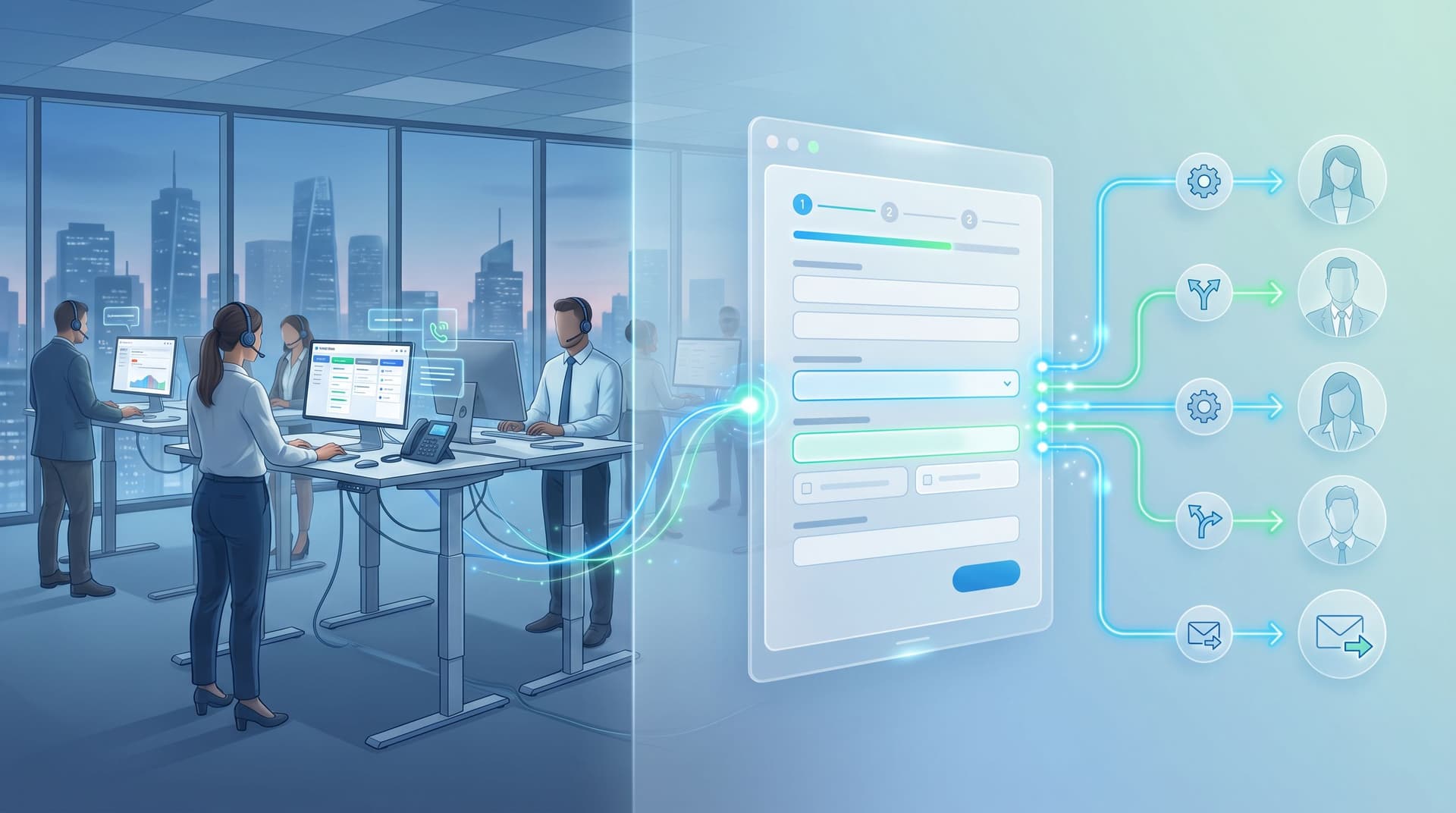
From Form to Live Queue: Building Real-Time Triage for Support, Sales, and Ops with Google Sheets
real-time collaboration
Google Sheets

From Form to Live Queue: Building Real-Time Triage for Support, Sales, and Ops with Google Sheets

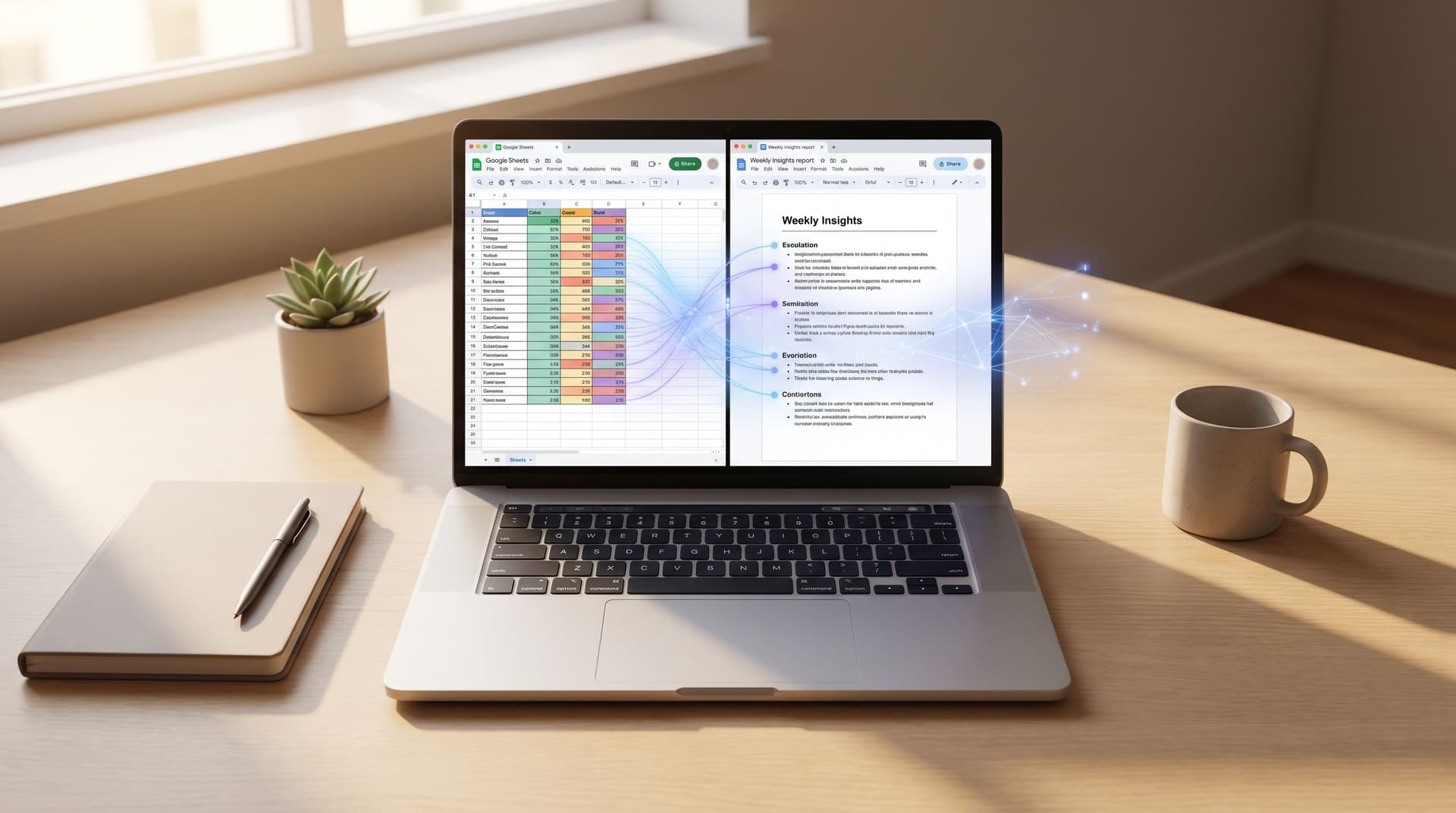
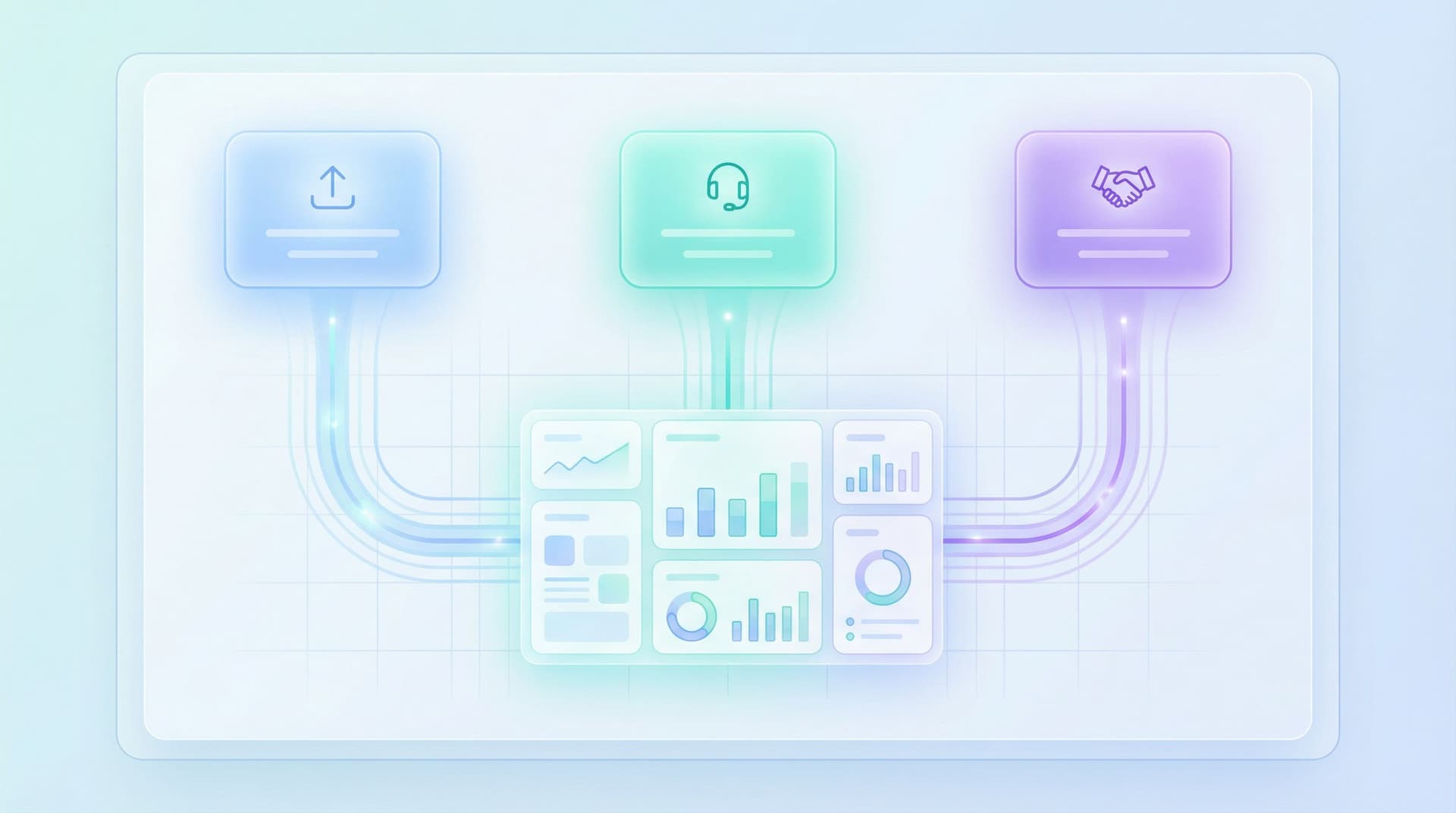
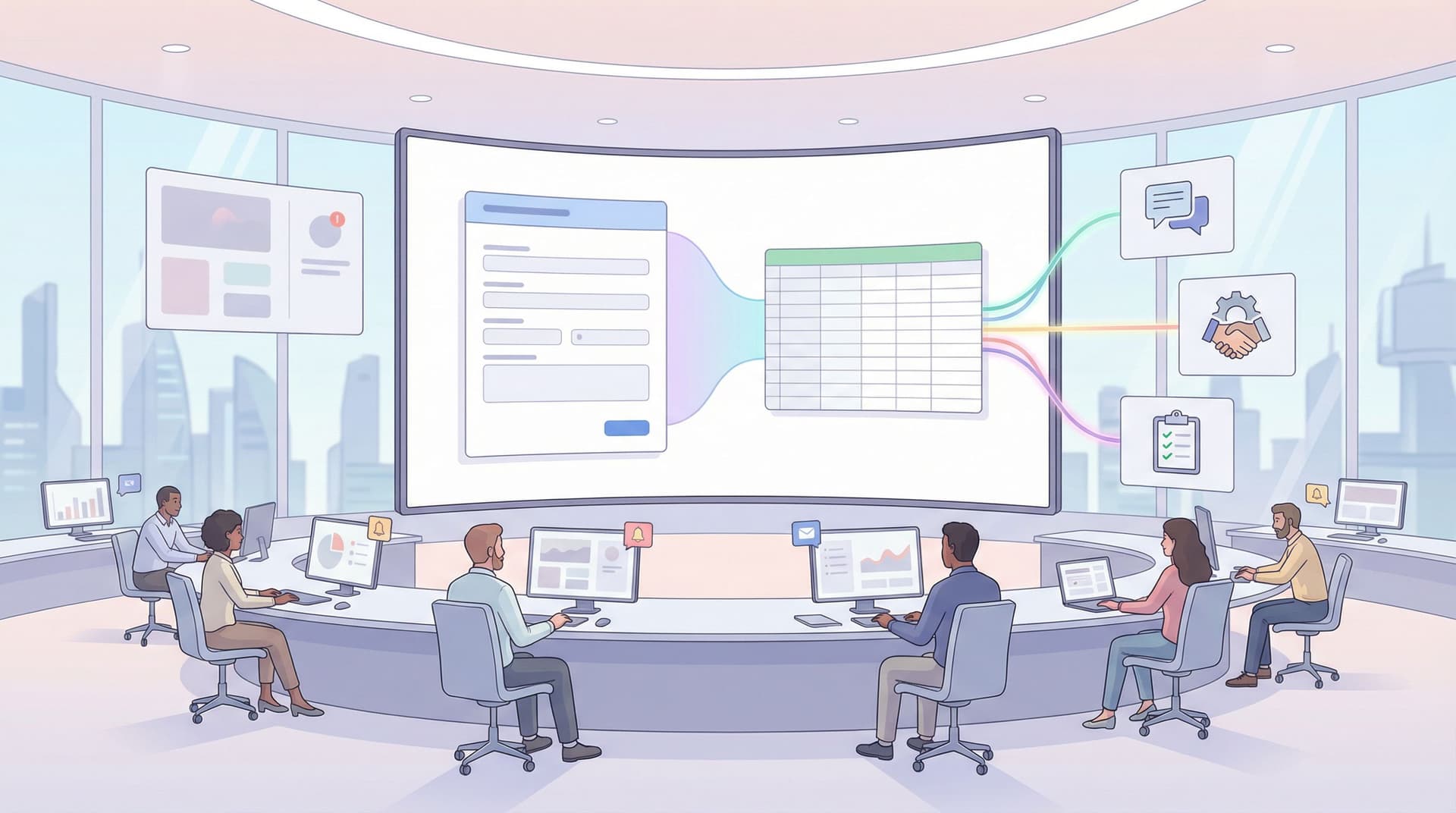
If your team runs on forms, you’ve probably felt this gap: A customer fills out a support form. A prospect requests a demo. An internal stakeholder submits an urgent ops request. The form works. The data lands in a spreadsheet or inbox. And then… nothing happens fast enough. Work gets stuck because there’s no live queue: no shared, real-time view of what just came in, who owns what, and what needs attention right now. Tickets get cherry‑picked, VIPs wait too long, and your team spends more time asking “Who’s on this?” than actually solving problems. Ezpa.ge plus Google Sheets gives you a different pattern: Form → Structured data → Live queue → Clear owners

Charlie Clark
Charlie Clark
Ops-Ready Form Experiments: Shipping New Intakes, URLs, and Logic in a Single Afternoon
custom URLs
Google Sheets

Ops-Ready Form Experiments: Shipping New Intakes, URLs, and Logic in a Single Afternoon

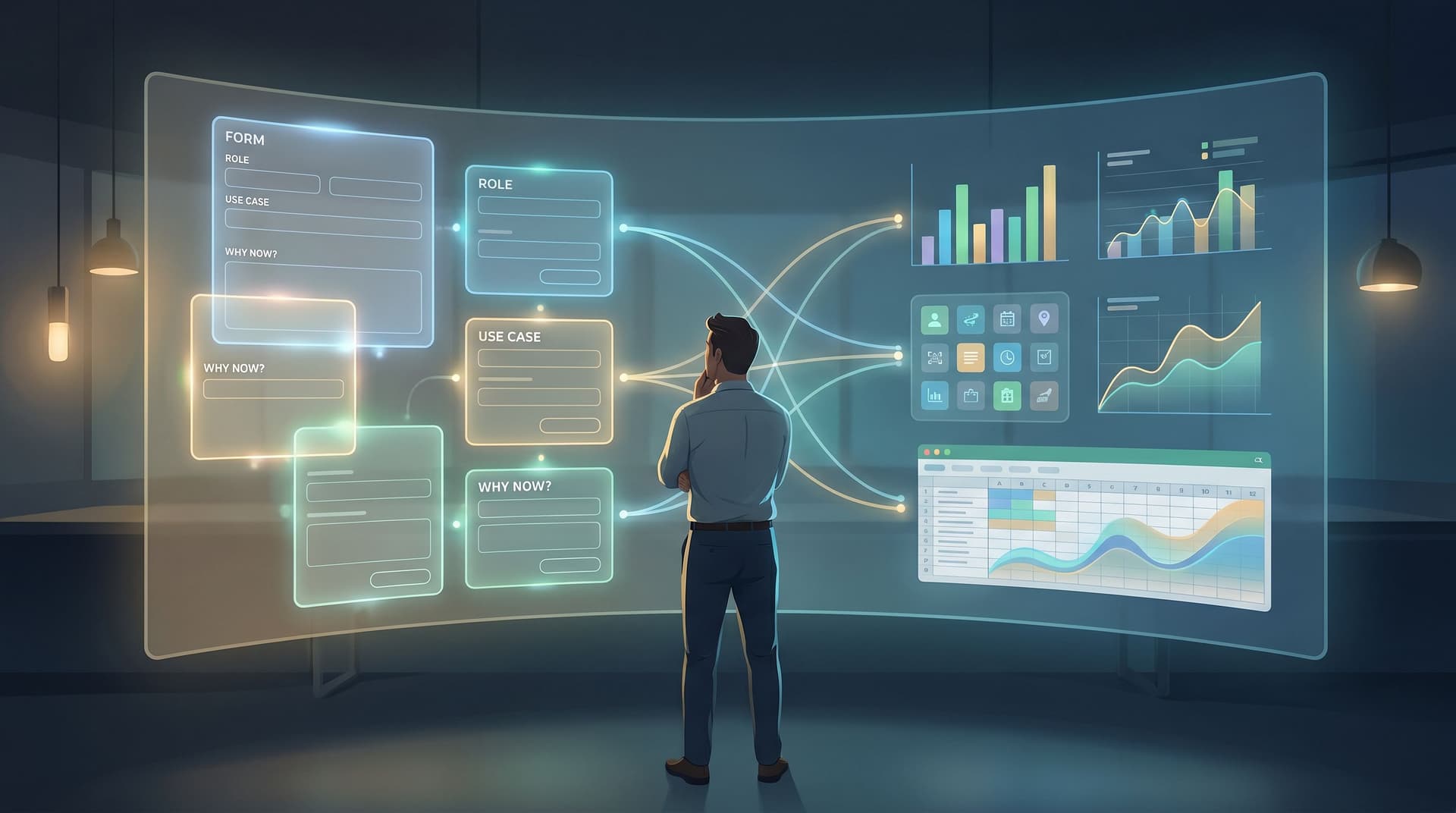
Operations teams don’t lack ideas. They lack safe, fast ways to test those ideas without blowing up reporting, brand, or downstream workflows. A new partner intake. A VIP support lane. A candidate fast-track. A fresh campaign angle you’d love to trial before asking product or engineering for anything. All of those can start as form experiments—if your forms are actually ops-ready. This post is about how to treat forms as an experimentation surface you can ship on in a single afternoon: new intakes, new URLs, new logic, all wired into the same operational backbone. We’ll focus on Ezpa.ge, but the principles apply broadly. Why Form Experiments Belong to Ops Most teams already run experim

Charlie Clark
Charlie Clark
Form UX for Agencies: Building Client Intakes, Briefs, and Approvals Without a PM Tool
user experience
themes

Form UX for Agencies: Building Client Intakes, Briefs, and Approvals Without a PM Tool

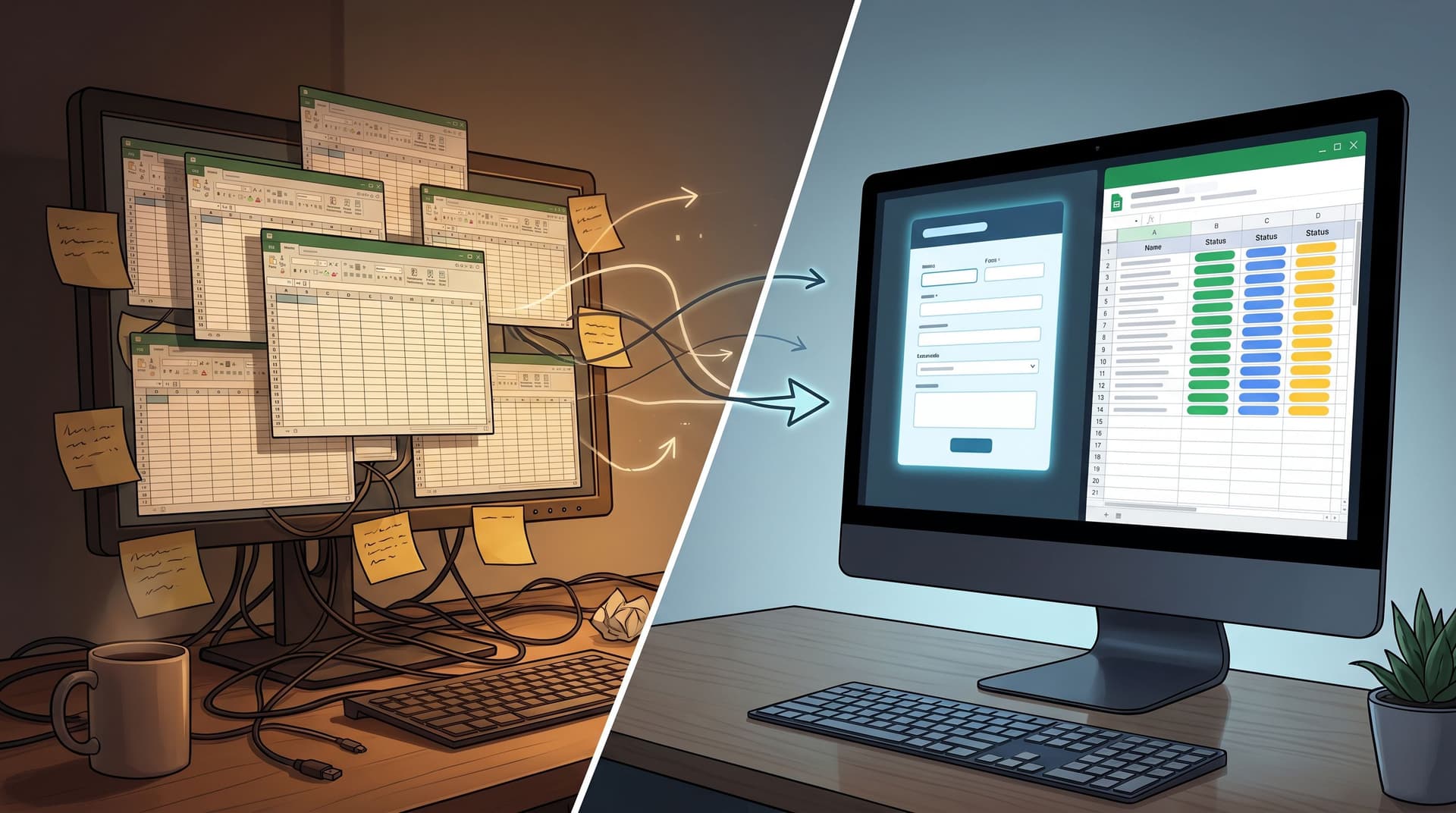
Agencies don’t fall apart because the work is bad. They fall apart because the work is buried. Client details live in email threads. Briefs hide in random docs. Approvals are scattered across Slack, WhatsApp, and a couple of “final_final_v3” PDFs. By the time a campaign ships, no one is entirely sure what the client actually signed off on. You don’t always have the appetite—or budget—for a full project management (PM) rollout. But you do need structure. The good news: for a huge slice of agency operations, you can get there with something you already understand deeply: Forms + a shared spreadshee
Charlie Clark
Charlie Clark
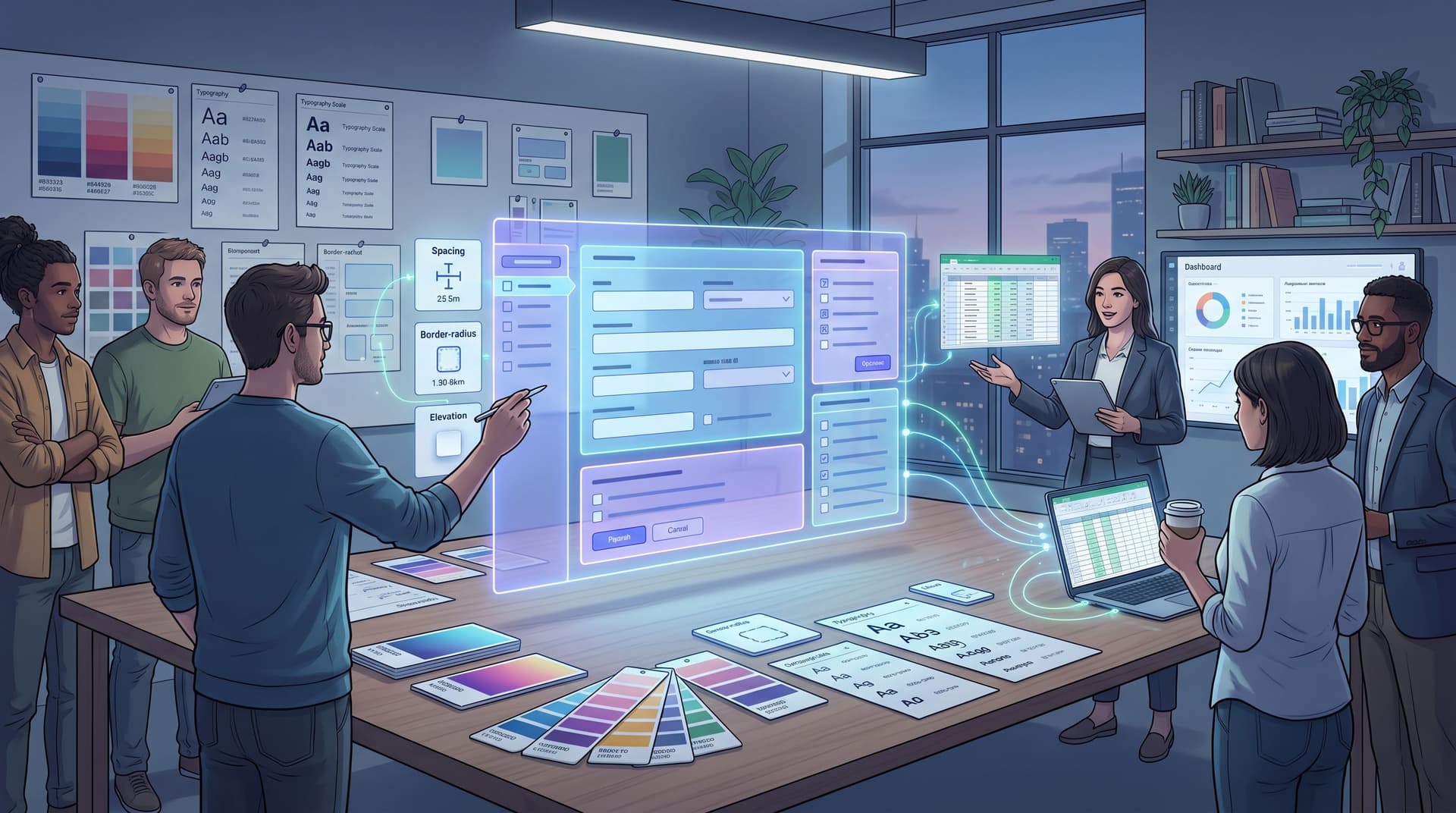
Brand-Consistent Forms at Scale: Governance Rules for Themes, URLs, and Copy
themes
custom URLs

Brand-Consistent Forms at Scale: Governance Rules for Themes, URLs, and Copy

Brand isn’t just your homepage and pitch deck. It’s every touchpoint where someone decides whether to trust you. Forms are one of those touchpoints—and often the first one a prospect, candidate, or partner actually uses. When you only have a few forms, it’s easy enough to keep them on-brand with a quick designer review. But once you’re running dozens or hundreds of forms across teams, regions, and campaigns, consistency starts to fray: Marketing spins up a one-off theme for a webinar. Sales creates a “quick” intake form with a rogue logo. Support clones an old form and forgets to update the disclaimer. Suddenly, your brand looks different depending on which link someone clicke

Charlie Clark
Charlie Clark
Forms for Service Teams: Replacing Support Queues with Smart Intake and Real-Time Routing
user experience
efficiency

Forms for Service Teams: Replacing Support Queues with Smart Intake and Real-Time Routing

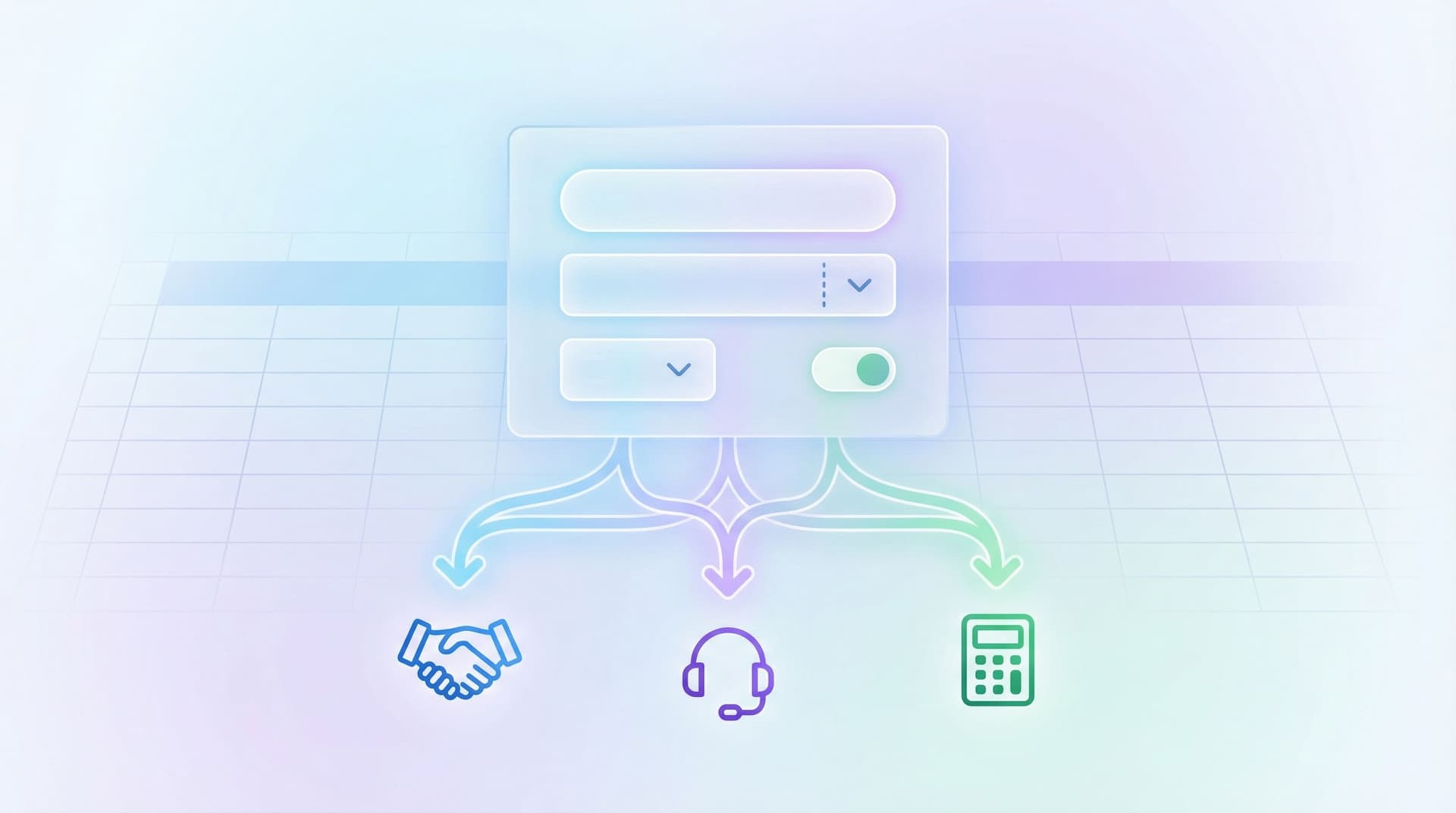
Support queues were built for a world of phone trees and shared inboxes. They still dominate how many service teams work: tickets pile up, agents cherry-pick what looks easy, and urgent issues hide behind vague subject lines. But if you look closely at what actually breaks support, it’s rarely a lack of effort. It’s a lack of structured intake and intelligent routing. Smart forms can fix that. With tools like Ezpa.ge—where you can spin up responsive forms, apply custom themes and URLs, and sync everything straight into Google Sheets—you can replace generic queues with: Clear, guided intake flows Real-time routing based on rules and context Live views of workload, SLAs, and ownership This isn’t just a UX upgra

Charlie Clark
Charlie Clark
AI-Powered Field Suggestions: Letting Models Draft Your Forms Without Losing Control
customization
AI

AI-Powered Field Suggestions: Letting Models Draft Your Forms Without Losing Control

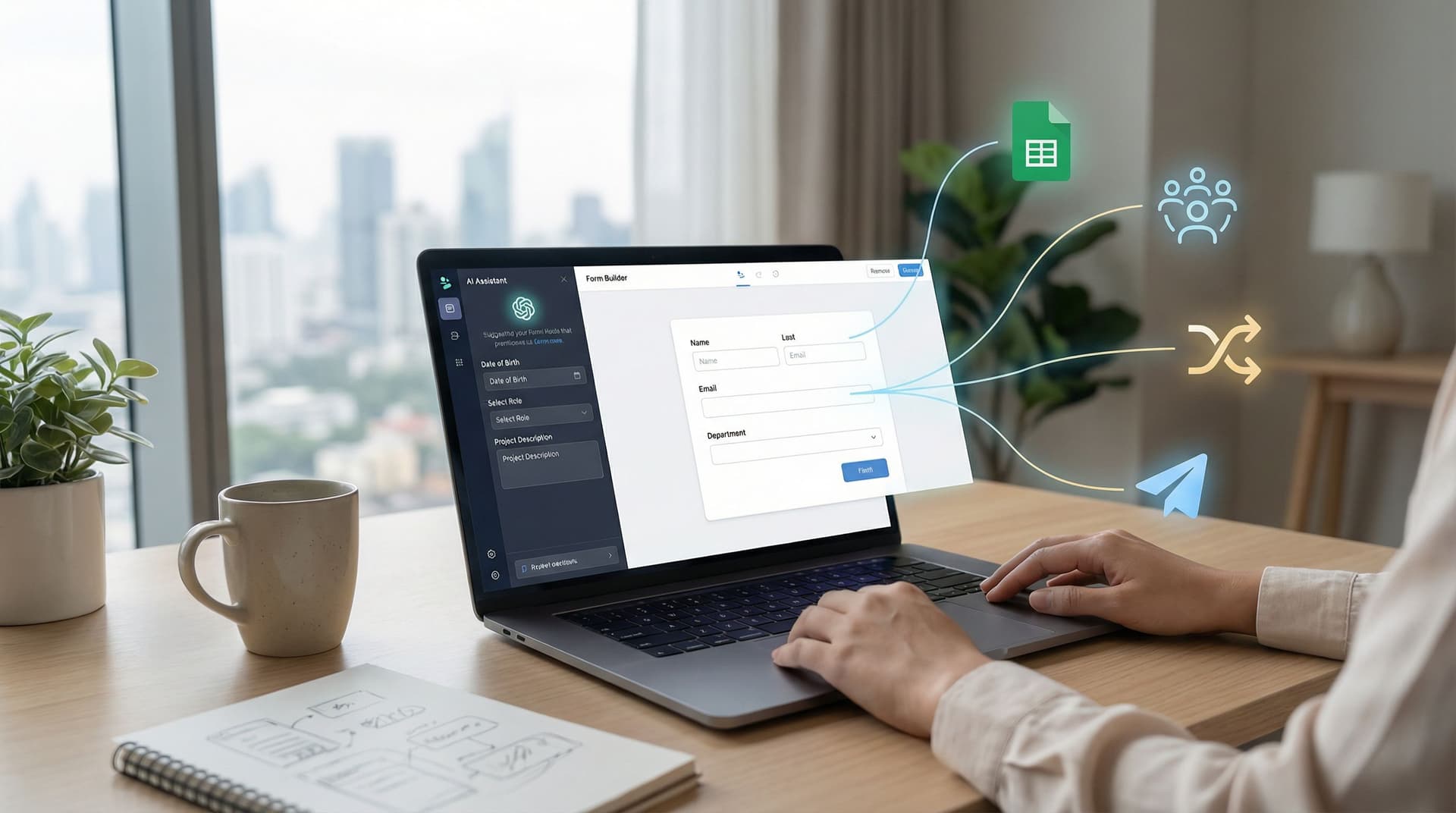
You don’t build forms because you love configuring dropdowns. You build them because your team needs to: Qualify leads Route requests Capture feedback Move work forward The problem: every new form starts with the same blank-page questions. What should we ask? How much is too much? What’s the right wording so people actually answer? What logic do we need so this routes correctly? AI-powered field suggestions promise a shortcut: describe your goal, and a model drafts the form for you—fields, labels, even basic logic. Tools like Ezpa.ge can then turn those suggestions into a polished, shareable form with custom URLs, themes, and real-time Google Sheets synci

Charlie Clark
Charlie Clark
Forms as Lightweight CRMs for Agencies: Managing Clients, Briefs, and Approvals Without New Software
custom URLs
real-time collaboration

Forms as Lightweight CRMs for Agencies: Managing Clients, Briefs, and Approvals Without New Software

If you run an agency, you already know the pattern: Client signs. Someone DMs a designer for a brief. A strategist spins up a Notion doc. Approvals live in email, Slack, and a rogue WhatsApp thread. By the time you’re presenting work, no one is quite sure which version of the brief is final, what the client actually approved, or where that one crucial detail about budget came from. You don’t have a strategy problem. You have a systems problem. The good news: you don’t need a heavyweight CRM or new project management suite to fix it. For many agencies, forms + a shared spreadsheet can act as a surprisingly capable, lightweight CRM for managing clients, briefs, and approva

Charlie Clark
Charlie Clark
Forms as Source-of-Truth Dashboards: Turning Google Sheets Views into Live Ops Cockpits
real-time collaboration
Google Sheets

Forms as Source-of-Truth Dashboards: Turning Google Sheets Views into Live Ops Cockpits

Most teams already have a “source of truth” for operations. It’s not your CRM, your project tool, or your BI stack. It’s a Google Sheet. Sales, CX, RevOps, People, Product, Partnerships—everyone has at least one Sheet that secretly runs the business. That’s where: The real lead queue lives. The hiring funnel is actually tracked. The onboarding backlog is prioritized. The partner approvals log quietly rules who gets what. The problem isn’t that Sheets are central. The problem is that they’re buried—behind filters, hidden columns, and “don’t touch this tab” warnin

Charlie Clark
Charlie Clark
Google Sheets as Your Ops Brain: Advanced Form-Driven Workflows Beyond Simple Syncing
real-time collaboration
Google Sheets

Google Sheets as Your Ops Brain: Advanced Form-Driven Workflows Beyond Simple Syncing

If you work in operations, revenue, CX, or product, you already live in spreadsheets. You’re tracking: Who just submitted a high-intent demo request Which candidates are ready for the next interview What’s blocked in onboarding or implementation Which partners are waiting on approvals Ezpa.ge plus Google Sheets syncing gives you the obvious win: every form submission lands in a Sheet, in real time, neatly structured. But that’s just the starting line. Used well, Google Sheets stops being a passive log of responses and becomes your ops brain: a live decision engine that routes, prioritizes, and even triggers work across your tea

Charlie Clark
Charlie Clark
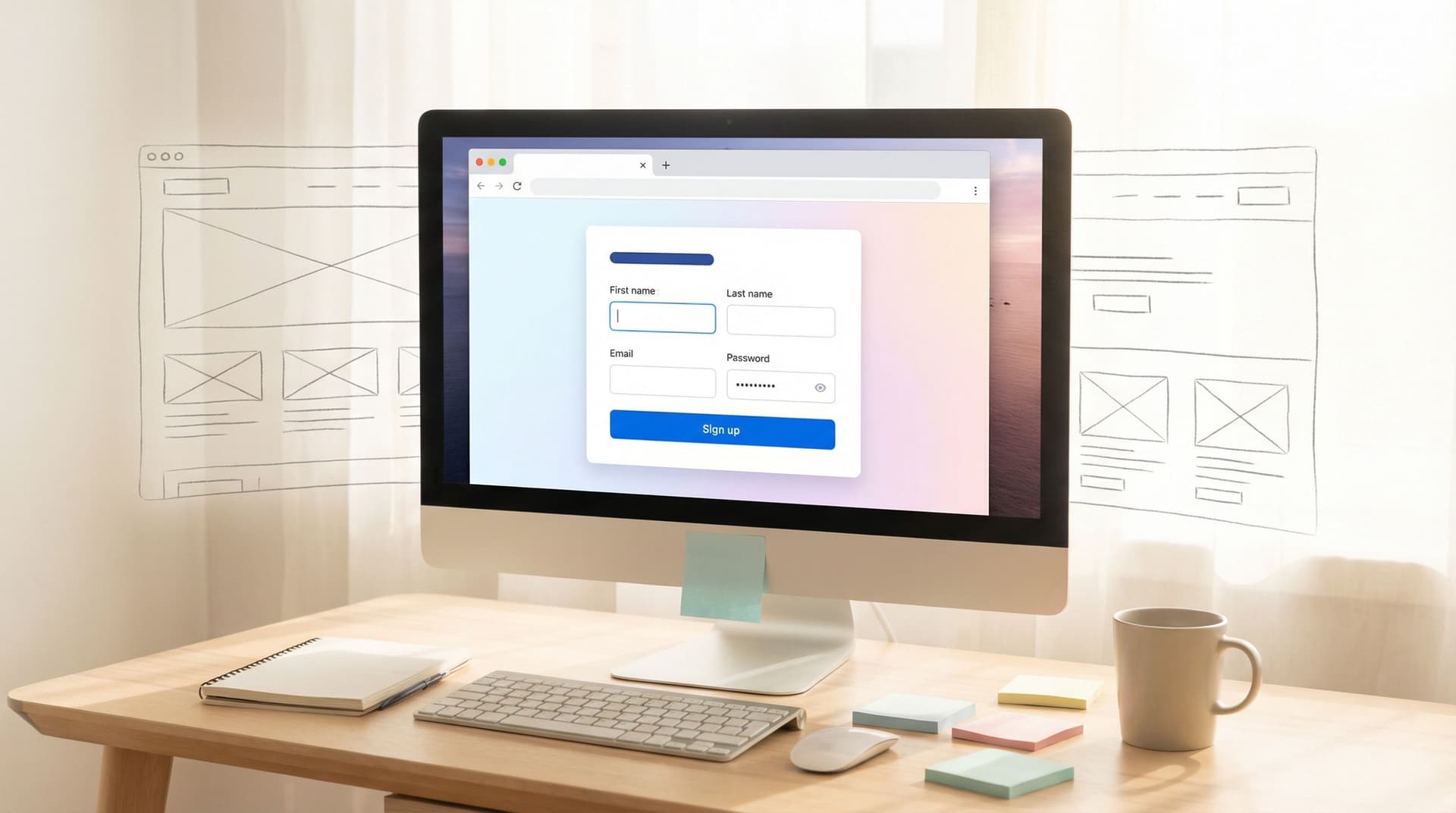
Form UX for Busy Operators: How to Build Flows Your Team Can Update Without a Designer or Developer
user experience
efficiency

Form UX for Busy Operators: How to Build Flows Your Team Can Update Without a Designer or Developer

If you run ops, CX, sales, or marketing, you already know the pattern: A process changes. A field needs to be added. Legal wants new consent language. A new channel or campaign needs its own version of the form. And suddenly, you’re waiting on a designer to update the layout or a developer to tweak logic and push a deploy. Meanwhile, your team is stuck working around a broken or outdated flow. It doesn’t have to work that way. Form UX can be designed so that operators own the day‑to‑day changes—without sacrificing clarity, conversion, or trust. With the right patterns, tools, and guardrails, your team can ship and iterate on forms the same day a new need appears. This piece is about how to get th

Charlie Clark
Charlie Clark
From Intake to Interview: Building Candidate Funnels with Ezpa.ge and Live Google Sheets Filters
efficiency
Google Sheets

From Intake to Interview: Building Candidate Funnels with Ezpa.ge and Live Google Sheets Filters

Hiring isn’t just about posting a role and waiting for résumés. It’s about building a clear, reliable funnel from first touch to final interview—so your team spends time with the right candidates, not just the loudest ones. Ezpa.ge plus live Google Sheets filters gives you a surprisingly powerful combo: Forms that feel polished and intentional for candidates Real-time structured data for recruiters and hiring managers Simple, no-code workflows for screening, routing, and scheduling Done well, your “apply” form becomes more than a submission box. It becomes the operational backbone of your hiring process

Charlie Clark
Charlie Clark
From Form Fill to Figma File: Using Intake Flows to Streamline Design and Research Ops
efficiency
Google Sheets

From Form Fill to Figma File: Using Intake Flows to Streamline Design and Research Ops

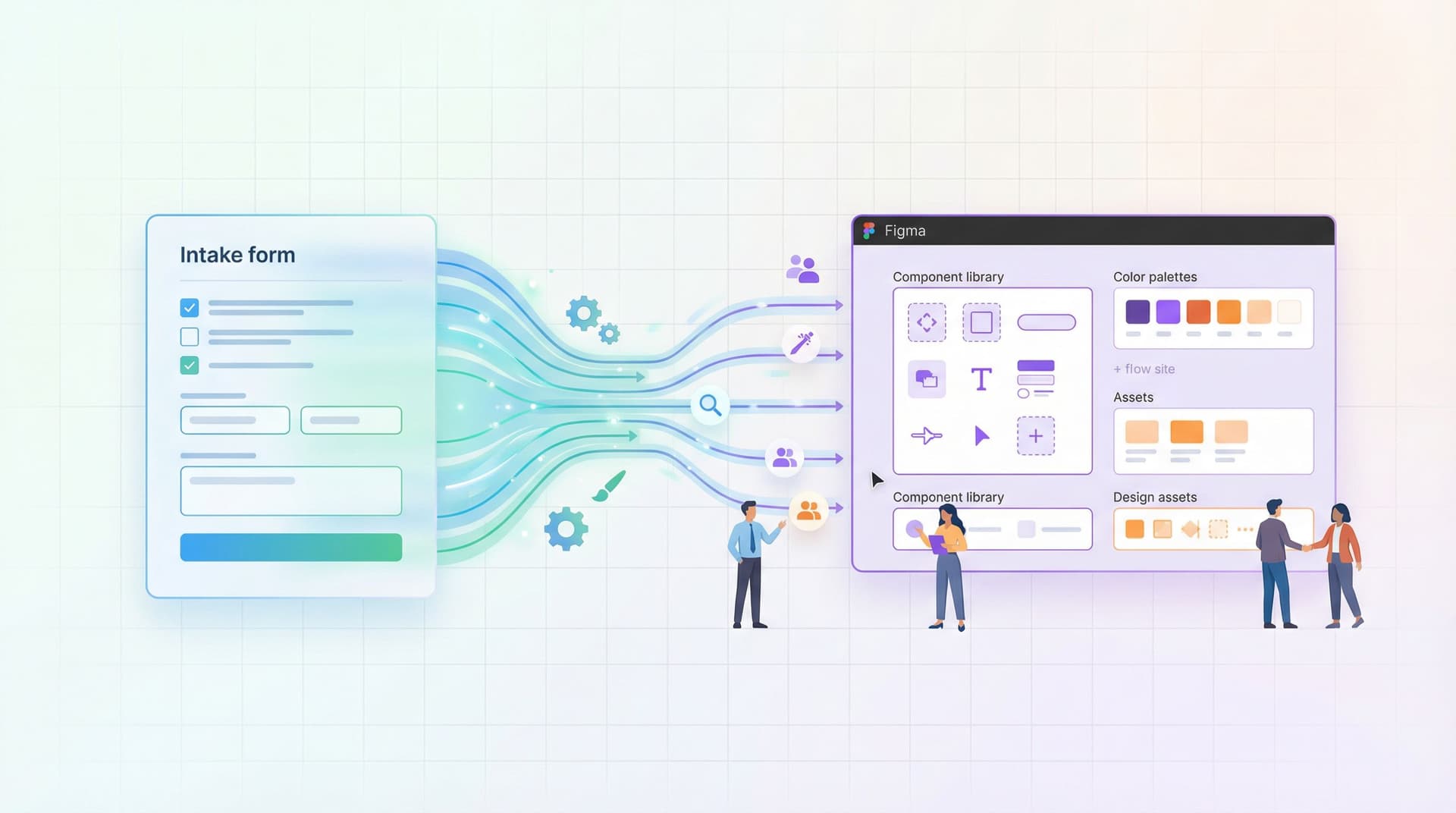
Design and research teams are drowning in requests. “Can you mock this page by Friday?” “Can we get a quick usability test for this flow?” “Can someone look at our onboarding and ‘make it clearer’?” Most of those start as a DM, an email, or a vague Jira ticket. By the time work hits Figma or a research plan, you’re already behind: missing context, chasing stakeholders, and retrofitting structure onto chaos. There’s a better pattern: intake flows that turn messy requests into structured, design‑ready briefs—automatically. With a well-designed form (built in something like Ezpa.ge) you can go from: “Hey, can you take a look at this?” …to a clean, consistent brief that plugs straight into Figma, FigJam, or your research re

Charlie Clark
Charlie Clark
Forms for PLG Funnels: Designing Self-Serve Intake That Feeds Sales Without Feeling Like a Gate
user experience
custom URLs

Forms for PLG Funnels: Designing Self-Serve Intake That Feeds Sales Without Feeling Like a Gate

Product-led growth (PLG) lives and dies on one tension: Let people help themselves. Still give sales what they need to prioritize, personalize, and close. Forms sit right in the middle of that tension. If your PLG motion is working, a lot of valuable users will never talk to sales—at least not at first. They’ll sign up, invite teammates, hit usage thresholds, and poke at pricing. The question isn’t “How do we force them through a demo?” It’s: How do we design self-serve forms that quietly qualify, route, and enrich—without ever feeling like a gate? Done well, forms become the connective tissue between self-serve product usage and human help. Done poorly, they feel like a wall between users and v

Charlie Clark
Charlie Clark
Form UX for Fast Decisions: Designing High-Intent Flows for Sales, Support, and Hiring
user experience
Google Sheets

Form UX for Fast Decisions: Designing High-Intent Flows for Sales, Support, and Hiring

When someone fills out a form to talk to sales, open a support ticket, or apply for a role, they’re not browsing. They’re deciding. They’ve already done the research, talked to colleagues, or felt the pain. By the time they hit your form, they’re signaling: “I’m ready to move.” Your job is to either accelerate that decision—or slow it down. High-intent flows are where form UX stops being a “nice to have” and becomes an operating advantag

Charlie Clark
Charlie Clark
From Intake to Inbox Rules: Turning Form Responses into Automated Internal Playbooks
efficiency
Google Sheets

From Intake to Inbox Rules: Turning Form Responses into Automated Internal Playbooks

Intake forms are where reality hits your operations. A partner asks for a co-marketing campaign. A CSM needs a custom renewal. A customer reports a bug that might actually be a fire. All of that starts as a “small” request—often through a form. But what happens next is where most teams struggle. Responses land in a shared inbox. Someone skims them, forwards a few, tags a teammate, and promises to “circle back.” A week later, you’re searching your email for that one critical submission… and rebuilding context from scratch. This is the gap between intake and act

Charlie Clark
Charlie Clark
Form Data Governance for Small Teams: Lightweight Security, Access, and Retention Rules That Scale
real-time collaboration
Google Sheets

Form Data Governance for Small Teams: Lightweight Security, Access, and Retention Rules That Scale

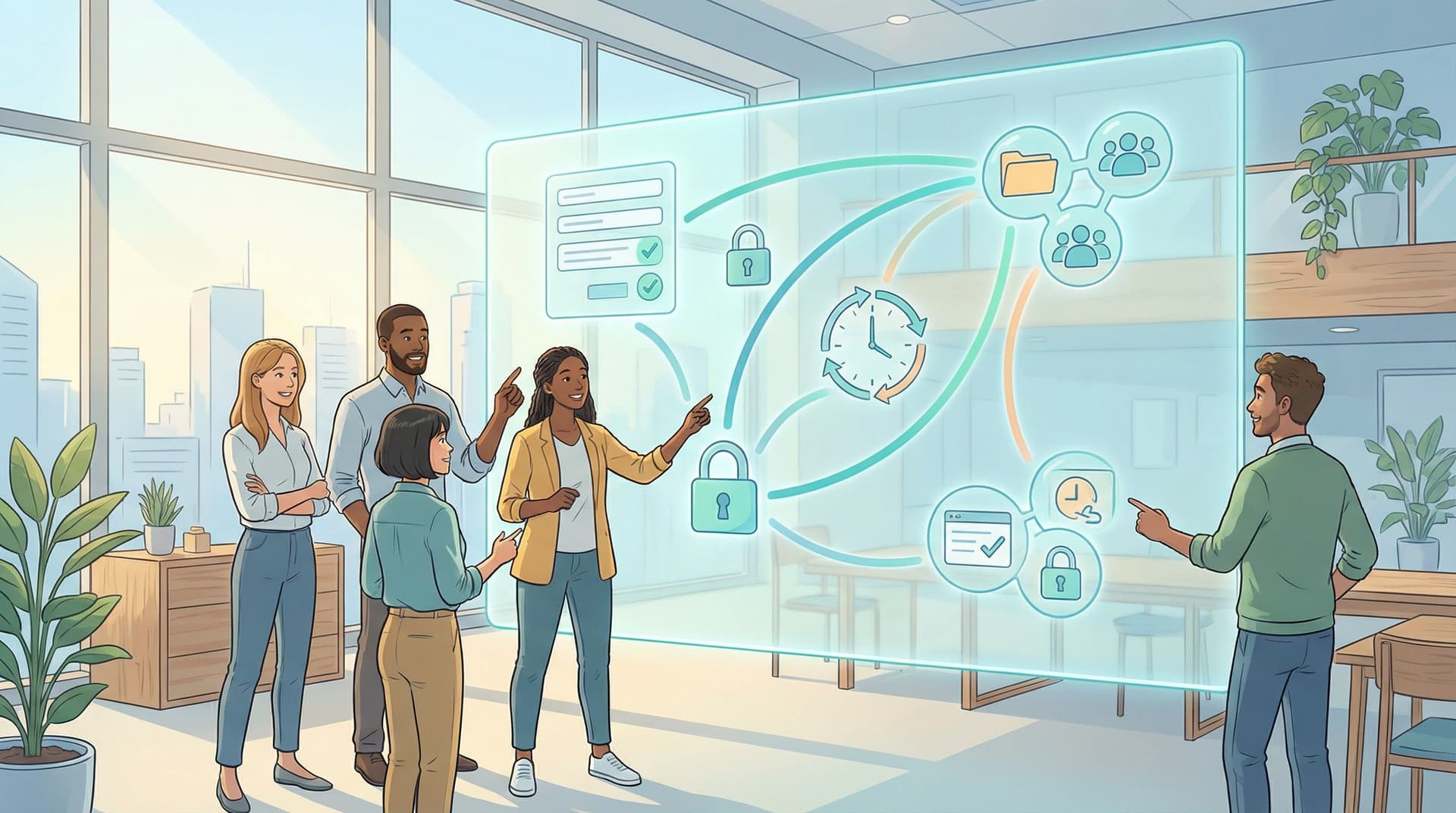
If your team ships a new form every time someone has an idea, you’re doing something right. But there’s a quiet cost to that speed: Who actually has access to the responses? How long are you keeping that data—and where does it live? What happens when someone leaves the company? Are you accidentally storing sensitive data you never meant to collect? That’s what form data governance is about: deciding, on purpose, how form data is collected, accessed, stored, and eventually deleted—without turning every new form into a legal project. For small teams, the goal isn’t a 40‑page poli

Charlie Clark
Charlie Clark
Form Systems, Not One-Off Links: Designing a URL Taxonomy That Scales With Your Ops
custom URLs
design

Form Systems, Not One-Off Links: Designing a URL Taxonomy That Scales With Your Ops

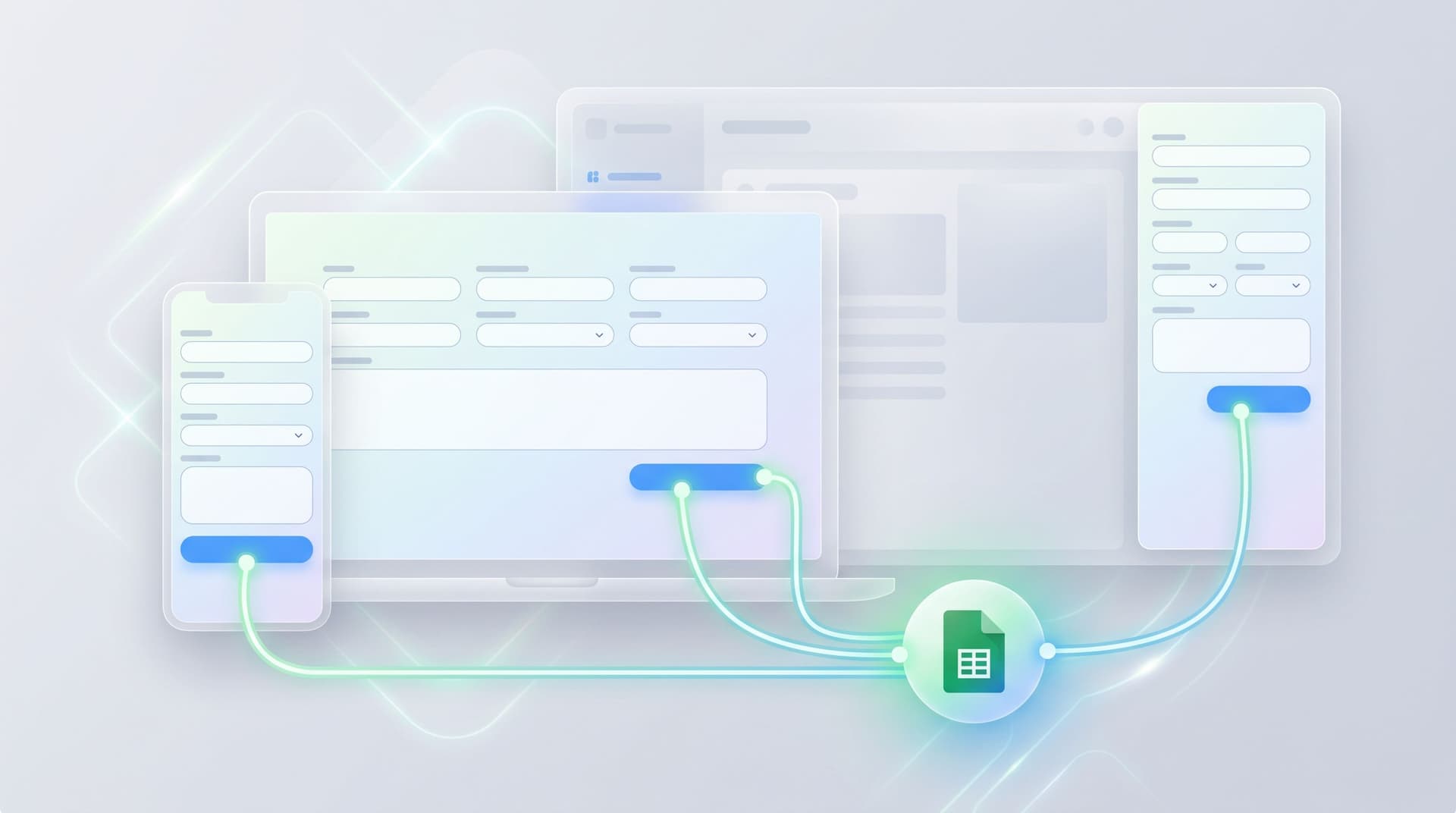
Most teams don’t have a form problem. They have a sprawl problem. Someone needs a new partner intake form? Spin up a link. Field sales wants a quick lead capture for an event? Spin up a link. Support wants a separate form for VIP customers? Spin up a link. Six months later, no one can answer basic questions: Which URL is the current intake form? Which link did we give that partner last year? Why do we have five “/demo” forms and three different Sheets? The issue isn’t that you created too many forms. It’s that you never designed a system for the URLs behind them. A thoughtful URL taxonomy turns forms from one-off artifacts into an operating layer for your bus

Charlie Clark
Charlie Clark
Forms as Lightweight Workflows: Designing Conditional Paths That Replace Internal Tools (Without Code)
customization
Google Sheets

Forms as Lightweight Workflows: Designing Conditional Paths That Replace Internal Tools (Without Code)

Internal tools used to mean one thing: tickets for engineering. “Can we get a small app to route partner requests?” “Could you build a simple portal for customer discounts?” “We just need a quick UI for approvals.” Weeks later, there’s a half-finished tool, a backlog of change requests, and a team that quietly goes back to… email threads and spreadsheets. There’s a better pattern emerging: forms as lightweight workflows. With modern form builders like Ezpa.ge, conditional logic, and real-time syncing to Google Sheets, you can turn what used to be “we need an internal tool” into “we’ll ship a form this afternoon.” No code. No backlog. Just structured flows that feel like mini-ap

Charlie Clark
Charlie Clark
Real-Time Forms for Real-World Ops: How Google Sheets Sync Keeps Teams in Lockstep
real-time collaboration
Google Sheets

Real-Time Forms for Real-World Ops: How Google Sheets Sync Keeps Teams in Lockstep

Operations doesn’t live in decks and dashboards. It lives in the messy middle: a sales rep on the phone, a customer waiting for an answer, a partner asking for an exception, a support queue that just spiked. When those moments hit, your team has two choices: Scramble across DMs, email threads, and outdated spreadsheets. Or work from the same live feed of reality—shared, structured, and always up to date. Real-time form syncing into Google Sheets is what makes the second option possible. With Ezpa.ge, every form submission can land in a Sheet the instant it’s submitted—no manual exports, no “refresh and hope,” no overnight sync jobs. That sounds simple, but for ops, revenue, and CX teams, it’s a quiet superpow

Charlie Clark
Charlie Clark
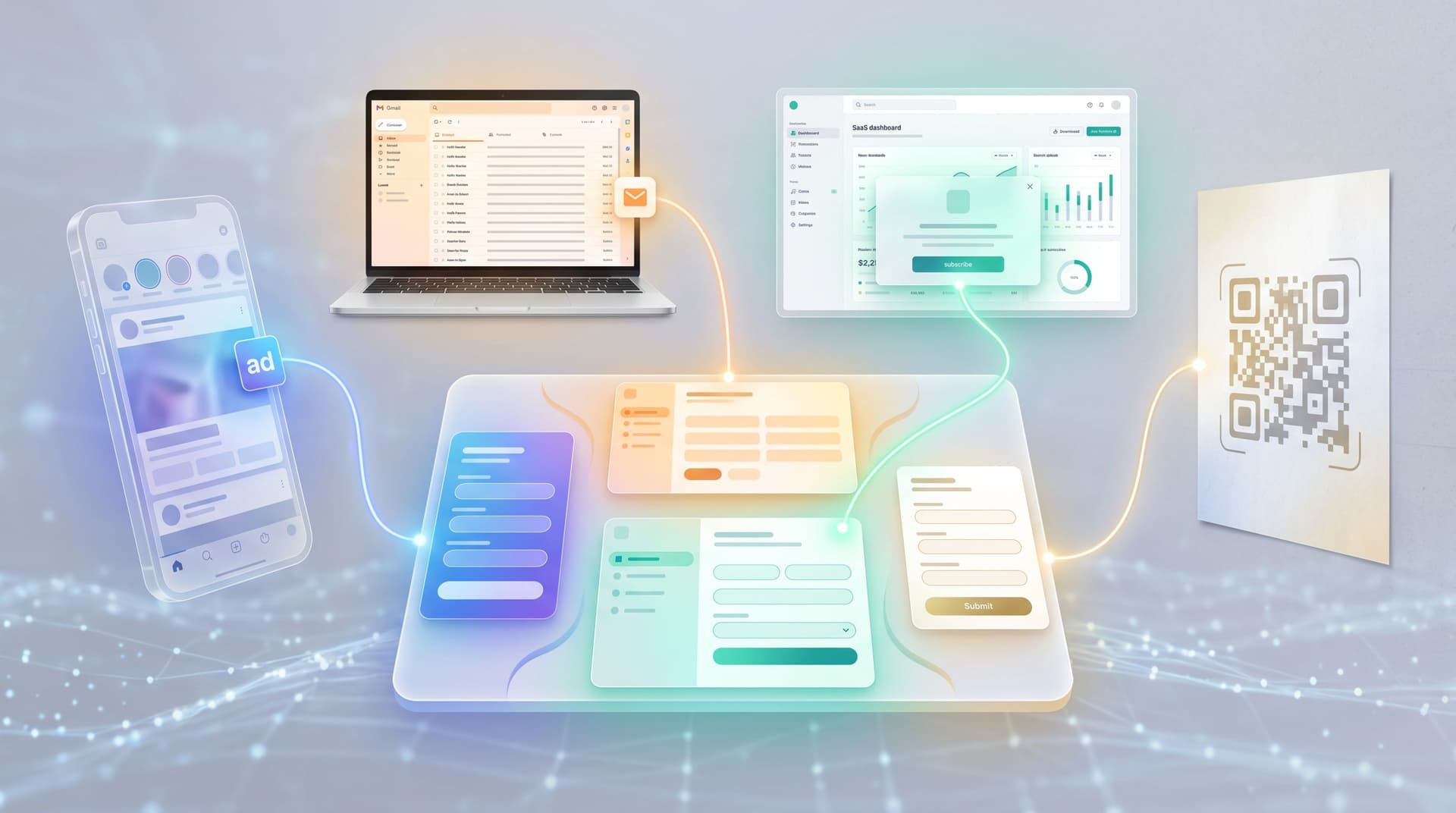
Form-First Lead Gen: Replacing Landing Pages with High-Intent Micro-Flows
user experience
customization

Form-First Lead Gen: Replacing Landing Pages with High-Intent Micro-Flows

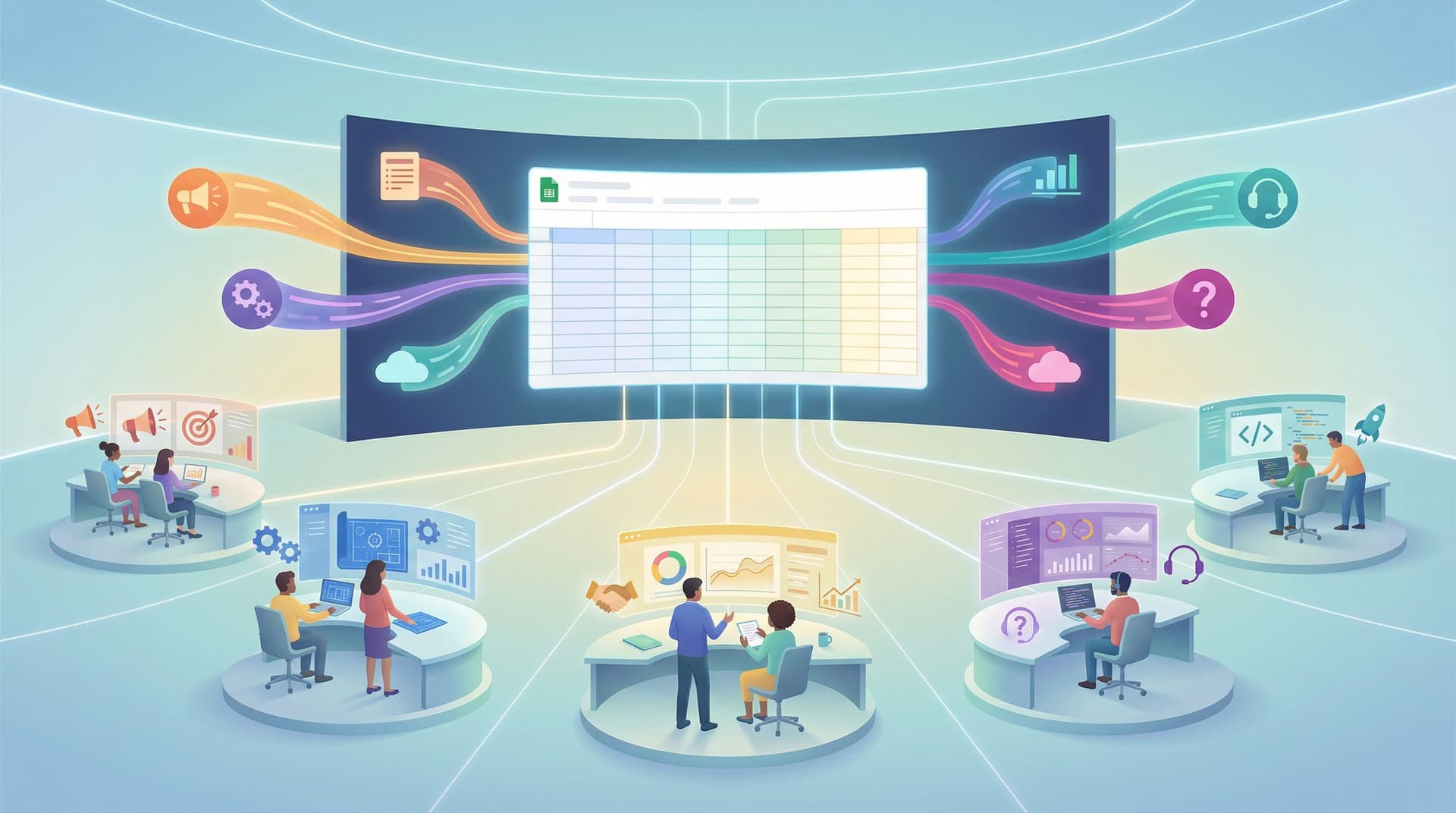
Most teams still treat landing pages as the default front door for lead generation: Ad → landing page → long scroll → form at the bottom. It works… until it doesn’t. You start to see the cracks: High click-through from ads, but weak form completion. Prospects skimming or bouncing before they ever raise their hand. “Leads” that downloaded a PDF but never actually told you what they need. A different pattern is emerging: form-first lead gen—where the form itself becomes the primary experience, and the “page” around it shrinks to almost nothing. Instead of a big, static landing page, you use short, high-intent micro-flows: 2–6 screens that feel more like a conversation than a broch

Charlie Clark
Charlie Clark
Beyond ‘Mobile-Friendly’: Designing Thumb-First Forms for On-the-Go Users
mobile optimization
Google Sheets

Beyond ‘Mobile-Friendly’: Designing Thumb-First Forms for On-the-Go Users

Mobile traffic passed desktop years ago, but most forms are still designed as if people are sitting at a big screen, hands on a keyboard, full attention on the task. That’s not how your users live. They’re: Holding a phone in one hand and a coffee in the other Filling out a demo request while walking between meetings Tapping through a signup flow on a cramped subway Trying to submit feedback before the elevator doors open “Mobile-friendly” — a responsive layout and slightly bigger fonts — isn’t enough. To win those moments, you need something more specific: thumb‑first form

Charlie Clark
Charlie Clark

Forms as Feature Feedback Loops: Turning Every Submission into a Roadmap Signal in Google Sheets

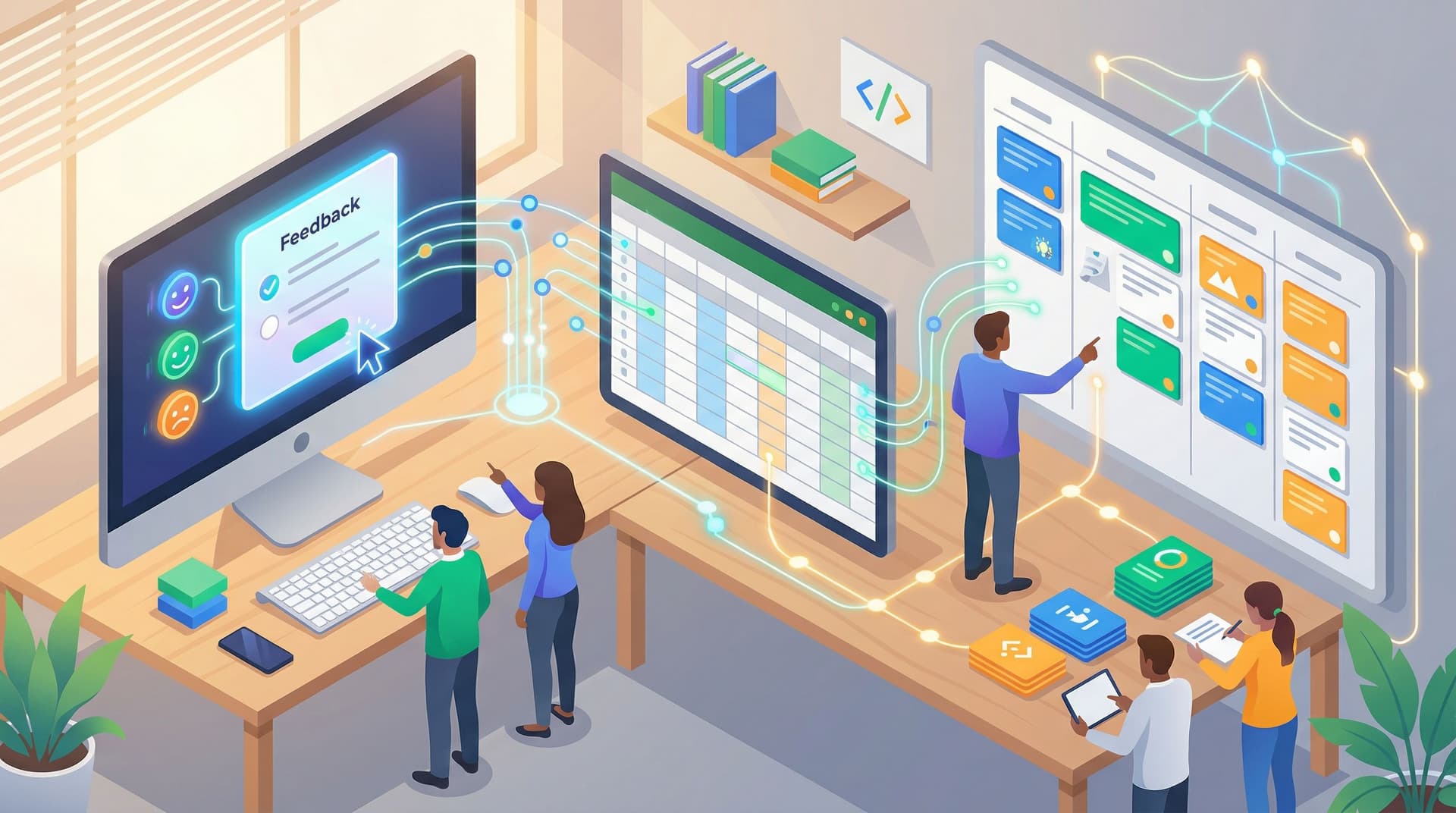
Most teams don’t have a feedback problem. They have a feedback chaos problem. Support tickets, sales calls, Slack threads, Twitter mentions, NPS scores, app-store reviews—there’s signal hiding everywhere. But when it comes time to plan the roadmap, you’re still stuck in the same meeting: “I keep hearing that onboarding is confusing.” “Customers are always asking for SSO.” “I think people want deeper integrations.” Those phrases—keep hearing, always asking, I think—are what you get when feedback isn’t structured. Forms give you a way out. And when your forms stream directly into Google Sheets in real time, every submission can become a tiny, structured roadmap vote—not just another note in someone’s inbo

Charlie Clark
Charlie Clark
Forms as Feature Flags: Using Conditional Logic to Soft-Launch Ideas Without Writing Code
drag-and-drop
Google Sheets

Forms as Feature Flags: Using Conditional Logic to Soft-Launch Ideas Without Writing Code

Forms as Feature Flags: Using Conditional Logic to Soft-Launch Ideas Without Writing Code Product teams have a secret they don’t talk about enough: most “big” launches start as very small experiments. A hidden toggle here. A beta invite there. A feature that only appears for a specific segment. All of that is powered by one idea: feature flags—the ability to turn things on or off for certain people without shipping new code every time. But what if you don’t have engineers on tap? Or you do, but they’re fully booked for the quarter? That’s where forms—with smart conditional logic—can quietly act as your feature flag syst

Charlie Clark
Charlie Clark
Forms as Quiet CRMs: Capturing Relationship Signals Without Forcing Full Signups
custom URLs
Google Sheets

Forms as Quiet CRMs: Capturing Relationship Signals Without Forcing Full Signups

Forms as Quiet CRMs: Capturing Relationship Signals Without Forcing Full Signups Traditional CRMs expect a lot from people upfront. “Create an account.” “Pick a password.” “Fill in your company, role, budget, timeline, phone number…” Meanwhile, the person on the other side is just trying to do something simple: Get a question answered. Download a resource. See if your product is even relevant. That gap—between what your systems want and what your users are ready to give—is where forms can quietly become your best CR

Charlie Clark
Charlie Clark
Form-First Launches: Using Ezpa.ge + Google Sheets to Validate New Ideas in a Weekend
themes
custom URLs

Form-First Launches: Using Ezpa.ge + Google Sheets to Validate New Ideas in a Weekend

You don’t need a full product to test a new idea. You don’t even need a landing page. You need a form, a spreadsheet, and a clear question: “Is anyone willing to raise their hand for this?” That’s the promise of a form-first launch—using a simple form as the front door for a new idea, and a spreadsheet as the brain behind it. With Ezpa.ge and Google Sheets, you can go from “hmm, maybe…” to real signals from real people in a single weekend

Charlie Clark
Charlie Clark
Atomic Form Patterns: Reusable Layouts, Microcopy, and Logic You Can Drag-and-Drop Anywhere
themes
drag-and-drop

Atomic Form Patterns: Reusable Layouts, Microcopy, and Logic You Can Drag-and-Drop Anywhere

Forms used to be one-off projects. A campaign launches, a new product goes live, someone needs an intake flow—so you spin up another form from scratch. New layout. New copy. New logic. New tracking. And six months later, you have a graveyard of slightly different versions of the same thing. Atomic form patterns are how you break that cycle. Instead of designing whole forms every time, you design reusable chunks: layout blocks, microcopy snippets, and logic bundles you can drag-and-drop into any new flow. With a tool like Ezpa.ge—where themes, custom URLs, and real-time Google Sheets syncing are already in place—those chunks become a true system, not a collection of screenshots in Fig

Charlie Clark
Charlie Clark
Forms as On-Ramps, Not Dead Ends: Designing Submission Flows That Feed Your Growth Stack
customization
custom URLs

Forms as On-Ramps, Not Dead Ends: Designing Submission Flows That Feed Your Growth Stack

Most teams treat the form submit button like a finish line. You obsess over completion rate, tweak field labels, maybe A/B test the headline—and once someone hits Submit, the story effectively ends. Data lands in a spreadsheet or CRM, a few people get notified, and the user is dumped on a generic "Thanks" page. But the submit button doesn’t have to be the end of anything. It can be the on-ramp into your entire growth engine: routing leads, triggering playbooks, enriching data, and guiding users to their next meaningful ste

Charlie Clark
Charlie Clark
From Form Link to Full Funnel: Tracking Every Touchpoint Without a Developer
analytics
custom URLs

From Form Link to Full Funnel: Tracking Every Touchpoint Without a Developer

You finally shipped the form. The link is in your ads, your email footer, your partner docs, maybe even a QR code at an event. Submissions are rolling in. And then the questions start: Which campaign is actually working? Are these leads from LinkedIn or from that podcast mention? How many people clicked but never finished? What happens after they submit—do they convert, churn, or disappear? If you don’t have a clean way to answer those questions, your “funnel” is really just a form and a hunch. The good news: you don’t need a developer, a CDP, or a six-month analytics project to track your funnel end to

Charlie Clark
Charlie Clark
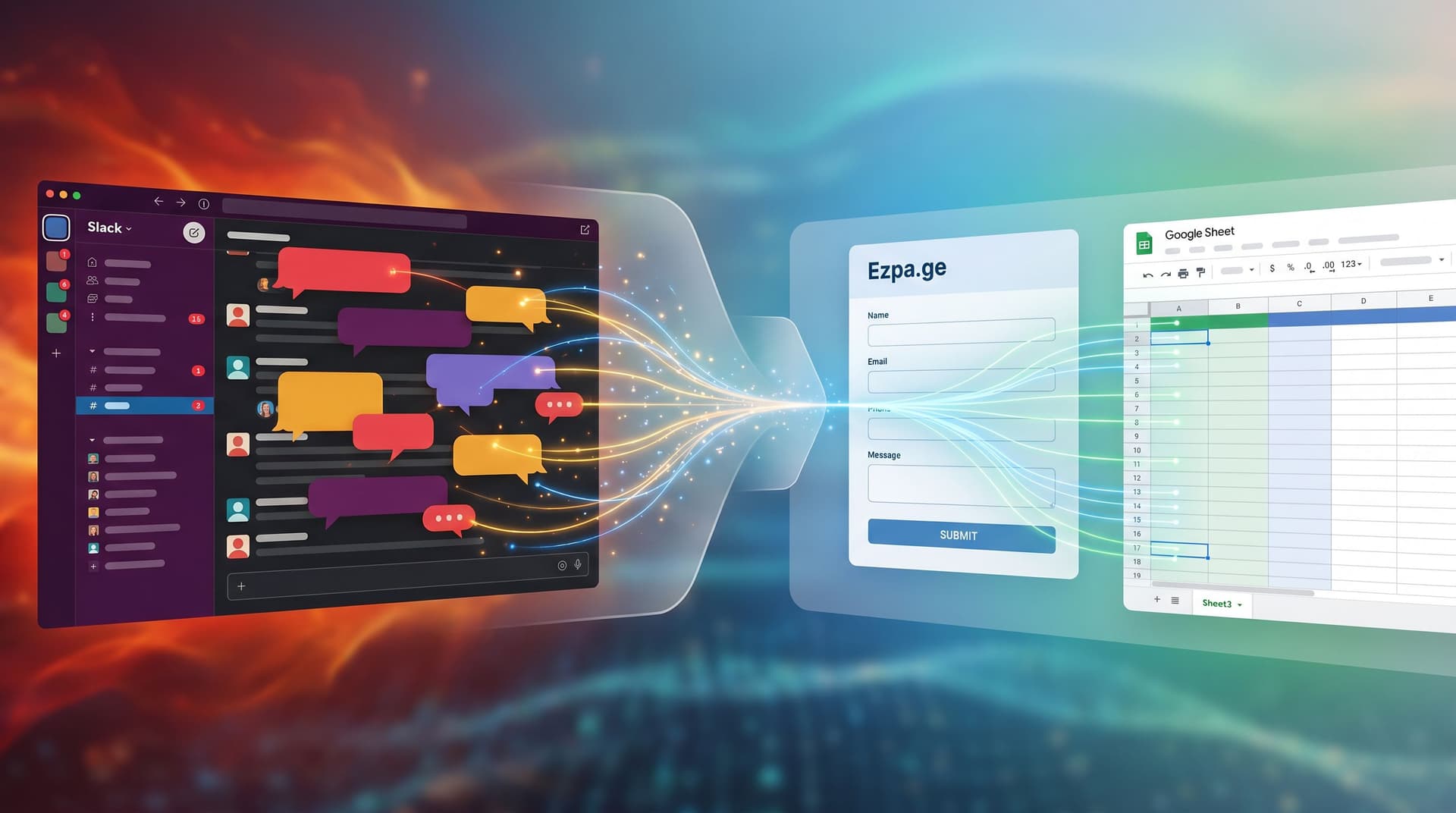
Shadow Workflows No More: Replacing Ad-Hoc Email and DMs with Structured Forms
efficiency
real-time collaboration

Shadow Workflows No More: Replacing Ad-Hoc Email and DMs with Structured Forms

Shadow Workflows No More: Replacing Ad-Hoc Email and DMs with Structured Forms If you’re honest, a lot of your team’s “processes” are actually just… people. A sales request that starts as a Slack DM. A partner onboarding that lives in someone’s inbox. A product idea that’s buried in a thread you can’t find anymore. These are shadow workflows: important work happening in channels that were never designed to be systems of record. They feel quick and flexible—until they don’t. Things slip. Context gets lost. Decisions are hard to audit. New teammates have no idea where anything lives. This is where structured forms shi

Charlie Clark
Charlie Clark
From Spreadsheet Chaos to Source of Truth: Structuring Google Sheets for Scalable Form Data
Google Sheets
integration

From Spreadsheet Chaos to Source of Truth: Structuring Google Sheets for Scalable Form Data

You don’t have a form problem. You have a data structure problem. If your Ezpa.ge forms (or any forms) are feeding into Google Sheets and you’re still drowning in copies, broken formulas, and “final_v7” tabs, the issue isn’t the tool. It’s the way your sheet is set up. Done well, a single spreadsheet can: Power live dashboards and reports Trigger automations and workflows Keep marketing, ops, and leadership aligned Serve as the trusted record of what actually happened Done poorly, it becomes the place where good intentions go to die. This guide is about turning that chaos into a real source of truth: a Google Sheets structure that scales with your forms, your team, and your ambitio

Charlie Clark
Charlie Clark
Multi-Brand, One Form System: Managing Themes, URLs, and Logic Across Complex Portfolios
themes
custom URLs

Multi-Brand, One Form System: Managing Themes, URLs, and Logic Across Complex Portfolios

When you’re responsible for forms across multiple brands, regions, and product lines, the work stops being “design a nice form” and starts being “run a form platform.” Marketing wants campaigns launched yesterday. Ops needs consistent data. Legal needs the right disclosures per region. Brand teams want each line to feel distinct—but your tech stack can’t explode every time a new logo shows up. That’s where a multi-brand, one form system pays off: a way to manage themes, URLs, and logic centrally while still giving each brand its own voice. This article walks through how to design that system with Ezpa.ge as the backbone—so you can ship faster, stay on-brand, and keep your data clean, even when your portfolio gets comple

Charlie Clark
Charlie Clark
From Form to Workflow: Automating Onboarding, Support, and QA with Ezpa.ge + Google Sheets
efficiency
Google Sheets

From Form to Workflow: Automating Onboarding, Support, and QA with Ezpa.ge + Google Sheets

From Form to Workflow: Automating Onboarding, Support, and QA with Ezpa.ge + Google Sheets Modern teams don’t struggle to collect data. They struggle to do something with it—quickly, reliably, and without adding another tool that only two people know how to use. Ezpa.ge + Google Sheets is a quiet power combo for solving exactly that. You get: Beautiful, branded, responsive forms that people actually want to fill out. Real-time syncing into a tool your whole team already understands: Google Sheets. A low-code automation layer you can extend into onboarding, support, and QA workflows—without waiting on engineering

Charlie Clark
Charlie Clark
No-Dev Ops: Automating Product Workflows with Ezpa.ge Forms and Google Sheets Triggers
efficiency
Google Sheets

No-Dev Ops: Automating Product Workflows with Ezpa.ge Forms and Google Sheets Triggers

Product and ops teams are under pressure to move faster without adding headcount, tickets, or technical debt. You’re expected to: Qualify leads in minutes, not days Route requests to the right owner automatically Turn feedback into roadmap input without another spreadsheet cleanup But most teams still rely on manual glue: exporting CSVs, copying data between tools, and pinging people in Slack. It works—until it doesn’t. Things slip. SLAs get missed. Nobody trusts the spreadsheet. This is where a “No-Dev Ops” mindset shines: using tools you already know (forms + Google Sheets) as a lightweight automation platform

Charlie Clark
Charlie Clark
Ops in the Loop: Using Real-Time Form Data to Trigger Playbooks, Notifications, and Automations
Google Sheets
integration

Ops in the Loop: Using Real-Time Form Data to Trigger Playbooks, Notifications, and Automations

Operations teams used to live in spreadsheets that were always a week out of date. A form would collect leads, issues, or requests. Then someone would export a CSV, clean it up, forward it to a team, and maybe log it in another system. By the time anything happened, the moment of intent was gone. With tools like Ezpa.ge streaming responses directly into Google Sheets in real time, you don’t have to work that way anymore. Your forms can be more than intake—they can be triggers that fire playbooks, alerts, and automations the second someone hits Submit. This post is about putting ops in the loop: turning form submissions into live signals that drive action, not just repor

Charlie Clark
Charlie Clark
Micro-Surveys, Macro Insight: Using Tiny Forms Across Your Product to Unlock Continuous Feedback
user experience
analytics

Micro-Surveys, Macro Insight: Using Tiny Forms Across Your Product to Unlock Continuous Feedback

Micro-Surveys, Macro Insight: Using Tiny Forms Across Your Product to Unlock Continuous Feedback Product teams rarely suffer from a lack of feedback. They suffer from noisy feedback. • Long quarterly surveys that only power users answer. • Support tickets that mix bugs, feature requests, and venting. • Slack screenshots of “this feels clunky” with zero context. You end up with a pile of opinions and a handful of dashboards—but not the clear, continuous signal you need to make confident decisions week after week. That’s where micro-surveys shine. Micro-surveys are tiny, focused forms—often 1–3 questions—embedded directly into your product, emails, or flows. They don’t replace your big research projects or annual

Charlie Clark
Charlie Clark
From Survey to System: Designing Feedback Forms That Actually Change Your Roadmap
customization
Google Sheets

From Survey to System: Designing Feedback Forms That Actually Change Your Roadmap

Product teams don’t suffer from a lack of feedback. They suffer from: Vague “this feels clunky” comments NPS scores with no clear next step Long survey docs that no one reads twice Roadmaps that move based on the loudest voice, not the clearest signal The gap isn’t data. It’s structure. A feedback form can be a glorified suggestion box—or the front door to a decision-making system that shapes what you build next, week after week. This post is about designing for the latter. We’ll walk through how to design feedback forms (and the systems behind them) so that every response has a clear path: from user → form → spreadsheet → prioritization → roadm

Charlie Clark
Charlie Clark
Offline Teams, Online Forms: Operational Playbooks for Making Google Sheets Your Single Source of Truth
real-time collaboration
Google Sheets

Offline Teams, Online Forms: Operational Playbooks for Making Google Sheets Your Single Source of Truth

When your work happens in warehouses, clinics, school campuses, or job sites, “just check the dashboard” isn’t enough. Clipboards, radio calls, whiteboards, and text threads are still everywhere. They’re fast, familiar—and they quietly fracture your data. The result: no one is quite sure which numbers to trust, which sheet is current, or whether that form someone printed last month is still valid. If your forms are already syncing into Google Sheets—especially with tools like Ezpa.ge—you’re a few decisions away from something much better: one live spreadsheet per workflow that everyone treats as the source of truth, even when half your team is offline. This post is about how to build that reality on purpo

Charlie Clark
Charlie Clark
Real-Time Guardrails: Using Google Sheets Logic to Auto-Clean and Validate Form Data
Google Sheets
integration

Real-Time Guardrails: Using Google Sheets Logic to Auto-Clean and Validate Form Data

If your forms are already syncing live to Google Sheets, you’re sitting on something powerful: a real-time rules engine that can clean, validate, and enrich data the moment it arrives. Most teams never fully use it. They export once a week, fix issues by hand, complain about “bad leads” or “messy survey data,” and keep shipping forms that quietly generate more chaos. This post is about doing the opposite: turning your Ezpa.ge + Google Sheets setup into real-time guardrails that: Catch junk data before it hits your CRM Normalize formats so reports “just work” Flag high-intent or risky submissions instantly Reduce the manual cleanup your team secretly dreads You don’t need a dedicated data engineer or a custom backe

Charlie Clark
Charlie Clark
Real-Time AB Testing with Google Sheets: Ship Form Experiments in a Single Afternoon
analytics
Google Sheets

Real-Time AB Testing with Google Sheets: Ship Form Experiments in a Single Afternoon

If you’ve ever wanted to run “real” A/B tests on your forms but ended up stuck in analytics setups, dev tickets, or stakeholder debates, this guide is for you. With Ezpa.ge forms syncing straight into Google Sheets, you don’t need a full experimentation platform to learn fast. You can spin up variants, route traffic, and read results live in a single afternoon—then keep iterating while the form is live. This isn’t theory. It’s a practical workflow you can run with tools your team already understands: forms + Sheets. Why Real-Time A/B Testing for Forms Matters Most teams treat forms as “set and forget.” You ship a layout, maybe tweak a headline, and hope the conversion rate ho

Charlie Clark
Charlie Clark
Design Once, Reuse Everywhere: Building a Scalable Form System for Your Entire Team
themes
design

Design Once, Reuse Everywhere: Building a Scalable Form System for Your Entire Team

Forms start simple. A newsletter signup here. A beta waitlist there. A quarterly NPS survey. A partner intake form. Then suddenly you wake up with 60+ live forms, three teams cloning “that one high-converting layout,” and no one is sure which version is the real one. Design drifts. Data structures diverge. Someone in sales quietly spins up their own Typeform. Product ships a Google Form. Marketing has three different “primary” themes. You don’t have a form problem—you have a system problem. A scalable form system is how you get out of that spi

Charlie Clark
Charlie Clark
Form Handoff Without Headaches: Sharing Live Google Sheets Data Across Teams
real-time collaboration
Google Sheets

Form Handoff Without Headaches: Sharing Live Google Sheets Data Across Teams

Form handoff is where good intentions go to die. Marketing launches a beautiful signup form. Sales wants to know which leads are hot. Product wants feedback tags. Ops wants clean exports. Somewhere in the middle, a CSV gets emailed around, someone makes a copy "just in case," and suddenly no one is sure which sheet is the source of truth. If that sounds familiar, you’re not alone. The good news: when your forms sync directly into live Google Sheets, you don’t have to live in that chaos. Handoffs can be calm, predictable, and almost boring—in the best w

Charlie Clark
Charlie Clark
Real-Time Form Optimization: Using Live Google Sheets Data to Iterate in a Single Day
analytics
Google Sheets

Real-Time Form Optimization: Using Live Google Sheets Data to Iterate in a Single Day

When most teams talk about “optimizing a form,” they’re secretly talking about a project they’ll get to next quarter. But if your form is powered by real-time Google Sheets syncing—like every Ezpa.ge form can be—you don’t need a quarter. You can meaningfully improve completion rates, lead quality, and user happiness in a single day, just by watching live data and making targeted tweaks. This post is about how to do exactly that. We’ll walk through a one-day workflow that turns your form from a static page into a responsive system: you ship in the morning, watch real behavior over a few hours, iterate at lunch, and see the impact by the afterno

Charlie Clark
Charlie Clark
From Form to Funnel: Turning Raw Responses into a Live Google Sheets Dashboard
analytics
Google Sheets

From Form to Funnel: Turning Raw Responses into a Live Google Sheets Dashboard

Forms are where the story starts—but not where it should end. If you’re only exporting CSVs once a week and manually building reports, you’re treating your form like a suggestion box instead of a live signal. The real magic happens when every new response instantly updates a dashboard your team actually uses: a Google Sheet that behaves like a lightweight analytics hub. Ezpa.ge already gives you real-time syncing to Google Sheets. The missing piece for many teams is turning that raw stream of rows into a clear, visual dashboard that drives decisions. This guide walks through how to go from “we have responses” to “we have a living, breathing funnel view”—without needing a data te

Charlie Clark
Charlie Clark
Real-Time Forms, Real-Time Strategy: Turning Google Sheets Sync into a Growth Engine
analytics
efficiency

Real-Time Forms, Real-Time Strategy: Turning Google Sheets Sync into a Growth Engine

Real-Time Forms, Real-Time Strategy: Turning Google Sheets Sync into a Growth Engine If your forms are still just “collect and export later” tools, you’re leaving a lot of growth on the table. When form responses sync in real time to a live system like Google Sheets, your forms stop being passive inboxes and start acting like a control panel for your business. You can route leads the moment they arrive, spot friction before it becomes churn, and make decisions while they still matter. This is where Ezpa.ge shines: beautiful, responsive forms on the front end, and instant, reliable syncing to Google Sheets on the back end. Together, they can become a growth engine—if you design your workflows with intentio

Charlie Clark
Charlie Clark
Mastering the Art of Real-Time Collaboration: Advancing Google Sheets Sync Techniques
real-time collaboration
Google Sheets

Mastering the Art of Real-Time Collaboration: Advancing Google Sheets Sync Techniques

In a world where teamwork can make or break a project, real-time collaboration has become an essential skill. Whether you're managing a small team or orchestrating a large-scale operation, the ability to sync your work seamlessly is invaluable. This is where tools like Google Sheets come into play, offering a platform that not only facilitates collaboration but enhances it. By mastering real-time sync techniques, you can unlock the full potential of Google Sheets and transform your workflow. Why Real-Time Collaboration Matters Imagine this: you're working on a project with team members spread across different time zones

Charlie Clark
Charlie Clark
Bridging Gaps with Integration: Syncing Forms Beyond Google Sheets
real-time collaboration
Google Sheets

Bridging Gaps with Integration: Syncing Forms Beyond Google Sheets

Bridging Gaps with Integration: Syncing Forms Beyond Google Sheets As we strive to create seamless experiences in our workflows, integrating various tools and platforms becomes essential. For many, Google Sheets has long been a staple for managing data collected through forms. However, as organizational needs evolve, so too does the necessity to connect forms with a broader array of systems. Integrating your forms beyond Google Sheets can unlock new efficiencies, enhance data management, and streamline operations. Let's explore why this matters and how you can take actionable steps towards more robust integration.

Charlie Clark
Charlie Clark
The Role of Real-Time Collaboration in Enhancing Form Efficiency
efficiency
real-time collaboration

The Role of Real-Time Collaboration in Enhancing Form Efficiency

We live in a time where collaboration is a cornerstone of success in many areas, and form creation is no exception. Forms are ubiquitous in our personal and professional lives, serving purposes that range from simple event RSVPs to complex data collection for market research. The efficiency of these forms often dictates the quality and speed of the outcomes they produce. This is where real-time collaboration makes a significant impact. By enabling multiple users to work on a form simultaneously, real-time collaboration tools can dramatically enhance form efficiency. Why Real-Time Collaboration Matters At the heart of real-time collaboration is the ability to bring together diverse perspectives and expertise simultaneously

Charlie Clark
Charlie Clark
The Future of Google Sheets Integration: Transforming Real-Time Collaboration in Form Data Management
real-time collaboration
Google Sheets

The Future of Google Sheets Integration: Transforming Real-Time Collaboration in Form Data Management

In an era where data drives decision-making, the ability to manage and collaborate on form data efficiently is more critical than ever. Whether you're a small business owner, an educator, or a data analyst, the seamless integration of tools like Google Sheets with form-building platforms can revolutionize how you work. This blog post explores the future of Google Sheets integration, focusing on enhancing real-time collaboration in form data management. Why Google Sheets Integration Matters Google Sheets has become a cornerstone for managing and analyzing data due to its accessibility and powerful features. When integrated with form-building platforms like Ezpa.ge, Google Sheets can drastically improve how we handle form data

Charlie Clark
Charlie Clark
Pioneering Real-Time Collaboration: Syncing Forms Beyond Google Sheets
real-time collaboration
Google Sheets

Pioneering Real-Time Collaboration: Syncing Forms Beyond Google Sheets

In a world where collaboration is key to success, the ability to sync information in real-time across multiple platforms has become invaluable. Ezpa.ge Blog is at the forefront of this movement, ensuring that user forms are not just aesthetically pleasing, but also incredibly functional. Today, we delve into the revolutionary concept of real-time collaboration, expanding our horizons beyond the familiar territory of Google Sheets. Why Real-Time Collaboration Matters The essence of real-time collaboration is the ability to make information instantly available to anyone, anywhere, without the need for tedious updates or manual syncing

Charlie Clark
Charlie Clark
Real-Time Google Sheets Sync: Transforming Form Data Management
efficiency
real-time collaboration

Real-Time Google Sheets Sync: Transforming Form Data Management

Imagine a world where form submissions don't just sit idly in a database or an inbox, waiting for you to sift through them manually. Instead, they dynamically populate a Google Sheet, in real time, offering you immediate insights and the ability to act swiftly. This isn't a distant dream or a technical luxury; it's a tangible reality offered through Ezpa.ge's real-time Google Sheets sync. Why Real-Time Sync Matters The traditional method of handling form submissions involves exporting data, importing it into spreadsheets, and then analyzing it—a process that's manual, tedious, and prone to errors. But with real-time syncing, you can eliminate these inefficiencies

Charlie Clark
Charlie Clark
Beyond the Basics: Advanced Strategies for Real-Time Analytics Integration
analytics
real-time collaboration

Beyond the Basics: Advanced Strategies for Real-Time Analytics Integration

In the realm of data management and form creation, integrating real-time analytics is not just an option; it's a necessity. As businesses strive to become more data-driven, the ability to capture and analyze data as it streams in, rather than after the fact, enables more informed decision-making. Whether you're using Ezpa.ge to collect customer feedback or track sales leads, integrating real-time analytics can significantly enhance the effectiveness of your forms. Why Real-Time Analytics Matters Real-time analytics allows businesses to respond instantly to new information, offering a competitive edge by enabling immediate action

Charlie Clark
Charlie Clark
Harness the Power of Real-Time Collaboration: Tips for Syncing Forms with Google Sheets
efficiency
real-time collaboration

Harness the Power of Real-Time Collaboration: Tips for Syncing Forms with Google Sheets

In a world where collaboration drives success, leveraging real-time data sharing can transform how teams and individuals manage information. Whether you're a solo entrepreneur collecting client feedback or part of a large organization conducting employee surveys, the synchronization of forms with Google Sheets offers a seamless, efficient way to handle data. This integration not only simplifies data collection and analysis but also enhances team collaboration, enabling informed decision-making. Why Sync Your Forms with Google Sheets? Connecting your forms with Google Sheets brings numerous advantage

Charlie Clark
Charlie Clark