AI Scoring at the Edge: Using Form Responses to Auto-Prioritize Leads Before They Hit Your CRM


Most teams don’t have a “lead volume” problem. They have a lead clarity problem.
Marketing ships a new form. Ads start working. Calendars fill up. But inside the CRM, everything looks the same:
- A Fortune 500 VP and a student doing research both show up as “New Lead.”
- High-intent demo requests sit next to casual newsletter signups.
- Reps spend their best hours triaging instead of talking to the right people.
By the time anyone figures out who’s who, the best leads have gone cold.
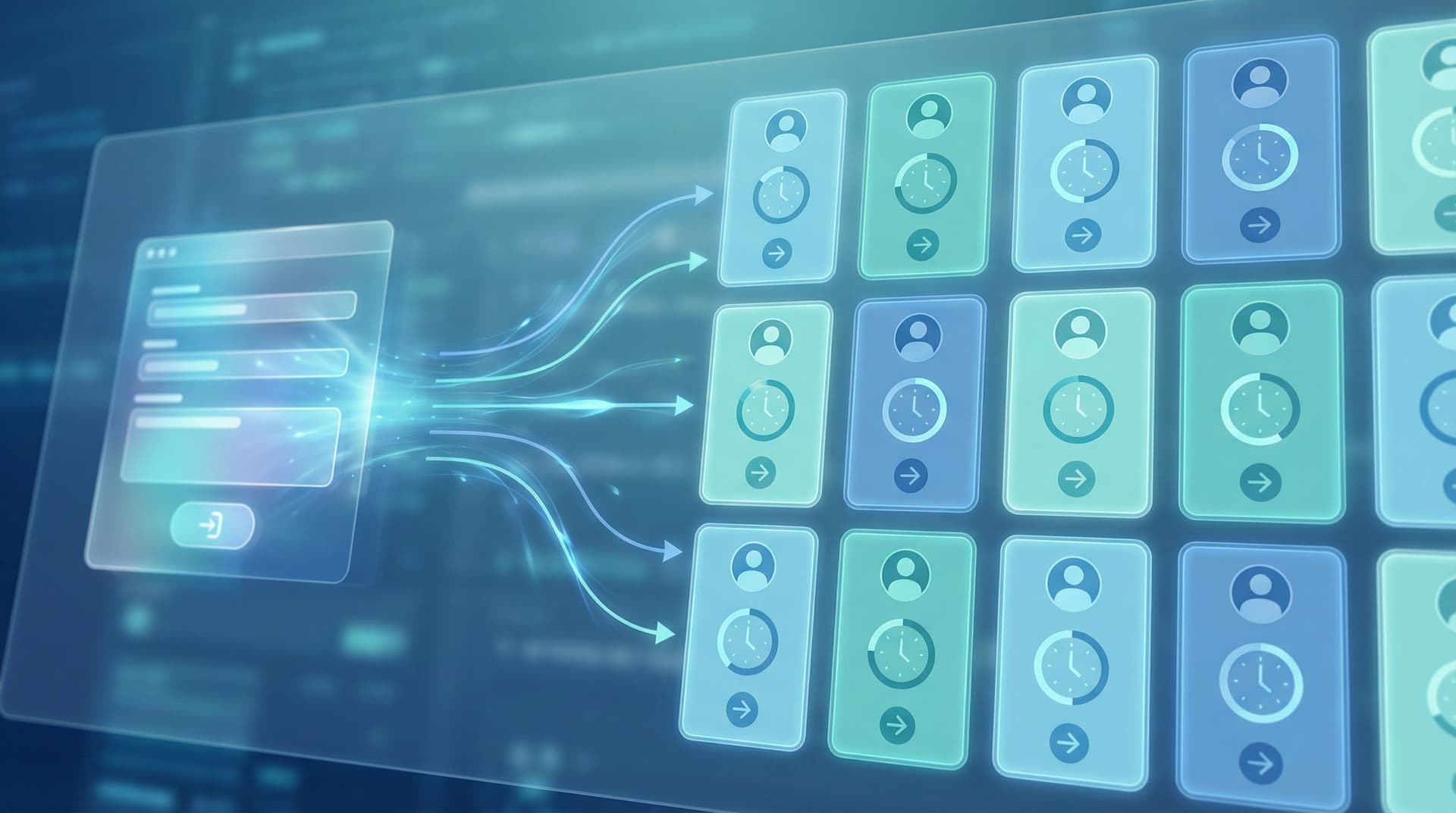
AI scoring at the edge flips that story. Instead of waiting until leads hit your CRM (and then trying to clean things up with a scoring model, a RevOps project, and a prayer), you score and segment leads the moment they submit the form—right at the edge of your system.
With tools like Ezpa.ge, where forms can sync into Google Sheets in real time and plug into AI services, you can turn every submission into a prioritized, enriched record before it ever lands in Salesforce, HubSpot, or Pipedrive.
This post walks through what that looks like, why it matters, and how to ship it without a six-month data project.
Why “Scoring at the Edge” Changes How Your Funnel Feels
Traditional lead scoring lives deep in your stack:
- Form submission hits your CRM.
- Data enrichment runs (if it’s configured correctly).
- A scoring workflow runs every 5–15 minutes.
- Someone finally sees a list of “hot” leads—often hours later.
That delay hurts you in three ways:
- Slow response times: The best leads wait the longest because they’re buried in the same queue as everyone else.
- Rep fatigue: Your team spends energy qualifying instead of selling.
- Inconsistent follow-up: Manual triage means every rep uses their own mental model of what “good” looks like.
AI scoring at the edge does the opposite:
- Score instantly based on what people actually tell you in the form.
- Enrich on the fly (company size, industry, tech stack, etc.).
- Route intelligently to the right owner, SLA, and next step.
If you’ve already been thinking about building better post-submission flows, this pairs naturally with patterns from From Form Fill to Auto-Routing: Designing Intake Flows That Assign Owners, SLAs, and Next Steps by Default. Scoring at the edge simply gives those flows better raw material.
What “AI Scoring at the Edge” Actually Looks Like
Let’s make this concrete.
Imagine a demo request form built with Ezpa.ge, syncing into Google Sheets. A prospect fills it out:
- Role: VP of Operations
- Company size: 750 employees
- Use case: “We need to consolidate 5 internal tools and automate intake across departments.”
- Timeline: “We want to launch a pilot in the next 60 days.”
Instead of dropping that raw text straight into your CRM, your edge layer does three things immediately:
-
Normalize and enrich
- Map “VP of Operations” to a seniority band.
- Enrich the domain for firmographic data (industry, headcount, funding).
-
Score using an AI model
- Analyze the free-text use case for fit (keywords, complexity, budget signals).
- Combine with firmographics and channel source to generate a lead score (e.g., 0–100).
-
Attach next-step instructions
- “Assign directly to Enterprise AE”
- “Trigger same-day follow-up sequence”
- “Offer 30-minute workflow audit instead of generic demo.”
By the time this record hits your CRM, it’s not just a form fill. It’s a prioritized, enriched opportunity with clear marching orders.

Step 1: Design Forms That Capture the Right Signals
You can’t score what you don’t collect.
Most teams jump straight to “let’s add AI” without asking whether their forms are actually capturing the signals a model would need. If your demo form is just name, email, and “How did you hear about us?”, no scoring model in the world will save you.
Start with signal design:
-
Clarify your definition of a good lead
Sit down with Sales, CS, and RevOps. Ask:- Which deals close fastest?
- Which customers expand?
- Which segments churn or never buy?
From that, define 3–5 traits of high-fit leads (e.g., team size, tech stack, urgency, budget control).
-
Translate traits into questions
Map each trait to a form field:- Team size → “How many people will use this?” (multiple choice bands)
- Tech stack → “Which tools do you currently use for X?” (multi-select)
- Urgency → “When are you hoping to have a solution in place?”
- Budget control → “What’s your role in the decision?”
-
Use structured fields where possible
AI can handle free text, but structured inputs make everything more reliable:- Use dropdowns, radio buttons, and multi-selects for common options.
- Reserve long text areas for rich context (e.g., “Describe your current workflow”).
-
Ask fewer, better questions
You don’t need a 30-field interrogation. You need the minimum set of questions that separates high-intent, high-fit leads from everyone else.
If you want to go deeper on how question design shapes your AI downstream, read AI-Aware Question Design: Writing Prompts That Train Better Internal Models From Day One. It’s the missing piece for most “AI-first” funnel projects.
Step 2: Wire Ezpa.ge to a Scoring Brain (Without Overbuilding)
You don’t need a full MLOps team to score leads at the edge. You need a simple, reliable path from:
Form submission → Google Sheets → AI scoring → Back to Sheets → Into CRM
Here’s a practical way to set that up:
-
Use Ezpa.ge + Google Sheets as your edge database
- Every form submission lands in a Sheet in real time.
- Each row is a lead; each column is a field (plus metadata like timestamp, source URL, UTM, etc.).
-
Add columns for scoring outputs
In your Sheet, reserve columns like:AI_Lead_Score(0–100)AI_Priority_Bucket(Hot / Warm / Nurture)AI_Use_Case_Summary(1–2 sentence summary)AI_Recommended_Next_Step(call, email, nurture, etc.)
-
Connect Sheets to an AI service
Use:- A no-code automation tool (e.g., Zapier, Make, n8n) that triggers on new or updated rows.
- Or a lightweight Apps Script bound to your Sheet that calls an AI API.
The automation should:
- Read the raw form fields.
- Send them to your scoring prompt/model.
- Write the outputs back to the reserved columns.
-
Set guardrails for reliability
- Cap scores between 0 and 100.
- Default to a safe bucket (e.g., Warm) if the model is uncertain.
- Log errors in a separate “AI Logs” sheet so you can debug.
At this point, your edge layer is doing real work: every lead is being enriched, scored, and summarized within seconds of submission.
Step 3: Build a Simple, Transparent Scoring Model
“AI scoring” doesn’t have to be a black box.
Start with a hybrid model that combines rules and AI judgment:
-
Define a base score from rules
For example:- +20 if company size > 200 employees
- +15 if job title contains “VP”, “Head of”, or “Director”
- +10 if timeline = “next 30 days”
- +10 if source = “customer referral”
You can calculate this directly in Sheets with formulas.
-
Ask AI to adjust based on nuance
Feed the model:- Free-text use case description
- Industry
- Any custom qualifiers (e.g., regulatory complexity, integrations needed)
And ask for:
- A +/− adjustment to the base score (e.g., −10 to +10).
- A 1–2 sentence explanation: “High fit because…” or “Lower fit due to…”.
-
Bucket scores into priorities
- 80–100 → Hot (same-day follow-up, direct AE assignment)
- 50–79 → Warm (sequence + rep review)
- 0–49 → Nurture (automated content, occasional check-ins)
-
Review and iterate weekly
- Compare AI scores to actual outcomes (booked meetings, opportunities, wins).
- Identify false positives/negatives.
- Tune your rules and prompts accordingly.
This is where a lightweight analytics habit helps. If you’re not already measuring how your forms perform, check out Baseline to Benchmarks: Building a Lightweight Form Analytics Framework Your Team Will Actually Use. The same philosophy applies to lead scoring: start simple, measure, improve.
Step 4: Route Leads Before They Hit the CRM
Scoring is only useful if it changes what happens next.
Once your Sheet has AI scores and priority buckets, you can:
-
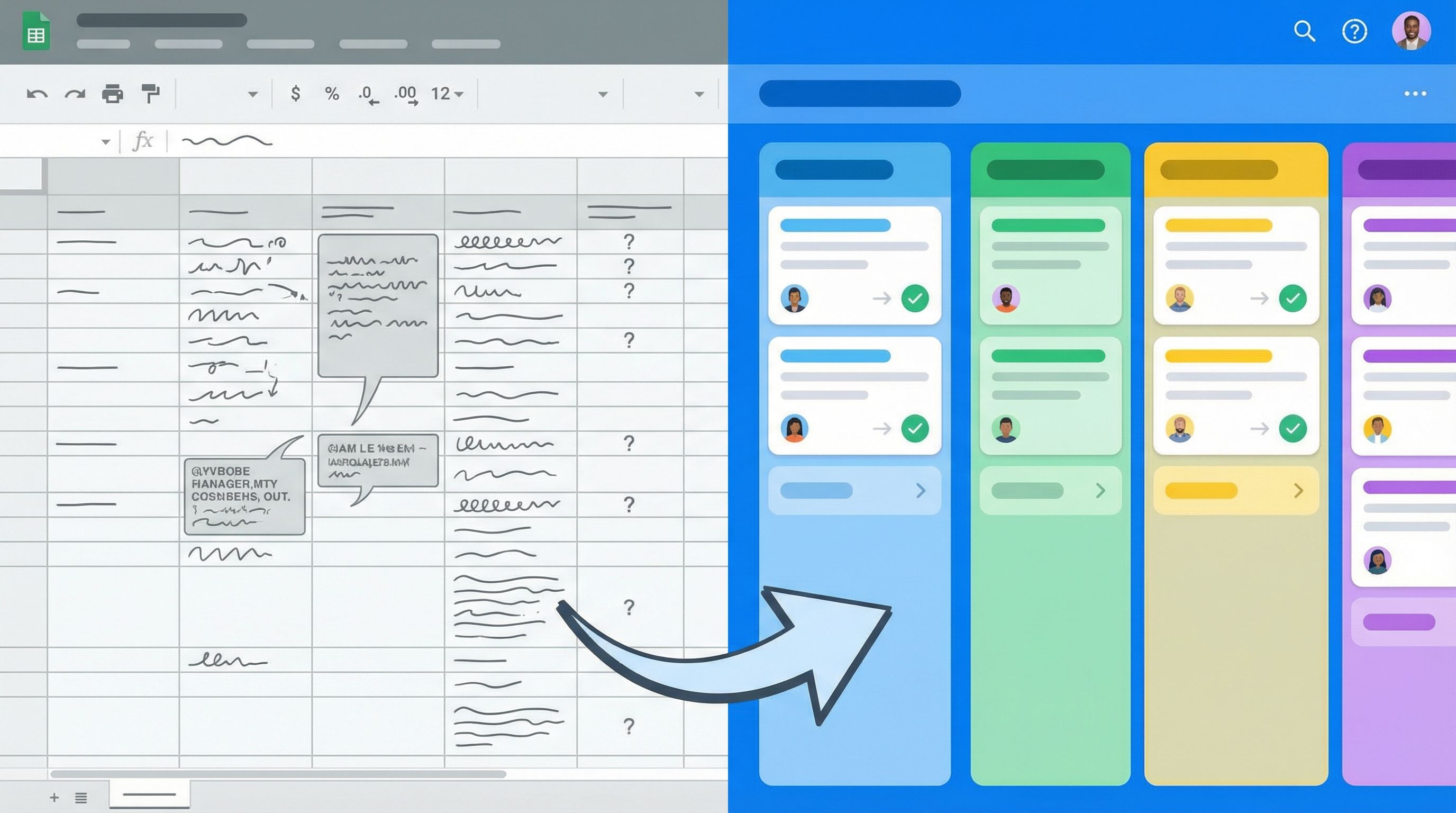
Control how records enter the CRM
Use your automation tool to:- Create CRM records only when a lead crosses a score threshold.
- Tag leads with priority (
Hot,Warm,Nurture) on creation. - Assign owners based on rules (e.g., enterprise vs SMB, region, product line).
-
Trigger different workflows per bucket
- Hot:
- Instant Slack alert to the right AE.
- Create a high-priority task with the AI-generated summary.
- Send a personalized confirmation email with a direct booking link.
- Warm:
- Add to a multi-step email sequence.
- Create a “review this week” task for an SDR.
- Nurture:
- Add to a long-term content drip.
- Invite to a webinar or resource hub.
- Hot:
-
Skip or delay low-fit records
- Keep low-score leads in Sheets only, or sync them to a separate CRM list.
- This keeps your primary pipeline clean while still preserving data.
If you’ve already invested in form-driven workflows, this layer plugs nicely into the patterns from From Form to Workflow Engine: Designing Conditional Paths That Replace Internal Tools. Scoring simply becomes one more condition you can branch on.
Step 5: Make It Trustworthy for Your Sales Team
The fastest way to kill an AI scoring project is to spring it on Sales as a decree from on high.
Instead, treat your reps as co-designers:
-
Start in shadow mode
- Run AI scoring in the background for 2–4 weeks.
- Don’t change routing yet; just compare AI scores to rep intuition and outcomes.
-
Share clear explanations
- Expose the AI’s “reasoning” in a field (e.g.,
AI_Why_This_Score). - Make it easy for reps to see why a lead was marked Hot vs Warm.
- Expose the AI’s “reasoning” in a field (e.g.,
-
Give reps a feedback loop
- Simple buttons or fields: “Score too high / Score too low / Just right.”
- Review this feedback weekly and adjust your prompts/rules.
-
Roll out gradually
- Phase 1: AI score is advisory only.
- Phase 2: AI score influences sequences and tasks, but reps can override.
- Phase 3: AI score fully drives routing for certain segments.
The goal isn’t to replace human judgment. It’s to focus human judgment where it matters most.
Common Pitfalls (and How to Avoid Them)
A few traps to watch for as you build this:
-
Overfitting to one persona
- If you only train around your current best-fit segment, you’ll miss emerging ones.
- Solution: Tag leads by segment and compare performance across them.
-
Ignoring data quality
- Garbage in → garbage out. If people can skip key questions, your scores will wobble.
- Solution: Make critical fields required and well-explained; use helper text and examples.
-
Making the form feel like an interrogation
- Long, dense forms scare off high-intent people.
- Solution: Use conversational patterns, progressive disclosure, and multi-step flows where appropriate. From Clicks to Conversations: Designing Forms That Feel Like Guided Chats, Not Questionnaires is a good reference here.
-
Hiding the logic from your team
- If no one understands how scores are generated, they won’t trust or use them.
- Solution: Document the rules, share the prompts, and make reasoning visible.
A Simple Implementation Checklist
If you want a concrete first project, here’s a 10-step checklist you can run over a week or two:
- Pick one form (e.g., main demo request).
- Clarify what a great lead looks like for that form.
- Update the form to capture 3–5 high-signal fields.
- Confirm Ezpa.ge is syncing responses into a dedicated Google Sheet.
- Add scoring output columns (
AI_Lead_Score,AI_Priority_Bucket, etc.). - Set up an automation (Zapier/Make/Apps Script) to call an AI API on new rows.
- Implement a hybrid scoring model (rules + AI adjustment).
- Run in shadow mode for 2–4 weeks, collecting rep feedback.
- Tune the model, then start routing based on buckets.
- Review outcomes monthly and adjust questions, rules, and prompts.
You don’t need to boil the ocean. One well-scored, well-routed form can pay for the whole project.
Bringing It All Together
AI scoring at the edge is less about fancy models and more about respecting the moment of intent.
When someone fills out a form, they’re giving you:
- A snapshot of their context.
- A statement of their urgency.
- A chance to show you’re paying attention.
If that intent disappears into a generic CRM queue, you’re leaving money—and trust—on the table.
By treating your forms as on-ramps to AI, scoring leads at the edge, and wiring those scores into clear next steps, you:
- Respond faster to the right people.
- Protect your team’s time and attention.
- Build a pipeline that feels intentional instead of chaotic.
And with a stack like Ezpa.ge + Google Sheets + lightweight automations, you can get there without rebuilding your CRM or hiring a data team.
Where to Go Next
If this sparked ideas, here’s a practical first step:
- Pick your highest-intent form.
- Add or refine three questions that capture the signals you care about most.
- Connect that form to a Sheet and run a simple AI scoring experiment in shadow mode for the next 2–4 weeks.
Watch what happens to response times, meeting quality, and closed-won rates—then decide how far you want to take it.
Ezpa.ge makes it straightforward to ship the front-end of this system: beautiful, responsive forms with custom URLs, synced in real time to the Sheets where your scoring logic lives. Once that’s in place, layering on AI isn’t a moonshot project. It’s just the next iteration of how your forms already work.
Start small, wire it well, and let your best leads rise to the top before they ever hit your CRM.