Micro-Forms for Macro Decisions: Using One-Question Flows to De-Risk Product Bets


Product bets rarely fail because the roadmap slide was wrong.
They fail because the team was guessing.
Guessing about:
- Who actually cares about the idea
- What problem it’s really solving
- Whether people will change behavior (or pay) for it
- How urgent it feels compared to everything else in their life or work
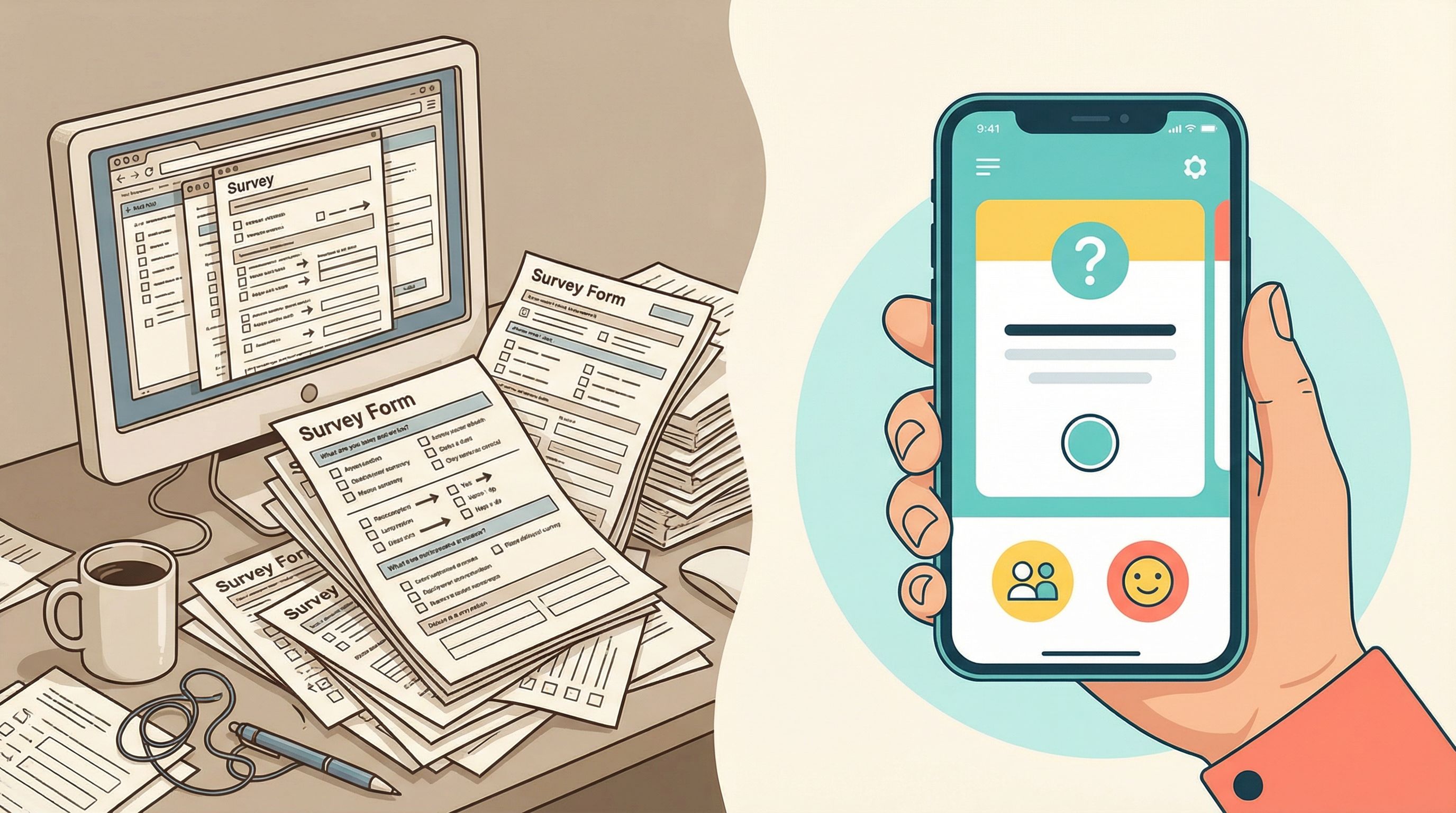
You don’t fix that with another 30-question survey or a quarterly research project. You fix it by turning every week into a chance to ask one sharp question to the right people—and acting on the answers.
That’s where micro-forms and one-question flows come in.
Instead of long, exhaustive surveys, you use tiny, focused forms—often just a single field—to collect high-signal data at the exact moment someone is showing intent. When you combine that with a system like Ezpa.ge (themes, custom URLs, and real-time Google Sheets syncing), those tiny forms become an engine for de-risking product decisions.
Why One-Question Flows Punch Above Their Weight
A one-question flow sounds almost too small to matter. But in practice, it solves three chronic problems for product and growth teams:
- Low response rates – People will ignore a 10-minute survey, but they’ll happily click a single choice or type one short line.
- Vague feedback – “We should build X” is not a signal. “Would you switch to this if it did Y?” with a clear yes/no or ranked answer is.
- Slow learning cycles – If every research touchpoint requires a new project, you run a few per year. Micro-forms let you run a few per week.
Some examples of powerful one-question flows:
- Post-onboarding: “What almost stopped you from finishing setup?” (free-text)
- Feature discovery: “Would you use this if we shipped it next month?” (yes / maybe / no)
- Pricing exploration: “Is this price higher, lower, or about what you expected?”
- Churn intercept: “What’s the main reason you’re leaving?” (single-select)
Each of these can live as its own tiny Ezpa.ge form, with a custom URL and a clean sync into Google Sheets for analysis and automation.

The Core Idea: Micro-Risks, Micro-Questions
Every product bet contains multiple risks. Instead of asking, “Should we build this?” ask, “Which risk is most likely to kill this?” and design one-question flows to probe each one.
Common risk buckets:
- Problem risk – Do people actually experience this problem?
- Solution risk – Does your proposed solution resonate?
- Value risk – Will they pay, switch tools, or change behavior?
- Positioning risk – Does the way you describe it make sense?
- Timing risk – Is this urgent now, or just interesting someday?
For each risk, you can design a single, sharp question:
- Problem risk → “When did this last happen to you?” (with options: this week / this month / rarely / never)
- Value risk → “Would you pay for this if it saved you 3 hours a week?” (yes / no / not sure)
- Positioning risk → “Which of these headlines feels most true to you?” (A/B/C choice)
You’re not trying to fully understand the universe. You’re trying to tip the odds in favor of the right bet.
Step 1: Choose One Decision You Want to De-Risk
Most teams start with the question, “What should we ask users?”
Flip it.
Start with: “What decision are we stuck on?”
Examples:
- “Should we prioritize a native integration or a workflow automation feature?”
- “Should the new plan be $29 or $49 per month?”
- “Should we launch this to all customers or only to power users first?”
Then, make that decision concrete:
- Write down the options you’re choosing between.
- Write down what you would do if you had to decide today.
- List the top 1–2 assumptions that, if wrong, would make that decision bad.
Those assumptions are what your micro-forms will test.
If you want a broader primer on matching questions to flows, it’s worth pairing this with Signup, Intake, or Survey? Choosing the Right Form Pattern for Your Product Use Case.
Step 2: Translate Assumptions into One Sharp Question
Now, for each risky assumption, write one question that:
- Is answerable in under 10 seconds
- Maps cleanly to a decision you’ll make
- Has simple, structured answers (single select, scale, or short text)
Some patterns that work well:
-
Binary commitment checks
- “Would you switch to this if it were available?” (yes / no)
- “Would you pay $X for this?” (yes / no / maybe)
-
Ranked priorities
- “What’s your top priority for next quarter?” (A/B/C/D)
- “Which of these would you want us to fix first?”
-
Expectation vs. reality
- “Is this more, less, or about what you expected?”
- “What did you think this feature would do?” (short text)
-
Objection surfacing
- “What would stop you from using this?” (short text)
- “Why haven’t you tried this yet?” (multiple choice + ‘Other’)
Resist the urge to add more questions. If you absolutely must, cap it at one primary and one clarifier (e.g., a follow-up text field that only appears for certain answers using conditional logic).
For help making that single question feel effortless to answer, see Form UX for Non-Designers: A Practical Checklist for High-Converting Flows.
Step 3: Put the Question Where the Signal Lives
A great question in the wrong place is still a miss.
Micro-forms work best when they’re embedded in a moment of real behavior, not bolted on randomly.
Think about:
- During onboarding – Right after someone completes a key step.
- Inside your product – As a link or modal triggered by a specific action.
- In support flows – At the end of a resolved ticket.
- In lifecycle email or SMS – Short, focused asks with a single-click answer.
- On marketing surfaces – As a tiny form linked from ads or landing pages.
Ezpa.ge’s custom URLs make this especially powerful. You can:
- Create
/pricing-feedbackfor users who just visited your pricing page. - Send
/integration-interestonly to accounts using a related tool. - Use
/beta-waitlist-feature-xfor a specific experiment.
If you’re already tailoring forms by channel, you can piggyback on patterns from Channel-Specific Forms: Using Custom URLs to Tailor Messaging for Ads, Email, and Social.
Step 4: Build the Micro-Form in Ezpa.ge
Once you know the decision, the assumption, the question, and the placement, building the form is the easy part.
A simple pattern to follow in Ezpa.ge:
-
Create a new form and keep it visually minimal.
- Short, clear headline: “One quick question about [X]”
- One field: radio buttons, dropdown, or short text.
- Optional: a small note on why it matters: “This directly shapes what we build next.”
-
Use themes to match context.
If the form is tied to a specific product area or campaign, align colors and typography so it feels like part of that experience, not a random detour. -
Set up real-time Google Sheets syncing.
- Create a dedicated tab for this micro-form.
- Include columns for: timestamp, user identifier (if appropriate), source (URL or channel), and answer.
-
Name your custom URL intentionally.
- Use a slug that matches the experiment:
/pricing-check-29-vs-49or/integration-priority-gdrive. - Keep a simple index sheet listing: form name, URL, question, and what decision it informs.
- Use a slug that matches the experiment:
-
Add lightweight validation.
- Make the field required (you only have one).
- Keep error messages friendly and specific.
If you find yourself repeating patterns, consider turning them into reusable blocks, as described in Atomic Form Patterns: Reusable Layouts, Microcopy, and Logic You Can Drag-and-Drop Anywhere.
Step 5: Define What “Enough Signal” Looks Like—Before You Launch
The biggest trap with lightweight experiments is moving the goalposts after you see the data.
Avoid that by deciding, upfront:
- Sample size – “We’ll collect at least 50 responses from active customers in segment X.”
- Timebox – “We’ll run this for two weeks or until we hit 100 responses, whichever comes first.”
- Decision rule – “If 60%+ say they’d pay $49, we ship at $49. If 40–60%, we run a follow-up test. If <40%, we stick with $29 and revisit later.”
Add these rules as a note in your Google Sheet or internal doc. Treat them as part of the experiment.
This does two things:
- Keeps you honest when the data is ambiguous.
- Makes it easier to communicate decisions to stakeholders later.
Step 6: Turn Responses into Concrete Product Moves
A micro-form is only as valuable as the decision it changes.
Once your timebox or sample size is hit:
-
Summarize the results in one slide or doc.
- Question asked
- Who was asked (segment, channel)
- Response breakdown (simple chart or counts)
- Any notable quotes (for text answers)
-
Make the call.
- Decide: build / don’t build / change scope / run follow-up.
- Write one sentence: “Because we saw X, we’re doing Y.”
-
Document the experiment.
- Keep a simple log: date, question, decision, link to form, link to sheet.
- Over time, this becomes your evidence library for roadmap debates.
-
Close the loop with respondents when it makes sense.
- If you collected contact info (or tied answers to accounts), send a short note: “You told us X. We did Y. Here’s what’s next.”
This is where Ezpa.ge’s real-time sync into Google Sheets shines: you can plug that sheet into your existing reporting stack or automations, and even trigger follow-ups based on specific answers.
For a deeper dive on turning form submissions into roadmap input, check out Forms as Feature Feedback Loops: Turning Every Submission into a Roadmap Signal in Google Sheets.
Step 7: Build a Habit, Not a One-Off
The real power of micro-forms comes when they’re not just an experiment, but a muscle your team builds.
Some patterns teams adopt:
- “Question of the Week” – Each week, product or research nominates one assumption to test. A new micro-form goes live, and results are reviewed in the next standup.
- Lifecycle triggers – Certain events (new feature launch, major pricing change, churn) automatically spin up a one-question flow.
- Role ownership – One person owns the “micro-form backlog” and keeps it aligned with the roadmap.
You don’t need a heavy process. You just need:
- A short queue of assumptions worth testing
- A simple Ezpa.ge form template
- A shared Google Sheet that everyone trusts
Over a quarter, this can easily add up to dozens of small, evidence-backed decisions that compound into a more confident roadmap.
Common Pitfalls (and How to Avoid Them)
Even tiny forms can go wrong. Watch out for:
-
Asking vanity questions
Questions that are “nice to know” but don’t change any decision. Before launching, ask: “What will we do differently if we see A vs. B?” -
Over-surveying the same people
Rotate segments or throttle how often any one user sees a micro-form. Respect attention. -
Ambiguous wording
If two people on your team interpret the question differently, users will too. Rewrite until it’s boringly clear. -
Ignoring context
A pricing question right after a support nightmare will skew negative. Consider where and when you ask. -
Letting the data sit
Micro-forms feel lightweight, so it’s easy to forget them. Timebox analysis and make reviewing results part of an existing meeting.
How Ezpa.ge Makes Micro-Forms Frictionless
You can technically build one-question flows anywhere. But Ezpa.ge is designed to make this pattern fast and repeatable:
- Custom themes so each micro-form feels on-brand and context-aware.
- Custom URLs so you can target specific channels, campaigns, and user segments without spinning up new landing pages.
- Real-time Google Sheets syncing so every answer becomes structured data you can analyze, route, and automate against.
- Lightweight editing so non-technical teammates can launch and iterate without waiting on design or engineering.
Paired with a simple habit of writing sharp questions and timeboxing decisions, Ezpa.ge turns micro-forms into a low-friction way to de-risk big product bets.
Recap: Tiny Forms, Big Confidence
One-question flows are not about replacing deep research. They’re about turning everyday moments of user intent into structured signals that guide your roadmap.
If you remember nothing else, keep these points:
- Start from a specific decision, not from a list of questions.
- Translate risky assumptions into one sharp, 10-second question.
- Place that question where the behavior happens, not in a vacuum.
- Use Ezpa.ge + Google Sheets to keep forms simple and data structured.
- Define “enough signal” before you launch, and actually act on the results.
- Make it a weekly habit, not a one-off experiment.
Do that consistently, and your “macro” product bets will feel a lot less like leaps of faith—and more like the natural outcome of dozens of small, validated steps.
Your Next Step
You don’t need a full research program to start. You just need one question.
Here’s a simple way to begin this week:
- Pick one roadmap decision that feels shaky.
- Write down the riskiest assumption behind it.
- Turn that assumption into one clear question.
- Spin up a one-question Ezpa.ge form with a custom URL.
- Share it with a small, relevant segment of users and timebox the experiment.
By this time next week, you could be making that decision with real user signal instead of gut feel.
Open Ezpa.ge, create that first micro-form, and let one small question start de-risking your next big bet.