Security by Question Choice: How to Collect Just Enough PII for KYC, Compliance, and Risk Teams
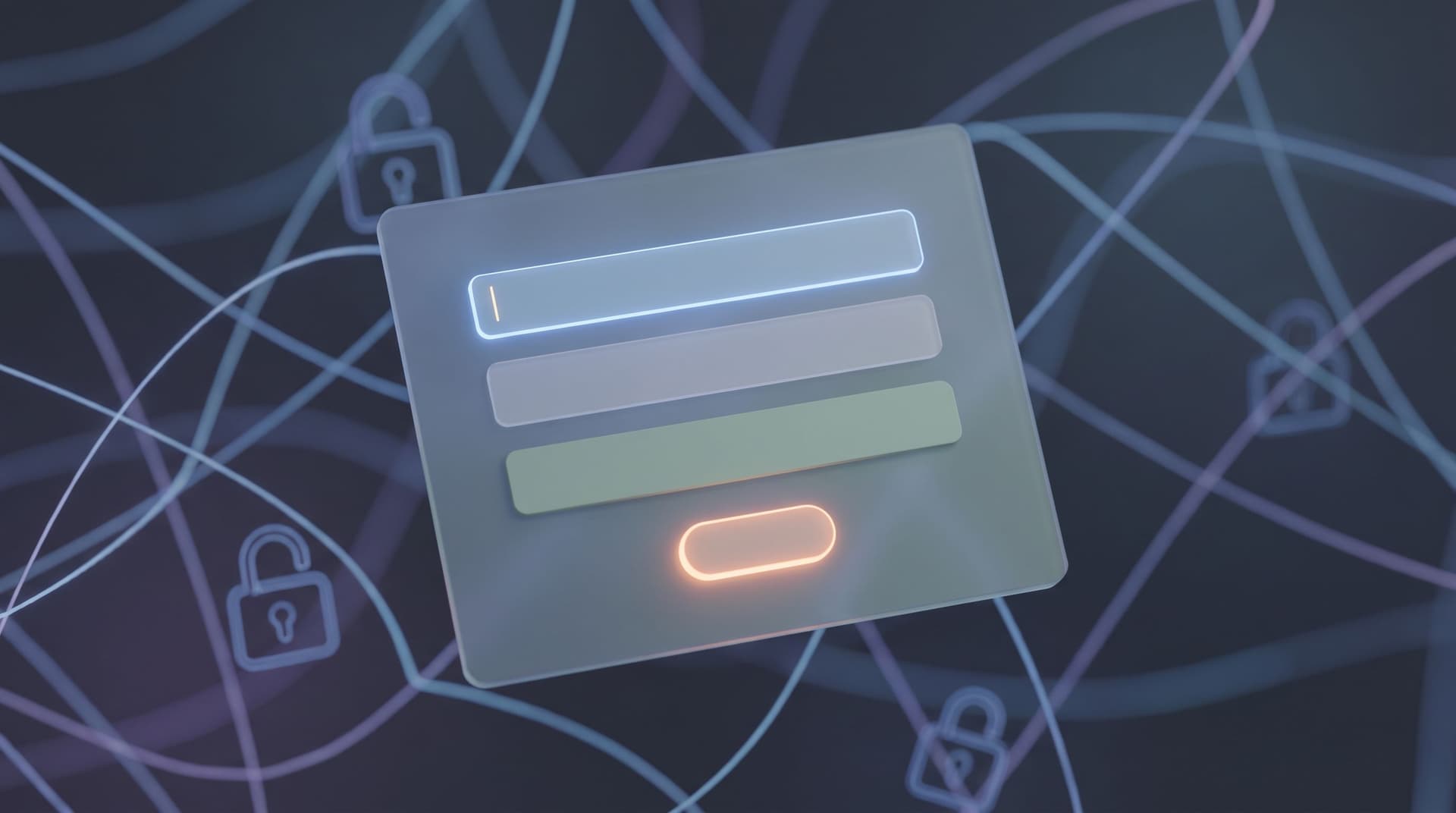
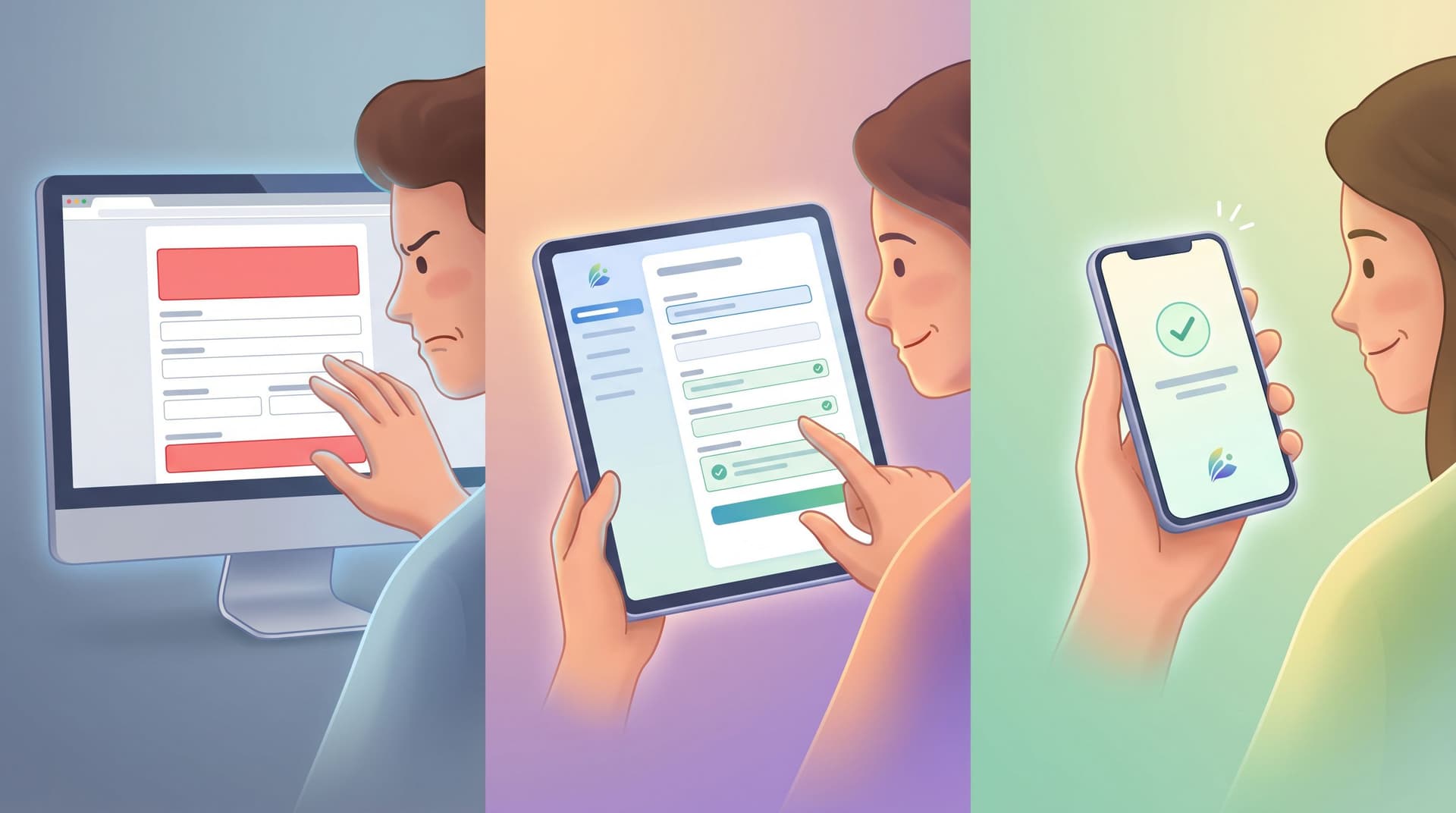
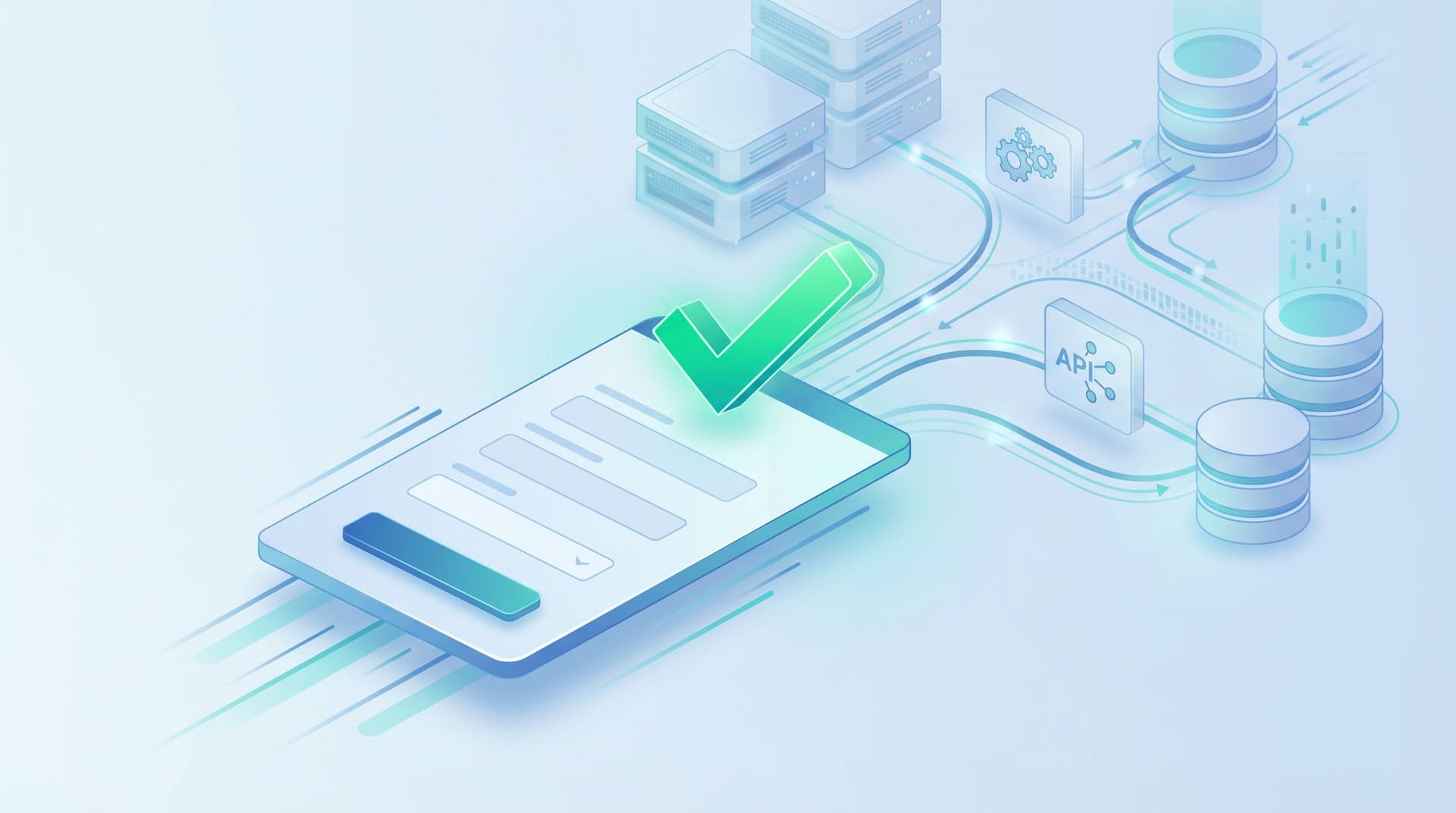
Know Your Customer (KYC) and broader compliance workflows live and die by data. But not all data is created equal—and not all of it is safe to collect. Every extra field on a form is: Another piece of personally identifiable information (PII) you’re responsible for protecting Another potential vector for fraud or account takeover Another chance for someone to bounce because the form feels invasive The art is collecting just enough PII—no more, no less—to satisfy regulators, empower risk teams, and still respect the person on the other side of the screen. This post is about treating question choice as a security contro