Ops-Ready Form Logs: Lightweight Auditing, Version History, and Change Management for Busy Teams

If your team relies on forms to run sales, CX, hiring, or partner operations, you already know the pattern:
- Someone tweaks a field “just for this campaign.”
- Legal drops in new consent language.
- A PM removes a question to “reduce friction.”
- A teammate quietly clones the form to try a new flow.
Two weeks later, you’re asking:
- Who changed this field?
- Why are we getting fewer high-intent leads?
- Which version of the form is live right now?
- Where did this bad data come from?
That’s what ops-ready form logs solve.
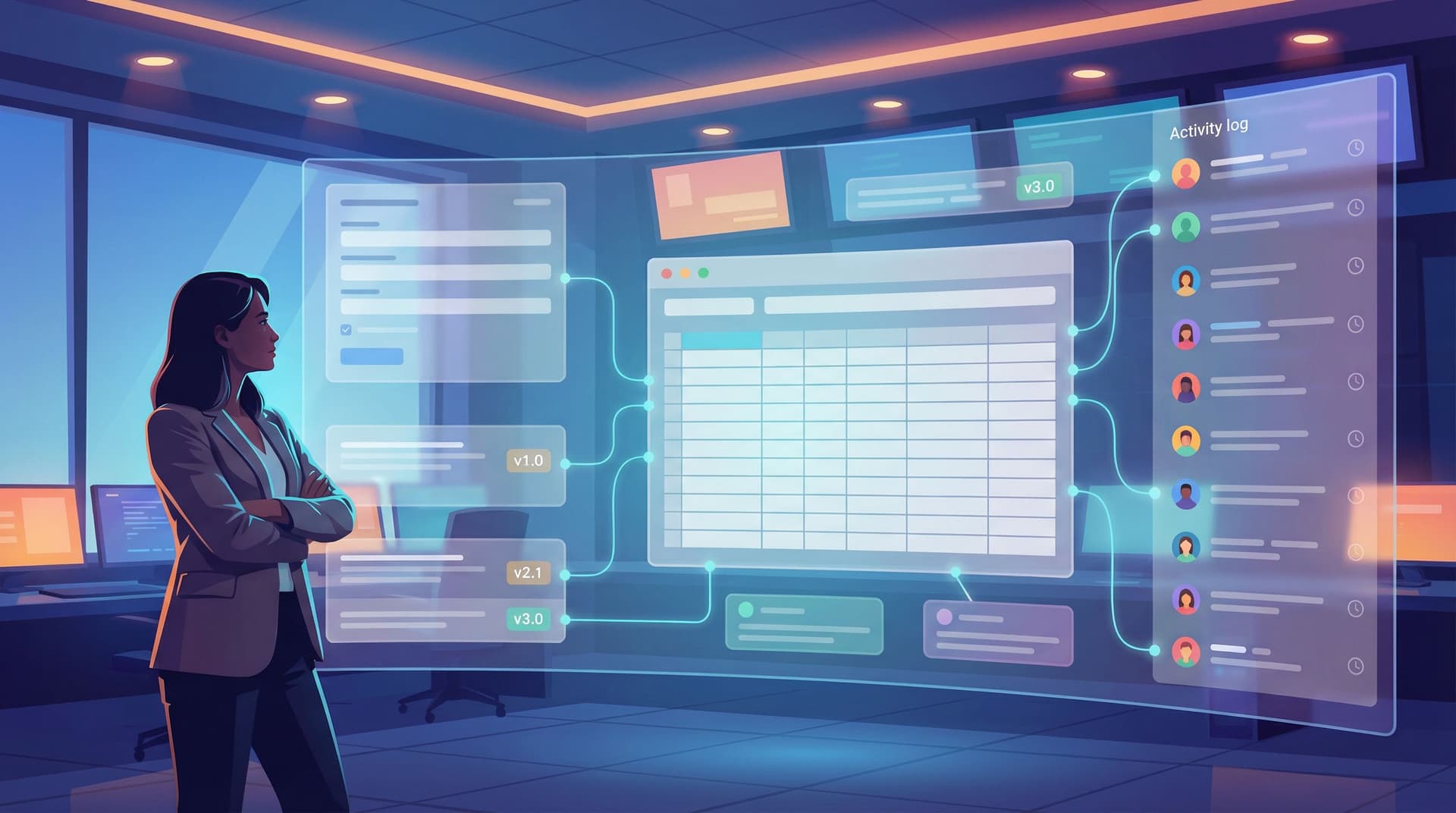
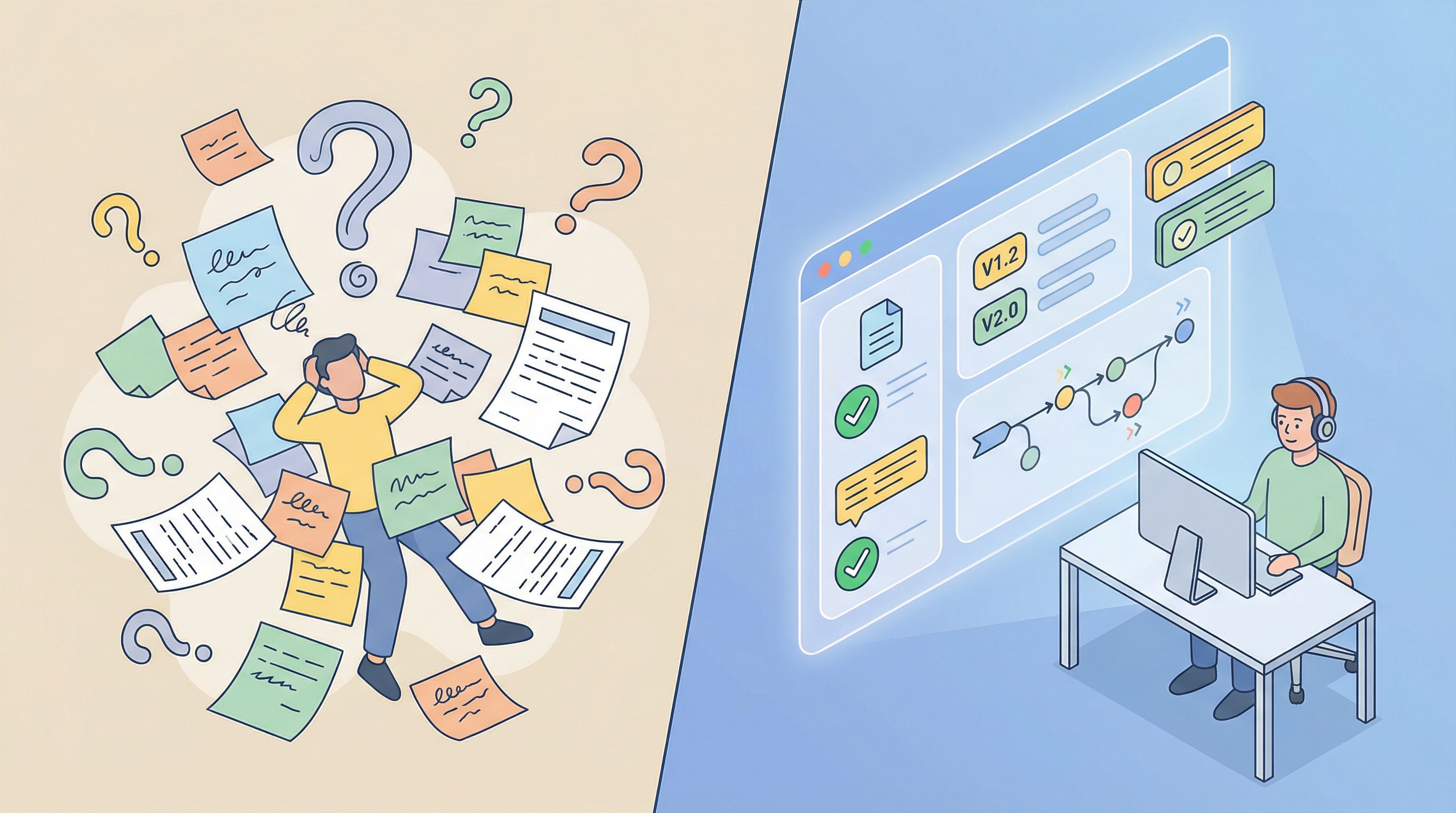
Form logs turn your forms from fragile one-off artifacts into traceable, auditable systems. Instead of guessing who changed what, when, and why, you have a clear record—and a safe way to roll back mistakes.
This isn’t about heavyweight compliance software. It’s about lightweight auditing, version history, and change management that fit the way busy teams actually work.
Why form logs matter more than you think
Forms look small. A few fields, some logic, a thank-you screen. But behind those fields are:
- Routing rules (who gets which lead or ticket)
- Prioritization logic (what gets worked on first)
- Eligibility gates (who qualifies for an offer, feature, or program)
- Regulatory language (consent, disclosures, regional requirements)
When these change without a record, you get:
- Silent data drift – Your Google Sheet looks the same, but the meaning of a column changed three times this quarter.
- Broken funnels – A single logic tweak quietly sends high-intent demo requests to the wrong inbox.
- Reporting whiplash – Metrics jump or drop and no one can tie it back to a specific form edit.
- Compliance headaches – You’re asked, “What did the consent text say in January?” and you have no way to prove it.
For teams already treating Google Sheets as their ops brain, logs and version history are the missing layer that make forms safe to move fast with. If you’ve explored ideas like using Sheets as a live cockpit in Forms as Source-of-Truth Dashboards: Turning Google Sheets Views into Live Ops Cockpits, form logs are the counterpart on the input side.
The core ingredients of an ops-ready form log
You don’t need a giant platform to get real value. What you need is a clear, consistent way to answer five questions for every significant form change:
- What changed?
- Who changed it?
- When did it change?
- Why was it changed?
- What version is live now (and what came before)?
In practice, that breaks down into three layers:
1. Lightweight auditing
This is your “paper trail” for form configuration.
At minimum, you want a log entry whenever someone:
- Adds, removes, or renames a field
- Changes field type (e.g., text → dropdown)
- Edits options in a dropdown or multi-select
- Modifies validation rules (required/optional, regex, length)
- Adjusts routing logic or conditional visibility
- Updates consent language or legal copy
- Changes the destination Sheet or syncing behavior
Each log entry should capture:
- Form identifier (name + stable ID)
- Editor (who made the change)
- Timestamp (with timezone)
- Change summary (human-readable description)
- Diff (old vs. new, even if it’s a short snippet)
2. Version history
Auditing tells you that something changed. Version history tells you how the whole configuration looked at a point in time.
Think of it as snapshots:
- v1.0 – Original launch for Q2 campaign
- v1.1 – Added “Company size” and “Use case” fields
- v1.2 – Updated consent language for EU traffic
- v2.0 – New layout and branching for PLG motion
With version history, you can:
- Compare conversion and quality across versions
- Answer “What was live on March 1?” with confidence
- Roll back to a known-good configuration if an experiment fails
This ties closely to concepts in Form Systems, Not One-Off Links: Designing a URL Taxonomy That Scales With Your Ops—your URLs define where traffic flows; versions define what people see when they get there.
3. Change management
Auditing and history are useless if no one uses them.
Change management is about who is allowed to change what, under which conditions, and how those changes are communicated.
For forms, that usually means:
- Roles and permissions (owners vs. contributors vs. viewers)
- Review and approval workflows for high-risk changes
- Release notes for major version bumps
- Simple rollback paths when something breaks
The goal isn’t bureaucracy. The goal is predictability: your team can move quickly without wondering whether a tiny tweak will have big, invisible consequences.
Designing a minimal but powerful form change log
Let’s get concrete. Suppose you’re using Ezpa.ge with real-time Google Sheets syncing. You want a log that:
- Lives close to the work
- Feels natural for operators
- Doesn’t require a new tool or complex setup
Here’s a pattern that works well.
Step 1: Create a “Form Change Log” Sheet
In your main ops or analytics workbook, add a tab called Form_Change_Log with columns like:
- Timestamp
- Editor
- Form Name
- Form ID / URL
- Environment (Prod / Staging / Sandbox)
- Change Type (Field, Logic, Routing, Copy, Theme, Destination, Other)
- Field / Element Affected
- Old Value
- New Value
- Reason / Ticket Link
- Version Tag (e.g., v1.3.2)
Then:
- Pin this Sheet for your ops, marketing, and CX teams.
- Add a short description row at the top explaining when and how to log a change.
Step 2: Define what must be logged
You don’t want every tiny copy tweak in the log—but you do want any change that could:
- Affect routing or prioritization
- Change what data you collect
- Impact eligibility or pricing
- Touch legal or compliance language
Codify a simple rule of thumb, for example:
“If this change could alter who sees the form, what they’re asked, where the response goes, or how we interpret the data later, log it.”
Write that rule directly in the Sheet description so it’s hard to miss.
Step 3: Attach logging to your workflow
Change logs fail when they rely solely on memory.
Instead, tie logging to existing behaviors:
- Form edits must have a ticket or request.
- Make “Log form change after editing” a checkbox on your internal request template.
- Use naming conventions that include version tags.
- Example:
Demo Request (Core) – v1.3.2in Ezpa.ge.
- Example:
- Add a “Done” checklist for whoever owns forms.
- Update form → Test → Log change → Notify channel.
If you’re already using forms to manage internal work—like in From Intake to Inbox Rules: Turning Form Responses into Automated Internal Playbooks—you can even use a small internal “Form Change Request” form that automatically appends to your log Sheet.

Building version history without heavy tooling
True versioning—where you can diff entire configurations and roll back with a click—is ideal. But you can get surprisingly far with a disciplined, low-friction approach.
1. Treat versions as products, not accidents
Instead of letting forms drift, declare versions intentionally:
- Major version (1.0 → 2.0):
- Structural changes: new page flow, major branching, repositioned fields
- New audiences or channels
- New legal or compliance regime
- Minor version (1.1 → 1.2):
- Field additions/removals
- Routing tweaks
- Copy changes that could affect interpretation
Each time you ship a major or minor version:
- Update the version tag in the form name.
- Add a log entry summarizing what changed at the version level.
- Capture a snapshot of the configuration.
2. Use snapshots wisely
You don’t need a full JSON export to get value from snapshots.
A practical pattern:
- Export field definitions to a Sheet tab called
Form_Config_[FormName]_vX.Y.- Columns: Field ID, Label, Type, Required?, Options, Help Text, Logic Conditions.
- Link this tab from the corresponding row in your change log (e.g., in the “Version Tag” column).
When someone asks, “What did this form look like in January?” you can:
- Look up which version was live.
- Open the corresponding config tab.
- Compare to the current version.
3. Tie versions to metrics
Versioning really pays off when you connect it to outcomes:
- Add a Version column to your response Sheet.
- When you update the form, also update the default value for that column (e.g.,
v1.4). - In your dashboards, slice conversion, lead quality, or resolution time by version.
This lets you:
- Prove that a new required field improved lead quality.
- Spot that a “harmless” change tanked completion rates.
- Justify rolling back a version that sounded good in theory but failed in practice.
Making change management humane (and enforceable)
The best change process is one people actually follow. That means:
- Clear roles – who owns which forms
- Simple rules – when changes need review
- Fast feedback – how to fix mistakes and roll back
1. Assign form ownership
Every form should have a single, named owner—even if multiple people can edit.
Owner responsibilities:
- Approve or reject change requests
- Ensure logs are up to date
- Coordinate with legal or compliance for sensitive edits
- Communicate major changes to stakeholders
In Ezpa.ge or your form builder of choice, you can reflect this with:
- Shared folders named by team (Sales, CX, Hiring)
- Owner name in the form description (e.g., “Owner: Alex (RevOps)”)
2. Define risk levels for changes
Not every tweak needs a committee. Use a simple three-tier model:
-
Low-risk (no approval needed, log encouraged):
- Typos, grammar fixes
- Help text clarifications
- Non-functional theme tweaks
-
Medium-risk (log required, async approval):
- Adding/removing non-critical fields
- Reordering questions
- Adjusting dropdown options
-
High-risk (log + documented approval + testing):
- Changes to routing or assignment logic
- New consent or legal language
- Fields related to pricing, eligibility, or sensitive data
- Anything affecting regulatory scope (e.g., GDPR, HIPAA-adjacent flows)
Make this visible:
- Put a small “Change Risk Levels” note in your Form_Change_Log Sheet.
- Link to it from your internal wiki or ops playbook.
3. Bake in communication
Every significant change should answer, for downstream teams:
- What changed?
- Why did we do it?
- What do you need to do differently, if anything?
Patterns that work well:
- A dedicated Slack/Teams channel like
#form-updates. - A short template for posts:
- Form:
Demo Request (Core) - Version:
v1.4 → v1.5 - Change: Added required “Use case” dropdown; updated routing for >500 employees.
- Why: Improve lead qualification and ensure large accounts go to AE team.
- Effective: March 10, 2026.
- Form:
Real-world scenarios where logs and versions save you
To make this concrete, here are a few scenarios where ops-ready logs turn panic into a solvable puzzle.
Scenario 1: The demo drought
Sales complains: “Lead volume dropped 30% this week. What happened?”
With logs and versions:
- You filter the log by Form: Demo Request (Core).
- You see a change last Tuesday: “Made ‘Budget’ required; added new options to ‘Timeline’ dropdown.”
- You compare v1.3 vs. v1.4 in your dashboard and see completion rate dropped right after.
- You roll back to v1.3 while you rethink the question design.
No guessing, no finger-pointing—just a clear chain of cause and effect.
Scenario 2: Compliance asks about consent
Legal: “What did the consent text look like for EU users in January?”
With version history:
- You look up which version was live for that region and period.
- Open the config snapshot for
Onboarding Questionnaire – v2.1. - Copy the consent text from the snapshot.
- Provide a precise answer instead of hunting through old screenshots and emails.
Scenario 3: A/B testing with confidence
Marketing wants to test a longer form vs. a shorter one for a key funnel.
With structured logging and version tags:
- You spin up v3.0 (short) and v4.0 (long) of the same core form, each with its own URL and version tag.
- Responses sync to the same Sheet with a Version column.
- You analyze conversion, lead quality, and time-to-close by version.
This kind of experiment pairs nicely with approaches from Beyond ‘Shorter Is Better’: When Long Forms Outperform Micro-Flows (and How to Design Them)—logs ensure you know exactly what “short” and “long” meant at each point.
Where Ezpa.ge fits in: forms as an ops surface, not just a UI
Ezpa.ge already gives you:
- Custom URLs for clear routing and naming
- Theme control so brand and partner variants don’t explode into chaos
- Real-time Google Sheets syncing so responses land where ops already lives
Layering logs and versions on top turns that into a robust ops surface:
- Custom URLs map to specific versions and audiences.
- Theme changes are logged alongside field and logic changes.
- Sheets become both your response store and your change record.
Combine this with AI-assisted building from posts like AI as Your Form Co-Pilot: Using Generative Tools to Draft Fields, Copy, and Logic (Without Losing Control), and you get a powerful pattern:
- Draft forms quickly with AI.
- Ship them with clear version tags.
- Evolve them safely with logs and change management.
Bringing it all together
Ops-ready form logs aren’t about red tape. They’re about:
- Trusting your data because you know how it was collected.
- Moving faster because rollback is easy and experiments are traceable.
- Answering hard questions from sales, leadership, and compliance without scrambling.
- Treating forms as systems, not fragile one-off links.
You don’t need to wait for a perfect, fully automated solution. You can start this week with:
- A Form_Change_Log Sheet.
- A clear rule for what must be logged.
- Simple version tags in your form names.
- Named owners for your most critical forms.
- A lightweight announcement pattern for significant changes.
From there, you can add automation, better exports, and richer snapshots over time.
Take the first step this week
Pick your three most important forms—the ones that:
- Feed your sales pipeline
- Gate access to key features or programs
- Handle hiring, compliance, or high-stakes support
Then:
- Name an owner for each.
- Create your Form_Change_Log Sheet and log the current state as v1.0.
- Add a Version column to each response Sheet and set it to
v1.0. - Share the log with your team and explain the simple rule: “If it changes what we collect, where it goes, or how we interpret it, log it.”
Once that’s in place, use Ezpa.ge to safely iterate:
- Try new fields.
- Refine routing.
- Adjust themes for different audiences.
You’ll know exactly what changed, when, and why—and you’ll never have to say, “We think the form changed around then” again.
Your forms already run your operations. Form logs make sure they don’t run them blind.