From Intake to Inbox Rules: Turning Form Responses into Automated Internal Playbooks


Intake forms are where reality hits your operations.
A partner asks for a co-marketing campaign. A CSM needs a custom renewal. A customer reports a bug that might actually be a fire. All of that starts as a “small” request—often through a form.
But what happens next is where most teams struggle.
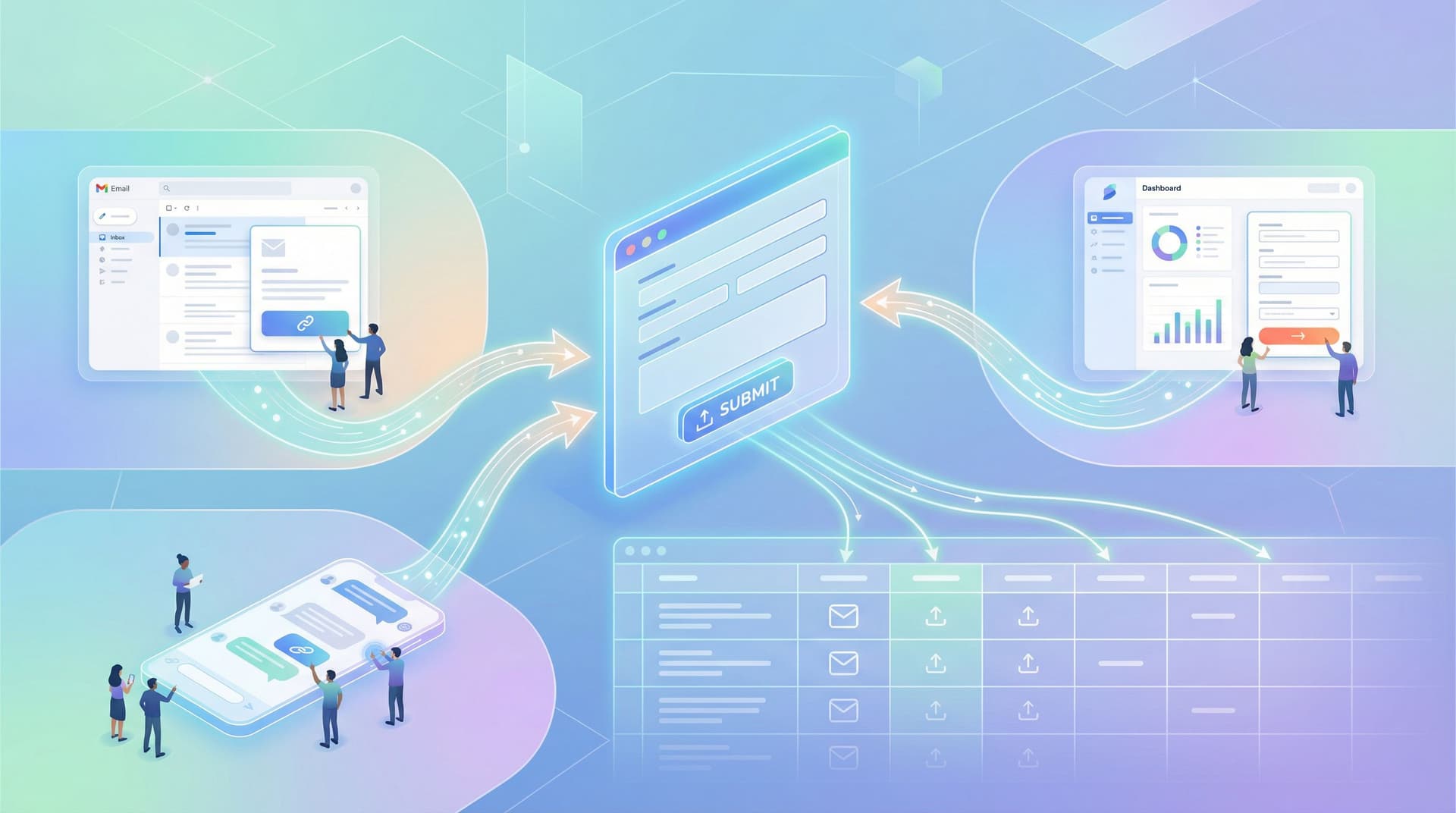
Responses land in a shared inbox. Someone skims them, forwards a few, tags a teammate, and promises to “circle back.” A week later, you’re searching your email for that one critical submission… and rebuilding context from scratch.
This is the gap between intake and action.
The good news: if you’re already using tools like Ezpa.ge to collect structured responses and sync them into Google Sheets, you have everything you need to turn those submissions into automated internal playbooks—without building a custom internal tool.
This post is about that shift: how to go from “we have a form” to “we have a reliable, semi-automated way of handling this kind of work.”
We’ll walk through:
- Why turning form responses into playbooks matters
- How to design forms that are automation-ready from day one
- Ways to connect Ezpa.ge + Google Sheets to your inbox rules, Slack alerts, and task systems
- Patterns you can reuse across sales, CX, ops, and product
Why forms should behave like playbooks, not suggestion boxes
Most teams think their problem is “we need more data.” In reality, the problem is often:
- Data comes in unstructured formats (long email threads, DMs, screenshots)
- Requests aren’t categorized in a way that maps to how your team actually works
- No one knows what to do next when a certain type of request arrives
When you treat forms as the front door to an internal playbook, a few powerful things happen:
-
Less cognitive load on your team
You’re not reinventing the process every time. A certain combination of answers means: create this ticket, notify that channel, apply this SLA. -
Faster, more consistent responses for customers and teammates
No more “it depends who saw it first.” The same type of request gets the same quality of handling. -
Cleaner data for analysis and improvement
When forms map to playbooks, your analytics become meaningful: you can see volume by request type, time-to-resolution, and where work is getting stuck. (If you haven’t read it yet, this pairs nicely with the ideas in Low-Noise Analytics: Measuring Form Performance Without Drowning in Metrics.) -
A foundation for automation that isn’t brittle
Instead of one-off zaps and scripts, you’re designing clear categories and rules. Your automations become easier to maintain, because they’re anchored to a shared language: the playbook.
Step 1: Start with the “after”—what should happen when this form is submitted?
Before you touch a form builder, answer one question:
“When someone submits this form, what are the 3–5 most common things we do next?”
Examples:
-
Sales engineering request form
- Triage: Is this a standard request or a custom one?
- Assignment: Which SE owns it?
- Artifacts: Do we need a ticket, a doc, or a calendar event?
-
Customer escalation form
- Severity: Is this a P0/P1 with an on-call rotation, or a P3 that can go into the backlog?
- Channel: Do we alert Slack, PagerDuty, or just create a ticket?
- Visibility: Who must be CC’d or kept in the loop?
-
Partner marketing intake form
- Fit: Does this partner meet our criteria?
- Timeline: Is this for an upcoming launch or evergreen?
- Next step: Do we book a call, send a one-pager, or decline?
Write those “afters” down. They are the spine of your playbook.
Then, work backwards:
- What fields do we need to confidently decide between these paths?
- Which of those fields should be required?
- Which can be multiple choice instead of free text, so they’re easier to automate against?
This is the same mindset we talk about in Forms as Lightweight Workflows: Designing Conditional Paths That Replace Internal Tools (Without Code): you’re not just collecting information—you’re designing how work moves.
Step 2: Design “automation-ready” fields in Ezpa.ge
If your goal is to trigger inbox rules, routing, and tasks, your form fields should make that easy.
Here’s what that looks like in practice.
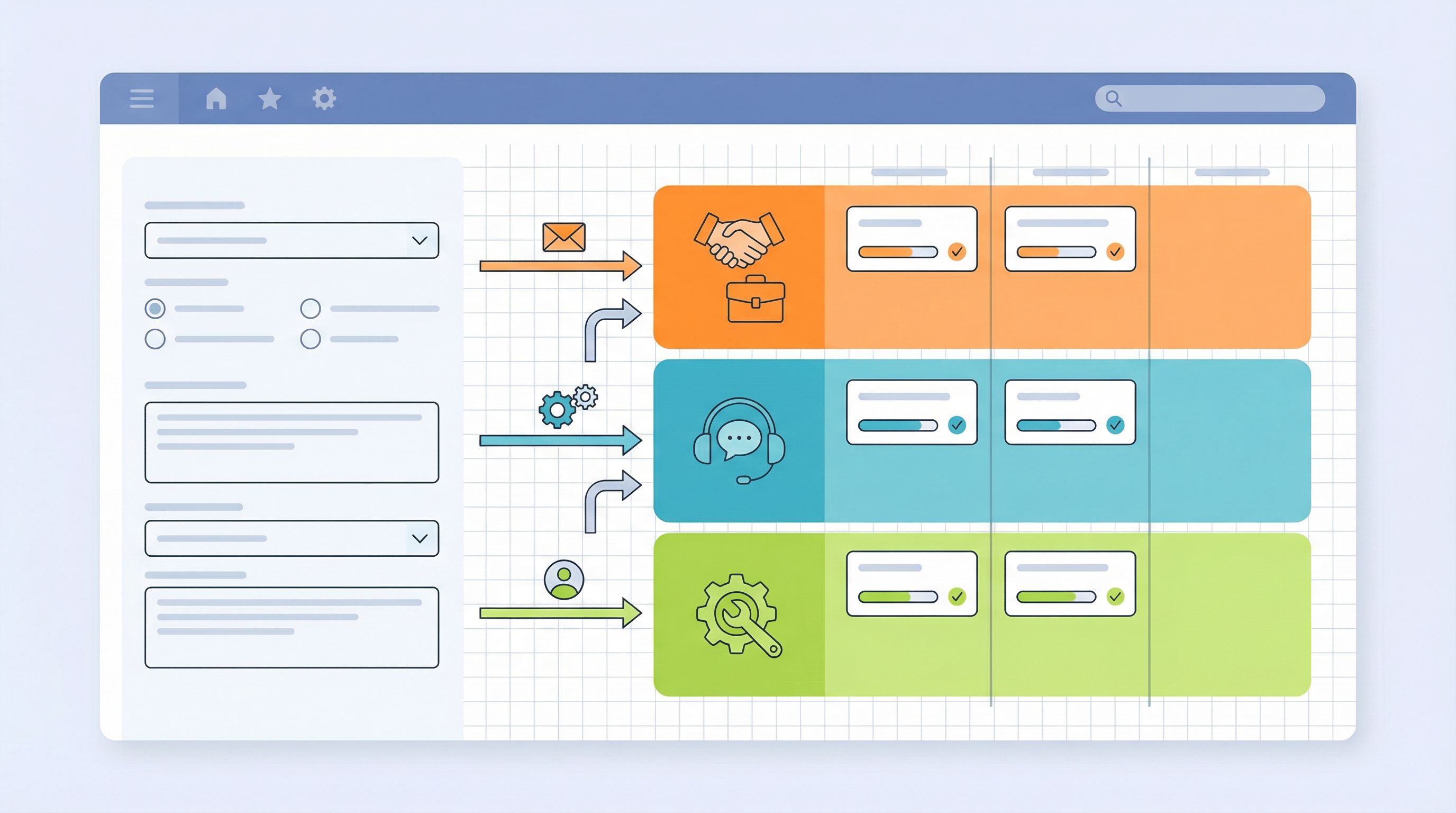
Use categorical fields wherever possible
Instead of:
- “Describe the type of request” (long text)
Use:
- Request type (dropdown) with options like:
- Billing / pricing
- Product bug
- Feature request
- Account access / login
- Partnership / co-marketing
This one field can drive:
- Which inbox folder a notification lands in
- Which Slack channel gets pinged
- Which team’s queue the task enters
Add a “playbook key” field (even if users never see it)
Create a hidden or internal-use field like:
- Internal playbook code
Values might be things like:SE_CUSTOM_DEMO,CX_ESCALATION_P1,PARTNER_TIER_A, etc.
You can:
- Set this via conditional logic based on other answers
- Use it as the single source of truth for routing and automation
That way, even if you later tweak options or wording, your automations still point to the same stable codes.
Capture priority and timing in structured ways
Two small fields go a long way:
- Urgency (radio buttons):
- Critical – blocking use
- High – time-sensitive but not blocking
- Normal
- Low – nice to have
- Target date or event (date picker or text):
- “When do you need this by?”
These can feed straight into SLAs, due dates in your task system, or inbox rules that surface critical items.
Keep free text for context, not classification
Use large text areas for:
- “What’s the context?”
- “Anything else we should know?”
…but don’t rely on them for routing. They’re for humans; your playbook fields are for systems.
Step 3: Turn Google Sheets into your routing brain
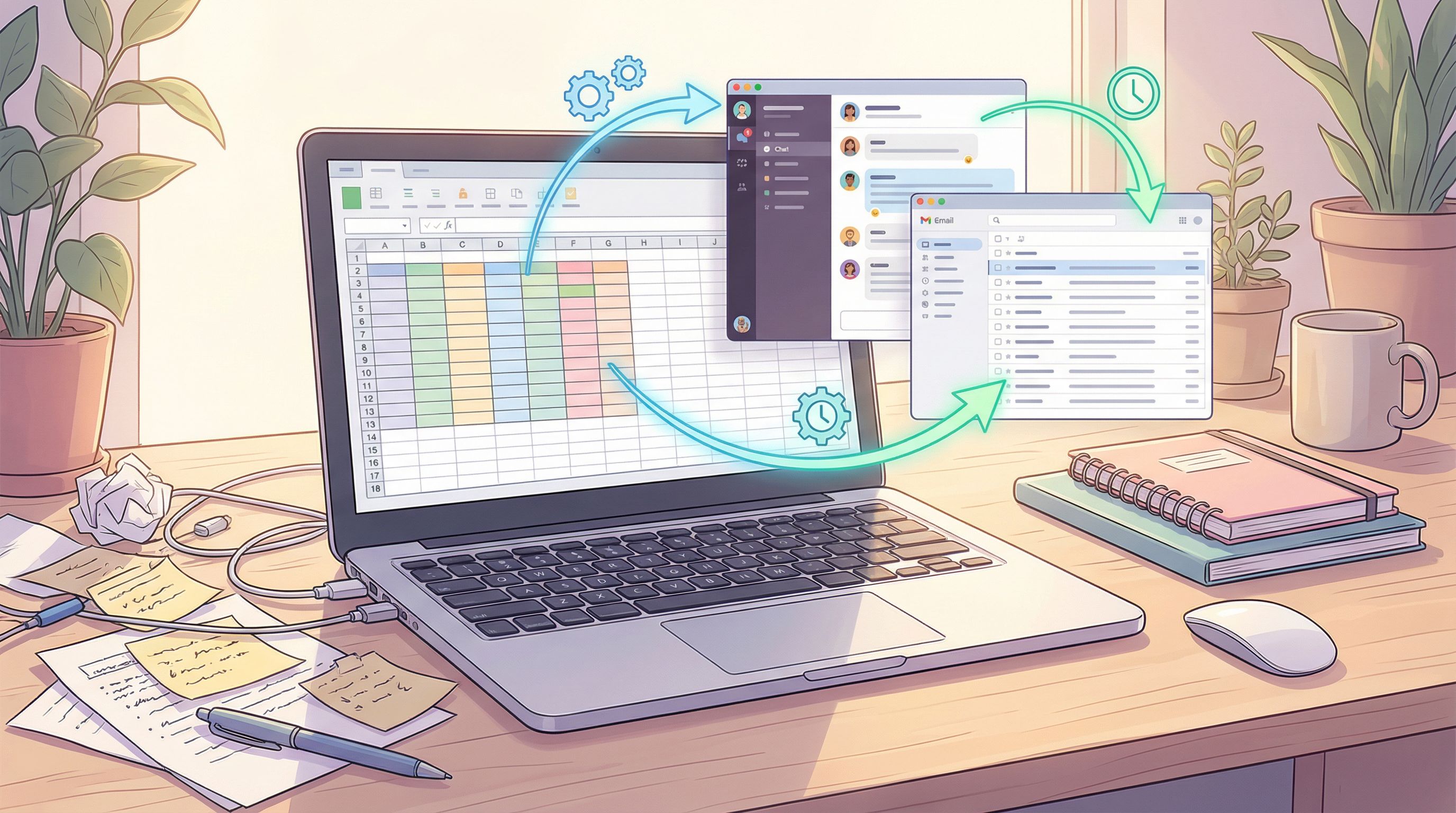
With Ezpa.ge, every form submission can sync into a Google Sheet in real time. That Sheet becomes your routing brain—the place where raw form data turns into clear instructions for your inbox, Slack, and task tools.
Here’s a practical pattern that works across teams.
1. Create a “Responses + Rules” Sheet
Structure it like this:
-
Tab 1:
Responses- Direct sync from Ezpa.ge
- Columns: timestamp, email, request type, urgency, internal playbook code, etc.
-
Tab 2:
RoutingRules- Columns:
PlaybookCode,OwnerTeam,PrimaryChannel,InboxLabel,SLA_Hours,DefaultAssignee,TemplateReply
- Columns:
-
Tab 3:
ResolvedView- A formula-driven view (using
VLOOKUP,INDEX/MATCH, orXLOOKUP) that joinsResponseswithRoutingRulesonPlaybookCode.
- A formula-driven view (using
Now, every new row in ResolvedView contains both:
- What the user submitted
- Exactly how your internal playbook says to handle it
2. Add formulas to translate raw answers into playbook codes
If you don’t want to encode all the logic in Ezpa.ge, you can also:
- Add helper columns in
ResponseslikeDerivedPlaybookCode - Use nested
IF,IFS, or evenSWITCHformulas to map combinations of fields to a code
For example:
=IFS(
  AND(RequestType="Product bug", Urgency="Critical"), "CX_ESCALATION_P0",
  AND(RequestType="Product bug", Urgency="High"), "CX_ESCALATION_P1",
  RequestType="Feature request", "PM_FEATURE_INTAKE",
  TRUE, "GENERAL_INTAKE"
)
Once that code is set, everything downstream can rely on it.
3. Use color and filters for human triage
Automation doesn’t replace human judgment; it pre-sorts it.
In ResolvedView:
- Apply conditional formatting so P0/P1 items are visually loud
- Save filters for each team (e.g., “OwnerTeam = CX”) so they can bookmark their slice
- Add a
Statuscolumn (New, In progress, Blocked, Done) for lightweight tracking
You’ve just built a simple operations control center—without leaving Google Sheets.
Step 4: Connect Sheets to inbox rules, Slack, and task tools
Once your Sheet is structured, you can wire it into the tools where work actually happens.
Email: From raw notifications to routed inbox rules
Instead of sending all form notifications to one generic address, try this pattern:
- Send all notifications to a single “intake” inbox (e.g.,
intake@yourcompany.com). - Include the playbook code and request type in the email subject or body using Ezpa.ge’s notification templates.
- In Gmail or Outlook, create rules like:
- If subject contains
[CX_ESCALATION_P0], apply labelP0, mark as important, and forward tooncall@yourcompany.com. - If subject contains
[PARTNER_TIER_A], move to folderPartners > Tier Aand CC the partner manager.
- If subject contains
You can go further by:
- Using tools like Zapier, Make, or n8n to:
- Watch new rows in
ResolvedView - Generate templated email responses using
TemplateReply - Send those replies from a shared inbox
- Watch new rows in
Slack or Teams: Right channel, right level of urgency
For real-time routing, connect your Sheet or Ezpa.ge directly to Slack or Teams via automation tools.
Common patterns:
- Post P0/P1 items to
#cx-escalationswith:- Request summary
- Link to the full response in Ezpa.ge or Sheets
- SLA countdown (e.g., “Respond within 2 hours”)
- Send partner requests to
#partner-intakewith buttons or links to accept/decline.
Tools like Zapier and Make have native integrations for both Google Sheets and Slack/Teams, making this wiring straightforward.
Task systems: Turn submissions into tickets with context
If your team lives in tools like Jira, Asana, Linear, or ClickUp, use your playbook codes to create pre-filled, consistent tickets.
Example flow:
- New row in
ResolvedViewwithPlaybookCode = CX_ESCALATION_P1. - Automation creates a ticket in your CX board with:
- Title:
[P1] Customer escalation from {{CompanyName}} - Description: Includes all key fields and a link back to the form response.
- Assignee: Pulled from
DefaultAssigneeinRoutingRules. - Due date:
NOW() + SLA_Hours.
- Title:
Now every escalation:
- Looks the same
- Lands in the right queue
- Carries the right urgency
Step 5: Document the playbook where people actually work
Automation is only half the story. The other half is shared understanding.
Your internal playbook should answer:
- “What does each playbook code mean?”
- “Who owns this type of request?”
- “What’s the expected response time?”
- “What steps do we follow once it’s in our queue?”
A simple way to do this:
- Create a page in Notion, Confluence, or your internal wiki called something like “Intake → Playbooks”.
- For each
PlaybookCode, include:- Plain-language description
- Owner team + DRI
- SLA expectations
- Checklist of steps
- Links to:
- The Ezpa.ge form
- The Google Sheet view
- The primary Slack channel or inbox folder
- Link to this page from:
- The description of your Ezpa.ge form
- The pinned message in your intake Slack channels
- The signature or auto-reply of your intake inbox
Over time, this becomes your internal operating manual for how requests move—from intake to inbox to resolution.
If you’re also thinking about who can see which data and for how long, pair this work with the practices in Form Data Governance for Small Teams: Lightweight Security, Access, and Retention Rules That Scale.
Step 6: Iterate based on friction, not theory
The first version of your intake → playbook system won’t be perfect. That’s fine. The goal is to ship something structured and then refine it.
Here’s how to keep improving:
Watch where humans override the system
Ask your team:
- “When do you find yourself manually rerouting requests?”
- “Which submissions feel misclassified or missing context?”
- “Where do you still say ‘it depends’ even with the form data?”
Those are signals that:
- You need a new playbook code
- A field should be required instead of optional
- A free-text field should become a multiple-choice field
Use analytics to spot patterns
With responses in Sheets, you can:
- Count submissions by
PlaybookCodeper week - Track average time from submission to first response (using timestamps and a
Statuscolumn) - See which request types spike after certain events or campaigns
This is where low-noise analytics shines: you’re not tracking 40 metrics, just the ones that tell you whether your playbooks are working.
Close the loop with requesters
Finally, ask the people filling out your forms:
- “Did this form make it clear what would happen next?”
- “Did you get a timely, helpful response?”
- “What information did we ask for that felt unnecessary?”
You can even use a tiny Ezpa.ge form as a follow-up—one or two questions that act as a feedback loop on your intake system itself.
If you’re designing flows where users may jump in and out or return later, combine these ideas with the patterns from Forms for Non-Linear Journeys: Designing Paths That Let Users Jump, Skip, and Return Without Getting Lost.
Practical examples you can steal this week
To make this concrete, here are a few plug-and-play patterns you can adapt.
1. Customer escalation → On-call rotation
- Form fields:
- Customer name, account tier, impact, urgency, description, logs/URLs
- Playbook codes:
CX_ESCALATION_P0,CX_ESCALATION_P1,CX_ESCALATION_P2
- Routing:
- P0: Slack
#oncall, PagerDuty trigger, inbox labelP0 - P1: Slack
#cx-escalations, ticket in CX board - P2: Backlog ticket only
- P0: Slack
2. Sales engineering request → Capacity-aware assignment
- Form fields:
- AE name, deal size, stage, requested date, demo type, region
- Playbook codes:
SE_STANDARD_DEMO,SE_CUSTOM_DEMO,SE_TECH_VALIDATION
- Routing:
- Use
Region+PlaybookCodeto assign to the right SE - Create calendar placeholder and task with SLA based on
Stage
- Use
3. Partner marketing intake → Tiered handling
- Form fields:
- Partner name, tier, proposed campaign type, timeline, audience size
- Playbook codes:
PARTNER_TIER_A_LAUNCH,PARTNER_TIER_B_WEBINAR,PARTNER_TIER_C_CONTENT
- Routing:
- Tier A: Dedicated partner manager + joint Slack channel
- Tier B: Shared inbox + monthly review
- Tier C: Asynchronous review only
Each of these can start as a single Ezpa.ge form + one Google Sheet + a handful of automations. No engineering sprint required.
Bringing it all together
When you connect intake forms to internal playbooks, you’re doing more than tidying up your inbox. You’re:
- Turning scattered requests into structured, searchable workflows
- Giving your team a shared language for different kinds of work
- Creating a foundation for automation that can grow with you
The magic isn’t in any one tool. It’s in how you:
- Design forms around the actions you want to trigger
- Encode those actions as clear playbook codes and rules
- Use tools like Ezpa.ge and Google Sheets as the connective tissue
- Keep iterating based on real friction, not hypothetical edge cases
Do that, and you move from “Who’s on this?” to “We know exactly how this flows”—without a single new internal app.
Where to start this week
If this feels like a lot, shrink the scope.
Pick one high-impact intake flow—maybe escalations, partner requests, or internal ops tickets—and:
- Map the “after”: list the 3–5 most common outcomes when that form is submitted.
- Update the form in Ezpa.ge to capture the fields you need for those decisions, including a hidden or derived playbook code.
- Wire it into a single Google Sheet with a
RoutingRulestab. - Add one automation (Slack, email rule, or task creation) based on that playbook code.
- Run it for two weeks, then gather feedback from the people using it.
You don’t need a big-bang rollout. You just need one flow that proves the pattern—and shows your team what’s possible when intake isn’t the end of the story, but the beginning of a reliable playbook.
If you’re already collecting responses with Ezpa.ge, you’re closer than you think. Open your most important form, add the fields your playbook needs, connect it to a live Google Sheet, and let your next submission be the first step toward a calmer, more automated inbox.