Ethical Personalization: How Far Should You Go When Tailoring Forms With AI and Analytics?

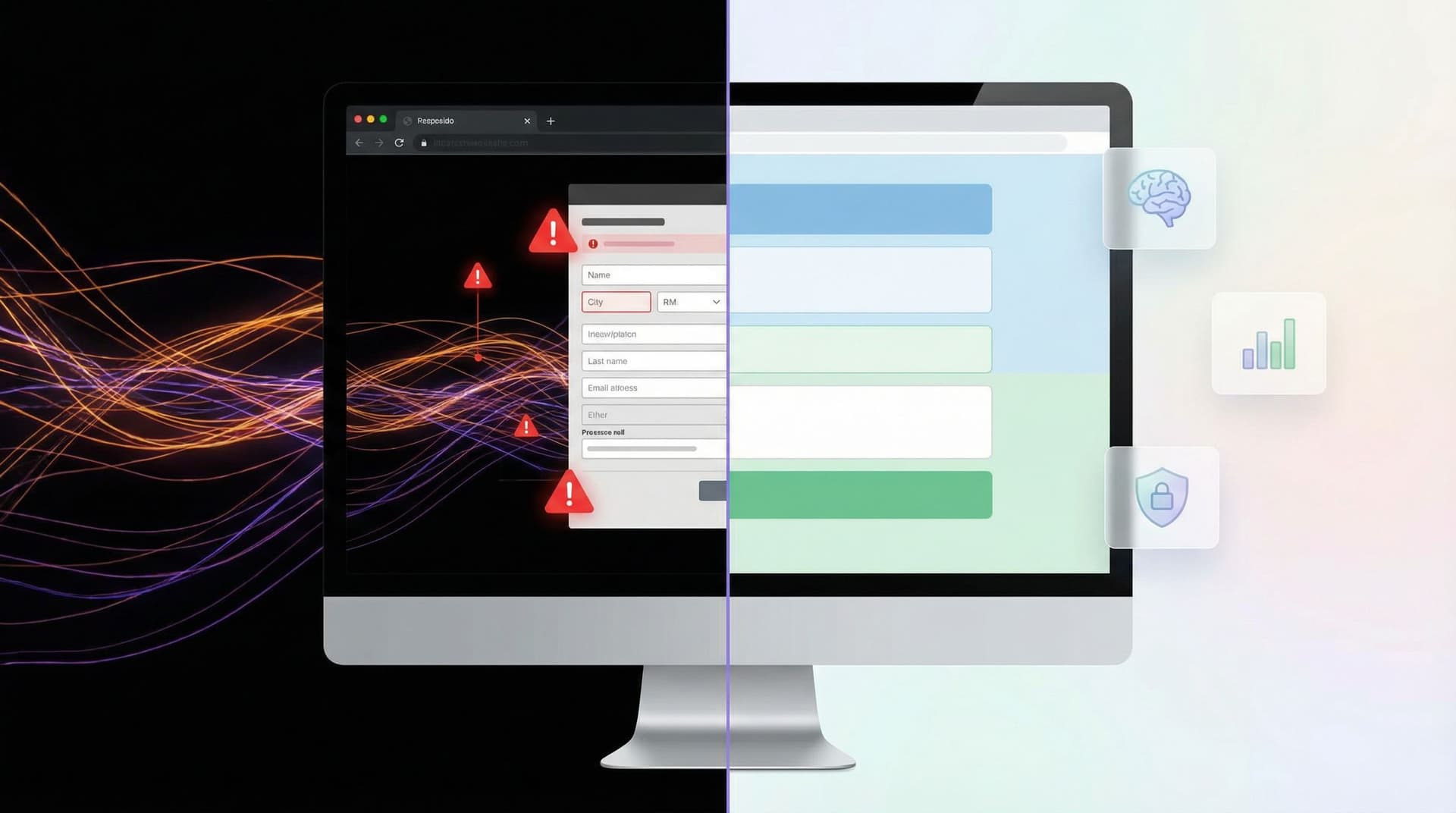
Personalized forms convert better. That’s not controversial anymore.
Auto-filled fields, dynamic questions, tailored copy based on traffic source—done well, these touches feel like a service, not a trick. Add AI and richer analytics, and you can go much further: predicting what someone needs, adjusting difficulty or length on the fly, even tailoring pricing questions based on inferred budget.
But there’s a line.
Cross it, and personalization starts to feel creepy, manipulative, or unfair. Stay too far from it, and you’re leaving conversions, insight, and user goodwill on the table.
This piece is about working in that tension: using AI and analytics to tailor forms in a way that’s effective and ethical—so you earn more trust, not less.
Why Ethical Personalization Matters (Beyond Compliance)
Most teams think about ethics only when legal or security raises a flag. But personalization ethics show up much earlier, in questions like:
- Should we pre-fill this field based on data from another tool?
- Is it okay to hide certain options for some users but not others?
- How much should we infer from behavior vs. explicitly ask?
Getting this wrong has real costs:
- Trust erosion. If your form seems to “know too much” or nudges too hard, people abandon or give fake data.
- Biased decisions. AI-driven routing or qualification can quietly encode unfair assumptions (e.g., location or device type influencing priority).
- Regulatory risk. Privacy laws (GDPR, CCPA, and others) keep expanding, and opaque personalization is an easy target.
- Internal confusion. If teams don’t share a clear standard, one campaign pushes the envelope and everyone else inherits the fallout.
On the flip side, ethical personalization can be a genuine advantage:
- Higher completion rates because forms feel relevant and respectful.
- Better data quality because people understand why they’re being asked something.
- Stronger brand perception as “the company that respects my time and my privacy.”
If you’re already thinking about first impressions and trust cues, you’ve seen how powerful this can be. (If not, you might like our deep dive on visual and copy patterns that earn trust in three seconds.)
What Counts as Personalization, Really?
Before drawing lines, it helps to map the territory. Personalization in forms tends to fall into a few buckets.
1. Contextual Personalization (Low Risk, High Value)
This is personalization based on where or how someone arrived at the form, without needing to know who they are.
Examples:
- Using a custom URL to tailor copy for a specific campaign:
/pricing-demo-linkedinvs./pricing-demo-partners. - Adjusting intro text based on channel: "Saw you come from our webinar" vs. "Saw you come from a partner referral."
- Showing different default choices or examples based on region or language.
These are usually:
- Transparent (“You’re here from our February webinar—welcome!”)
- Easy to explain
- Low on sensitive data
Tools like Ezpa.ge make this straightforward with custom URLs and themes, and we explored this pattern in depth in channel-specific forms for ads, email, and social.
2. Behavioral Personalization (Medium Risk, High Power)
This uses what the person is doing—clicks, scroll depth, time on page, previous form submissions—to adapt the experience.
Examples:
- Shortening a form when someone is on a repeat visit.
- Triggering a micro-survey after a specific action.
- Using AI to suggest the next best question based on earlier answers.
Done carefully, this feels like:
“You’ve already told us the basics—let’s skip ahead.”
Done poorly, it feels like:
“We’re watching everything you do and using it against you.”
3. Identity-Based Personalization (High Risk, High Scrutiny)
This is where ethics get sharp.
Examples:
- Pulling in CRM data to pre-fill company, role, or plan.
- Showing different pricing questions based on account size.
- Using AI to predict lead quality and routing people to different flows.
Here you’re using who they are, not just what they’re doing. That raises questions of:
- Consent – Did they agree to this use of data?
- Fairness – Do some users get worse options or experiences?
- Transparency – Would they be surprised if they knew what was happening?
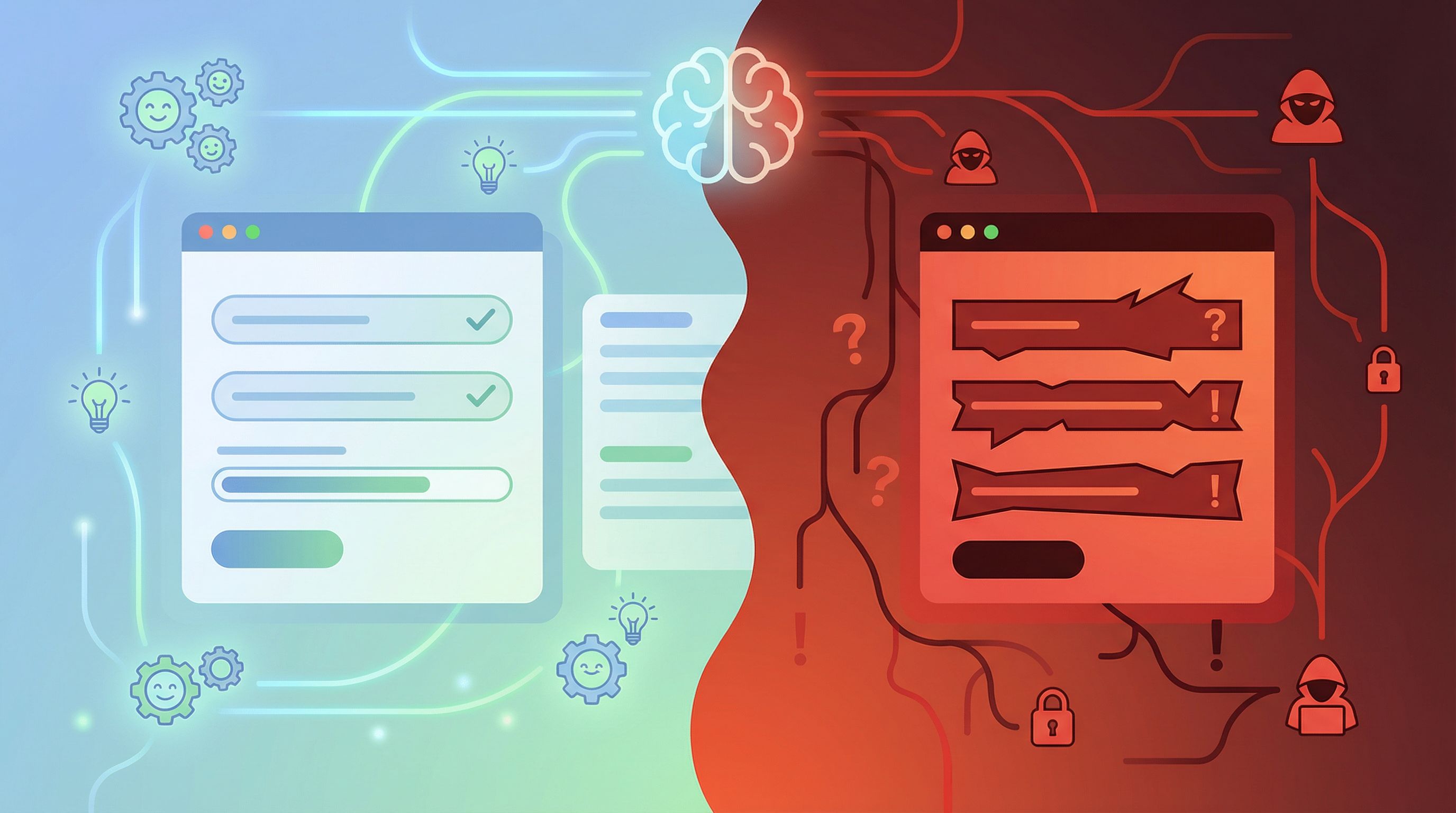
A Simple Framework: The Four Questions Test
You don’t need a 40-page policy to make better calls. Start with four questions every time you consider a new personalization idea.
1. Would a reasonable person be surprised?
If someone found out exactly how you’re tailoring the form, would they say:
- “Oh, that makes sense,” or
- “Wait, how did you know that?”
Green flags:
- Referencing the campaign they just clicked: “You’re here from our Q1 webinar.”
- Remembering non-sensitive preferences: “We’ll keep questions short like last time.”
Red flags:
- Using inferred salary, creditworthiness, or health data to change fields.
- Hiding options (like support tiers) based on opaque scoring.
2. Can you clearly explain the benefit to them?
Personalization should feel like a service, not surveillance.
Try filling in this sentence honestly:
“We’re doing X so that you get Y benefit.”
Examples:
- “We’re pre-filling your company details so you don’t have to retype them.”
- “We’re asking fewer questions because you’ve already answered these in a previous form.”
If the only real benefit is your metric (higher ARPU, better segmentation) and the user gets more friction or fewer options, you’re in shaky territory.
3. Are you using more data than you need?
Ethical personalization is also about restraint.
Ask:
- Can we get the same effect with less data?
- Do we need to store this, or can it be ephemeral?
For example:
- Instead of storing detailed click paths, you might just store a simple flag:
"came_from_webinar": true. - Instead of logging every keystroke to predict abandonment, use aggregate metrics, like we discuss in low-noise analytics for form performance.
4. Could this create unfair outcomes at scale?
AI and analytics shine at scale—which is exactly where their harms can amplify.
Consider:
- Are certain segments (e.g., by region, device type, or industry) systematically getting worse experiences or fewer options?
- Are your models trained on biased historical data (e.g., only enterprise leads ever got fast routing, so the model “learns” that small companies aren’t worth it)?
If the answer might be yes, you need guardrails.
Practical Guardrails for Ethical Personalization
Let’s get concrete. Here are patterns you can apply directly in a form builder like Ezpa.ge.
1. Make Personalization Legible in the UI
Don’t hide the fact that the form is adapting—explain it.
Tactics:
- Inline explanations.
- “You’re seeing a shorter form because you’ve signed up with us before.”
- “We’ve pre-filled your company from your last submission. Edit if anything changed.”
- Microcopy on sensitive questions.
- “We use your role only to tailor onboarding tips. It won’t affect pricing.”
- Progress indicators that adapt.
- “3–5 questions left” instead of “10 questions” if logic might shorten the path.
This kind of transparency pairs well with strong first-impression trust cues—see patterns in Security Signals in 3 Seconds.
2. Use Opt-Ins for Higher-Risk Personalization
For anything identity-based or potentially sensitive, prefer explicit consent.
Examples:
- A small checkbox: “Use my previous answers to speed this up next time.”
- A toggle at the top of the form: “Smart form on/off (we’ll adapt questions based on your answers).”
- A clear note in your privacy copy: “We may tailor this form based on how you’ve interacted with us before. You can opt out anytime.”
This doesn’t have to be a wall of legal text. A single, well-placed sentence can do a lot of ethical heavy lifting.
3. Separate “Helpful” from “Decisive” Personalization
Not all personalization should affect outcomes.
A useful rule:
- Helpful personalization: Allowed with lighter controls.
- Shorter forms, pre-filled fields, tailored examples.
- Decisive personalization: Needs stricter review.
- Who sees which price.
- Who gets routed to sales vs. self-serve.
- Who qualifies for a specific offer.
When AI or analytics influence decisive paths, implement:
- Human-readable rules. E.g., “If company size > 500, show enterprise contact option.”
- Override mechanisms. Let humans correct bad calls.
- Regular audits. Sample decisions across segments to catch bias.
If your forms already act as workflows (like we describe in Forms as Lightweight Workflows), this distinction is crucial.
4. Prefer Signals Over Surveillance
You don’t need to track everything to personalize well.
Instead of logging every micro-interaction, focus on a few high-signal events:
- Completed previous onboarding form.
- Downloaded a specific resource.
- Attended a particular webinar.
Use those as clear, explainable triggers:
- “Since you joined our pricing webinar, we’ll skip the intro questions and go straight to your use case.”
Pair this with minimal, outcome-focused analytics—more like the approach in Low-Noise Analytics than an everything-dashboard.
5. Design for Dignity in Edge Cases
Personalization failures are inevitable. Plan for them.
Consider:
- What if the pre-filled data is wrong?
- Always allow easy editing.
- Avoid overconfident language (“We know your company is…”) in favor of “We think this is your company—correct if needed.”
- What if the AI guesses the wrong intent?
- Provide an obvious “This isn’t what I’m looking for” escape hatch.
- What if someone shares a device or inbox?
- Don’t assume a shared email means shared preferences or consent.
A good litmus test: no one should feel trapped or labeled by your form.

Where AI Fits: Practical, Ethical Use Cases
AI can make forms dramatically more adaptive without crossing lines—if you use it in the right layers.
1. AI-Assisted Copy, Human-Set Boundaries
Use AI to:
- Suggest alternative headlines for different audiences.
- Rewrite help text to be clearer or friendlier.
- Generate localized examples for different regions.
But keep humans in charge of:
- Which data points are allowed as inputs.
- Which segments are eligible for which experiences.
In other words: AI can help express personalization, but humans should define who gets what.
2. Smart Defaults, Not Secret Decisions
AI is great at predicting likely defaults that save time without closing doors.
Examples:
- Suggesting a likely industry based on free-text description, but letting the user change it.
- Guessing company size from domain, but clearly labeling it as an estimate.
Pattern:
- Use AI to pre-fill or order options.
- Never use AI alone to hide options or deny paths.
3. Anomaly Detection Over Individual Profiling
Instead of building rich profiles on individuals, use AI to spot aggregate issues:
- A sudden spike in abandonment at a specific question.
- An unusual pattern of free-text answers that signals confusion.
Then adjust the form for everyone, or for broad segments, with clear explanations.
This keeps AI focused on improving the experience, not silently judging individuals.
A Step-by-Step Way to Introduce Ethical Personalization
If your forms are mostly static today, here’s a practical roadmap.
Step 1: Start with Context, Not Identity
Begin with channel- and campaign-based personalization using custom URLs and themes:
- Create separate Ezpa.ge forms (or URLs) for:
- Paid search
- Social
- Partners
- Tailor only:
- Headline
- Intro sentence
- Example answers
No identity data needed, but users still feel seen.
Step 2: Layer in Behavioral Shortcuts
Next, add gentle behavioral personalization:
- Shorten forms for repeat visitors.
- Trigger a one-question follow-up form after a key action (see patterns from Micro-Forms for Macro Decisions).
- Use AI to suggest the next best question, but keep everything visible and editable.
Always explain: “We’re skipping a few steps because you’ve already told us this before.”
Step 3: Introduce Opt-In Identity-Based Features
Now, carefully add identity-based personalization with consent:
- Pre-fill fields from your CRM only after a user opts in to “save my details for next time.”
- Offer “smart forms” as a toggle:
- On: fewer questions, more tailored suggestions.
- Off: standard, predictable flow.
Track uptake and feedback before rolling this out widely.
Step 4: Review Decisive Logic with a Cross-Functional Group
Before you let AI or analytics influence who gets what outcome, involve:
- Product / Growth
- Legal / Compliance
- Security / Privacy
- CX or Support
Review:
- What data is used.
- How decisions are made.
- How users can contest or override those decisions.
Document simple rules and revisit them quarterly.
Step 5: Communicate Your Principles Internally
Ethical personalization can’t live only in one person’s head.
Create a short, practical guide for your team that answers:
- What kinds of personalization are always okay.
- What requires review.
- What’s off-limits for now.
Tie this into your broader form strategy—whether that’s using forms as workflows, intake systems, or quiet CRMs.
Bringing It Back to Form Design
Ethical personalization isn’t just a policy problem; it’s a design problem.
When you sit down to build your next Ezpa.ge form, ask:
- Where can we make this feel more like a conversation and less like a questionnaire?
- What do we not need to know to achieve the goal of this form?
- How can we show our work when we adapt the experience?
If you focus on:
- Clear, respectful copy
- Minimal, meaningful analytics
- Transparent logic
…you’ll end up with forms that not only convert better, but also earn long-term trust.
Quick Summary
- Personalization in forms ranges from low-risk context (channel-based copy) to high-risk identity-based decisions.
- Ethics hinge on surprise, benefit, data minimization, and fairness.
- Make personalization visible and explainable in the UI so it feels like a feature, not surveillance.
- Use opt-ins and toggles for higher-risk personalization, especially when identity data is involved.
- Keep AI in supporting roles: suggesting copy, defaults, and aggregate improvements—not making opaque, decisive calls about individuals.
- Roll out personalization in stages, starting with contextual tweaks and moving carefully toward identity-based features with cross-functional oversight.
Your Next Move
You don’t have to solve every ethical question at once. But you do need to start drawing lines on purpose, not by accident.
Here’s a simple first step:
- Pick one high-traffic form.
- List the ways it already personalizes—or could personalize with AI and analytics.
- For each idea, run it through the four questions:
- Would a reasonable person be surprised?
- Can we clearly explain the benefit to them?
- Are we using more data than we need?
- Could this create unfair outcomes at scale?
- Implement one clearly beneficial, clearly explainable personalization change—ideally contextual or behavioral, not identity-based.
Then, use Ezpa.ge to:
- Spin up a tailored version with a custom URL.
- Add transparent microcopy about what’s being personalized and why.
- Sync results to Google Sheets so your team can review impact in real time.
Start small, stay transparent, and treat every new personalization idea as a chance to earn—not assume—trust.