Low-Noise Analytics: Measuring Form Performance Without Drowning in Metrics


Form analytics is supposed to bring clarity.
Instead, it often feels like this:
- 17 different dashboards
- 40+ metrics per form
- Conflicting numbers depending on which tool you opened first
You know something is off with your forms—leads feel soft, support queues feel overloaded, feedback feels thin—but you’re swimming in charts that don’t tell you what to fix this week.
Low-noise analytics is the antidote.
It’s the practice of measuring just enough to:
- See where forms are helping or hurting your funnel
- Spot problems quickly
- Make specific, confident changes
…without turning every simple form into a full-blown analytics project.
This matters even more when your team is already using forms as the backbone of workflows and intake. If you’re routing internal requests through structured forms instead of ad-hoc email, you’ve already seen how much clarity that creates (more on that here). Low-noise analytics is the same move, but for your measurement layer.
Why “More Metrics” Quietly Makes Things Worse
Most teams don’t under-measure forms. They over-measure them in the wrong ways.
Common patterns:
- You track every possible click, scroll, and hover, but can’t answer basic questions like: “Which question is killing completion?”
- You obsess over traffic volume and ignore completion rate and time to submit.
- You have no shared definition of success per form—only a generic “submissions” count.
The result is noisy analytics:
- Hard to interpret: You see drop-offs, but not why they’re happening.
- Hard to prioritize: Every chart looks important; nothing is clearly urgent.
- Hard to act on: Numbers don’t map cleanly to changes you can make in Ezpa.ge or your CRM.
Low-noise analytics flips this. Instead of asking, “What can we track?” you ask:
What do we need to know to change this form with confidence?
That question leads to fewer metrics—but much better ones.
Start With the Job of the Form, Not the Dashboard
Every form has a “job.” Until you define it, your analytics will be vague.
Ask a simple question for each form:
What is this form trying to achieve in one sentence?
Examples:
- “Qualify sales-ready leads for a demo within 24 hours.”
- “Turn unstructured support DMs into trackable tickets.”
- “Capture high-intent product feedback from active customers.”
Once you have that, define one primary success metric and two to three supporting metrics.
1. Primary success metric (PSM)
This is the one number you’d keep if you lost all others.
Examples by form type:
- Demo / sales form:
- PSM: Qualified demo requests per week (not just raw submissions)
- Support intake form:
- PSM: First-response time for tickets created via the form
- Feedback form:
- PSM: Number of actionable feedback items per month (e.g., tagged in Sheets)
- Internal request form:
- PSM: % of requests resolved within SLA (e.g., 3 business days)
Notice: these are outcome metrics, not just “form submissions.” They connect the form to real-world impact.
2. Supporting metrics
These help you diagnose why the primary metric is moving.
For most forms, you rarely need more than:
- View-to-start rate – Are people even starting the form?
- Start-to-submit rate – Are they finishing once they begin?
- Median time to complete – Is the form surprisingly slow or surprisingly fast?
- Field-level drop-off – Which question causes the biggest exit?
That’s it. If your analytics stack can answer those four questions per form, you’re ahead of most teams.
A Simple Measurement Framework for Every Form
Let’s turn this into a repeatable pattern you can use across Ezpa.ge forms.
Think in three layers:
- Funnel basics: Can people find, start, and finish the form?
- Friction points: Where exactly do they hesitate or drop?
- Outcome link: What happens after they submit?
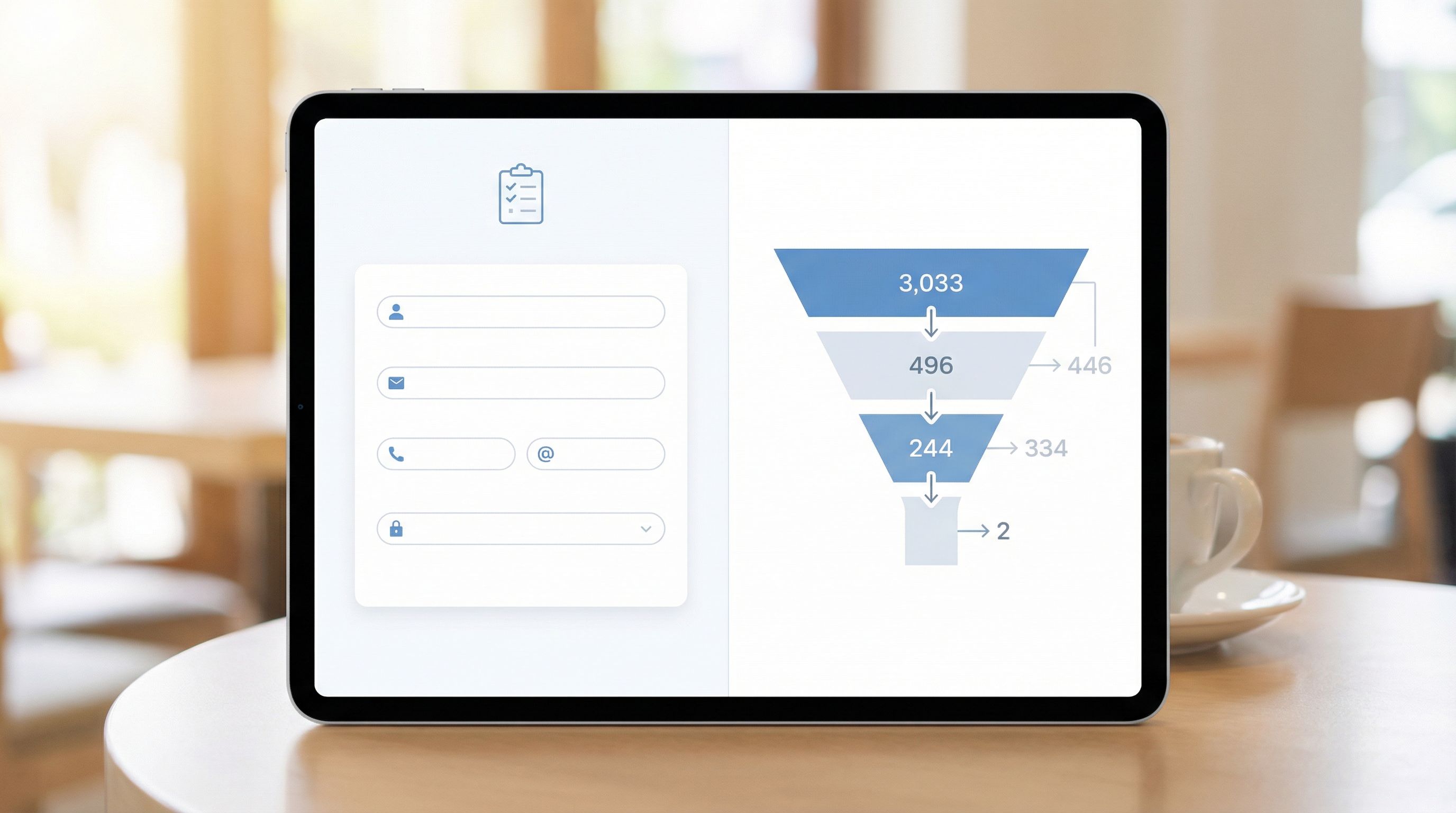
Layer 1: Funnel basics
Track these for every meaningful form:
- Unique visitors (per channel, if possible)
- Form starts (first interaction, not just page load)
- Form submissions
From there, derive:
- View-to-start rate = starts / visitors
- Start-to-submit rate = submissions / starts
- Overall conversion rate = submissions / visitors
What they tell you:
- Low view-to-start → your form looks intimidating, slow, or irrelevant.
- Low start-to-submit → your questions, layout, or validation are causing friction.
- Healthy conversion but poor downstream results → the form is attracting the wrong people or asking the wrong things.
Layer 2: Find the Real Friction (Without Heatmap Overload)
You don’t need ten tools to find friction. You need a few focused signals.
1. Field-level drop-off
For multi-step or longer forms, this is the highest-signal diagnostic metric you can track.
Look for:
- Sharp drop at one field → Something about the question, label, or requiredness is off.
- Drop at a specific step in a multi-step flow → The step might feel like a commitment jump (e.g., asking for budget or phone).
When you spot a problem field, consider:
- Can we rephrase the question more clearly?
- Can we move it later in the flow, after trust is established?
- Can we make it optional and infer the answer later? (See Signals, Not Surveys for patterns here.)
2. Time-to-complete distribution
Instead of staring at averages, look at median and long-tail outliers:
- Median completion under 60–90 seconds for simple forms is usually healthy.
- A long tail of 5–10+ minute completions can signal:
- People tabbing away to find information
- Confusing or ambiguous questions
- Technical issues on certain devices
On mobile, long completion times are often a UX problem. If your traffic is heavily mobile, pair this with patterns from thumb-first design to see if layout, tap targets, or keyboard behavior is slowing people down.
3. Validation error hotspots
Track:
- Fields with the highest error rate
- Submissions blocked by validation
Common fixes:
- Relax overly strict rules (e.g., phone formats, name fields).
- Add inline hints or examples.
- Use softer validation patterns—warnings instead of hard blocks for non-critical fields (see Beyond ‘Required’).
Layer 3: Connect Forms to Real Outcomes
Low-noise analytics doesn’t stop at “Form submitted.” It follows the thread.
If you’re using Ezpa.ge with real-time Google Sheets sync, you already have a structured data source you can join with downstream systems—CRM, support tools, billing, product analytics.
At a minimum, try to answer these per form:
- What % of submissions turn into the next meaningful step?
- Demo form → sales-qualified opportunity
- Support form → resolved ticket
- Beta waitlist → activated user
- How long does that next step take?
- Which form variants or channels produce the best downstream results?
This is where custom URLs and channel-specific forms shine. When each channel has its own form link (or at least its own URL parameters), you can see:
- Which campaigns drive high-intent completions vs. noise
- Which messages produce faster time-to-value after submission
Choosing the 5–7 Metrics That Actually Matter
To keep analytics low-noise, give each form a short metrics “capsule.”
Here’s a template you can reuse:
For each key form, track:
- Primary success metric (PSM)
- View-to-start rate
- Start-to-submit rate
- Median time to complete
- Top 1–2 fields by drop-off or error rate
- % of submissions that complete the next step (e.g., show, resolve, activate)
That’s usually enough to:
- Spot if the problem is awareness (not enough views)
- Spot if the problem is friction (they start but don’t finish)
- Spot if the problem is fit (they submit but don’t convert downstream)
Everything else—scroll depth, hover maps, rage clicks—can be pulled in only when you need a microscope on a specific issue.

Turning Metrics Into a Weekly Form Review Ritual
Low-noise analytics works best when it’s rhythmic instead of reactive.
Here’s a simple weekly ritual you can run in 30–45 minutes:
Step 1: Pick your “critical forms” list
Most teams only need to review 3–7 forms regularly:
- Main signup / onboarding
- Demo or contact sales
- Support or internal request intake
- Key feedback or NPS form
- Any form that feeds a major revenue or ops workflow
Step 2: Snapshot your capsule metrics
For each critical form, capture (week over week):
- PSM
- View-to-start rate
- Start-to-submit rate
- Median time to complete
- Top friction field (by drop-off or error)
- Next-step completion rate
Log them in a simple table or a Google Sheet fed directly from Ezpa.ge submissions.
Step 3: Ask three questions per form
For each form, walk through:
- What changed meaningfully since last week?
- Big swings in conversion or time-to-complete are worth attention.
- What’s the most likely cause?
- New campaign? New field? Different traffic source?
- What’s one small change we can ship this week?
- Move a field, clarify a label, split into steps, tailor a channel-specific variant.
If you’re already using forms as workflows (like this), fold the analytics review into your existing ops or growth check-ins.
Step 4: Log experiments, not just numbers
To avoid repeating the same debates every quarter, track:
- Change description – What did we change?
- Hypothesis – What did we expect to happen?
- Result after 2–4 weeks – What actually changed in the capsule metrics?
Over time, this becomes your playbook for form improvements:
- “When we moved budget questions to step 2, start-to-submit improved by 12%.”
- “Shortening the form from 12 to 7 fields didn’t change quality, but cut completion time by 40%.”
Keeping Noise Low When You Add More Forms
As your organization leans harder on forms—signup, intake, surveys, internal tools—it’s easy for analytics to bloat again.
A few guardrails to keep things sane:
1. Standardize your core events
Define a small set of events you’ll track consistently:
form_viewform_startform_submitform_abandon(optional, inferred)field_error(with field name)
Then, for each form, only add extra events when you have a clear question they’ll help answer.
2. Use naming conventions for forms and URLs
When you spin up new Ezpa.ge forms with custom URLs, keep names and UTM parameters consistent:
signup_mainvs.signup_partner_2026q1support_intake_generalvs.support_intake_enterprise
This makes it much easier to compare performance across variants and channels without a tangle of one-off names.
3. Centralize data where it’s easy to explore
With real-time syncing into Google Sheets (or your warehouse), you can:
- Build a single tab per form with your capsule metrics
- Use pivot tables to slice by channel, device, or segment
- Share one lightweight dashboard instead of ten different tools
If you’re already using Sheets as the operational brain for your forms, you’ve seen how powerful this can be (especially for ops and CX teams). Low-noise analytics is just another view on the same data.
Practical Changes You Can Make This Week
To make this real, here’s a short list you can act on immediately:
1. Choose 3–5 forms that actually matter.
Ignore everything else for now.
2. Write a one-sentence job statement for each.
If you can’t do this, the form is probably trying to do too many things.
3. Define a primary success metric per form.
Not “submissions”—an outcome that matters.
4. Set up basic funnel tracking.
At minimum: views, starts, submissions, and median time to complete.
5. Identify the worst friction field per form.
Look at drop-off and error rates; pick one field to improve.
6. Ship one change per form.
Keep it small and easy to reverse: move a field, tweak copy, split a step, or relax a validation rule.
7. Review results in 1–2 weeks.
Did your capsule metrics move in the direction you expected? Keep what worked, revert what didn’t, and log the learning.
Bringing It All Together
Low-noise analytics isn’t about ignoring data. It’s about protecting your team’s focus so that every metric you track has a clear path to action.
When you:
- Anchor each form to a single, clear job
- Choose a small capsule of metrics that map to that job
- Review them rhythmically and ship small, continuous improvements
…you get a measurement system that:
- Surfaces real problems quickly
- Keeps discussions grounded in outcomes, not vanity metrics
- Turns Ezpa.ge forms into a reliable, optimizable part of your growth and ops stack
No more drowning in dashboards. Just enough signal to keep moving.
Ready to Build Your First Low-Noise Form?
You don’t need a new analytics platform to start. You need:
- A focused set of forms
- A clear job for each
- A handful of metrics you can actually act on
If you’re using Ezpa.ge, you already have the building blocks:
- Clean, responsive forms that people actually want to complete
- Custom URLs and channel-specific variants for sharper attribution
- Real-time Google Sheets sync for a single, structured source of truth
Pick one high-impact form—signup, demo, support intake—and turn it into your first low-noise analytics pilot:
- Define its job and primary success metric.
- Set up funnel and field-level tracking.
- Commit to one small change per week for the next month.
By the end of that month, you won’t just have a better-performing form. You’ll have a repeatable way to measure every form without getting lost in the noise.
Start small. Start focused. Let your forms—and your metrics—work as simply and clearly as they were always meant to.