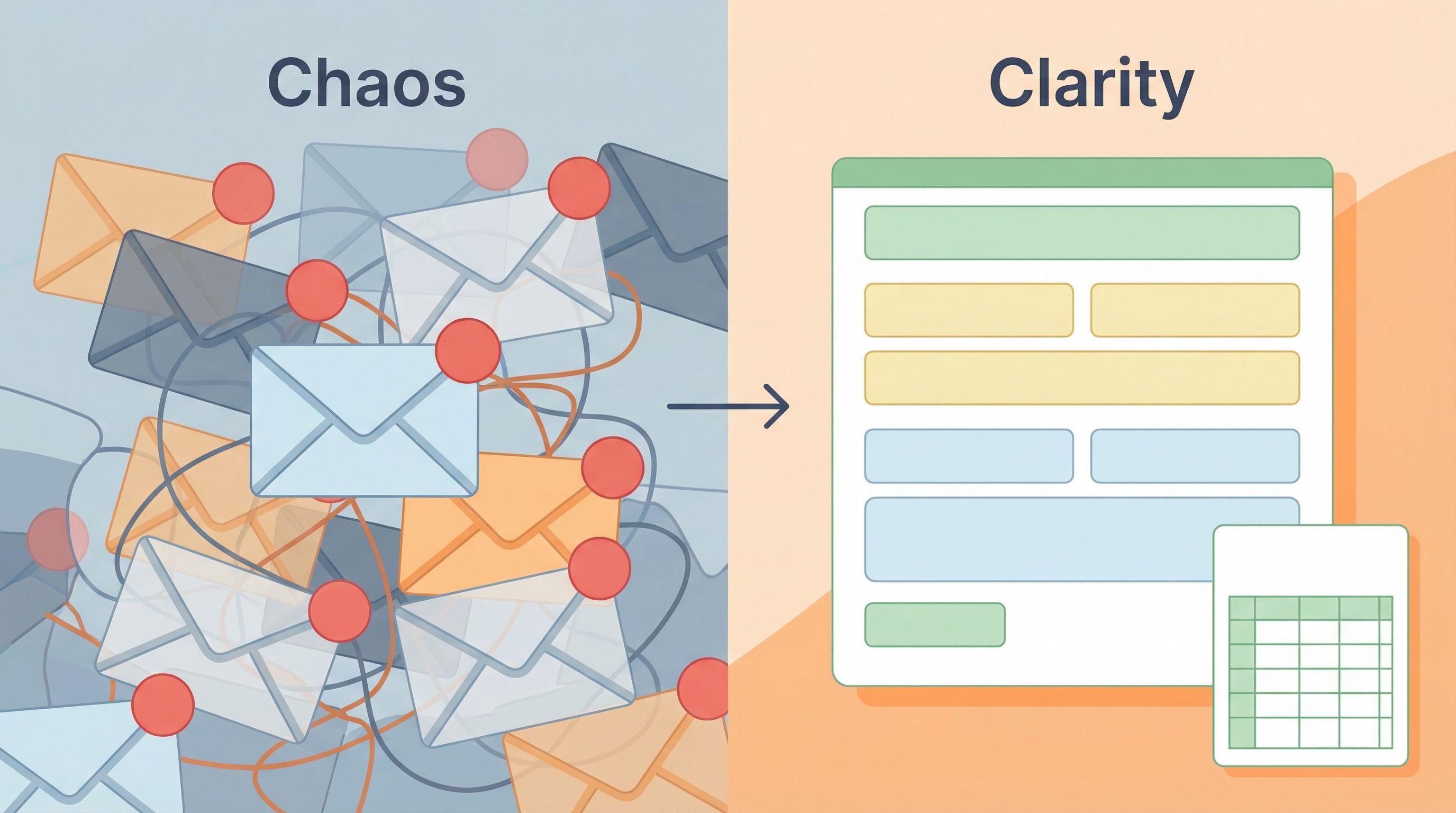
From Inbox Chaos to Intake Clarity: Turning Ad-Hoc Requests into Structured, Searchable Forms


If you run ops, CX, marketing, or product, you probably have the same recurring nightmare:
- A critical request is buried somewhere in an email thread.
- A customer detail you swear you collected is nowhere to be found.
- Someone screenshots a Slack DM and pastes it into a spreadsheet called
intake_final_v7 (2).xlsx.
It works—until volume goes up, stakes get higher, or that one person who “knows where everything is” goes on vacation.
This is the cost of ad-hoc intake. Every time someone says, “Just email me” or “DM me the details,” you’re trading a few seconds of convenience for hours of future cleanup.
Structured, searchable forms are how you flip that trade. Instead of:
- Hunting through inboxes
- Copy-pasting into spreadsheets
- Re-asking the same questions
…you collect the right information the first time, in a format your team can route, analyze, and act on.
This post is about making that shift—from messy, one-off requests to reliable, form-led intake flows—without slowing your team down.
Why Ad-Hoc Intake Hurts More Than You Think
Ad-hoc requests feel flexible. People can “just ask” for what they need. But behind the scenes, they create friction in four predictable ways.
1. Lost context and invisible work
Email and chat are terrible systems of record. They’re:
- Hard to search precisely. You remember there was a request about “custom pricing,” but the subject line says “Quick question” and the keywords don’t match.
- Tied to individuals. If the account owner, project manager, or ops lead leaves or is offline, the context often leaves with them.
- Impossible to report on. You can’t easily answer basic questions like:
- How many discount exceptions did we approve last quarter?
- Which regions are sending the most support escalations?
- What’s our average response time for partner requests?
Over time, this turns into shadow workflows—processes that technically exist, but only in people’s heads and inboxes. If that sounds familiar, you’ll probably also get value from Shadow Workflows No More: Replacing Ad-Hoc Email and DMs with Structured Forms.
2. Inconsistent data and slow decisions
When every requester writes free-form messages, you get:
- Different formats for the same information ("$10k", "10,000 USD", "10k/yr")
- Missing fields you need to decide (no timeline, no contract value, no region)
- Long back-and-forth threads just to clarify basics
That makes it nearly impossible to:
- Automate routing or triage
- Compare requests apples-to-apples
- Set clear SLAs based on request type or priority
3. Bottlenecks and burnout
Ad-hoc channels tend to concentrate work on the most responsive people:
- The manager who always says, “Just email me.”
- The ops person who “knows the process.”
- The rep who “owns the relationship.”
They become human routers and human spreadsheets—reading, interpreting, and rewriting information so it fits whatever system the team actually uses.
That’s not a scalable job description.
4. Compliance and security risk
Scattered intake isn’t just inefficient—it’s risky:
- Sensitive data might be shared in plain text over email or chat.
- There’s no consistent consent language or audit trail.
- Access to request history depends on who’s CC’d.
If you’re handling high-stakes data (payments, identity, health, legal, etc.), this is a serious gap. For patterns that keep you safe without overcomplicating flows, see Security Without Paranoia: Low-Friction Patterns for Collecting Sensitive Data in Forms.
The Case for Structured, Searchable Intake
At its core, structured intake is simple:
The same kinds of requests always come through the same, well-designed form.
That one shift unlocks a surprising amount of leverage.
Clear benefits for your team
1. A single front door per workflow
Instead of “email X for this” and “Slack Y for that,” you have:
- A partner intake form
- A discount/exception request form
- A feature request form
- A support escalation form
Each with a stable URL you can share, pin, or embed anywhere.
2. Cleaner, more complete data
Forms let you:
- Require essentials (e.g., account ID, region, deal size)
- Use dropdowns instead of open text for categories
- Add helper text and examples so people know what “good” looks like
Over time, this creates a dataset you can actually trust.
3. Searchable history and better reporting
When every submission lands in a structured store—like a Google Sheet synced in real time—you can:
- Filter by status, owner, or priority
- Run pivot tables to see trends
- Build dashboards without begging engineering
If you want a deeper dive on turning forms into a live operational feed, check out Real-Time Forms for Real-World Ops: How Google Sheets Sync Keeps Teams in Lockstep.
4. Faster, fairer decisions
With consistent fields, you can:
- Define clear SLAs by request type
- Set up routing rules (e.g., >$20k goes to RevOps)
- Automate approvals for low-risk, common cases
No more “Who owns this?” or “Did we ever reply?”
Step 1: Map the Chaos You Already Have
Before you build anything, you need a clear picture of how requests actually show up today.
Spend one week quietly observing:
- Where requests arrive: Email aliases, personal inboxes, Slack channels/DMs, support tools, meeting notes.
- What people are asking for: Discounts, feature access, onboarding help, integrations, content, approvals.
- Who ends up owning them: Names, roles, or teams.
You’re looking for patterns, not perfection. A simple audit template can help:
Create a quick log with columns like:
- Source (email, Slack, etc.)
- Request type (guess if needed)
- Fields mentioned (company, region, value…)
- Who handled it
- How long it took
After a few days, you’ll see clusters—recurring types of requests that deserve their own “front door.”
Common examples:
- Sales discount/exception requests
- Partner onboarding or co-marketing requests
- Legal or security review requests
- Internal IT or access requests
- Feature requests and bug reports
- Customer success escalations
Pick one or two high-impact workflows to start with. Don’t try to boil the ocean.
Step 2: Design the Ideal Intake for One Workflow
Take your top candidate—say, “Sales discount requests.” Your goal is to design a form that captures everything needed to make a decision quickly, without overwhelming the requester.
Start from the decision, not the form
Ask the people who actually decide:
- “What information do you always need before you can say yes or no?”
- “What do you often have to chase down in a follow-up email?”
- “What details help you prioritize one request over another?”
Write those down. That’s your first draft field list.
Group fields into logical sections
People think in chunks, not spreadsheets. Group fields into 3–5 sections, for example:
- Requester details – Who’s asking and how to reach them.
- Customer context – Company, segment, region, current plan.
- Request details – Type of discount, amount, reason.
- Timing and urgency – Close date, external deadlines.
- Attachments / extra context – Optional notes or links.
This structure makes the form feel shorter and more understandable.
Choose the right field types
Use structure wherever you can:
- Dropdowns or radio buttons for request type, region, urgency.
- Number fields for deal size, discount percentage.
- Short text for names, IDs.
- Long text for explanations or special cases.
This is where a tool like Ezpa.ge shines: you can mix field types, add helper text, and apply themes without touching code, while keeping the form responsive and easy to use on any device.
For mobile-heavy audiences—like field teams or on-the-go reps—pair this with thumb-friendly patterns from Beyond ‘Mobile-Friendly’: Designing Thumb-First Forms for On-the-Go Users.
Define what’s required vs. optional
Not every field deserves a red asterisk. A useful rule of thumb:
- Required: Anything that blocks a decision or routing.
- Optional but encouraged: Context that’s helpful but not mandatory.
- Omit entirely: Nice-to-have curiosities.
If you’re wrestling with validation rules, you’ll find more nuance in Beyond ‘Required’: Rethinking Form Validation Rules for Better Data and Happier Users.
Step 3: Wire Forms into a Real System of Record
A form is only as good as what happens after someone hits Submit.
Choose where submissions should live
For most teams, a Google Sheet is the sweet spot:
- Familiar to non-technical stakeholders
- Easy to filter, sort, and analyze
- Plays nicely with tools like Zapier, Make, and Looker Studio
With Ezpa.ge, you can sync each form directly into a specific Sheet and tab, in real time—no CSV exports, no manual copy-paste.
Add basic structure to your Sheet
To keep your Sheet from turning into another source of chaos:
- Freeze header rows so filters are always visible.
- Use data validation for status columns (e.g.,
New,In Review,Approved,Rejected). - Add a simple SLA helper column (e.g.,
=IF(TODAY()-[Received Date]>2,"Breach","OK")). - Color-code by status to make triage easier at a glance.
For a more advanced walkthrough on turning Sheets into a true source of truth, see From Spreadsheet Chaos to Source of Truth: Structuring Google Sheets for Scalable Form Data.
Set up basic notifications and routing
People won’t remember to check a Sheet every day. Use your tools to:
- Send an email or Slack notification when a new submission matches certain criteria (e.g.,
Region = EMEAorDeal Size > 20,000). - Assign an owner based on simple rules (e.g., round-robin by rep, or by region).
- Create follow-up tasks in your project tool (Asana, Jira, Linear, etc.) for specific request types.
The goal isn’t full automation on day one—it’s reliability. Everyone should know:
- Where new requests appear
- Who sees them first
- How they move from
NewtoDone
Step 4: Replace Ad-Hoc Entry Points with Form Links
You now have a solid intake form and a structured backend. Next step: make it the obvious path.
Put the link where requests actually start
For each workflow, identify the real entry points—then swap in your form.
Examples:
- Email: Update signatures and auto-replies from “Email me details” to “Fill out this quick form so we can route your request faster.”
- Slack: Pin the form link in team channels and use a short, memorable description.
- Internal docs: Replace “Contact ops” instructions with “Use the [Ops Intake Form].”
- External pages: Embed or link to the form from your help center, partner portal, or pricing page.
With Ezpa.ge, you can also use custom URLs (e.g., yourbrand.ezpa.ge/discounts) to make these links easy to remember and share. For more on tailoring URLs by channel or audience, see Channel-Specific Forms: Using Custom URLs to Tailor Messaging for Ads, Email, and Social.
Make the value explicit
People resist new processes when they feel like extra work. Your job is to show how the form helps them:
- “This form means fewer back-and-forth emails and faster approvals.”
- “Filling this out once means you won’t have to re-explain the context.”
- “Using the form helps us track SLAs and prioritize your requests.”
Back it up by actually responding faster to form-based requests than to random DMs.
Keep a short “escape hatch” for edge cases
You don’t have to ban DMs or emails entirely. Instead:
- Encourage people to start with the form.
- Let them know they can still ping a human for unusual, urgent, or sensitive cases.
- When that happens, you (or they) can backfill the form yourself so the data still lands in the system.
Over time, the path of least resistance should naturally become the structured one.

Step 5: Iterate Based on Real Usage
No intake form is perfect on day one. That’s a feature, not a bug.
Watch the data, not just the design
After a few weeks, review:
- Completion volume: Are people actually using the form?
- Time to decision: Are SLAs improving compared to the ad-hoc baseline?
- Common missing info: Are reviewers still asking the same follow-up questions?
- Free-text patterns: What do people write in “Other” or “Additional context” fields?
Use these signals to:
- Promote frequently mentioned “Other” options into real dropdown values.
- Add or clarify helper text where people seem confused.
- Remove fields that no one fills or no one uses.
Add logic as you learn
Once the basics are stable, you can layer in conditional logic to keep forms short and smart:
- Show extra fields only when
Request Type = Custom Contract. - Ask for region-specific details only when
Region = EU. - Trigger different confirmation messages based on request category.
This keeps the experience lightweight for simple cases while still capturing depth where needed.
Expand to neighboring workflows
When one intake flow is working well, look for adjacent ones:
- Turn feature requests into a dedicated form that feeds a roadmap Sheet.
- Capture partner co-marketing ideas in a structured template.
- Spin up a lightweight internal IT request form.
Because you’ve already set up themes, URLs, and Google Sheets syncing in Ezpa.ge, each new form is more like cloning a pattern than starting from scratch. If you’re thinking about scaling this into a broader system, Atomic Form Patterns: Reusable Layouts, Microcopy, and Logic You Can Drag-and-Drop Anywhere is a helpful next read.
Bringing It All Together
Moving from inbox chaos to intake clarity isn’t about adding bureaucracy. It’s about:
- Respecting everyone’s time by asking for the right information once.
- Making work visible so nothing relies on a single person’s memory.
- Creating a shared source of truth that supports better decisions.
- Unlocking automation that would be impossible with free-form DMs and emails.
The shift happens in a few concrete moves:
- Audit your current chaos. Log where requests come from, what they’re about, and who handles them.
- Design one great intake flow. Start from the decision, choose smart fields, and group them logically.
- Wire it into a real backend. Use real-time Google Sheets syncing, basic structure, and notifications.
- Replace ad-hoc entry points. Put your form link where requests actually start and explain the benefit.
- Iterate and expand. Refine based on real usage, then clone the pattern to neighboring workflows.
Do that, and your forms stop being “just another link” and start acting as the nervous system of your operations.
Your First Step: One Workflow, One Form
You don’t need a six-month project plan to get started.
Pick one workflow that currently lives in inboxes and DMs:
- Sales discount approvals
- Customer success escalations
- Partner onboarding
- Internal IT/access requests
Then:
- Open Ezpa.ge and create a new form for that workflow.
- Add the 8–12 fields your decision-makers always need.
- Connect it to a dedicated Google Sheet tab.
- Share the form link in the one or two places those requests usually start.
Run that experiment for two weeks.
You’ll feel the difference—not in your design files, but in your day:
- Fewer “quick questions” that aren’t quick.
- Faster, more confident decisions.
- A growing, searchable record of what your team is actually doing.
When you’re ready, log into Ezpa.ge and turn your next messy workflow into a structured, shareable, theme-matched form. Your future self (and your future spreadsheets) will thank you.