Forms for Modern Feedback Loops: Turning Feature Requests and Bug Reports into Roadmap Signals


Modern product teams are drowning in feedback.
Support tickets, Slack pings, sales calls, app store reviews, NPS surveys, Discord communities—feature requests and bug reports show up everywhere. Research from multiple product tooling vendors suggests that many SaaS teams receive 50+ feature requests per week, on top of a steady stream of bug reports and “quick questions.” Yet most of that input never turns into clear roadmap decisions; it just piles up in spreadsheets, inboxes, and issue trackers.
The gap isn’t a lack of feedback. It’s the lack of a system.
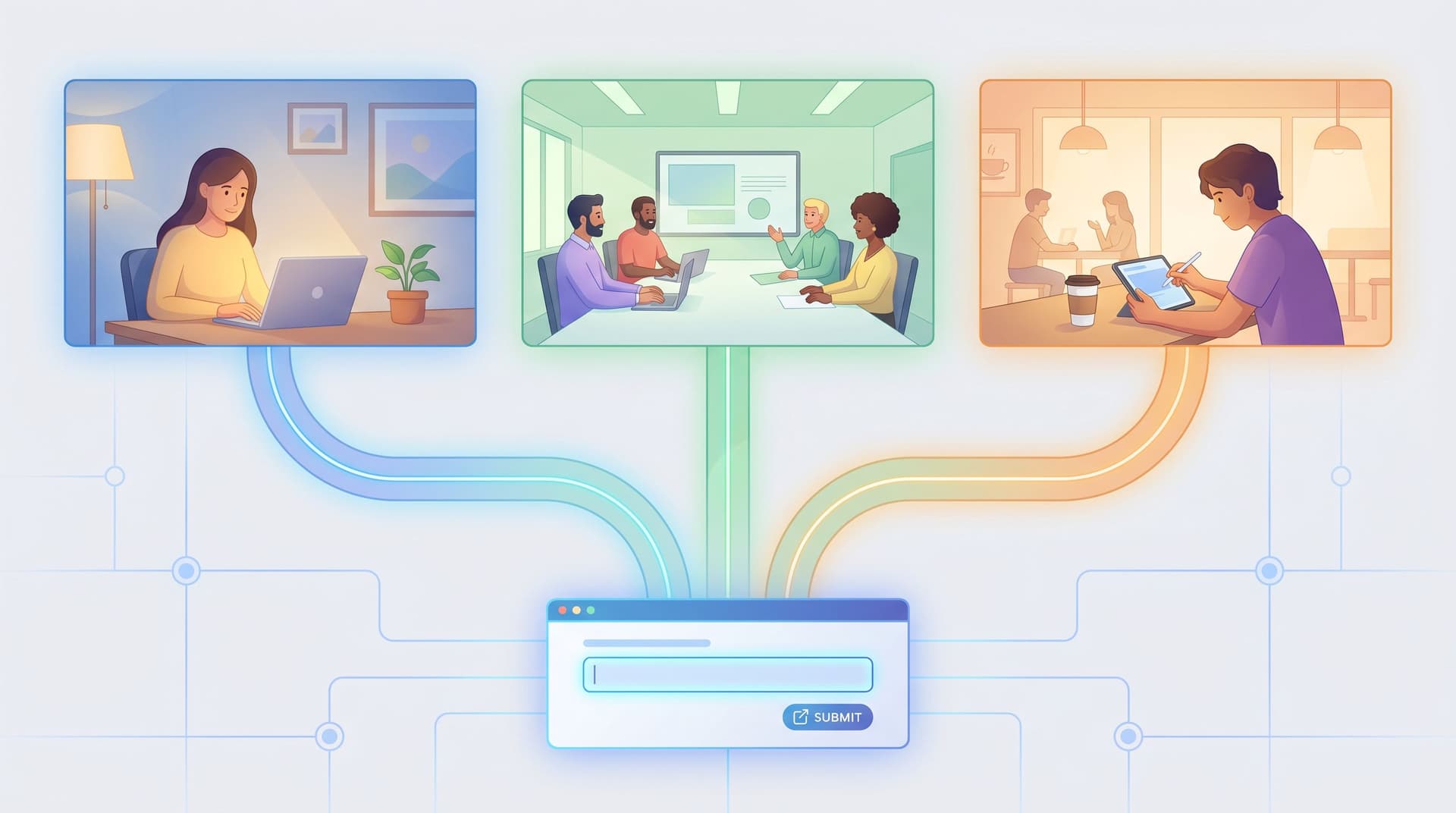
This is where forms—especially flexible, shareable forms like those you can build with Ezpa.ge—become more than just intake. They become the front door to your feedback loop: the place where raw requests turn into structured signals you can actually prioritize.
In this post, we’ll walk through how to design forms for feature requests and bug reports that:
- Capture the right context without overwhelming users
- Separate bugs from improvements from “nice-to-have” ideas
- Stream into tools like Google Sheets, issue trackers, and roadmapping tools
- Generate clear, quantitative signals that shape your roadmap
- Close the loop with users when things ship (or don’t)
Why Feedback Forms Deserve More Strategy Than a Generic Textarea
Most teams start with a single, generic feedback box: “Tell us what you think.” It’s easy to ship—and almost impossible to use at scale.
A better mental model: your feedback forms are lightweight product research instruments. Done well, they:
- Reduce noise by steering users toward the right categories (bug vs. feature vs. confusion)
- Increase signal by capturing metadata you’ll need later (plan, platform, impact, urgency)
- Clarify expectations so users know what happens after they submit
- Protect engineering time by filtering out incomplete or low-value reports
- Create alignment between Product, Support, Sales, and Engineering because everyone is looking at the same structured data
When your forms are sloppy, the opposite happens:
- Bugs get misclassified as “ideas,” and vice versa
- High-impact issues hide among low-effort suggestions
- The roadmap is driven by whoever shouts loudest, not by real patterns
- Customers feel like their feedback goes into a black hole
Thoughtful form design is the first step to fixing that.
Step 1: Separate the Flows—But Keep the Experience Cohesive
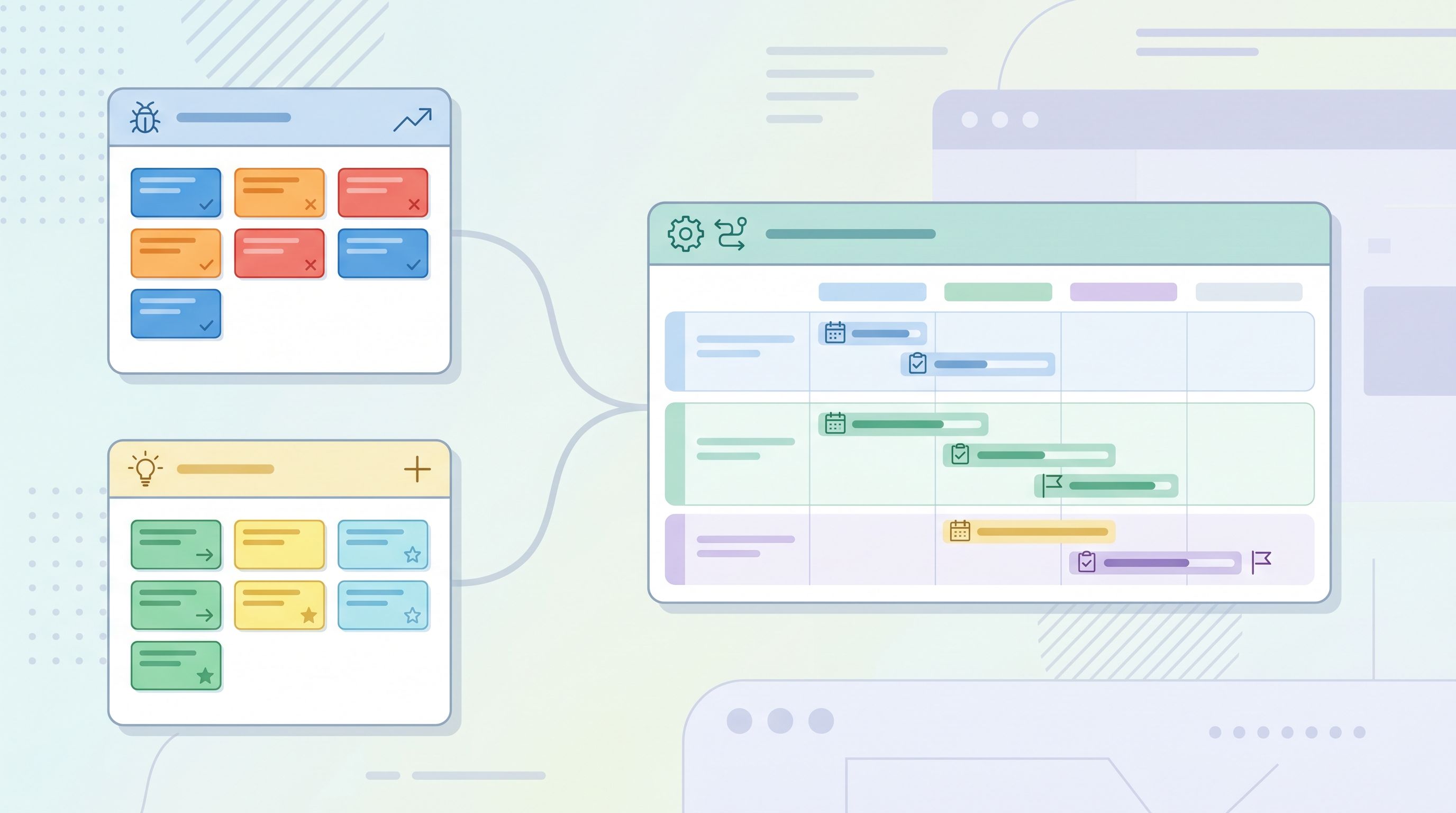
You don’t need a single mega-form for every kind of feedback. In fact, you probably shouldn’t have one.
Instead, aim for two primary flows:
- Bug reports – for things that are broken, inconsistent, or unexpectedly slow
- Feature requests & improvements – for new capabilities or better ways to do something
You can still route both through a single entry point (e.g., a “Give feedback” link in your app) that branches into the right form using conditional logic or simple buttons.
For bug reports, your form should focus on:
- What were you trying to do?
- What did you expect to happen?
- What actually happened?
- Steps to reproduce (ideally as a structured list)
- Environment (browser, OS, app version, workspace/account)
- Impact (blocked, workaround available, minor annoyance)
For feature requests, your form should focus on:
- What job are you trying to get done?
- What’s hard or frustrating about doing that today?
- Who is affected? (role, team size, segment)
- How often does this come up?
- What’s the impact if we don’t solve this soon?
This separation is powerful because it lets you:
- Route bugs directly into your issue tracker with the right fields
- Route feature requests into your product feedback system or roadmap backlog
- Report on each stream separately (e.g., bug volume by area vs. feature demand by persona)
If you’re embedding these forms in pop-ups or in-app modals, make sure the layouts still hold up under cramped conditions. If that’s a concern for your team, you’ll find useful patterns in Responsive by Default: Designing Form Themes That Survive Embeds, Pop-Ups, and In-App Modals.
Step 2: Ask Fewer, Smarter Questions (for Higher-Signal Data)
You don’t need 20 fields to get actionable feedback. You need the right 6–10.
A good rule of thumb: every field should either
- Improve triage (how fast and where it goes), or
- Improve prioritization (how important it is), or
- Improve follow-up (how you close the loop).
Core fields for bug report forms
Consider something like this:
- Category / area of the product (dropdown)
- Severity (radio buttons, with clear definitions)
- Critical – I’m blocked and can’t complete my work
- Major – It’s slowing me down or forcing a workaround
- Minor – It’s confusing or cosmetic, but I can still work
- What were you trying to do? (short text)
- What happened instead? (short text)
- Steps to reproduce (multi-line with placeholder text like “1) … 2) … 3) …”)
- Environment (browser, OS, app version, or “Web / iOS / Android / Other”)
- Email (optional) for follow-up
That’s usually enough to:
- Route to the right team
- Decide whether it’s a hotfix or can wait
- Avoid the dreaded “Can you send us more details?” back-and-forth
Core fields for feature request forms
For feature requests, focus on problem framing rather than solution design:
- What are you trying to achieve? (short text)
- What’s hard about doing this right now? (short text)
- How are you handling it today? (multiple choice)
- Using a workaround in our product
- Using another tool
- Not doing it at all
- How often do you run into this? (dropdown)
- Daily / Weekly / Monthly / Rarely
- Who is affected? (role / team / segment)
- How big is the impact for your team? (Likert scale: 1–5)
- Email (optional) or “Which account are you with?”
This keeps the form short while giving you:
- A sense of frequency (how often it happens)
- A sense of breadth (how many users are affected)
- A sense of depth (how painful it is)
If you want to go deeper on trimming fields without losing insight, The Minimal Field Manifesto: How Fewer Inputs Can Actually Enrich Your First-Party Data is a helpful companion read.
Step 3: Turn Submissions into Structured Signals
Capturing feedback is only half the loop. The real magic happens when you transform raw submissions into signals your roadmap can understand.
With Ezpa.ge’s real-time Google Sheets syncing, every submission becomes a row you can:
- Filter (e.g., only bugs with severity = Critical)
- Group (e.g., feature requests by product area)
- Score (e.g., RICE/ICE scores, impact x frequency)
- Join with other data (e.g., account size, plan, churn risk)
Here’s a simple way to structure your sheet:
Columns from the form
- Timestamp
- Feedback type (bug / feature / improvement)
- Product area
- Severity (for bugs)
- Frequency (for requests)
- Impact rating (1–5)
- Free-text problem description
- Account / plan / MRR (if available)
Derived columns you add in Sheets
- Segment (SMB / mid-market / enterprise)
- Strategic fit (1–5: how well it aligns with your product vision)
- Effort estimate (1–5 from engineering)
- Priority score (e.g., Impact × Frequency × Strategic fit ÷ Effort)
- Status (New / In review / Planned / In progress / Shipped / Won’t do)
Once you have this in place, you can:
- Build pivot tables to see top requested features by segment
- Track bug volume by product area and severity over time
- Identify “silent killers” (moderate requests that are extremely high-impact for key accounts)
If you want to push this even further, you can use the same sheet as a control center for who sees which features and when. From Form to Feature Rollout: Using Google Sheets Signals to Decide Who Sees What, When walks through that pattern in depth.

Step 4: Design a Lightweight Triage Ritual
A well-designed form and a clean spreadsheet still won’t help if no one looks at the data.
You need a repeatable triage ritual—something small enough to sustain, but structured enough to trust.
A simple pattern that works for many teams:
Daily (15 minutes)
- A rotating PM/lead reviews new bug reports
- Anything marked Critical gets:
- Confirmed / re-scored if necessary
- Assigned to an owner
- Added to the current sprint or a hotfix lane
- Non-critical bugs are tagged and left for weekly prioritization
Weekly (30–60 minutes)
- Product + Support + CS review new feature requests and improvements
- For each cluster of similar requests:
- Confirm the problem statement
- Check how many accounts and segments are affected
- Add or update a priority score
- Decide whether it moves into a discovery track, the near-term roadmap, or the “not now” bucket
Monthly (60 minutes)
- Step back and look at trends:
- Are bugs spiking in a specific area?
- Are certain segments consistently asking for the same capabilities?
- Are we actually shipping items that originated from user feedback?
This ritual works best when everyone can see the same source of truth—which is why piping your Ezpa.ge forms into a shared Google Sheet, and then into tools like Jira, Linear, or Canny, is so powerful.
Step 5: Close the Loop—Even When the Answer Is “Not Now”
Nothing erodes trust faster than sending feedback into an abyss.
Closing the loop doesn’t mean saying yes to every request. It means acknowledging the input and explaining what you did with it.
A few patterns that scale:
- Auto-responders with clarity
- “We received your bug report. Here’s how we prioritize issues and when you can expect to hear from us.”
- Status pages or public boards
- Tools like Canny, Productboard, or Shipright let you share what’s under review, planned, and shipped.
- Release notes that reference real feedback
- “This change started as 47 separate requests from teams using our reporting features. Thank you to everyone who shared examples.”
- Personal follow-ups for high-impact submissions
- A quick email: “You reported this bug on April 3. It’s now fixed. Here’s what changed.”
Your forms can help here too:
- Capture email (optional) so you can follow up personally
- Capture account identifiers so CSMs can update key customers proactively
- Capture consent for follow-up research (“Yes, you can contact me about this feature”)
Over time, this turns your forms into relationship builders, not just data collectors.
Step 6: Keep the Experience Frictionless and Trustworthy
Feedback forms sit at a sensitive moment: a user is already frustrated (bug) or motivated enough to ask for more (feature). Any friction or sketchy behavior here is magnified.
A few UX principles to protect that moment:
- No surprise redirects or domain changes – host your forms on a trustworthy URL with consistent branding
- Minimal tracking and scripts – reduce latency and avoid extra consent banners where you can
- Clear expectations – tell people what will happen after they submit
- Mobile-first layouts – many users will submit feedback from their phones or in-app browsers
If you’re wiring your forms into CRMs, analytics, or automation tools, keep the integrations invisible from the user’s perspective. The post Invisible Integrations: How to Connect Forms to Your Stack Without Breaking UX or Brand Trust covers practical patterns here.
Step 7: Use AI and Automation Carefully (But Don’t Ignore Them)
Once your forms produce structured data, you can start using AI and automation to:
- Cluster similar requests (e.g., group all “export to CSV” variants)
- Extract themes from free-text descriptions
- Suggest severity or impact scores based on language
- Draft initial responses for common issues
Tools in this space include:
- Feedback platforms like UserVoice, Productboard, and Zigpoll that layer AI analysis on top of feedback
- General-purpose AI services (including models behind Ezpa.ge workflows) that can run on your synced Google Sheet to tag and summarize rows
The key is to treat AI as triage support, not the final decision-maker:
- Let models propose tags, priorities, and clusters
- Let humans validate, especially for high-impact or sensitive decisions
- Use AI summaries to brief stakeholders, not to replace their judgment
When done well, this reduces the time between “user said something” and “team understands what it means.”
Bringing It All Together
When you design forms as part of a modern feedback loop, they stop being passive inboxes and start acting like sensors for your roadmap.
Here’s the full arc:
- Separate flows for bugs and feature requests so you can route and prioritize correctly.
- Ask fewer, smarter questions that capture impact, frequency, and context.
- Sync everything into a structured store (like Google Sheets) where you can score, group, and join with business data.
- Run a lightweight triage ritual so new feedback is consistently reviewed and acted on.
- Close the loop with users through clear communication and visible progress.
- Protect the UX and trust around feedback moments with clean, responsive, brand-aligned forms.
- Layer in AI and automation to handle volume without losing nuance.
Do this, and your feature requests and bug reports stop being a source of anxiety—and start becoming a reliable signal generator for what to build next.
Summary
- Most product teams have plenty of feedback but lack a system to turn it into roadmap decisions.
- Well-designed forms are the first step in that system: they capture structured, high-signal data instead of unstructured complaints.
- Separate flows for bugs and feature requests, each with focused questions, make triage and prioritization far easier.
- Syncing submissions to Google Sheets (and onward to your tools) lets you score, group, and trend feedback over time.
- Regular triage rituals, clear UX, and deliberate loop-closing turn feedback into a competitive advantage instead of a backlog burden.
Your Next Move
If your feature requests and bug reports currently live in DMs, scattered tickets, or someone’s personal spreadsheet, you don’t need a massive overhaul to start improving.
You just need one well-designed form.
Here’s a simple way to start this week:
- Pick one flow: either bug reports or feature requests.
- Open Ezpa.ge and create a new form with the core fields from this post.
- Turn on real-time Google Sheets syncing so every submission becomes a row you can work with.
- Share the form link with Support, CS, Sales, and your internal team as the place to log that type of feedback.
- Put a 30-minute recurring slot on your calendar to review new submissions.
From there, you can refine the questions, add a second form, layer in automation, and connect the dots to your roadmap.
But the first step is simple: ship the form that turns feedback from noise into signal.
Your future roadmap will thank you.