Beyond Embeds: Creative Ways to Distribute Forms Across Email, Chat, and Product Surfaces


Most teams have gotten good at one thing: dropping a form embed on a page and calling it a day.
That works—until you realize most of your meaningful interactions don’t happen on that page at all.
They happen:
- In email threads with customers and partners
- Inside Slack, Teams, or Intercom conversations
- In-product, when someone is already using your feature
- Through QR codes at events or offline touchpoints
If your forms live only as static embeds, you’re forcing people to leave the context they’re in, hunt for a link, and then come back. You’re also making it harder on your own team to keep data structured, secure, and actionable.
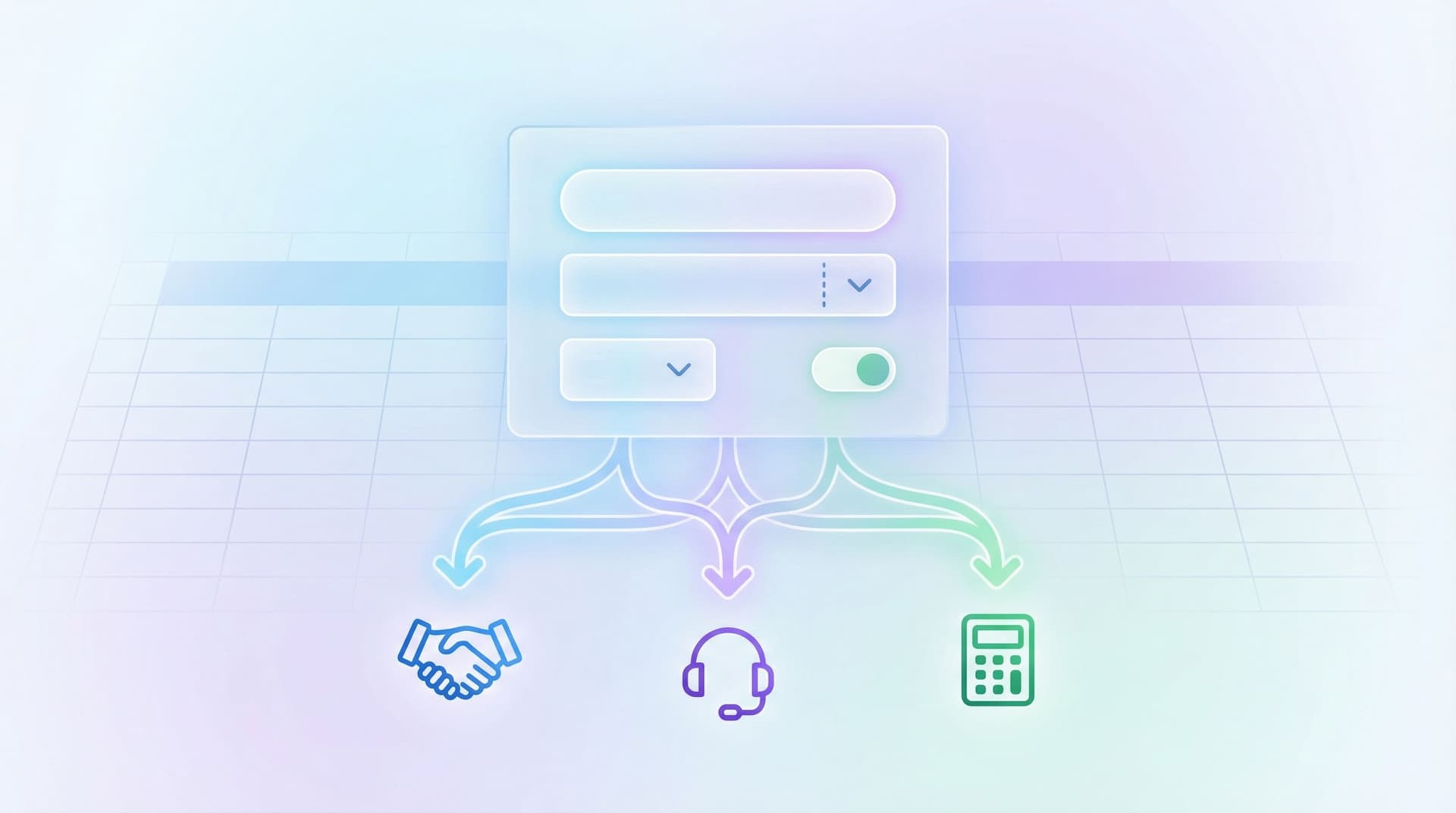
This is where tools like Ezpa.ge shine: forms become flexible surfaces you can route through email, chat, and your product—not just something that lives in a single iframe.
In this guide, we’ll walk through creative, concrete patterns for distributing forms across channels so they feel like a natural part of the conversation, not a detour.
Why distribution matters as much as design
Form builders have leveled up: themes, custom URLs, conditional logic, real-time syncing to Google Sheets—you can build something beautiful and smart in minutes.
But the value of a form is determined by three things:
- Where people encounter it
- When they see it
- How much context they keep while filling it out
If you only ever embed forms on a “Contact” or “Request” page, you’re leaving a lot of signal (and conversion) on the table.
Thoughtful distribution across email, chat, and product surfaces gives you:
- Higher completion rates – You catch people at the moment of intent instead of sending them on a scavenger hunt.
- Cleaner data – You reduce ad-hoc DMs and email replies that someone has to manually paste into a spreadsheet later.
- Faster ops – Real-time syncing into Google Sheets means your team can act on submissions as they come in, without manual triage.
- Better governance – Centralized forms are easier to secure and manage than dozens of random docs and shared inboxes. (If that’s a pain point, you’ll like our piece on form data governance for small teams.)
The rest of this post is about how to do that practically.
Pattern 1: Forms as email-native flows
Email is where a lot of work starts—and where a lot of structure goes to die.
Instead of:
“Just reply to this email with the details.”
You can route people to a short, targeted form that captures exactly what you need, while still feeling native to email.
1. Use custom URLs as “email intents”
With Ezpa.ge, each form can have a custom URL. Treat that URL as a specific intent:
/partner-intake/customer-story-consent/bug-report-from-support
Then bake those URLs into:
- Support macros in tools like Zendesk or Help Scout
- Gmail templates (or Outlook Quick Parts) for repeatable replies
- Lifecycle emails from tools like Customer.io or HubSpot
Example macro for support:
“To help us debug this quickly, could you share a few details here? It takes under 2 minutes and routes straight to our engineering queue:
https://yourbrand.ezpa.ge/bug-report-from-support.”
Tips for making email-linked forms feel natural:
- Keep the form short – 3–7 fields max for email-initiated flows.
- Prefill what you already know – If your email platform supports merge tags, you can append query params like
?email={{customer.email}}&account={{account.id}}to your Ezpa.ge URL. - Use copy that mirrors the email – Match the subject line and first sentence in the form header so it feels like a continuation, not a new task.
2. Turn newsletters into quiet research labs
Your recurring emails are a perfect place for lightweight research, without sending people to a 20-question survey.
Instead of a big quarterly survey, try:
- One-question forms linked from a CTA button: “What should we build next?”
- Segmented feedback forms by audience:
/newsletter-feedback-builders,/newsletter-feedback-buyers, etc.
We go deeper on this style of research in Micro-Forms for Macro Decisions, but the key idea is simple: small, frequent questions beat giant, rare surveys.

Pattern 2: Forms inside chat and messaging
Chat is where urgency lives. Someone is asking for help, trying to buy, or trying to unblock themselves.
If you’re still saying “Can you email us the details?” in a Slack, Teams, or Intercom conversation, you’re adding friction and losing structure.
1. Pinned intake forms in Slack and Teams
For internal workflows (ops, IT, design requests, approvals), create Ezpa.ge forms that act as the front door—and then pin them in the channels where people usually shout for help.
Examples:
#marketing-requests→/campaign-brief#it-help→/hardware-request#customer-stories→/reference-request
Practical steps:
- Create the form in Ezpa.ge with:
- A clear title: “Marketing Campaign Request”
- Required fields for scope, deadline, owner
- Real-time sync to a shared Google Sheet for the owning team
- Pin the URL in the channel description and as a pinned message.
- Train the team: anytime someone @mentions for work that fits the form, reply with a friendly nudge and the link.
This is exactly the pattern we explored in From Inbox Chaos to Intake Clarity: move from “DM me” to “fill the form, we’ll take it from there.”
2. Chatbots that hand off to forms (without feeling robotic)
If you use tools like Intercom, Drift, or Zendesk messaging, you can:
- Trigger a form link when a conversation reaches a certain point (e.g., “I’d like a demo”).
- Use custom URLs to differentiate sources:
/demo-request-chat,/demo-request-email,/demo-request-website.
Make the handoff smooth:
- Have the bot say: “I’ll grab a few details so we can route you to the right person. This takes about 60 seconds.”
- Open the form in a new tab with a short URL that matches the promise.
- Pre-populate any known info (email, plan, account size) via URL parameters.
3. QR codes for hybrid chat + real-world moments
Events, meetups, and even office signage are chat-adjacent moments where people are already pulling out their phones.
You can:
- Generate a QR code that points to an Ezpa.ge form like
/event-feedbackor/beta-waitlist. - Place it on slides, stickers, or table tents.
- Encourage people to scan and submit while they’re still in conversation with you.
Because Ezpa.ge syncs directly to Google Sheets, your team can watch responses roll in live and follow up in Slack or email while the context is fresh.
Pattern 3: Forms as part of the product, not just adjacent to it
Your product is full of moments where a form could quietly do the heavy lifting:
- Feature requests
- Bug reports
- Account changes and approvals
- Beta signups and experiments
Instead of building a new settings page or modal every time, you can embed or link to Ezpa.ge forms that feel native but are far easier to iterate.
1. Contextual entry points, not generic “Feedback” links
Rather than a single “Give feedback” button in the footer, create targeted entry points:
- On a pricing page: “Need a custom quote?” →
/pricing-request - Inside a feature: “Suggest an improvement” →
/feature-feedback-[feature-name] - In account settings: “Request data export” →
/data-export-request
Each URL can:
- Carry query parameters that identify the user, account, or feature.
- Route submissions into a dedicated Sheet tab for that workflow.
- Use conditional logic to adapt questions based on what they’re doing.
For more on using logic to make forms feel like conversations, see Adaptive Question Paths.
2. Forms as lightweight workflows instead of custom tools
Many “we need a new internal tool” requests can actually be solved with a well-designed form plus Sheets.
For example:
- Discount approvals – A form with fields for deal size, requested discount, rationale, and approver. Submissions go to a Sheet with filters and notifications.
- Customer onboarding checklists – A form that CSMs fill as they complete steps; the Sheet becomes the single source of truth.
- Partner directory updates – A form partners use to submit new info, feeding a Sheet that powers your site or CRM imports.
Because Ezpa.ge syncs in real time, your ops or RevOps team can build these flows in hours instead of waiting weeks for engineering. If you want to go deeper into this pattern, read Forms as Lightweight Workflows.
3. Experimentation: forms as feature flags
You don’t always need to ship a full UI to test a new idea. Sometimes you just need a structured way for people to raise their hand.
Examples:
- A “Request early access” link next to a new nav item that doesn’t exist yet.
- A “Would you use this?” one-question form in a beta banner.
- A “Join the pilot” form for a new workflow, routed to a Sheet your product team checks weekly.
Because you can spin up new Ezpa.ge forms and custom URLs quickly, you can run multiple experiments without cluttering your codebase.

Pattern 4: Designing channel-aware form experiences
Once your forms show up across email, chat, and product, you’ll quickly notice: the same form doesn’t work equally well everywhere.
A person clicking from a long-form newsletter has different context than someone tapping a button inside your app.
1. Tailor by channel with custom URLs
Instead of one monolithic form, create channel-specific variants that share a Sheet but differ in:
- Intro copy
- Number of questions
- Optional vs. required fields
For example, for a demo request you might have:
/demo-request-email– Slightly longer, more qualification questions (they’re already in their inbox and expect a short form)./demo-request-chat– Very short, focused on urgency and contact details./demo-request-inapp– Pre-filled with account info; asks more about current usage and goals.
All three can sync to the same Google Sheet, with an extra hidden field or URL param like source=chat to keep your analytics clean.
If you want a deeper dive on this style of tailoring, check out Channel-Specific Forms: Using Custom URLs to Tailor Messaging for Ads, Email, and Social.
2. Match form length to context
Consider:
- Email – People tolerate slightly longer forms, especially for higher-value requests (demos, onboarding, complex support). This is a good place for well-designed long forms that trade time for clarity—see Beyond ‘Shorter Is Better’ for when this pays off.
- Chat – Keep it ultra-lean. Ask only what you need to route or respond.
- In-product – You can ask more, but only if the value is clear (e.g., “Help us tune this feature for you”).
A helpful rule of thumb:
The further someone is from your product, the shorter the form should be.
3. Reuse structure, not clutter
To keep your system maintainable:
- Start with a core form that has all the fields you might need.
- Duplicate and trim for each channel.
- Use a consistent naming convention for URLs and Sheets.
This is where a thoughtful URL taxonomy pays off—see Form Systems, Not One-Off Links if you’re starting to feel the sprawl.
Pattern 5: Closing the loop with Sheets and notifications
Distribution is only half the story. The other half is what happens after someone submits.
If your team can’t see or act on the data quickly, no one will trust the forms—no matter how well they’re distributed.
With Ezpa.ge’s real-time Google Sheets syncing, you can:
- Route all submissions from a given workflow into a single Sheet.
- Use filters, conditional formatting, and pivot tables to triage.
- Connect Sheets to Slack, email, or project tools via no-code automation.
Some practical setups:
- Slack alerts – Use a tool like Zapier or Make to post a message in
#sales-intakewhenever a new/demo-request-chatrow appears. - Triage views – Create filtered views for “New,” “In progress,” and “Done” based on a status column your team updates.
- Ownership routing – Use formulas or automations to assign submissions based on region, account size, or product line.
We go deeper into these operational patterns in Real-Time Forms for Real-World Ops.
Bringing it all together
If this feels like a lot, remember: you don’t need to redesign everything at once.
You can start small:
- Pick one messy workflow that currently lives in email or chat (e.g., “Can you review this contract?” or “Can I get access to X?”).
- Design a single Ezpa.ge form that captures the minimum info you need.
- Give it a clear custom URL and wire it to a Google Sheet.
- Drop that URL into:
- A support macro
- A Slack channel description
- A product tooltip or settings page
- Watch what happens for two weeks. Tweak questions, add prefilled parameters, and adjust copy based on what you see.
Once that works, repeat for the next workflow.
Over time, you’ll notice a shift:
- Fewer “Can you send me the details?” emails
- Fewer “Who owns this?” Slack threads
- More structured, searchable data
- Faster, more confident decisions
Forms stop being static embeds and start acting like connective tissue across email, chat, and your product.
Summary
Distributing forms beyond embeds isn’t just a UX upgrade. It’s an operational one.
By weaving Ezpa.ge forms into email, chat, and product surfaces, you:
- Meet people where they already are
- Preserve context instead of forcing detours
- Capture cleaner data in real time
- Give your team a reliable, secure backbone for workflows
Patterns like email-native forms, chat-integrated intake, product-embedded workflows, and channel-aware variants turn “just a form” into a flexible system that can keep up with how your team actually works.
Your next move
You don’t need a full strategy deck to start.
- Open Ezpa.ge.
- Create one new form specifically for a workflow that currently frustrates you.
- Give it a memorable custom URL.
- Wire it to a Google Sheet.
- Share that link in the one place people most often ask for that thing—an email template, a Slack channel, or a product tooltip.
Ship that, see the impact, then expand.
If you’re ready to move beyond embeds, this is the first step: treat every email, chat, and product surface as a potential front door to a better form.