Posts tagged with "integration"

18 posts

From Spreadsheet Chaos to Source of Truth: Structuring Google Sheets for Scalable Form Data
Google Sheets
integration

From Spreadsheet Chaos to Source of Truth: Structuring Google Sheets for Scalable Form Data

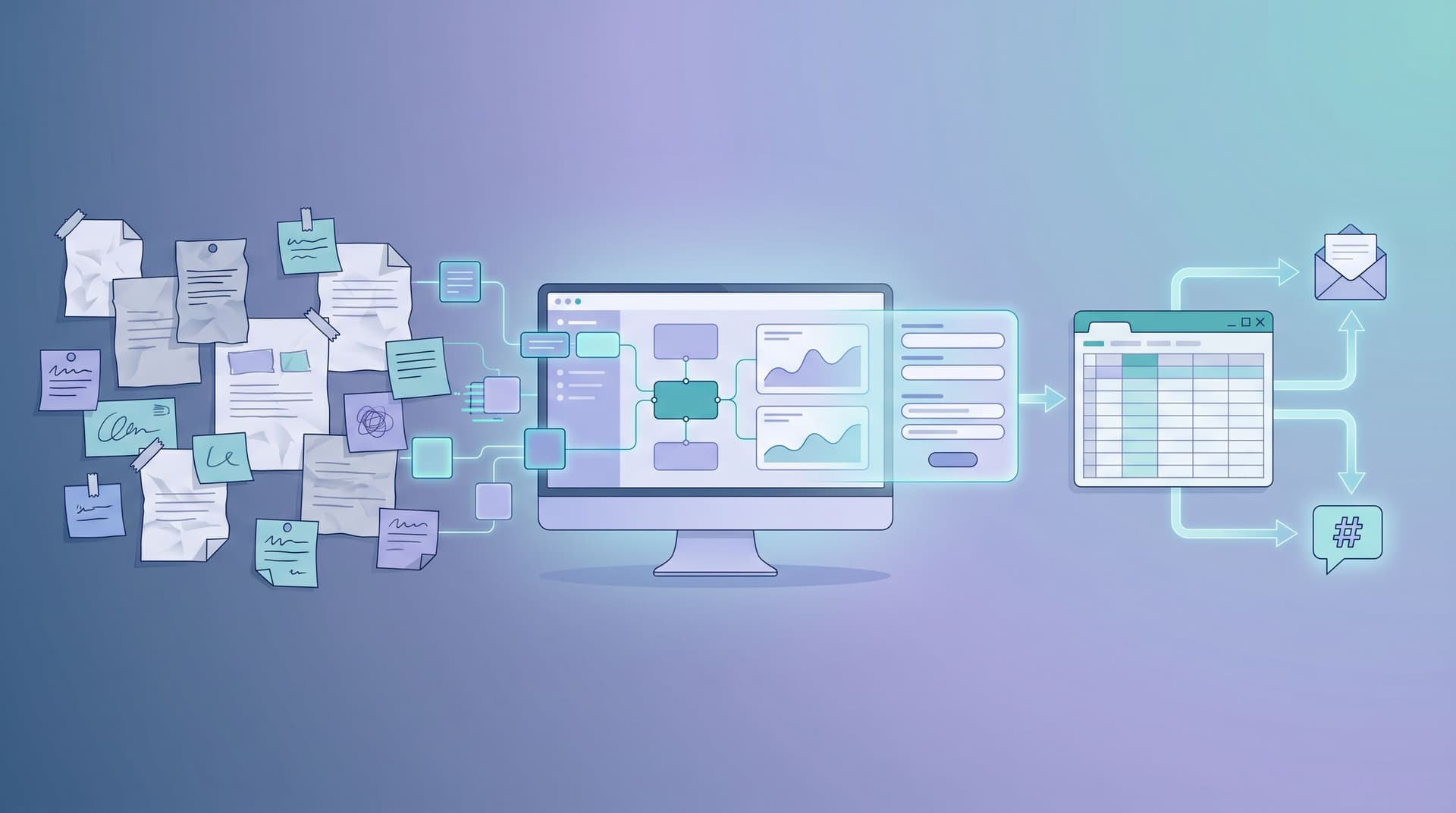
You don’t have a form problem. You have a data structure problem. If your Ezpa.ge forms (or any forms) are feeding into Google Sheets and you’re still drowning in copies, broken formulas, and “final_v7” tabs, the issue isn’t the tool. It’s the way your sheet is set up. Done well, a single spreadsheet can: Power live dashboards and reports Trigger automations and workflows Keep marketing, ops, and leadership aligned Serve as the trusted record of what actually happened Done poorly, it becomes the place where good intentions go to die. This guide is about turning that chaos into a real source of truth: a Google Sheets structure that scales with your forms, your team, and your ambitio

Charlie Clark
Charlie Clark
From Form to Workflow: Automating Onboarding, Support, and QA with Ezpa.ge + Google Sheets
efficiency
Google Sheets

From Form to Workflow: Automating Onboarding, Support, and QA with Ezpa.ge + Google Sheets

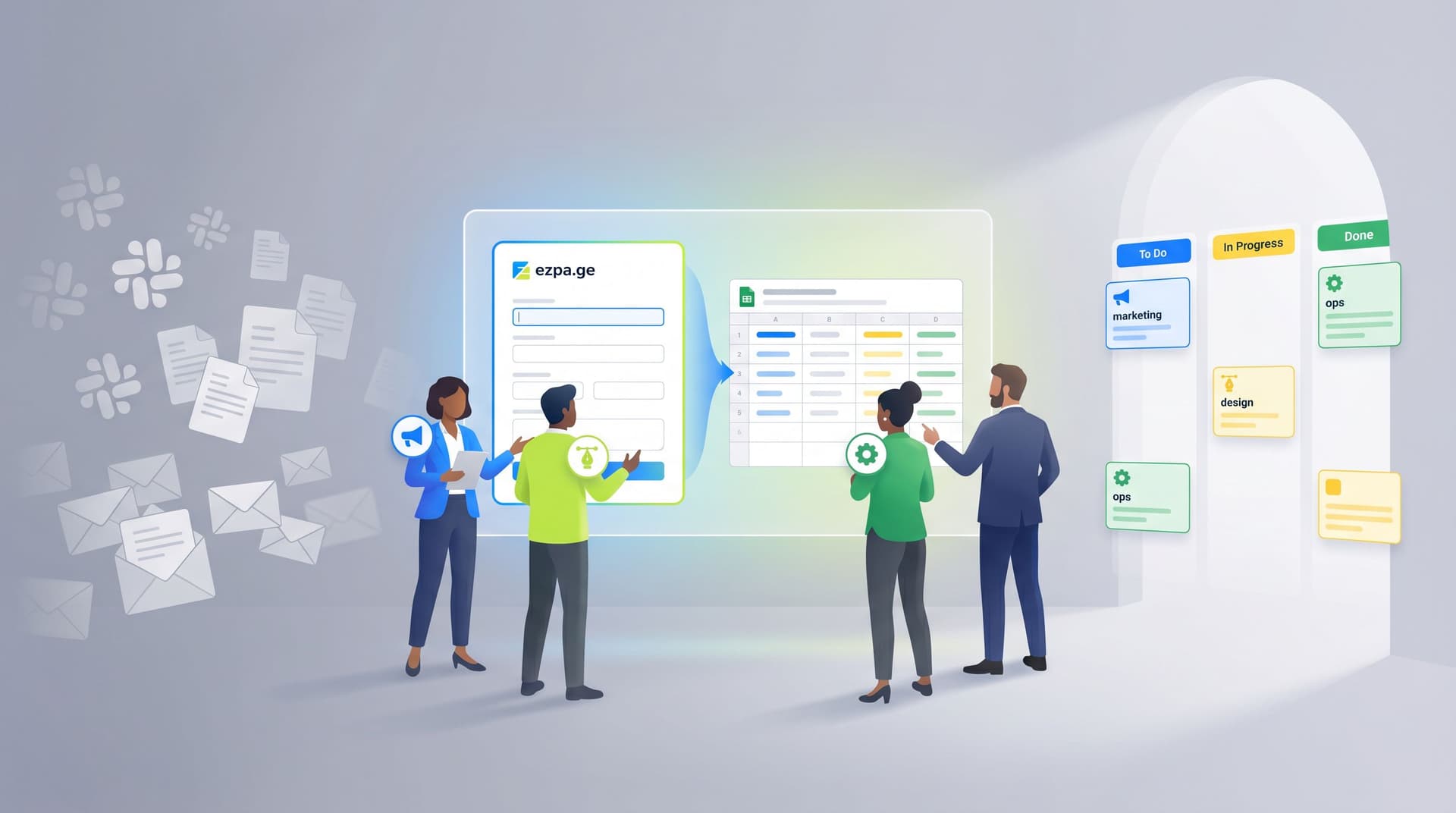
From Form to Workflow: Automating Onboarding, Support, and QA with Ezpa.ge + Google Sheets Modern teams don’t struggle to collect data. They struggle to do something with it—quickly, reliably, and without adding another tool that only two people know how to use. Ezpa.ge + Google Sheets is a quiet power combo for solving exactly that. You get: Beautiful, branded, responsive forms that people actually want to fill out. Real-time syncing into a tool your whole team already understands: Google Sheets. A low-code automation layer you can extend into onboarding, support, and QA workflows—without waiting on engineering


Charlie Clark
Charlie Clark
No-Dev Ops: Automating Product Workflows with Ezpa.ge Forms and Google Sheets Triggers
efficiency
Google Sheets

No-Dev Ops: Automating Product Workflows with Ezpa.ge Forms and Google Sheets Triggers

Product and ops teams are under pressure to move faster without adding headcount, tickets, or technical debt. You’re expected to: Qualify leads in minutes, not days Route requests to the right owner automatically Turn feedback into roadmap input without another spreadsheet cleanup But most teams still rely on manual glue: exporting CSVs, copying data between tools, and pinging people in Slack. It works—until it doesn’t. Things slip. SLAs get missed. Nobody trusts the spreadsheet. This is where a “No-Dev Ops” mindset shines: using tools you already know (forms + Google Sheets) as a lightweight automation platform

Charlie Clark
Charlie Clark
Ops in the Loop: Using Real-Time Form Data to Trigger Playbooks, Notifications, and Automations
Google Sheets
integration

Ops in the Loop: Using Real-Time Form Data to Trigger Playbooks, Notifications, and Automations

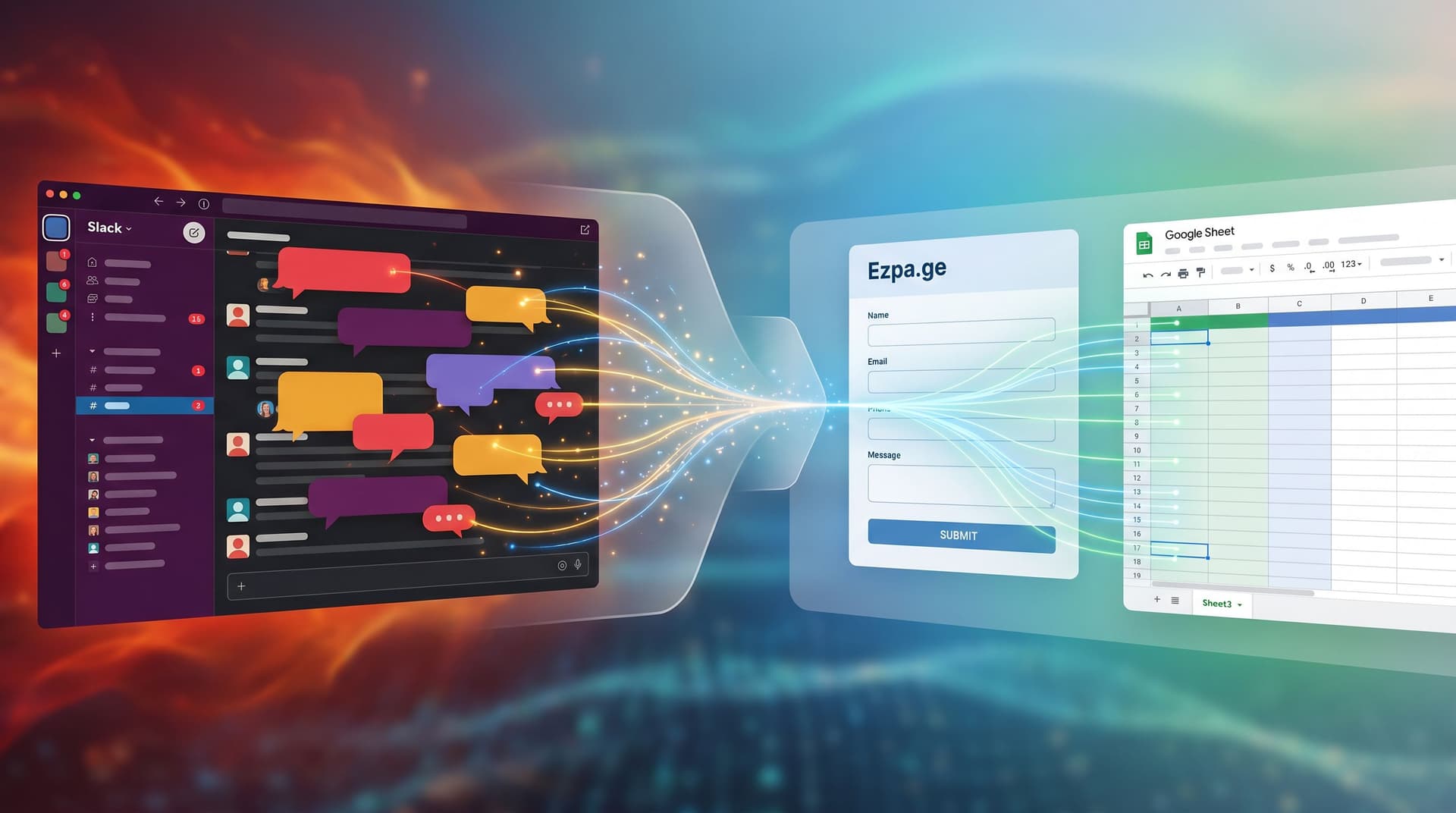
Operations teams used to live in spreadsheets that were always a week out of date. A form would collect leads, issues, or requests. Then someone would export a CSV, clean it up, forward it to a team, and maybe log it in another system. By the time anything happened, the moment of intent was gone. With tools like Ezpa.ge streaming responses directly into Google Sheets in real time, you don’t have to work that way anymore. Your forms can be more than intake—they can be triggers that fire playbooks, alerts, and automations the second someone hits Submit. This post is about putting ops in the loop: turning form submissions into live signals that drive action, not just repor

Charlie Clark
Charlie Clark
Offline Teams, Online Forms: Operational Playbooks for Making Google Sheets Your Single Source of Truth
real-time collaboration
Google Sheets

Offline Teams, Online Forms: Operational Playbooks for Making Google Sheets Your Single Source of Truth

When your work happens in warehouses, clinics, school campuses, or job sites, “just check the dashboard” isn’t enough. Clipboards, radio calls, whiteboards, and text threads are still everywhere. They’re fast, familiar—and they quietly fracture your data. The result: no one is quite sure which numbers to trust, which sheet is current, or whether that form someone printed last month is still valid. If your forms are already syncing into Google Sheets—especially with tools like Ezpa.ge—you’re a few decisions away from something much better: one live spreadsheet per workflow that everyone treats as the source of truth, even when half your team is offline. This post is about how to build that reality on purpo

Charlie Clark
Charlie Clark
Real-Time Guardrails: Using Google Sheets Logic to Auto-Clean and Validate Form Data
Google Sheets
integration

Real-Time Guardrails: Using Google Sheets Logic to Auto-Clean and Validate Form Data

If your forms are already syncing live to Google Sheets, you’re sitting on something powerful: a real-time rules engine that can clean, validate, and enrich data the moment it arrives. Most teams never fully use it. They export once a week, fix issues by hand, complain about “bad leads” or “messy survey data,” and keep shipping forms that quietly generate more chaos. This post is about doing the opposite: turning your Ezpa.ge + Google Sheets setup into real-time guardrails that: Catch junk data before it hits your CRM Normalize formats so reports “just work” Flag high-intent or risky submissions instantly Reduce the manual cleanup your team secretly dreads You don’t need a dedicated data engineer or a custom backe

Charlie Clark
Charlie Clark
Real-Time AB Testing with Google Sheets: Ship Form Experiments in a Single Afternoon
analytics
Google Sheets

Real-Time AB Testing with Google Sheets: Ship Form Experiments in a Single Afternoon

If you’ve ever wanted to run “real” A/B tests on your forms but ended up stuck in analytics setups, dev tickets, or stakeholder debates, this guide is for you. With Ezpa.ge forms syncing straight into Google Sheets, you don’t need a full experimentation platform to learn fast. You can spin up variants, route traffic, and read results live in a single afternoon—then keep iterating while the form is live. This isn’t theory. It’s a practical workflow you can run with tools your team already understands: forms + Sheets. Why Real-Time A/B Testing for Forms Matters Most teams treat forms as “set and forget.” You ship a layout, maybe tweak a headline, and hope the conversion rate ho

Charlie Clark
Charlie Clark
Form Handoff Without Headaches: Sharing Live Google Sheets Data Across Teams
real-time collaboration
Google Sheets

Form Handoff Without Headaches: Sharing Live Google Sheets Data Across Teams

Form handoff is where good intentions go to die. Marketing launches a beautiful signup form. Sales wants to know which leads are hot. Product wants feedback tags. Ops wants clean exports. Somewhere in the middle, a CSV gets emailed around, someone makes a copy "just in case," and suddenly no one is sure which sheet is the source of truth. If that sounds familiar, you’re not alone. The good news: when your forms sync directly into live Google Sheets, you don’t have to live in that chaos. Handoffs can be calm, predictable, and almost boring—in the best w

Charlie Clark
Charlie Clark
From Form to Funnel: Turning Raw Responses into a Live Google Sheets Dashboard
analytics
Google Sheets

From Form to Funnel: Turning Raw Responses into a Live Google Sheets Dashboard

Forms are where the story starts—but not where it should end. If you’re only exporting CSVs once a week and manually building reports, you’re treating your form like a suggestion box instead of a live signal. The real magic happens when every new response instantly updates a dashboard your team actually uses: a Google Sheet that behaves like a lightweight analytics hub. Ezpa.ge already gives you real-time syncing to Google Sheets. The missing piece for many teams is turning that raw stream of rows into a clear, visual dashboard that drives decisions. This guide walks through how to go from “we have responses” to “we have a living, breathing funnel view”—without needing a data te

Charlie Clark
Charlie Clark
Cross-Platform Form Integration: Breaking Down Silos with Seamless APIs
efficiency
real-time collaboration

Cross-Platform Form Integration: Breaking Down Silos with Seamless APIs

In a world where data is king, the ability to collect and utilize information efficiently is paramount for businesses and individuals alike. Forms serve as the gateway to this vital data, capturing everything from customer feedback to event registrations. Yet, the challenge many face is integrating these forms across various platforms without losing data integrity or encountering cumbersome processes. Enter cross-platform form integration powered by seamless APIs—an innovative solution breaking down data silos and enhancing user experiences. Why Cross-Platform Integration Matters As organizations increasingly rely on diverse software ecosystems, the need for robust integration becomes apparent

Charlie Clark
Charlie Clark
Seamless Integration Mastery: Elevating Form Performance through Third-Party Tools
efficiency
real-time collaboration

Seamless Integration Mastery: Elevating Form Performance through Third-Party Tools

In the realm of online interactions, forms serve as crucial contact points between businesses and their audiences. They are the digital handshake, the initial exchange that can set the tone for a lasting relationship. However, creating a form that not only captures information but also enhances user experience requires more than just basic form-building skills. Enter the world of third-party tool integrations—an often underutilized strategy that can dramatically elevate the performance and efficiency of your forms. Why Integration Matters The integration of third-party tools with your forms is not just a technical exercise; it is a strategic move that can transform how your business collects, processes, and utilizes data

Charlie Clark
Charlie Clark
Bridging Gaps with Integration: Syncing Forms Beyond Google Sheets
real-time collaboration
Google Sheets

Bridging Gaps with Integration: Syncing Forms Beyond Google Sheets

Bridging Gaps with Integration: Syncing Forms Beyond Google Sheets As we strive to create seamless experiences in our workflows, integrating various tools and platforms becomes essential. For many, Google Sheets has long been a staple for managing data collected through forms. However, as organizational needs evolve, so too does the necessity to connect forms with a broader array of systems. Integrating your forms beyond Google Sheets can unlock new efficiencies, enhance data management, and streamline operations. Let's explore why this matters and how you can take actionable steps towards more robust integration.

Charlie Clark
Charlie Clark
The Future of Google Sheets Integration: Transforming Real-Time Collaboration in Form Data Management
real-time collaboration
Google Sheets

The Future of Google Sheets Integration: Transforming Real-Time Collaboration in Form Data Management

In an era where data drives decision-making, the ability to manage and collaborate on form data efficiently is more critical than ever. Whether you're a small business owner, an educator, or a data analyst, the seamless integration of tools like Google Sheets with form-building platforms can revolutionize how you work. This blog post explores the future of Google Sheets integration, focusing on enhancing real-time collaboration in form data management. Why Google Sheets Integration Matters Google Sheets has become a cornerstone for managing and analyzing data due to its accessibility and powerful features. When integrated with form-building platforms like Ezpa.ge, Google Sheets can drastically improve how we handle form data

Charlie Clark
Charlie Clark
Seamless Form Sharing: Innovating with Custom URL Techniques
custom URLs
integration

Seamless Form Sharing: Innovating with Custom URL Techniques

In a world where efficient communication is the backbone of successful interactions, the art of form sharing has become more critical than ever. Whether you're a business collecting customer feedback, an educator gathering student information, or a marketer seeking insights, the ability to share forms seamlessly can significantly enhance your workflow. Here at Ezpa.ge, we are committed to unraveling the potential of form sharing, focusing on the innovative use of custom URL techniques. The Significance of Custom URLs Custom URLs are more than just vanity links; they are powerful tools that can elevate your form-sharing strategy

Charlie Clark
Charlie Clark
Custom URL Strategies: Transforming Form Branding and Accessibility
custom URLs
integration

Custom URL Strategies: Transforming Form Branding and Accessibility

In a world where first impressions are often made online, the details matter. When it comes to online forms, a customized URL can be a powerful tool to enhance branding, improve accessibility, and build trust with your audience. As online interactions continue to grow, understanding how to leverage custom URLs can make your forms stand out and engage your audience more effectively. Why Custom URLs Matter Custom URLs are more than just a cosmetic change. They are a strategic element of your online presence. A well-crafted URL can: Enhance Brand Recognition: A URL that includes your brand or a relevant keyword can make your form instantly recognizable

Charlie Clark
Charlie Clark
Pioneering Real-Time Collaboration: Syncing Forms Beyond Google Sheets
real-time collaboration
Google Sheets

Pioneering Real-Time Collaboration: Syncing Forms Beyond Google Sheets

In a world where collaboration is key to success, the ability to sync information in real-time across multiple platforms has become invaluable. Ezpa.ge Blog is at the forefront of this movement, ensuring that user forms are not just aesthetically pleasing, but also incredibly functional. Today, we delve into the revolutionary concept of real-time collaboration, expanding our horizons beyond the familiar territory of Google Sheets. Why Real-Time Collaboration Matters The essence of real-time collaboration is the ability to make information instantly available to anyone, anywhere, without the need for tedious updates or manual syncing

Charlie Clark
Charlie Clark
Unveiling Advanced Custom URL Techniques for Brand Growth
custom URLs
integration

Unveiling Advanced Custom URL Techniques for Brand Growth

In a world where first impressions can make or break a connection, businesses strive to create memorable interactions with their audience. One often-overlooked aspect of this is the humble URL. While URLs may seem like mere digital addresses, they can be powerful tools for brand growth when used strategically. This article will explore advanced techniques for customizing URLs, providing actionable insights and tangible benefits for your brand. Why Custom URLs Matter for Your Brand A custom URL is more than just a link—it's a representation of your brand's identity on the web

Charlie Clark
Charlie Clark
Seamless Integrations: Syncing Forms with Third-Party Tools for Maximum Efficiency
efficiency
real-time collaboration

Seamless Integrations: Syncing Forms with Third-Party Tools for Maximum Efficiency

Creating forms can sometimes feel like a simple task, but unlocking their full potential requires more than just collecting responses. To truly harness the power of online forms, integrating them with third-party tools is essential. This not only enhances productivity but also provides a streamlined experience for both the creator and the respondent. At Ezpa.ge, we believe in making this process as seamless as possible, ensuring that your forms work smarter, not harder. The Importance of Integration Forms are a critical touchpoint for gathering data, whether it’s for customer feedback, event registrations, or lead generation

Charlie Clark
Charlie Clark