Forms for Non-Linear Journeys: Designing Paths That Let Users Jump, Skip, and Return Without Getting Lost

Most form builders still assume a straight line:
- Start at step one.
- March forward.
- Submit.
But real user behavior doesn’t look like that. People skim, jump ahead, go back, change their mind, open multiple tabs, and return later. They don’t experience your form as a tidy funnel; they experience it as a journey with detours.
Non-linear journeys aren’t a niche edge case anymore. They’re the norm for:
- Complex B2B signups
- Multi-stakeholder intake (legal + finance + operations)
- Self-serve onboarding with optional paths
- Research surveys with conditional sections
- Internal workflows that unfold over days, not minutes
If your form assumes a straight line while your users behave like zigzags, you pay the price in:
- Abandonment when people can’t easily get back to where they were
- Bad data when users hack the form (fake answers, skipped context) to get to the part they care about
- Support load when teams have to “fix” submissions over email or Slack
Designing for non-linear journeys is about building forms that expect users to jump, skip, and return—and stay oriented the whole time.
Why Non-Linear Forms Matter More Than Ever
Non-linear form journeys show up everywhere once you start looking.
1. Real decision-making is messy
Buying software, applying for financing, or submitting a complex request rarely happens in one sitting.
- A sales engineer starts filling out a partner intake form, then pauses to ask legal a question.
- A customer opens your onboarding form on mobile, then finishes on desktop.
- A product manager starts a feature request, realizes they need usage data, and comes back later.
If your form can’t gracefully handle those pauses and returns, people end up:
- Duplicating submissions
- Emailing “ignore my last form, here’s the real one”
- Dropping off halfway and never coming back
2. Optional depth beats one-size-fits-all
Some users want the shortest possible path. Others are happy to go deep—if they see the value.
Non-linear design lets you:
- Offer optional sections (e.g., advanced configuration, detailed feedback)
- Let experts jump directly to the part they care about
- Keep a clear primary path for everyone else
This is exactly the tension we explored in Beyond ‘Shorter Is Better’: When Long Forms Outperform Micro-Flows: long or complex flows can work brilliantly, as long as they’re structured and navigable.
3. Forms are becoming workflows
Forms aren’t just “submit and forget” anymore. With tools like Ezpa.ge, conditional logic, and Google Sheets syncing, forms often are the workflow:
- Multi-step approvals
- Escalation paths
- Internal routing and triage
Once your form is effectively a mini-application, linear-only thinking breaks down. You need patterns from product design—navigation, state, progress, and recovery—inside the form itself. We wrote about this shift in Forms as Lightweight Workflows: Designing Conditional Paths That Replace Internal Tools (Without Code).
Principles of Non-Linear Form Design
Before we get tactical, it helps to anchor on a few principles. These are the rails that keep non-linear journeys from turning into chaos.
1. Orientation over order
The goal isn’t to force a particular order. It’s to help people always know:
- Where they are
- What’s left
- What’s optional vs. required
If users stay oriented, they can safely jump around without feeling lost.
2. Flexibility with guardrails
Non-linear doesn’t mean “anything goes.” You still need:
- Dependencies: some sections can’t be completed before others
- Validation rules: required fields, format checks
- Critical checks: blocking submission if key info is missing
The art is letting users move freely within those guardrails.
3. State is sacred
Non-linear journeys fall apart when state is fragile:
- Answers don’t save between sessions
- Back/forward buttons reset progress
- Branching logic forgets previous choices
If you want people to jump, skip, and return, you have to treat state persistence as a first-class feature, not a nice-to-have.
Map the Journey Before You Design the Form
Non-linear forms start with a non-linear map.
Step 1: Identify the “chapters,” not just the questions
Instead of listing fields, group them into logical chapters:
- Profile – who is this person/company?
- Context – what situation are they in?
- Request – what do they want?
- Constraints – what limits or requirements exist?
- Extras – optional depth, nice-to-have details
Each chapter should:
- Have a clear purpose
- Be understandable as a standalone unit
- Map to a real decision or workflow on your side
Step 2: Define which chapters are truly required
Not everything is equally important. Mark chapters as:
- Must-have before submit (hard requirement)
- Must-have before certain branches (conditional requirement)
- Nice-to-have (optional, but clearly labeled as such)
Be ruthless here. Over-marking sections as required is how you end up with brittle, frustrating flows.
Step 3: Sketch user paths, not just the “happy path”
For each key persona, write out how they’re likely to move through the form. For example:
- Time-poor executive
- Skims intro → jumps to “Request” → submits → maybe returns later to fill “Extras.”
- Power user / partner
- Carefully completes “Profile” → dives deep into “Constraints” → adds detailed notes in “Extras.”
- Mobile-first user
- Completes “Profile” and “Request” on phone → finishes “Context” on laptop later.
If your form can’t handle those paths without confusion or data loss, it’s not ready.

Structural Patterns That Support Non-Linear Journeys
Once you’ve mapped the journey, you can choose structural patterns that make non-linear movement feel natural.
Pattern 1: Section-based navigation with clear progress
Instead of an opaque “Step 1 of 12” wizard, use named sections:
- A left-hand sidebar or top navigation with section titles
- Checkmarks for completed sections
- Subtle indicators for required vs. optional
Design tips:
- Keep section names short and concrete: “Company Details,” “What You Need,” “Timeline.”
- Let users click to any section at any time, but:
- Warn them if they’re leaving a section with unsaved changes.
- Gently highlight required-but-empty sections before submit.
Pattern 2: Smart branching that doesn’t trap users
Conditional logic is powerful—but it can also create dead ends.
Good branching behavior:
- Shows or hides sections based on earlier answers
- Lets users change their mind and see the form adjust
- Preserves answers in hidden sections, but clearly indicates if they’re now irrelevant
We dug into this in Adaptive Question Paths: Using Live Response Data to Reshape Your Forms Without a Redesign. The key idea: logic should respond to users, not lock them into a path they can’t revise.
Practical safeguards:
- When a user changes a key answer that affects branching, show a small inline note:
“Changing this will hide some sections and may mark certain answers as unused. You can always switch back.” - On review screens, group answers by section and visually gray out any now-irrelevant blocks.
Pattern 3: A review & edit hub
For non-linear journeys, a final “Review & Submit” page is your best friend.
This page should:
- Summarize all sections with:
- A short label
- A status (Complete, Incomplete, Optional)
- Let users jump directly into any section to edit
- Highlight missing required fields before enabling submit
Bonus: if your form is long, consider an auto-generated table of contents at the top of the review page with anchor links.
Pattern 4: Save-and-return that actually works
If your form takes more than a few minutes, assume people will leave and come back.
Minimum viable save-and-return:
- Auto-save progress on every field change or section exit
- A clear message that progress is being saved (e.g., “All changes saved”)
- A friction-light way to return:
- Magic link via email
- URL with a unique token
- Pre-authenticated for logged-in users
Advanced touches:
- Reminders for unfinished forms after a reasonable interval
- A “Resume where you left off” button that jumps to the last edited section
This is where Ezpa.ge’s real-time Google Sheets sync shines: every partial and completed submission can land in a Sheet, giving ops and CX teams live visibility into where users are getting stuck.
Micro-UX Details That Keep People Oriented
Structure is half the story. The other half is the tiny UX decisions that make jumping around feel safe.
1. Label optional paths clearly
Non-linear journeys work best when users know what’s optional.
- Add “(optional)” to field and section labels where it’s truly optional.
- Use helper text like:
“Add more context here if you have a complex setup. Most users can skip this.” - Consider collapsible advanced sections labeled “Show advanced configuration.”
2. Make back/forward predictable
Nothing breaks trust faster than:
- Hitting “Back” and losing your answers
- Clicking “Next” and being jumped to a surprising place
Best practices:
- Treat browser back/forward as first-class navigation—test it thoroughly.
- Keep “Next” moving forward within the current logical flow, even if users have skipped optional sections.
- If logic changes the next destination, explain why:
“Because you selected ‘Enterprise’, we’ll ask a few questions about your security requirements next.”
3. Use inline validation, not surprise walls
In non-linear flows, users might complete sections in unexpected orders. Don’t punish them with a wall of errors at the end.
- Validate fields as they blur (without being obnoxious).
- Show section-level warnings:
“2 required fields missing in this section.” - On the review page, list missing items with direct links to fix them.
4. Respect partial intent
Sometimes users jump into a form just to see what’s being asked.
You can:
- Let them explore all sections without forcing early commitments
- Use gentle copy like:
“You can start with just the basics and come back to the rest later.” - Avoid gating navigation behind required fields unless absolutely necessary
This keeps curiosity from turning into frustration.

Handling Multi-Channel, Multi-Session Journeys
Non-linear doesn’t just mean moving around inside a single form. It also means:
- Starting from different channels
- Returning from different devices
- Hopping between related forms
Use URLs as part of your navigation strategy
Custom URLs are a powerful way to:
- Route users to the right starting section based on channel or intent
- Pre-fill known data
- Attach metadata (campaign, partner, offer) without extra fields
We explored this in depth in Custom URLs as Routing Logic: Directing Traffic by Intent, Channel, and Buyer Stage and Channel-Specific Forms: Using Custom URLs to Tailor Messaging for Ads, Email, and Social.
For non-linear journeys, you can:
- Send returning users a link that opens directly on the review page
- Give internal teams links that jump to specific sections (e.g.,
/partner-intake#legal) - Create channel-specific entry points that highlight different sections first
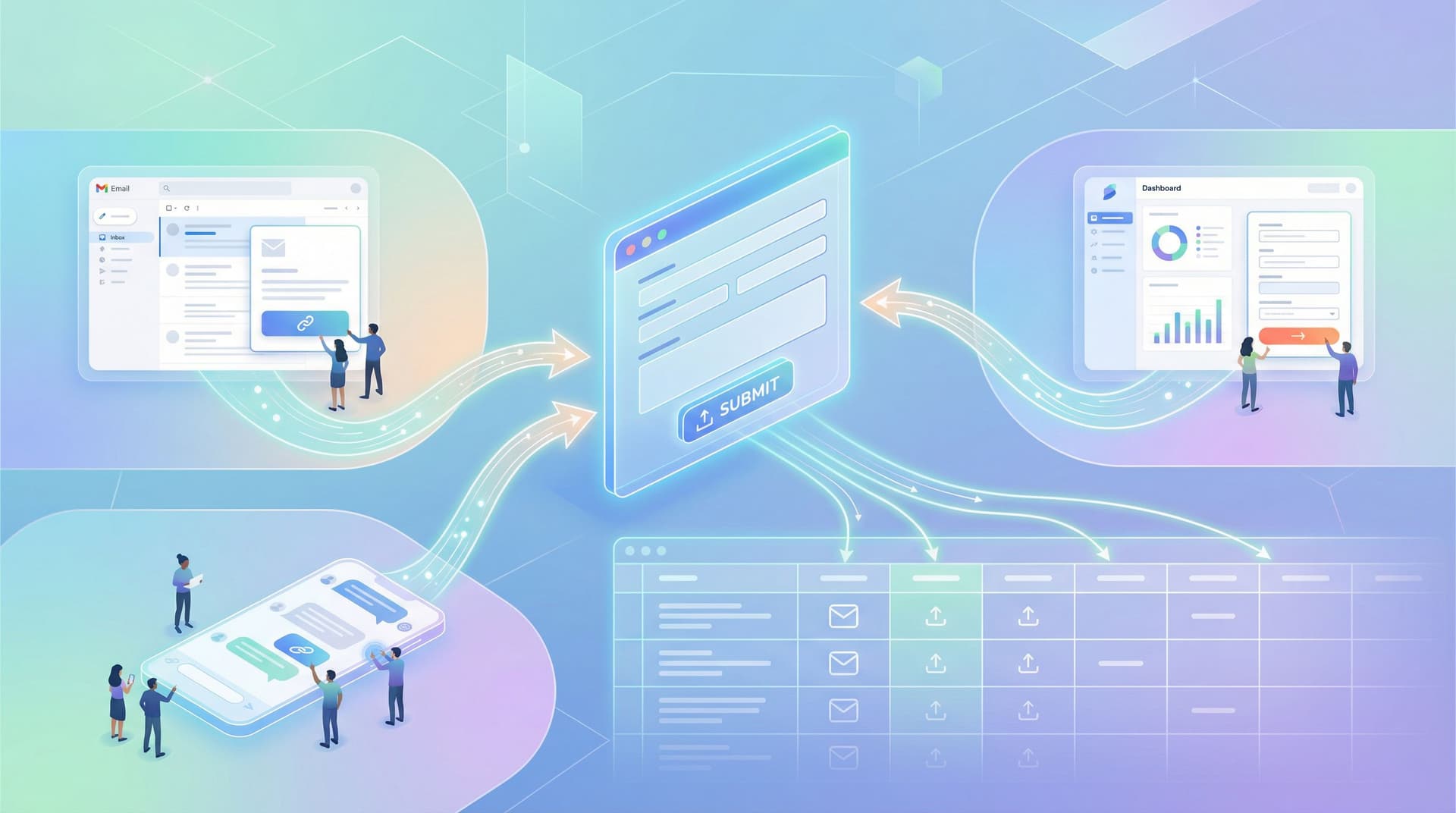
Make forms portable across surfaces
Non-linear journeys often span:
- Email threads
- Chat tools (Slack, Teams, Intercom)
- In-product prompts
If your form only exists as a static embed on one page, you’re forcing users to break their natural flow. Instead, think in terms of form surfaces, as we covered in Beyond Embeds: Creative Ways to Distribute Forms Across Email, Chat, and Product Surfaces.
For example:
- A support agent drops a link to the “Context” section of an issue intake form directly in a chat
- An email reminder to finish onboarding opens the form at the exact section that’s incomplete
- A QR code at an event leads to a short starter section, with a follow-up link to complete the rest later
The more you respect where users already are, the more natural non-linear journeys feel.
Data, Governance, and Safety in Non-Linear Flows
When people can move around more freely, your data model and governance need to keep up.
1. Design for partial but usable submissions
Not every incomplete form is a failure. Sometimes a “good enough” partial submission is still valuable.
Consider:
- Marking submissions with a completion status (e.g., Draft, Submitted, Needs Review)
- Logging which sections were completed vs. skipped
- Allowing internal teams to follow up based on partial data
2. Guardrails for sensitive sections
Non-linear doesn’t mean every section is equally accessible.
For sensitive data (financials, credentials, personal info):
- Require authentication or a signed-in state before access
- Add clear copy about why you’re asking and how data is used
- Use subtle but strong security patterns, like those we outlined in Quiet Security: Subtle UX Patterns That Signal Safety Without Killing Conversion
3. Governance that matches your flexibility
If your team is spinning up complex, non-linear forms regularly, you need lightweight rules for:
- Who can create or edit branching logic
- Where responses are stored and for how long
- How access is granted and revoked
Form Data Governance for Small Teams: Lightweight Security, Access, and Retention Rules That Scale is a good companion piece here. Non-linear journeys multiply touchpoints; governance keeps them safe and sane.
Putting This Into Practice With Ezpa.ge
You don’t need a full product team to design for non-linear journeys. With Ezpa.ge, you can:
- Create section-based forms with clear navigation and theming that matches your brand
- Use conditional logic to show or hide sections based on answers, without code
- Sync responses into Google Sheets in real time, so ops, CX, and revenue teams can see where users are in the journey and intervene when needed
- Generate custom URLs that route users to the right sections or pre-fill known data
A simple starting checklist for your next form:
- List your chapters and mark which are required vs. optional.
- Decide how users should be able to move between chapters.
- Add a review page that summarizes everything and flags gaps.
- Turn on auto-save and test save-and-return flows across devices.
- Create at least one custom URL for a specific channel or persona.
- Wire responses into a Google Sheet and add simple filters for completion status.
You’ll be surprised how quickly your forms start to feel less like static questionnaires and more like flexible, forgiving tools.
Summary
Non-linear journeys are how people actually move through complex decisions, multi-step workflows, and multi-session tasks. When your forms embrace that reality, you:
- Reduce abandonment by letting users leave and return without penalty
- Improve data quality by supporting optional depth and clear orientation
- Lower support load by making navigation, editing, and review self-serve
- Give your internal teams better visibility into where users are getting stuck
The core moves are:
- Map chapters and user paths before you design fields
- Use section-based navigation, smart branching, and review hubs
- Treat state and save-and-return as sacred
- Leverage URLs and multi-surface distribution to meet users where they are
- Back it all up with thoughtful governance and security
When you get this right, your forms stop fighting real user behavior—and start harnessing it.
Take the First Step
You don’t have to redesign every form you own to benefit from non-linear thinking. Start small:
- Pick one high-impact form—an intake, onboarding, or complex request.
- Break it into clear chapters with a simple navigation.
- Add a review page and save-and-return.
- Ship it, watch how people move, and iterate.
If you’re using Ezpa.ge, you already have the building blocks: themes, custom URLs, conditional logic, and real-time Google Sheets sync. Use this next form as your testbed for a more flexible, human way to collect data.
Your users are already taking non-linear journeys. It’s time your forms were built to guide them, not fight them.