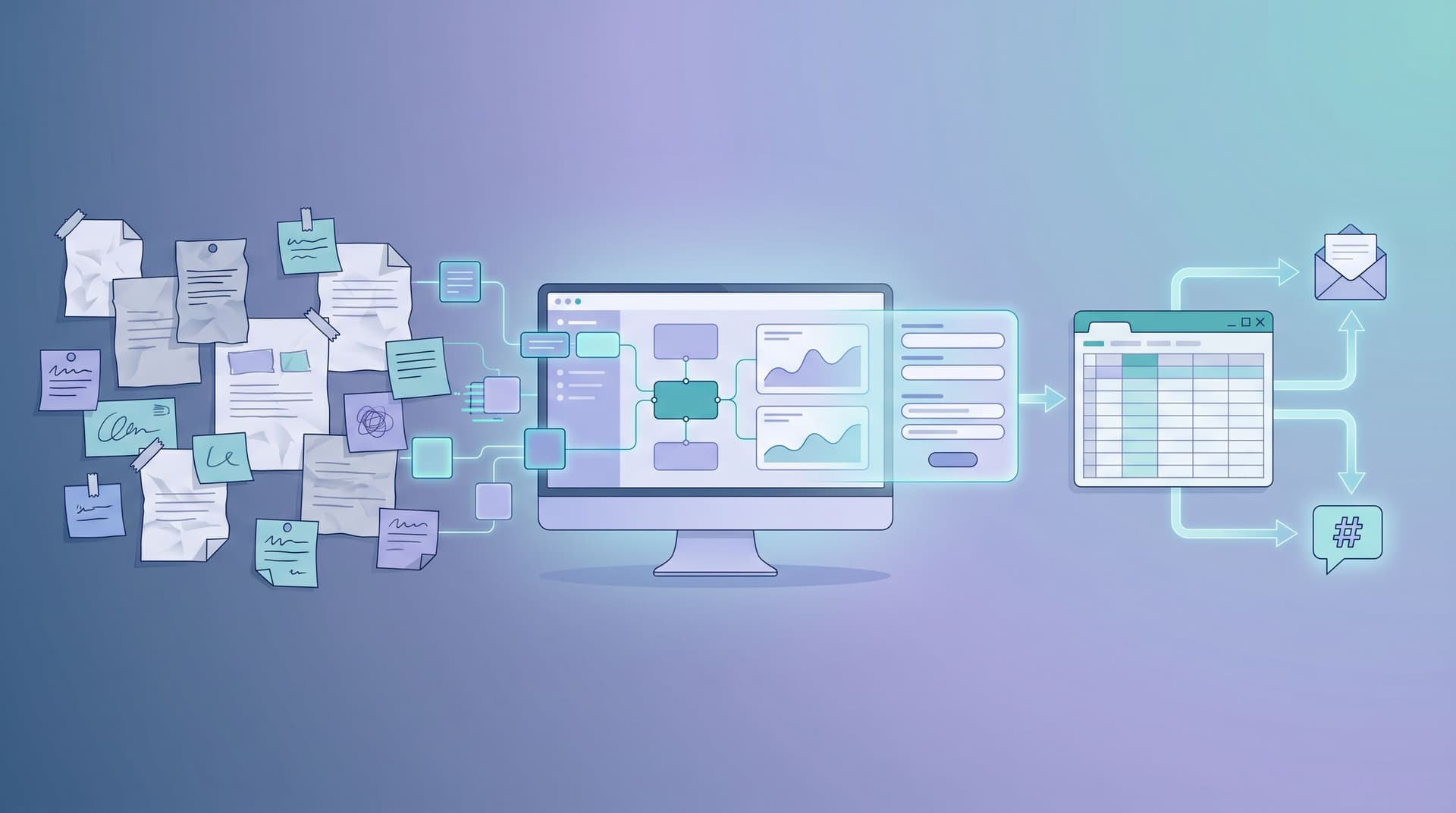
Signals Over Surveys: Using Micro-Forms to Power Always-On Product Discovery

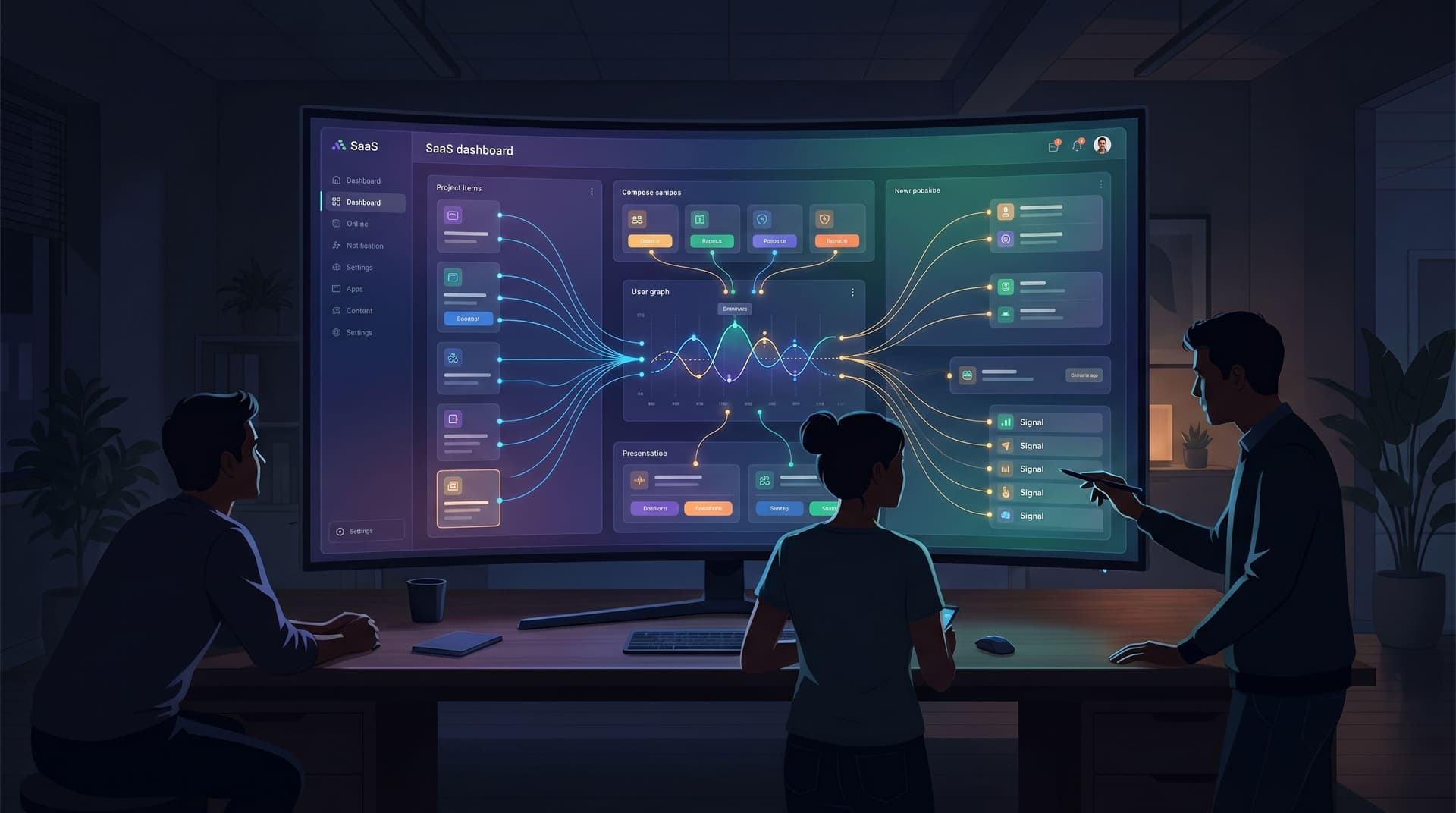
Product discovery used to mean big, episodic efforts:
- Quarterly NPS surveys
- Annual “voice of customer” projects
- One-off research studies when something breaks
Those still have their place, but they share the same flaw: by the time you get answers, the questions have already changed.
Meanwhile, your users are telling you what they need every day—through clicks, hesitations, drop-offs, and tiny decisions they make across your product and website. The problem isn’t a lack of feedback. It’s that most teams don’t have a system to capture and use those signals in real time.
That’s where micro-forms come in.
Instead of giant surveys that interrupt, micro-forms are small, focused prompts embedded directly into the experience: a one-question form on a feature page, a quick “what were you hoping to do?” nudge after a cancel click, a button-only flow that asks users to choose what they care about most.
When you wire these micro-forms together—especially with tools like Ezpa.ge that sync straight into Google Sheets—you get something powerful:
An always-on product discovery system that runs quietly in the background, powered by real user behavior instead of sporadic research pushes.
In this post, we’ll break down how to move from survey-heavy habits to a signals-first, micro-form-led approach, and how to make it practical for your team.
Why Signals Beat Surveys for Product Discovery
Surveys are explicit: you ask questions, people answer. Signals are implicit: people show you what matters by what they do.
You need both—but if you rely only on explicit feedback, you miss the quieter but more reliable data that shows up in behavior.
The limits of survey-only discovery
Traditional surveys tend to:
- Arrive too late — You run them after a launch or a quarter, not while users are making decisions in context.
- Overweight loud voices — People with strong opinions answer; everyone else ignores them.
- Encourage rationalized answers — Users explain what they think they do, not what they actually do.
- Create analysis debt — Someone has to export, clean, segment, and present the results. That rarely happens at the speed product teams need.
So you end up with a familiar outcome: a beautiful slide deck that influences one roadmap cycle, then disappears.
What “signals over surveys” actually means
A signals-first mindset treats every tiny interaction as a data point:
- Which feature tour did someone choose?
- Did they click “I’m exploring” or “I’m ready to buy”?
- When they hit a paywall, did they choose “too expensive” or “missing features”?
- After trying a new feature, did they click “keep this” or “not useful”?
Each of these can be captured with a micro-form, not a full-blown survey.
Compared to traditional surveys, micro-form signals are:
- Continuous — They run all the time, not just at research milestones.
- Contextual — They show up right where the decision happens.
- Low-friction — A single click is often enough to capture intent.
- Routable — Because they’re structured, they can feed into Sheets, CRMs, and automation instantly.
If you’ve already explored single-question flows in Forms for Product Discovery: Using Single-Question Flows to Prioritize Roadmaps and Kill Bad Ideas Early, micro-forms are the next layer up: a network of tiny forms stitched across your product to create a living discovery system.
What Micro-Forms Look Like in Practice
“Micro-form” is a pattern, not a specific widget. The common traits:
- Focused — 1–3 questions max.
- Contextual — Placed at a moment of intent or friction.
- Optional but tempting — Easy to answer, easy to skip.
- Signal-rich — Designed to capture something you can act on.
Here are a few concrete examples.
1. Intent clarifiers on entry points
Where they live:
- Pricing pages
- Feature landing pages
- Signup flows
What they ask:
- “What brought you here today?” with options like:
- “I need this for my team at work”
- “I’m evaluating tools for my company”
- “I’m just exploring what’s possible”
Why it matters:
- You can tailor the next step: show case studies to evaluators, quick-start guides to explorers, ROI calculators to buyers.
- You collect a clean, high-signal field (intent) without asking for more PII.
2. Friction check-ins at key drop-off points
Where they live:
- Right after someone closes a modal
- On cancel or downgrade flows
- After a failed action (e.g., import failed)
What they ask:
- “What’s the main reason you’re leaving?”
- “What got in your way just now?”
Format:
- Button-only micro-form with 4–6 options plus “Other.”
- One optional text field that appears if they choose “Other.”
This is similar to the patterns in Signals in Single Clicks: Using Button-Only Micro-Forms to Power Experiments and Personalization, but now the focus is learning for product decisions, not just personalization.
3. Opportunity prompts after success moments
Where they live:
- Right after a user completes a key action (published a form, invited a teammate, integrated a tool)
What they ask:
- “What would you most like to do next?”
- “Share this with my team”
- “Optimize performance”
- “Automate follow-up”
The signal:
- You learn what advanced value users are hungry for.
- You can track which options correlate with long-term retention or expansion.
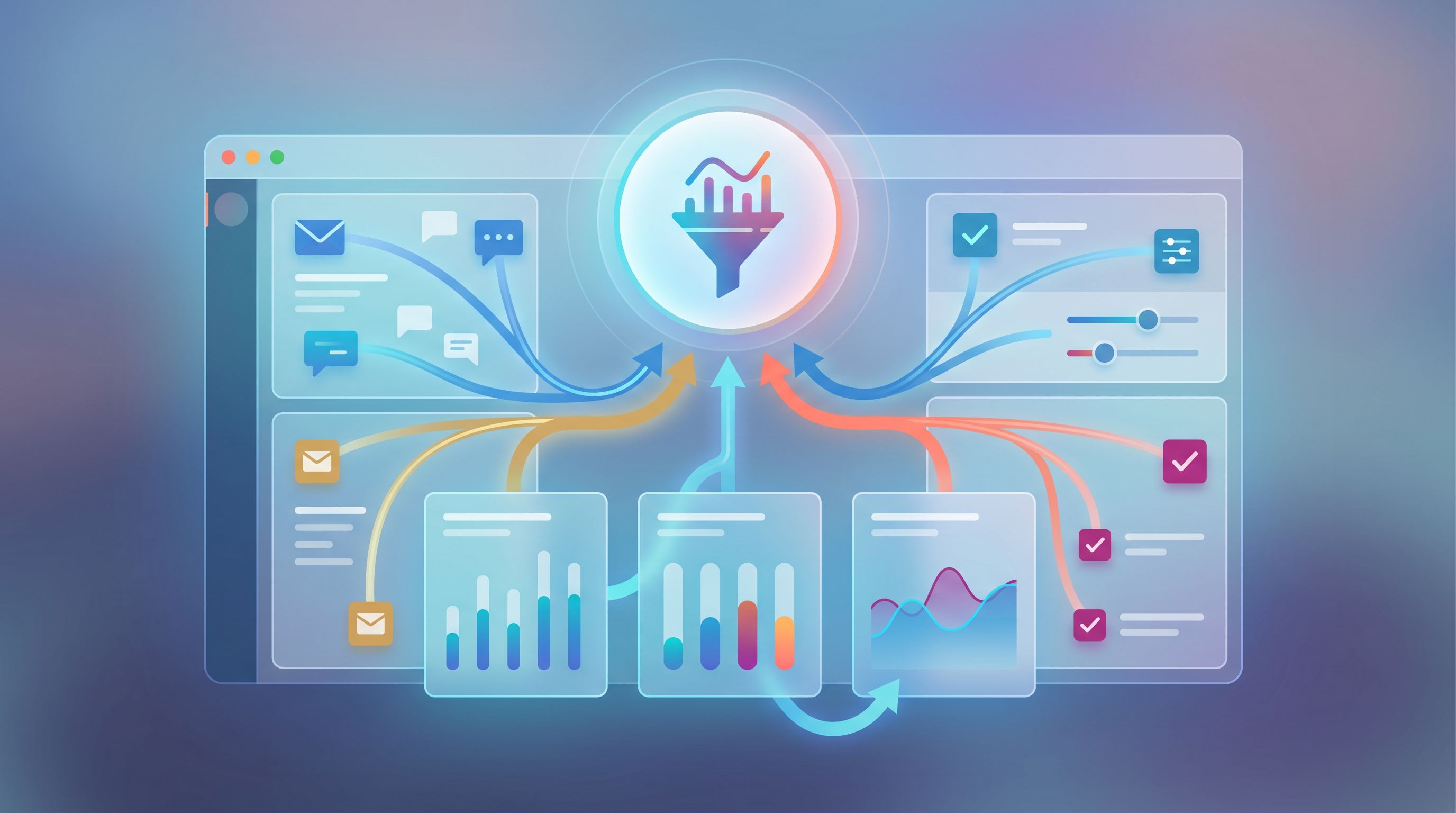
Designing Micro-Forms That Actually Produce Signal
Not every micro-form is worth the real estate. A good one is cheap to answer but expensive in insight—a single click tells you something you’d otherwise need a full survey or interview to uncover.
Here’s how to design them well.
1. Start from the decision, not the question
Before you add any micro-form, ask:
“If I had this data, what decision would I make differently?”
Examples:
- If you knew why people abandon your trial setup, would you:
- Change the default template?
- Add a guided setup?
- Remove a required field?
- If you knew which use case most visitors had in mind, would you:
- Reorder sections on the page?
- Swap in different proof points?
- Trigger a different onboarding email?
If you can’t name a decision, don’t add the form.
2. Use opinionated choices, not vague buckets
The strength of micro-forms comes from pre-structured answers. Don’t ask, “What did you think?” and hope for the best.
Instead:
- Make answers mutually exclusive where possible.
- Reflect real language from users (support tickets, sales calls, community posts).
- Include an “Other” option sparingly, and only when you plan to review it.
Example: cancel flow options that are too generic:
- “Didn’t like it”
- “Too expensive”
- “Missing features”
Better:
- “Couldn’t get my team to use it”
- “Couldn’t connect it to our existing tools”
- “We built an internal alternative”
- “Our budget was cut”
- “I only needed it for a one-time project”
These map directly to different product and go-to-market responses.
3. Keep the interaction under 5 seconds
The more you add, the more you drift back into “survey” territory.
Rules of thumb:
- One primary question per micro-form.
- Max 6 choices.
- Optional text field only when necessary.
- No required email or name fields—this is about behavior, not identity.
Micro-forms work best when they feel like part of the flow, not a separate task.
4. Respect the moment and the mood
A micro-form on a success screen can be playful. A micro-form on a failed payment screen should be careful and empathetic.
Use microcopy that:
- Acknowledges what just happened (“Sorry that didn’t work out.”)
- Makes the ask feel collaborative (“Help us fix this for you and others.”)
- Sets expectations (“One quick question, 3 seconds.”)
If you’re already using techniques from Invisible Personalization: Using Prefills, Logic, and URLs to Tailor Forms Without Feeling Creepy, you can prefill context (plan type, feature used) so you don’t have to ask for it again.
Turning Micro-Form Responses into an Always-On Discovery System
Collecting signals is step one. The real leverage comes from what happens after the click.
1. Centralize all micro-form data
If you’re using Ezpa.ge, this is where real-time Google Sheets syncing shines:
- Each micro-form can write to its own tab.
- Or you can pipe all responses into a single “Signals” sheet with a
form_idorcontextcolumn.
From there, you can:
- Build lightweight dashboards.
- Trigger automations via tools like Zapier or Make.
- Join signals with product analytics or CRM data.
If your team is still living in a forest of ad-hoc spreadsheets, our post From Sheet to System: Turning Ad-Hoc Google Sheets Trackers Into Durable Form Ops walks through how to turn that chaos into a stable form-led system.
2. Define a small set of “signal types”
To avoid drowning in noise, categorize signals as they come in. Common types:
- Intent — What someone is trying to do.
- Friction — What’s blocking them.
- Value — What they say is most useful.
- Churn risk — Why they’re leaving or disengaging.
Add a signal_type column to each micro-form response. Over time, you’ll see patterns:
- Which intents correlate with expansion.
- Which friction reasons spike after certain releases.
- Which value signals show up in your highest LTV accounts.
3. Create simple, recurring review rituals
You don’t need a fully staffed research team to make this work. You need lightweight, repeatable habits.
For example:
- Weekly 30-minute review with PM + Design + Support:
- Look at new friction signals.
- Read 10–15 “Other” responses together.
- Tag any that need deeper qualitative follow-up.
- Monthly discovery share-out:
- Top 3 new intents emerging.
- Top 3 churn reasons.
- 1–2 product decisions informed by signals.
The goal isn’t a perfect dashboard; it’s a steady heartbeat of learning.
4. Connect micro-form signals to experiments
Micro-forms don’t just tell you what’s wrong—they can power experiments to fix it.
Examples:
- High “couldn’t connect it to our tools” signals on trial setup?
- Run an A/B test where half of users see an in-flow integration checklist.
- Track whether that reduces that specific friction signal.
- Many “I only needed this for a one-time project” cancel reasons?
- Test a limited-time project plan.
- Add a micro-form to that offer: “What kind of project is this?” to deepen learning.
Because micro-forms are small and theme-able, you can also pair them with ideas from Form UX for Experiments: Designing A/B Tests, Holdouts, and Variant Themes Without New Pages to experiment without spinning up new pages.

Where to Start: A Three-Week Plan
You don’t need to redesign your entire product to benefit from micro-forms. Here’s a pragmatic rollout plan you can follow.
Week 1: Choose your first three moments
Look for high-intent, high-friction, or high-value points in your journey:
- High-intent: pricing page visits, demo requests, upgrade clicks.
- High-friction: setup wizards, integrations, data imports.
- High-value: first form published, first automation created, first team invite.
Pick one moment in each category and define:
- What decision you want to inform.
- What signal type you’re collecting (intent, friction, value).
Week 2: Design and ship your first micro-forms
For each moment:
- Draft 1–2 questions.
- Turn them into a micro-form in Ezpa.ge:
- Apply a theme that matches the surrounding UI.
- Use a custom URL that’s easy to reference.
- Set up real-time syncing into a central Google Sheet.
- Integrate the form:
- Inline embed.
- Modal triggered by a click.
- Slide-over panel after a key action.
Keep them simple. You’re optimizing for learning and iteration, not perfection.
Week 3: Review, refine, and expand
At the end of week three:
- Review the signals you’ve collected.
- Ask:
- Did we get enough volume?
- Are the options clear or do “Other” responses suggest better labels?
- Did anything surprise us enough to change a roadmap item, copy, or flow?
- Make one visible product change based on what you learned.
Then, add one more micro-form to another high-leverage moment. Rinse and repeat.
Over a quarter, you’ll go from three micro-forms to a small network of signal points that quietly inform your product decisions.
Common Pitfalls (and How to Avoid Them)
Even good ideas can go sideways. Watch out for these traps.
1. Turning micro-forms into mini-surveys
When a micro-form “performs,” teams get greedy.
Resist the urge to:
- Add more and more questions.
- Ask for contact details on every prompt.
- Chain multiple micro-forms back-to-back.
Guardrail: no more than 3 fields and one micro-form per moment.
2. Asking questions you already answered elsewhere
If your analytics already tell you that users from certain campaigns churn faster, don’t ask them to self-report the same thing.
Use micro-forms to:
- Explain why a behavior is happening.
- Reveal what else they were trying to do.
3. Letting signals pile up with no owner
Someone needs to own the “Signals” sheet.
That doesn’t mean full-time; it means:
- A named person (often a PM or product ops) is responsible for:
- Weekly review.
- Tagging and triage.
- Sharing highlights in a consistent place (Slack channel, Notion doc, etc.).
4. Ignoring qualitative gold in open text
Most of your data will be button clicks, but the few open-text responses you get are often gold:
- Exact phrases you can reuse in copy.
- Unexpected use cases.
- Workarounds you didn’t know existed.
Set a simple habit: read the last 10 text responses before every roadmap review.
Bringing It All Together
Micro-forms aren’t about replacing research teams or never running another survey. They’re about raising the baseline of how much your product listens by default.
When you:
- Embed tiny, intentional forms at key moments,
- Capture structured signals in real time,
- Route everything into a system your team actually uses,
- And tie those signals to visible product decisions,
…you move from episodic discovery to always-on discovery.
You stop guessing which ideas to ship next. You stop arguing from anecdotes. You start building from a living stream of evidence, one click at a time.
Summary
- Surveys are episodic; signals are continuous. Micro-forms let you capture behavior-driven signals at the exact moments users are making decisions.
- Good micro-forms are focused and contextual. One primary question, clear options, and placement at high-intent, high-friction, or high-value moments.
- The power is in the system, not the widget. Centralize responses (e.g., via Ezpa.ge → Google Sheets), define signal types, and create lightweight weekly and monthly review rituals.
- Signals should drive action. Use what you learn to inform experiments, copy changes, onboarding tweaks, and roadmap priorities.
- Start small, then scale. Three well-placed micro-forms, iterated over a few weeks, can give you more usable discovery input than another massive survey.
Your Next Step
You don’t need permission to start listening better. You just need one small experiment.
Here’s a concrete way to begin:
- Pick one moment this week where you’re currently guessing—pricing, trial setup, or a cancel flow.
- Design a single micro-form with one question whose answers would change what you do next.
- Build it in Ezpa.ge, connect it to a Google Sheet, and ship it.
- Commit to reviewing the responses after seven days and making one visible change based on what you learn.
Once you see how much clarity a handful of clicks can provide, you’ll never look at “just another form” the same way again.
Let Ezpa.ge handle the themes, custom URLs, and real-time syncing. Your job is to decide which signals matter most—and to start collecting them, one micro-form at a time.