Signals in Single Clicks: Using Button-Only Micro-Forms to Power Experiments and Personalization


Most teams think about forms as fields: name, email, company size, use case.
But some of the strongest signals you can collect don’t require a single text input. They come from one thing: a click on a button.
A “Yes, I’m interested.”
A “Show me advanced options.”
A “Skip for now.”
Those tiny choices, captured through button-only micro-forms, can tell you who someone is, what they care about, and what to show them next—without slowing them down or asking them to type.
This post is about how to use those single-click signals—implemented as tiny Ezpa.ge forms—to power experiments, personalization, and better decisions across your funnels.
What Are Button-Only Micro-Forms?
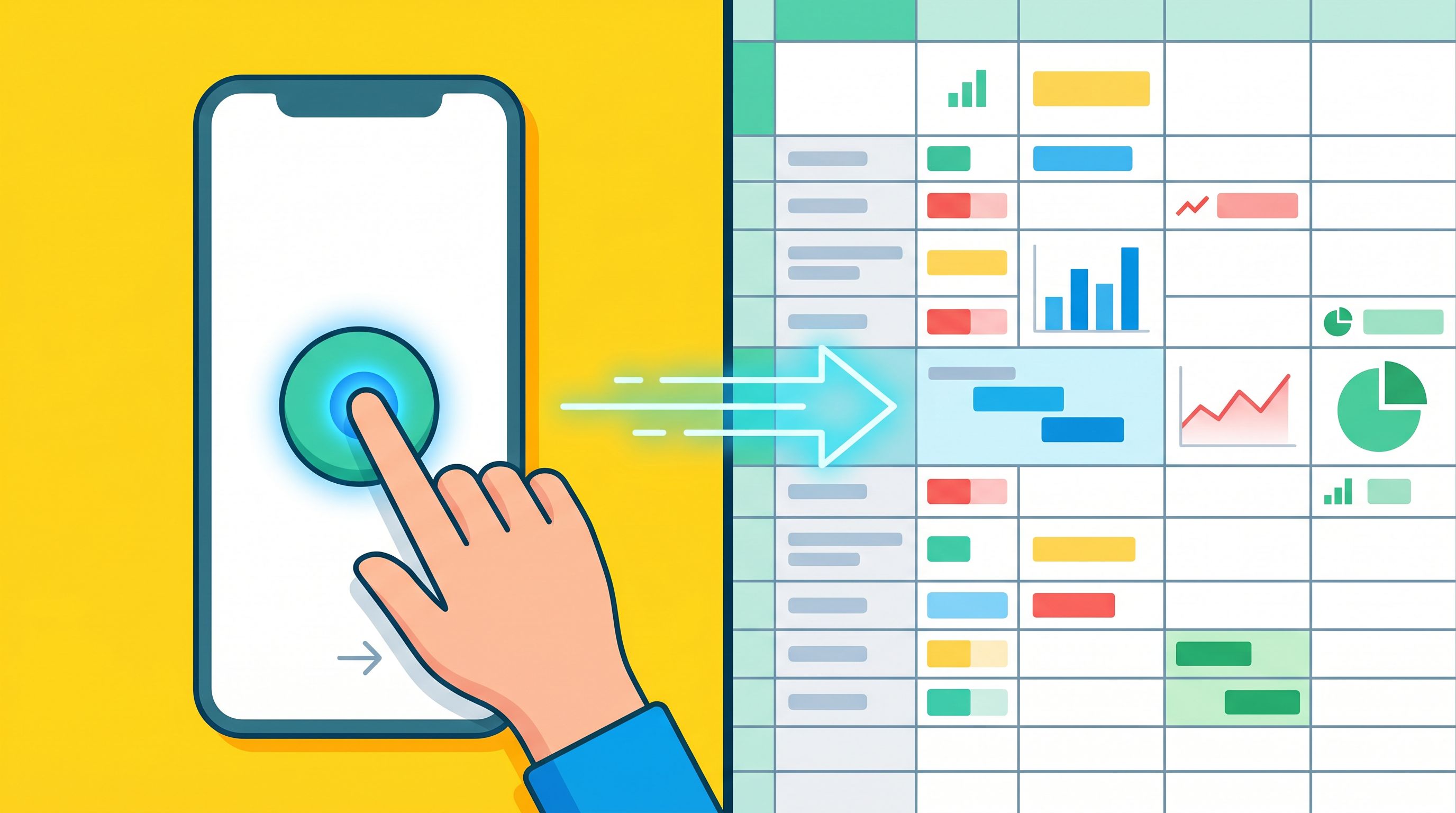
Button-only micro-forms are forms with no text inputs at all. Instead, they present a small set of choices as buttons, chips, or tiles. When someone clicks, that click is treated as a form submission:
- The choice is logged as structured data (e.g., in Google Sheets via Ezpa.ge syncing).
- Automations can fire (webhooks, CRM updates, email sequences).
- The UI can adapt instantly (e.g., show a different next step or theme).
Think of them as single-question forms disguised as UI controls.
Examples:
- "What best describes you?" with buttons for Founder, Marketer, Engineer, Consultant.
- "How urgent is this?" with Right now, This quarter, Just exploring.
- "Which path do you want?" with Guided setup vs. I’ll configure it myself.
Because they’re so lightweight, these micro-forms are perfect for:
- Pre-qualifying traffic before showing a full form
- Powering personalization without complex user profiles
- Running experiments without shipping new pages
With Ezpa.ge, you can design these as standalone forms with custom URLs, or embed them inline and sync every click straight into Sheets.

Why Single-Click Signals Matter More Than You Think
A lot of teams still treat form data as something you collect after you’ve already decided what to show. But single-click signals flip that:
- Low friction → higher response rates. People will happily tap a button where they’d ignore a 6-field form.
- High intent → strong predictive power. A choice like “Enterprise” vs. “Startup” or “Need help this week” vs. “Just browsing” tells you a lot in one move.
- Real-time adaptability. Because clicks are instant and structured, you can adapt the experience while the user is still on the page.
- Cleaner experimentation. You can test different branches, offers, or themes without touching your main pages.
Compared to traditional segmentation (e.g., cohorts based on ad campaigns or CRM tags), single-click signals:
- Are self-reported instead of inferred
- Are contextual to the moment and surface
- Require no extra tracking pixels or cookies
Paired with Ezpa.ge’s real-time Google Sheets syncing, these clicks become live signals your team can use in:
- Routing and SLAs
- Product onboarding paths
- Performance marketing optimization
- User research recruitment
If you’re already thinking about forms as signal collectors, you’ll find this approach aligns closely with ideas from Signals Over Segments: Using Lightweight Forms to Power Real-Time Personalization.
Common Use Cases for Button-Only Micro-Forms
Let’s ground this in concrete patterns you can ship quickly.
1. Pre-Qualifying High-Intent Traffic
Before someone hits your main "Request a demo" or "Talk to sales" form, show a micro-form that asks:
"What brought you here today?"
Buttons:
- I’m evaluating tools for my team
- I need a quote for procurement
- I’m just exploring capabilities
Each click:
- Logs a
visit_intentfield in Sheets - Routes the user to a slightly different variant of your main intake form
- Can trigger different SLAs or owners downstream (e.g., fast-lane for procurement)
This pairs well with the patterns in Form UX for High-Intent Traffic: Designing Post-Click Flows That Rescue Underperforming Ads.
2. Choosing a Journey Path
On onboarding or setup flows, you can replace dense wizard UIs with a single-question micro-form:
"How do you want to get started?"
Buttons:
- Guided setup (recommended)
- Start from a template
- Build from scratch
The click decides:
- Which next step to show
- Which theme or layout to use (e.g., more help text vs. minimalist)
- Which help content or tours to preload
3. Lightweight Research and Feedback
Instead of long surveys, use micro-forms inside your product or emails:
- "Was this feature helpful?" → Yes / Not really
- "How confident do you feel about this step?" → Confident / Need more guidance
- "Should we prioritize X or Y next?" → X / Y
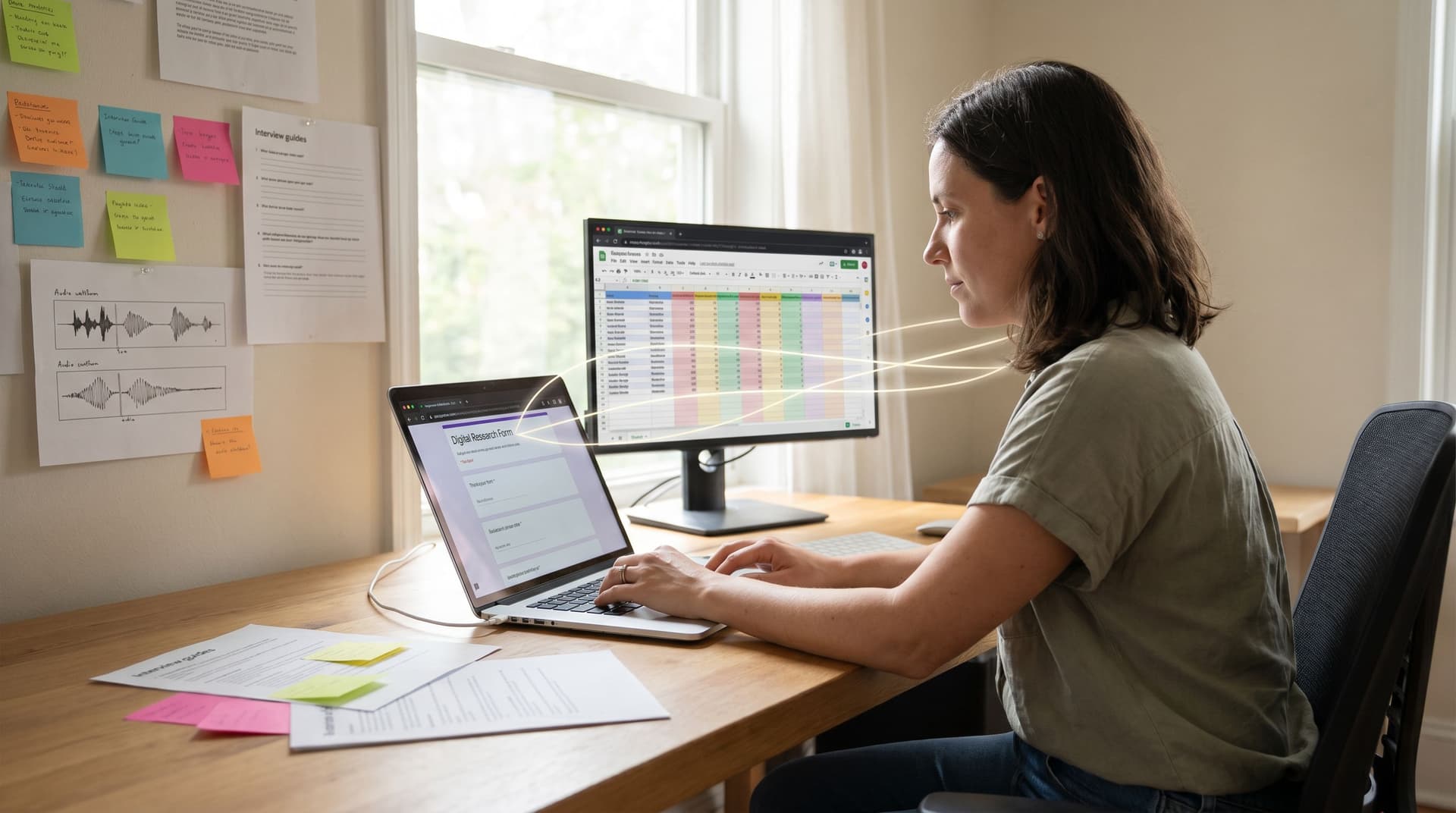
These single clicks give product and research teams continuous feedback without burning users out. If you’re already using forms to recruit and manage research participants, you can layer this on top of the patterns from Form-Led Design Research: Using Intake Flows to Recruit, Screen, and Synthesize Participants in Sheets.
4. Internal Routing and Service Menus
Internally, button-only micro-forms can simplify complex request flows:
"What do you need from Ops?"
Buttons:
- New vendor approval
- Budget increase
- Contract review
Each click can:
- Send the request to a different sheet tab or Slack channel
- Apply different SLAs
- Trigger different follow-up forms with more details
This builds directly on ideas from Forms as Internal Service Catalogs: Replacing ‘Who Do I Ask?’ With One URL Per Request Type.
5. Micro-Commitments in Marketing
You can also use micro-forms in content and campaigns:
- Embedded in blog posts: "Want more content like this?" → Yes, send me experiments.
- In-product banners: "Try the new workflow builder?" → Enable / Not now.
- In lifecycle emails: "Which topic should we cover next?" → Onboarding / Automation / Analytics.
Every click is a subscription to a preference, not just a vague engagement metric.
Designing Effective Button-Only Micro-Forms
A button-only micro-form is only as good as the question you ask and the options you present. Here’s how to design them so they actually produce useful signals.
1. Start With the Decision, Not the UI
Before you add buttons, answer:
- What decision will this click power?
- What will change immediately after someone clicks?
- Who needs to see this data in Sheets, and what will they do with it?
If you can’t answer those, you don’t have a micro-form yet—you just have UI decoration.
Example:
- Bad: "Do you like our product?" (no clear follow-up)
- Better: "What’s your biggest goal with this product?" where each choice maps to a different onboarding sequence.
2. Keep Choices Mutually Exclusive and Obvious
Ambiguous options lead to noisy data. To avoid that:
- Limit to 2–4 options for most micro-forms.
- Use plain language that maps to real user intent.
- Make options mutually exclusive, not overlapping.
Instead of:
- Small team, Growing team, Scaling team (what’s the difference?)
Try:
- Just me
- 2–10 people
- 11–50 people
- 51+ people
3. Design Buttons as Commitments, Not Decorations
Treat each button like a mini-CTA:
- Use verb-led labels where possible (e.g., Get guided help, Configure it myself).
- Make the primary path visually distinct (strong color, clear hierarchy).
- Use microcopy below the buttons to clarify what happens next.
Example:
How do you want to get started?
Pick one. You can switch paths anytime.
Buttons:
- Get guided help
We’ll walk you through a 5-minute setup. - Configure it myself
Jump straight into advanced options.
4. Handle “No Click” Gracefully
Not everyone will click. Design for that:
- Add a subtle "Skip for now" or "I’m not sure" option when skipping is acceptable.
- Timebox overlays or interstitials so they don’t block progress forever.
- If the micro-form is optional, don’t gate core functionality behind it.
You can still log "no response" as a useful signal—this often correlates with lower intent or distraction.
5. Make the Data Immediately Useful
The power of Ezpa.ge here is that every click can land in a live Google Sheet that your team already uses. To make that data actionable:
- Add a clear column name (e.g.,
onboarding_path,intent_level,research_opt_in). - Use data validation or dropdowns in Sheets to keep values consistent.
- Wire up simple formulas or filters to:
- Flag high-intent clicks for follow-up
- Count responses by path
- Trigger notifications via connected tools
If you’re already mapping form data to pipeline stages, you can extend the approach from From Form to Revenue Signal: Using Google Sheets to Map Submission Data to Pipeline Stages to include these micro-signals.
Powering Experiments With Button-Only Micro-Forms
Micro-forms are not just about personalization—they’re a powerful experimentation surface.
1. Use Clicks as Randomizers (or Smart Allocators)
You can treat buttons as:
- Random assignment to variants (e.g., Option A vs. Option B themes)
- Self-selection into paths that you then compare (e.g., guided vs. self-serve)
For example, on a pricing page:
"How do you prefer to buy?"
Talk to sales / Self-serve checkout
You can:
- Measure conversion rates for each path
- Compare time-to-value or churn downstream
- Adjust your default recommendation based on performance
2. Test Value Props Without New Pages
Instead of creating multiple landing pages, you can:
- Show a micro-form asking, "What’s most important to you?"
Options: Save time, Save money, Reduce risk. - Route everyone to the same base page, but:
- Swap headlines or sections based on their click using conditional content.
- Log which value prop they chose.
Now you can:
- See which value prop resonates with different traffic sources
- Improve ad targeting and messaging
- Iterate faster because you’re not duplicating full pages
This dovetails nicely with the patterns in Form UX for Experiments: Designing A/B Tests, Holdouts, and Variant Themes Without New Pages.
3. Run Holdouts for Personalization
If you’re personalizing experiences based on button clicks, you should also know how much lift you’re getting.
Use a micro-form like:
"Can we personalize this experience based on a few quick choices?"
Yes, personalize / No, show the standard version
Treat "No" as a natural holdout group:
- Compare engagement, conversion, or satisfaction between personalized and non-personalized experiences.
- Use Sheets to track performance over time and adjust your personalization strategy.
4. Instrument Everything
Experiments live or die on instrumentation. For each micro-form, capture at least:
- Form ID / name (e.g.,
onboarding_path_selector_v2) - Timestamp
- User/session identifier (if available)
- Choice label
- Downstream outcome (conversion, activation, etc., joined later)
With Ezpa.ge + Sheets, you can:
- Use separate tabs per experiment
- Build simple pivot tables for variant performance
- Share a live experiment dashboard with stakeholders
You don’t need a full experimentation platform to start. Micro-forms give you a lightweight, low-risk way to build the habit of testing.
Turning Single Clicks Into Real-Time Personalization
Once you’re capturing button clicks as structured data, the next step is to act on them in real time.
1. Personalize Themes and Tone
Use micro-form choices to:
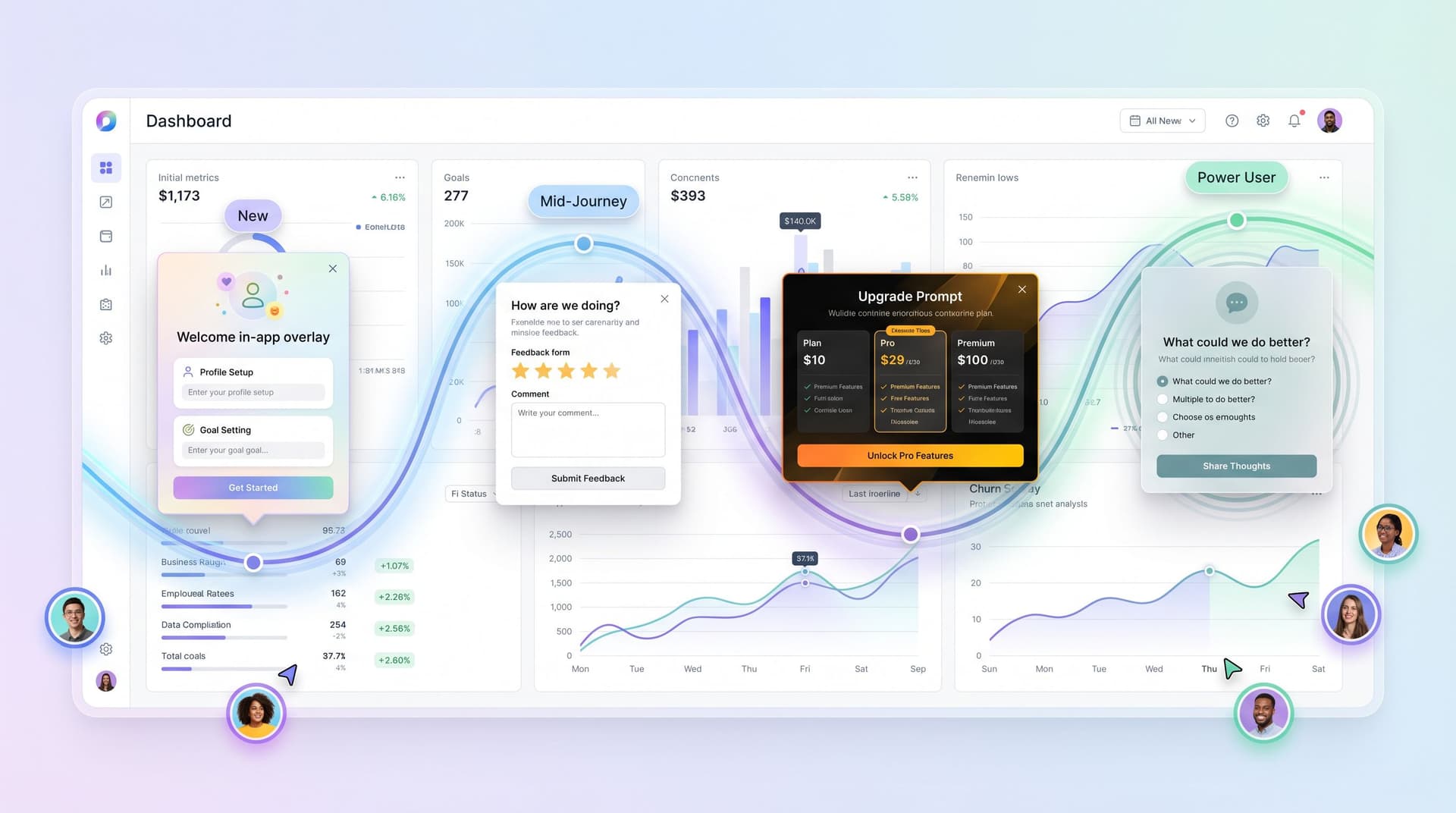
- Switch between themes (e.g., high-contrast for power users vs. friendlier palette for new users)
- Adjust copy tone (e.g., more explanatory vs. concise)
- Surface different social proof (e.g., enterprise logos vs. indie testimonials)
Ezpa.ge’s theme system makes it easy to wire a single form to multiple visual variants. You can:
- Map a choice like
segment = enterpriseto a more "enterprise-grade" theme, borrowing concepts from Theme Systems for Startups: How to Look Enterprise-Grade While Your Product Is Still in Beta.
2. Route to Different Workflows
A single click can decide:
- Which intake form to show next
- Which team should handle the request
- Which automation to trigger (e.g., CRM sequence, onboarding email)
For example:
"How soon do you need to go live?"
This week / This month / Just exploring
You might:
- Send "This week" to a priority routing flow with aggressive SLAs
- Put "Just exploring" into a nurture track
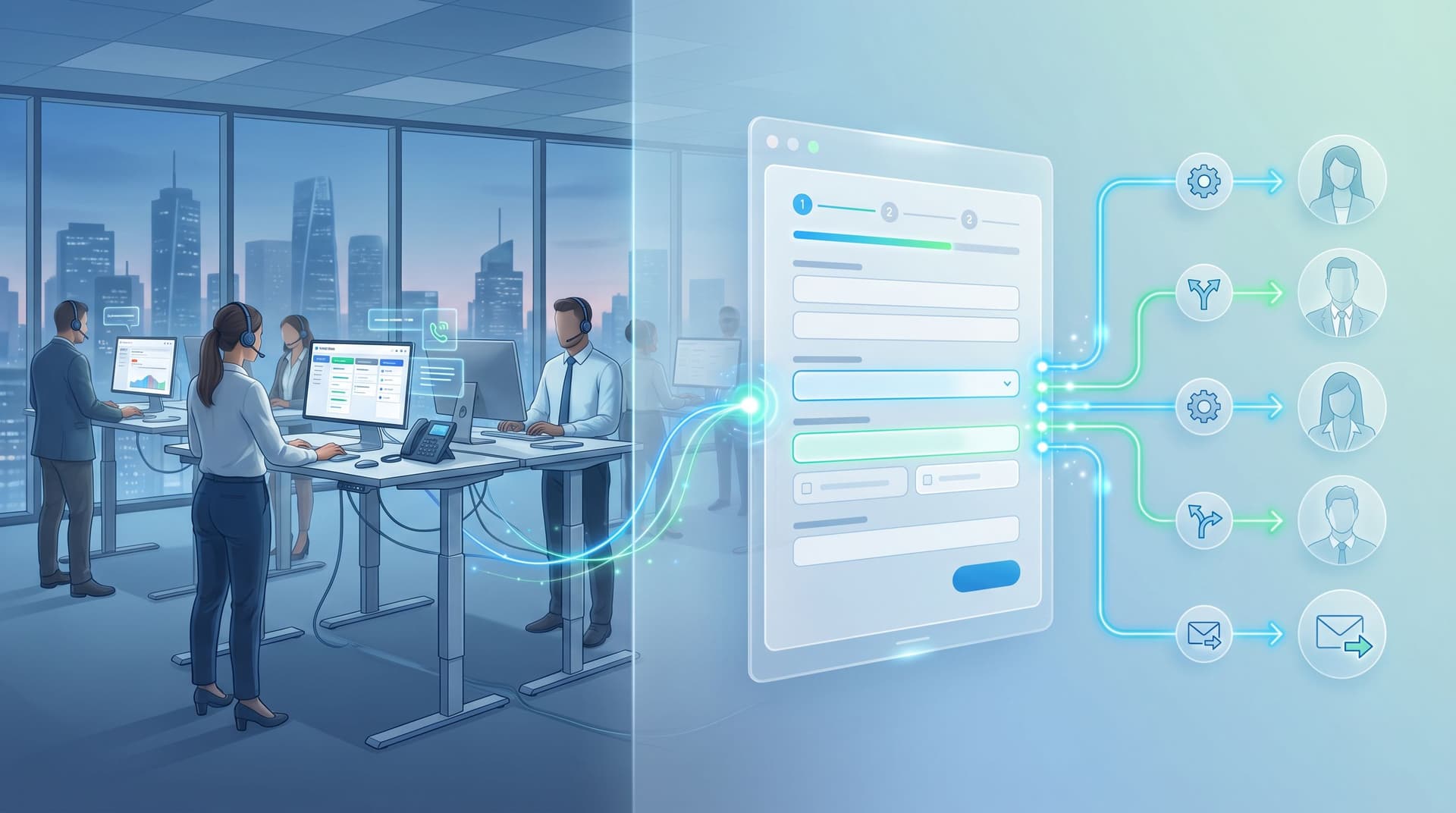
This ties directly into patterns from From Form Fill to Auto-Routing: Designing Intake Flows That Assign Owners, SLAs, and Next Steps by Default.
3. Feed AI and Scoring Systems
Button-only micro-forms are perfect inputs for AI-driven systems because they:
- Are structured (finite set of labels)
- Have clear semantics (you control the meaning)
- Are easy to weigh in scoring models
You can:
- Use clicks as features in lead-scoring models (e.g., "Urgency: high" adds weight).
- Power recommendation systems (e.g., show templates that match selected goals).
- Combine with free-text fields elsewhere to balance qualitative and quantitative signal.
If you’re already exploring ideas from posts like AI Scoring at the Edge or Forms as On-Ramps to AI, button-only micro-forms are a natural extension.
How to Implement Button-Only Micro-Forms With Ezpa.ge
Here’s a concrete way to get started without derailing your roadmap.
Step 1: Pick One Surface
Choose a single, high-leverage touchpoint where a micro-form could:
- Clarify intent
- Improve routing
- Reduce friction
Good candidates:
- Your primary "Request a demo" flow
- The first screen of onboarding
- A high-traffic help article or feature page
Step 2: Define the Question and Options
Write:
- One clear question tied to a decision
- 2–4 mutually exclusive options with labels you’ll be happy to see in Sheets
Example:
"What best describes your role?"
Founder / Exec
Sales / GTM
Product / Engineering
Operations / Finance
Step 3: Build the Micro-Form in Ezpa.ge
In Ezpa.ge:
- Create a new form.
- Add a single-choice field rendered as buttons.
- Customize the theme to match the surrounding surface.
- Set a custom URL (e.g.,
/intent-promptor/onboarding-path). - Enable Google Sheets syncing to a dedicated tab.
Step 4: Connect It to Your Flow
Depending on your setup, you can:
- Embed the micro-form inline in a page or in-app surface.
- Use it as an interstitial before a main form.
- Trigger it from emails or in-product banners.
Make sure the next step is clear and feels seamless:
- Auto-redirect to the main form after a click
- Or update the current view dynamically if you’re embedding
Step 5: Wire Basic Automation
Once clicks are flowing into Sheets, add simple logic:
- Color-code rows by choice using conditional formatting.
- Use filters or pivot tables to track volume by option.
- Connect Sheets to your CRM, email tool, or Slack via:
- Native integrations
- Middleware like Zapier or Make
- Webhooks from Ezpa.ge
Start small:
- Notify a Slack channel when someone selects a high-intent option.
- Tag leads in your CRM based on their click.
- Adjust a welcome email based on the chosen path.
Step 6: Review, Iterate, Expand
After 1–2 weeks:
- Look at distribution of choices—are some options unused or confusing?
- Talk to teams consuming the data—are they acting on it?
- Refine labels, add or remove options, or adjust where the micro-form appears.
Once the first micro-form is clearly adding value, you can:
- Add more across the funnel
- Use them to power more advanced experiments
- Layer in AI or more complex routing
Wrapping Up
Button-only micro-forms seem almost too simple: just a question and a few buttons.
But when you treat those clicks as first-class signals—logged, synced, and acted on—they become one of the most powerful tools you have for:
- Understanding intent without friction
- Running experiments without new pages
- Personalizing experiences in real time
- Feeding downstream workflows, routing, and AI
You don’t need to redesign your entire funnel or stand up a new data stack. You just need to start listening to what people are already telling you with every click.
Your Next Move
Pick one surface where you’re currently flying blind on intent—a demo form, an onboarding step, a help article.
Then:
- Draft a single, high-signal question.
- Turn it into a button-only micro-form in Ezpa.ge.
- Sync it to Sheets and wire one small automation.
From there, you can expand into richer experiments, smarter routing, and deeper personalization—one click at a time.
If you’re ready to see how far single-click signals can take you, open Ezpa.ge, create that first micro-form, and ship it this week. Your future experiments (and your users) will thank you.