Posts tagged with "responsive design"

23 posts

Beyond Dark Mode: Theming Strategies That Adapt to Brand, Context, and User Preferences
themes
personalization

Beyond Dark Mode: Theming Strategies That Adapt to Brand, Context, and User Preferences

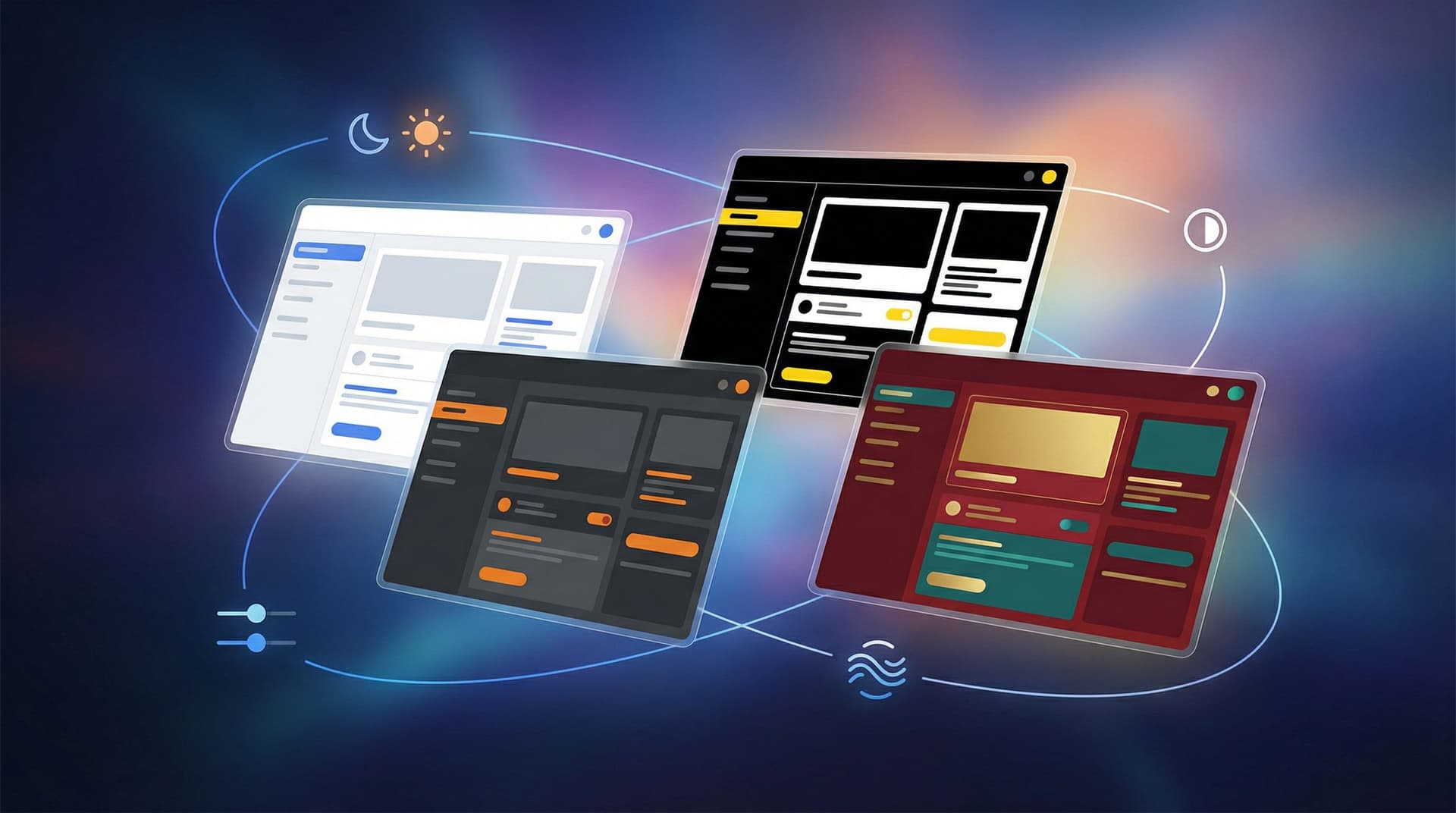
Dark mode used to feel like a power feature. Flip a switch, everything goes moody and modern, and users feel like you “get it.” But as more products ship light/dark toggles by default, the bar has moved. If all your theming strategy does is invert colors, you’re leaving a lot of value on the table. For teams using tools like Ezpa.ge to ship forms, flows, and microsites quickly, theming is no longer just a visual flourish. It’s how you: Reflect different brands and sub-brands without rebuilding layouts. Adapt to context (campaign vs. compliance, mobile vs. desktop, day vs. night). Respect user preferences—accessibility, contrast, motion sensitivity, and more. This post is about going beyond the binary of light

Charlie Clark
Charlie Clark
Ops-Ready Form Experiments: Shipping New Intakes, URLs, and Logic in a Single Afternoon
custom URLs
Google Sheets

Ops-Ready Form Experiments: Shipping New Intakes, URLs, and Logic in a Single Afternoon

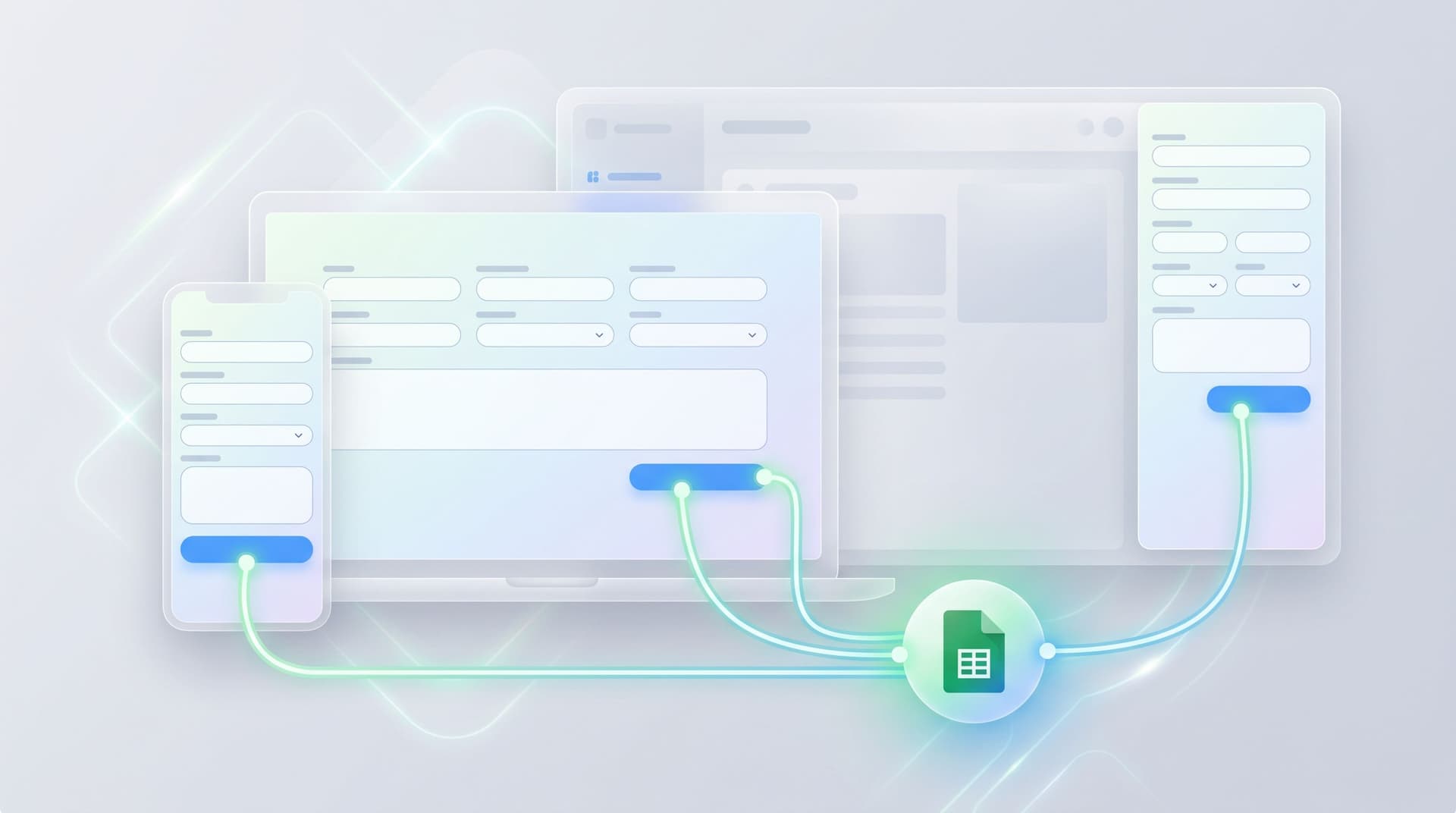
Operations teams don’t lack ideas. They lack safe, fast ways to test those ideas without blowing up reporting, brand, or downstream workflows. A new partner intake. A VIP support lane. A candidate fast-track. A fresh campaign angle you’d love to trial before asking product or engineering for anything. All of those can start as form experiments—if your forms are actually ops-ready. This post is about how to treat forms as an experimentation surface you can ship on in a single afternoon: new intakes, new URLs, new logic, all wired into the same operational backbone. We’ll focus on Ezpa.ge, but the principles apply broadly. Why Form Experiments Belong to Ops Most teams already run experim

Charlie Clark
Charlie Clark
Theme Tokens, Not One-Off Styles: Building a Form Design System That Scales Across Brands
themes
customization

Theme Tokens, Not One-Off Styles: Building a Form Design System That Scales Across Brands

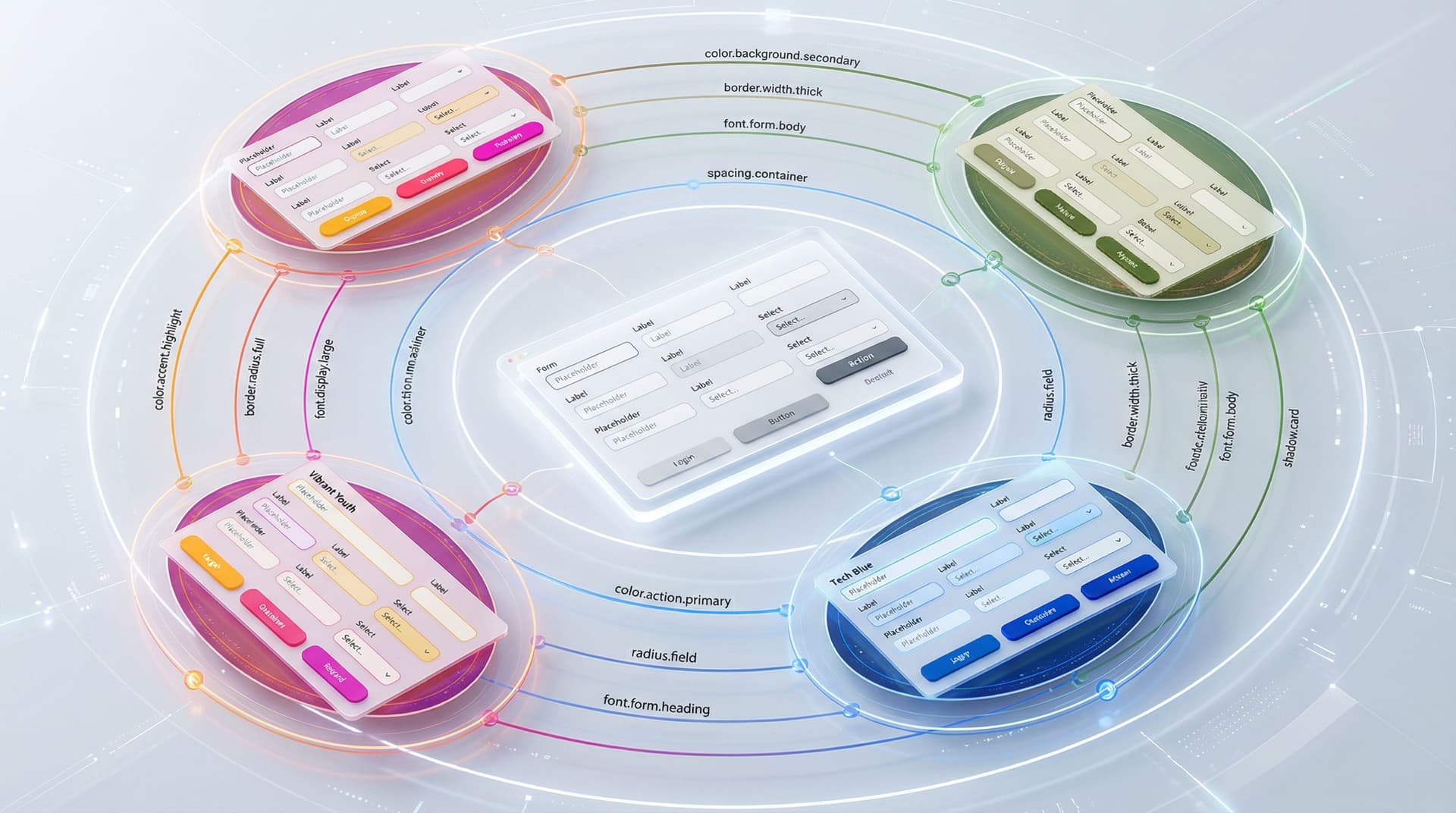
If you only ship a handful of forms a year, one-off styling is annoying but survivable. If you’re: Running multiple brands or sub-brands Supporting different regions, languages, and partner programs Shipping new campaigns every week …then one-off styling turns into a tax. Every color tweak, every logo swap, every “can we make the buttons more on-brand for Partner X?” becomes another brittle fork of your form UI. Theme tokens are how you stop paying that tax. Instead of hard-coding styles directly into each form, you define tokens—named design decisions like color.action.primary or radius.field—and group them into themes. Components and layouts reference tokens, not raw valu

Charlie Clark
Charlie Clark
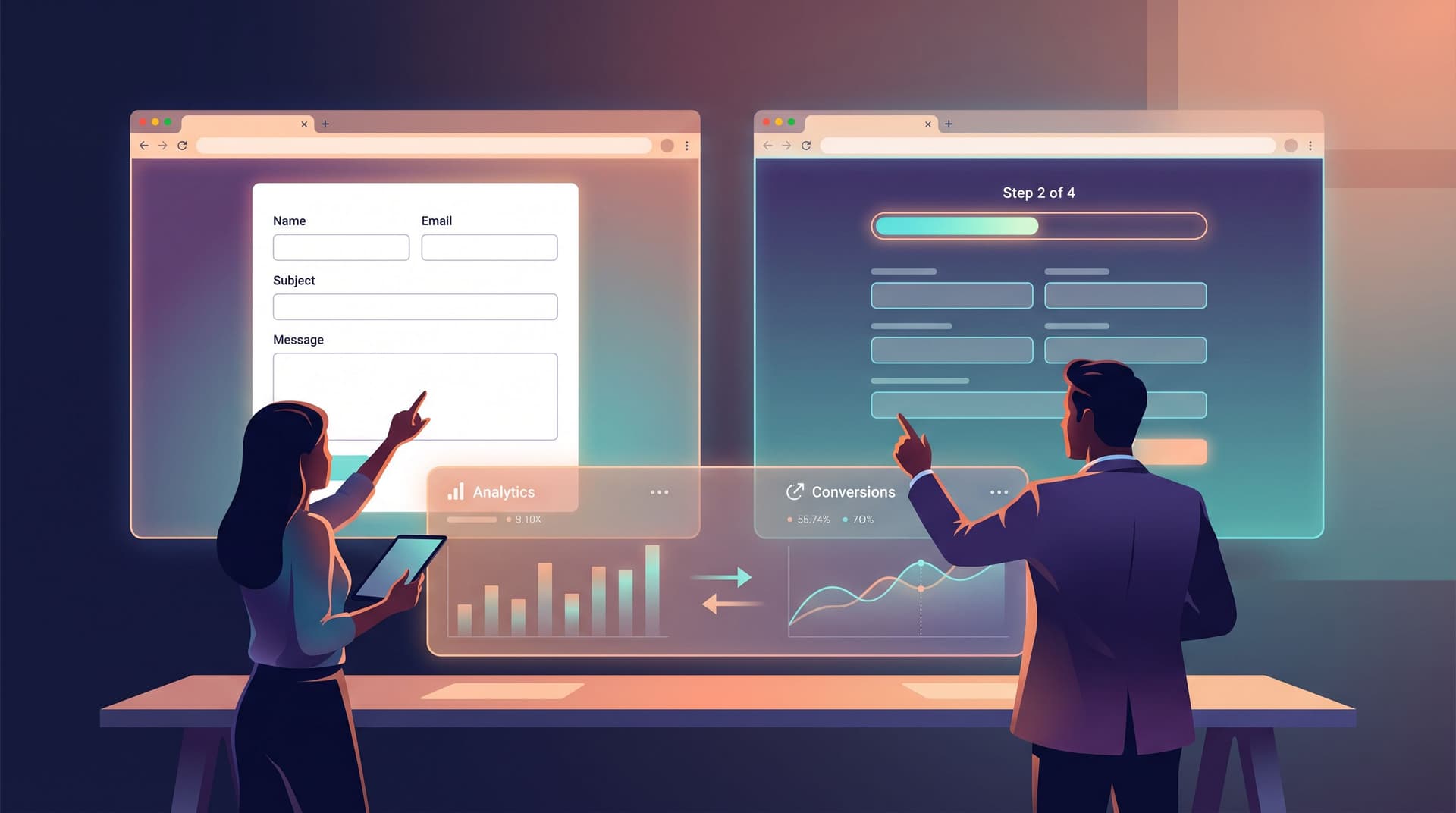
Form UX for Fast Decisions: Designing High-Intent Flows for Sales, Support, and Hiring
user experience
Google Sheets

Form UX for Fast Decisions: Designing High-Intent Flows for Sales, Support, and Hiring

When someone fills out a form to talk to sales, open a support ticket, or apply for a role, they’re not browsing. They’re deciding. They’ve already done the research, talked to colleagues, or felt the pain. By the time they hit your form, they’re signaling: “I’m ready to move.” Your job is to either accelerate that decision—or slow it down. High-intent flows are where form UX stops being a “nice to have” and becomes an operating advantag

Charlie Clark
Charlie Clark
Form UX for Tiny Screens: Designing High-Stakes Flows for Mobile-Only Markets
customization
mobile optimization

Form UX for Tiny Screens: Designing High-Stakes Flows for Mobile-Only Markets

High-stakes forms used to live on big, comfortable screens. Loan applications. Healthcare intake. Government benefits. Insurance claims. KYC and onboarding for financial products. Now, a huge share of those flows are happening on 5–6 inch devices—often on older phones, with spotty connections, and in markets where “mobile-only” isn’t a persona; it’s reality. When the screen is tiny and the stakes are high, form UX stops being a “conversion optimization” exercise. It becomes infrastructure. It determines who gets access, who gives up, and whose data is safe. This piece is about how to design those flows deliberately—especially if you’re using a flexible builder like Ezpa.ge to ship forms quickly across mark

Charlie Clark
Charlie Clark
Forms for Non-Linear Journeys: Designing Paths That Let Users Jump, Skip, and Return Without Getting Lost
user experience
design

Forms for Non-Linear Journeys: Designing Paths That Let Users Jump, Skip, and Return Without Getting Lost

Most form builders still assume a straight line: Start at step one. March forward. Submit. But real user behavior doesn’t look like that. People skim, jump ahead, go back, change their mind, open multiple tabs, and return later. They don’t experience your form as a tidy funnel; they experience it as a journey with detours. Non-linear journeys aren’t a niche edge case anymor

Charlie Clark
Charlie Clark
Beyond Embeds: Creative Ways to Distribute Forms Across Email, Chat, and Product Surfaces
integration
engagement

Beyond Embeds: Creative Ways to Distribute Forms Across Email, Chat, and Product Surfaces

Most teams have gotten good at one thing: dropping a form embed on a page and calling it a day. That works—until you realize most of your meaningful interactions don’t happen on that page at all. They happen: In email threads with customers and partners Inside Slack, Teams, or Intercom conversations In-product, when someone is already using your feature Through QR codes at events or offline touchpoints If your forms live only as static embeds, you’re forcing people to leave the context they’re in, hunt for a link, and then come back. You’re also making it harder on your own team to keep data structured, secure, and actionabl

Charlie Clark
Charlie Clark
Beyond ‘Mobile-Friendly’: Designing Thumb-First Forms for On-the-Go Users
mobile optimization
Google Sheets

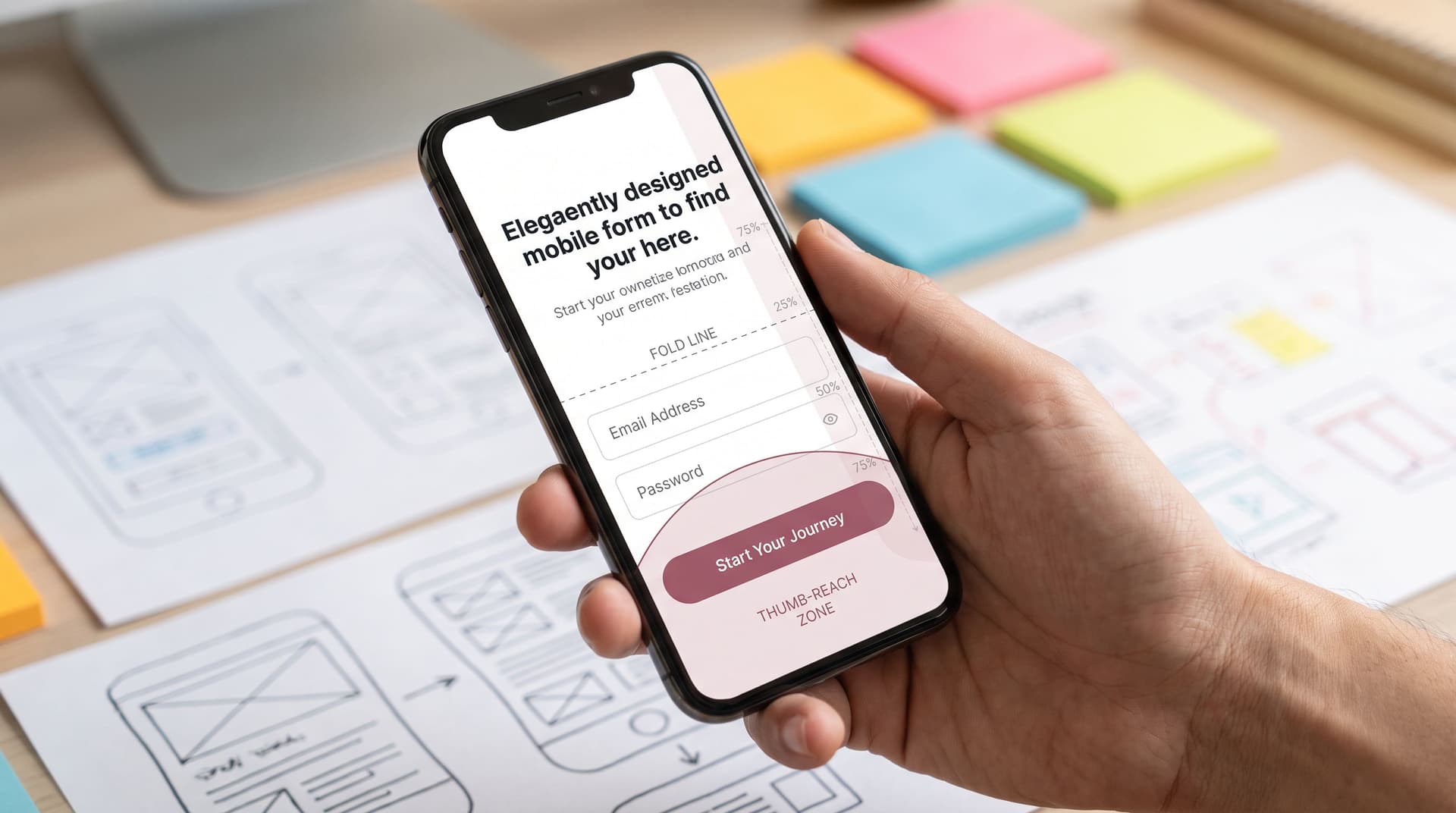
Beyond ‘Mobile-Friendly’: Designing Thumb-First Forms for On-the-Go Users

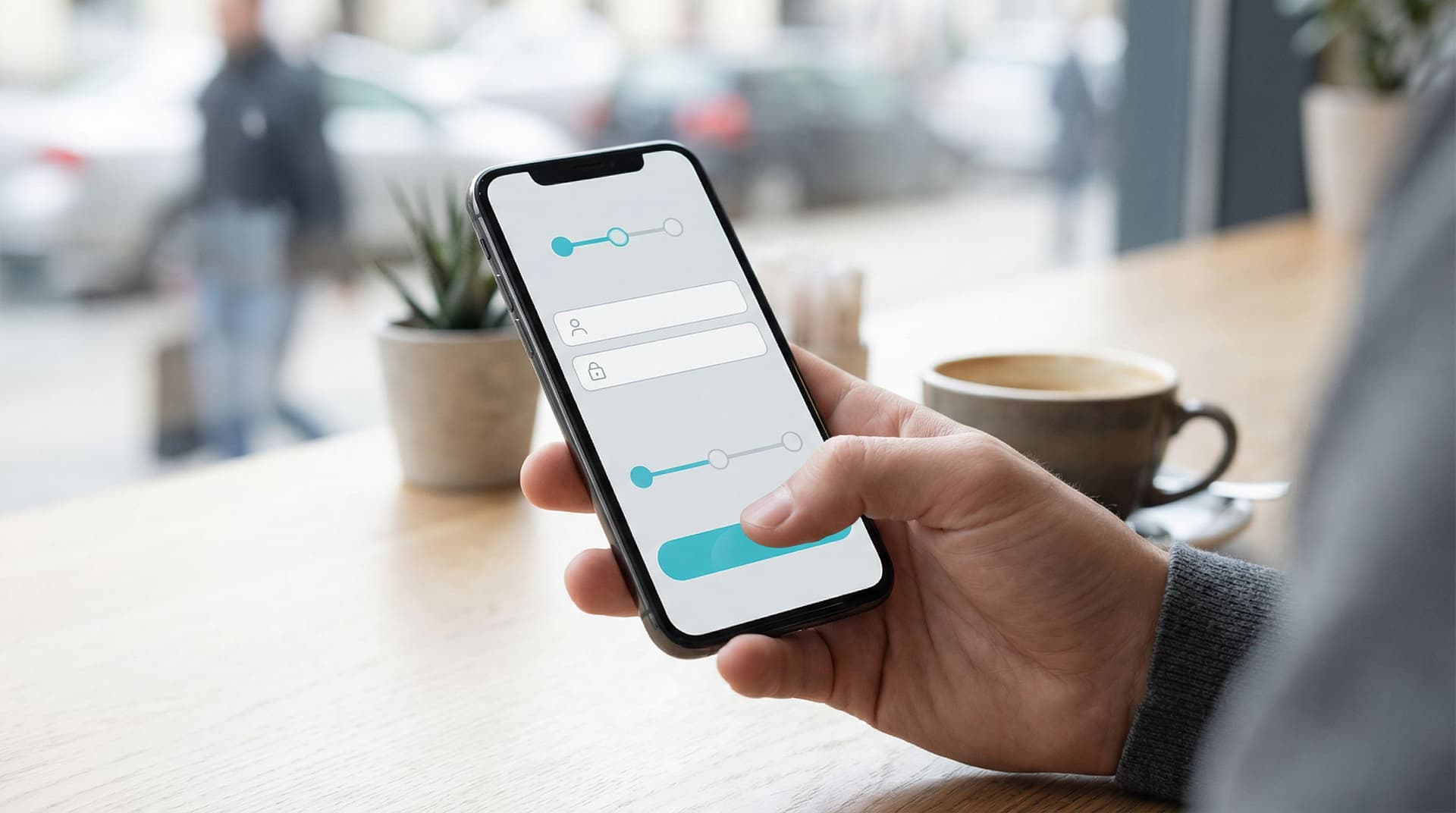
Mobile traffic passed desktop years ago, but most forms are still designed as if people are sitting at a big screen, hands on a keyboard, full attention on the task. That’s not how your users live. They’re: Holding a phone in one hand and a coffee in the other Filling out a demo request while walking between meetings Tapping through a signup flow on a cramped subway Trying to submit feedback before the elevator doors open “Mobile-friendly” — a responsive layout and slightly bigger fonts — isn’t enough. To win those moments, you need something more specific: thumb‑first form

Charlie Clark
Charlie Clark
Form UX for Non-Designers: A Practical Checklist for High-Converting Flows
user experience
customization

Form UX for Non-Designers: A Practical Checklist for High-Converting Flows

You don’t need to be a designer to build a form that converts. Most of the lift comes from a handful of decisions that anyone on a growth, ops, or product team can make: what you ask, how you ask it, and how it feels to move from the first field to the final click. This guide is a practical, non-jargony walkthrough of those decisions—a checklist you can keep next to you while you build your next form in Ezpa.ge (or any tool). We’ll focus on the parts that move the needle on completion rate, data quality, and user trust. Why Form UX Matters More Than You Think Forms are where intent turns into data. A signup form turns curiosity into an account. A demo request turns interest into a sales convers

Charlie Clark
Charlie Clark
Forms as Feature Flags: Using Conditional Logic to Soft-Launch Ideas Without Writing Code
drag-and-drop
Google Sheets

Forms as Feature Flags: Using Conditional Logic to Soft-Launch Ideas Without Writing Code

Forms as Feature Flags: Using Conditional Logic to Soft-Launch Ideas Without Writing Code Product teams have a secret they don’t talk about enough: most “big” launches start as very small experiments. A hidden toggle here. A beta invite there. A feature that only appears for a specific segment. All of that is powered by one idea: feature flags—the ability to turn things on or off for certain people without shipping new code every time. But what if you don’t have engineers on tap? Or you do, but they’re fully booked for the quarter? That’s where forms—with smart conditional logic—can quietly act as your feature flag syst

Charlie Clark
Charlie Clark
Signup, Intake, or Survey? Choosing the Right Form Pattern for Your Product Use Case
user experience
customization

Signup, Intake, or Survey? Choosing the Right Form Pattern for Your Product Use Case

Most teams don’t suffer from a lack of forms. They suffer from the wrong form for the job. A newsletter signup gets treated like a mini-application. A complex onboarding flow gets crammed into one long page. A research survey is mislabeled as “signup,” so users are surprised by 20 questions after giving their email. The result is predictable: Lower completion rates Messy data that’s hard to act on Confused users who don’t understand what they’re committing to Choosing the right form pattern—signup, intake, or survey—is one of the simplest ways to fix tha

Charlie Clark
Charlie Clark
Form UX for High-Stakes Data: Designing Calm, Trustworthy Experiences for Payments, Healthcare, and Hiring
brand trust
security

Form UX for High-Stakes Data: Designing Calm, Trustworthy Experiences for Payments, Healthcare, and Hiring

When a form asks for something trivial—like a newsletter signup—users might tolerate a bit of friction. When a form asks for credit cards, medical history, or employment details, the stakes change completely. People bring fear, skepticism, and a mental checklist of “Is this safe?” to every field. A single rough edge—an odd error message, a misaligned label, a sketchy URL—can be enough for them to close the tab and never come back. Designing forms for these high‑stakes moments isn’t just about conversi

Charlie Clark
Charlie Clark
Adaptive Form Themes: Designing One Look That Automatically Fits Any Device
themes
customization

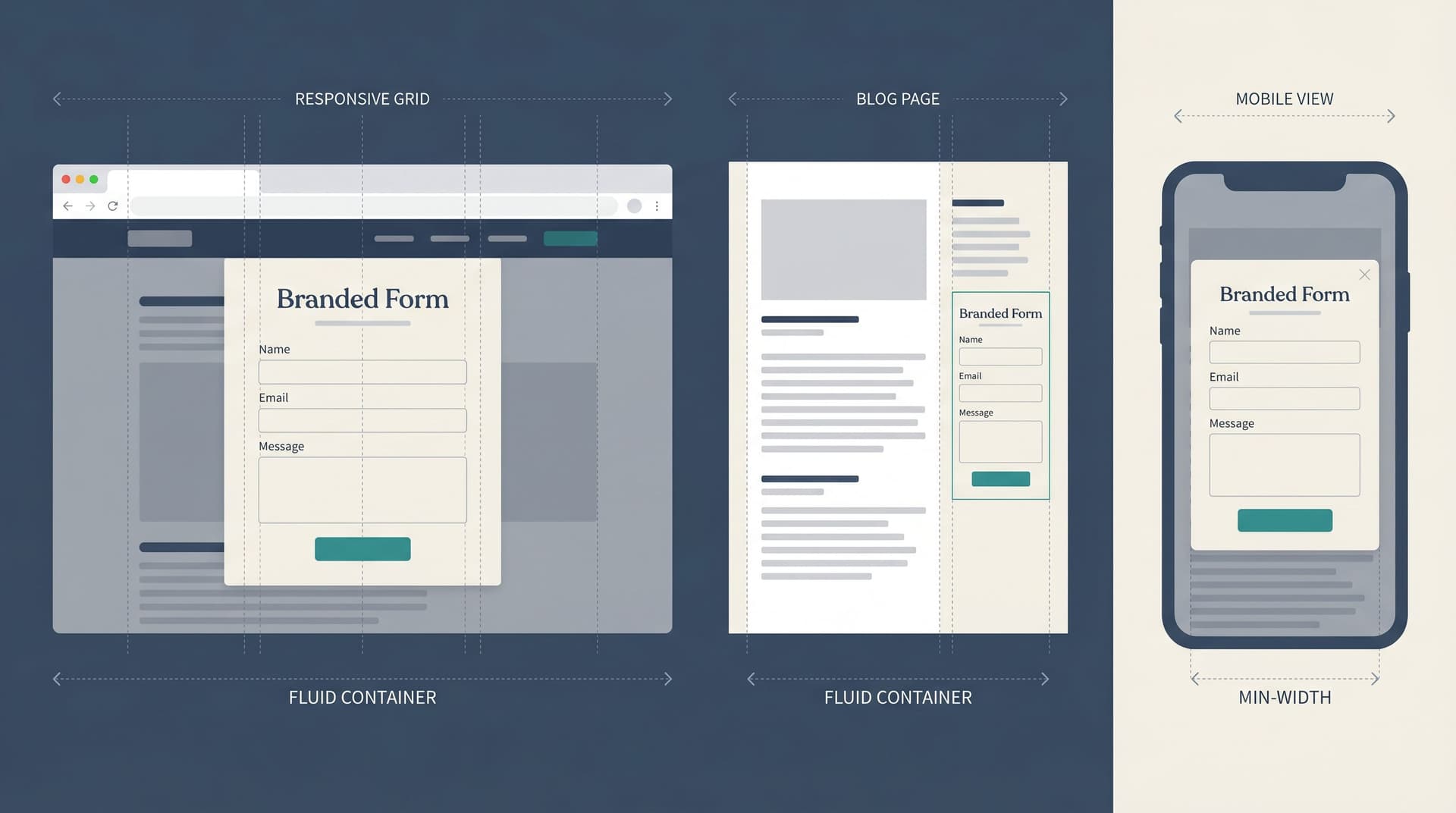
Adaptive Form Themes: Designing One Look That Automatically Fits Any Device

Forms are often where your brand makes its first real ask: Share your email. Tell us about your company. Give us feedback. If that form looks great on a 27" monitor but breaks on a phone, you’re not just dealing with a minor annoyance—you’re losing trust, data, and revenue. Adaptive form themes are how you escape that trap. Instead of hand-tuning layouts for every screen size, you design a single, coherent visual language that flexes intelligently across device

Charlie Clark
Charlie Clark
Conversion-First Form Layouts: Above-the-Fold Patterns That Actually Drive Submissions
design
engagement

Conversion-First Form Layouts: Above-the-Fold Patterns That Actually Drive Submissions

You can have the sharpest copy, the most generous offer, and a beautifully themed Ezpa.ge form—but if the layout above the fold doesn’t pull people into the first field, your conversion rate will quietly stall. Above the fold is where your form either feels: Obvious (“Oh, I just need to drop my email here.”) Overwhelming (“Whoa, what is all this?”) Optional (“I’ll get to this later… maybe.”) This post is about making that first screen do one job extremely well: get more people to start—and finish—your form. We’ll break down practical patterns you can apply immediately, especially if you’re using Ezpa.ge’s responsive layouts, themes, custom URLs, and real-time Google Sheets syncing to ship forms quickl

Charlie Clark
Charlie Clark
Designing Inclusive Forms: Practical Patterns for Language, Accessibility, and Device Diversity
user experience
inclusivity

Designing Inclusive Forms: Practical Patterns for Language, Accessibility, and Device Diversity

Inclusive form design isn’t just “nice to have” anymore. Forms are how people sign up for care, apply for jobs, access financial support, and share sensitive feedback. When a form is hard to read, impossible to use with a screen reader, or broken on a small phone, you’re not just losing conversions—you’re excluding people. The good news: you don’t need a full redesign or a massive accessibility budget to make meaningful progress. You can start with small, concrete patterns that improve language, accessibility, and device support—especially if you’re using a flexible builder like Ezpa.ge. This guide walks through practical patterns you can apply right away, with examples you can adapt to your own form

Charlie Clark
Charlie Clark
Designing Forms That Feel Native on Any Device: A Practical Guide to Truly Responsive UX
user experience
mobile optimization

Designing Forms That Feel Native on Any Device: A Practical Guide to Truly Responsive UX

Forms are often the first real interaction someone has with your brand. They’re how people sign up, subscribe, buy, and give feedback. If that interaction feels clunky on a phone, cramped on a tablet, or awkward on a desktop, you’re quietly losing trust—and conversions. A truly responsive form doesn’t just shrink to fit; it feels native to whatever device someone is using. Fields are easy to tap, labels are legible, layouts adapt intelligently, and nothing feels forced or “desktop squeezed onto a phone.” This guide breaks down how to design forms that feel at home on any screen, with specific techniques you can apply immediately—especially if you’re building with Ezpa.ge

Charlie Clark
Charlie Clark
Mastering Mobile Consistency: Bridging the Gap Between Aesthetics and Functionality
mobile optimization
aesthetics

Mastering Mobile Consistency: Bridging the Gap Between Aesthetics and Functionality

In an era where smartphones are practically extensions of ourselves, ensuring your content is optimized for mobile is no longer optional—it's essential. For businesses and creators alike, the challenge lies in maintaining a seamless balance between aesthetics and functionality, ensuring that users enjoy a visually appealing experience without compromising usability. This delicate balance is crucial for form builders like Ezpa.ge, where user interactions often occur on-the-go. Why Mobile Consistency Matters The importance of mobile consistency cannot be overstated. With over 50% of web traffic coming from mobile devices, ensuring your forms look and function beautifully on any screen is critical

Charlie Clark
Charlie Clark
The Art of Form Continuity: Ensuring a Seamless User Experience from Desktop to Mobile
user experience
mobile optimization

The Art of Form Continuity: Ensuring a Seamless User Experience from Desktop to Mobile

In an era where users interact with the internet through a multitude of devices, ensuring a seamless experience across platforms is crucial. Whether your users are submitting a survey from their desktop at work or filling out a feedback form on their mobile during a commute, maintaining form continuity is key to keeping them engaged and satisfied. Ezpa.ge empowers you to create forms that seamlessly adapt to any device, maximizing user engagement and data collection efficiency. Why Seamless Form Experience Matters Ensuring a uniform experience for users across various devices isn't just a technical challenge; it's a matter of user trust and satisfaction

Charlie Clark
Charlie Clark
Cutting-Edge Personalization Techniques: Crafting Hyper-Responsive Forms
user experience
personalization

Cutting-Edge Personalization Techniques: Crafting Hyper-Responsive Forms

In an era where every interaction counts, the ability to personalize digital experiences is more crucial than ever. Businesses and organizations worldwide are recognizing the immense potential of personalized interactions in building customer loyalty and driving engagement. One area where personalization can make a significant impact is in the creation of forms. By implementing cutting-edge personalization techniques, you can craft hyper-responsive forms that not only capture data more efficiently but also enhance the overall user experience. The Importance of Personalization in Forms When users interact with a form, they are often looking for a seamless, intuitive experience

Charlie Clark
Charlie Clark
Exploring Responsive Design Strategies in the Era of Real-Time Data
design
real-time collaboration

Exploring Responsive Design Strategies in the Era of Real-Time Data

In a world where information flows seamlessly from one device to another, the need for websites and applications to adapt dynamically to varying screen sizes and user interactions has never been more critical. Responsive design once referred simply to the ability of a website to adjust to different screen sizes. However, as real-time data becomes more prevalent, responsive design must also incorporate strategies for integrating and displaying data that updates in real time. This evolution not only enhances user experience but also optimizes the functionality and accessibility of online platforms.

Charlie Clark
Charlie Clark
Unlocking Mobile Potential: Crafting Forms for Global Audiences
mobile optimization
engagement

Unlocking Mobile Potential: Crafting Forms for Global Audiences

In an era where mobile technology transcends borders and cultures, creating forms that resonate with a global audience is more crucial than ever. As businesses and organizations expand their reach, the ability to craft intuitive, accessible, and engaging forms on mobile devices has become a pivotal component of successful communication and data collection. But why does this matter, and how can we optimize forms to tap into this expansive potential? Why Mobile Optimization Matters Mobile devices have become the primary medium through which individuals connect, work, and interact. According to Statista, over 55% of global web traffic originates from mobile devices

Charlie Clark
Charlie Clark
Mobile Optimization Unlocked: Navigating the Latest Techniques for Form Success
mobile optimization
efficiency

Mobile Optimization Unlocked: Navigating the Latest Techniques for Form Success

Mobile devices have become an integral part of our lives, with more people than ever using their phones and tablets to connect, shop, and interact online. For businesses and individuals creating online forms, this shift presents both a challenge and an opportunity. Optimizing forms for mobile use is no longer optional—it's imperative for success. In this post, we'll explore the latest techniques for achieving seamless mobile form experiences that increase engagement and boost conversion rates. Why Mobile Optimization Matters The benefits of mobile optimization cannot be overstated. With the ever-increasing number of users accessing websites and forms via mobile devices, ensuring a smooth experience is crucial

Charlie Clark
Charlie Clark
Beyond Traditional Aesthetics: The Role of AI in Responsive Form Design
AI
aesthetics

Beyond Traditional Aesthetics: The Role of AI in Responsive Form Design

In the ever-evolving realm of web development, creating forms that are both functional and visually appealing has become a cornerstone of user experience. Forms are no longer just basic data collection tools; they are pivotal in shaping user interaction and engagement. As we move beyond traditional aesthetics, Artificial Intelligence (AI) emerges as a transformative force in responsive form design, revolutionizing how we think about and build these essential components of web interfaces. Why AI Matters in Form Design The integration of AI in form design is not merely a technological advancement but a necessary evolution to meet user expectations

Charlie Clark
Charlie Clark