Forms for Product Discovery: Using Single-Question Flows to Prioritize Roadmaps and Kill Bad Ideas Early

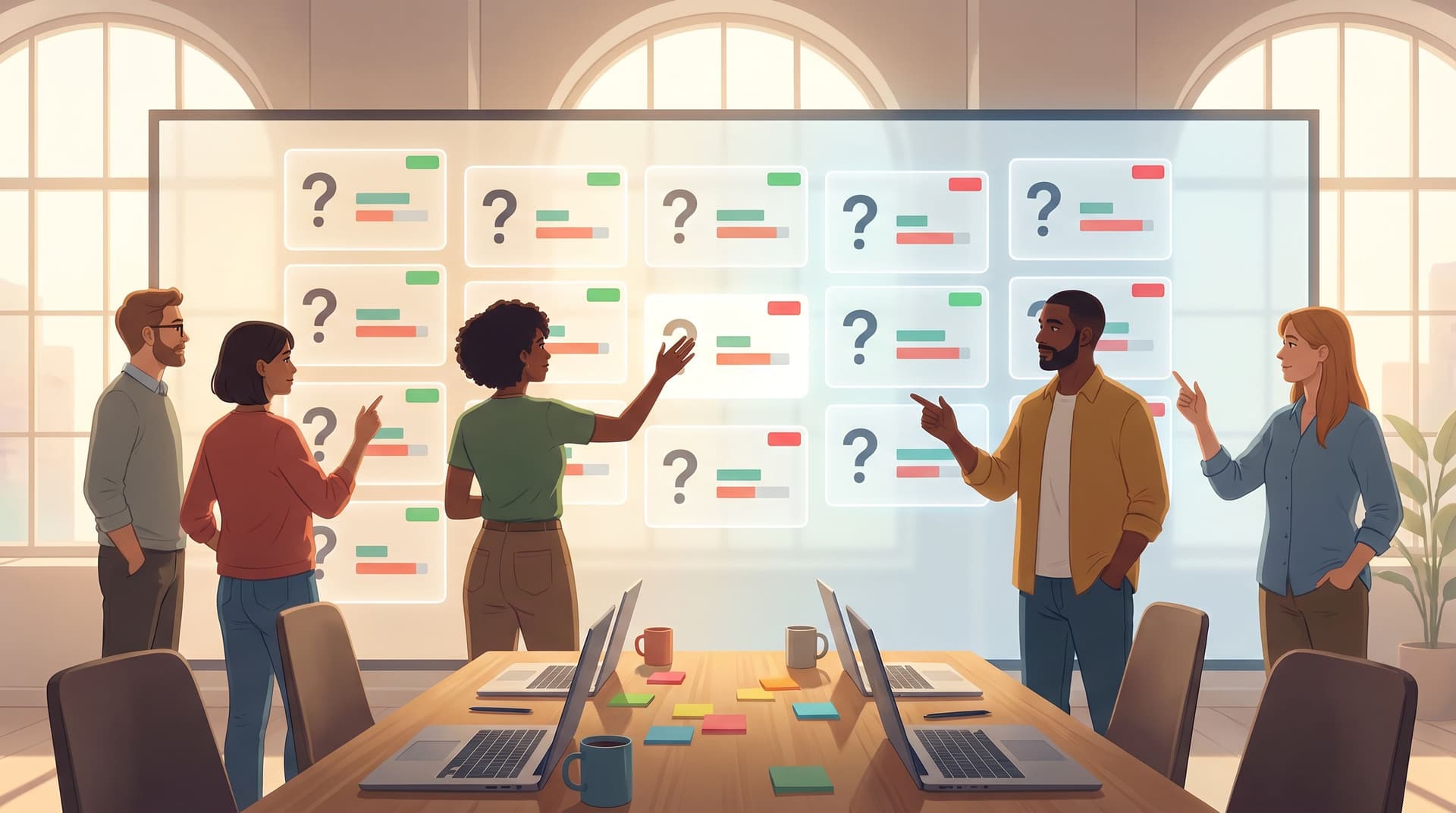
Product teams don’t fail because they lack ideas. They fail because they ship too many unvalidated ideas—and keep them alive far too long.
The hard part isn’t creativity; it’s selection. What should you build next? What should you cut? What deserves a tiny experiment vs. a full-quarter bet?
Single-question flows—tiny, focused forms that ask one well-crafted question at a time—are one of the most underrated tools for answering those questions with confidence.
Instead of a giant survey or a quarterly research study, you’re collecting continuous, high-signal input from real users, right at the moment of intent. With tools like Ezpa.ge—where you can theme forms, use custom URLs, and sync everything straight into Google Sheets—you can turn those signals into a living product radar in a couple of hours, not weeks.
This post walks through how to use single-question flows to:
- Spot which ideas are worth pursuing
- Sequence your roadmap based on real demand
- Kill weak concepts early, before they consume a sprint
- Build a culture where product decisions are observable, not just opinion-driven
Why Single-Question Flows Are So Powerful for Product Discovery
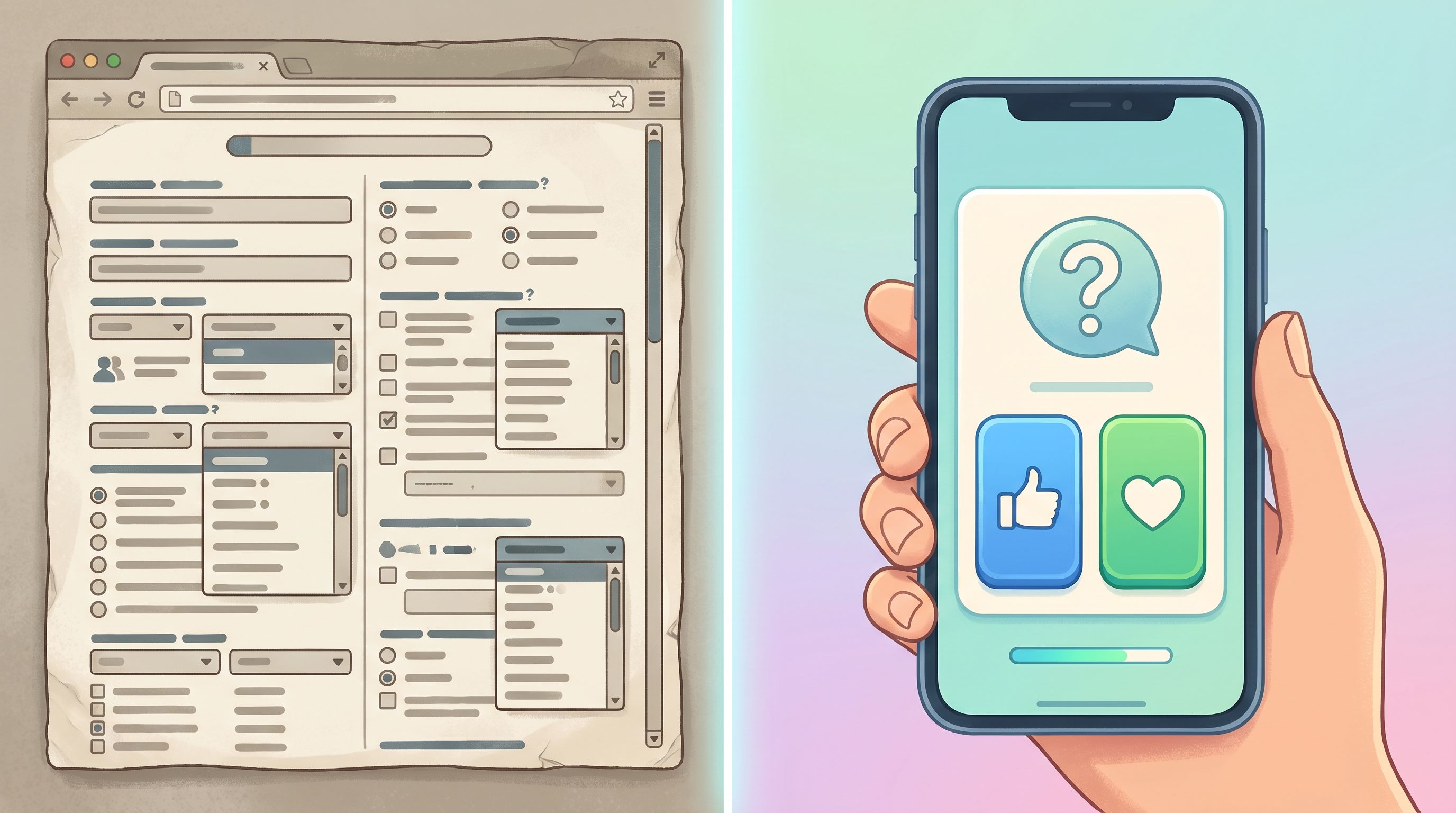
Most product discovery tools are heavy:
- 20-question surveys no one finishes
- Quarterly NPS blasts that don’t change what you ship
- Long-form interviews that are insightful but hard to scale
Single-question flows flip the model:
- Tiny surface area → higher completion rates
- One decision per form → cleaner signals
- Embedded at real moments → less recall bias, more truth
A few reasons they work so well:
1. They reduce friction to almost zero
A single, well-timed question can feel like part of the product, not a separate research task. For example:
- After someone uses a new feature twice: “Would you miss this feature if it disappeared?” (Yes / No / Not sure)
- On a pricing page: “What’s missing here that would make you confident to upgrade?”
- After trial signup: “What’s the one job you’re hoping this product will do for you?”
When it’s just one question, people answer. Industry benchmarks show that completion rates for micro-surveys (1–3 questions) can be 2–3x higher than longer surveys, especially when they’re in-product and contextual.
2. They force you to clarify what you really want to learn
If you only get to ask one thing, you have to decide:
- Are we testing demand for a new idea?
- Are we measuring pain around an existing workflow?
- Are we validating willingness to pay or just curiosity?
That constraint is healthy. It turns vague, nice-to-know questions into sharp, decision-linked prompts.
3. They create clean, comparable signals over time
Because each flow is focused, you can:
- Track how sentiment or demand moves over weeks
- Compare signals across segments (e.g., power users vs. new users)
- Tie specific answers to behavior in your Sheets or CRM
If you’ve read our post on Signals in Single Clicks, this should feel familiar: the magic isn’t in the length of the form. It’s in the clarity of the signal.

Where Single-Question Flows Fit in Your Product Discovery Stack
Think of your discovery stack as three layers:
- Exploration – interviews, open-ended research, generative work
- Signal collection – ongoing, structured inputs from users
- Decision & prioritization – frameworks, roadmaps, bets
Single-question flows live solidly in layer 2, and they feed layer 3.
They’re not a replacement for deep research (for that, see Form-Led Design Research), but they are the fastest way to:
- Quantify how many people care about a problem
- Rank competing ideas by real interest
- Validate that a “pet feature” isn’t just a loud minority
Typical use cases:
- Idea pre-validation – “Would you use X if we built it?”
- Problem sizing – “How painful is Y right now?”
- Feature sequencing – “Which of these should we improve first?”
- Churn & retention risk – “What almost made you cancel?”
Designing Single-Question Flows That Actually Change Roadmaps
Let’s walk through how to design flows that don’t just collect data, but shape what you ship.
Step 1: Start from a decision, not a question
Before you open Ezpa.ge or draft copy, write this down:
“If the majority answer A, we will do X. If they answer B, we will do Y.”
Examples:
- If 40%+ of active teams say they’d pay for advanced permissions, we move it into the next quarter’s roadmap. If it’s under 15%, we park it for at least six months.
- If most users say they’d be ‘very disappointed’ without our new analytics view, we double down. If not, we treat it as an experiment and avoid deep integration work.
This forces you to:
- Tie the flow to a real decision
- Define thresholds in advance
- Avoid data fishing later
Step 2: Choose the right single question
You’re usually aiming for one of three archetypes:
-
“Would you care?” questions (demand)
- How disappointed would you be if you could no longer use [feature]? (Very / Somewhat / Not at all)
- Which of these potential improvements would you be most excited about? (Single choice)
-
“How painful is this?” questions (problem depth)
- How painful is managing [workflow] for you right now? (1–5 scale)
- What’s the hardest part about [job to be done]? (Multiple choice + Other)
-
“What would you trade?” questions (prioritization)
- If we only shipped one of these next, which should it be? (List of 3–5 options)
- Would you prefer: better speed or deeper reporting? (Two big buttons)
Good patterns:
- One concept per question (no “and/or”)
- Concrete language, not internal jargon
- Answer options that map to actions, not vague sentiment
Step 3: Decide where the question lives
Context is everything. A single-question flow is only as good as the moment you place it in.
High-leverage placements:
-
In-app, after a specific behavior
E.g., after someone uses a prototype feature 3 times:
“Would you miss this if it went away?” -
On marketing or pricing pages
E.g., on a feature comparison section:
“Which of these would convince you to upgrade sooner?” -
In lifecycle emails
E.g., in a “What should we build next?” email to power users, linking to a one-question Ezpa.ge form with a custom URL. -
Inside onboarding or intake flows
E.g., at the end of signup:
“What’s the one thing that would make this product a success for you in the next 30 days?”
If you’re already thinking about conversational patterns, our post on From Clicks to Conversations is a good companion read here.
Step 4: Build the flow in Ezpa.ge
With Ezpa.ge, you can stand up a single-question flow in minutes:
- Create a new form and choose a layout that emphasizes a single question.
- Use a clear, conversational heading instead of a generic title.
- Add 2–5 answer options as buttons or radios, depending on the question type.
- Customize the theme so it visually matches the surface it lives in (app, site, email). This reduces friction and builds trust.
- Set a custom URL that matches the experiment, e.g.,
/roadmap-vote-q2or/feature-x-would-you-care. - Enable real-time Google Sheets syncing so every response lands in a structured tab you can analyze and share.
If you want to get fancy later, you can layer in logic, prefills, and invisible personalization techniques similar to what we covered in Invisible Personalization.
Turning Responses Into Roadmap Decisions
Collecting responses is easy. Turning them into priority calls is where most teams stumble.
Here’s a lightweight way to go from raw data to roadmap moves using nothing more than Ezpa.ge + Google Sheets.
1. Create a simple scoring model
In your synced Sheet, add a few helper columns:
- Response value – Map each answer to a numeric score, e.g.:
- Very disappointed → 3
- Somewhat disappointed → 2
- Not disappointed → 1
- User segment – Tag each row based on attributes you already know (plan, company size, role, etc.)
- Idea/feature tag – If your question compares multiple ideas, ensure each response is tagged to one clear candidate.
This lets you:
- Calculate average scores per idea
- Compare scores by segment
- Spot outliers and strong opinions
2. Define thresholds before you look
To avoid retrofitting the narrative, set your thresholds up front. For example:
- If an idea scores 2.5+ on average among paying customers and at least 50 people answer, it’s eligible for the next planning cycle.
- If fewer than 10% of active users pick a feature as their top choice, we treat it as a “nice to have” and avoid major investment.
Writing these rules down turns your Sheet into a decision engine, not just a data graveyard.
3. Visualize the tradeoffs
You don’t need a BI tool. A few basic charts in Sheets go a long way:
- Bar chart of average “would you miss it?” scores per feature
- Stacked bar showing how different segments voted on the same question
- Line chart over time if you’re asking the same question monthly
Bring these into your roadmap review meetings. Make it normal to say:
- “We’re choosing Feature A over Feature B because 3x more admins said they’d be very disappointed without it.”
- “We’re killing this idea because only 5% of power users care, and they already have a workaround.”
4. Close the loop with users
When you act on the data, tell people.
- Send a short email: “You told us you’d be very disappointed if we removed bulk editing—so we’re investing in making it faster instead.”
- Add a note in your changelog: “Prioritized based on your feedback in our one-question roadmap poll.”
Closing the loop isn’t just polite; it trains users to answer the next question. They see that their single click actually moves the roadmap.
Using Single-Question Flows to Kill Bad Ideas Early
Killing ideas is emotionally hard. Single-question flows make it operationally easy.
Here’s how to use them as a sanity check before you commit serious resources.
Pattern 1: Pre-mortem questions
Before you build, run a form to your target users with a prompt like:
- “If we shipped [idea], how likely are you to try it in the first week?” (1–5)
- “What would stop you from using [idea]?” (Multiple choice + Other)
If the majority answer:
- 3 or below on likelihood, or
- select blockers you can’t realistically remove in the next 6–12 months
…you have a strong case to de-scope or delay the project.
Pattern 2: Counterfactual questions
Ask what would happen if the idea didn’t exist:
- “If we never built [feature], what would you do instead?”
If most answers are:
- “I’d just keep doing X, which is fine”
- “I don’t really need this”
…that’s a signal you’re solving a nice-to-have, not a burning problem.
Pattern 3: Willingness-to-trade questions
Use a one-question flow to force a tradeoff:
- “If we could only improve one of these next quarter, which would you pick?”
- Option A: Idea you’re excited about
- Option B: Boring but high-friction workflow
If users consistently pick B, you have your answer. Ship the boring thing. Kill or postpone the shiny one.
Because the question is so simple, you can:
- Run it to hundreds of users via email or in-app
- Get a clear, majority-backed decision
- Screenshot the chart and attach it to your planning doc
Suddenly, “I feel like this is important” becomes “Our users told us, clearly, that this is not.”
Operational Tips to Make This a Habit, Not a One-Off
The teams that get the most value from single-question flows don’t treat them as a campaign. They treat them as infrastructure.
A few ways to operationalize:
-
Create a “Discovery” form template in Ezpa.ge
Pre-configure:- One-question layout
- Neutral theme
- Standard thank-you message
- Google Sheets sync to a shared “Discovery Signals” workbook
-
Standardize naming and URLs
E.g.,disc-2026-q2-feature-x,disc-2026-q2-pricing-confidence. This makes it easier to find and compare later. -
Set a quota per quarter
For example:- Each PM runs at least two single-question flows per quarter.
- At least one of them must be used to kill or delay an idea.
-
Review signals in a recurring meeting
Add a 15-minute “Discovery Signals” slot to your roadmap sync:- What questions did we ask?
- What did we learn?
- What moved up, down, or off the roadmap as a result?
-
Connect flows to workflows
Use tools that integrate with Ezpa.ge (or Zapier/Make) to:- Push high-signal responses into Slack for visibility
- Tag users in your CRM based on their answers
- Trigger follow-up research invites for outliers or power users
If you’re already using forms as internal workflows, you’ll see parallels with the patterns in From Form to Workflow Engine. The same discipline that keeps ops tidy can keep your product discovery disciplined.
Bringing It All Together
Single-question flows sound almost too simple. But that’s the point.
When you:
- Start from a clear decision
- Ask one sharp question at a time
- Place it at a real moment of intent
- Pipe responses into Sheets you actually use
- And commit to acting on the signals
…you turn forms into a quiet but constant force on your roadmap. They:
- Surface which ideas users would truly miss
- Reveal where pain is sharpest
- Give you cover to kill weak bets early
- Build a culture where “What do the signals say?” is a reflex, not an afterthought
You don’t need a new research team. You need a handful of tiny, well-placed questions—and a habit of listening to the answers.
Your Next Step
You can read about this all day, but the value starts when you ship the first question.
Here’s a concrete way to start this week:
- Pick one decision you’re stuck on for the next 1–2 quarters.
- Write the if A then X, if B then Y rule you’ll follow based on user responses.
- Draft a single question that gets you that signal.
- Build a one-question form in Ezpa.ge with:
- A clear heading
- 2–5 answer options
- A custom URL
- Google Sheets syncing turned on
- Place it where it naturally fits: in-app, in an email, or on a key page.
- Commit to reviewing the responses with your team in two weeks—and to making a real roadmap call from what you see.
That’s it. One question, one decision, one habit.
The sooner you start, the sooner your roadmap stops being a guessing game and starts reflecting what your users are quietly telling you every day.