From Sheet to System: Turning Ad-Hoc Google Sheets Trackers Into Durable Form Ops


If your team lives in Google Sheets, you’re not alone.
A new initiative spins up? Someone starts a Sheet. A partner program? There’s a Sheet. Beta waitlist, customer research, internal requests? Sheets, sheets, sheets.
It works—until it doesn’t. Rows pile up. Columns get repurposed. Ownership blurs. You’re one filter mistake away from breaking the whole thing. What started as a clever shortcut becomes operational debt.
This post is about how to graduate from “yet another tracker” to a durable, form-led system—without hiring engineers or buying a heavyweight platform. If you’re already using tools like Ezpa.ge to sync forms into Google Sheets in real time, you’re most of the way there. The missing step is turning those Sheets into reliable operations, not just passive databases.
Why ad-hoc Sheets eventually break
Ad-hoc Sheets usually start from a good place: speed. But they carry predictable failure modes:
1. No clear schema
Columns get added reactively:
- "Need to track region? Add a column."
- "We should mark priority. Add another."
- "Can we track who owns this? Add three more."
Soon, no one can explain what each column means, or whether it’s still used.
2. Hidden business rules
The real logic lives in people’s heads:
- "If
StatusisHot, ping sales in Slack." - "If
TypeisPartner, tag this person differently in the CRM."
When the one person who knows the rules leaves or changes teams, the workflow crumbles.
3. Manual triage and follow-up
Most Sheets rely on:
- Someone checking the Sheet daily.
- Someone remembering who owns what.
- Someone nudging others in Slack or email.
That’s fine for 10 rows. It’s a disaster for 1,000.
4. No consistent intake
If people can add rows manually, paste from other tools, or run imports, your Sheet stops being a single source of truth. You end up with:
- Duplicates
- Inconsistent values
- Missing key fields
Forms fix this by enforcing a single, structured front door.
5. Hard to experiment, harder to scale
Want to test a new question? A new path? A new prioritization rule? In a Sheet-only world, every tweak risks breaking existing formulas, views, and automations.
By contrast, a form-led approach lets you experiment at the edge—where users interact—while keeping your Sheet schema stable. Posts like From Form to Revenue Signal: Using Google Sheets to Map Submission Data to Pipeline Stages go deep on that idea for sales teams, but the pattern applies everywhere.
The mindset shift: from tracker to system
Before we get tactical, it helps to name the shift you’re making.
A tracker answers:
“Where are things right now?”
A system answers:
“What should happen next, for whom, by when—and how do we know it happened?”
That difference shows up in four design choices:
- Single intake surface → One form (or a small set of forms) per process, not ten ways to add rows.
- Explicit schema → Every column has a clear meaning, owner, and allowed values.
- Embedded rules → Status, routing, and priority are derived from form logic and formulas, not memory.
- Automated transitions → Submissions trigger assignments, notifications, and updates by default.
Ezpa.ge already gives you a lot of the building blocks—custom URLs, themes, logic, and live Google Sheets syncing. The rest is process design.
Step 1: Decide what your Sheet is really for
Most messy Sheets are trying to do too many jobs at once. Start by clarifying the primary purpose.
Ask:
-
What is the core unit of work?
- A lead?
- A partner application?
- A research participant?
- An internal request?
-
What is the main journey that unit should go through?
Example for a partner application:- Submitted → Under review → Approved/Rejected → Onboarded
-
Who cares about this Sheet, and for what decisions?
- Sales cares about: “Who do I call next?”
- Ops cares about: “What’s stuck?”
- Leadership cares about: “Are we hitting our targets?”
-
What’s the minimum data you need to support those decisions?
This becomes your must-have fields. Everything else is optional or future.
Write this down. You’re defining the contract between your forms and your Sheet.
Step 2: Design a durable schema before you touch a form
Once you know the purpose, design your Sheet like a lightweight database.
Start with stable, long-lived columns
Think in categories:
-
Identity fields
id(a unique key, often generated in the form or via a formula)email/account_id/company
-
Intake fields (directly from the form)
use_case,budget_range,region,role, etc.
-
System fields (never edited manually)
created_at(timestamp from form)source_form(which form or URL variation)status(derived or updated by automation)owner(who’s responsible)priority_score
-
Process fields
sla_due_atfirst_response_atclosed_atoutcome(e.g., Won/Lost, Approved/Rejected)
Guardrails for a stable schema
-
Prefer enumerated values over free text
regionshould be a dropdown in the form, not a free-text field in the Sheet. -
Avoid renaming or repurposing columns
If you must change meaning, add a new column and deprecate the old one. -
Separate raw data from views
Keep one “raw submissions” Sheet synced from Ezpa.ge. Build filtered views, pivot tables, and dashboards on top of it—not inside it.
If you’re scaling across many processes, you’ll eventually want a shared naming convention and component library. From Drift to Discipline: Designing a Form Taxonomy That Survives Hypergrowth covers how to keep that sustainable.

Step 3: Make forms the only front door
Now, connect your schema to reality.
Map form fields directly to columns
In Ezpa.ge or your form builder of choice:
-
Create fields that mirror your schema
- If your Sheet has
use_case, the form should have aUse casefield that maps to it. - Avoid “misc” fields that dump into generic columns.
- If your Sheet has
-
Use required fields thoughtfully
- Make must-have decision fields required.
- Keep optional or “nice to have” questions clearly optional.
-
Leverage field types
- Dropdowns and radio buttons to enforce allowed values.
- Multi-select for tags.
- Date pickers for anything time-based.
Use custom URLs as process handles
Give each form a stable, memorable URL that matches the process:
/partner-application/beta-signup/internal-marketing-request
Then socialize those URLs as the way to start that process. This is the same pattern described in Forms as Internal Service Catalogs: Replacing ‘Who Do I Ask?’ With One URL Per Request Type—you’re turning scattered requests into a predictable menu.
Lock down manual edits to the raw tab
- Encourage teams to never add rows manually to the raw submissions tab.
- If someone needs to log a manual entry, have them use the form themselves.
This keeps your Sheet trustworthy and your analytics clean.
Step 4: Embed business rules into forms and formulas
Once forms are the front door, you can encode your “if X, then Y” rules into the system.
Use form logic to collect only what’s necessary
Conditional logic keeps forms short while still rich:
- If
use_case = Enterprise, show fields about security and procurement. - If
region = EU, show GDPR-related consent language. - If
budget_range = Not sure, reveal a helper question instead of a price band.
This mirrors the approach in Invisible Personalization: Using Prefills, Logic, and URLs to Tailor Forms Without Feeling Creepy: personalize based on what users tell you, not what you infer from shadow data.
Use formulas to derive status and priority
In your Sheet, add derived columns that translate raw answers into operational signals.
Examples:
-
Priority scoring
=IF(AND(budget_range="$50k+", company_size=">500", use_case="Core product"), "P1", "P2") -
SLA deadlines
=IF(priority="P1", created_at + 1/24, created_at + 3/24)(1/24 = 1 hour)
-
Ownership routing
=IFS(region="NA", "Alice", region="EMEA", "Ben", TRUE, "Shared")
The goal: a new submission automatically lands with a priority, an owner, and an sla_due_at—without human sorting.
For more advanced setups, you can layer AI scoring or classification on top of these rules, as explored in AI Scoring at the Edge: Using Form Responses to Auto-Prioritize Leads Before They Hit Your CRM.
Step 5: Automate the “after submit” moments
A durable system doesn’t rely on someone refreshing a Sheet. It moves work forward on its own.
Decide what should happen on each key event
For most processes, you’ll care about:
-
New submission created
- Notify the owner (Slack, email).
- Create a task in your project tool.
- Send a confirmation to the submitter.
-
Status changes
Under review→Approved: trigger onboarding emails.Under review→Rejected: send a polite close-the-loop message.New→Contacted: log outreach in your CRM.
-
SLA breached
- If
NOW() > sla_due_atandstatus = New, alert a manager or escalation channel.
- If
Wire it up with no-code tools
Use automation platforms (Zapier, Make, n8n, etc.) or native Ezpa.ge integrations:
- Trigger on new row in the raw submissions Sheet.
- Read derived fields like
owner,priority,sla_due_at. - Perform actions in Slack, email, CRM, or task managers.
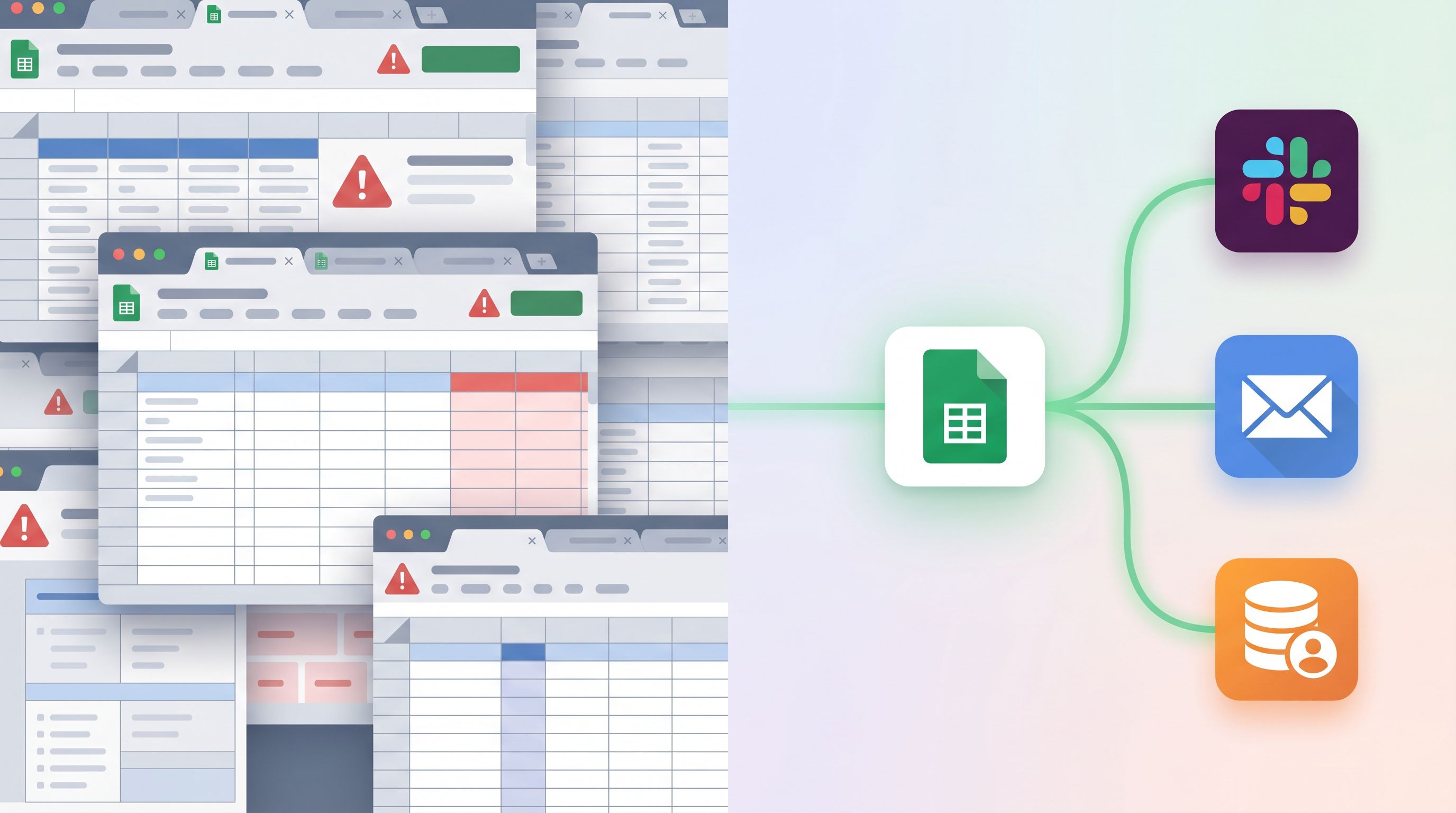
The key is to treat your Sheet as a state machine, not just a log.
Step 6: Create views for each stakeholder, not one giant grid
A single all-purpose view is where trackers go to die. Different people need different slices.
Build role-specific views
Use filtered views or separate tabs connected with FILTER/QUERY formulas:
-
For frontline owners
- Show only rows where
owner = current_userandstatus IN ("New","Under review"). - Sort by
sla_due_atascending.
- Show only rows where
-
For managers
- Aggregated view of counts by
status,owner, andpriority. - Highlight overdue SLAs.
- Aggregated view of counts by
-
For leadership
- Weekly snapshot: volume, conversion rates, cycle time.
Keep the raw tab sacred
- No conditional formatting experiments.
- No ad-hoc filters left on.
- No “just hiding this column for now.”
Treat it like a database table. All the human-friendly customization happens in views.
If you want to go deeper on the analytics side, Baseline to Benchmarks: Building a Lightweight Form Analytics Framework Your Team Will Actually Use is a natural next read.
Step 7: Iterate at the form edge, not in the Sheet
Once the system is live, you’ll see gaps:
- People are skipping optional fields you care about.
- Certain segments are underrepresented.
- Owners are overwhelmed by low-intent submissions.
Resist the urge to patch everything in the Sheet. Instead:
Use forms to improve signal quality
- Add micro-forms earlier in the journey to pre-qualify interest, as described in Signals in Single Clicks: Using Button-Only Micro-Forms to Power Experiments and Personalization.
- Introduce single-question flows to validate new fields before adding them permanently, borrowing from Forms for Product Discovery: Using Single-Question Flows to Prioritize Roadmaps and Kill Bad Ideas Early.
Change copy and themes, not just fields
Sometimes the problem isn’t what you’re asking—it’s how.
- Clarify why you’re asking sensitive questions.
- Group related fields under clear section headings.
- Use themes that match the seriousness or excitement of the process (e.g., a more formal theme for legal intake, a more playful one for beta signups).
Because Ezpa.ge lets you tweak themes and URLs without breaking the Sheet sync, you can run these experiments safely.
A simple migration blueprint: from messy Sheet to form-led ops
To make this concrete, here’s a pragmatic path you can follow over a few weeks.
Week 1: Audit and define
- Pick one high-impact Sheet that feels fragile.
- Document:
- What it tracks.
- Who uses it and why.
- The implicit rules (how priority and ownership are currently decided).
- Decide on the core journey and outcomes.
Week 2: Schema and form
- Design a stable schema: identity, intake, system, and process fields.
- Create a new Ezpa.ge form mapped 1:1 to that schema.
- Set a custom URL and basic theme.
Week 3: Automation and views
- Add formulas for
priority,owner, andsla_due_at. - Build role-specific views for owners, managers, and leadership.
- Wire up basic automations for new submissions and SLA breaches.
Week 4: Rollout and refine
- Announce the new form URL as the only intake path.
- Freeze manual edits to the old Sheet; migrate relevant rows into the new schema.
- Watch where the system creaks, and iterate at the form edge.
By the end of this cycle, you’ll have transformed one fragile tracker into a durable system. The pattern is repeatable.
Bringing it all together
Moving from ad-hoc Google Sheets trackers to durable form ops isn’t about buying a bigger tool. It’s about:
- Clarifying what your Sheet is for and who it serves.
- Designing a schema that can survive change.
- Making forms the single, structured front door.
- Encoding business rules into form logic and Sheet formulas.
- Automating the “after submit” moments so nothing depends on memory.
- Giving each stakeholder a tailored view instead of one overloaded grid.
- Iterating at the form edge—copy, themes, and flows—without breaking your data.
When you do this, your forms stop being one-off utilities and start acting like a lightweight operations platform. Your Sheets stop being fragile trackers and become reliable systems of record.
Your next move
You don’t need to rebuild everything at once. Pick one Sheet that everyone complains about—the partner tracker, the beta waitlist, the research intake log—and turn it into your pilot.
- Sketch the journey and must-have fields.
- Spin up an Ezpa.ge form that mirrors that schema and syncs to a fresh Sheet.
- Add just enough formulas and automation to assign owners and set SLAs.
- Share the new form URL and retire the old ways of adding rows.
Once you’ve seen how much smoother that one process runs, you’ll have the pattern—and the internal proof—to do it again.
If you’re ready to take the first step, start by mapping one messy tracker to a clean schema and building a single Ezpa.ge form on top of it. One URL, one Sheet, one well-defined system. The rest of your operations will follow.