Tiny Forms, Big Revenue: Micro-Surveys and Single-Question Flows for Growth Teams


Tiny Forms, Big Revenue: Micro-Surveys and Single-Question Flows for Growth Teams
Growth teams love numbers.
CAC, LTV, MQLs, activation rate, retention curves—your dashboards are full of metrics. But the levers behind those numbers often come down to something deceptively small:
The right question, asked at the right moment, in the right format.
That’s where micro-surveys and single-question flows shine. They’re tiny on the surface—one to three questions, often embedded directly into an existing flow—but they can drive outsized impact on revenue, retention, and product fit.
This isn’t about replacing your research program or your full onboarding forms. It’s about layering lightweight, always-on questions into moments of high intent—and then wiring the answers straight into your growth engine.
Why Tiny Forms Punch Above Their Weight
Long surveys and heavy forms still have their place. But when you’re trying to move revenue metrics week over week, they’re often the wrong tool.
Micro-surveys and single-question flows work so well for growth teams because they:
- Respect user attention. One question feels like a favor. Twenty questions feel like a chore.
- Fit into existing behavior. You can tuck them into signups, pricing pages, onboarding steps, or post-purchase flows without asking users to go somewhere else.
- Create cleaner signals. Each tiny form has a focused purpose—"Why did you sign up?", "What almost stopped you?", "What’s your role?"—so the data is easier to act on.
- Can be shipped and iterated quickly. A single-question Ezpa.ge form with a custom URL and live Google Sheets sync is something a growth PM can ship in an afternoon, not a quarter.
For many teams, this is the next step after realizing you don’t need more fields—you need better signals. If that idea is new to you, it’s worth pairing this article with Signals, Not Surveys: Designing Micro-Interactions That Capture User Intent Without Extra Fields.
Where Tiny Forms Drive Real Revenue
Let’s ground this in specific growth levers. Here are high-impact places to use micro-surveys and single-question flows.
1. Lead Qualification Without Scaring People Off
A classic tension:
- Sales wants more context.
- Marketing wants higher conversion.
- Users just want to “Talk to sales” without filling out a mini-RFP.
A single-question form before or after your main lead form can bridge that gap.
Examples:
- “What’s your #1 goal for the next 90 days?” (short text)
- “Which best describes you?” (multiple choice: founder, IC, manager, exec, agency, etc.)
- “How soon are you looking to implement a solution?” (0–30 days, 1–3 months, just exploring)
How this drives revenue:
- You can route high-intent leads to faster follow-up.
- You can personalize outreach ("You mentioned you’re hiring aggressively this quarter…").
- You can prioritize product demos for segments that convert best.
With Ezpa.ge, you can host this as a tiny standalone form on a custom URL (e.g., go.yourbrand.com/qualify) and pipe responses directly into Google Sheets, then into your CRM.
2. Activation and Onboarding Fit Checks
Your onboarding flow is one of the most powerful places to ask a single, clarifying question.
Examples:
- Use case selection: “What are you here to do first?” with 3–5 options.
- Experience level: “How familiar are you with [category]?” (Beginner → Advanced).
- Team size: “How many people will use this with you?”
These can live as:
- A standalone single-question form before showing the full onboarding.
- A micro-survey embedded in a welcome email.
- A small overlay after first login.
Why it matters:
- You can branch users into different onboarding paths based on role or use case.
- You can spot misfit users early and adjust expectations.
- You feed clean segmentation data into your lifecycle campaigns.
If you’re already thinking in reusable building blocks, this is a natural extension of the ideas in Atomic Form Patterns: Reusable Layouts, Microcopy, and Logic You Can Drag-and-Drop Anywhere.
3. Pricing Page and Checkout Confidence Boosters
Right when someone is hovering over “Upgrade” or “Start trial,” a small, targeted question can surface the friction that’s blocking revenue.
Examples:
- Exit-intent question: “What’s holding you back from upgrading today?”
- Plan fit question: “Which best describes your team?” → Use that answer to recommend a plan.
- Risk reducer: “What’s your biggest concern about switching?”
These can be:
- A one-question Ezpa.ge form triggered on exit intent.
- A micro-survey link under the pricing table (“Not sure which plan is right? Tell us one thing about your team.”).
The benefit:
- You get live qualitative data on pricing objections.
- You can test messaging changes based on the most common concerns.
- You can flag high-intent, hesitant users for concierge outreach.
4. Post-Action Feedback That Feels Natural
After a key action—signing up, completing onboarding, making a purchase, using a feature—you have a golden window to ask for one tiny piece of feedback.
Examples:
- “How confident do you feel about using [feature] after this walkthrough?” (1–5 scale)
- “Did anything about this process feel confusing or slow?” (Yes/No + optional text)
- “What almost stopped you from completing this today?” (short text)
The trick is to keep it short enough that it doesn’t feel like a survey, and to place it where the user already expects some sort of confirmation or follow-up.
If you want to go deeper on always-on feedback, pair this article with Micro-Surveys, Macro Insight: Using Tiny Forms Across Your Product to Unlock Continuous Feedback.

Designing Single-Question Flows That Actually Convert
A single question sounds simple. But the details—copy, timing, options, and routing—are where the revenue impact lives.
Here’s a practical checklist for designing high-performing micro-surveys and one-question flows.
1. Start With the Decision You Want to Improve
Before you write anything, answer this:
“What decision will this question help us make better?”
Examples of good answers:
- “Which leads should get same-day sales outreach?”
- “Which onboarding path should we show first?”
- “Which feature should we invest in next quarter?”
If you can’t name a specific decision, you probably don’t need the question.
2. Make the Question About the User, Not Your Org
People answer when it feels like the question will help them, not just your dashboard.
Better:
- “What are you hoping to get done with us this week?”
- “Which best describes what you’re working on?”
Weaker:
- “What’s your budget?” (unless you give a clear benefit for answering)
- “How did you hear about us?” (fine, but usually not revenue-critical)
3. Offer Options That Map to Real Actions
For multiple-choice questions, each option should unlock a concrete next step.
For example, a post-signup question:
“What brought you here today?”
- I want to automate reports
- I’m evaluating tools for my team
- I’m just exploring
- I’m here because someone invited me
Each answer can:
- Trigger a different onboarding screen.
- Tag the user in your CRM.
- Enroll them in a tailored email sequence.
4. Keep It Visually Light
Micro-surveys should feel micro.
Design tips:
- Use a single column layout with generous white space.
- Keep labels short and conversational.
- Avoid dense help text—if you need a paragraph to explain the question, it’s the wrong question.
- Use a clear, friendly button label: “Share this”, “Save my answer”, “Continue”, not just “Submit.”
This is where adaptive themes matter. With Ezpa.ge, you can design one responsive theme that looks great on both phones and laptops, then reuse it for every tiny form instead of hand-tuning each one.
5. Decide What Happens Immediately After
The post-submit experience is part of the flow, not an afterthought.
Ask:
- Do we show a confirmation message with next steps?
- Do we redirect to a specific page based on the answer?
- Do we trigger an automation (Slack ping, CRM update, email, or in-app message)?
If you’re not sure how to wire this up, Forms as On-Ramps, Not Dead Ends: Designing Submission Flows That Feed Your Growth Stack is a great primer.
Wiring Tiny Forms Into Your Growth Stack
A beautiful micro-survey that no one uses is just decoration.
Here’s a practical way to plug tiny forms into your existing tools using Ezpa.ge and Google Sheets.
Step 1: Create a Dedicated Sheet Per Use Case
Instead of dumping all responses into one giant spreadsheet, create focused sheets:
Lead_Qual_MicroSurveyOnboarding_UseCase_QuestionPricing_Exit_Intent_Feedback
Each Ezpa.ge form syncs in real time to the relevant sheet. This keeps reporting and automation clean.
Step 2: Normalize the Data as It Arrives
Use simple Google Sheets formulas and data validation to keep your tiny-form data high quality:
- Dropdown lists for standardized categories.
- IF/IFS formulas to map free text into tags.
- Flags for high-intent responses (e.g.,
IF(A2="0–30 days", "HOT", "NORMAL")).
If you want to go deeper on this, check out Real-Time Guardrails: Using Google Sheets Logic to Auto-Clean and Validate Form Data.
Step 3: Trigger Automations From Your Sheet
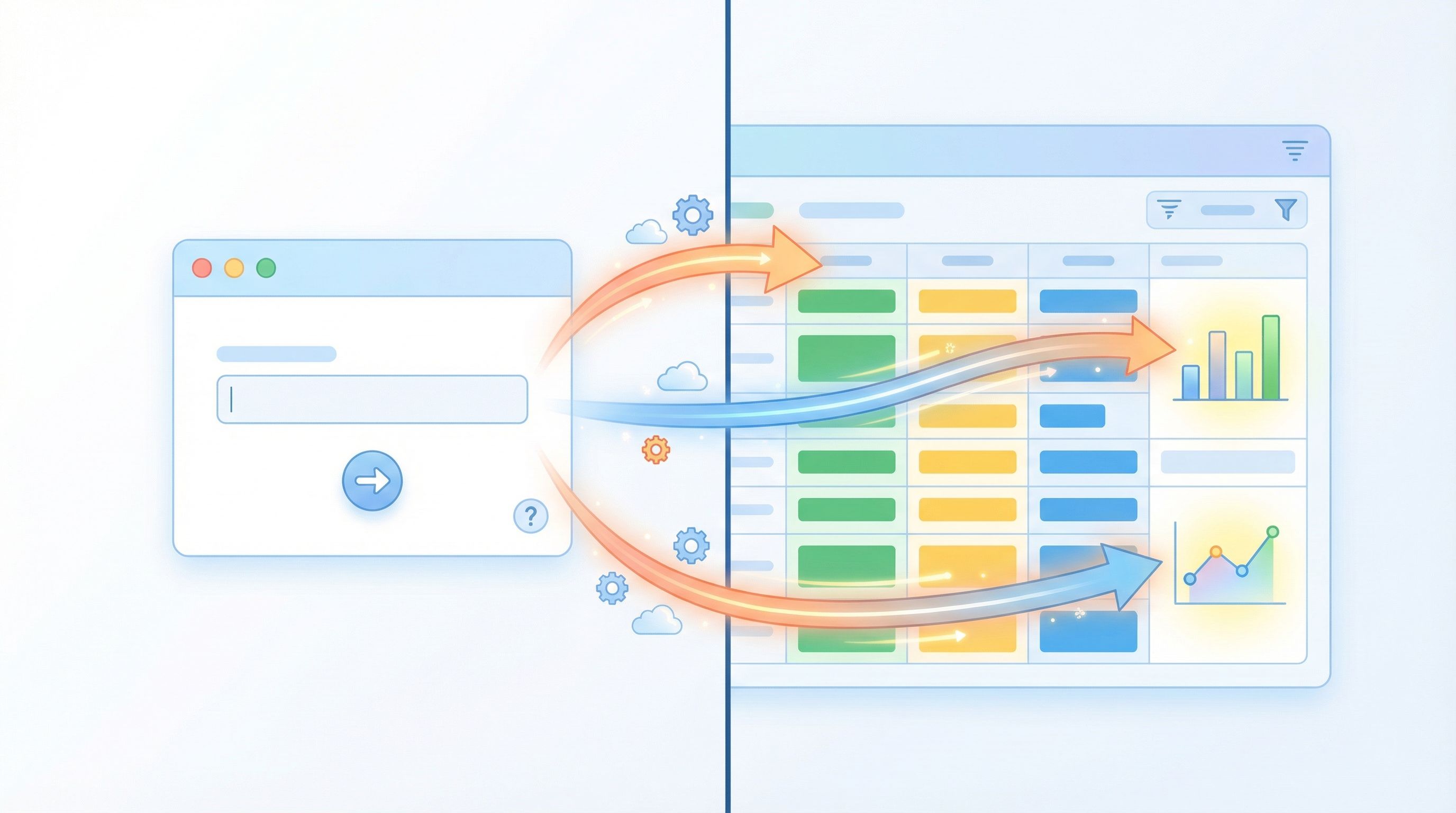
Once answers are landing in Sheets, you can:
- Use Apps Script or tools like Zapier or Make to:
- Create or update CRM records.
- Send Slack alerts for specific answers.
- Enroll users in targeted email sequences.
- Build lightweight dashboards that show:
- Volume of responses by segment.
- Conversion or revenue by answer.
- Trends in objections or goals over time.
The goal is simple: no answer should just sit in a spreadsheet. Every meaningful response should either:
- Trigger an action, or
- Feed a decision-making dashboard.
Step 4: Close the Loop With Experiments
Micro-surveys are perfect for experimentation because they’re so easy to change.
You can:
- A/B test different question phrasings.
- Rotate answer options to see which segments matter most.
- Try different placements (post-signup vs. in-product vs. email).
Because Ezpa.ge syncs everything into Sheets, you can track results without heavy analytics setup:
- Column for variant (A/B).
- Column for downstream outcome (e.g., demo booked, upgrade, retention).
- Simple pivot tables or charts to see which variant correlates with better outcomes.
Common Pitfalls (and How to Avoid Them)
Even tiny forms can go wrong. Watch out for these traps.
1. Asking Everything Everywhere
If every screen has a micro-survey, users will start to ignore them.
Fix:
- Limit yourself to one key question per major flow (signup, onboarding, pricing, post-purchase).
- Rotate questions over time instead of piling them on.
2. Collecting Data You Never Use
“Nice to know” questions clutter your stack and burn user goodwill.
Fix:
- Audit each question: What will we do differently if we know this?
- If there’s no clear answer, cut or replace it.
3. Treating Micro-Surveys Like Research-Grade Studies
These are directional, operational tools—not academic surveys.
Fix:
- Don’t overcomplicate with 10-point scales and long batteries of questions.
- Focus on clear, actionable segments and simple language.
4. Ignoring the Emotional Context
Asking “Why did you cancel?” right after a frustrating experience can feel tone-deaf.
Fix:
- Use empathetic framing: “We’re sorry to see you go. Was there one thing we could have done better?”
- Offer an easy escape: a “Skip” option or a subtle close button.
Example Tiny-Form Playbook for a Growth Team
Let’s pull this together into a concrete starting point.
Imagine you’re running growth for a B2B SaaS product. Here’s a simple 4-form setup you could ship this week.
-
Post-Signup Use Case Question
- Question: “What are you here to do first?”
- Options: 3–5 core use cases.
- Where: Immediately after signup, before full onboarding.
- Action: Route users to different onboarding flows and tag them in CRM.
-
Sales Contact Intent Question
- Question: “How soon are you hoping to make a decision?”
- Options: 0–30 days, 1–3 months, 3–6 months, just exploring.
- Where: On your “Talk to sales” form or confirmation page.
- Action: Prioritize follow-up and assign owners based on urgency.
-
Pricing Page Exit Intent Question
- Question: “What’s the main reason you’re not upgrading right now?”
- Options: Price, missing feature, need approval, just exploring, other.
- Where: Exit-intent overlay or subtle slide-up on the pricing page.
- Action: Feed objections into messaging tests and roadmap discussions; flag high-intent-but-blocked users for outreach.
-
Post-Onboarding Confidence Check
- Question: “How confident do you feel about getting value from [product] this week?” (1–5 scale)
- Where: At the end of your onboarding checklist or in a day-3 email.
- Action: Trigger help content or human outreach for low scores; invite high scores to case studies or referrals.
All four can be built as Ezpa.ge forms with:
- A consistent theme for brand trust.
- Custom URLs that are easy to remember and share.
- Real-time syncing to purpose-built Google Sheets, each wired into the rest of your stack.
Wrapping Up
Tiny forms are not a nice-to-have UX flourish. They’re a practical way for growth teams to:
- Turn vague intent into clear, segmentable data.
- Reduce friction in high-value flows like signup, pricing, and checkout.
- Feed live, actionable signals into sales, success, and product decisions.
- Ship experiments and learn quickly without waiting on engineering.
When you treat micro-surveys and single-question flows as part of your growth system—not just as one-off research projects—you get a compounding effect: better targeting, smarter routing, and more confident bets.
Your Next Step
You don’t need a massive project to start. Pick one high-intent moment this week—signup, pricing, or post-purchase—and:
- Decide what decision you want to improve (routing, messaging, roadmap, etc.).
- Write a single, user-centered question that would make that decision easier.
- Spin up a tiny Ezpa.ge form with a clean theme and custom URL.
- Sync it to a dedicated Google Sheet and wire up one simple automation.
Ship it, watch the answers roll in, and let those tiny forms start pulling their weight.
Then, when you’re ready, expand that one micro-survey into a full system of tiny, revenue-driving questions across your product and campaigns.
Your dashboards will thank you.