Forms as On-Ramps, Not Dead Ends: Designing Submission Flows That Feed Your Growth Stack


Most teams treat the form submit button like a finish line.
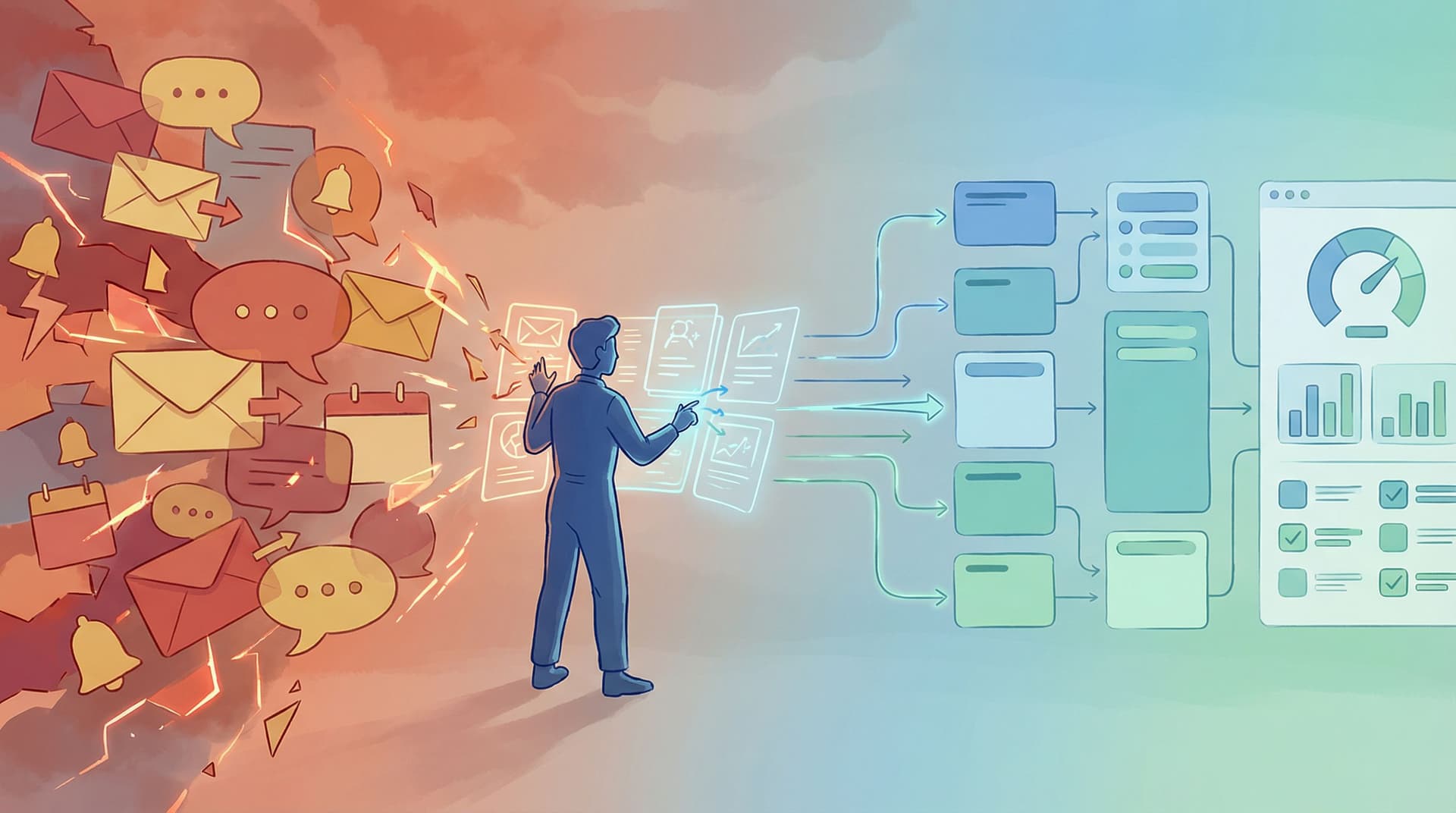
You obsess over completion rate, tweak field labels, maybe A/B test the headline—and once someone hits Submit, the story effectively ends. Data lands in a spreadsheet or CRM, a few people get notified, and the user is dumped on a generic "Thanks" page.
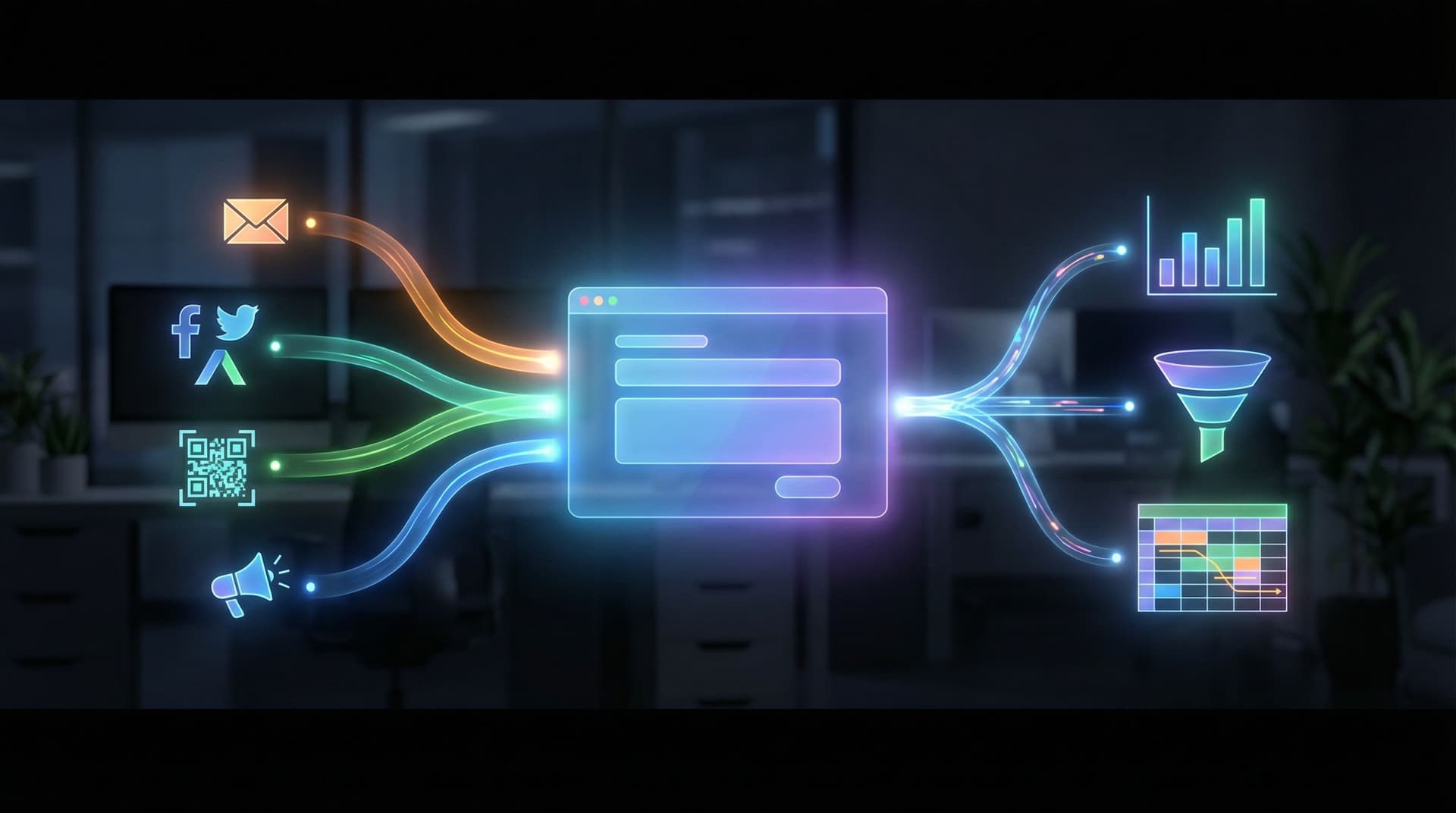
But the submit button doesn’t have to be the end of anything. It can be the on-ramp into your entire growth engine: routing leads, triggering playbooks, enriching data, and guiding users to their next meaningful step.
This post is about designing for that reality—especially when you’re working with tools like Ezpa.ge, where custom URLs, adaptive themes, and real-time Google Sheets syncing make it easy to wire forms into the rest of your stack.
We’ll walk through how to:
- Rethink form submissions as the start of a journey
- Map what should happen after submit (for users and for your team)
- Connect forms to your CRM, support, and analytics tools without writing code
- Turn your "Thank you" screens into conversion moments
- Use Google Sheets as a live router and rules engine
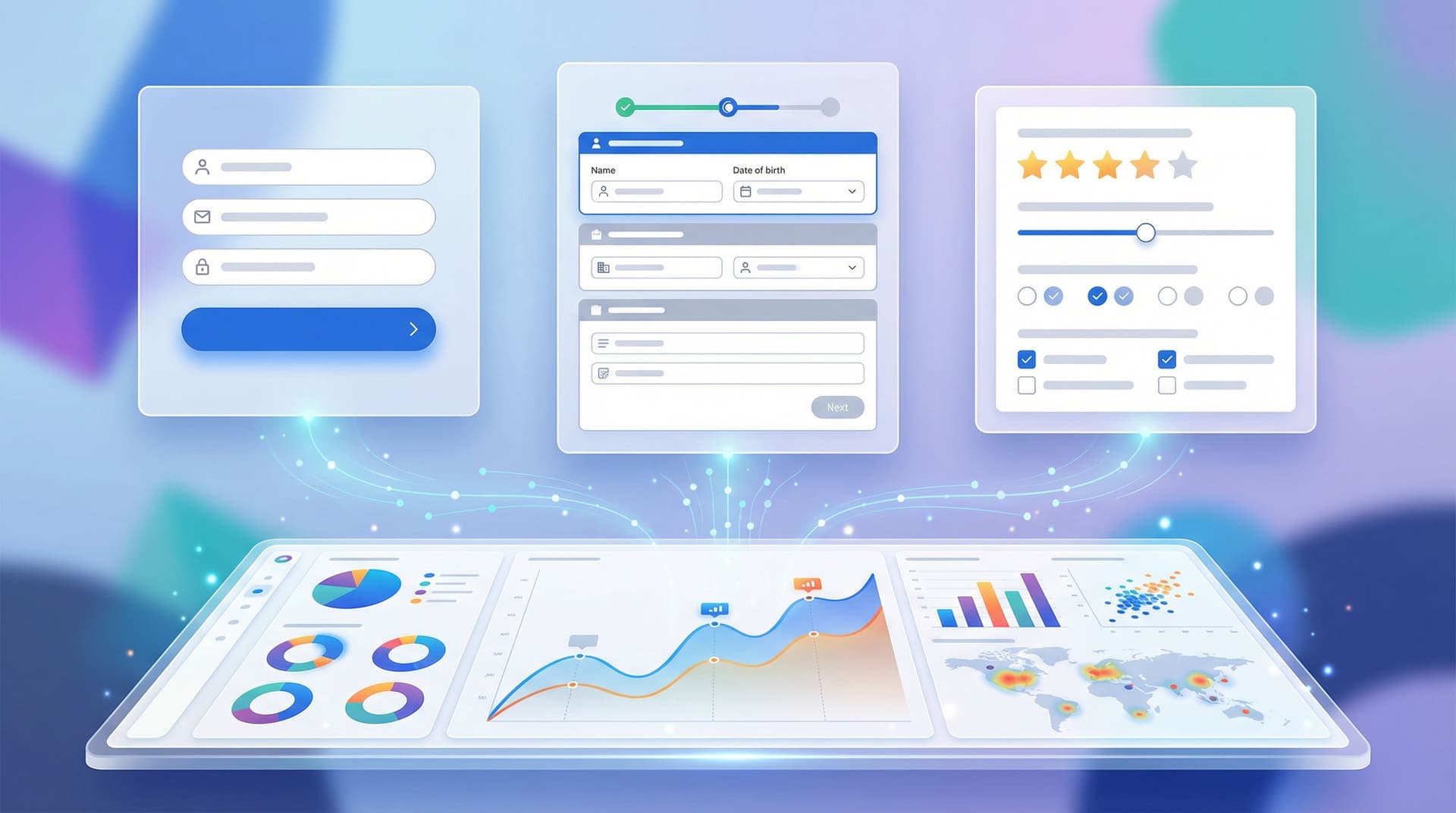
By the end, you’ll have a blueprint for forms that don’t just collect data—they drive growth.

Why “Submit” Should Be the Beginning
A form submission is one of the clearest signals of intent you’ll ever get.
Someone has:
- Clicked your link
- Read your copy (at least enough to trust you)
- Given you their information
That’s a big deal. Treating that moment as a dead end wastes:
- Revenue – High-intent leads sit unqualified in a spreadsheet.
- Momentum – Users don’t know what happens next, so they drift away.
- Insight – You can’t easily see which forms, channels, or campaigns actually drive outcomes.
When you design forms as on-ramps instead:
- Every submission routes into a clear workflow (sales, support, onboarding, research).
- Users get a next step that matches their intent—book a call, start a trial, explore docs, etc.
- Your team gets clean, structured data that powers automation and reporting.
If you want a deeper dive into why structure matters so much, read how to go From Spreadsheet Chaos to Source of Truth: Structuring Google Sheets for Scalable Form Data—it’s the backbone of any growth-ready form system.
Step 1: Decide What a “Good Outcome” Looks Like
Before you touch a field or theme, answer one question:
What should happen—concretely—after someone submits this form?
You’re looking for specific outcomes, not vague goals.
Examples:
- A sales-qualified lead gets contacted within 15 minutes.
- A support request is triaged and assigned automatically.
- A beta signup is added to a cohort and invited to a specific onboarding flow.
- A feedback form response is tagged and reviewed in the next roadmap meeting.
For each form you design, write down:
- Primary outcome – e.g., “Book a discovery call with the right rep.”
- Secondary outcomes – e.g., “Tag by industry for future campaigns,” “Capture UTM for attribution.”
- Operational promise – e.g., “We’ll reply within one business day.”
Then make sure your form and post-submit flow actually support those outcomes. If they don’t, you’re designing a dead end, not an on-ramp.
For help matching the form pattern to the outcome (signup vs. intake vs. survey), see Signup, Intake, or Survey? Choosing the Right Form Pattern for Your Product Use Case.
Step 2: Map the Journey After Submit
Think of your submission flow as two parallel tracks:
- User track – What the user sees and experiences after they click Submit.
- System track – What your tools and team do automatically with that data.
Design both on purpose.
The User Track: What Happens on the Surface
A strong post-submit experience answers three questions for the user:
- Did it work? – Clear confirmation, no ambiguity.
- What happens next? – Set expectations: who will contact them, when, and how.
- What can I do now? – Offer a next step aligned with their intent.
Elements to design:
- Confirmation message that feels human and specific, not just “Thanks!”
- Expectation setting: “We’ll review your application and email you within 24 hours.”
- Contextual next step:
- For sales forms: link to book a call, download a one-pager, or watch a demo.
- For onboarding: link to sign in, docs, or a quick-start checklist.
- For feedback: show how their input is used (roadmap, changelog, etc.).
Avoid the generic “You’re all set!” unless they truly are.
The System Track: What Happens Behind the Scenes
Behind that clean confirmation, your submission should kick off a chain of events.
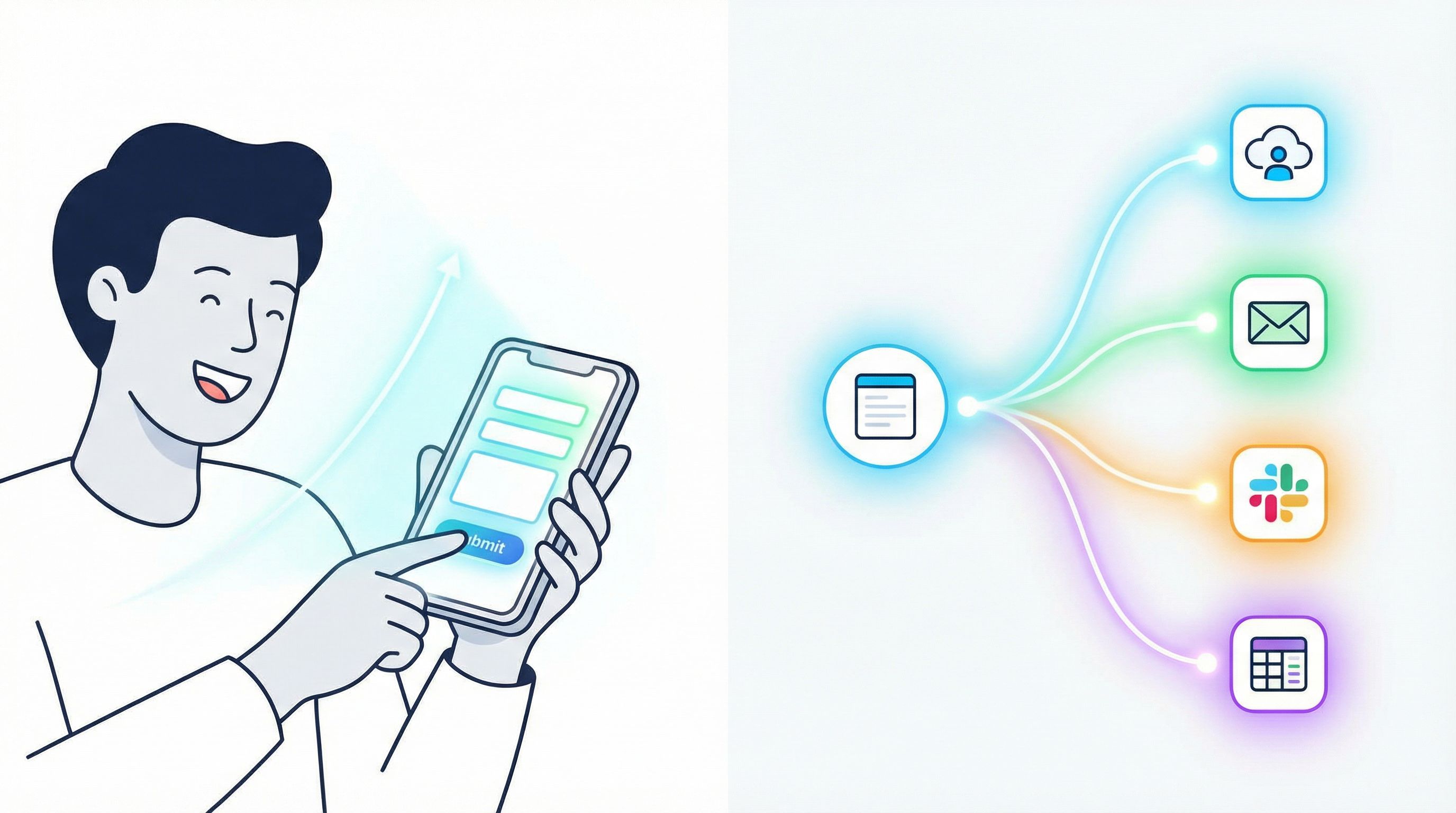
Common system actions:
- Sync the response to Google Sheets in real time (Ezpa.ge does this out of the box).
- Push key fields into your CRM (HubSpot, Salesforce, Pipedrive, etc.).
- Notify the right people in Slack or email.
- Tag and segment based on answers and source.
- Trigger automations (welcome sequences, onboarding tasks, support tickets).
You can wire most of this together with no-code tools like:
If your forms already sync to Sheets, you’re just a few zaps away from the kind of real-time playbooks described in Ops in the Loop: Using Real-Time Form Data to Trigger Playbooks, Notifications, and Automations.
Step 3: Design Forms That Power Routing, Not Just Collection
If you want submissions to feed your growth stack, the form itself has to collect route-able data.
That means thinking beyond “What do we need to know?” and asking “What will this answer change?”
Ask Questions That Drive Decisions
For each field, define:
- Purpose – Why do we ask this?
- Action – What changes when this answer is X vs. Y?
Examples:
- Company size → Decides which sales tier and playbook they enter.
- Use case → Decides which onboarding email sequence they get.
- Urgency → Decides SLA and who gets notified.
If a field doesn’t drive a decision or segmentation, consider cutting it—or turning it into an optional, low-friction question.
For more nuance on designing fields and validation that give you reliable routing data, see Beyond ‘Required’: Rethinking Form Validation Rules for Better Data and Happier Users.
Use Logic to Shorten the Path
Tools like Ezpa.ge support conditional logic, which you can use to:
- Hide irrelevant fields (e.g., only show “Team size” if they’re a business, not an individual).
- Ask follow-ups only when needed (e.g., “Tell us more” if they choose “Other” as a use case).
- Route people to different confirmation screens based on answers.
This keeps friction low while still collecting the data your routing rules need.
Step 4: Turn Google Sheets Into a Routing Engine
Real-time Google Sheets syncing is more than a convenience feature—it’s a lightweight backend.
With a well-structured sheet, you can:
- Normalize and validate data as it arrives
- Flag high-priority submissions
- Trigger automations based on formulas and filters
Structuring for Routing
At minimum, your form’s response sheet should include:
- Raw answers – One column per field.
- Derived fields – Formulas that:
- Normalize values (e.g., map free-text “10–20 people” to
10-20segment). - Tag submissions (e.g.,
=IF(C2="Enterprise","Tier 3","Tier 1/2")). - Calculate scores (lead score, urgency score, etc.).
- Normalize values (e.g., map free-text “10–20 people” to
- Status columns –
New,In progress,Closed, etc.
Then, use your automation tool to:
- Watch for new rows with
Status = New. - Read the derived fields (tier, use case, urgency).
- Route to the right destination (Slack channel, CRM owner, email sequence).
If you want to go deeper on sheet architecture, From Spreadsheet Chaos to Source of Truth: Structuring Google Sheets for Scalable Form Data walks through concrete patterns.
Step 5: Make Your “Thank You” Screen Do Real Work
The post-submit screen is prime real estate. Don’t waste it on a single line of copy.
Think of it as a contextual mini-landing page for people who just raised their hand.
Elements of a High-Impact Confirmation Screen
-
Clear confirmation
- “You’re in.”
- “We’ve received your request.”
- “Your application is under review.”
-
Expectation setting
- “You’ll get an email from us within 15 minutes with next steps.”
- “We review applications every Tuesday and Thursday.”
-
Next-best action (pick one primary, one secondary)
- Book time now – Embed or link to a Calendly/Calendesk page.
- Explore resources – Link to docs, a getting-started guide, or a webinar.
- Share with a teammate – Provide a short link or “Copy link” button.
- Start a trial – If they’re ready to use the product immediately.
-
Social proof or reassurance
- Logos, testimonials, or “Join 2,000+ teams who…” copy.
You can also use conditional redirects in Ezpa.ge to send different users to different confirmation pages based on their answers—e.g., high-intent enterprise leads go straight to a “Book your strategy call” page, while self-serve users see a “Start your trial” path.
Step 6: Connect Attribution and Analytics, Not Just Submissions
If you only track form completions, you’re missing half the story.
To really treat forms as on-ramps, you need to understand:
- Which channels send the right kind of users
- Where people drop off
- What happens after they submit
Practical Tracking Moves
- Add UTM parameters to every form link (campaign, source, medium, content).
- Capture those UTMs in hidden fields on your Ezpa.ge forms.
- Sync them into Google Sheets and your CRM.
- Use tools like Google Analytics, Plausible, or Fathom to track:
- Views → starts → submissions
- Channel-level conversion and quality
Then, combine that with downstream data (opportunities, revenue, retention) to see which forms and campaigns are actually feeding your growth stack.
If you want a step-by-step playbook without touching code, check out From Form Link to Full Funnel: Tracking Every Touchpoint Without a Developer.
Step 7: Automate the Boring, Keep the Human Moments
Not everything should be automated—but a lot more can be than most teams realize.
Good Candidates for Automation
- Acknowledgment – Instant, personalized confirmation emails.
- Routing – Assigning owners based on geography, industry, or deal size.
- Enrichment – Using tools like Clearbit or Apollo to enrich company data.
- Follow-ups – Nurture sequences for lower-intent leads.
- Reminders – Pings to your team when SLAs are at risk.
Where Humans Add Real Value
- High-stakes decisions (enterprise deals, sensitive support cases).
- Complex troubleshooting.
- Strategic conversations.
Use your form + Sheets + automation stack to clear the path so humans can focus on those moments.
For concrete examples of how teams are already doing this with Ezpa.ge, read From Form to Workflow: Automating Onboarding, Support, and QA with Ezpa.ge + Google Sheets.
Step 8: Treat Submission Flows as Products, Not One-Offs
The difference between teams that grow with forms and teams that drown in them often comes down to mindset.
If every form is a bespoke project, you end up with:
- Inconsistent data
- Confusing user experiences
- Hard-to-maintain automations
Instead, treat your submission flows as reusable products.
Build Reusable Patterns
- Standard confirmation layouts for different intents (sales, support, feedback, events).
- Shared field library with consistent labels, validation, and help text.
- Common routing rules (e.g., lead tiers, priority levels).
- Reusable automations that you can apply to new forms with minimal tweaks.
Ezpa.ge’s theming and custom URL features make it easy to standardize the look and structure while still tailoring the message. Over time, you’ll build a system where:
- New forms plug into existing workflows instead of inventing new ones.
- Your team instantly understands what a submission means and where it goes.
- You can run experiments (copy, themes, routing rules) without breaking everything.
For a deeper dive into making your form system scalable, see Design Once, Reuse Everywhere: Building a Scalable Form System for Your Entire Team.
Bringing It All Together
When you stop treating Submit as the end and start treating it as the on-ramp, your forms become:
- Signals, not just records
- Triggers, not just storage
- Experiences, not just fields
The core principles:
- Define clear outcomes for every form.
- Map both the user journey and the system workflow after submit.
- Collect data that drives routing and decisions, not just reporting.
- Use Google Sheets as a live, structured backend.
- Turn “Thank you” screens into meaningful next steps.
- Wire in attribution and analytics so you know what’s working.
- Automate the routine, preserve the human.
Do this well, and your forms will quietly power sales, support, onboarding, and product insight—without adding another heavyweight platform to your stack.
Your Next Step
You don’t need to rebuild everything at once. Start with one form that matters.
- Pick a live Ezpa.ge form that gets meaningful traffic.
- Write down what a great post-submit outcome looks like—for users and for your team.
- Open the connected Google Sheet and add:
- A
Statuscolumn - A simple priority or tier formula
- A
- Use a no-code tool (Zapier, Make, n8n) to:
- Notify the right person when a high-priority submission arrives.
- Send a clearer, more specific confirmation email.
- Update the form’s confirmation screen to:
- Set expectations
- Offer a relevant next step (book a call, start a trial, explore docs)
Ship that improvement, watch it for a week, and iterate.
Once you feel the difference with a single form, roll the pattern out across your system. With Ezpa.ge’s themes, custom URLs, and real-time Sheets syncing, you already have the infrastructure—you just need to decide that Submit is the starting line.
Ready to turn your forms into on-ramps for growth? Open your highest-impact form, follow the five steps above, and make that submit button the beginning of something powerful.