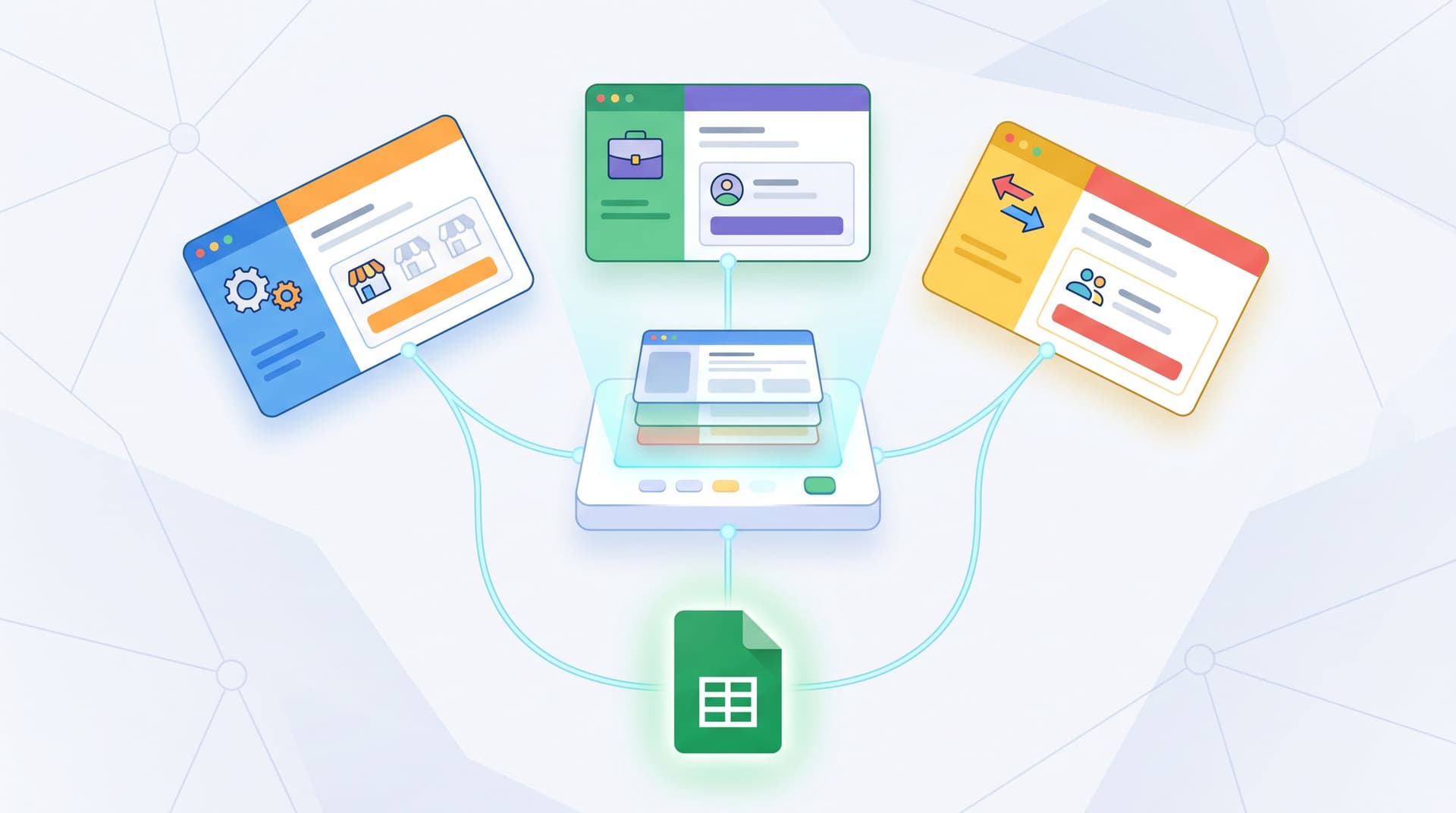
Custom URL Playbooks for Sales: One Link per Sequence, Persona, and Stage (No New Landing Pages)

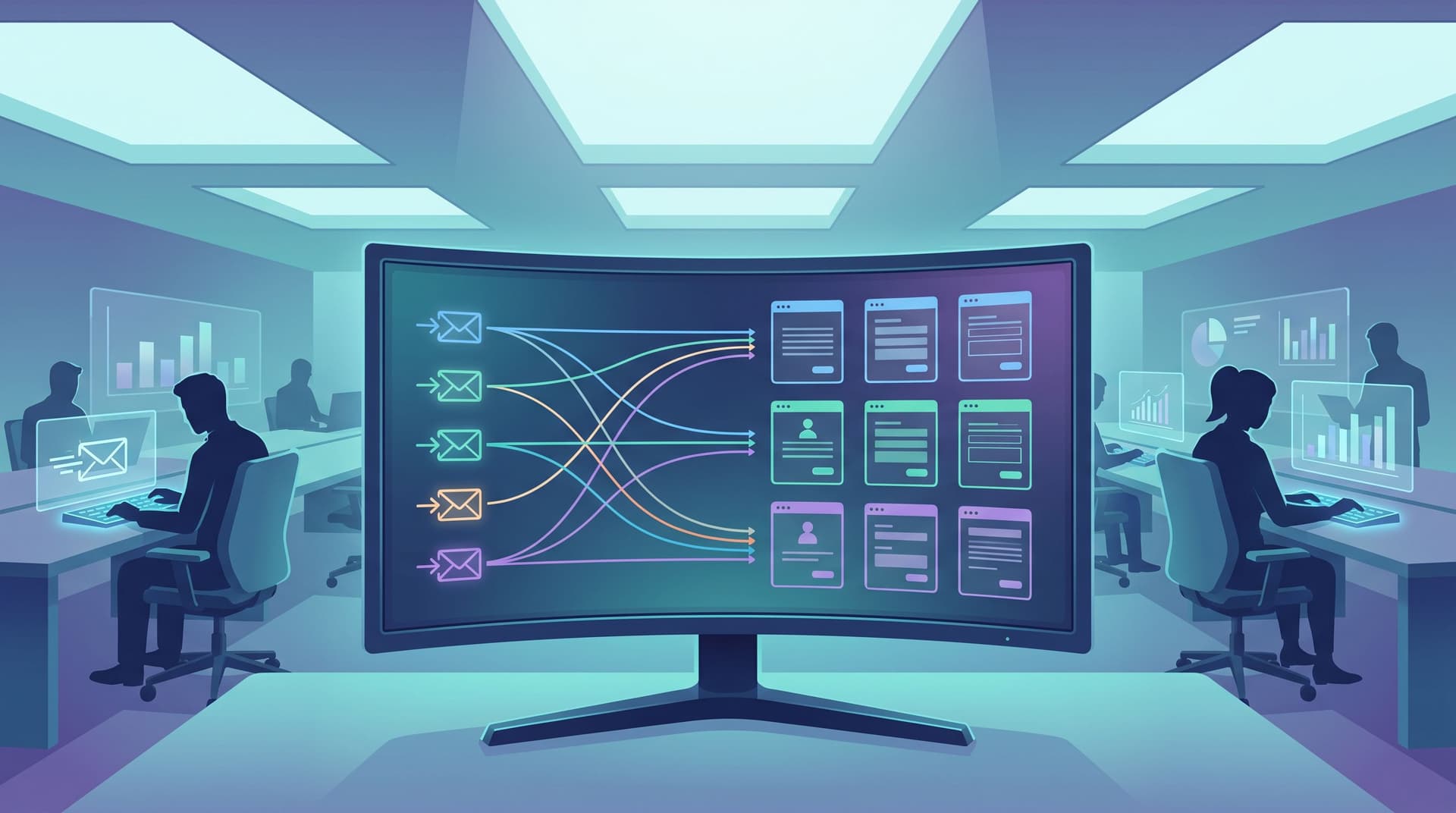
Sales teams have finally figured out how to personalize outreach.
Sequences are tuned by persona. Messaging shifts by stage. SDRs are running multi-touch cadences across email, LinkedIn, and phone. Tools like Outreach, Salesloft, and Apollo make it easy to orchestrate hundreds of touches a week.
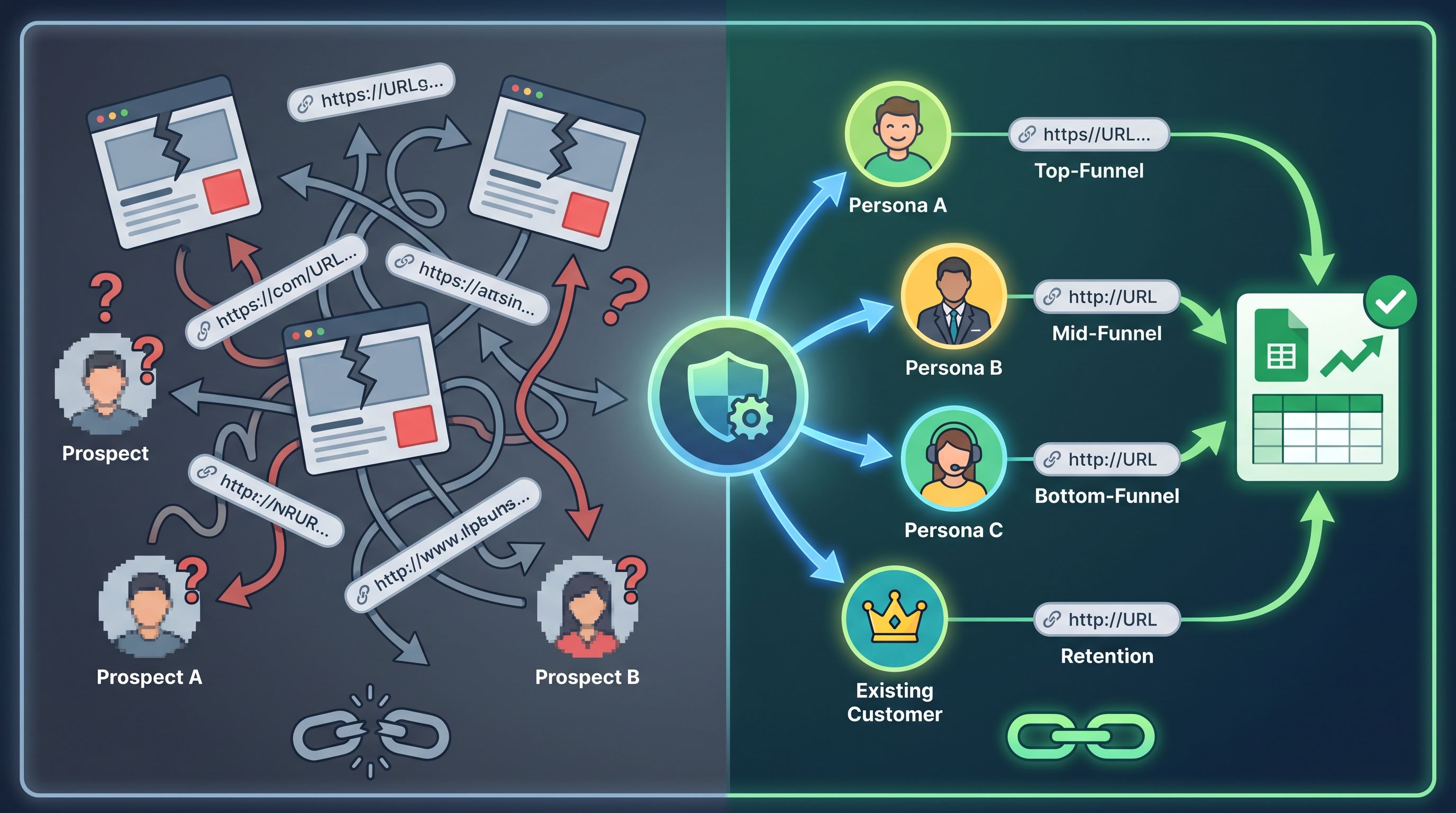
But when a prospect clicks a link, all that nuance often collapses into the same generic “Talk to sales” page.
That disconnect is expensive. Personalized outreach that lands on a generic destination undercuts trust, reply rates, and conversion — especially when buyers are already ignoring anything that feels templated or high-friction.
This is where custom URLs + form-first flows become a quiet superpower:
One clean, memorable link per sequence, persona, and stage — all powered by the same underlying form infrastructure. No new landing pages. No CMS tickets. No broken tracking.
In this post, we’ll walk through how to design a custom URL playbook for your sales team using Ezpa.ge-style forms: one link per motion, mapped tightly to your sequences and synced directly into Google Sheets.
Why this matters for modern sales teams
A few things are true at the same time:
- Personalized sequences work. Benchmarks across cold email tools show that genuinely personalized outreach can drive 2–6x higher reply rates than generic templates.
- Most deals still require multiple touches. Various studies put it around 5+ follow-ups before a sale closes for complex B2B motions.
- Buyers are saturated with outreach. Senior ICs and leaders in high-intent roles (VP Sales, CMO, CTO) routinely receive dozens of cold touches per week.
You fight hard to earn a click. When that click lands on:
- A generic homepage
- A one-size-fits-all “Contact us” form
- A cluttered landing page built for a different campaign
…you’re burning the very intent you spent time and budget to create.
The hidden cost of “just send them to the main demo form”
When every sequence and persona shares the same destination, you create friction on multiple fronts:
1. Context gets lost.
Your email spoke directly to “RevOps leaders at Series B SaaS companies.” Your form says “Book a demo” with generic fields. The buyer has to re-interpret how your pitch applies to them.
2. Data gets muddy.
If all traffic hits the same URL, it’s hard to answer basic questions like:
- Which sequence actually created this opportunity?
- Which persona + stage combo is most efficient?
- Which CTA language on the link worked best?
3. Ops gets brittle.
Every time marketing wants a new page variant, it turns into a mini-project: copy, design, dev, QA, analytics. So teams default to “good enough” destinations that never quite match the outreach.
Now flip the pattern:
- One custom URL per sequence (or per high-value branch of a sequence)
- One URL per persona (AE, RevOps, Founder, Practitioner)
- One URL per stage (cold outbound, warm follow-up, late-stage expansion)
All mapped to the same core form, themed and parameterized for each motion.
Suddenly, every click lands somewhere that feels like it was built for that prospect — without your team maintaining a zoo of landing pages.
The core idea: the form is the landing page
If you haven’t already, it’s worth reading our piece on rethinking lead gen when your “landing page” is a form.
The short version:
- You don’t always need a full marketing page.
- A well-designed, themeable form at a clean URL can be the destination.
- With Ezpa.ge, you can customize themes, structure, and URLs while syncing submissions straight into Google Sheets.
For sales, this unlocks a simple but powerful pattern:
One underlying form → many custom URLs → each URL mapped to a specific sales motion.
Instead of cloning pages, you:
- Reuse the same form schema (fields, validation, Sheets sync)
- Apply different themes and copy variants per URL
- Use URL parameters or hidden fields to tag:
- Sequence name
- Persona
- Stage
- Owner / territory
That gives you:
- Message match between outreach and destination
- Clean reporting in Sheets and your CRM
- Low maintenance for ops and marketing
Step 1: Map your sequences to “link primitives”
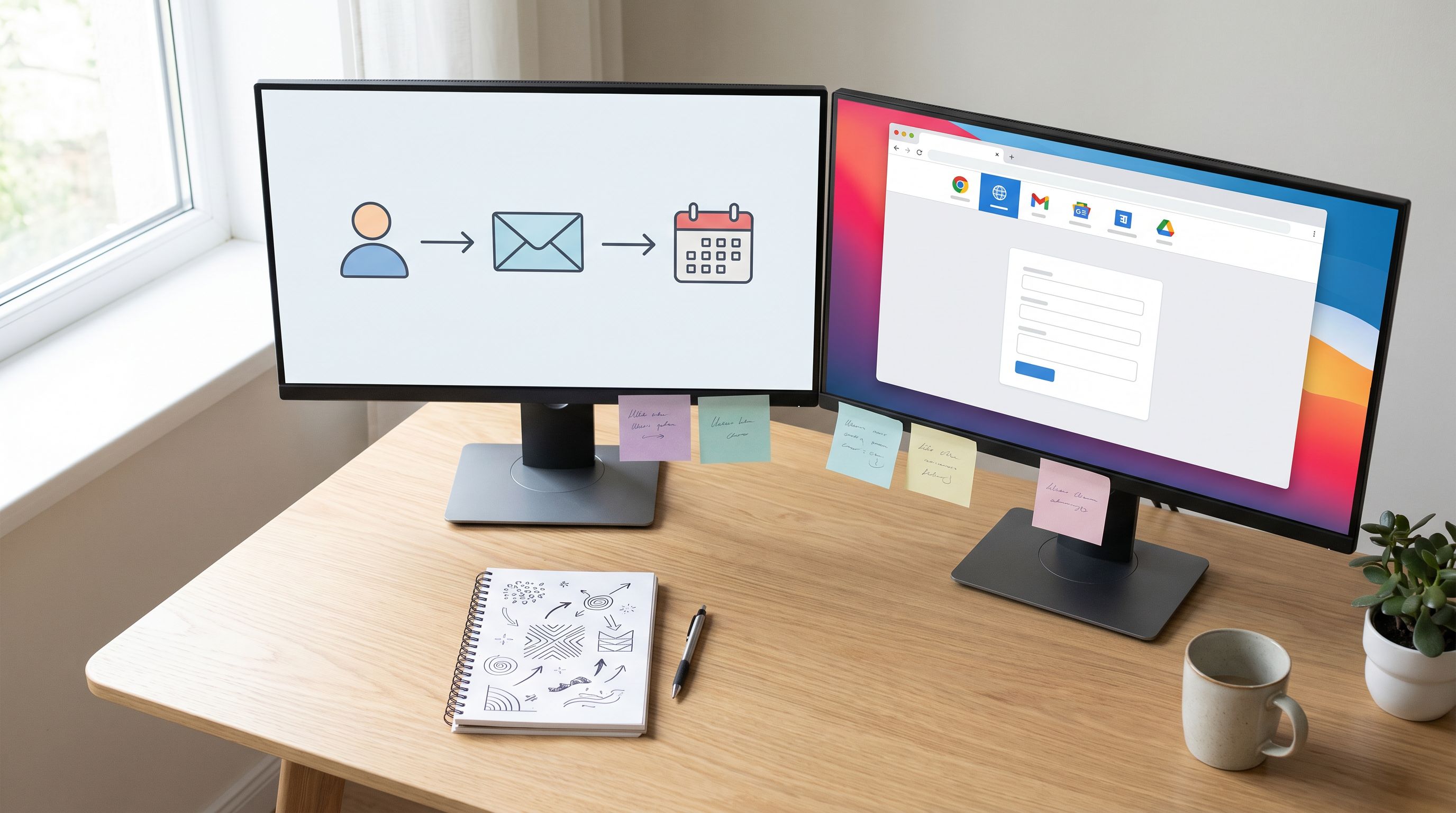
Before you touch tooling, get clear on the units you care about.
Most sales orgs already have:
- Sequences / cadences (e.g., Outbound to ICP A, Product-led expansion, Event follow-up)
- Personas (e.g., VP Sales, RevOps, Founder, Practitioner/IC)
- Stages (e.g., cold outbound, warm engaged, opportunity, expansion)
You don’t need a unique URL for every single email. Instead, define a small set of link primitives that cover your main motions.
A good starting grid:
-
By motion
outbound– cold sequencespql– product-qualified leadsevent– webinar/event follow-upsexpansion– existing customers
-
By persona
sales-leaderrevopsfounderpractitioner
-
By stage / intent
learn– light CTA (“See how others do X”)explore– mid-intent (“Walk through your setup”)commit– high-intent (“Book a working session”)
From there, you can combine these into URL patterns.
Examples (using Ezpa.ge-style URLs):
forms.yourbrand.com/outbound/sales-leader/learnforms.yourbrand.com/outbound/revops/commitforms.yourbrand.com/event/founder/exploreforms.yourbrand.com/expansion/practitioner/commit
Each of these can point to the same base form, but with different:
- Intro copy
- Microcopy around fields
- Default values / hidden tags
- Follow-up expectations (“We’ll reply within 1 business day” vs. “Here’s a calendar link on submit”)
The goal is to standardize the pattern, so reps know:
“If I’m emailing a RevOps leader in an outbound sequence and my CTA is high-intent, I use
/outbound/revops/commit.”
Not “copy-paste whatever link I used last time.”
Step 2: Design the base form for sales
Your base form is the workhorse behind every custom URL.
It should be:
- Short enough for cold traffic
- Structured enough for routing and qualification
- Flexible enough to support different personas and stages
A simple pattern that works well:
-
Context field
- Label: “What prompted you to reach out?”
- Type: long text
- Use: lets prospects reference the email, problem, or trigger.
-
Role + team
- Separate fields for “Your role” and “Team / function”
- Use: persona tagging and routing.
-
Company basics
- Company name
- Company size (dropdown)
- Region / time zone.
-
Urgency / timing
- “When are you hoping to solve this?” (this quarter, this year, just exploring)
- Helps AEs prioritize follow-up.
-
Consent + follow-up expectations
- Brief statement of what happens next.
- Optional checkbox to receive resources or case studies.
If you’re thinking about data quality and consent, it’s worth pairing this with the ideas in forms as first-party data engines. You can collect rich, high-intent data without turning the form into a wall of fields.
Hidden and system fields
Under the hood, add hidden fields that are populated via URL parameters or Ezpa.ge configuration:
sequence_namesequence_steppersonastageownerorterritorysource_channel(email, LinkedIn DM, ad, etc.)
Because Ezpa.ge syncs directly into Google Sheets, each submission lands with all of this context in columns you can filter, pivot, and push into your CRM.
Step 3: Build your custom URL matrix
Now you’re ready to translate the planning into an actual URL matrix.
1. Start narrow: one motion, two personas, two stages
Pick a single sales motion where you know clicks matter:
- Outbound to mid-market SaaS
- Expansion into existing enterprise accounts
- Event follow-up for a flagship webinar
Then define:
- Two personas (e.g., VP Sales, RevOps)
- Two stages (e.g., learn, commit)
That gives you four URLs:
/outbound/sales-leader/learn/outbound/sales-leader/commit/outbound/revops/learn/outbound/revops/commit
For each URL, configure in Ezpa.ge:
- Theme tweaks (color accents, iconography that speaks to the persona)
- Headline that mirrors your sequence language
- Subheader that re-states the promise from your email
Example for RevOps “learn”:
- Headline: “See how RevOps teams clean up fragmented form data in under 30 days.”
- Subheader: “Share a bit about your stack and we’ll send a tailored walkthrough — no sales pitch unless you ask for one.”
2. Encode context in the URL
Make your URLs human-readable and guessable. Instead of cryptic IDs:
- ✅
forms.yourbrand.com/outbound/revops/learn - ❌
forms.yourbrand.com/f/98sdf908sd
This matters because:
- Reps can remember them without hunting through docs.
- Prospects hovering over a link see a URL that matches the story in the email.
- You reinforce brand trust with every hover — something we dive into more in custom URLs as brand signals.
3. Wire every sequence step to the right URL
Inside your sales engagement tool:
- Cold open + light CTA →
learnURLs- “If it’s relevant, here’s a quick breakdown of how we’ve helped teams like yours.”
- Positive reply or click →
exploreURLs- “If you’d like a deeper walkthrough, this link lets you share a bit more context.”
- Late-stage / deal in pipe →
commitURLs- “Use this link to line up stakeholders and we’ll run a working session around your metrics.”
Each URL hits the same underlying form, but the framing and expectations shift with intent.
Step 4: Make it easy for reps to use (and not break) the system
A beautiful URL matrix is useless if reps don’t know which link to grab.
You want a system that:
- Is dead simple in the moment
- Leaves no room for “I’ll just send them the homepage”
Concrete ways to do that:
1. One-page cheat sheet
Create a lightweight internal doc or Notion page with:
- A simple table: Persona × Stage → URL
- Copy-paste examples of CTAs that match each URL
- Screenshots of what each form looks like
Make the URL structure obvious:
- “Outbound + VP Sales + learn =
/outbound/sales-leader/learn.” - “Outbound + RevOps + commit =
/outbound/revops/commit.”
2. Snippets and templates
In your sales engagement tool or text expander, create snippets:
;outbound-sales-leader-learn→ inserts the right URL with a matching sentence.;outbound-revops-commit→ same idea.
This keeps the system discoverable and reduces manual typing errors.
3. Guardrails, not gates
Don’t overcomplicate governance. Instead of forbidding custom links, give reps a default that’s clearly better than whatever they’d make on the fly.
Over time, you can:
- Add new URLs for proven motions
- Retire underperforming ones
- Keep the matrix small and opinionated
Step 5: Close the loop in Google Sheets (and beyond)
The real magic of a “one link per sequence, persona, and stage” system is what it does for your data.
Because Ezpa.ge syncs every submission into Google Sheets in real time, each row can represent:
- The exact URL used
- The sequence + step
- The persona + stage
- Outcome fields like
meeting_booked,opportunity_created,closed_won
From there, you can:
1. Build a simple funnel map
Pair this with the approach from From Form to Funnel Map and you can:
- See which URLs drive the most high-intent submissions
- Track drop-off between click → form view → submit → meeting
- Compare performance across personas and stages
2. Run lightweight scoring
With Sheets-native formulas, you can:
- Score leads differently based on URL (e.g.,
commit>learn) - Auto-route high-scoring leads to specific AEs
- Trigger different follow-ups based on persona/stage
If you want to go deeper, our post on Sheets-native scoring shows how to build lead and fit models using nothing but form data + formulas.
3. Feed CRM and enrichment
Because every submission already carries rich context, your CRM integration becomes simpler:
- No need to reverse-engineer UTM parameters
- Clear attribution to specific sequences and reps
- Cleaner reporting for marketing + sales alignment
Step 6: Evolve the system without new landing pages
Once the basics are in place, you can iterate quickly — still without spinning up net-new landing pages.
1. Test copy and themes at the form layer
Instead of cloning pages, you can:
- A/B test headlines per URL (e.g., problem-first vs. outcome-first)
- Adjust visual hierarchy (short vs. long intro, different field grouping)
- Tweak button copy and microcopy
All while keeping:
- The same URL structure
- The same Sheets schema
- The same CRM mapping
For a deeper dive on this pattern, check out theme-driven A/B testing.
2. Add micro-variants where it truly matters
You don’t need infinite URLs. But for high-value motions, you might add:
- Account-specific URLs for top-tier ABM targets
- Region-specific variants when language or compliance matters
- Partner-specific URLs for key channel motions
Because everything is still anchored to one underlying form stack, you avoid the usual chaos of fragmented data and inconsistent UX.
Common pitfalls (and how to avoid them)
As you roll out a custom URL playbook, watch for these traps:
1. URL sprawl
Creating a new URL for every micro-idea leads to confusion. Stick to your grid (motion × persona × stage) and add exceptions sparingly.
2. Inconsistent expectations
If one URL promises “no sales pitch” and another promises “live working session,” make sure your team actually delivers on that. The fastest way to kill trust is misaligned follow-through.
3. Hidden-field drift
As sequences change, make sure hidden fields (sequence name, step) stay in sync. Build a simple review ritual when you update cadences.
4. Treating forms as pure admin
Your form is now part of the sales conversation, not just a data capture layer. Invest in:
- Clear, human copy
- Friendly error states
- Mobile-friendly layouts
Bringing it all together
When you step back, a custom URL playbook for sales is about alignment:
- Alignment between outreach and destination. Every click lands somewhere that feels like a continuation of the email, not a reset.
- Alignment between personas and paths. Sales leaders, RevOps, founders, and practitioners each see a flow that speaks their language.
- Alignment between teams. Marketing, sales, and ops share one form infrastructure, one Sheets backbone, and a shared understanding of what each URL means.
You move from:
- “We send everyone to the same demo form and hope for the best”
- To: “We know exactly which sequences, personas, and stages are driving real conversations — and we can improve them without touching the CMS.”
Your next move
You don’t need a giant project to start.
If you’re using Ezpa.ge (or a similar form stack), you can:
- Pick one outbound motion that matters this quarter.
- Define four URLs: two personas × two stages.
- Wire them to a single, well-designed form with hidden fields for sequence, persona, and stage.
- Update one key sequence so every CTA uses the right URL.
- Review the Sheet after 2–4 weeks: which URLs actually drove meetings and opportunities?
From there, expand the matrix, tighten the copy, and bring other motions into the same system.
If you want to see what this looks like in practice, spin up a test form in Ezpa.ge, give it a custom URL, and connect it to a fresh Google Sheet. In under an hour, you can have your first “one link per sequence, persona, and stage” flow live — no new landing pages required.
Let the rest of the stack stay complex. Your links can be simple, memorable, and built for the way your sales team actually works.