user experience
mobile optimization
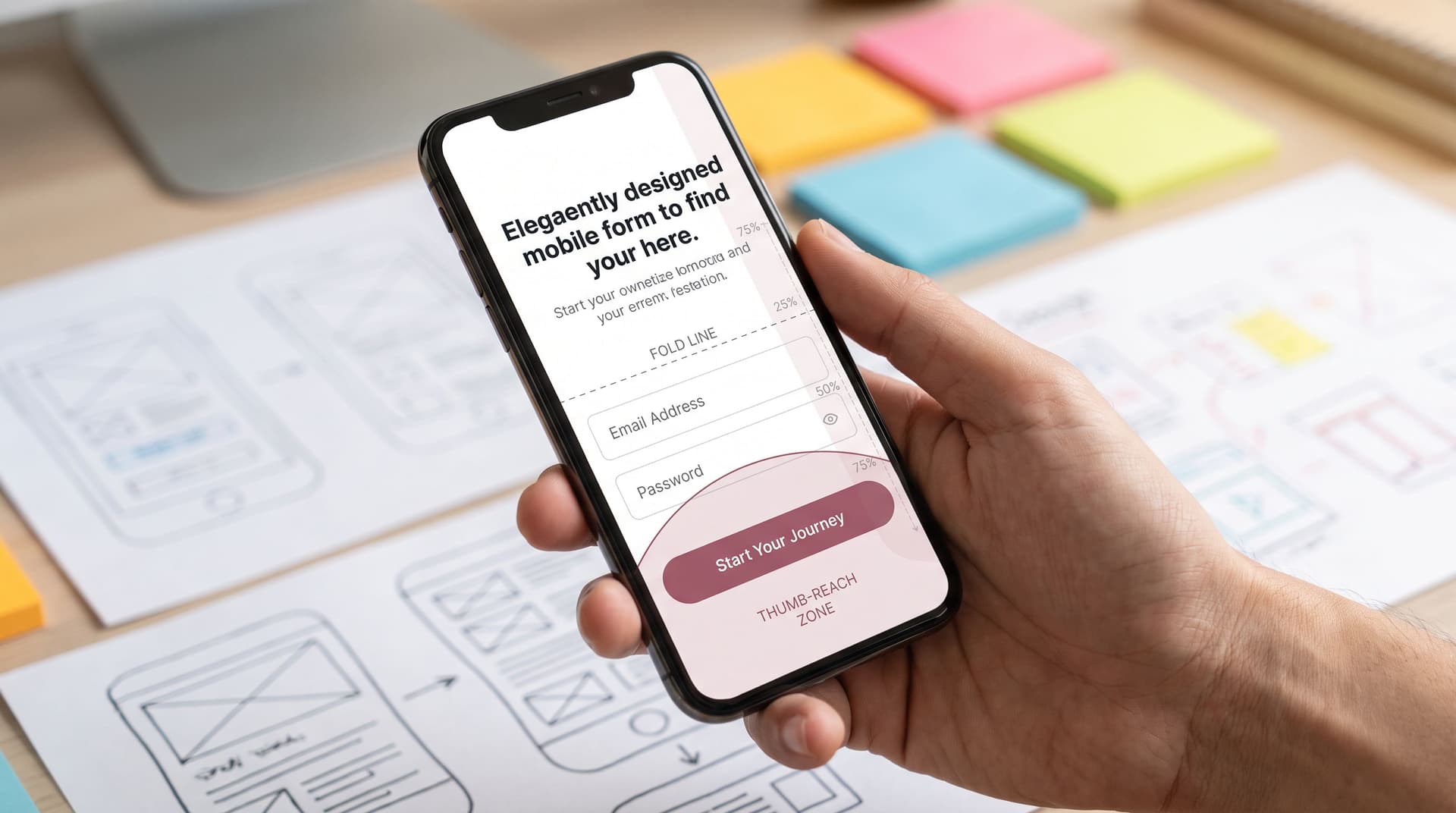
Responsive by Intention, Not Accident: Designing Forms for Fold, Thumb Zone, and Scroll Depth
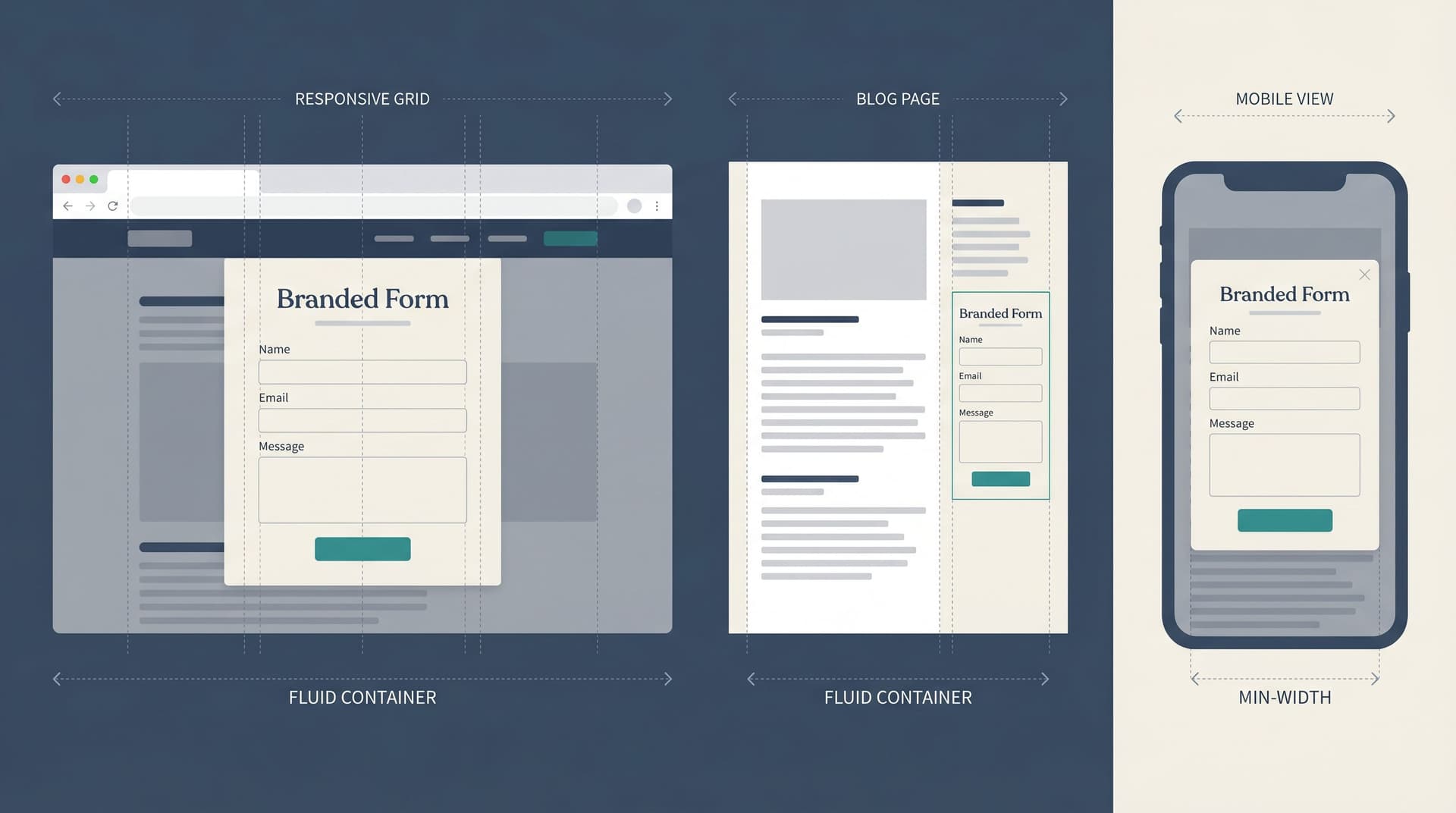
Most teams think about “responsive” as a checkbox: the form technically resizes on a phone, so it must be fine. But responsiveness isn’t a media query. It’s a set of decisions about what shows up first, what’s easy to reach, and when people decide to keep going or bail out. This post is about treating that layout as a product decision, not a side effect of your CS