Forms for PLG Funnels: Designing Self-Serve Intake That Feeds Sales Without Feeling Like a Gate


Product-led growth (PLG) lives and dies on one tension:
- Let people help themselves.
- Still give sales what they need to prioritize, personalize, and close.
Forms sit right in the middle of that tension.
If your PLG motion is working, a lot of valuable users will never talk to sales—at least not at first. They’ll sign up, invite teammates, hit usage thresholds, and poke at pricing. The question isn’t “How do we force them through a demo?” It’s:
How do we design self-serve forms that quietly qualify, route, and enrich—without ever feeling like a gate?
Done well, forms become the connective tissue between self-serve product usage and human help. Done poorly, they feel like a wall between users and value.
This piece is about building the first kind.
Why PLG Intake Forms Matter More Than You Think
When people think about PLG, they picture:
- A frictionless signup
- A generous free tier
- A smooth in-product upgrade
All true—but incomplete.
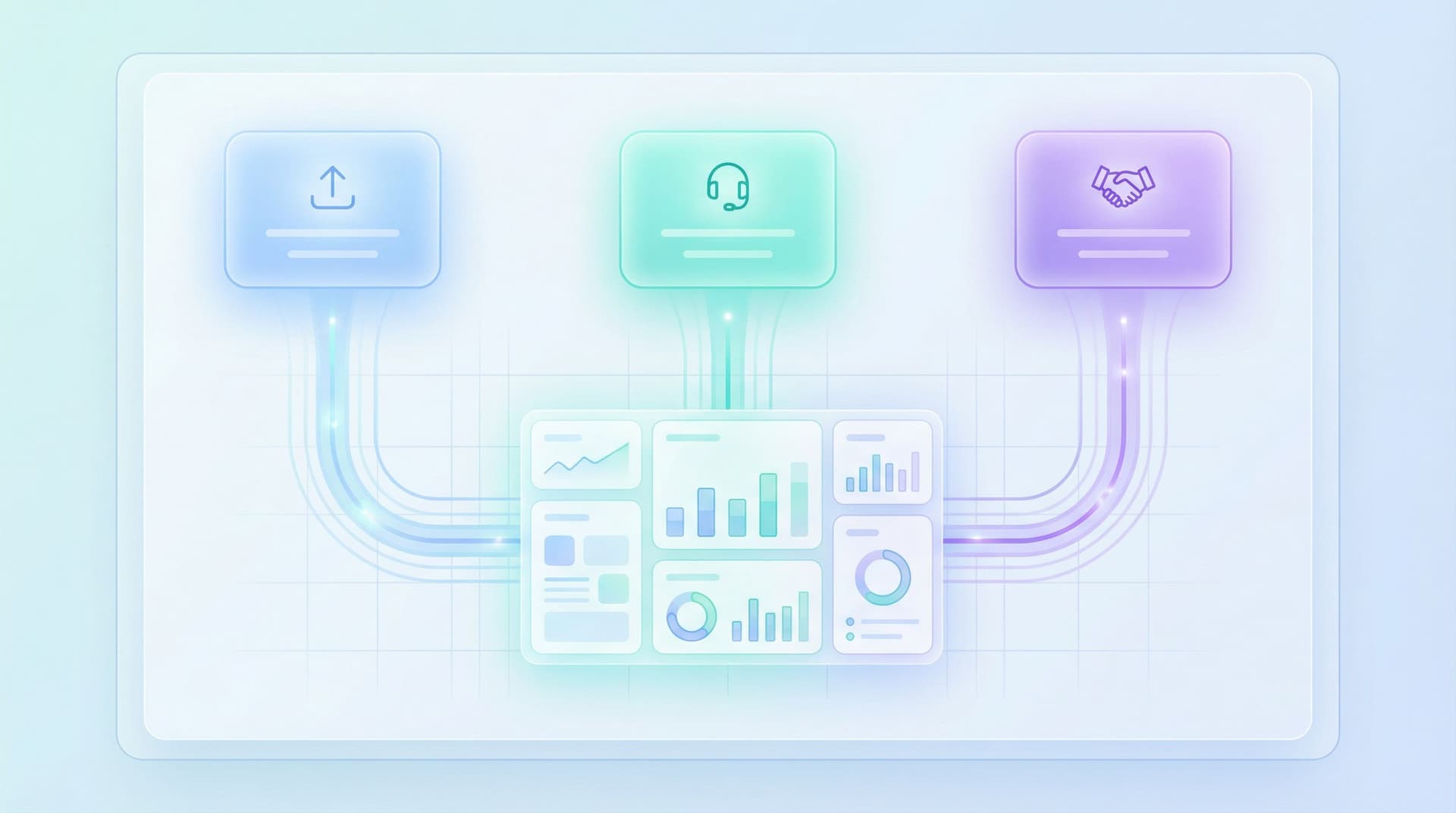
Behind every strong PLG funnel is a layer of structured intake that:
- Surfaces high-intent accounts before they ever hit “Contact sales”
- Routes the right users to the right path (self-serve, assisted, or full-serve)
- Arms sales with context so outreach feels like help, not a cold interruption
- Protects product from being overwhelmed by unstructured feedback and random requests
Forms are how you capture that structure without forcing everyone through the same motion.
They show up as:
- Signup and onboarding flows
- In-product “Talk to a human” or “Need more seats?” prompts
- Upgrade and expansion requests
- Pricing and procurement intake
- Feedback and feature request forms
If you’ve already been thinking about high-intent flows, you’ve seen a version of this in our piece on designing high-intent forms for sales and support. PLG intake is the same idea—just spread across more surfaces and stages.
The payoff when you design these flows deliberately:
- Higher conversion from product usage to revenue (you catch expansion moments while they’re hot)
- Less noisy “contact us” volume (requests are better scoped and easier to route)
- Shorter time-to-value for users (they get what they actually need, faster)
- Happier sales and success teams (fewer dead ends, more qualified conversations)
Principle 1: Let the Product Be the Front Door
The biggest mistake teams make is treating PLG intake like a mini sales process:
“Before we unlock anything, fill out this long form so we can decide if you’re worth our time.”
That’s a gate.
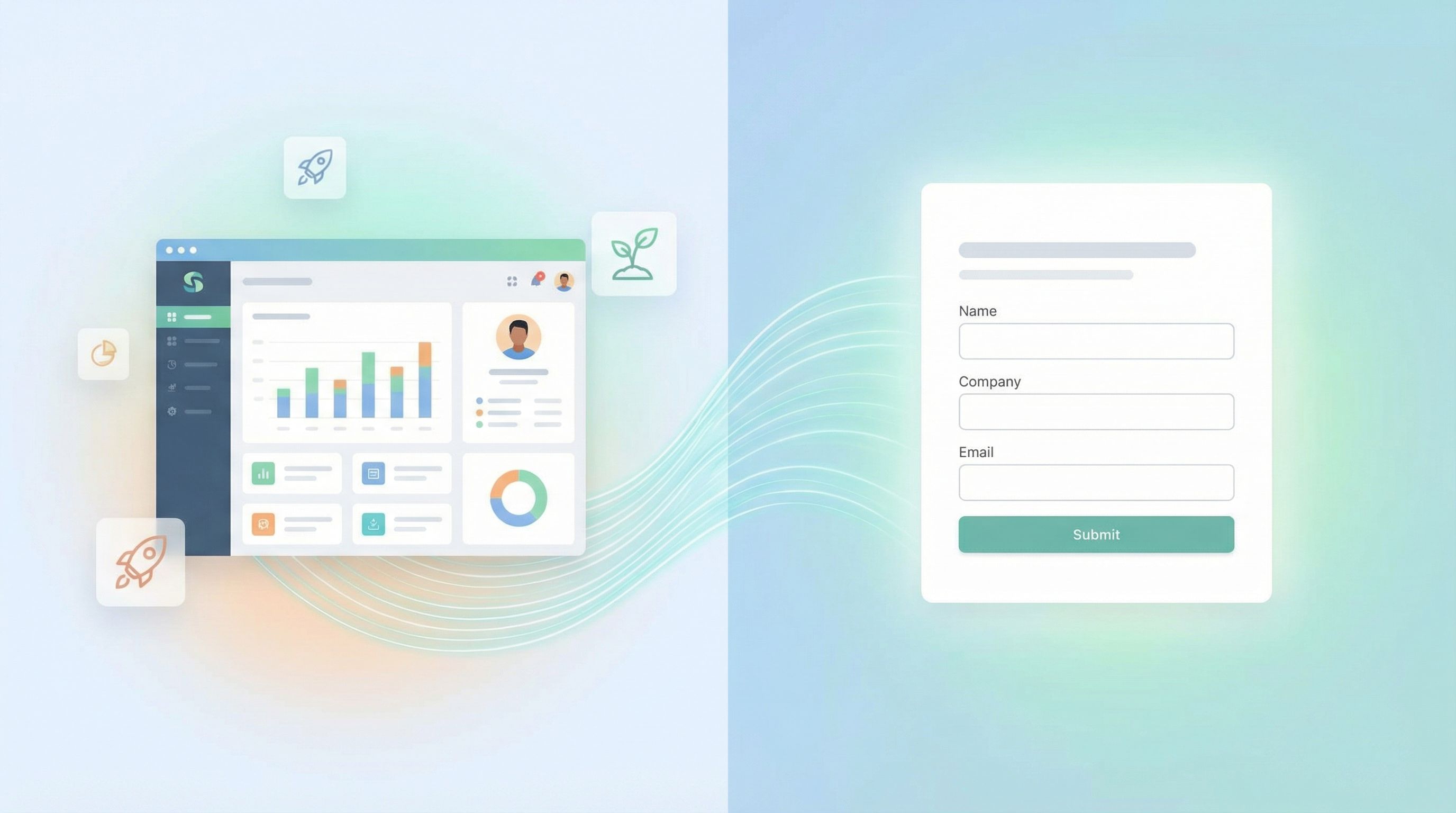
Instead, your product should be the front door. Forms should feel like shortcuts you offer once someone is already moving.
Design implications:
- Push forms later in the journey. Don’t ask for company size before someone has even seen the product. Ask when they hit a limit, invite teammates, or explore advanced features.
- Anchor every form to a clear benefit. “Tell us a bit more so we can…”
- Recommend the right plan
- Connect you to the right specialist
- Speed up your security review
- Use micro-forms in context. A single question inline (“Using this for work or personal projects?”) can do more for routing than a 10-field marketing form.
If you want to go deeper on tiny, in-context flows, our post on one-question micro-forms for product decisions is a good companion.
Principle 2: Make Sales a Service, Not a Surprise
Your goal isn’t to sneak sales into a “self-serve” experience. It’s to make sales feel like:
- A fast lane for complex use cases
- A guide when someone hits organizational friction (security, procurement, legal)
- A partner when a team is clearly betting on you
That starts with how your forms frame the choice.
Better than “Talk to sales”:
- “Plan a rollout with a specialist”
- “Get help with security & procurement”
- “Design a plan for your team”
And in the form itself:
- Ask what they want from the conversation.
- “What do you want to get out of this call?”
- “What’s blocking you from rolling this out?”
- Let them set expectations.
- “I want a quick overview.”
- “I’m ready to move, just need pricing details.”
- “I’m exploring options, not ready to commit.”
When you treat sales as an optional upgrade to the self-serve experience, the form stops feeling like a gate and starts feeling like a choice.
Principle 3: Ask for Signals, Not Stories
Your PLG intake forms shouldn’t feel like a discovery call transcript. They should feel like a handful of sharp questions that:
- Reveal fit (company size, industry, use case)
- Reveal urgency (timing, pain, triggers)
- Reveal complexity (security, compliance, integrations)
Think in terms of signals you can act on, not narratives you have to read.
Start With 5 Core Signals
For most PLG funnels, these five will get you 80% of the way:
- Team size or deployment scope
- "How many people will use this in the next 3–6 months?" (ranges, not free text)
- Primary use case
- A short, opinionated list you can route on (e.g., "Customer support", "Internal collaboration", "Client projects").
- Trigger event
- "What prompted you to look for a solution now?" with options like "Replacing an existing tool", "New initiative", "Outgrown spreadsheets".
- Timeline
- "When do you need this solved?" → "This month", "This quarter", "Just exploring".
- Constraints
- Security, compliance, integrations, or budget flags.
Each answer should map cleanly to downstream behavior:
- Route to a specific sales pod or CSM
- Trigger a tailored email sequence
- Adjust in-product prompts or limits
If you’re using Ezpa.ge with real-time Google Sheets syncing, these signals can feed directly into your routing rules, lead scoring, or even lightweight internal workflows.
Principle 4: Use Form Logic to Protect the Self-Serve Path
One fear with PLG intake is that once you add a form, everything turns into a sales funnel. Everyone gets routed to a rep. Self-serve quietly dies.
You can avoid that with smart logic:
- Branch by intent. If someone selects “Just exploring” and a small team size, keep them on a self-serve track with optional guidance.
- Branch by complexity. If they flag SOC 2, SSO, or procurement needs, surface options for a guided rollout.
- Branch by channel. Traffic from high-intent pricing pages may see a richer intake form; in-product prompts might stay lighter.
This is where adaptive forms shine. You don’t need 10 different URLs; you need one form that adapts to what you’re learning in real time. Our piece on adaptive question paths goes deep on this pattern.
Tactical examples:
- If
Team size >= 50→ show fields for security contact and procurement timeline. - If
Use case = Personal projects→ skip budget and integration questions. - If
Timeline = This month→ show calendar availability or offer a “priority review.”
Users feel like you’re respecting their situation. Sales gets the detail they need—only when it’s warranted.
Principle 5: Design for Momentum, Not Interrogation
A PLG intake form should feel like a continuation of progress, not a reset.
Carry Context Forward
Where possible, pre-fill or infer what you already know:
- Email domain → suggest company name
- Plan or workspace name → infer use case
- Product actions → skip obvious questions (e.g., if they’ve already invited 10 teammates, you don’t need to ask team size in detail)
Use that context in your copy:
- “We see you’ve already invited 8 teammates. A quick rollout consult might help you avoid rework later—want one?”
Keep the Form Visually Light
Even if you’re collecting rich data, the experience can feel light if you:
- Group related fields into 2–4 logical sections
- Use progress indicators that show a short path (“Step 1 of 3”)
- Write microcopy that explains why a question matters
For more complex flows (security reviews, enterprise upgrades), the patterns from our long-form design guide apply: long can work if it’s structured and clearly valuable.

Principle 6: Make “No” Feel Like a Valid Outcome
Not everyone who touches a PLG intake form should talk to sales. That’s healthy.
Your design should:
- Let people opt out gracefully. “Not ready to talk? Get our rollout checklist instead.”
- Offer a self-serve alternative. Link to docs, templates, or in-product guides.
- Avoid forced fields that don’t match reality. If someone doesn’t have a budget yet, don’t make them invent one.
Clear, respectful exits do two things:
- Keep your future pipeline warm (people remember when you didn’t push too hard).
- Keep your current pipeline clean (your reps spend time where it matters).
Principle 7: Close the Loop Internally
A beautiful PLG intake form that dumps into a random inbox is just… a prettier inbox.
To actually feed sales and success, you need:
- Clear ownership. Who watches these submissions? How often?
- Routing rules. Based on those 5 core signals, where does each submission go?
- Response SLAs. If someone asks for help with a rollout “this month,” what does “fast” mean for your team?
With Ezpa.ge + Google Sheets, you can:
- Stream submissions into a shared Sheet
- Add filters and views by intent, account size, or use case
- Use that Sheet as the trigger for lightweight automations (CRM creation, Slack alerts, email sequences)
If this is where your team tends to stall, our post on turning intake into automated internal playbooks is worth a read.
Putting It All Together: A Simple PLG Intake Blueprint
Here’s a concrete pattern you can adapt this week.
1. Inside Signup / Onboarding
- Keep the initial signup minimal: email, name, password/SSO.
- Add one or two micro-questions on the first session:
- “What are you here to do first?” (use case)
- “Are you using this for yourself or your team?”
Use those answers to:
- Tailor the onboarding checklist
- Decide whether to show “Invite your team” prompts early
2. At Key Product Milestones
Trigger small, focused forms when users:
- Hit a usage limit (projects, seats, storage)
- Invite multiple teammates
- Export data or connect an integration
For example:
“Looks like your team is growing. Want help planning your rollout?”
→ Button opens a short form: team size range, timeline, blockers, preferred contact.
3. On Pricing and “Talk to a Human” Surfaces
Instead of a generic “Contact sales” form:
- Title it around the outcome: “Plan your rollout”, “Get a security review”, “Design the right plan for your team”.
- Ask only for:
- Work email
- Company name (or confirm from domain)
- Team size range
- Primary use case
- Timeline
- One free-text question: “What would make this conversation a win for you?”
Behind the scenes:
- Route based on team size and timeline
- Trigger different email follow-ups for “Just exploring” vs. “This month”
4. For Feedback and Feature Requests
Keep these forms clearly separate from sales intake, but use the same discipline:
- Ask for impact and urgency, not essays
- Tag requests by area of the product
- Stream into a Sheet that product actually uses for roadmap decisions
This is where PLG gets compounding: the same intake patterns that help sales also help product make better bets.
Common Pitfalls (and How to Avoid Them)
A few traps to watch for as you redesign your PLG forms:
-
Collecting data you never use
- If a field doesn’t drive routing, personalization, or qualification, cut it.
-
Treating every form like a lead-gen asset
- Not every interaction needs a full contact record. Sometimes a single, anonymous answer is enough to improve the experience.
-
Letting security and compliance questions sprawl
- Keep the first touch light. Offer a “request our security pack” option instead of dumping the whole questionnaire in a PLG form.
-
Ignoring mobile
- A surprising number of PLG interactions happen on phones—especially when someone is checking pricing or inviting teammates on the go. If mobile is a big part of your audience, our guide to designing high-stakes forms for tiny screens will help.
-
Forgetting to close the loop with users
- If someone fills out a form and hears nothing, trust drops. Even an automated “Here’s what happens next” email is better than silence.
Summary: Self-Serve First, Sales-Ready by Design
PLG intake forms work best when they:
- Start from self-serve respect: the product is the front door; forms are optional accelerators.
- Collect sharp, actionable signals, not long stories.
- Use logic and adaptive paths to decide who needs human help and who’s fine on their own.
- Feel like momentum, not interrogation—especially around pricing and upgrades.
- Plug into clear internal workflows so every submission has an owner and an outcome.
Do that, and your forms stop being gates. They become quiet infrastructure: the rails that move people from casual usage to committed, well-supported customers.
Your Next Step: Ship One Better Intake Form
You don’t need to redesign your entire PLG funnel this week. Start smaller:
- Pick one critical moment. Pricing page, upgrade limit, or “Talk to a human” button.
- List the 3–5 signals that would actually change what your team does next.
- Draft a form that asks only for those signals—with clear, benefit-driven copy.
- Build it in Ezpa.ge with:
- A clean, on-brand theme
- A custom URL that reflects the intent (e.g.,
/rollout-planning,/security-review) - Real-time Google Sheets sync so your team can act on submissions immediately
Then ship it. Watch what happens to:
- The quality of conversations sales is having
- The speed of rollout for teams that raise their hand
- The number of users who say, “That was actually helpful.”
Once you see the lift from one well-designed PLG intake form, you’ll start spotting opportunities all over your funnel.
If you’re ready to turn your forms into a true operating layer for PLG—not just a stack of links—Ezpa.ge gives you the building blocks: themes, custom URLs, adaptive logic, and real-time Sheets sync, all in one place.
Open a new form, pick a moment in your funnel, and design a self-serve intake that feeds sales without ever feeling like a gate.