Form-Led Design Research: Using Intake Flows to Recruit, Screen, and Synthesize Participants in Sheets


User research lives or dies on who you talk to.
You can have the best interview script in the world, but if your participants are the wrong fit, poorly screened, or impossible to track across rounds, your insights will be noisy at best—and misleading at worst.
That’s where form-led research comes in.
Instead of juggling DMs, Calendly links, and scattered spreadsheets, you treat your research intake flow itself as a designed artifact: one that recruits, screens, and structures participant data from the very first touch, all the way into a live Google Sheet your team can work from.
With tools like Ezpa.ge—where you get custom themes, custom URLs, and real-time Google Sheets syncing—you can turn “just a signup form” into the backbone of your research ops.
Why your research intake should be a first-class design project
Most teams still recruit like this:
- Someone posts a link in a community or sends a batch email.
- People reply in different channels with wildly different levels of detail.
- A researcher or PM manually copies names into a spreadsheet.
- Screening happens in someone’s head—or in a messy Notes doc.
This works for one-off studies. It breaks the moment you:
- Run multiple studies in parallel.
- Need to balance quotas (role, company size, region, plan tier, etc.).
- Want to revisit participants months later.
- Need to show stakeholders how rigorously you recruited.
A form-led intake flow flips the model:
- Recruitment happens through a single, shareable URL.
- Screening is encoded as fields, logic, and scoring rules.
- Synthesis starts the moment responses land in Sheets—no reformatting.
You’re not just “collecting signups.” You’re designing a pipeline of participants that matches the questions you’re trying to answer.
The core pattern: one intake, one Sheet, one source of truth
Before we get into field-level details, it helps to define the basic architecture.
-
Create a dedicated research intake form
- Use Ezpa.ge to spin up a form with a clear, memorable custom URL (e.g.,
research.yourdomain.com/intake). - Theme it to match your product and research brand so it feels trustworthy.
- Use Ezpa.ge to spin up a form with a clear, memorable custom URL (e.g.,
-
Sync responses to a single Google Sheet
- Turn on real-time syncing so every submission becomes a new row.
- Treat that Sheet as your participant database, not just a one-off export.
-
Layer on views, filters, and formulas for each study
- Use filters, color-coding, and formulas to create virtual “cohorts” inside the same Sheet.
- Add columns for status (Applied, Invited, Scheduled, Completed, Disqualified) and study tags.
This mirrors patterns we’ve explored in operations-heavy contexts like internal request routing and service catalogs—see how we use one URL per request type in Forms as Internal Service Catalogs. The same discipline works beautifully for research.
Step 1: Design the intake around your research questions
A good research intake is not a generic “sign up to talk to us” form. It’s a structured hypothesis about who you need and why.
Start by answering three questions:
-
What decisions will this research inform?
- Pricing changes?
- New feature prioritization?
- Onboarding redesign?
-
What user segments matter for those decisions?
- Plan tier (free vs. paid vs. enterprise)
- Role (IC vs. manager vs. exec)
- Industry or vertical
- Company size or maturity
-
What constraints or quotas do you have?
- “At least 5 participants from EMEA.”
- “No more than 3 from existing design partners.”
- “Mix of power users and near-churn users.”
Translate those into fields and answer options instead of keeping them in your head.
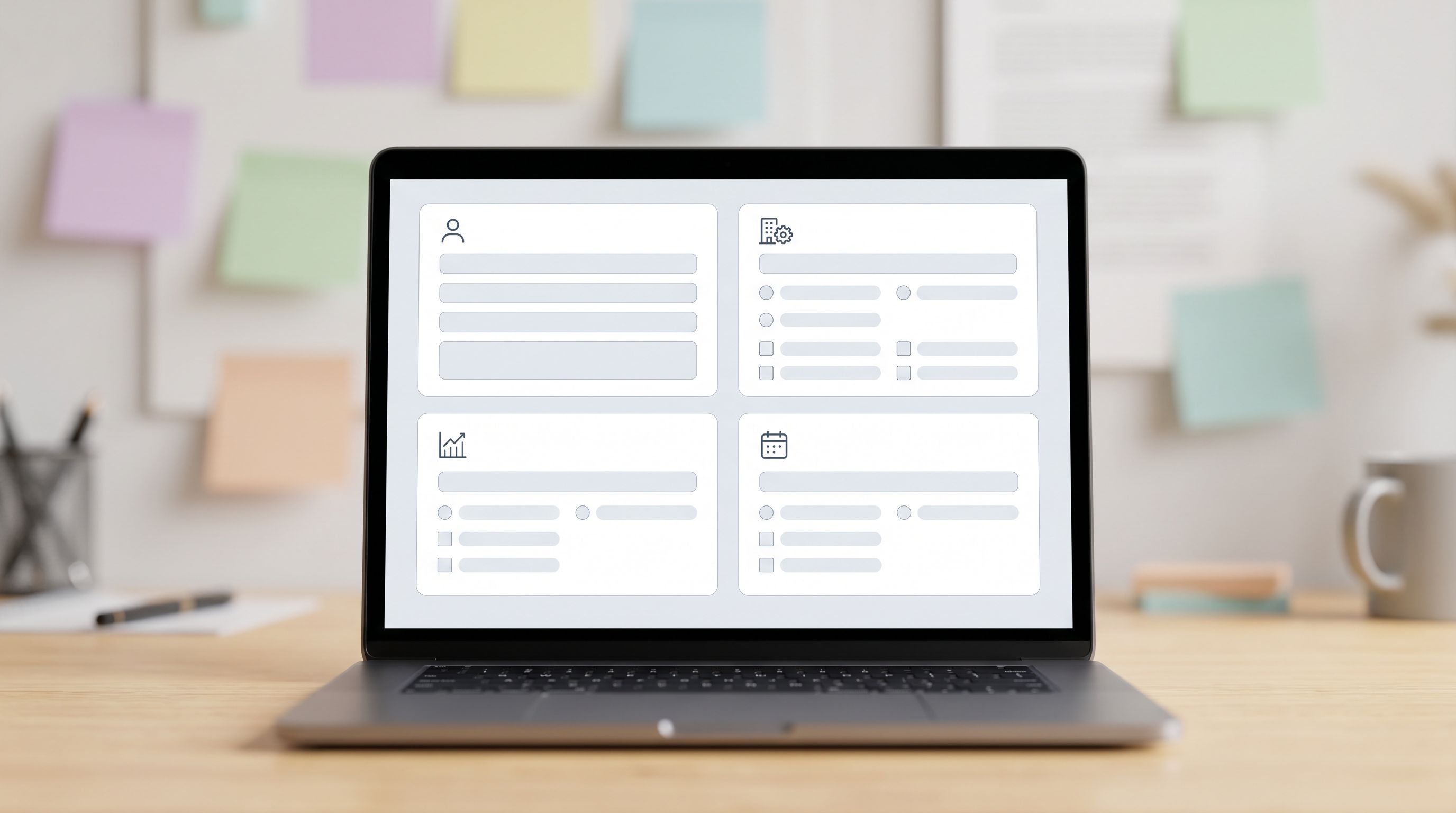
Must-have fields for a research intake
At minimum, your form should capture:
-
Contact details
- Name
- Optional: preferred contact channel (email, Slack community handle, etc.)
-
Basic profile
- Role / title
- Company name
- Company size (bucketed: 1–10, 11–50, 51–200, etc.)
- Industry
-
Product relationship
- Are they a current user? If yes, which plan?
- How long have they used your product?
- Self-rated familiarity (e.g., Beginner / Intermediate / Power user).
-
Context for this study
- A short, open-ended question like: “What’s the main workflow you use [Product] for?”
- Optional: “What’s the biggest frustration you’ve had with [relevant area] in the last month?”
-
Logistics & consent
- Time zone
- Availability windows (simple checkboxes or preferred days)
- Consent to recording and anonymized quotes
- Permission to contact for future studies
The goal isn’t to ask everything. It’s to ask just enough to:
- Decide if they’re a fit.
- Slot them into the right segment.
- Reach them quickly when it’s time to schedule.
Step 2: Encode your screening logic into the form
Manual screening doesn’t scale. You want the form itself to do as much work as possible before anyone opens the Sheet.
Use branching to ask smarter questions
With conditional logic, you can:
- Show different follow-up questions to current customers vs. prospects.
- Ask deeper questions only when someone selects a relevant option.
- Hide entire sections for participants who clearly don’t qualify.
Examples:
- If
Plan = Enterprise, show questions about security, procurement, and integrations. - If
Role = Manager or Executive, ask about team size and decision-making authority. - If
Usage frequency = Daily, ask for examples of their most common tasks.
This keeps the form short for casual signups and rich for high-signal participants, a pattern we explored in AI-Generated Follow-Up Questions.
Add a simple scoring model
You don’t need a full-blown ML model to prioritize participants. A few hidden rules in your Sheet go a long way.
-
Create a
Fit Scorecolumn in Sheets. -
Assign points based on responses synced from Ezpa.ge, for example:
- +3 if
Plan = Paid - +2 if
Company sizematches your ICP - +2 if
Roleis in your target segment - +1 if
Usage frequency = WeeklyorDaily - -3 if they don’t consent to recording (for certain studies)
- +3 if
-
Use a formula like:
=SUM(F2, G2, H2, I2)where each referenced column holds a numeric contribution.
-
Create a conditional format rule to highlight:
- Green for score ≥ 5 (high priority)
- Yellow for 2–4 (medium)
- Red for ≤ 1 (low / out of scope)
Now, when a new submission lands, you don’t have to scan the entire row. You glance at the score and the key fields, then decide whether to invite.
If you want to go further, you can borrow ideas from AI Scoring at the Edge and let AI help you classify open-ended responses or flag particularly interesting participants.
Step 3: Turn your Sheet into a lightweight research CRM
Once your Ezpa.ge form is syncing into Google Sheets, that Sheet becomes your research command center.
Here’s how to structure it so it actually helps you run studies, not just store data.
Add operational columns (not visible to participants)
Alongside the synced fields, add your own columns:
Status– Applied / Invited / Scheduled / Completed / Disqualified / No-showStudy– A free-text or dropdown field to tag which study they’re part ofNotes– Quick impressions, logistics, or follow-up ideasIncentive Sent– Yes / No (or date sent)Segment– e.g., “SMB Admin,” “Enterprise Champion,” “New User,” “Churn Risk”
These columns are where your team’s judgment and context live.
Use filters and views for clarity
Instead of duplicating Sheets for every study, use filters:
- Filter by
Status = AppliedandFit Score ≥ 5to see your best candidates. - Filter by
Study = Onboarding Redesignto see everyone involved in that project. - Filter by
Segment = Power Userwhen you need advanced feedback.
You can also:
- Freeze header rows so filters are always visible.
- Use color-coding for different studies or segments.
- Create separate tabs that use
FILTER()formulas to pull in subsets of participants.
Example:
=FILTER('All Participants'!A:Z, 'All Participants'!C:C="Onboarding Redesign")
This gives each study its own “view” without fragmenting your data.
Track study progress at a glance
Add a simple summary block at the top of your main Sheet:
Total Applicants(count of all rows)Qualified(count whereFit Score ≥ 5)Invited(count whereStatus = Invited)Completed(count whereStatus = Completed)
Use COUNTIF() and COUNTIFS() formulas to keep these numbers live. Now you can answer “How is recruitment going?” without another status meeting.

Step 4: Close the loop between forms, scheduling, and incentives
A strong intake flow doesn’t stop at “Thanks, we’ll be in touch.” It connects the dots between interest, scheduling, and follow-up.
Make scheduling feel seamless
You have a few options:
- Ask for preferred days/times in the form, then manually send calendar invites to selected participants.
- Link to a scheduling tool (like Calendly) on the confirmation page or in the follow-up email.
- For recurring programs (e.g., monthly usability sessions), maintain a “standing” scheduling link and use the Sheet to decide who gets it each round.
Whichever path you choose, keep the experience consistent:
- Clear subject lines: “Research session on [topic] – 30 minutes – $50 gift card”
- Short, friendly emails referencing what they told you in the form.
Track incentives and no-shows
Use your Status and Incentive Sent columns to:
- Mark participants as
Completedimmediately after a session. - Record the date you sent their incentive.
- Tag
No-showand optionally keep them for future asynchronous studies.
Over time, this history will help you understand:
- Which segments are most reliable.
- How long it typically takes to fill a study.
- Whether your incentive is appropriate for the audience.
Step 5: Use Sheets as a launchpad for synthesis
The beauty of form-led research is that your synthesis starts with structured, filterable data instead of a pile of unstructured notes.
Here’s how to use your participant Sheet during and after the study.
Capture key signals in structured form
Add a few more columns that you fill in after each session:
Pain Intensity(1–5)Opportunity Size(1–5)Feature Interest(checkboxes or tags)Quote of the Session(short highlight)
Now you can:
- Sort by
Pain Intensityto see who’s hurting the most. - Filter by a specific
Feature Interestto gather targeted feedback. - Skim quotes without rewatching recordings.
Build quick pivot tables for patterns
Use Google Sheets’ pivot tables to:
- Count how many participants in each segment reported a specific pain.
- Compare average
Pain Intensityacross plan tiers or roles. - See which features are most often requested by high-fit participants.
This doesn’t replace deep qualitative analysis, but it gives you fast, directional signals that stakeholders can understand.
Connect to downstream tools when ready
If you’re already using Sheets as a hub for other workflows—like turning submissions into pipeline signals or routing requests—you can reuse those patterns here too. Posts like From Form to Revenue Signal and Forms as Signal Hubs walk through how to wire Sheets into CRMs, messaging tools, and analytics without heavy engineering.
For research, that might look like:
- Pushing high-fit participants into your CRM as “Research Champions.”
- Sending Slack alerts when someone above a certain
Fit Scoreapplies. - Logging study participation in your customer success tools.
Practical tips to keep your research intake healthy
A form-led research system is only as strong as its maintenance. A few habits make it sustainable:
- Version with intention. When you change fields or options, note the date in a
Form Versioncolumn so you can interpret older data correctly. - Audit quarterly. Spend an hour every few months cleaning up segments, pruning stale statuses, and archiving no-longer-relevant studies.
- Respect participant time. Keep the form short, be clear about incentives, and follow up promptly—even with people you don’t select.
- Centralize access. Make sure PMs, designers, and researchers all know where the intake URL and master Sheet live.
- Document your scoring rules. Add a
Read Metab explaining howFit Scoreworks so future teammates can adjust it safely.
Over time, this becomes a quiet superpower: you’re never starting recruitment from scratch, and you can spin up credible studies in days instead of weeks.
Bringing it all together
Form-led design research is about treating your intake flow as part of the research method, not just an admin step.
When you:
- Design a thoughtful intake form around your research questions,
- Encode screening logic and simple scoring into that form,
- Sync everything into a single, well-structured Google Sheet,
- Use that Sheet as a lightweight research CRM and synthesis launchpad,
…you get a research engine that’s:
- Faster – Less manual sorting, fewer back-and-forth emails.
- More rigorous – Clear criteria, documented decisions, auditable process.
- More inclusive – Easier to maintain diverse, balanced cohorts over time.
- More repeatable – New teammates can run studies without reinventing ops.
For teams already using forms to power sales, internal operations, and workflows, this is a natural extension: the same patterns that route leads and requests can also recruit the right voices into your product decisions.
Your next step
If your current research process lives in scattered DMs and ad-hoc spreadsheets, you don’t need a giant overhaul. You need one well-designed intake.
Here’s a simple way to start this week:
- Open Ezpa.ge and create a new form called
Research Participant Intake. - Add the core fields: contact info, role, company size, plan, usage, time zone, and a single open-ended question.
- Turn on real-time Google Sheets syncing and add
Status,Fit Score, andStudycolumns. - Share the custom URL in one place where your users already are: in-app, in your community, or in your next newsletter.
Run your next study from that form and Sheet alone. Notice what gets easier. Then iterate.
Your interviews will still take skill. Your synthesis will still take judgment. But with a form-led intake and a living participant Sheet, you’ll finally have a research backbone strong enough to support the insights you’re aiming for.