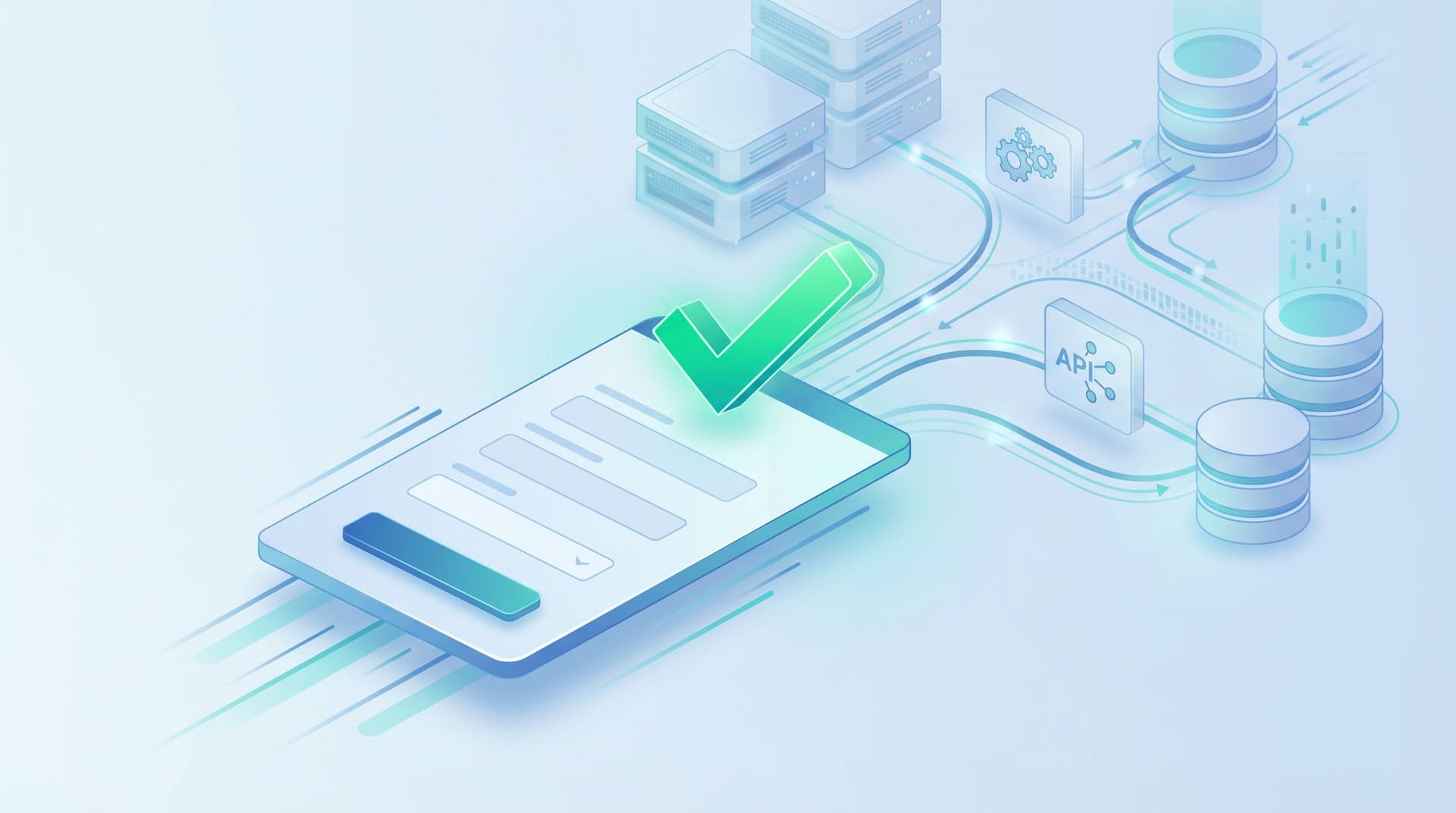
Form UX for B2B Sales Teams: Designing Intakes That Qualify, Route, and Follow Up Automatically


B2B sales teams don’t lose deals only in discovery calls or pricing conversations. They lose them quietly, at the very first form.
Someone clicks Request a demo. They’re ready to talk. Then:
- They hit a generic form that doesn’t match their intent.
- They never get routed to the right rep.
- They wait two days for a reply while a competitor calls them in two hours.
On the surface, this looks like a “speed to lead” problem. Underneath, it’s a form UX and workflow problem.
When you design intake forms that qualify, route, and follow up automatically, you turn every submission into a predictable motion:
- The right people fill out the form.
- The form captures the signals sales actually needs.
- Submissions are scored and routed instantly.
- Follow-up is triggered without anyone refreshing a shared inbox.
This post is a practical guide to building that system—especially with tools like Ezpa.ge, where you can ship branded forms with custom URLs and sync everything into Google Sheets in real time.
Why B2B intake forms matter more than ever
For B2B teams, forms aren’t just a “contact us” surface. They’re:
- The front door to pipeline. Most high-intent prospects introduce themselves by filling out a form.
- The source of your best qualification data. Title, company size, use case, timeline—these usually start here.
- The trigger for your internal workflows. From lead assignment to SLAs to nurture tracks.
When the form experience is weak, you see symptoms like:
- Reps spending hours manually triaging submissions.
- High-intent leads buried under low-intent noise.
- Ops teams duct-taping routing rules in the CRM.
- Prospects waiting too long for follow-up—and going elsewhere.
On the flip side, strong intake design gives you:
- Higher conversion from visit → form start → form submit.
- Cleaner data entering your CRM and revenue ops stack.
- Automatic routing that respects territories, segments, and capacity.
- Consistent follow-up that doesn’t depend on who checked their email first.
If you want a deeper dive into how form experiences impact paid traffic specifically, you might also like Form UX for High-Intent Traffic: Designing Post-Click Flows That Rescue Underperforming Ads.
Step 1: Decide what “qualified” really means (and design around it)
You can’t design a good intake form if “qualified” is fuzzy.
Sit down with sales leadership and revenue ops and answer three questions:
- What makes someone an immediate sales-ready lead?
- What makes someone a good fit, but not ready yet?
- What makes someone clearly out of scope?
Translate those into fields and logic, not vibes.
Map qualification criteria to form fields
Common B2B criteria and how they show up in forms:
- Company size → "How many employees work at your company?" (use ranges, not free text)
- Industry / vertical → Dropdown or multi-select with your key ICP segments
- Seniority / role → "What best describes your role?" with options like IC, Manager, Director, VP+
- Use case / problem → Multi-select of core use cases you support
- Timeline / urgency → "When are you hoping to implement a solution?"
- Tech stack compatibility → "Which tools do you currently use for X?" (if integrations matter)
Design the form so that every high-signal field has a clear downstream use:
- If you ask industry, it should influence routing or messaging.
- If you ask timeline, it should influence follow-up cadences.
- If you ask role, it should influence who owns the first touch (SDR vs AE vs partner team).
If a field doesn’t change your behavior, don’t ask it on the first pass.
Keep it short—but not shallow
For B2B sales, the goal isn’t just more submissions. It’s more of the right submissions with enough context to act quickly.
A good benchmark for a primary sales intake form:
- 6–10 fields total
- 3–5 fields that are true qualification signals
- Optional, dynamic follow-ups when you need more detail
If you want to go deeper without bloating the form, consider patterns from AI-Generated Follow-Up Questions: Using Response-Aware Prompts to Go Deeper Without Longer Forms. You can start with a lean core and let AI ask smart follow-ups only where they’re useful.

Step 2: Design the form experience for signal, not just submission
A lot of B2B forms are copy-pasted templates: logo, headline, ten fields, generic button. If you’re serious about qualification and routing, you need to design the experience, not just the layout.
Make intent explicit early
Instead of a vague "Contact us" header, anchor the form in the outcome:
- "Talk to sales about pricing and rollout"
- "Explore a proof-of-concept for your team"
- "Get a tailored walkthrough for your use case"
Then reinforce that with a high-signal question near the top:
- "What are you hoping to accomplish with [Product]?" (multi-select)
This does two things:
- Helps visitors self-identify whether this is the right form.
- Gives you an immediate routing signal (e.g., enterprise security review vs. product evaluation).
Use progressive disclosure to keep friction low
Not every visitor needs to see every field.
Use conditional logic so the form adapts:
- If someone selects "500+ employees", show an extra field: "How many teams would be involved in rollout?"
- If someone selects "Just exploring" as timeline, hide fields that are only relevant for immediate deals.
- If someone chooses "Partner / reseller" under role, switch to a partner-specific path.
This is exactly the kind of pattern we explore more deeply in From Form to Workflow Engine: Designing Conditional Paths That Replace Internal Tools. The same techniques that replace internal tools also keep your sales intake form sharp and focused.
Ask one complex question at a time
When you need richer context (e.g., "Tell us about your current workflow"), don’t stack it between three other fields.
- Give it breathing room.
- Use helper text to explain what’s useful.
- Consider a multi-step layout where complex questions live on their own step.
Multi-step flows can:
- Increase completion rate by making progress visible.
- Let you front-load must-have fields and back-load nice-to-have ones.
Respect trust and privacy
B2B buyers are increasingly sensitive to data handling.
- Use clear labels (not just placeholders).
- Explain why you’re asking sensitive questions: “We use this to match you with the right specialist.”
- Link to your privacy policy.
- Make it obvious where and how they’ll hear from you next.
Patterns from Trust at First Tap: Mobile Form Patterns That Make Users Comfortable Sharing Sensitive Data apply even on desktop. The more serious the deal, the more these trust signals matter.
Step 3: Turn submissions into automatic routing rules
Once your form captures the right signals, the next step is making sure no human has to manually decide who owns what.
Define your routing logic on paper first
Before you touch any tool, write down routing rules in plain language:
- "If company size ≥ 500 and region = North America → Enterprise AEs."
- "If industry = Healthcare and use case includes Compliance → Specialist pod."
- "If role = Consultant / Agency → Partner team."
Then add tie-breakers:
- Round-robin within a team.
- Named accounts or territories.
- Capacity-based routing if you support it.
This is also where AI-based scoring at the edge can help. Instead of building a giant decision tree, you can compute a lead score from form responses and route based on tiers. For a deeper dive, see AI Scoring at the Edge: Using Form Responses to Auto-Prioritize Leads Before They Hit Your CRM.
Implement routing with forms + Sheets + CRM
With Ezpa.ge and similar tools, you can wire routing without writing code:
-
Sync submissions to Google Sheets in real time.
Each row is a submission, each column a field. -
Add a routing/owner column.
Use formulas or Apps Script to:- Compute a lead score.
- Assign an owner based on rules.
- Set an SLA tier (e.g., P1 = respond in 2 hours, P2 = same day).
-
Connect Sheets to your CRM.
Use native integrations or tools like Zapier/Make to:- Create or update lead records.
- Set owner and priority fields.
- Trigger tasks or sequences.
For a more detailed framework on using Sheets as the bridge between forms and revenue, check out From Form to Revenue Signal: Using Google Sheets to Map Submission Data to Pipeline Stages and Forms as Signal Hubs: Connecting Google Sheets, CRMs, and Webhooks Without Engineering Help.
Don’t forget internal notifications
Routing isn’t just about the CRM record—it’s about who knows to act.
Set up:
- Direct Slack or email alerts to the assigned owner for P1/P2 leads.
- A team channel feed for new submissions with key fields summarized.
- Optional daily digest emails for lower-priority leads.
The key is that no one should ever have to ask, "Did anyone see this form come in?"

Step 4: Automate follow-up without losing the human touch
Routing gets the lead to the right owner. Follow-up turns that lead into a conversation.
Craft a default follow-up sequence per lead type
Start with three basic categories:
- Sales-ready (P1) – high fit and clear intent.
- Nurture (P2) – good fit but lower urgency.
- Disqualify or self-serve (P3) – not a fit for sales, but maybe for content or partners.
For each, define:
-
First response:
- P1: Personal email or call within 1–2 hours.
- P2: Helpful email within 24 hours.
- P3: Automated resource email or product tour.
-
Follow-up cadence:
- P1: 3–5 touches over 7–10 days.
- P2: 3 touches over 10–14 days, then nurture.
- P3: Occasional product updates or content.
Use form data to personalize at scale
Your form already knows:
- Their role and team size.
- Their use case.
- Their timeline.
Use that to:
- Swap in the right case study or proof point.
- Adjust the CTA (e.g., "Book a technical deep dive" vs. "Explore a quick ROI overview").
- Reference their language back to them: "You mentioned you’re evaluating solutions for [use case]."
Most modern sales engagement tools (e.g., Outreach, Salesloft, Apollo) support field-based personalization tokens that can pull directly from CRM fields populated by your form.
Confirm expectations on the thank-you screen
The moment after submission is your best chance to:
- Confirm what happens next.
- Reduce anxiety about being ignored.
- Set the stage for a productive first conversation.
On your confirmation page or inline success state:
- Thank them specifically: "Thanks for sharing details about your [use case]."
- State the SLA: "A member of our team will reach out within 2 business hours."
- Offer a next step: calendar link, resource, or product tour.
If your backend or enrichment steps add latency—e.g., you’re enriching leads with Clearbit or running heavy workflows—patterns from Latency-Aware Form Design: Keeping Users Engaged When Your Backend Is Slow can help you keep the experience smooth.
Step 5: Standardize, theme, and govern your intake forms
Once you have one great intake form, the temptation is to clone it everywhere. That’s how form drift starts: slightly different versions, inconsistent fields, and broken routing.
Instead, treat your core sales intake as a standardized template.
Create a canonical intake template
Define:
- Required base fields (name, email, company, role, key qualification fields).
- Optional add-ons for specific motions (e.g., partner, reseller, enterprise security).
- Standard labels and options (e.g., consistent employee ranges, industry list).
Then document:
- Which fields power which routing rules.
- Which fields are safe to edit and which are locked.
The post From Drift to Discipline: Designing a Form Taxonomy That Survives Hypergrowth goes deeper into how to keep your forms consistent as your org grows.
Use themes and custom URLs to match context, not reinvent structure
For different campaigns, segments, or partners, you usually don’t need a new form schema—you need a new wrapper.
With Ezpa.ge, you can:
- Apply different themes for different audiences (e.g., a more enterprise feel for ABM campaigns, lighter feel for self-serve trials).
- Use custom URLs that match the motion (e.g.,
/enterprise-demo,/partner-intake,/security-review).
Under the hood, you keep:
- The same core fields.
- The same routing logic.
- The same Sheets/CRM connections.
For more on using themes strategically across growth motions, see Form Themes for Performance Marketers: Matching Creative, Channels, and Copy Without New Pages and Theme Systems for Startups: How to Look Enterprise-Grade While Your Product Is Still in Beta.
Add guardrails for AI-assisted forms
If you’re using AI to:
- Suggest new fields.
- Auto-generate helper text.
- Classify or score submissions.
…make sure you have guardrails in place:
- Human review for new fields before they go live.
- Clear boundaries on what AI can and can’t auto-route.
- Monitoring for bias or drift in how leads are scored.
We cover this in more detail in AI Guardrails for Forms: Reducing Hallucinations and Bias in Auto-Generated Fields and Logic.
Step 6: Measure, iterate, and close the loop with sales
A form that qualifies, routes, and follows up automatically isn’t "set and forget." It’s a system you tune.
Track the right metrics
Go beyond "conversion rate" and look at:
- Start → submit rate (overall friction).
- Submit → first touch within SLA (operational reliability).
- Submit → opportunity created (quality of qualification).
- Opportunity → win rate by form source (are certain forms attracting better-fit deals?).
A lightweight analytics framework—like the one in Baseline to Benchmarks: Building a Lightweight Form Analytics Framework Your Team Will Actually Use—keeps this from turning into a data project.
Get feedback from reps regularly
Your sales team sees the output of your form every day. Ask them:
- "Which fields are most useful before a call?"
- "What do you wish we asked earlier?"
- "Which answers are almost always wrong or confusing?"
Then:
- Remove fields no one uses.
- Clarify labels that confuse prospects.
- Add conditional fields where reps consistently ask the same follow-up questions.
Experiment safely
You don’t need a new page for every test. With tools like Ezpa.ge, you can:
- Clone a form and adjust copy or field order.
- Run A/B tests on headlines, helper text, or multi-step vs single-step.
- Use variant themes for different segments.
Form UX for Experiments: Designing A/B Tests, Holdouts, and Variant Themes Without New Pages walks through how to do this without breaking your routing or analytics.
Bringing it all together
When you treat your B2B intake forms as systems instead of static pages, three things happen:
- Qualification improves. You ask fewer, better questions that map directly to sales reality.
- Routing becomes automatic. Every submission finds an owner and an SLA by default.
- Follow-up is consistent. Prospects hear from you quickly, with context, without heroics.
The result is a smoother experience for buyers and a calmer, more effective environment for your sales team. Reps spend less time triaging and more time actually selling.
Your next move
You don’t need to rebuild everything at once. Start small and concrete:
-
Audit your current primary sales intake form.
- Which fields directly influence routing or follow-up?
- Which fields could you remove or move to conditional follow-ups?
-
Define a simple routing table.
- 3–5 rules that map form answers to owners and SLAs.
-
Rebuild the form in Ezpa.ge (or your current tool) with that logic in mind.
- Use themes and a custom URL that match your sales motion.
- Sync submissions to Google Sheets and wire up basic routing.
Once that’s live, you can layer on scoring, AI-powered follow-up questions, and more advanced workflows.
If you’re ready to turn your forms into a true front door for pipeline—not just a mailbox—start by redesigning one intake form around qualification, routing, and automatic follow-up. That single change can reshape how your entire sales team feels about “leads from the website.”