Signals in Slack Pings: Using Google Sheets–Synced Forms to Replace Ad-Hoc Requests


Slack is where work happens—and where a lot of work quietly goes to die.
A partner asks, “Can you pull me last quarter’s numbers?” in a random channel. A PM drops, “Quick design tweak?” into your DMs. Someone @mentions you in a 40-message thread with: “Mind taking this on?”
You mean to respond. You even start. But the message gets buried under notifications, meetings, and context switching. A week later, someone’s unblocked task is now a fire.
Those Slack pings are signals: requests, priorities, and dependencies. But without structure, they’re just noise.
This is where forms synced to Google Sheets shine. Instead of treating Slack as a request system, you treat it as a notification layer—and route actual requests through a simple, structured form built with Ezpa.ge.
In this post, we’ll walk through how to:
- Turn chaotic Slack pings into clean, trackable form submissions
- Use Ezpa.ge + Google Sheets to create a lightweight request OS
- Train your team (gently) to use forms without killing momentum
- Layer on automation, routing, and triage once the basics are in place
By the end, you’ll have a blueprint for replacing ad-hoc Slack requests with a system that’s faster for requesters, clearer for owners, and more reliable for the business.
Why Slack Pings Make Terrible Request Systems
Slack is optimized for conversation, not operations. When you treat it like a ticketing system, a few predictable problems show up:
1. No consistent intake data
A “quick question” can mean anything:
- No due date
- No clear owner
- No link to relevant docs
- No indication of priority or impact
You end up asking follow-up questions in DMs, or worse, making assumptions.
2. Zero shared visibility
Requests live in:
- Private DMs
- Old threads nobody can find
- Channels where only some stakeholders hang out
Leaders can’t see workload. Teammates can’t help each other. Work gets duplicated or dropped.
3. No natural workflow
Slack messages don’t have states. There’s no built-in “New → In Progress → Blocked → Done.” You might add emoji reactions or custom workflows, but it’s duct tape on top of a chat log.
4. Terrible for historical analysis
Try answering any of these from Slack alone:
- How many “urgent” requests did marketing send to ops last month?
- What’s the average turnaround time for design help?
- Which teams are consistently overloaded?
You can’t. The data is conversational, not structured.
5. Cognitive overload for everyone
For requesters, every ask is bespoke: “How do I phrase this? What do they need?”
For responders, every ping is a mini-investigation: “What is this? Is it important? Where does it go?”
The result: frustration, dropped balls, and a constant sense of being behind.
Why Forms + Google Sheets Are a Better Backbone
Forms might sound boring compared to Slack, but that’s exactly the point. They’re predictable. They’re structured. And when they sync to Google Sheets in real time, they become a simple operational backbone.
Here’s what you get when you route Slack pings into Ezpa.ge forms synced to Sheets:
1. Consistent, high-signal inputs
You can design a form that captures exactly what your team needs to act quickly:
- Request type (bug, feature, data pull, design asset, legal review…)
- Priority and deadline
- Link to context (Slack thread, Notion doc, Figma file)
- Team or person requesting
- Business impact (who’s blocked? what’s at risk?)
2. One source of truth in Google Sheets
Every submission becomes a row in a live Sheet:
- Filter by status, owner, team, or due date
- Build simple views for each function (e.g.,
=FILTER()per assignee) - Create weekly summaries without another tool
If you’ve already been working on turning Sheets chaos into a unified system, this pattern fits neatly with a Form OS approach like we covered in From Spreadsheet Chaos to Form OS: How to Turn Rogue Sheets into a Unified Intake System.
3. Lightweight workflow without heavy tooling
You don’t need a full-blown ticketing system to get value. With Sheets, you can:
- Add a Status column with data validation (New, In Review, In Progress, Blocked, Done)
- Use conditional formatting to highlight overdue items
- Assign owners with a simple dropdown
4. Clear boundaries between chat and operations
Slack becomes the place you talk about work.
Forms + Sheets become where you track and manage work.
5. A foundation for automation and triage
Once requests are structured in a Sheet, you can:
- Trigger Slack notifications when a new row is added
- Auto-assign based on request type
- Use AI to suggest next steps, similar to the playbooks in AI Triage in Forms: Letting Models Draft Next Steps While Humans Own Final Decisions.

Step 1: Identify Your “Ping-Heavy” Workflows
You don’t need to overhaul everything at once. Start where Slack chaos hurts the most.
Look for patterns like:
- Channels where people constantly ask for the same kind of help (e.g.,
#design-requests,#data-help) - DMs where teammates always start with “Quick favor…”
- Threads that turn into mini-projects with no clear owner
Common candidates:
- Design and creative requests
- Data/report pulls
- Internal tool access or permissions
- Partner or customer support escalations
- Event support (assets, copy, logistics)
Pick one workflow to start. You’re not building a bureaucracy; you’re testing a better path.
Ask yourself:
“What kind of Slack ping do we see 10+ times a month that always turns into back-and-forth?”
That’s your first form.
Step 2: Design a Form That’s Faster Than a DM
If you want people to use a form instead of pinging someone, the form has to feel easier than typing a bespoke message.
With Ezpa.ge, you can create a focused, branded form in minutes. Aim for:
- 10–60 seconds to complete
- Only fields that materially change what happens next
- Clear hints about what “good” input looks like
Core fields to consider
For most internal request forms, a solid baseline looks like:
-
What do you need?
- Short text, with placeholder like: “e.g., ‘One-pager design for Q3 partner pitch’”
-
Request type (dropdown)
- Examples: Campaign asset, Product data pull, Bug, Feature request, Access request, Other
-
Deadline and urgency
- Date picker for “Needed by”
- Optional radio buttons for urgency:
- “Nice to have”
- “This week”
- “Blocking launch / customer”
-
Context links
- Multi-line text with help text: “Drop any relevant Slack links, docs, designs, or tickets.”
-
Business impact
- Short paragraph: “What happens if this doesn’t get done by your deadline?”
-
Team or function requesting
- Dropdown: Marketing, Sales, CX, Product, Ops, etc.
-
Requester contact
- Name + email or Slack handle (if not auto-captured)
If you’re worried about overwhelming people, you can borrow patterns from Micro-Form Funnels: Chaining Single-Question Flows Without Losing Context or Data and break the form into 2–3 micro-steps. Each screen feels lightweight, but the Sheet still gets a complete, structured record.
Make the form feel like part of your team
Because Ezpa.ge gives you themes and custom URLs, you can:
- Match your internal brand (colors, typography, tone)
- Use a URL like
requests.yourcompany.com/designinstead of something random - Add microcopy like “This usually takes 2–3 business days” to set expectations
These small touches matter. They signal that this isn’t “extra process”—it’s the new normal.
Step 3: Wire It to Google Sheets for Real-Time Ops
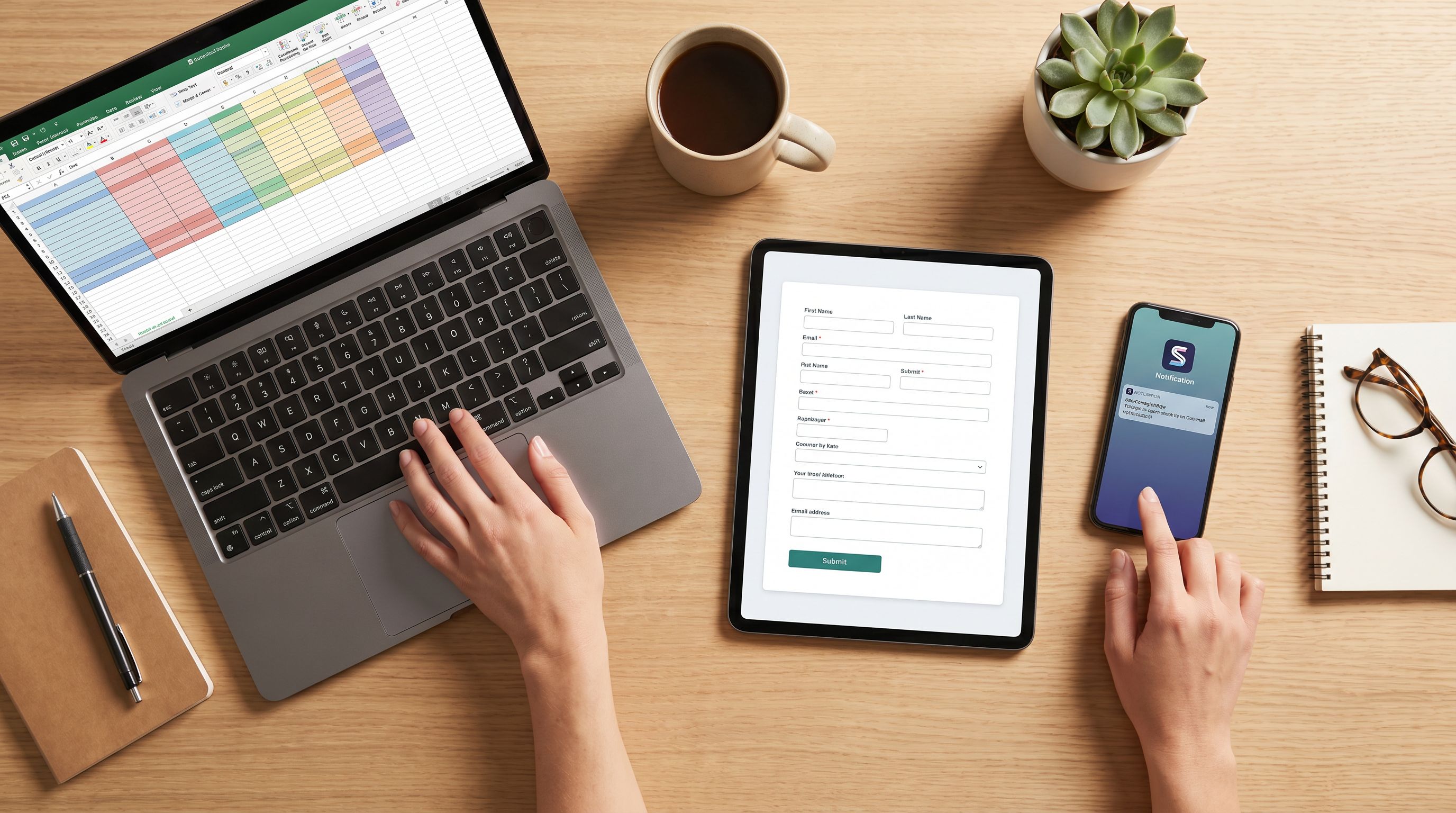
Once your form is live, connect it to Google Sheets so every submission lands as a new row.
Basic Sheet structure
Create a Sheet with columns like:
- Timestamp (from the form)
- Request ID (you can auto-generate with a formula)
- Requester name
- Team requesting
- Request type
- Description
- Context links
- Business impact
- Needed by
- Urgency
- Owner
- Status
- Notes / updates
From there, you can:
- Use filters and views per team or per owner
- Add conditional formatting for overdue items
- Build a simple Kanban view using separate tabs and
=FILTER()formulas
If you’re already using Sheets for other operational analytics, this request Sheet can plug directly into the habits described in Ops Analytics, Not Dashboards: Turning Form + Google Sheets Data into Weekly Decision Rituals.
Real-time syncing pays off
Because Ezpa.ge syncs to Sheets in real time, you get:
- Up-to-the-minute visibility on new requests
- No copy-paste from Slack
- A single place to manage status
You can even keep the Sheet open on a monitor during standup or weekly planning.
Step 4: Bring Slack Back in as a Notification Layer
You’re not trying to replace Slack. You’re trying to give it a better job.
Once your form and Sheet are wired up, use Slack for notifications and links back to the system, not as the system itself.
Simple patterns that work
-
New request alerts
Use a workflow tool (or Apps Script/Zapier/Make) to post to a channel like#design-queuewhenever a new row is added:- Who requested
- What they need
- When it’s due
- A link to the Sheet row
-
Status change updates
When the Status column changes to “In Progress” or “Done,” send a brief Slack update to the requester with a link back to details. -
Daily digest
Post a summary each morning:- New requests in the last 24 hours
- Overdue items
- Items due today
Slack becomes your signal amplifier, not your database.
Step 5: Train the Team Without Being “That Person”
The biggest risk with any new process is social, not technical. People worry you’re adding friction or bureaucracy.
You can avoid that by:
1. Framing it as a favor to them
Position the form as a way to get faster, more reliable help, not as a gate.
- “If you use this form, we can promise a response time.”
- “This helps us make sure nothing slips through the cracks.”
2. Making the path from Slack to form obvious
Pin the form link in relevant channels. Examples:
- Channel topic: “Need design help? Use: requests.company.com/design”
- Pinned message with a short explanation
When someone pings you directly, reply with a friendly nudge:
“Got you—can you drop this into the form so it doesn’t get lost? Here’s the link: …”
3. Leading by example
If you’re a manager or lead, use the form yourself. Don’t DM special requests. Show that the system is for everyone.
4. Sharing wins early
After a week or two, share a quick snapshot:
- “We’ve handled 37 requests with 0 dropped.”
- “Average turnaround is down from 5 days to 2.3 days.”
People are far more willing to adopt a new habit when they can see that it works.
Step 6: Layer on Automation and Triage (When You’re Ready)
Once your basic intake + Sheet + Slack loop is working, you can start making it smarter.
Ideas to explore:
1. Auto-routing by request type
Use formulas or simple automation to:
- Assign owners based on Request type
- Move rows into different tabs for different teams
2. Priority scoring in Sheets
Borrow techniques from Sheets-Native Scoring: Building Lead, Churn, and Fit Models with Only Form Data and Formulas to create a simple priority score:
Score = (Urgency weight) + (Impact weight) + (Team SLA weight)
Then sort your queue by score.
3. AI-assisted triage
Once your form captures rich, structured text, you can:
- Use AI to summarize long context fields
- Suggest next steps or playbooks
- Tag requests as “likely bug,” “likely feature,” “needs human escalation,” etc.
Just like in AI Triage in Forms: Letting Models Draft Next Steps While Humans Own Final Decisions, the key is assist, don’t auto-pilot. Humans still own the final call.
4. SLA tracking and alerts
Add formulas that:
- Calculate days since submission
- Flag items approaching their deadline
- Trigger Slack alerts when something is at risk of breaching your SLA
This is where a humble form + Sheet starts to feel like a tailored internal tool—without needing a custom build.
Step 7: Expand Carefully, Not Everywhere
Once one team sees the benefits, others will want in. That’s good—but expand with intention.
Guidelines:
- Clone patterns, not chaos. Reuse proven field sets and Sheet structures.
- Keep URLs and themes consistent. Use Ezpa.ge themes and custom URLs so forms feel like a coherent “internal system,” not a random collection of links.
- Resist over-collection. Every new field should have a clear reason to exist.
- Review quarterly. Archive forms and Sheets that no longer serve a purpose.
Over time, you’ll end up with a small, curated set of internal forms that handle the bulk of your Slack-born chaos—without your team feeling like they’ve signed up for a ticketing platform they don’t control.
Summary: From Pings to Predictable Signals
Slack isn’t going away. Nor should it. It’s a fantastic place to discuss work, share context, and stay connected.
But as a request system, it’s fragile.
When you use Ezpa.ge forms synced to Google Sheets, you:
- Turn messy Slack pings into structured, high-signal requests
- Give every team a clear queue instead of a scrollback hunt
- Create a single source of truth in Sheets that powers reporting and planning
- Use Slack for notifications and conversations, not as your database
- Build a foundation for automation, triage, and prioritization—on your terms
The result is less “Did you see my message?” and more “Here’s where your request is and what happens next.”
Your Next Move: Ship One Form, Retire One Ping Pattern
You don’t need a grand rollout. You just need one better path.
- Pick a single, painful Slack request pattern.
- Spin up a simple Ezpa.ge form that’s faster than typing a DM.
- Sync it to a Google Sheet with clear status and ownership.
- Wire Slack back in as a notification channel.
- Nudge people toward the form for two weeks—and watch what happens.
Once you see how much calmer that one workflow feels, you’ll have your own proof that forms aren’t “extra process.” They’re how you turn noisy pings into reliable signals.
Ready to start? Open Ezpa.ge, create one internal request form, and drop the link into your most chaotic Slack channel. The moment your first submission lands in Sheets, you’ll feel the difference.