Micro-Form Funnels: Chaining Single-Question Flows Without Losing Context or Data

If you’ve ever stared at a 20-field form and thought, “There’s no way people are finishing this,” you’re already halfway to micro-form funnels.
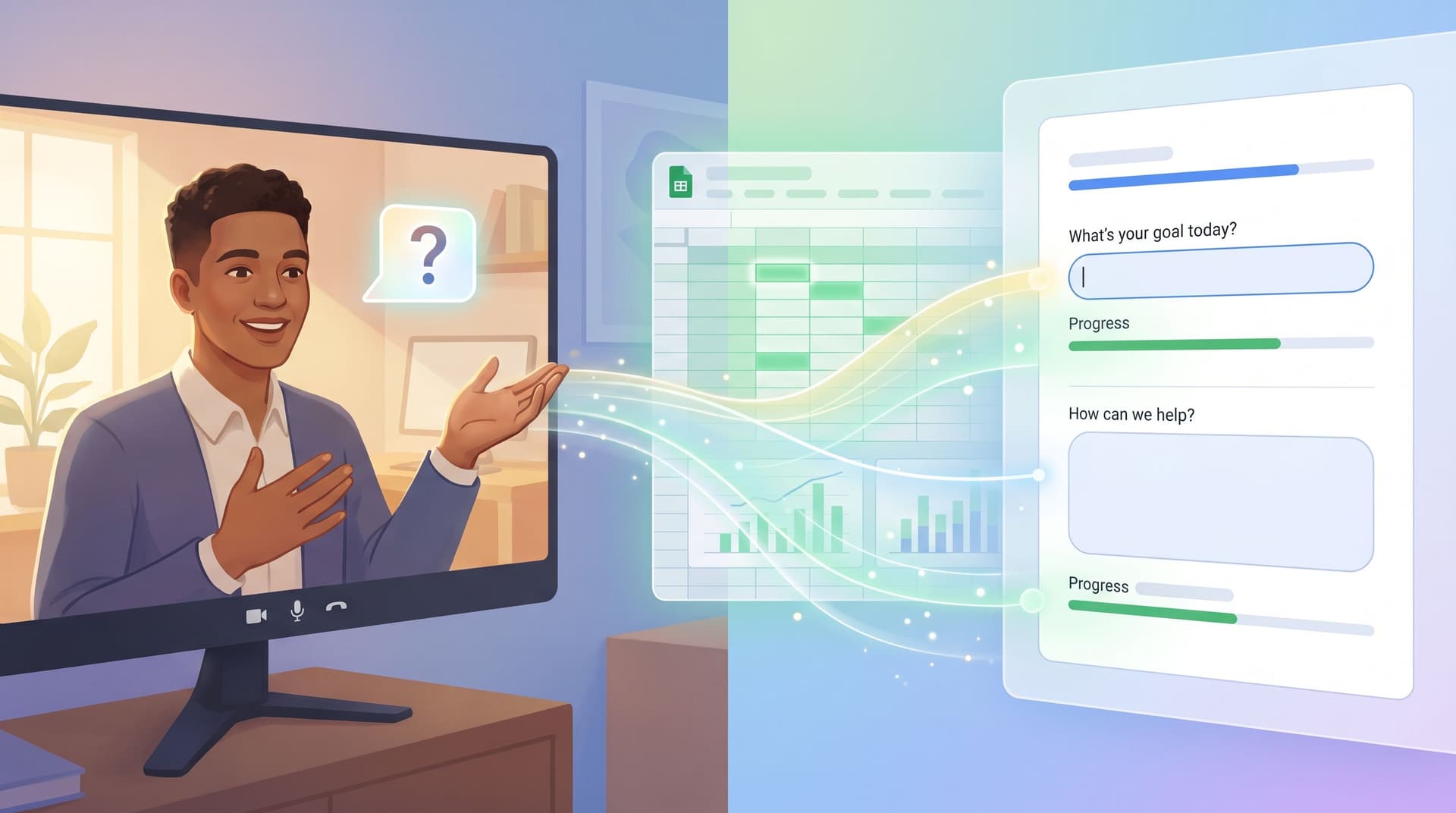
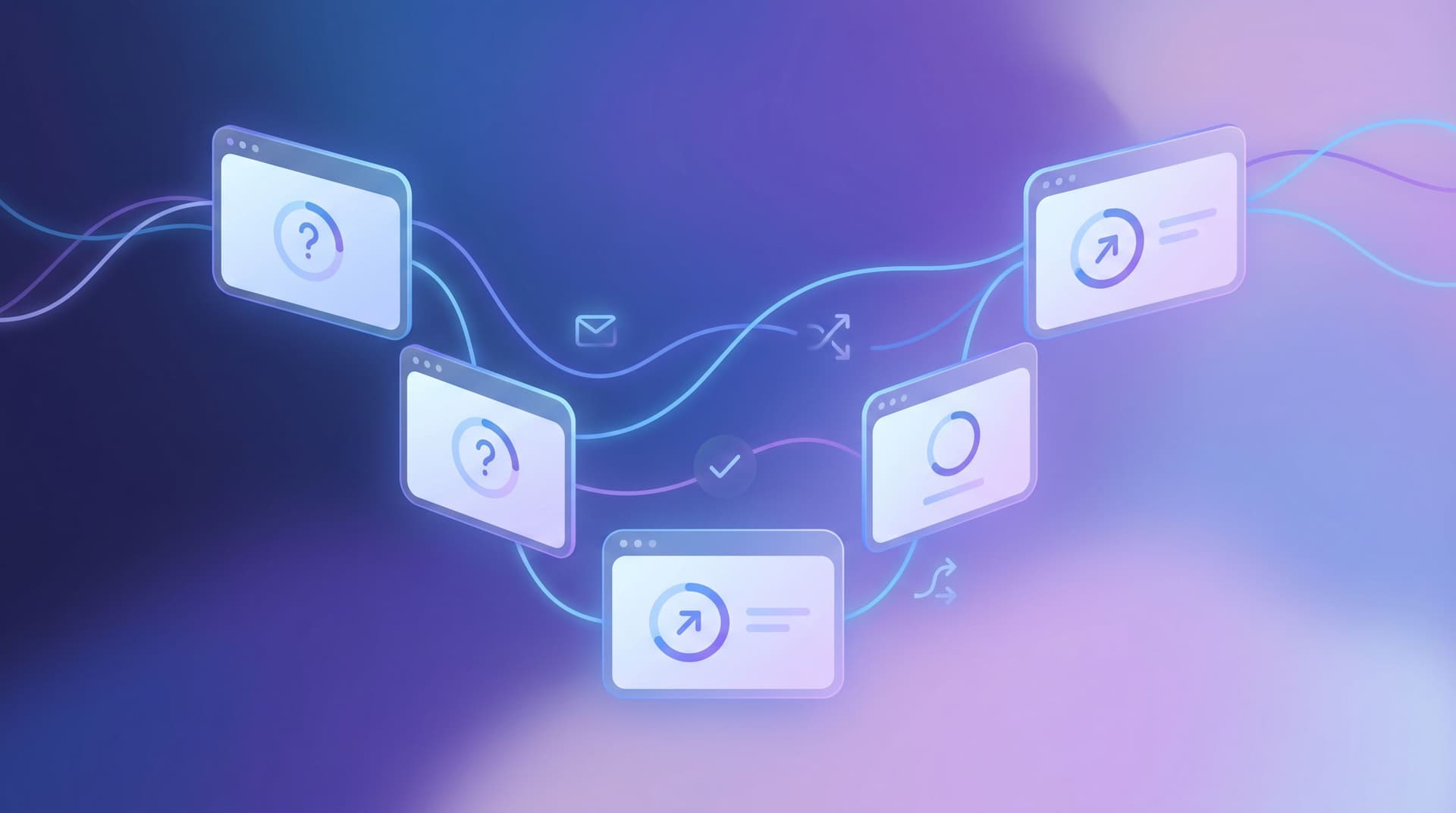
Micro-form funnels break a long, intimidating form into a sequence of tiny, focused steps—often one question per screen. Each step feels lightweight, almost conversational. But under the hood, you’re still building a coherent dataset and a reliable funnel.
The hard part isn’t splitting questions. It’s chaining those single-question flows without losing context, data, or operational clarity. That’s where most teams get stuck.
This post is a deep dive into how to design, implement, and operate micro-form funnels using tools like Ezpa.ge (with custom URLs, themes, and real-time Google Sheets syncing) so you get:
- Higher completion rates
- Cleaner data
- Better segmentation and routing
- A form experience that feels like a guided conversation, not paperwork
Why Micro-Form Funnels Matter
Long forms fail for predictable reasons:
- Cognitive overload. A dense wall of fields makes people feel like they’re signing a mortgage, not asking for help or joining a list.
- Unclear payoff. When the end isn’t visible, people bail early.
- Context mismatch. Someone who just clicked a short CTA (“Get early access”) lands on a complex questionnaire and feels tricked.
Micro-form funnels flip that script:
- One decision at a time. Each screen asks one clear question. That’s easier to answer and harder to ignore.
- Perceived progress. A simple step indicator (“Step 2 of 5”) or subtle progression makes the journey feel manageable.
- Adaptive paths. You can branch based on answers, skipping irrelevant questions entirely.
- Better device fit. Single-question layouts are ideal on mobile, where most form abandonment happens.
But the real magic is operational:
- You can start with a tiny ask (email, or “What are you trying to do?”) and progressively layer in detail.
- You can route and score submissions as they come in, especially if your forms stream into Google Sheets.
- You can treat each question as a decision point in your funnel, not just another field.
If you’ve read our posts on progressive profiling or using forms as first meetings, micro-form funnels are the structural pattern that makes those ideas practical.
The Core Concept: One Journey, Many Screens
A micro-form funnel is one logical form experience expressed across multiple screens or URLs.
You might:
- Use one Ezpa.ge form with multiple steps, each step showing a single question.
- Or chain multiple forms together via redirect URLs, passing context between them.
Either way, the principles are the same:
- Continuity: The user feels like they’re in one flow, not jumping between random forms.
- Context carry-forward: Answers from earlier steps are available to later steps (for logic, personalization, and routing).
- Unified dataset: On the backend, you can reconstruct a single “session” or “submission” across steps.
Think of it as a conversation:
- You remember what someone said a minute ago.
- You don’t ask the same thing twice.
- You adapt your next question based on what you just learned.
That’s what we’re trying to recreate with micro-form funnels.
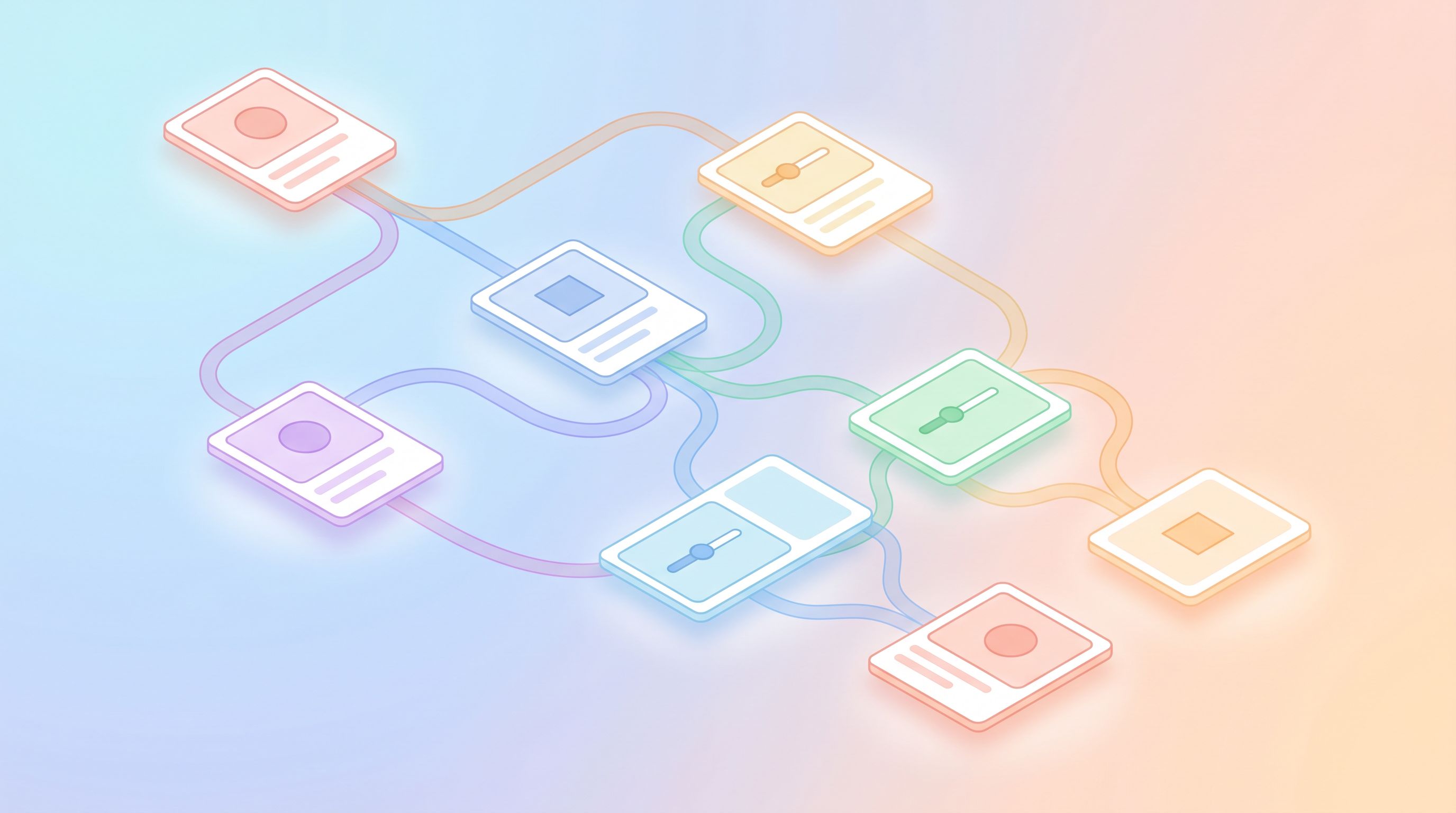
Designing Your Micro-Form Funnel: From Big Form to Tiny Steps
Most teams start with a monolithic form. The first move is to decompose it into a series of intent-based steps.
1. Start With the Minimum Viable First Step
Ask: “What’s the smallest, highest-signal question we can ask first?”
Good candidates:
- Email or phone (if follow-up is essential)
- Primary intent ("What are you here to do?" with 3–5 options)
- Role or segment ("What best describes you?" Customer, Partner, Student, etc.)
This first step should:
- Be answerable in under 5 seconds.
- Make the value of continuing obvious (“We’ll tailor the next questions based on this”).
- Give you enough context to personalize the rest of the flow.
2. Group Questions by Decision, Not by Database Table
Instead of grouping by internal structure ("Contact info", "Company info"), group by what the user is trying to decide or accomplish.
Examples:
-
For a sales demo request:
- Step: "Fit & urgency" (timeline, team size)
- Step: "Use case" (what they want to achieve)
- Step: "Logistics" (preferred time, region)
-
For an event RSVP:
- Step: "Attendance" (yes/no/maybe)
- Step: "Preferences" (dietary, accessibility needs)
- Step: "Guests" (plus-ones, team count)
Each step can still be one question per screen; the grouping is conceptual. It ensures your sequence tells a coherent story.
3. Decide What’s Required Now vs. Later
Micro-form funnels shine when you don’t try to do everything at once.
Ask for:
- Must-have fields early, but not all at once.
- Nice-to-have fields later, when trust is higher.
- Optional deep-dive questions behind explicit choices (“Tell us more about your setup” with an expandable text area).
This is where micro-form funnels intersect with progressive profiling. You don’t have to know everything on first contact—as long as your system remembers what you already know.
4. Map Branching Paths Before You Build
Before touching any form builder, sketch your funnel:
- Nodes = questions ("What are you here to do?")
- Edges = paths (If "Host an event" → go to Event flow; if "Book a demo" → go to Sales flow)
Questions to answer on paper:
- Where can people skip ahead or bail gracefully ("Not ready yet" → light-touch nurture list)?
- Which branches share later steps (e.g., everyone eventually hits "Contact details")?
- Where do you need different themes or branding (e.g., partner vs. customer vs. candidate)?
Once this map is clear, building in Ezpa.ge becomes execution, not guesswork.
Keeping Context Across Steps (Without a Data Engineering Project)
The biggest fear with multi-step or multi-form flows is data fragmentation: “If someone drops off on step 3, do we lose everything?” or “How do we know which step-2 record belongs to which step-1 record?”
You don’t need a custom backend to solve this. You need consistent identifiers and smart use of URLs + Sheets.
1. Generate a Session or Journey ID Early
On the first step, generate a unique ID for the journey. There are a few lightweight ways to do this:
- Use a hidden field that’s prefilled from the URL (e.g.,
?journey_id=abc123). - Or, if you’re embedding forms, generate a UUID client-side and pass it as a hidden field.
Every subsequent step in the flow should:
- Receive that same
journey_idvia URL parameters. - Store it in a hidden field that syncs to Google Sheets.
In Sheets, you can then join rows across steps on journey_id, effectively reconstructing a single logical submission.
2. Use Custom URLs to Carry Context
Ezpa.ge’s custom URLs make this much easier:
- First form:
forms.yourbrand.com/start - Second form:
forms.yourbrand.com/use-case - Third form:
forms.yourbrand.com/details
Each redirect can append query parameters:
/forms.yourbrand.com/use-case?journey_id=abc123&email=alex%40example.com
On the next form, you:
- Prefill visible fields (like email) so users don’t retype.
- Store everything important (journey ID, source, campaign, etc.) in hidden fields.
For a deeper dive on using custom URLs and prefill to bridge gaps in attribution and identity, see From Anonymous Clicks to Known Users.
3. Sync Everything into a Single Operational Sheet
With Ezpa.ge’s real-time Google Sheets syncing, you can:
- Send each form’s responses to its own tab (e.g.,
Start,Use_Case,Details). - Maintain a master tab where you use formulas (like
VLOOKUP,INDEX/MATCH, orXLOOKUP) to assemble full journeys byjourney_id.
This master tab becomes your source of truth for:
- Reporting on drop-off by step
- Routing submissions to the right team
- Scoring leads or requests based on the full set of answers
If you want to go further, you can layer in Sheets-native scoring models—see Sheets-Native Scoring for how to do this without extra tools.
4. Handle Partial Journeys Gracefully
Micro-form funnels create a new opportunity: use partial data.
Examples:
- If someone completes step 1 (intent + email) but not step 3, you can still:
- Add them to a light-touch nurture sequence.
- Send a reminder link that drops them back into the funnel with context preserved.
- If someone finishes all steps except a non-critical one, treat it as a full submission.
In Sheets, you can:
- Mark each journey with a completion status (e.g.,
Complete,Partial: Step 2,Partial: Step 1). - Build simple automations (via Apps Script or tools like Zapier/Make) that trigger different workflows based on that status.
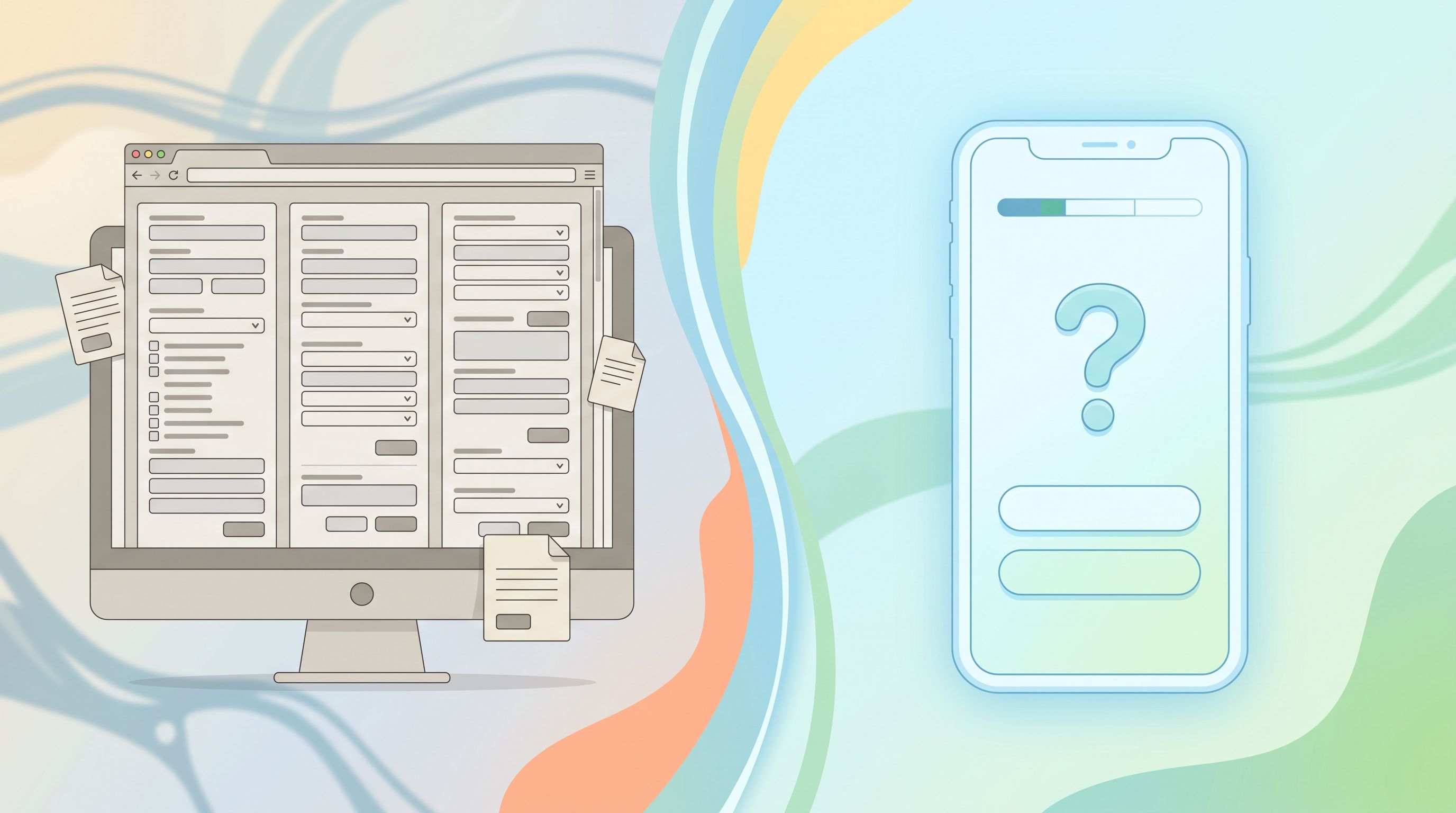
UX Patterns That Make Micro-Form Funnels Feel Effortless
Splitting a form into tiny steps won’t help if the experience feels choppy or confusing. These patterns keep the flow smooth.
1. Use Clear, Honest Progress Signals
People are more willing to continue when they know how far they’ve come and what’s left.
Options:
- "Step 1 of 4" text at the top
- A simple progress bar (no need for pixel-perfect accuracy; clarity matters more than math)
- Milestones (“You’re almost done—just contact details left.”)
Avoid:
- Fake progress (e.g., 10 steps disguised as 3)
- Sudden extra steps that appear without explanation
2. Make Each Question Feel Worth Answering
Each screen should answer: “Why am I being asked this?”
You can:
- Add microcopy beneath the label (“We use this to match you with the right specialist.”)
- Use conditional follow-ups only when relevant (“You mentioned hosting events—how many attendees do you expect?”)
- Keep options mutually exclusive and collectively clear (no overlapping choices that cause decision fatigue).
3. Minimize Repetition
Nothing breaks trust like being asked the same thing twice.
Use what you already know to:
- Prefill fields (email, name, company) when they reappear.
- Skip steps entirely when you have enough context.
This is especially powerful when your forms are used across multiple touchpoints (e.g., events, support, sales). A returning user shouldn’t feel like they’re starting from zero every time.
4. Match Theme and Tone to the Moment
A micro-form funnel is a sequence of micro-moments. The theme and tone should reflect that.
Examples:
- For an event RSVP flow, you might use a lively theme with bold colors and playful microcopy. Our post on Form UX for Events digs into how this pairs with real-time capacity tracking.
- For sensitive topics (mental health, finances), you’ll want a calmer, more neutral theme and carefully chosen language. Forms as Brand Safe Rooms covers patterns for this.
With Ezpa.ge, you can tune themes per form or per step while keeping data flowing into the same Sheets backend.
Connecting Micro-Form Funnels to Real Operations
A beautiful micro-form funnel that doesn’t change how your team works is just decoration.
To make these funnels operationally meaningful:
1. Define Outcomes Per Path
For each major branch in your funnel, decide:
- What should happen immediately after submission? (confirmation screen, calendar link, resource download)
- What should happen behind the scenes? (Slack notification, CRM update, task creation)
- What is the next human or automated touchpoint? (sales outreach, support reply, nurture email)
Example for a support intake micro-funnel:
- Step 1: "What do you need help with?" (Billing, Technical issue, Account access…)
- Step 2: Single follow-up question tailored to their choice
- Step 3: Contact details
Based on their answers, you can:
- Auto-tag the submission in Sheets (e.g.,
category = billing,priority = high). - Feed those tags into a triage model (see AI Triage in Forms for how to let models propose next steps while humans stay in control).
2. Use Sheets as Your Funnel Map
Once each step writes into Sheets, you can:
- Build a step-by-step funnel report: how many journeys start at step 1, reach step 2, complete step 3, etc.
- Slice by source, campaign, or persona (if you’re passing those in via URL parameters).
- Spot bottlenecks where people drop off or change their minds.
If you want to go deeper on this pattern, From Form to Funnel Map walks through turning Sheets into a visual map of every user path.
3. Iterate Without Rebuilding Everything
One of the biggest advantages of micro-form funnels is local experimentation:
- You can A/B test one question or one step’s theme without touching the rest of the flow.
- You can change copy, layout, or validation rules on a single screen and measure impact.
Because the journey is stitched together by IDs and URLs, your data model stays stable while the surface evolves.
Putting It All Together: A Simple Implementation Checklist
Here’s a concrete sequence you can follow to ship your first micro-form funnel with Ezpa.ge + Google Sheets:
-
Audit your existing long form.
- Highlight must-have vs. nice-to-have fields.
- Group questions by user decision or intent.
-
Design a 3–5 step journey.
- Step 1: Quick, high-signal question (intent, role, or email).
- Steps 2–4: Single-question screens that deepen context.
- Final step: Contact details + clear confirmation.
-
Define your journey ID strategy.
- Decide how you’ll generate and pass a
journey_idacross steps. - Set up hidden fields in each Ezpa.ge form to store it.
- Decide how you’ll generate and pass a
-
Create forms in Ezpa.ge.
- One multi-step form or multiple single-step forms chained via redirects.
- Apply themes that match your brand and the emotional tone of the flow.
-
Wire up custom URLs and redirects.
- Give each step a clear, memorable URL.
- Pass
journey_id, email, and any key context as query parameters.
-
Connect to Google Sheets.
- Send each form to its own tab.
- Build a master tab that joins rows by
journey_id. - Add columns for
funnel_step,completion_status, and any routing tags.
-
Define operational workflows.
- For each completion status, decide what happens next.
- Automate notifications, CRM updates, or email sequences as needed.
-
Launch, then watch the data.
- Monitor drop-off by step.
- Talk to a handful of users about where they felt friction.
- Iterate on one step at a time.
Summary
Micro-form funnels are more than just “multi-step forms.” They’re a way to:
- Turn long, intimidating questionnaires into short, conversational journeys.
- Preserve and even enrich context as people move through single-question screens.
- Keep your data coherent and actionable by using journey IDs, custom URLs, and a Sheets backbone.
- Align your form UX with how people actually make decisions—one small commitment at a time.
When you chain single-question flows thoughtfully, you don’t have to choose between high completion rates and rich, structured data. You get both.
Your Next Step
If you’re sitting on a long form that everyone internally hates—but no one has had time to fix—this is your moment.
Pick one high-impact flow:
- Your main demo request
- Your event RSVP
- Your support intake
Then:
- Break it into 3–5 single-question steps.
- Sketch the branching paths on paper.
- Rebuild it in Ezpa.ge with custom URLs and a connected Google Sheet.
You don’t need a full redesign or a new stack. You just need to ship one micro-form funnel and see how it changes completion, data quality, and team confidence.
From there, you can expand the pattern across your entire form OS—and turn every “fill out this form” moment into a guided, context-rich conversation.