Signals Over Segments: Using Lightweight Forms to Power Real-Time Personalization


Personalization used to mean one thing: segments.
You’d pick a few broad buckets—SMB vs. enterprise, new vs. returning, marketing vs. product—and wire every campaign, nurture, and onboarding flow around those categories. It was better than nothing, but it left a lot of value on the table.
Now, the teams that win aren’t just segmenting. They’re listening.
They treat every form fill, every field change, every click on a choice as a live signal—and they adjust the experience while the user is still there.
That’s what this post is about: how to use lightweight forms as always-on signal collectors that power real-time personalization across your funnels, without rebuilding your stack or waiting on engineering.
We’ll look at:
- Why signals beat static segments
- The specific kinds of signals your forms can capture
- How to design forms that are “signal-native” from day one
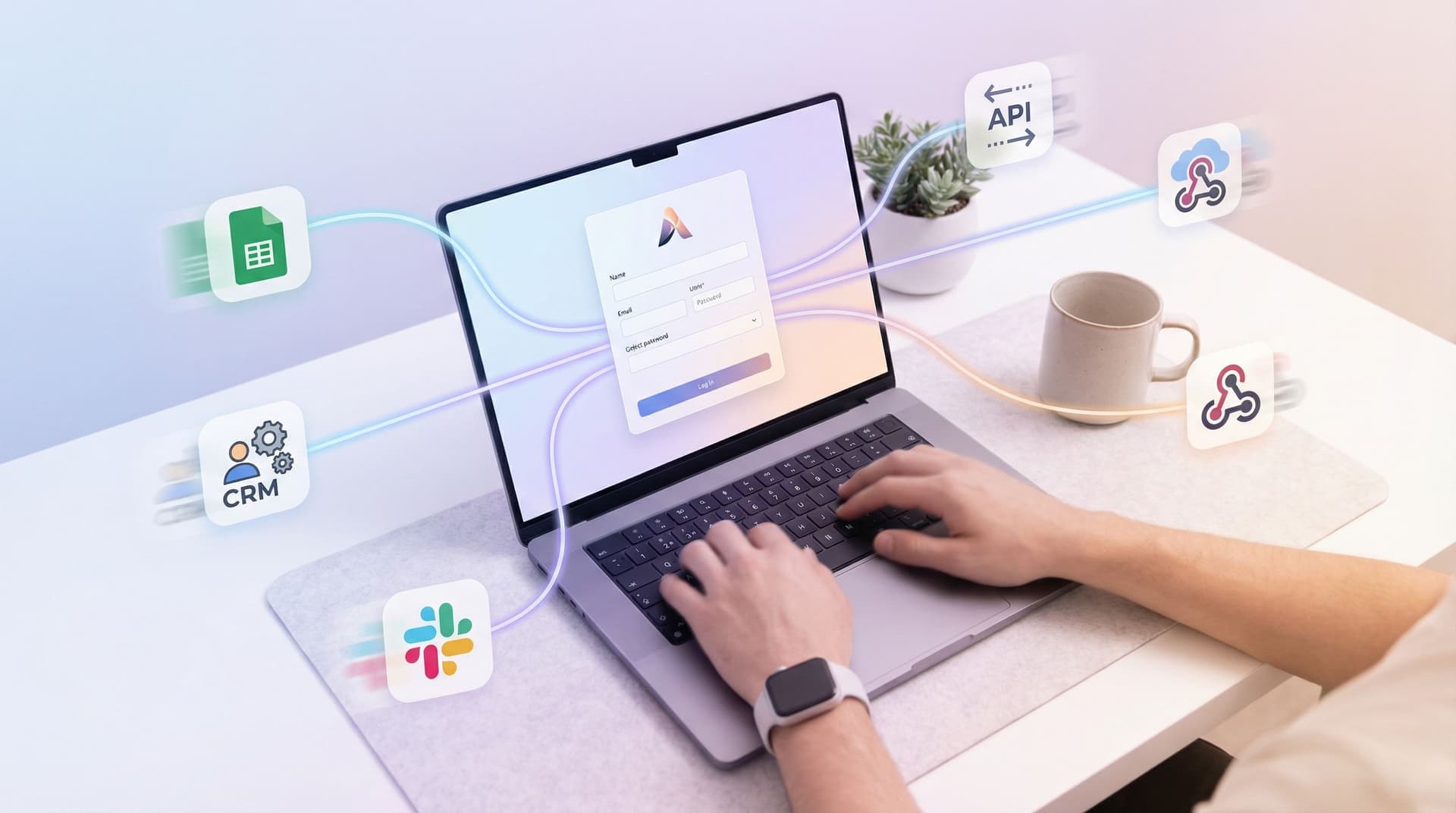
- Practical wiring patterns using tools like Ezpa.ge + Google Sheets
- Concrete examples you can ship this week
Why Signals Beat Static Segments
Segments are lagging indicators. Signals are live.
Static segments are usually:
- Coarse – "B2B SaaS" vs. "consumer" doesn’t tell you why someone is here.
- Stale – Lists get updated weekly or monthly, long after intent has changed.
- Opaque – No one remembers why someone is in a segment, just that they are.
Signals, on the other hand, are:
- Context-rich – “Evaluating tools for a 3-month rollout” is more useful than “mid-market company.”
- Time-bound – You know when someone told you something, not just that they did.
- Actionable – A single answer ("Need a demo this week") can trigger routing, scoring, and tailored follow-up.
Forms are the perfect place to collect those signals, because they sit right at the moment of intent:
- Someone is asking for help (support intake)
- Someone is raising their hand (demo request, waitlist)
- Someone is trying to get value (onboarding, configuration)
If you design your forms as signal engines instead of static questionnaires, you can:
- Shorten time-to-value for new users
- Route people to the right owner or experience instantly
- Improve conversion without adding more fields
- Feed better data into your CRM, analytics, and AI systems
For a deeper dive on how forms can sit at the center of your tools, see Forms as Signal Hubs: Connecting Google Sheets, CRMs, and Webhooks Without Engineering Help.
What “Lightweight Forms” Really Mean
“Lightweight” doesn’t mean simplistic. It means focused.
A lightweight form is:
- Short, but high-signal – Every field earns its place.
- Context-aware – It adapts to what someone has already told you.
- Easy to ship and change – No multi-week dev cycle to update a question.
Instead of trying to collect every possible detail up front, you:
- Ask the few questions that most strongly predict what should happen next.
- Use those answers to shape the experience in real time.
- Capture everything in a structure your systems (and humans) can use.
Examples of high-signal fields:
- "What brought you here today?" (with 3–5 intent options)
- "What’s your timeline?" (this week / this month / this quarter / just exploring)
- "How many people will use this?" (ranges instead of open text)
- "What best describes you?" (role or use case, not job title)
With tools like Ezpa.ge, you can turn these into responsive, branded forms with custom URLs and real-time Google Sheets syncing, so every new signal is instantly available to your team.
From Form Fields to Live Signals
The shift from segments to signals starts with how you design your questions.
1. Decide Which Signals Actually Matter
Before you add or rearrange a single field, answer this:
What are the 3–5 answers that should change what happens next for this user?
Common categories:
- Intent – Are they here to buy, learn, troubleshoot, or explore?
- Urgency – Do they need help now or later?
- Fit – Are they within your target size, industry, or use case?
- Risk – Are they dealing with sensitive data, compliance, or high stakes?
- Channel – Did they come from paid, partner, referral, or product?
For each category, define:
- The question you’ll ask
- The answer options you’ll offer
- The actions each answer should trigger
Example (demo request form):
- Question: “How urgent is this project?”
- Options: "Need a call this week", "Exploring for this quarter", "Just researching"
- Actions:
- This week → auto-route to a senior rep, show calendar immediately
- This quarter → assign to SDR, enroll in nurture sequence
- Just researching → show resource library, slower follow-up
2. Turn Questions into Structured Choices
Open text feels flexible, but it’s hard to act on in real time.
Whenever possible, prefer:
- Radios or buttons over free text
- Short, distinct options over long, overlapping ones
- Ranges ("1–10", "11–50") over exact numbers when precision doesn’t change the outcome
This doesn’t just help your systems—it helps your users. Clear options reduce cognitive load and build trust, especially on mobile. If you’re designing for small screens or sensitive data, Trust at First Tap: Mobile Form Patterns That Make Users Comfortable Sharing Sensitive Data has more detailed patterns.
3. Use Conditional Logic to Respond in the Moment
Once you know the signals you care about, use conditional paths to:
- Show or hide follow-up questions based on earlier answers
- Change copy or guidance to match someone’s context
- Offer different next steps (calendar, docs, chat) without leaving the form
Patterns that work well:
- If someone selects "I’m a partner", reveal a short partner-specific section.
- If someone picks "Handling health or financial data", show a brief note on compliance and data handling.
- If someone chooses "Just exploring", keep the rest of the form minimal and point them to a resource hub after submit.
With Ezpa.ge, you can build these conditional flows visually, so non-technical teams can ship and iterate without opening a ticket.
For deeper examples of using conditional paths to replace internal tools, see From Form to Workflow Engine: Designing Conditional Paths That Replace Internal Tools.
Wiring Signals Into Real-Time Personalization
Capturing signals is only half the story. The magic happens when those signals change the experience—immediately.
Here are practical ways to wire lightweight forms into real-time personalization, using tools you probably already have.
1. Personalize the Confirmation State
The easiest place to start is after submit.
Instead of a generic “Thanks, we’ll be in touch,” use the signals you just collected to:
- Change the headline ("You’re all set for a call this week" vs. "Here’s a guide to explore on your own")
- Adjust the CTA (book a call, explore docs, join a webinar, start a trial)
- Surface relevant resources (case studies, templates, pricing)
Examples:
- High-urgency lead:
- Show a calendar embed or a “Call us now” option.
- Confirm expected response time ("You’ll hear from us within 2 business hours").
- Self-serve explorer:
- Link to a curated getting-started guide.
- Offer a low-friction way to ask questions later (chat, email, or a short follow-up form).
Because Ezpa.ge supports custom URLs, you can even send different audiences to different confirmation URLs, each tailored to their intent and channel.
2. Route to the Right Owner Instantly
Signals like intent, size, and urgency should determine who handles a submission—not a shared inbox.
A simple pattern:
- Form responses sync in real time to Google Sheets.
- A few columns use formulas or lightweight scripts to:
- Score or categorize the lead (e.g., "Enterprise + urgent" vs. "SMB + exploring").
- Assign an owner based on territory, vertical, or capacity.
- Integrations or webhooks push that record into your CRM, support tool, or Slack.
The result:
- Urgent, high-fit leads skip the queue.
- Lower-intent leads still get thoughtful, appropriate follow-up.
- Internal teams stop asking "Who’s got this one?"
If you want to go further, you can layer AI on top of those signals to auto-prioritize leads before they hit your CRM—see AI Scoring at the Edge: Using Form Responses to Auto-Prioritize Leads Before They Hit Your CRM.
3. Tailor Onboarding Flows Based on Signals
Onboarding is where signals have the highest leverage.
Use your first-touch form (signup, waitlist, or onboarding survey) to:
- Ask 3–5 high-signal questions about role, use case, and goals.
- Store those answers somewhere your product and messaging can read.
- Use them to adjust:
- The first-run checklist (e.g., “Invite your team” vs. “Connect your data”)
- The empty states (examples and templates that match their role)
- The emails they receive in the first 7–14 days
Example signals → onboarding personalization:
- Role: “Marketer” → show campaign templates; “Ops” → show workflow templates.
- Goal: “Automate intake” → highlight routing and approvals; “Improve reporting” → highlight analytics.
- Timeline: “Launching this month” → more frequent, hands-on guidance; “Just exploring” → slower, educational cadence.
With a form tool that supports themes and custom URLs, you can even run multiple onboarding variants from the same underlying structure—each one visually and contextually tailored to a specific audience.
Measuring Whether Your Signals Are Working
You don’t need a heavy analytics stack to see if your signal strategy is paying off. A lightweight framework is enough.
Track at least three layers:
-
Form performance
- Completion rate
- Drop-off by field or step
- Time to complete
-
Signal quality
- Distribution of key answers (are options balanced or skewed?)
- Correlation with downstream outcomes (e.g., close rate, activation)
- Consistency over time (do definitions hold up quarter after quarter?)
-
Personalization impact
- Time-to-first-value (how quickly people reach their “aha” moment)
- Response and resolution times (for routed requests)
- Conversion lift for personalized vs. generic paths
Start simple:
- Add a "Source" and "Variant" field (hidden or URL-based) so you can compare.
- Use Sheets to calculate basic metrics by signal (e.g., close rate by timeline).
- Iterate questions and options every few weeks based on what you learn.
If you want a concrete structure for this, Baseline to Benchmarks: Building a Lightweight Form Analytics Framework Your Team Will Actually Use walks through a practical setup.
Patterns You Can Ship This Week
You don’t need a full overhaul to move from segments to signals. Here are a few low-lift patterns you can launch quickly with Ezpa.ge.
1. Upgrade Your Demo Request Form
Replace a generic form with one that:
- Adds 3–4 high-signal questions (intent, urgency, role, team size)
- Uses conditional logic to:
- Ask one extra question only for partners or agencies
- Show a compliance reassurance note when someone selects a regulated industry
- Routes urgent, high-fit leads to a dedicated Slack channel via webhook
- Shows a tailored confirmation message with a calendar embed when urgency is high
2. Build a Signal-Rich Support Intake
Instead of “Describe your issue,” design a support form that:
- Asks "What are you trying to do?" with clear, task-based options
- Uses those options to:
- Suggest relevant help articles before submit
- Tag the ticket with the right category and priority
- Captures account tier or plan via a hidden field or lookup
- Routes high-risk issues (billing, security) to a separate queue
Over time, these signals help you spot patterns and build self-serve flows—see From Form to FAQ: Turning Repetitive Support Questions into Self-Serve Flows.
3. Run a Lightweight Onboarding Survey
For new customers or trial users:
- Send a short Ezpa.ge form with:
- Role
- Primary goal
- Timeline
- One optional open-ended question ("Anything else we should know?")
- Sync responses to Google Sheets and your CRM.
- Use those signals to:
- Personalize your first 3–5 onboarding emails
- Segment in-product guides or tooltips
- Decide which accounts should get proactive human outreach
Because the form is lightweight and decoupled from your core app, you can iterate questions without shipping a new product build.
Bringing It All Together
Signals over segments is not about throwing out everything you’ve built. It’s about making your forms do more of the work.
When you:
- Ask fewer, sharper questions
- Treat each answer as a live signal
- Wire those signals into routing, onboarding, and messaging
- Measure impact with a lightweight analytics loop
…you turn every form into a personalization engine.
And with a tool like Ezpa.ge—where you can design responsive, on-brand forms with custom URLs and real-time Google Sheets syncing—you can do it without waiting on a redesign or a new internal tool.
Where to Start
If you’re not sure how to apply this to your own stack, start here:
- Pick one high-intent form.
- Demo request, onboarding, or support intake.
- Identify 3–5 signals that should change what happens next.
- Redesign the form to:
- Ask for those signals with structured choices
- Use conditional logic for follow-up questions
- Show a tailored confirmation state
- Sync to Google Sheets and set up basic routing and analytics.
- Review results after 2–4 weeks and refine questions and actions.
You don’t need a perfect personalization strategy to begin. You just need one form that listens better than it did last month.
Ready to Turn Your Forms Into Signal Engines?
If your forms still treat every visitor like a row in a static segment, you’re leaving value on the table.
Ezpa.ge makes it simple to:
- Ship lightweight, high-signal forms in minutes
- Use themes and custom URLs to match context and campaigns
- Sync every response into Google Sheets in real time
- Layer on routing, scoring, and personalization without engineering help
Pick one form. Redesign it around signals. Ship it.
Then watch what happens when your forms stop just collecting data—and start powering real-time personalization across everything you do.