Forms as Signal Hubs: Connecting Google Sheets, CRMs, and Webhooks Without Engineering Help

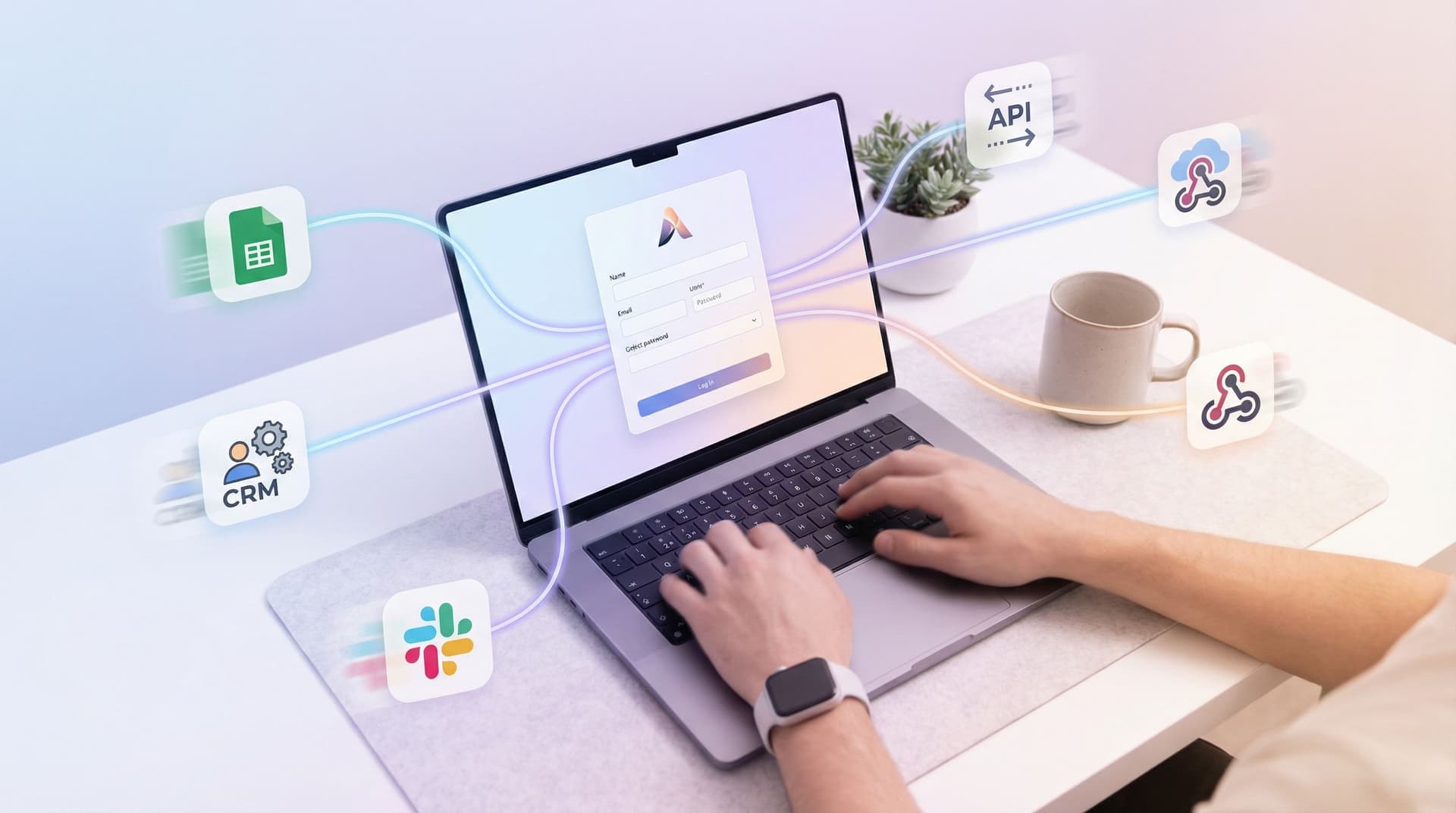
Most teams already have the tools they need: a CRM, a few spreadsheets, maybe a marketing platform, and a support inbox. What they don’t have is a clean way to connect all of it without opening an engineering ticket.
That’s where forms become more than “data capture.” They become signal hubs—the place where customer intent, internal operations, and automation all meet.
With tools like Ezpa.ge, you can:
- Build fully branded forms with custom URLs
- Sync responses in real time to Google Sheets
- Push structured data into your CRM
- Trigger webhooks to kick off downstream workflows
All without code, and without waiting for “when engineering has time.”
This post is about how to design forms as signal hubs, wire them into Sheets, CRMs, and webhooks, and keep the whole thing maintainable as you grow.
Why Forms Make Great Signal Hubs
A “signal hub” is any surface where three things are true:
- High intent – People don’t fill out forms casually. If they’re giving you time and data, they want something.
- Structured inputs – Unlike free-form email, forms give you predictable fields you can route, score, and automate.
- Clear next steps – Every submission should trigger something: a follow-up, an assignment, a record update.
Forms sit at the intersection of:
- Acquisition – Demo requests, pricing inquiries, waitlists
- Customer success – Health checks, QBR prep, renewal signals
- Support – Issue intake, bug reports, feature requests
- Internal ops – Access requests, approvals, partner onboarding
When you treat each of those forms as a hub instead of a dead-end inbox, you unlock:
- Faster response times – Submissions route directly to the right owner or queue.
- Cleaner data – Every response lands in the same structures (Sheets, CRM, etc.).
- Better prioritization – You can score and segment before anything hits your CRM, especially when you pair with patterns from AI Scoring at the Edge.
- Less manual work – Webhooks and automations take care of repetitive follow-up.
The Core Stack: Forms → Sheets → CRM → Webhooks
You don’t need a giant automation platform to get leverage. You need a clear backbone.
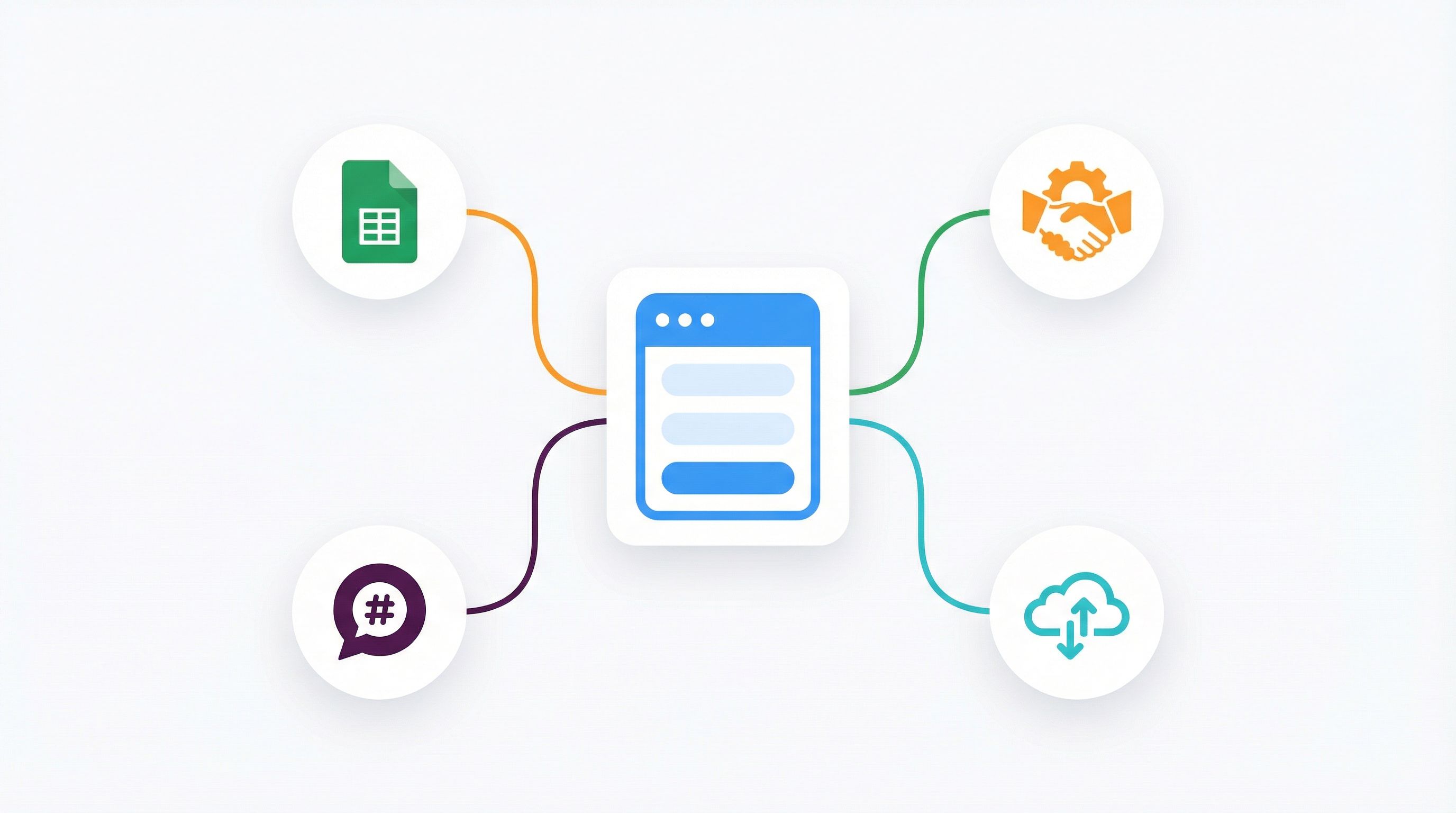
A practical, low-friction stack looks like this:
- Form layer – Ezpa.ge (or similar) as the front door
- Data backbone – Google Sheets as the live, human-readable database
- System of record – Your CRM (HubSpot, Salesforce, Pipedrive, etc.)
- Automation fabric – Webhooks connecting into tools like:
Why Google Sheets in the middle?
- It’s familiar for non-technical teams.
- It’s easy to audit and debug.
- It can power lightweight analytics and playbooks (see From Form to Playbook).
Ezpa.ge’s real-time Sheets syncing means every new submission becomes a row you can:
- Filter and sort by priority
- Enrich with formulas or lookups
- Use as a launchpad for routing and follow-up
Step 1: Design the Form Around Signals, Not Just Fields
Most forms are built around “what we want to ask.” Signal-hub forms are built around what we need to know to act automatically.
Start with three questions:
-
What decision should this form enable?
- Who should own this submission?
- How quickly should we respond?
- What path should they follow next?
-
What signals do we need to make that decision?
- Company size, role, budget, use case
- Product tier, plan, lifecycle stage
- Severity, urgency, category (for support)
-
What’s the minimum we can ask while still making a good decision?
- Shorter forms convert better
- But you need enough structure for routing, scoring, and automation
Translate decisions into fields
For each decision you want to automate, create a field that makes it easy:
-
Routing by segment
- Field: “What best describes you?” (dropdown)
- Options:
Enterprise,Mid-market,Startup,Individual
-
Prioritization by urgency
- Field: “How urgent is this?” (radio buttons)
- Options:
Critical,High,Normal,Low
-
Path selection
- Field: “What are you here to do?” (radio buttons)
- Options:
Book a demo,Get support,Become a partner
These become the if/then switches that drive your webhooks and CRM logic later.
If you want to go deeper on question design—especially for AI-driven scoring and routing—pair this with AI-Aware Question Design.
Step 2: Wire Forms to Google Sheets as Your Live Log
Once your form is designed around signals, connect it to a dedicated Google Sheet.
Practical setup tips:
-
One form → one primary Sheet
- Avoid spraying the same form into multiple Sheets unless you have a strong reason.
-
Use a stable column schema
- Each form field gets its own column.
- Add a few operational columns that don’t come from the form:
OwnerStatusSLA DeadlinePriority ScoreSynced to CRM?(Yes/No)
-
Protect formulas and headers
- Lock header rows and formula columns so no one accidentally overwrites them.
-
Add lightweight analytics views
- Create filtered views for:
New & UnassignedHigh PriorityOverdue SLA
- This is the foundation of the kind of lightweight analytics framework described in Baseline to Benchmarks.
- Create filtered views for:
Enrich data in Sheets before it hits your CRM
Use formulas or add-ons to enrich each row:
- Company info – Use tools like Clearbit or Apollo.io via integrations.
- Geo and time zone – Infer from country/region fields.
- Lifecycle stage – Map form answers to tags or stages.
Because Ezpa.ge syncs in real time, your Sheet becomes a live operations board that both humans and automations can rely on.
Step 3: Push the Right Data into Your CRM
Your CRM is still your long-term source of truth for leads, contacts, and accounts. The goal is to send clean, structured data from your form/Sheet combo into the CRM with as little manual work as possible.
Decide what belongs in the CRM
Not every form submission needs to become a full CRM record.
Create simple rules like:
-
Yes, send to CRM:
- Demo requests
- Pricing inquiries
- High-intent partner applications
-
Maybe, depending on signal:
- Newsletter signups (only if they match ICP)
- Event registrations
-
No, keep in Sheets only:
- Internal ops requests
- One-off surveys and research
You can implement these rules using:
- A
Should Sync to CRM?column in Sheets (Yes/No) - Automations in Zapier/Make that check this column before creating/updating records
Map fields carefully
When you connect your form → Sheets → CRM, spend time on field mapping:
-
Standard fields
Email→ Contact EmailCompany→ Account NameJob Title→ Title
-
Custom fields for routing/scoring
Use Case→ Custom fieldTeam Size→ Custom fieldUrgency→ Custom field
These custom fields are what your CRM workflows will use to:
- Assign owners
- Set SLAs
- Drop contacts into the right sequences or journeys
If you’re already thinking about auto-routing and SLAs, you’ll get extra mileage by combining this setup with the patterns in From Form Fill to Auto-Routing.
Step 4: Use Webhooks to Trigger Real Work
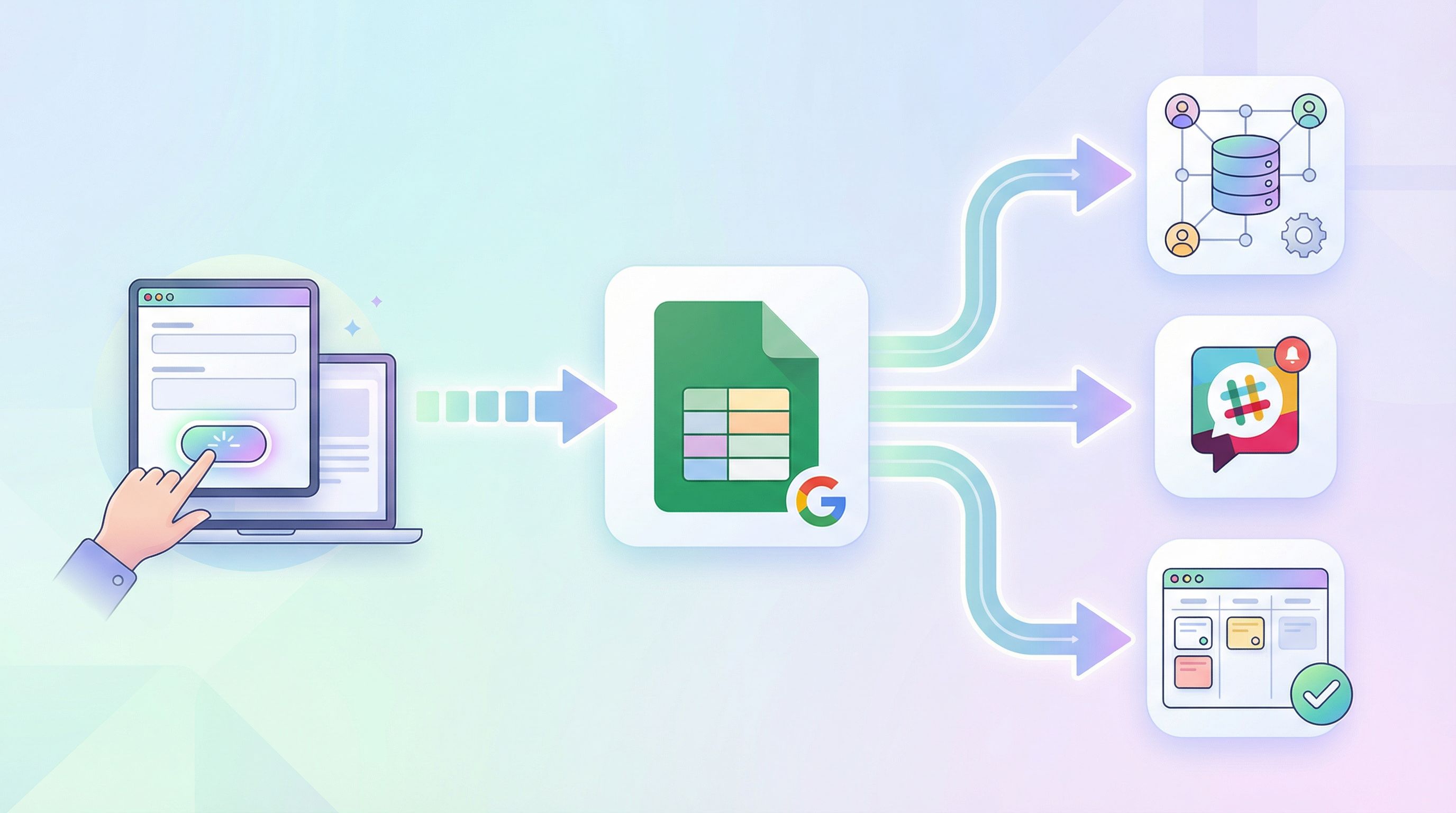
Google Sheets and CRMs are great for storing data. Webhooks are how you turn data into action.
A webhook is simply a URL your form or automation tool calls whenever something happens—like “new response submitted” or “row updated.”
With Ezpa.ge, you can:
- Trigger a webhook on each new submission
- Include all form fields in the payload
- Point that webhook at tools like Zapier, Make, or your own endpoint
Common webhook-driven patterns
Here are patterns non-technical teams can run with minimal setup:
-
Instant Slack alerts for high-priority submissions
- Condition:
Urgency = CriticalORCompany Size > 500 - Action: Post a rich Slack message to
#priority-leadswith key fields and a link to the Sheet row.
- Condition:
-
Auto-create deals or tickets
- Condition:
What are you here to do? = Book a demo - Action: Create a Deal in HubSpot or an Opportunity in Salesforce, assign based on territory or segment.
- Condition:
-
Kick off onboarding checklists
-
Send personalized follow-up emails
Keep webhooks debuggable
To avoid creating a black box:
-
Log webhook events in a “Log” tab in your Google Sheet:
- Timestamp
- Event type (Created, Updated, Failed)
- Target (CRM, Slack, etc.)
- Status (Success/Failed)
- Error message (if any)
-
Start with one or two critical automations and expand from there.
-
Document your flows in a simple diagram or shared doc so new teammates can understand what’s happening.
Step 5: Make It Maintainable for Non-Engineers
A signal hub is only useful if it doesn’t collapse under its own complexity.
Design your setup so a new ops or marketing teammate can understand and adjust it within an hour.
Use naming and structure as guardrails
-
Consistent naming
- Forms:
Channel – Purpose – Audience(e.g.,Website – Demo Request – Prospects) - Sheets:
Form Name – Responses - Automations:
Form Name – Trigger – Action(e.g.,Demo Request – New Row – Create HubSpot Deal)
- Forms:
-
Single source of truth per flow
- One primary Sheet per form
- One main automation per “type” of action (e.g., one flow that handles all CRM sync for that form)
Build safe knobs for iteration
Give non-technical teammates clear knobs they can turn without breaking everything:
- A
Paused?column in Sheets that, when set toYes, prevents CRM sync or follow-up. - A
Routing Ownertab where they can update mapping rules (e.g., Territory → Owner). - A
Priority Thresholdcell that your scoring formulas reference.
This lets you evolve your workflows over time—new owners, new segments, new SLAs—without rewriting automations.
Real-World Use Cases You Can Ship This Week
Here are a few concrete patterns you can build with Ezpa.ge, Google Sheets, your CRM, and webhooks—no engineering required.
1. High-Intent Sales Intake
Goal: Get high-intent leads from form fill to booked meeting in under an hour.
Signals to capture:
- Company size
- Role
- Use case
- Urgency
- Time zone
Flow:
- Ezpa.ge form with branded theme and custom URL
- Real-time sync into
Sales – Demo Requests – ResponsesSheet - Webhook → Zapier:
- Create/Update Contact + Deal in CRM
- Assign owner based on territory
- Post to
#sales-new-leadsin Slack - Send personalized confirmation email with a scheduling link
2. Support Intake with Auto-Routing
Goal: Reduce “where does this go?” triage and get issues to the right team.
Signals to capture:
- Issue category
- Severity
- Customer plan
Flow:
- Ezpa.ge support form embedded in your help center
- Sync to
Support – Intake – ResponsesSheet - Webhook → Make:
- If
Plan = Enterprise, create ticket in priority queue - If
Category = Billing, assign to Finance - If
Category = BugandSeverity = Critical, page on-call via Slack
- If
3. Customer Success Health Check
Goal: Spot renewal risk early and trigger proactive outreach.
Signals to capture:
- NPS or satisfaction score
- Recent wins and blockers
- Product areas used/not used
Flow:
- Ezpa.ge form sent before QBRs
- Responses synced to
CS – Health Checks – Responses - Sheet calculates a
Health Scoreand labels accounts asHealthy,Watch,At Risk - Webhook → n8n:
- Tag accounts in CRM
- Create follow-up tasks for CSMs
- Trigger nurture sequences for underused features
For more depth on how CS teams can use forms + Sheets, see Forms for Customer Success.
Bringing It All Together
When you treat forms as signal hubs instead of static questionnaires, three things change:
- Your forms get sharper – Every question has a job: route, score, or personalize.
- Your tools get connected – Sheets, CRMs, and webhooks work together instead of in silos.
- Your team gets leverage – Non-technical teammates can ship and evolve workflows without waiting on engineering.
You don’t need to rebuild your stack. You just need to:
- Design forms around the decisions you want to automate.
- Use Google Sheets as your live log and enrichment layer.
- Push clean, structured data into your CRM.
- Use webhooks to trigger the work you used to do manually.
- Wrap it all in naming, structure, and documentation that non-engineers can own.
Your Next Step
Pick one form that matters this quarter:
- Your main demo request
- Your support intake
- Your partner application
Then:
- Rebuild it in Ezpa.ge with the signals you actually need.
- Connect it to a dedicated Google Sheet with a few operational columns.
- Set up a single webhook-driven automation—just one—that turns each new row into a meaningful action.
You don’t need a full “automation strategy” to start. You need one form, one Sheet, and one workflow that makes life meaningfully better for your team.
From there, you can layer on scoring, routing, and analytics—using patterns we’ve covered across Form & Function—to turn your forms into the signal hubs your operations deserve.
Ready to see what that looks like in practice? Open Ezpa.ge, spin up a new form, point it at a Sheet, and ship your first connected workflow before your next meeting ends.