Form UX for AI Products: Onboarding Users While Quietly Capturing Training Data


AI products live and die on two things:
- How quickly new users experience real value.
- How well the system learns from every interaction.
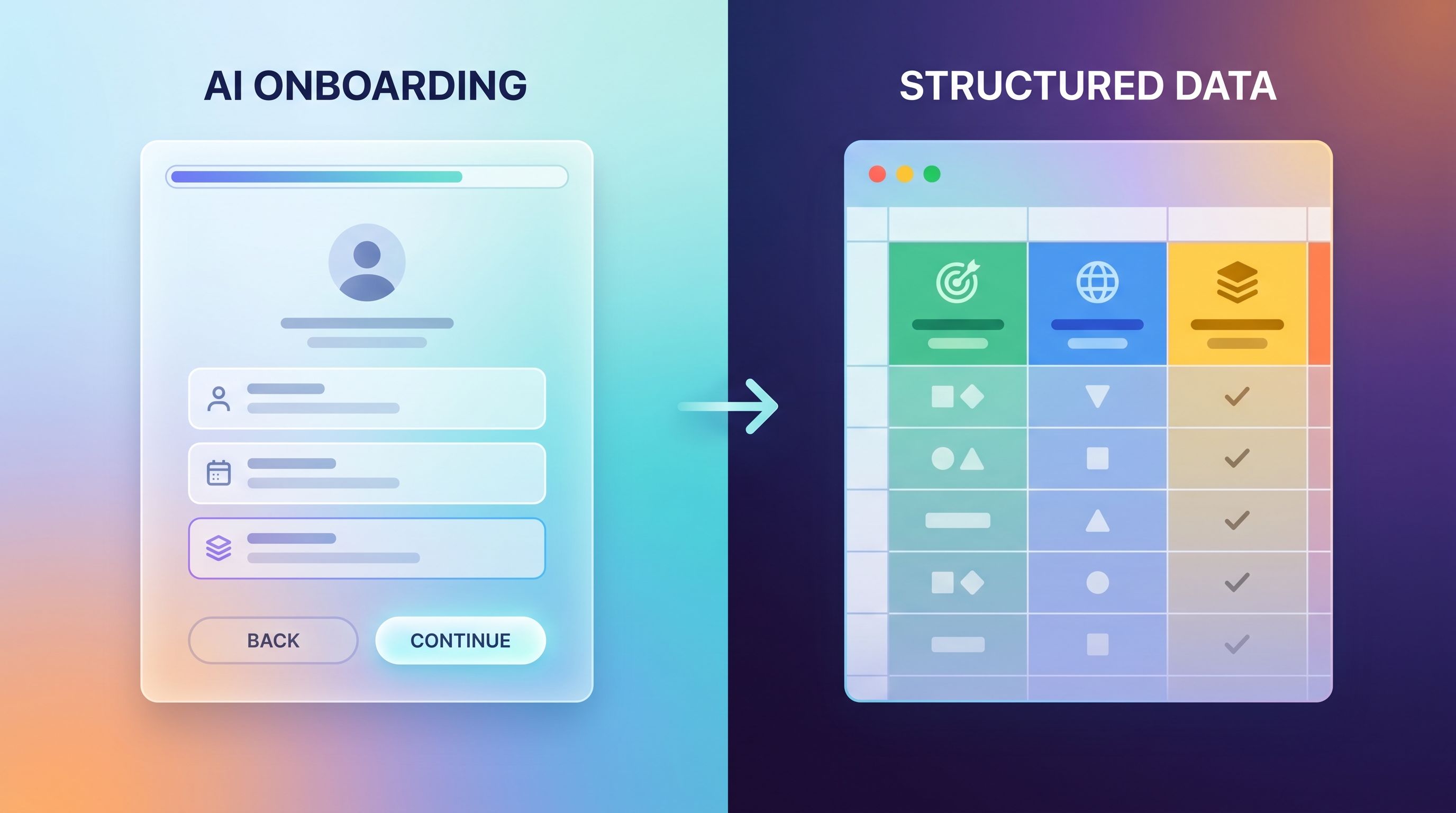
Onboarding forms sit right at that intersection. They decide what your model knows about a user on day one, how well you can personalize the experience, and what training data you’ll have six months from now.
Done well, your forms feel like a helpful conversation: short, relevant, and clearly connected to a better product experience. Under the hood, they’re also feeding high-quality signals into your models and your data stack.
Done poorly, they feel like surveillance or bureaucracy—and users either abandon, lie, or opt out entirely.
This post is about designing onboarding and in-product forms for AI products so that:
- Users feel guided, not mined.
- You collect clean, labeled training data as a side effect of helping them.
- You stay on the right side of trust, ethics, and compliance.
We’ll focus on patterns you can implement quickly with tools like Ezpa.ge—using custom themes, URLs, logic, and real-time Google Sheets syncing to turn forms into a quiet training data engine.
Why AI Onboarding Forms Matter More Than You Think
For most AI products, onboarding does three jobs at once:
- Segmenting users (role, industry, use case).
- Configuring the model (defaults, guardrails, context windows).
- Seeding your training and evaluation data (prompts, goals, success/failure labels).
If your forms only do #1, you’re leaving a lot of value on the table.
The upside of well-designed AI onboarding forms
Thoughtful form UX can:
- Shorten time-to-value. Ask a few high-signal questions that let you skip generic tours and drop users straight into a relevant flow.
- Improve model performance. Capture structured signals (goals, constraints, domain) that make prompts and outputs more accurate from day one.
- Generate labeled training data. Every field, choice, and follow-up can become a label your ML team can actually use.
- Reduce future friction. Good onboarding sets you up for progressive profiling that doesn’t annoy people later.
- Build trust with transparency. Clear, contextual explanations of how data is used make it easier to ask for more over time.
The risk of “quiet” data collection
There’s a line between:
- Quietly capturing training data as a natural side effect of helping the user, and
- Secretly harvesting data in ways that feel deceptive or coercive.
Regulators are already paying attention to AI training practices and consent; the FTC has explicitly warned against expanding data use (for example, into AI training) without clear permission. That’s not just a legal risk—it’s a brand risk.
The goal isn’t to hide your training data strategy. It’s to design it into the experience so users understand what’s happening, why it benefits them, and how to control it—without being forced through a wall of legalese.
Principle 1: Make Every Question Do Double Duty
If you’re going to ask a question during onboarding, it should:
- Improve the immediate experience (better defaults, smarter suggestions).
- Improve the system over time (be useful as a feature, label, or segment).
Before you add or keep any field, ask:
“How does this help the user in their first 5 minutes?”
“How does this help us learn or train in the next 6 months?”
If you can’t answer both, it probably doesn’t belong in onboarding.
High-leverage questions for AI products
Here are question patterns that usually pull their weight:
-
Goal framing
- “What are you primarily hoping this AI will help you do?” (pick 1–3 options)
- Use it to: personalize empty states and examples; train models per intent; build evaluation sets per goal.
-
Domain & constraints
- “Which domain will you use this for most?” (e.g., marketing, legal, support, engineering)
- “Any hard constraints we should respect?” (e.g.,
- Must not send external emails
- Cannot store PII
- Must follow specific style guide)
- Use it to: select specialized models or prompts; mask certain actions; create training segments per domain.
-
Experience level
- “How familiar are you with AI tools like this?” (new / comfortable / power user)
- Use it to: pick onboarding depth; later analyze how experience level affects success; tune explanations.
-
Team vs. individual
- “Are you setting this up for just yourself or for a team?”
- Use it to: route into collaboration features; treat team admins as higher-signal training data; prioritize features.
Because Ezpa.ge syncs submissions directly into Google Sheets, these fields become durable columns you can reuse for:
- Training/eval dataset filters
- Sheets-native scoring models
- Cohort analysis of model performance
Principle 2: Start Narrow, Then Layer in Progressive Profiling
Your first-run form should feel almost too short. The rest of what you want to know can be gathered over time, in context.
What to ask at first touch
On signup or first-run, focus on:
- Identity & contact basics (name, email, role).
- Primary goal / use case.
- One or two constraints that materially change how the AI should behave (compliance, tone, language).
Everything else can wait until the user has:
- Seen a helpful result
- Completed a small task
- Indicated they’re sticking around
Where to add depth without annoyance
Progressive profiling works best when every extra question is:
- Contextual – triggered by what the user just did.
- Reciprocal – clearly tied to a better outcome right now.
- Short – 1–3 fields, not a second full signup.
Examples:
-
After a user generates their first output:
- “Was this close to what you needed?” (Yes / Almost / Not really)
- If “Almost” or “Not really,” follow with: “What should we change next time?”
- You’ve just captured a labeled training example: prompt + output + satisfaction + free-text correction.
-
After 3–5 active sessions:
- “Want us to tune this workspace to your company?” (Yes / Later)
- If Yes, ask for industry, team size, a sample doc or URL.
- That’s gold for both personalization and model training—but only after you’ve earned some trust.
Our post on progressive profiling that doesn’t annoy returning users goes deep on sequencing and logic patterns you can reuse here.
How Ezpa.ge helps
- Logic & branching let you show follow-up fields only when a user’s answer justifies them.
- Custom URLs let you create micro-flows (like a “Tune my workspace” form) that feel like part of the product, not separate surveys.
- Real-time Sheets sync means every micro-form becomes another training dataset tab, not a scattered tool.
Principle 3: Design Consent as UX, Not Just Legal Copy
If your AI product uses user content or metadata as training data, you need more than a privacy policy link.
People increasingly expect:
- Plain-language explanations of how their data is used.
- Real choices about training and personalization.
- Easy ways to change their mind later.
Patterns that earn trust
You don’t need a 600-word modal. You need a few clear, boring-in-a-good-way patterns:
-
Inline microcopy near key fields
- Under a free-text input:
- “We use anonymized versions of your prompts to improve suggestions. You can change this anytime in Settings.”
- Under a file upload:
- “Uploaded files are stored securely and won’t be used to train our models unless you opt in below.”
- Under a free-text input:
-
Simple toggles with immediate value framing
- A short section near the end of onboarding:
- Help us improve (optional)
[ ]Use my anonymized prompts and feedback to improve this AI for me and others.- You can turn this off anytime in Settings ▸ Privacy.
- Help us improve (optional)
- A short section near the end of onboarding:
-
Settings that actually match what you promised
- A dedicated “AI & Data” section in account settings:
- Training data toggle
- Export/delete options
- Short explanations, not just links.
- A dedicated “AI & Data” section in account settings:
-
Consistency across surfaces
- The same consent choices should appear (or be referenced) in:
- Onboarding forms
- In-product prompts that feel like forms
- Support chats, feedback tools, and uploads
- The same consent choices should appear (or be referenced) in:
Design-wise, treat consent like any other high-stakes interaction:
- Use clear hierarchy (titles, bullets, bold for key phrases).
- Avoid dark patterns (pre-checked boxes, confusing double negatives).
- Keep the choice separate from the primary CTA so “Continue” doesn’t secretly mean “Train on my data forever.”
If you want a deeper dive on minimal, trustworthy patterns around sensitive data, our post on secure-by-default form design is a good companion.

Principle 4: Structure Inputs So They’re Actually Trainable
From a model’s perspective, free-text fields are powerful but noisy. For training and evaluation, structured inputs are your friend.
Turn vague text into labeled features
Where you can, pair text with structure:
-
Text + category
- Field 1: Describe what you want the AI to help with today. (free text)
- Field 2: Which best describes this? (Drafting / Editing / Brainstorming / Analysis / Other)
-
Text + quality rating
- After generating an output: “How helpful was this?” (1–5)
- Optional: “What would make it better?” (free text)
-
Text + constraints
- Checkboxes for tone, length, audience, or risk level.
In Sheets, that gives you:
- A prompt column (text)
- An outcome column (text or link)
- Multiple label columns (intent, tone, satisfaction, domain)
That’s the difference between “we have logs” and “we have a training dataset.”
Use micro-forms as labeling tools
You don’t have to label everything yourself. You can:
- Use button-only micro-forms to capture quick labels:
- “Was this summary too long, too short, or about right?” (three buttons, one click, one row of labeled data).
- Embed tiny Ezpa.ge forms inside your product as feedback chips.
- Route those clicks straight into Sheets, then into your evaluation or training pipelines.
Our post on signals in single clicks covers how to design these micro-forms so they feel like part of your UI, not separate surveys.
Principle 5: Orchestrate Forms Across the Whole Journey
For AI products, onboarding isn’t a single form. It’s a sequence of small moments where you:
- Clarify intent
- Capture constraints
- Measure success
- Ask for deeper access when you’ve earned it
A sample journey for an AI assistant
Here’s how you might orchestrate Ezpa.ge forms from first touch through expansion:
-
Signup form (public URL)
- Fields: name, work email, role, primary goal, AI familiarity.
- Output: user record in Sheets with initial segment labels.
-
First-run configuration (embedded form)
- Fields: domain (marketing, support, product), tone presets, languages, key constraints.
- Output: workspace config + training/eval tags.
-
Session feedback micro-form (in-product)
- After 3–5 actions:
- “Are we on the right track?” (Yes / Almost / Not really)
- If “Almost/Not really,” one follow-up field.
- Output: labeled success/failure events.
- After 3–5 actions:
-
Data-connection upgrade form (custom URL)
- Triggered when user hits a ceiling (e.g., limited context):
- “Connect your docs so we can answer questions about your content.”
- Fields: data sources, permissions, org-level consent toggle.
- Output: structured record of data sources and consent.
- Triggered when user hits a ceiling (e.g., limited context):
-
Periodic calibration form (email or in-app link)
- Quarterly or after major feature launches:
- “Help us tune this for your team’s current priorities.”
- Fields: updated goals, workflows, satisfaction.
- Output: time-series labels for how needs and success change.
- Quarterly or after major feature launches:
Because all of these can share a consistent theme and live on custom URLs, they feel like one product, not a mess of third-party forms.
If you’re already running targeted campaigns (for example, onboarding specific accounts or segments differently), you can reuse patterns from forms for account-based marketing to align AI onboarding with your go-to-market strategy.
Principle 6: Close the Loop Between Forms, Sheets, and Models
Collecting great data is only half the job. You also need a simple way to:
- Review it regularly
- Turn it into decisions about prompts, models, and UX
- Ship small improvements fast
Make your Sheets a weekly ritual, not a graveyard
Because Ezpa.ge syncs to Google Sheets in real time, you already have:
- A row per submission
- A column per field
- Timestamps and sources (which form, which step)
Turn that into a working system by:
- Creating a dedicated “AI Onboarding Data” Sheet or tab group.
- Adding simple views:
- Pivot by goal to see which segments grow fastest.
- Filter by low satisfaction scores to review bad experiences.
- Track how many users opt in/out of training over time.
- Scheduling a short weekly review with product + data + CX:
- Which questions are most predictive of success or churn?
- Which segments are underperforming?
- Which fields have junk data and need rephrasing or restructuring?
Our post on turning form + Sheets data into weekly decision rituals walks through this in detail.
Feed learnings back into UX and models
When you see patterns, respond quickly:
- If a particular goal has low success scores, create goal-specific examples or templates in onboarding.
- If a constraint shows up often (e.g., “no PII”), bake it into default system prompts.
- If a field is frequently misunderstood, rewrite the label or add helper text.
This is where the “quiet training data engine” really pays off: every form improvement is both a UX win and a model-quality win.
Recap: Designing AI Forms That Help Users and Models
To make your AI product’s onboarding and in-product forms pull their full weight:
- Make every question do double duty. It should improve the first 5 minutes and the next 6 months.
- Start narrow, then profile progressively. Earn the right to ask for more, in context.
- Treat consent as a UX problem. Clear, contextual, revocable choices—not hidden checkboxes.
- Structure inputs for training. Pair text with labels, ratings, and categories.
- Orchestrate forms across the journey. Signup, configuration, feedback, upgrades, calibration.
- Close the loop in Sheets. Turn submissions into weekly decisions about prompts, models, and flows.
When you get this right, users feel like they’re having a focused, respectful conversation with your product. Meanwhile, your team gets exactly what it needs: clean, consented, high-signal data to make the AI better for everyone.
Your Next Step
If your current AI onboarding is just “name, email, password,” you’re flying blind.
Here’s a simple way to start, using Ezpa.ge and Google Sheets:
- Design one high-leverage onboarding form with:
- Primary goal
- Domain
- Experience level
- A clear, optional training-data toggle
- Publish it on a custom URL and wire it into your signup or first-run flow.
- Watch the Sheet for two weeks.
- Which segments show up?
- How does goal/domain correlate with activation or retention?
- Are users comfortable opting into training when it’s explained clearly?
From there, you can layer in micro-forms, progressive profiling, and richer consent controls.
If you’re ready to turn your forms into a quiet engine for better AI, start by sketching that first, better onboarding form—and let Ezpa.ge handle the theming, URLs, and Sheets plumbing so you can focus on the questions that matter.