Beyond Required Fields: Progressive Profiling Strategies That Don’t Annoy Returning Users


Progressive profiling sounds great in theory: don’t ask for everything up front, learn about people over time, and use what you know to make every interaction more relevant.
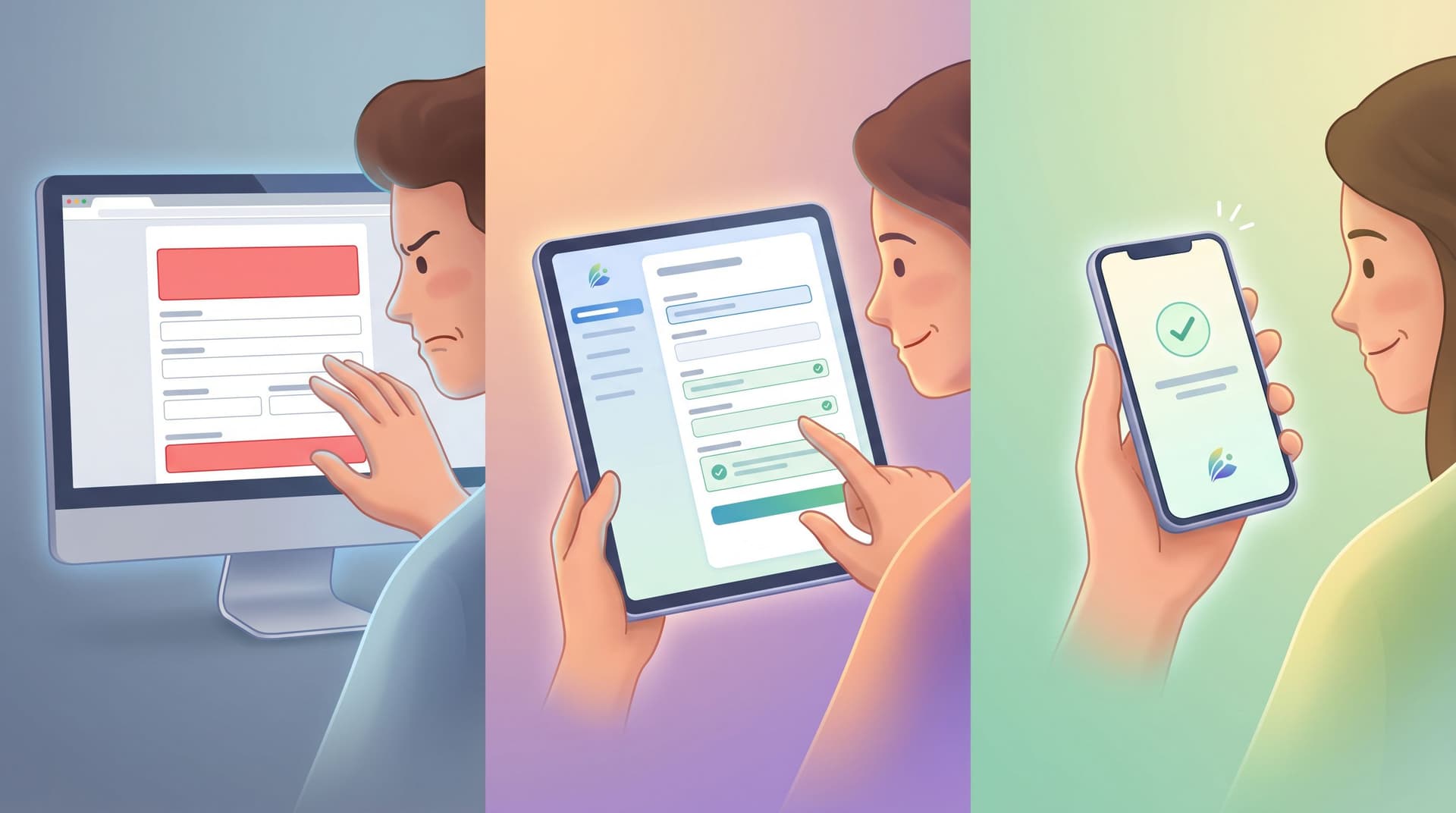
In practice, a lot of teams end up with something closer to “progressive pestering.” Returning users see the same fields again and again. New questions pop up with no explanation. Context is lost between tools. And the people you most want to understand start giving you the lowest‑quality data.
It doesn’t have to work that way.
Done well, progressive profiling feels less like a form strategy and more like a relationship pattern: you remember what someone told you, you don’t make them repeat themselves, and you only ask deeper questions when you’ve earned it.
This post is about how to do exactly that—using forms (and tools like Ezpa.ge) to collect richer profiles over time without annoying the people who keep coming back.
Why Progressive Profiling Matters More Than Ever
Most teams already know the surface‑level benefits:
- Higher completion rates by not front‑loading every question.
- Richer data over time as you gradually learn more.
- Better personalization because you can tailor messages, offers, and product experiences.
But there are deeper reasons this approach is worth your attention.
1. You’re competing on experience, not just offer
If your form is the “landing page” (a theme we unpack in From Click-Through to Conversation), then the way you ask for information is part of the product. People notice when you:
- Remember their name and basic preferences.
- Skip steps they’ve already completed.
- Ask smarter questions the second or third time.
That level of care builds trust—and trust is what gets people to share the good stuff: budget ranges, decision timelines, internal blockers, nuanced feedback.
2. Data quality beats data volume
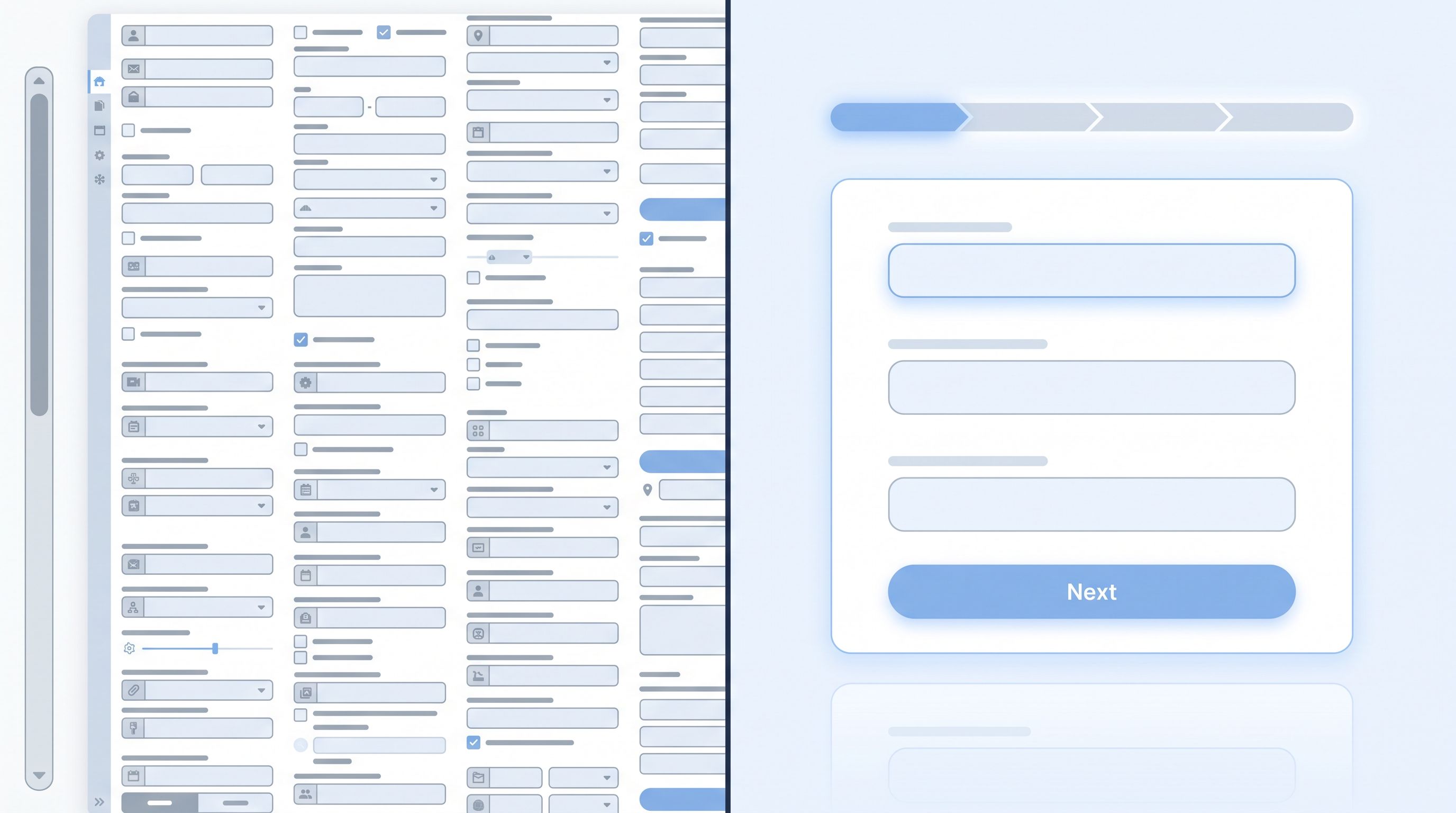
Long, one‑shot forms often produce:
- Rushed answers
- Fake data in required fields
- High abandonment on the most sensitive questions
Progressive profiling flips the script:
- Ask fewer, better questions at each step.
- Time questions to moments when users are motivated (post‑purchase, after a successful onboarding, when requesting a demo).
- Use what you already know to avoid guesswork.
The result is a profile that’s smaller but sharper—and far more actionable.
3. Regulations and expectations are tightening
Privacy regulations and user expectations are converging on the same principle: only collect what you need, when you need it, and be clear why.
Progressive profiling, done right, is a concrete way to:
- Delay sensitive questions until they’re truly necessary.
- Give people clear value in exchange for each new piece of data.
- Reduce risk by not hoarding information “just in case.” (For more on this mindset, see Security by Structure.)
The Core Principle: “Earn the Next Question”
A simple rule of thumb for non‑annoying progressive profiling:
Every new question should be earned by a previous moment of value.
That value can be:
- A product benefit (unlocking a feature, personalization, or a better recommendation)
- A sales benefit (faster routing to the right person, a tailored demo)
- A community or content benefit (access to a cohort, template, or resource)
When you design your profiling strategy around this principle, two good things happen:
- You naturally break questions into logical stages aligned with user milestones.
- You have a built‑in explanation for why you’re asking each new thing.
Let’s turn that into a concrete system.
Step 1: Map Your “Information Ladder”
Before you touch a form builder, answer this: What do we actually need to know about someone—and in what order?
Start with your ideal profile
Think about your best‑served customers or users. What do you know about them that helps you:
- Qualify or prioritize them?
- Route them to the right person or path?
- Tailor your product or messages?
Write down the 10–15 attributes that really matter. For example:
- Role / seniority
- Company size and industry
- Primary use case
- Tech stack
- Budget range
- Timeline to implement
- Region / time zone
Then ruthlessly trim:
- Remove anything you never act on.
- Combine fields where a single question can capture multiple signals (e.g., “What are you hoping to accomplish in the next 3 months?” reveals use case + urgency).
Group into tiers
Now, split those attributes into tiers:
-
Tier 1 – Must‑have to start the relationship
Usually: name, email, maybe one very high‑signal question. -
Tier 2 – Helpful for routing and relevance
Things that improve the next touchpoint: role, company size, use case. -
Tier 3 – Deep context
Budget, internal process details, team structure, stack. -
Tier 4 – Nice‑to‑have
Extra data for segmentation or research.
Your rule: Tier 1 belongs in the very first form. Tiers 2–4 do not. They get distributed across later moments.
Step 2: Align Questions to Real Touchpoints
Progressive profiling works best when it’s woven into flows you already have, rather than bolted on as random pop‑ups.
Common touchpoints you can attach questions to:
- Account creation or first signup – Tier 1 only.
- Post‑onboarding success (e.g., “You’ve completed your first project!”) – a couple of Tier 2 questions.
- High‑intent actions (requesting a demo, upgrading a plan) – Tier 2 and selective Tier 3.
- Feedback moments (NPS, CSAT, feature feedback) – 1–2 extra Tier 3 or Tier 4 questions.
Think in terms of flows, not single forms. For example:
- Initial signup form – Name, email, password, one question: “What are you primarily here to do?”
- Onboarding checklist – After they complete a key task, a tiny slide‑in form: “To tailor your workspace, what best describes your role?”
- Upgrade gate – When they click “Talk to sales,” a short intake: “Team size?” “Timeline?”
- Quarterly feedback – NPS survey with one extra question for people who’ve never shared budget range.
If you’re already syncing forms into Google Sheets via Ezpa.ge, you can treat that Sheet as your “truth” for which tier each user is at—then show or hide fields accordingly.
Step 3: Remember What You Know (and Show It)
Nothing kills trust faster than asking someone for the same information three times.
To avoid that, you need two things:
- A single profile view (even if it’s “just” a well‑structured Google Sheet).
- Form logic that adapts based on existing data.
Make your Sheet behave like a CRM light
If your forms sync to a central Sheet, you can:
- Use a unique identifier (usually email) to merge submissions.
- Add columns for each attribute in your information ladder.
- Mark which tiers are complete for each user.
From there, simple formulas or no‑code tools can help you:
- Generate personalized URLs with prefilled fields (e.g.,
?email=and?name=parameters). - Decide which follow‑up form to send next.
This is the same mindset we explored in From Sheet to System: you’re turning an ad‑hoc tracker into a durable, form‑led system.
Use prefill and conditional logic
With tools like Ezpa.ge you can:
- Prefill known answers so users can see and edit them, rather than re‑type.
- Hide fields entirely if you already have a value.
- Branch flows based on what you know (e.g., show different questions to admins vs. ICs).
Small but powerful patterns:
- If you know their role, don’t ask it again; ask something one level deeper about responsibilities.
- If you know company size, ask about team size or department.
- If you know they’re mid‑contract, don’t ask “When are you planning to implement?”
Step 4: Keep Each Touchpoint Tiny (and Honest)
The fastest way to annoy people is to surprise them with a long form when they expected a quick action.
Design guardrails for every step:
- Set a hard limit: 1–3 new questions per return visit.
- Use progress cues: microcopy like “2 quick questions to personalize your dashboard.”
- Be explicit about value: “Answer this and we’ll send you templates tailored to your role.”
Patterns that work well
-
One‑question overlays
After a success state (e.g., “Project created!”), show a single, optional question with a clear benefit. -
Button‑only micro‑forms
Instead of open text, use quick‑choice buttons:- “What best describes you?”
- “What do you want to do next?”
These are fantastic for low‑friction signals, as we explore in Signals in Single Clicks.
-
Inline, skippable questions
Embed tiny forms inside your product or content, with a visible “Skip for now” that doesn’t punish the user. -
Email‑driven micro‑forms
A short, two‑question form linked from a lifecycle email (“Help us tailor your next onboarding session?”) often gets better answers than a big survey.
Make it safe to say “not now”
Respect shows up in the details:
- Include a “Skip for now” or “Ask me later” option.
- Don’t nag with the same prompt every session if they’ve skipped it multiple times.
- Space out asks so they’re tied to meaningful milestones, not just time passing.
Step 5: Decide What You’ll Actually Do With Each Answer
Progressive profiling isn’t just about collecting more; it’s about using what you collect.
For every field you add, ask:
-
What decision will this change?
- Routing to a specific rep?
- Prioritizing a follow‑up?
- Unlocking a feature or template?
-
Who owns the follow‑through?
- Sales? CS? Product? Marketing?
-
What is the next step when we get this answer?
- A triggered email?
- A Slack notification?
- A change in in‑app experience?
If you can’t answer those questions, the field probably belongs in Tier 4—or nowhere at all.
This is the same discipline that separates good feedback systems from noisy ones. If you’re already routing NPS and CSAT into Sheets, you can extend the same playbook from From NPS to Next Step: define clear rules for what happens when someone picks a specific option or writes a certain phrase.
Step 6: Make It Feel Like a Conversation, Not an Interrogation
The mechanics of progressive profiling matter, but so does the tone.
Use conversational microcopy
Compare these two prompts:
- Cold: “Provide budget range.”
- Conversational: “Roughly what budget range are you exploring? A ballpark is fine.”
Or:
- Cold: “Select implementation timeline.”
- Conversational: “When would you ideally like to have this live?”
That small shift:
- Reduces anxiety about “getting it wrong.”
- Signals that partial information is okay.
- Encourages more honest answers.
Acknowledge returning users
When you recognize someone, say so:
- “Welcome back, Alex—mind if we ask two quick questions to tailor your workspace?”
- “We’ve got your basics covered. Help us understand your team a bit better?”
If you’re using prefilled fields, you can even show what you already know:
- “Still at Acme Corp?” (with the company name prefilled and editable)
Avoid the creep factor
Progressive profiling walks a line: if you’re too opaque, it feels random; if you’re too specific, it can feel invasive.
Good rules:
- Don’t surface raw behavioral data (“We noticed you clicked pricing 7 times”).
- Do explain why a question is relevant (“We use this to match you with the right onboarding specialist.”).
- Offer an “I’d rather not say” option for sensitive fields.

Step 7: Test, Measure, and Adjust Without Rebuilding Everything
Progressive profiling is not a one‑time setup. The good news: you can iterate without tearing down your stack.
Key metrics to watch:
- Completion rate of each micro‑form or extra question.
- Drop‑off points when you introduce new fields.
- Time to complete per step.
- Downstream impact: better routing, faster sales cycles, fewer support escalations.
Tactics for safe experimentation:
- A/B test where you ask a question (e.g., post‑signup vs. pre‑demo).
- Try different wording for the same field to see what yields more honest answers.
- Test button‑only vs. open‑text for early signals.
If your forms are built on themes and synced to a single system, you can change copy, layout, and groupings at the theme layer—no new URLs required. That’s exactly the approach we cover in Theme-Driven A/B Testing.
Putting It All Together: A Simple Blueprint
Here’s a concrete example of a non‑annoying progressive profiling setup for a B2B SaaS product.
First visit – Signup form
- Name
- Work email
- Password
- One high‑signal question: “What are you primarily here to do?” (3–4 options)
After first project created – Tiny in‑app form
- “To tailor your workspace, what best describes your role?” (buttons)
- “How many people are on your immediate team?” (range options)
Request demo – Intake form
- Prefilled: name, email, company
- New questions:
- “Roughly how many people would use this?”
- “When would you ideally like to go live?”
- Optional text: “Anything we should know before the call?”
Post‑onboarding NPS – Feedback + profiling
- NPS score + comment
- If role unknown: “What best describes your role in your company?”
- If budget unknown (and they’re promoters): “If you’re comfortable sharing, what budget range are you exploring for tools like ours?” (with an “I’d rather not say” option)
All of this:
- Syncs into one Google Sheet keyed by email.
- Uses prefill and conditional logic to avoid repeats.
- Adds, at most, 1–3 new questions at any touchpoint.
Over a few weeks, you go from “email + vague use case” to a rich, actionable profile—without ever dropping a 20‑field form on a returning user.
Summary
Progressive profiling isn’t about asking more questions; it’s about asking the right questions at the right moments—and never asking the same thing twice.
To keep returning users engaged instead of annoyed:
- Map an information ladder: decide what you need to know, in what order.
- Align questions to real milestones: signup, onboarding success, high‑intent actions, feedback.
- Centralize and reuse data: treat your Sheet or CRM as the single source of truth.
- Keep each ask tiny and honest: 1–3 new questions, clear value, visible “Skip for now.”
- Design for conversation: human microcopy, explicit recognition of returning users, safe options.
- Connect every field to an action: routing, prioritization, personalization, or research.
- Experiment at the theme level: adjust wording, placement, and layout without recreating forms.
Do that, and your forms stop feeling like gates and start feeling like an ongoing, respectful dialogue.
Ready to Build Profiles That Earn Themselves?
You don’t need a massive replatform to start progressive profiling. You need:
- A clear idea of which questions truly matter.
- A central place (like Google Sheets) where your form data lives.
- A form tool that lets you prefill, hide, and branch fields based on what you already know.
Ezpa.ge gives you exactly that: customizable themes, clean custom URLs you can drop anywhere, and real‑time syncing into Sheets so every new answer fits neatly into your existing system.
Start small:
- Trim your main form down to Tier 1 questions.
- Add a single, well‑timed micro‑form for returning users.
- Use prefill and logic to make sure no one ever has to re‑type what you already know.
From there, you can layer in more steps, smarter routing, and richer personalization—always grounded in the same principle: earn the next question.
If you’re ready to turn your forms into conversations that get better every time someone comes back, spin up your first progressive flow in Ezpa.ge and take that first, small step today.