Form UX for Product-Led Support: Turning ‘Contact Us’ Into Guided Self-Service Flows


Support used to mean one thing: “Talk to a human.” A generic Contact Us form sat at the bottom of the site, funneled everything into a shared inbox, and teams triaged from there.
That model doesn’t scale when:
- Your product is evolving weekly
- Users expect answers in minutes, not days
- Support is a core part of your product experience, not just a back office function
Product-led support flips the script. Instead of forms being a last resort, they become structured entry points into:
- Guided troubleshooting
- Contextual help articles
- Smart routing to the right team
- Lightweight automation (tags, macros, workflows)
And the key to all of that is form UX.
When your support forms are designed as guided self-service flows, you:
- Deflect repetitive tickets without feeling deflective
- Shorten time-to-resolution for both users and agents
- Collect cleaner data for product and ops
- Make support feel like part of the product, not a separate bureaucracy
This post is about how to redesign that lonely “Contact Us” form into a set of guided flows powered by tools like Ezpa.ge—forms that look great, live at clean URLs, and sync in real time to Google Sheets and the rest of your stack.
Why “Contact Us” Is Failing Your Product (and Your Team)
A standard contact form usually looks like this:
- Name
- Subject
- Message (big empty text area)
It feels simple. It’s actually expensive.
For users:
- They don’t know what information you need
- They’re not sure how long a reply will take
- They can’t tell if they’re contacting the right team
- They repeat themselves later in email or chat because the first message lacked structure
For support teams:
- Every ticket starts with clarification
- Triage is manual and inconsistent
- It’s hard to spot patterns across vague “messages”
- Product teams get low-signal data for prioritization
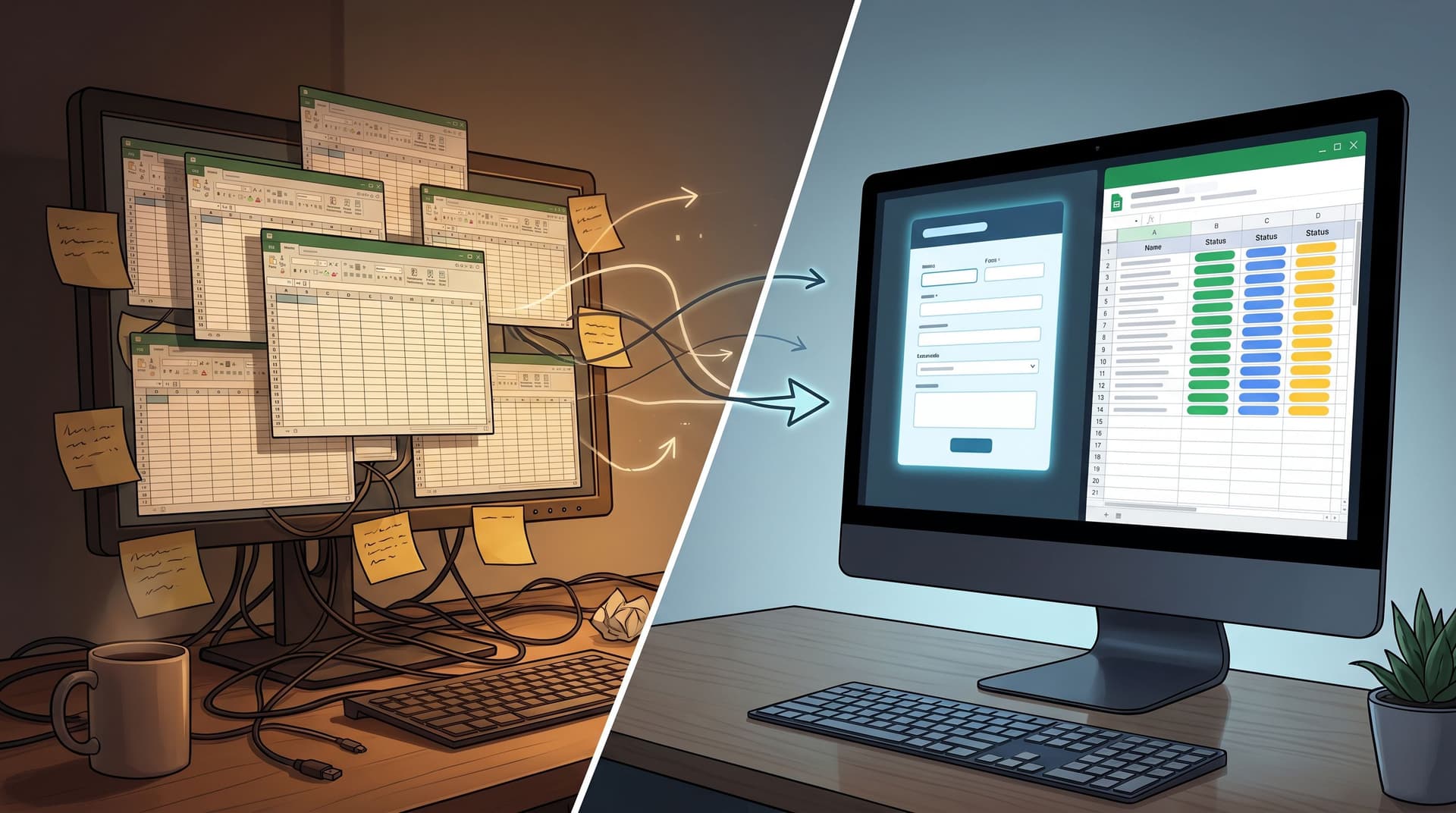
Meanwhile, your product and marketing already rely heavily on forms as operational infrastructure. If you’re building anything like a Form OS—a unified intake system where every request flows into a single, trustworthy backbone—you already know how powerful structured forms can be. (If not, it’s worth reading how to get there in From Spreadsheet Chaos to Form OS.)
Support should sit on the same foundation.
What Product-Led Support Looks Like in Practice
Product-led support treats support touchpoints as product surfaces, not just inbox feeders. A good support flow:
- Understands intent quickly
- Guides users to the fastest resolution path
- Captures structured data along the way
- Routes or automates the next step without manual glue
Concretely, that might look like:
- A single support URL (
/support,/help, or a custom Ezpa.ge URL) that branches into:- Billing & account questions
- Technical issues
- Product feedback
- Sales & upgrades
- Each branch has its own micro-form with tailored fields, help text, and next steps
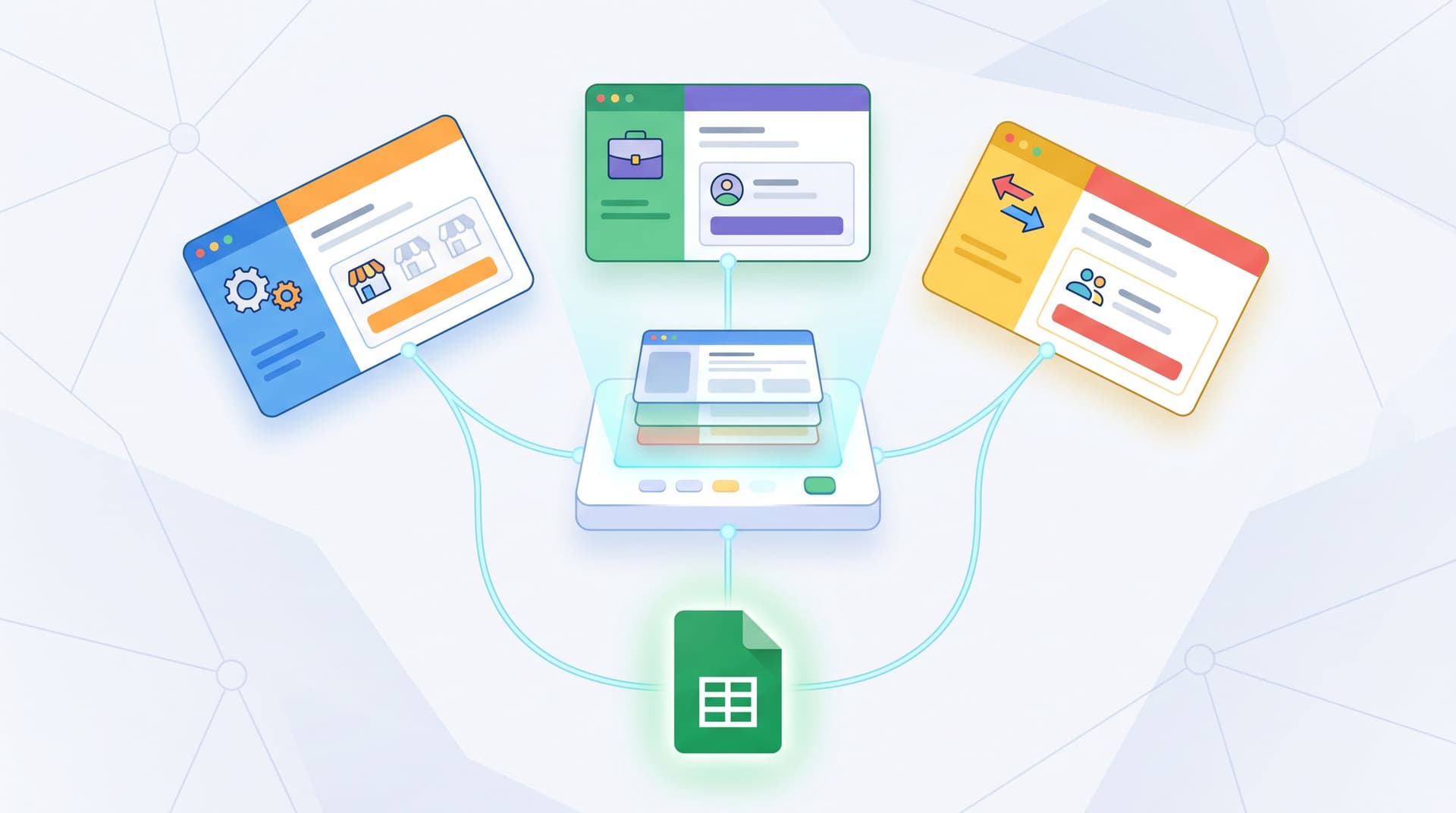
- Behind the scenes, submissions sync into Google Sheets and then into your helpdesk, CRM, or internal workflows
Instead of one big unstructured inbox, you get:
- Clear categories
- Consistent fields per category
- Richer analytics on what’s breaking, where, and for whom
This is the same philosophy as using micro-forms as always-on product discovery: small, targeted forms that capture high-signal data at the right moment.
Step 1: Map Your Support Intents Before You Touch a Form
Don’t start in a form builder. Start with a support intent map.
- Pull a sample of recent tickets (50–200 is plenty) from your helpdesk or inbox.
- Tag each one manually with:
- Topic (billing, bug, onboarding, feature request, etc.)
- Urgency (blocked vs. inconvenience)
- Where they came from (in-app, docs, marketing site)
- Cluster these into 4–7 top-level intents. Examples:
- “I can’t log in”
- “Something is broken”
- “I need help setting up X”
- “I have a billing question”
- “I want to upgrade / change my plan”
- “I have feedback or a feature request”
You’re looking for repeatable patterns that you can turn into guided paths.
If you can’t clearly describe the top 5 reasons people contact support, your form can’t guide them. You’ll default back to a big text area.
Once you have your intents, you can design flows that:
- Ask only the questions needed for that intent
- Offer targeted self-service options
- Route to the right team or workflow when human help is required
Step 2: Turn Intents into Branching Form Flows
Now translate those intents into form structure.
Pattern: One Entry Point, Many Paths
Start with a simple first screen:
- “What do you need help with?”
- Radio or button options for each top-level intent
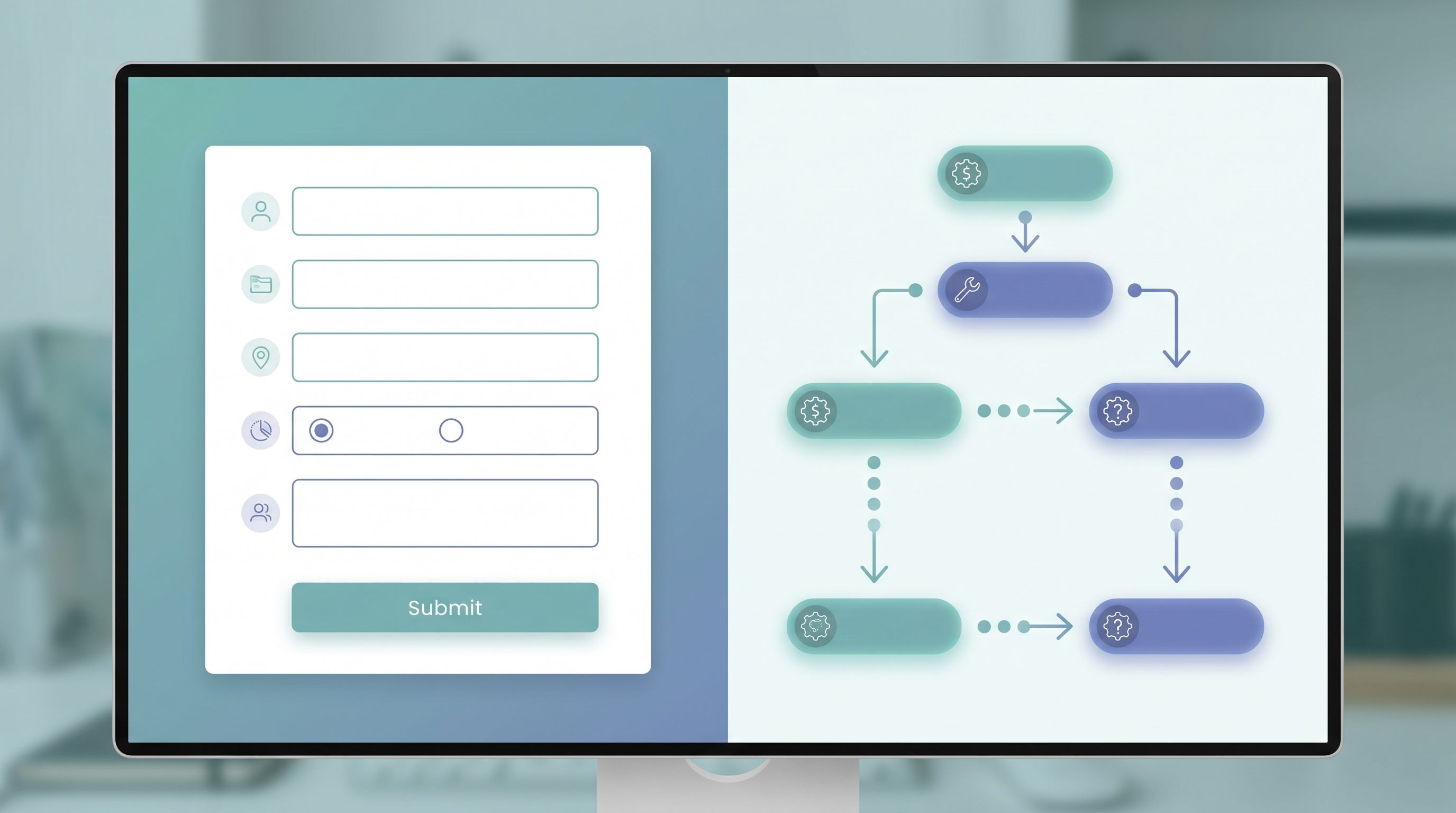
From there, use conditional logic to branch:
- If
Billing & subscriptions→ show billing-specific questions - If
Something is broken→ show issue-reporting questions - If
I have feedback→ show feedback questions and expectations
In Ezpa.ge, you can keep this under one clean URL and theme, while using logic to shape the experience per user.
Designing Each Branch
For each path, define:
- Essential fields only (what an agent absolutely needs to act)
- Contextual helpers (links, snippets, or embedded tips)
- The next step (what happens after submit)
Example: “Something is broken” branch
- What were you trying to do?
- Where in the product did this happen? (dropdown)
- How often does this happen? (once / sometimes / all the time)
- Can you share a screenshot or error message? (file upload / text)
- How blocked are you right now? (not blocked / slowed down / completely blocked)
This gives your team triage-ready context without a follow-up email.
Step 3: Embed Self-Service Directly Into the Flow
A guided support form isn’t just a better intake. It’s also a discovery surface for your existing docs and help.
Where teams go wrong is treating self-service as a separate search box or a lonely “Visit our Help Center” link.
Instead:
- Attach specific articles to specific intents.
- Billing → links to “Update payment method,” “View invoices,” etc.
- Login issues → links to “Reset your password,” “SSO troubleshooting.”
- Show these before the user finishes the form, but without trapping them.
A simple pattern:
- User picks intent: “I can’t log in.”
- Form reveals a short checklist:
- “Have you already tried resetting your password?” (link)
- “Are you using SSO with Google or Okta?” (link)
- Underneath, you still show the fields:
- “If you’re still stuck, tell us what’s happening.”
This does three things at once:
- Deflects the easiest issues
- Sets expectations (“Here’s what you can try while we look into it”)
- Gives agents a signal about how far the user got on their own
Use Micro-Forms for Persistent Product Help
You can also sprinkle micro-forms inside your product for the most common friction points:
- A 2–3 question “Need help?” form inside onboarding
- A “Something confusing here?” form under complex settings
Those micro-forms can feed the same support backbone and Sheets workflows you use for larger tickets, just like in the patterns from Signals Over Surveys: Using Micro-Forms to Power Always-On Product Discovery.
Step 4: Ask Questions Like a Product, Not a Call Center
The way you phrase questions determines the quality of data you get back.
Some guidelines:
1. Make every question obviously useful
Users should be able to answer, “Why are you asking this?” without guessing.
- Instead of: “Account ID”
- Try: “What’s your account or workspace name? This helps us find your data faster.”
If you can’t explain the purpose in a short helper text, reconsider the field.
2. Prefer structured choices over free text
Free text is expensive to parse and hard to analyze. Use:
- Dropdowns for product areas
- Radios for urgency
- Checkboxes for affected features
You can always add one “Anything else we should know?” text area at the end.
3. Use progressive disclosure
Don’t show 15 fields at once. Use conditional logic:
- If user says “Billing issue” → then ask “Which type?” (invoice, refund, tax, etc.)
- Only if they choose “Refund” → show refund-specific questions
This keeps the form short per user while still collecting rich data overall.
4. Respect emotional states
For sensitive situations—security incidents, harassment in a community, financial stress—your form needs to feel like a safe room, not an interrogation.
Borrow patterns from how we design forms as brand safe rooms:
- Reassuring microcopy (“You’re in the right place.”)
- Clear privacy expectations (“Only our security team will see this.”)
- Optional fields where appropriate

Step 5: Wire Submissions Into Real Workflows (Not Just an Inbox)
A guided form is only as good as what happens after submit.
Route by intent, not by email address
Instead of sending everything to support@ and manually forwarding, use your form’s structure to:
- Tag submissions by intent and urgency
- Send each category to the right tool or team
- Billing → finance or billing queue
- Bugs → engineering triage or issue tracker
- Feedback → product board or discovery doc
With Ezpa.ge syncing to Google Sheets in real time, you can:
- Maintain a master support log with columns for intent, product area, severity, and status
- Use filters and formulas to create views per team
- Layer on lightweight automations (e.g., via Zapier or Make) from that Sheet
This is the same backbone you’d use for a Form OS; support is just another set of flows on top of that shared spine.
Define automatic next steps
For each branch, decide:
- Who needs to see this?
- What is the first action they should take?
- What is the SLA or expectation?
Examples:
- Blocked bug reports
- Auto-tag as
P1 - Notify on-call channel in Slack
- Create a row in a bug tracker Sheet
- Auto-tag as
- Upgrade requests
- Auto-assign to sales or CS
- Trigger a calendar scheduling link in the thank-you screen
- Feedback & feature requests
- Append to a product discovery Sheet
- Label by product area for backlog grooming
When this is consistent, your support form becomes a router, not a mailbox.
Step 6: Use URLs, Themes, and Context to Match the Moment
Support flows work better when they feel like part of the product.
Custom URLs as trust signals
A messy or generic URL (/contact-form-123) undercuts confidence. Clean, predictable URLs like:
/support/billing-help/report-a-problem
…tell users they’re in the right place.
With Ezpa.ge, you can give each flow a custom URL that matches the language in your UI and emails. That continuity is the same principle we use in Custom URLs as Brand Signals.
Themes that match context
Your support flows might live in multiple places:
- Linked from the marketing site
- Embedded in-app
- Shared by agents in email or chat
Use theming to:
- Match your primary brand for marketing-facing support
- Use a calmer, more focused palette for in-app “I’m stuck” moments
- Adjust contrast, spacing, and font sizes for mobile-heavy flows
Ezpa.ge’s themes make it easy to keep the structure of the form consistent while flexing the skin to match the channel.
Step 7: Close the Loop With Analytics and Iteration
Once your guided flows are live, treat them like any other product surface.
Track:
- Completion rate per branch
- Ticket deflection (people who found answers via embedded help and didn’t submit)
- Time-to-first-response per intent
- CSAT or quick “Was this helpful?” after resolution
Use your synced Google Sheet as the source of truth:
- Create pivot tables by intent, product area, and severity
- Spot where users are repeatedly stuck
- Identify branches that still generate a lot of “We need more info” replies
Then iterate:
- Add or refine fields where agents always ask follow-ups
- Tighten copy where users mis-categorize themselves
- Add more contextual help where tickets are simple but frequent
Your goal isn’t to eliminate human support. It’s to reserve humans for the work that actually needs them—and to make that work faster and more informed.
Bringing It All Together
Transforming “Contact Us” into guided self-service flows is less about fancy bots and more about thoughtful form UX:
- Map your real support intents from actual tickets
- Branch your forms by intent so each path feels tailored
- Embed self-service help at the exact moment it’s needed
- Ask questions that are obviously useful and structured
- Route submissions into real workflows, not just a shared inbox
- Use custom URLs and themes so support feels native to your product
- Treat your support forms as living product surfaces and iterate
When you do this, forms stop being a wall between your users and your team. They become the front door to a support experience that feels smart, responsive, and respectful of everyone’s time.
Your Next Move
You don’t need to rebuild your entire support stack to get started. Pick one concrete step you can ship this week:
- Replace your generic contact form with a single intent question and 3–5 branches
- Add contextual help links to the highest-volume branch
- Sync submissions into a Google Sheet and define simple routing rules per intent
If you’re using Ezpa.ge, you already have the building blocks: custom URLs, themes, and real-time Sheets syncing. Use them to turn support from a vague inbox into a set of guided flows your users can actually trust.
Take the first step: choose your top three support intents, sketch the questions you wish every user answered, and turn that into a new Ezpa.ge form. Your team—and your users—will feel the difference on the very next ticket.