Forms for Community-Led Growth: Onboarding, Cohort Intros, and Rituals Without a Custom Portal

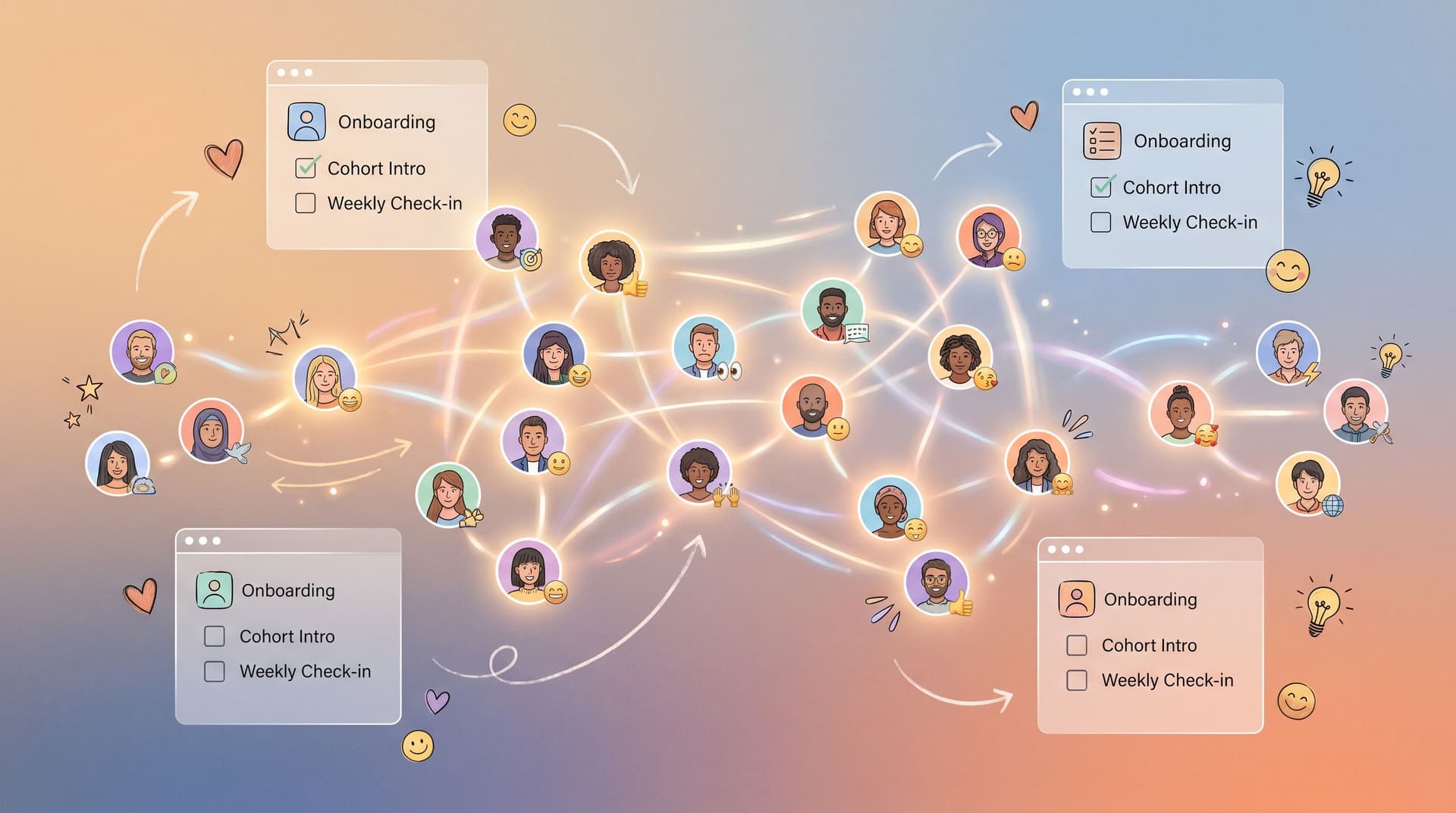
Community-led growth used to mean “we should probably spin up a forum” or “let’s budget for a custom portal next quarter.” Meanwhile, the actual work of running a community—onboarding cohorts, collecting intros, running rituals—quietly happens in DMs, scattered docs, and a graveyard of spreadsheets.
You don’t need a custom portal to run a tight, high-signal community program. You need a small set of well-designed forms, wired into the tools your team already lives in.
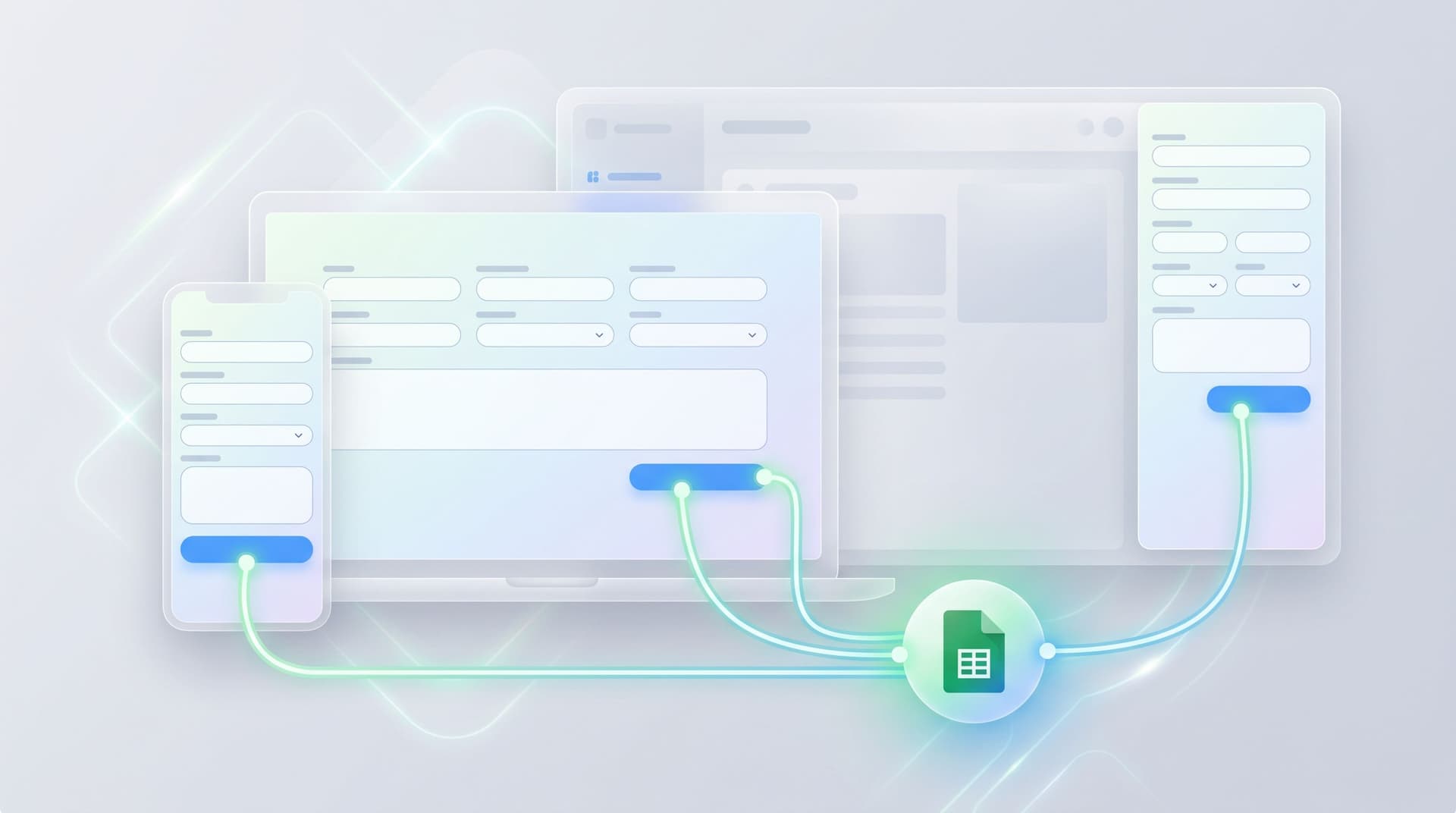
With tools like Ezpa.ge—where you can theme forms, set custom URLs, and sync directly to Google Sheets—you can treat forms as the backbone of your community operations: the way people join, meet each other, and stay in motion together.
Why “Form-Led” Communities Work So Well
Community-led growth is at its best when:
- Members feel seen quickly (their context is captured and used)
- Connections are easy and structured, not left to chance
- Rituals (check-ins, retros, applications) are repeatable and trackable
Forms are a perfect fit for this because they:
- Reduce chaos. One URL per motion—apply, introduce yourself, share a weekly win—beats chasing replies across Slack threads and email chains.
- Capture structured data. You’re not just reading vibes; you’re collecting tags, segments, and signals you can act on.
- Scale without engineering. You can add a new ritual or cohort in an afternoon, without a sprint.
- Plug into your stack. With live syncing into Sheets and onward into CRMs or automation tools, every submission can trigger something useful.
If you’ve read about using forms as micro-community spaces in Forms as Micro-Communities: Using Themed Flows to Onboard Cohorts, Ambassadors, and Beta Groups, this is the next level down: the specific flows that keep those micro-communities running.
The Three Pillars: Onboarding, Intros, and Rituals
Think of your community system as three core flows:
- Onboarding: How someone goes from “curious outsider” to “clear, welcomed member.”
- Cohort intros: How they meet the people who matter most to their journey.
- Rituals: How you maintain momentum week after week, without burning out your team.
You can run all three with Ezpa.ge forms and a single shared Sheet per program.
Designing a High-Signal Onboarding Form
Onboarding is where you set expectations and collect the signals that power everything else: matching, programming, and communication.
Step 1: Decide what you actually need
Most onboarding forms are bloated because they mix three jobs:
- Eligibility & screening
- Programming & logistics
- Marketing curiosity (“it’d be nice to know…”)
For community-led growth, prioritize fields that:
- Drive matching (role, stage, industry, goals)
- Drive experience quality (time zone, availability, preferred channels)
- Drive business value (company size, product usage, purchase intent—if relevant)
A lean, effective onboarding form might include:
- Identity basics
- Name, pronouns, role/title, company, location/time zone
- Context & goals
- “What are you hoping to get from this community in the next 90 days?” (short paragraph)
- Multiple choice tags like: Primary focus:
Launch,Growth,Hiring,Fundraising,Career transition,Other
- Experience constraints
- Time zone and typical availability windows
- Preferred format:
Async only,Live calls,Small groups,1:1 matching
- Program fit (optional, if you’re selective)
- “How did you hear about this?”
- “Have you participated in similar communities before?”
Step 2: Turn it into a repeatable Ezpa.ge template
Once you know the fields:
- Create a base onboarding form in Ezpa.ge with your brand theme.
- Use a custom URL per program, e.g.
/community-onboarding,/ambassadors-onboarding, so it’s easy to share and remember. - Sync to a dedicated Google Sheet per program. Use separate tabs for:
- Raw submissions
- Cleaned/enriched data
- Matching/assignment views
If you’re already using Sheets heavily, the ideas in From Sheet to System: Turning Ad-Hoc Google Sheets Trackers Into Durable Form Ops translate directly here: your “tracker” becomes a live community control panel.
Step 3: Add just enough logic
You don’t need a portal to feel smart. A few patterns go a long way:
- Conditional follow-ups
- If someone selects
Career transitionas a focus, reveal a short follow-up: “What kind of transition are you exploring?” - If someone selects
Live calls, ask “Which days/times are usually best?”
- If someone selects
- Invisible personalization
- Use custom URLs or query params to prefill fields (like email or program name) when someone comes from a specific invite or campaign, so they don’t have to retype basics.
- These ideas pair well with the techniques in Invisible Personalization: Using Prefills, Logic, and URLs to Tailor Forms Without Feeling Creepy.
The goal: a form that feels conversational and respectful of time, while still giving you the structured data you need.

Turning Intros into a Cohort Moment (Not a Messy Thread)
Cohort intros are where strangers become peers. Most communities handle this with an “introduce yourself” Slack thread or forum post. It works—until:
- People join at different times and never see earlier intros.
- You can’t search or filter intros by role, stage, or location.
- New members feel awkward about posting a wall of text into a busy channel.
A simple “Cohort Intro” form can fix this.
What goes in a great intro form
You’re collecting both story and structure:
- Short bio
- “In 2–3 sentences, tell the cohort who you are and what you’re working on.”
- Fun prompt
- “What’s something you’re surprisingly good at that’s not on your resume?”
- Connection hooks
- “People I’d love to meet in this cohort…” (checkboxes + short text)
Other founders at my stagePeople in my industryAnyone struggling with the same challenge
- “People I’d love to meet in this cohort…” (checkboxes + short text)
- Public vs private
- Toggle or radio:
Share this intro in the cohort channel/Keep this just for the team
- Toggle or radio:
Under the hood, you’re also:
- Tagging by role, stage, location
- Capturing links (LinkedIn, personal site, product)
How to share intros without a portal
Once the form is live and syncing to Sheets, you can:
-
Auto-generate intro posts
- Use formulas or simple scripts to combine fields into a friendly intro block.
- Copy-paste into Slack/Discord as a weekly “Meet the new members” post.
-
Create a cohort directory view
- Use filters and views in Sheets or a lightweight BI tool to create a read-only directory link.
- Group by role, stage, or location so members can find “people like me.”
-
Seed 1:1 or small-group matches
- Filter for shared goals or industries.
- Manually (or semi-automatically) pair people for coffee chats or accountability pods.
You’ve effectively created a searchable intro database and a predictable intro ritual—without building a portal.
Rituals: Keeping the Community in Motion
Onboarding and intros are the starting line. Rituals are how you keep people engaged, learning, and contributing.
Common community rituals that work beautifully as forms:
- Weekly check-ins (What did you ship? What’s blocking you?)
- Retro / reflection at the end of a cohort cycle
- Event feedback after workshops, AMAs, or office hours
- Spotlight nominations (members nominating others for recognition)
Pattern 1: Weekly check-in form
Create a simple form with:
- “What’s one win from this week?” (short text)
- “What’s one challenge you’re facing right now?” (short text)
- “How supported do you feel by the community this week?” (1–5 scale)
- “Is there anything you’d like the team to know or help with?” (optional)
How to use it:
- Set a custom URL like
/week-3-checkinand reuse the same form week to week, tagging submissions by date. - Every Monday, drop the link in your community channel with a short prompt.
- In Sheets, create a view filtered by
weekto:- Pull out wins for a celebratory post.
- Spot members who are stuck or feeling unsupported.
You can even layer on AI to suggest follow-up questions or routes based on responses, drawing from the ideas in AI-Curated Follow-Up Flows: Letting Models Suggest the Next Question Without Losing UX Control.
Pattern 2: Cohort retro form
At the end of a cycle, send a retro form that covers:
- “What’s one thing you’re proud of from this cohort?”
- “What would you change about how the cohort was run?”
- “How likely are you to recommend this program to a peer?” (0–10)
- “What would make you excited to stay involved next cycle?”
How to use it:
- Use logic to ask follow-ups when someone gives a low score.
- Tag responses by cohort, role, and engagement level.
- Turn common themes into changes in onboarding, programming, or communication.
Pattern 3: Event and ritual feedback
For each recurring ritual (AMAs, workshops, mastermind calls):
- Create a short feedback form with:
- “What was most valuable?”
- “What was missing?”
- “Would you attend something like this again?”
- Keep it under 60 seconds. Use radio buttons and 1–2 text fields.
Over time, you’ll see which rituals drive:
- Higher retention
- More referrals
- Better outcomes (measured in your own way: launches, hires, revenue, etc.)

Making It Feel Premium Without a Portal
A common worry: “If we’re just using forms and Sheets, will this feel scrappy or amateur?” It doesn’t have to.
Here’s how to make the experience feel intentional and premium:
1. Treat every form as a designed surface
- Theme by lifecycle, not just brand. Use visual cues to differentiate:
- Onboarding forms: warm, welcoming, slightly more narrative.
- Ritual forms: clean, focused, almost like a familiar in-app dialog.
- Keep copy short, specific, and human. Replace generic labels like “Additional comments” with prompts like “Anything you want us to keep in mind as we match you?”
For more on this mindset, see the patterns in Form Themes for Product-Led Growth: Matching In-App Prompts to Lifecycle, Not Just Brand.
2. Make mobile a first-class citizen
Community interactions often happen on phones—during commutes, between meetings, late at night.
- Use a responsive form stack so fields feel native on mobile, not like a shrunk-down desktop form.
- Keep multi-step flows short; people should be able to complete them in a couple of thumb-scrolls.
- Use input types that match the job: date pickers, toggles, radio buttons, not just open text.
If you want to go deeper here, The Responsive Form Stack: How to Make Every Field Feel Native on Mobile, Desktop, and In-App is a useful companion.
3. Close the loop visibly
Nothing kills community energy like forms that feel like black holes. Make sure members see the impact of what they submit:
- Share a weekly snapshot: wins, common challenges, upcoming matches.
- Highlight how onboarding answers shaped programming: “We heard that most of you are focused on hiring, so next month’s sessions will center on recruiting.”
- When someone raises a concern in a check-in form, follow up directly.
The more clearly people see the link between what they share and what you do, the more willing they are to keep engaging.
Wiring It All Together in Sheets
Underneath all of this is a simple pattern:
- One Ezpa.ge form per motion (onboarding, intros, weekly check-in, retro)
- One Google Sheet per program, with tabs for:
- Raw submissions (one tab per form or per motion)
- Views for matching, programming, and reporting
Helpful structural tips:
- Use consistent field names across forms (e.g.,
role,company_size,timezone) so you can join data easily. - Add a
member_idcolumn to tie onboarding, intros, and ritual responses together. - Use filters and pivot tables to:
- See which rituals correlate with higher retention.
- Identify members who are quietly disengaging (missing check-ins, low scores).
- Segment feedback by role or stage.
This is where your “form-led community” becomes a real system—not a tangle of links and threads.
Summary
You don’t need a custom portal to run a high-signal, high-touch community program. You need:
- A clear onboarding form that captures goals, constraints, and context.
- A cohort intro form that turns introductions into searchable, matchable data.
- A small set of ritual forms—weekly check-ins, retros, and feedback—that keep the community in motion.
When you design these forms intentionally, theme them by lifecycle, and sync them into a well-structured Sheet, you get:
- Better matching and programming
- Clearer signals about what’s working
- A community that feels curated, not chaotic
All without writing a line of backend code or standing up a portal.
Your Next Step
Pick one of these motions and make it real this week:
- If you’re starting a new community or cohort: draft your onboarding form in Ezpa.ge, connect it to a fresh Google Sheet, and share it with your next batch of members.
- If you already have members but feel scattered: create a cohort intro form, send it to everyone, and use the responses to publish a “Meet the Cohort” post.
- If your community feels quiet: launch a weekly check-in form and commit to sharing a short summary of wins and themes every week.
Start small, ship one form, and let it become the backbone of one community motion. Once you see how much clarity and momentum that creates, you’ll know exactly where to build the next one.