Forms for Service Teams: Replacing Support Queues with Smart Intake and Real-Time Routing


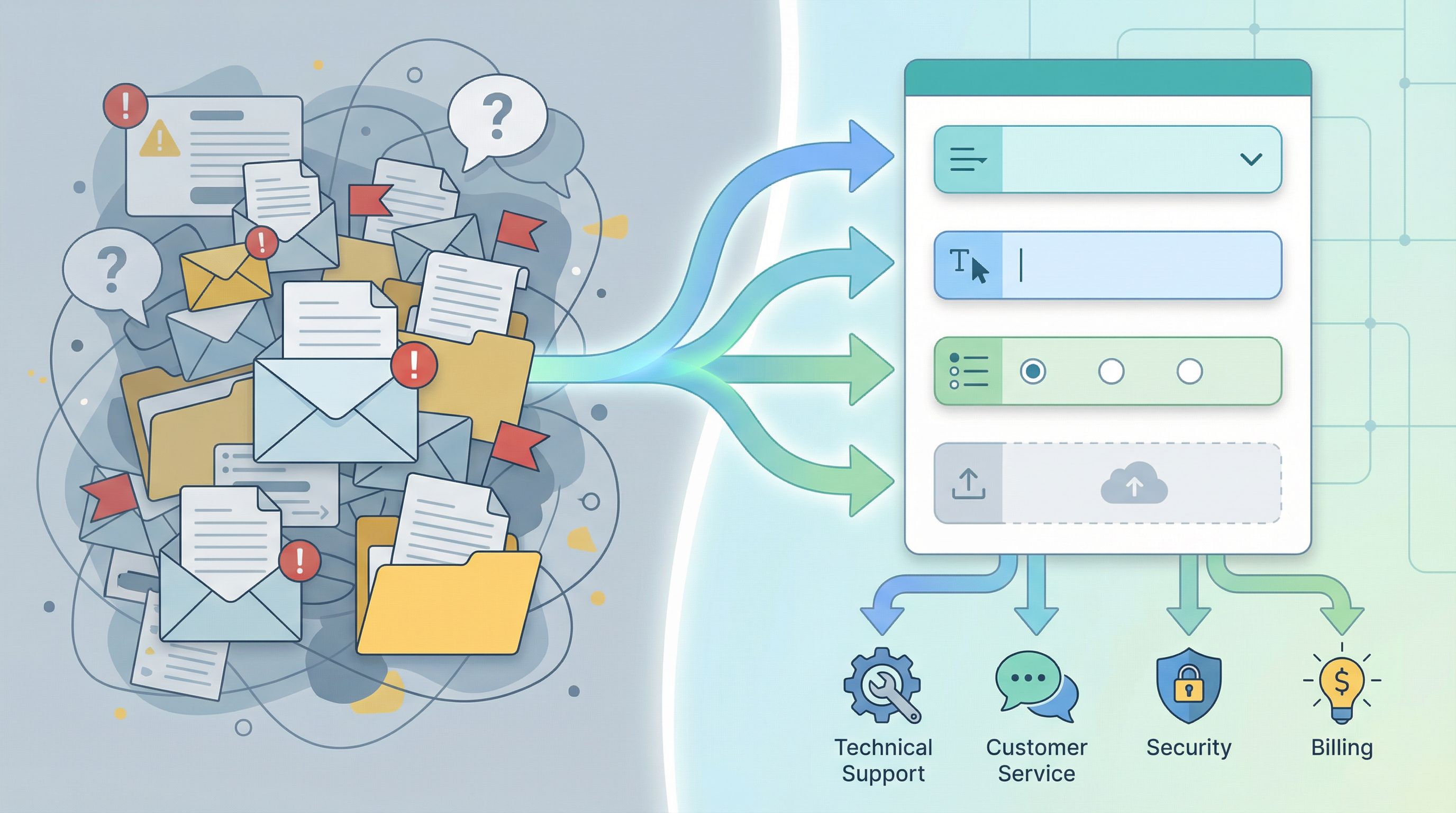
Support queues were built for a world of phone trees and shared inboxes. They still dominate how many service teams work: tickets pile up, agents cherry-pick what looks easy, and urgent issues hide behind vague subject lines.
But if you look closely at what actually breaks support, it’s rarely a lack of effort. It’s a lack of structured intake and intelligent routing.
Smart forms can fix that.
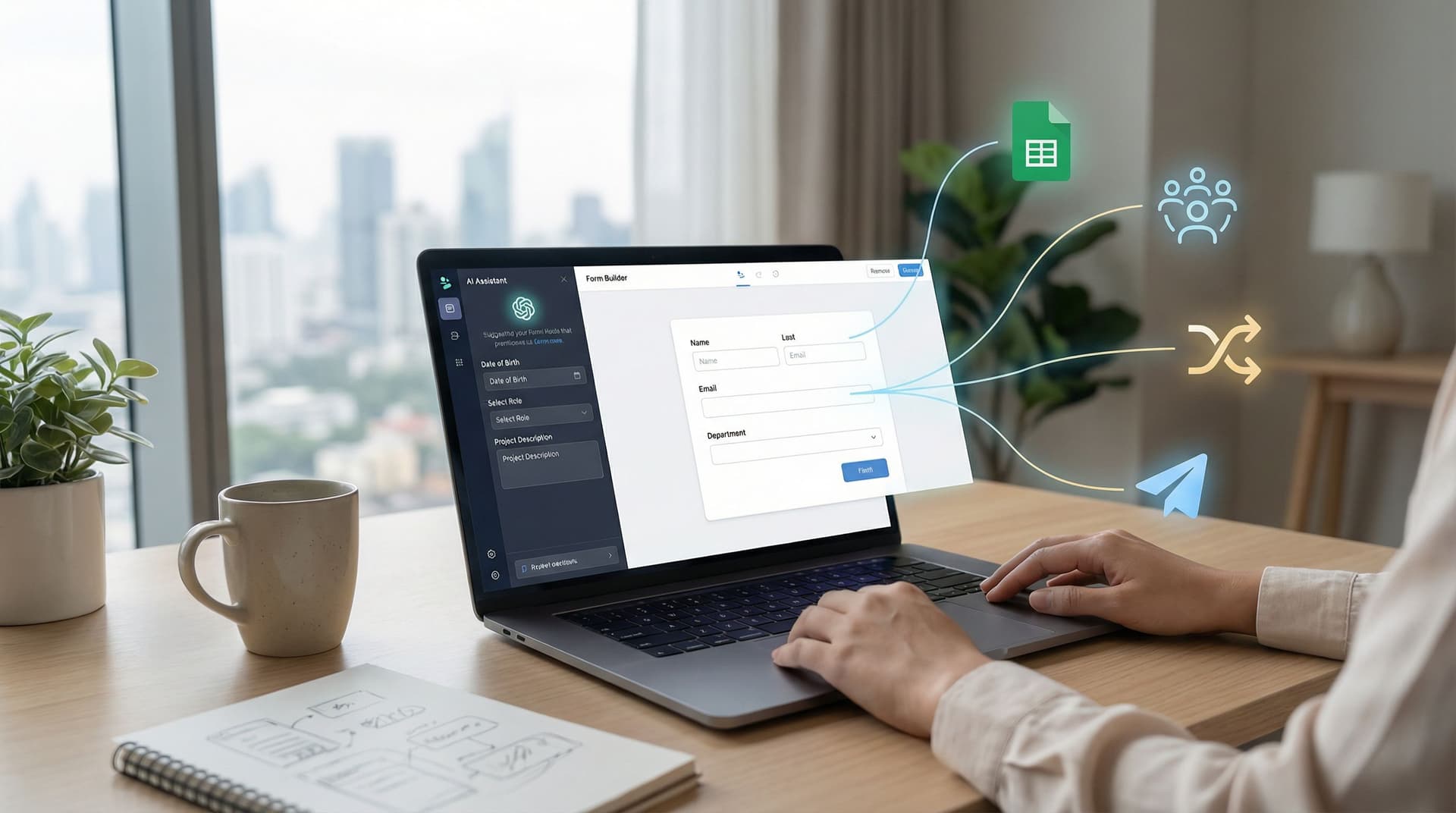
With tools like Ezpa.ge—where you can spin up responsive forms, apply custom themes and URLs, and sync everything straight into Google Sheets—you can replace generic queues with:
- Clear, guided intake flows
- Real-time routing based on rules and context
- Live views of workload, SLAs, and ownership
This isn’t just a UX upgrade. It’s an operational shift: from “first in, first out” to “right work, right person, right time.”
Why queues break down (and what forms can do better)
Traditional queues assume three things:
- All requests are roughly equal.
- You can understand a request from a short subject line.
- It doesn’t matter who picks up a ticket, as long as someone does.
None of those are true for modern service teams.
The real cost of vague intake
When everything dumps into one generic queue ("Support", "Help", "Contact Us"), you get:
- Contextless tickets – “Issue with billing” could be anything from a typo on an invoice to a legal escalation.
- Endless back-and-forth – Agents spend the first 2–3 replies just gathering basic details you could have collected upfront.
- Misrouted work – Highly technical bugs land with junior agents; simple how‑to questions get escalated unnecessarily.
- Invisible risk – VIP customers, security issues, and renewal‑critical problems look identical to everything else.
On the customer side, the experience isn’t much better:
- They don’t know what information you need.
- They don’t know whether their request is urgent or not.
- They don’t know who owns it or when they’ll hear back.
How smart intake changes the game
A well‑designed intake form acts like a structured conversation:
- It asks the right questions in the right order.
- It adapts based on what the user says (dynamic logic, conditional sections).
- It captures routing signals (product area, severity, account tier, language, channel).
- It hands off clean, structured data to your tools in real time.
Instead of a single monolithic queue, you get:
- Specialized lanes (billing, technical, account management, onboarding, etc.)
- Clear prioritization (SLA, severity, customer segment)
- Ownership rules (who gets what, when, and why)
That’s what “replacing queues with smart intake and real-time routing” really means.
Designing forms that behave like a smart front desk
Think of your form as the front desk for your entire service org. Its job is to:
- Understand who’s asking.
- Understand what they need.
- Decide where it should go.
- Set clear expectations.
Here’s how to design for that.
1. Start with routing, not questions
Most teams open a form builder and start typing fields:
- Name
- Subject
- Description
Flip that. Start by asking:
- What routing decisions do we need to make?
- Which team or pod should own this?
- What priority should it get?
- Does it require a specialist (billing, security, integrations)?
- Does it need a specific channel (live chat vs. async vs. phone)?
- What data do those decisions depend on?
- Customer segment (plan, MRR, region)
- Product area / feature
- Severity / impact
- Environment (browser, OS, integration partner)
Then design questions that give you just enough information to make those calls reliably.
You can even use tools like Ezpa.ge’s AI helpers (see our piece on AI-powered field suggestions) to draft an initial field set from a simple prompt like: “Support intake for a B2B SaaS with billing, technical, and onboarding teams; must route by severity and product area.”
2. Use branching logic to keep forms short and smart
The biggest fear with richer intake is bloat: “If we add all these questions, no one will fill it out.”
The answer isn’t to ask less; it’s to ask selectively.
Use conditional logic so people only see questions that apply to them:
- If Issue type = Billing, show invoice‑specific questions.
- If Issue type = Technical bug, show environment, steps to reproduce, and screenshot upload.
- If Customer = Enterprise, show fields for account manager, contract renewal date, and security impact.
This is where Ezpa.ge’s adaptive paths and URL-level personalization shine. You can:
- Keep a single canonical support form.
- Use URL parameters or hidden fields to adapt logic for different audiences.
- Route submissions differently based on source (e.g.,
/support?channel=vipvs/support?channel=free).
We go deeper on these patterns in URL-level personalization and adaptive question paths.
3. Collect routing signals as first-class fields
Routing signals shouldn’t be buried in free‑text descriptions. Make them explicit, structured fields:
Core routing fields
- Issue type (Billing, Technical, Account access, Onboarding, Feature request, Other)
- Product area (Dropdown or multi-select)
- Impact / severity (Can’t use product, degraded, minor, question)
- Customer segment (Plan tier, MRR band, or "Free / Paid / Enterprise")
- Urgency / deadline (Especially for onboarding or project‑based work)
Operational context fields
- Preferred channel (Email, chat, phone, in‑app)
- Time zone (for scheduling follow-ups)
- Language preference
- Related account or project ID
These fields power your downstream logic, whether that’s:
- Filters and views in Google Sheets
- Rules in your help desk or CRM
- Alerts in Slack or email
4. Make expectations explicit on the form
Smart intake isn’t just about better routing; it’s about better expectation-setting.
Use the form itself to communicate:
- What happens next – “We’ll triage your request within 2 business hours.”
- How priorities work – “Issues that block access to your account are treated as urgent.”
- What ‘good’ looks like – Short examples or tooltips for helpful descriptions.
- What not to use the form for – Emergencies, security incidents, or legal notices may need separate flows.
This reduces anxiety for customers and cuts down on “just checking in” follow-ups that clog your channels.
Turning submissions into real-time routing
A smart form is only half the story. The other half is what happens the moment someone hits Submit.
With Ezpa.ge’s real-time Google Sheets syncing, you can treat a Sheet as your routing engine, not just a log. We’ve written about this pattern in depth in Google Sheets as Your Ops Brain, but here’s the quick version.
1. Build a single live responses sheet
Every submission from your support intake form lands in one Google Sheet, with columns like:
- Timestamp
- Customer email / account
- Plan tier
- Issue type
- Product area
- Severity
- Source URL / channel
- Internal notes / owner
- Status, SLA deadline, etc.
This becomes your source-of-truth queue, but with structure.
2. Layer on views instead of separate queues
Instead of creating separate forms (and separate queues) for every team, use filtered views or additional tabs:
- Billing view –
Issue type = Billing - Technical triage –
Issue type = TechnicalANDSeverity in {Blocker, Degraded} - VIP lane –
Plan tier = EnterpriseORMRR > X - Self-serve questions –
Issue type = How-toANDPlan tier in {Free, Trial}
Each team bookmarks their view. Same underlying data, different lens.
This pattern pairs nicely with Forms as source-of-truth dashboards, where you can turn those filtered views into live ops cockpits.
3. Add routing logic with formulas and simple automations
Once your fields are structured, you can let formulas do the work:
- Owner assignment – Use
IFSorVLOOKUPto assign an owner based on product area, region, or segment. - SLA deadlines – Calculate due times from severity and plan tier.
- Escalation flags – Use conditional formatting to highlight overdue or high‑risk tickets.
Then, layer on simple automations via:
- Google Apps Script
- No‑code tools (Zapier, Make, n8n)
- Native integrations from your help desk or CRM
Common automations:
- Post high‑severity submissions into a
#support-sevSlack channel. - Open tickets in your help desk with the right tags and owner.
- Notify an account manager when their enterprise customer submits anything tagged “billing” or “renewal.”

4. Use URLs as routing hints
You don’t always need more fields to route better. Sometimes you just need smarter links.
With Ezpa.ge’s custom URLs and URL parameters, you can:
- Give VIP customers a different link that pre‑sets hidden fields like
segment=enterpriseandchannel=vip. - Embed in‑product help forms that prefill
product_areaandfeaturebased on where the user is. - Use campaign-specific URLs that capture
source=webinarorsource=partnerX.
Those hidden values become routing signals downstream, without adding friction for the user.
We explore this pattern more in Custom URLs as routing logic and Form systems, not one-off links.
Patterns for different kinds of service teams
Smart intake and routing aren’t just for traditional customer support. Here’s how the same approach applies across teams.
Customer support & success
- Separate “help me now” from “help me think”
- Use severity and topic fields to distinguish urgent break/fix from strategic questions.
- Give CSMs a dedicated lane
- A separate intake link for customer success that routes directly to the right CSM or pod.
- Blend support and success data
- Route high‑value “how do we do X?” questions to success for proactive enablement.
Internal service desks (IT, People Ops, Finance)
- Standardize requests – Hardware, access, policy questions, payroll issues all start from one form with branching.
- Route by function – IT vs. HR vs. Finance vs. Legal, all using the same underlying Sheet.
- Track approvals – Use status fields to model multi‑step flows without needing a new tool.
Product & engineering
- Bug vs. feedback – Separate flows or fields so product feedback doesn’t drown in bug reports.
- Repro-ready bug intake – Force environment, steps, expected/actual behavior, and attachments.
- Feature requests – Capture use case, impact, and segment so PMs can triage intelligently.
Design & research ops
We’ve written a whole piece on this in From form fill to Figma file, but the same principles apply:
- Intake forms become design-ready briefs.
- Routing fields map to pods, designers, or researchers.
- Structured data feeds roadmaps and research repositories.
Guardrails: keeping forms maintainable as you scale
As your intake becomes more powerful, you’ll need guardrails so it doesn’t turn into a fragile monster.
1. Treat your intake form as a critical system
Your main support intake isn’t “just a form.” It’s closer to a core application.
That means:
- Change control – Don’t let anyone casually edit fields that drive routing.
- Version history – Track what changed, when, and why.
- Rollback paths – Be able to revert quickly if a change breaks routing.
If you’re running a form-heavy operation, you’ll find our post on ops-ready form logs useful here.
2. Design for operators, not just builders
Your support, ops, and CX leaders should be able to:
- Add or tweak routing rules.
- Update options in dropdowns.
- Adjust copy and expectation text.
Without waiting on engineering or design.
That’s why we advocate for patterns covered in Form UX for busy operators: clear structure, reusable components, and guardrails that keep forms editable without breaking them.
3. Keep data governance in mind
Richer intake means more data. Make sure you’re intentional about:
- Who can see sensitive fields (e.g., billing details, PII).
- How long you retain support data.
- Where backups live and who owns them.
Our guide on form data governance for small teams goes deeper on lightweight practices that scale.
Bringing it all together
Replacing support queues with smart intake and real-time routing isn’t about ripping out your help desk or rebuilding every process.
It’s about rethinking the first touch:
- From: generic inboxes and vague subject lines.
- To: structured conversations that know where to send what.
With a tool like Ezpa.ge, you can:
- Build beautiful, branded intake forms with custom themes and URLs.
- Use conditional logic and adaptive paths to keep things short but smart.
- Sync everything into real-time Google Sheets views that act as your routing engine.
- Layer on simple rules and automations to get the right work to the right person, fast.
The result:
- Faster response times on the issues that matter most.
- Less thrash for agents and internal teams.
- Clearer expectations and better experiences for customers.
Your next step
You don’t need a full overhaul to start.
Pick one high-impact flow—support intake, internal IT requests, onboarding questions—and:
- Map the routing decisions you wish you could make today.
- List the minimum fields you’d need to power those decisions.
- Spin up a new Ezpa.ge form with:
- Clean, branded design
- Conditional logic for different issue types
- Real-time Google Sheets syncing
- Create 2–3 filtered views in your Sheet that mirror how your team actually works.
- Run it in parallel with your existing queue for a week and compare:
- Time to first response
- Number of back-and-forth messages
- Agent satisfaction
Once you see the difference, you’ll start looking at every queue and inbox the same way: as a candidate for smarter intake and routing.
If you’re ready to experiment, open Ezpa.ge, sketch your ideal support front desk, and let your forms do more of the heavy lifting for your team.