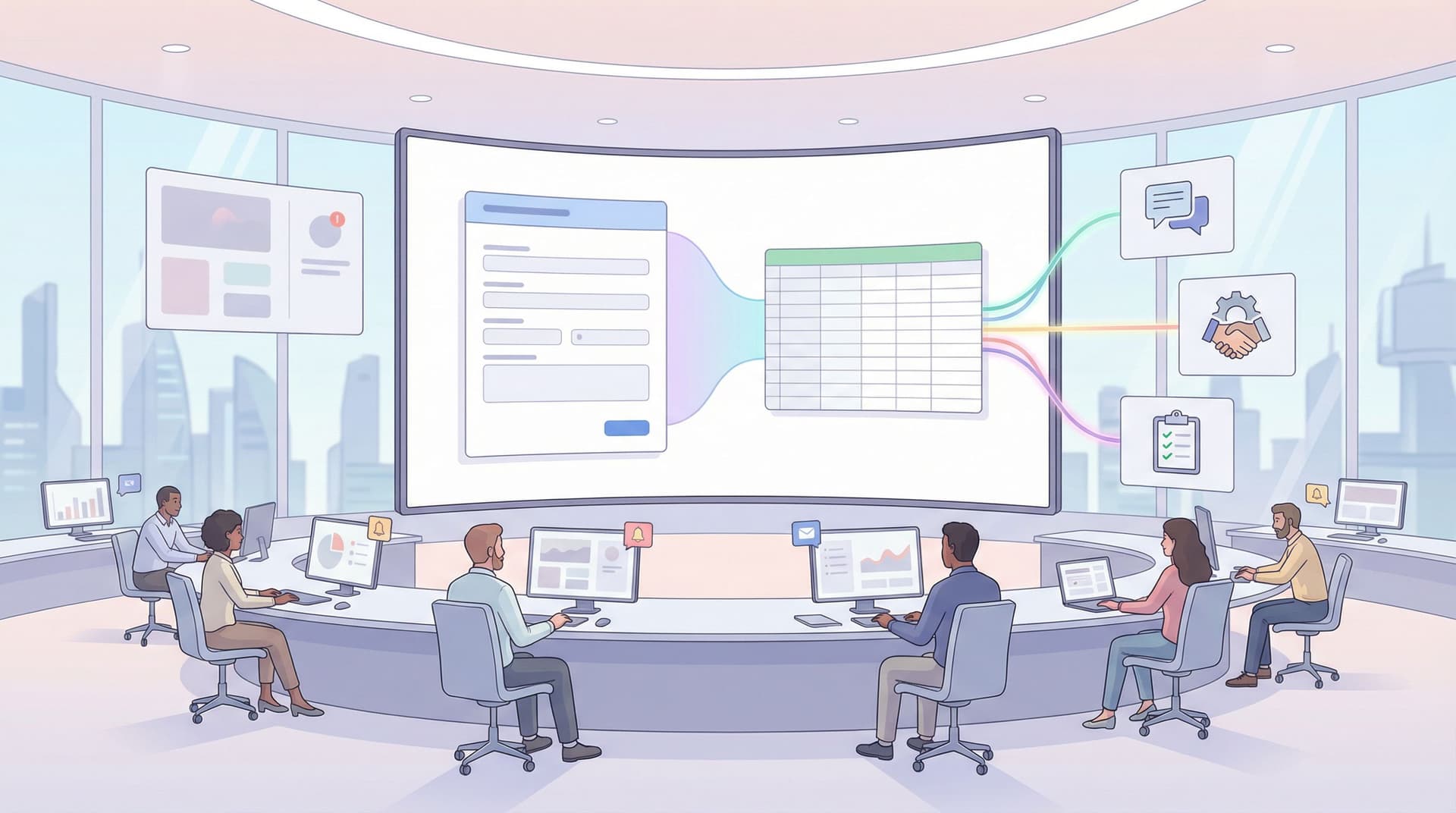
Multi-Brand, One Form System: Managing Themes, URLs, and Logic Across Complex Portfolios


When you’re responsible for forms across multiple brands, regions, and product lines, the work stops being “design a nice form” and starts being “run a form platform.”
Marketing wants campaigns launched yesterday. Ops needs consistent data. Legal needs the right disclosures per region. Brand teams want each line to feel distinct—but your tech stack can’t explode every time a new logo shows up.
That’s where a multi-brand, one form system pays off: a way to manage themes, URLs, and logic centrally while still giving each brand its own voice.
This article walks through how to design that system with Ezpa.ge as the backbone—so you can ship faster, stay on-brand, and keep your data clean, even when your portfolio gets complex.
Why a Multi-Brand Form System Matters
If you’re managing more than a handful of brands or sub-brands, you’ve probably seen at least one of these:
- Visual drift: two “sister” brands using wildly different button styles, error states, and confirmation pages.
- URL chaos:
brandA-form-final,brandA-form-final-v2,brandA-landing-new, and no one is sure which link is live. - Logic spaghetti: region-specific questions, partner types, or product lines all handled with one-off forms that no one wants to touch.
- Data fragmentation: similar forms asking similar questions but using different field names, making reporting a nightmare.
The cost isn’t just aesthetic. It shows up as:
- Lower completion rates because users don’t trust inconsistent experiences.
- Slower launches because every new form is a custom project.
- Risk and rework when legal or compliance changes require updates across dozens of URLs.
A well-designed, multi-brand form system solves this by giving you:
- One core architecture for fields, validation, and logic.
- Brand-specific themes that swap in and out without touching the underlying structure.
- Predictable URLs that scale across regions, languages, and campaigns.
- Centralized logic that adapts paths per brand or audience while staying maintainable.
If you’ve already started building a scalable system, you’ll find this post pairs nicely with our guide on Design Once, Reuse Everywhere: Building a Scalable Form System for Your Entire Team.
Step 1: Decide What’s Shared vs. What’s Brand-Specific
Before you touch themes or URLs, you need a clear answer to one question:
What is truly shared across brands, and what must stay unique?
Create a simple table with three columns:
- Shared across all brands
- Shared within a subset (e.g., region or product family)
- Brand-specific
Then map these elements:
- Field structure & semantics
- Example:
company_name,contact_email,use_casemight be shared across all B2B brands. - Employment history fields might be shared across all hiring forms.
- Example:
- Validation rules
- Email format, phone number structure, required vs. optional fields.
- Copy & microcopy
- Headline and description may be brand-specific.
- Legal disclaimers may be region- or product-specific.
- Visual design
- Typography scale, spacing system, and component shapes may be shared.
- Colors, logos, and illustrations are usually brand-specific.
- Logic & routing
- Core branching (e.g., “Are you a customer or partner?”) might be shared.
- Follow-up questions and routing destinations might differ per brand.
A practical rule of thumb:
- Standardize the skeleton (structure, data model, validation, base layout).
- Customize the skin (theme, logo, key copy, brand touches).
This is exactly the mindset behind Ezpa.ge’s approach: forms as reusable, themeable surfaces with consistent, Sheets-friendly data underneath.
Step 2: Design a Theme System That Can Express Multiple Brands
A multi-brand system lives or dies on its themes. You want each brand to feel distinct without inventing a new component library every time.
Start by defining theme tokens that all brands share:
- Color roles, not just hex codes:
color.primary,color.secondary,color.background,color.accent,color.error.
- Typography roles:
font.heading,font.body,font.mono(if needed).heading.size.lg,heading.size.md,body.size.base,body.size.sm.
- Spacing & radii:
space.xs,space.sm,space.md,space.lg.radius.sm,radius.md,radius.round.
Then, for each brand, create a theme that fills in these roles rather than redefining structure. This gives you:
- Shared layout and interaction patterns.
- Brand-specific tone and visual identity.
In Ezpa.ge, this might look like:
- A base theme that encodes your core system (spacing, layout, base typography).
- Brand variants that override tokens like color and font while keeping the layout and components intact.
This approach pairs well with Adaptive Form Themes: Designing One Look That Automatically Fits Any Device. You design once for responsiveness, then layer brand tokens on top.
Guardrails for Multi-Brand Themes
To keep things manageable as you add brands:
- Limit the knobs: decide which 5–7 theme properties are allowed to vary per brand. Lock the rest.
- Document do’s and don’ts: e.g.,
- Do: change primary color, logo, and accent illustrations.
- Don’t: change input border radius or error message placement.
- Create a visual matrix: one form, three brands, side-by-side. If the layout feels different, tighten your base system.
The payoff is huge: you can spin up a new brand or region by cloning an existing theme and tweaking a handful of tokens, not rebuilding everything from scratch.
Step 3: Build a URL Naming System That Scales Across Brands
Themes control how a form looks. URLs control how it’s shared, trusted, and maintained.
For multi-brand portfolios, a sloppy URL strategy quickly becomes a liability:
- Users question the legitimacy of mismatched URLs.
- Teams accidentally send the wrong form.
- You lose track of which form is tied to which campaign.
A good URL system is:
- Predictable: you can guess the URL from the campaign spec.
- Human-readable: easy to say aloud or paste into a deck.
- Brand-aligned: clearly tied to the brand or product.
If you haven’t already, read Branded in a Click: Building URL Naming Systems That Scale Across Hundreds of Forms—then layer on the multi-brand dimension.
A Simple URL Pattern for Multi-Brand Portfolios
Start with a pattern like:
/{brand}/{region?}/{use-case}/{audience?}-{version}
Where:
brand= short, stable brand key:acme,acme-pro,acme-health.region(optional) =us,eu,apacwhen localization matters.use-case=signup,feedback,partner-intake,beta.audience(optional) =enterprise,consumer,internal.version=v1,v2, or a date-based suffix for major iterations.
Examples:
/acme/signup-v1/acme-health/us/patient-intake-v3/acme-pro/eu/partner-intake-enterprise-v2
Key practices:
- Reserve slugs per brand: don’t let two brands fight over
/signup. - Avoid “final” or “new”: use
v1,v2or dates like-2026q1. - Document the pattern in your internal wiki and in your Ezpa.ge project notes.
Over time, this gives you a URL map of your portfolio that’s easy to audit and update.

Step 4: Use Conditional Logic to Serve Many Brands (or Sub-Brands) from Fewer Forms
Sometimes you truly need separate forms per brand.
Other times, you’re dealing with:
- One umbrella brand and multiple product lines.
- One corporate brand and several regional variants.
- One partner program with tiers (reseller, integrator, affiliate).
In these cases, conditional logic lets you keep a single form URL while tailoring the experience.
A common pattern:
- Ask an early routing question
- “Which brand are you interested in?”
- “Where are you located?”
- “What best describes you?” (customer, partner, candidate, etc.)
- Branch the subsequent questions based on that answer.
- Adjust confirmation messaging and follow-ups per path.
With Ezpa.ge’s logic tools, you can:
- Show or hide sections based on brand/product choice.
- Shorten the journey for simple cases.
- Collect richer data for high-value paths.
If you’re new to this style of design, our guide One Form, Many Audiences: Using Conditional Logic to Personalize Paths Without Losing Your Mind dives deep into patterns that keep logic maintainable.
When to Consolidate vs. Split Forms
Use this simple checklist:
Consolidate into one form when:
- The core data model is identical across brands.
- Differences are mostly copy and optional questions.
- You want one analytics view and one Google Sheet.
Split into multiple forms when:
- Legal or compliance requirements differ significantly.
- The data structures diverge (e.g., different fields, file uploads, or consent flows).
- Performance or complexity suffers from too many branches.
You can still keep split forms under the same system by:
- Using shared themes and URL patterns.
- Syncing all responses into a common Google Sheets schema with brand-specific columns.
Step 5: Centralize Data While Preserving Brand Context
A multi-brand form system is only as good as the data it produces.
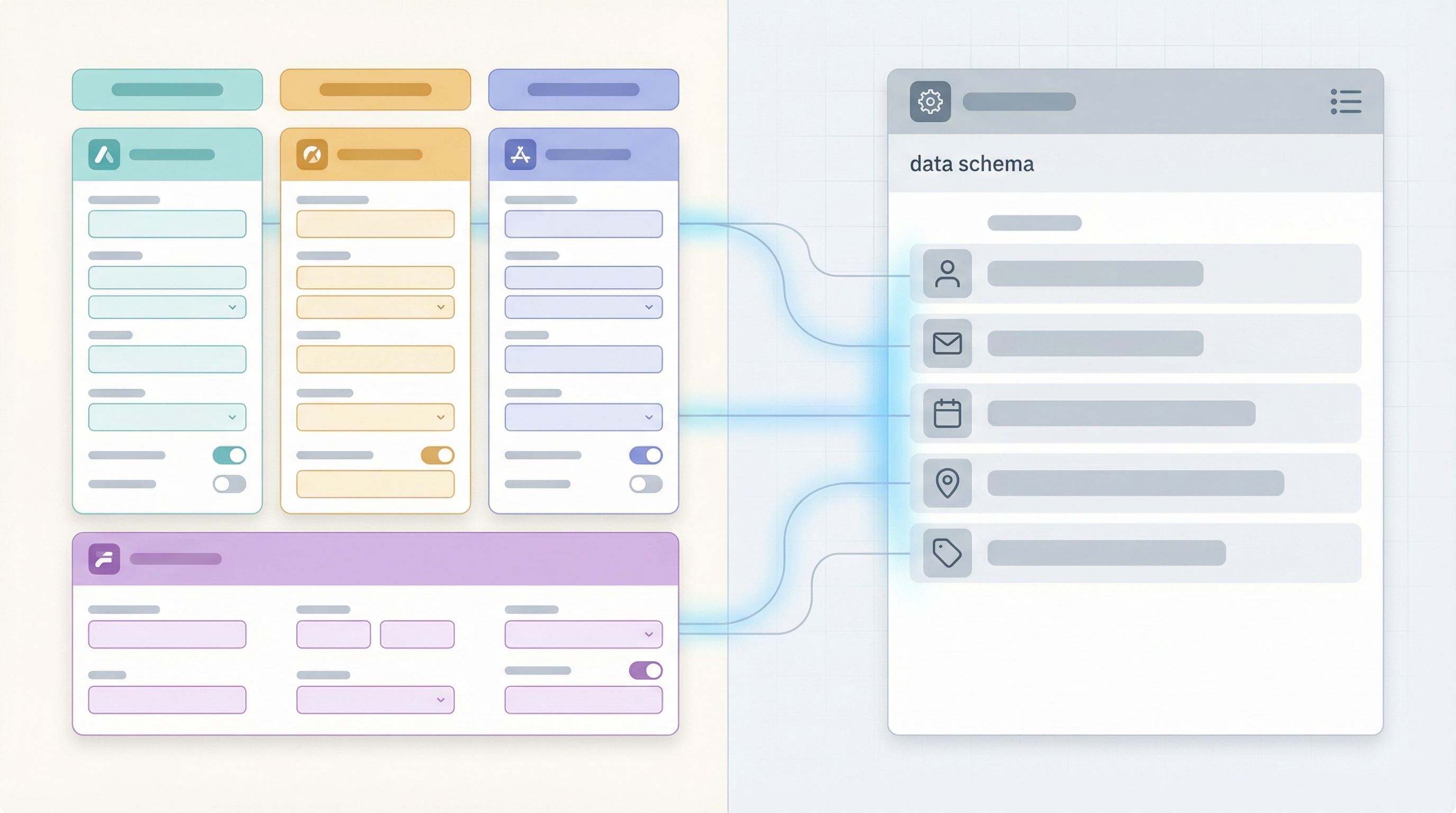
If every brand uses slightly different field names or response formats, your analytics and workflows will stay fragmented. The goal is one data layer, many brand layers.
Standardize Your Data Model
For any repeated concept (lead, support ticket, beta signup, partner application):
- Define a canonical field list.
- Assign stable field names (
lead_source,brand,region,plan_interest). - Map each form’s fields to those canonical names.
In Ezpa.ge + Google Sheets, this becomes straightforward:
- Each form syncs to a Sheet or tab with the same column structure.
- You add columns like
brand_key,form_slug, orcampaign_codeto preserve context.
From there, you can:
- Build cross-brand dashboards in a master Sheet, Data Studio/Looker Studio, or your BI tool.
- Run real-time automations that trigger based on brand + field values. For more on that, see From Form to Workflow: Automating Onboarding, Support, and QA with Ezpa.ge + Google Sheets.
Use Brand as a First-Class Field
Don’t rely only on URLs or themes to infer brand. Add an explicit field:
- Hidden or auto-filled
brand_keyfor brand-specific forms. - User-selected brand for multi-brand forms.
This makes it trivial to:
- Segment reports by brand.
- Route submissions to the right team.
- Apply brand-specific SLAs or follow-ups.
Step 6: Operationalize Updates Across Brands
Once you have themes, URLs, logic, and data working together, the next challenge is change management.
What happens when:
- Legal updates a consent clause.
- Brand refreshes typography.
- Ops adds a new required field for all partner forms.
Without a system, those changes mean combing through dozens of forms. With a system, you can:
- Update the base theme
- Adjust spacing, button styles, or error states once.
- All brand themes that extend the base inherit the change.
- Update shared components or field groups
- Maintain reusable blocks for things like address, consent, or contact details.
- Swap or update them once, then re-use across forms.
- Use a change checklist for multi-brand updates:
- Which shared forms are affected?
- Which brand variants pull from those shared components?
- Which Google Sheets or automations depend on those fields?
Ezpa.ge’s real-time syncing with Google Sheets also means you can test changes safely:
- Duplicate a form.
- Point it at a test Sheet.
- Verify the data structure and automations.
- Swap URLs or themes when you’re confident.
For teams that want to iterate continuously, Real-Time Form Optimization: Using Live Google Sheets Data to Iterate in a Single Day offers a concrete workflow you can adapt to multi-brand setups.
Step 7: Governance Without Bottlenecks
The final piece is organizational: who owns what?
In a multi-brand environment, you need to balance:
- Central standards (for data, accessibility, and performance).
- Local autonomy (so brand and regional teams can move quickly).
A practical model:
- Central form system owner (or small team)
- Owns the base theme, shared components, URL conventions, and data model.
- Approves new patterns that affect all brands.
- Brand stewards
- Own brand-specific themes, copy, and campaign usage.
- Request changes to shared components when needed.
- Ops / RevOps / CS partners
- Own downstream workflows, routing, and dashboards.
Tools that help:
- A living form registry: a simple Sheet listing each form, brand, owner, URL, theme, and primary Sheet.
- Checklists and templates for new forms: required fields, naming, theme selection, and QA steps.
- Review cadences: a monthly or quarterly review of top forms per brand to catch drift and opportunities.
The goal isn’t to add red tape. It’s to make the right way the easy way—so people naturally use the system instead of bypassing it.
Bringing It All Together
Let’s recap what a healthy multi-brand, one form system looks like:
- Shared skeleton: consistent fields, validation, and layouts that work across every brand.
- Brand-specific themes: colors, logos, and typography swapped via tokens—not custom builds.
- Predictable URLs: a naming system that encodes brand, region, use case, and version.
- Intentional logic: conditional paths that let one form serve multiple brands or audiences without becoming unmanageable.
- Centralized data layer: one canonical schema feeding Sheets and dashboards, with brand as a first-class dimension.
- Operational discipline: clear ownership, a form registry, and a playbook for rolling out changes.
When you get these pieces in place, the payoff is tangible:
- New brand? Clone a theme, reserve a URL pattern, and you’re live in hours.
- New campaign? Reuse a proven form skeleton, tweak copy and theme, and plug into existing workflows.
- New compliance requirement? Update a shared consent component and know it’s reflected everywhere.
Your forms stop being scattered one-offs and start behaving like a coherent product surface that flexes to match every brand in your portfolio.
Your Next Move
If you’re managing more than one brand—or even just suspect you will soon—the best time to design your form system is before the chaos sets in.
Here’s a simple way to start this week:
- Audit your current forms
- List each live form, its brand, URL, owner, and destination Sheet.
- Define your shared skeleton
- Decide which fields, layouts, and validations should be identical everywhere.
- Create or refine your theme tokens
- Build a base Ezpa.ge theme and one brand variant as a pilot.
- Pick one workflow to standardize
- For example: all partner intake forms across brands.
- Apply your new theme, URL pattern, and data model there first.
From there, you can roll out your system brand by brand, form by form—without big-bang rewrites.
If you’re ready to see how Ezpa.ge can anchor this system for your portfolio, start by experimenting with a single shared form and multiple themes. Build one great skeleton, then let your brands take turns trying it on.
Your future self—the one not chasing down rogue URLs and mismatched fields—will thank you.