Theme-First Branding: Using Form Skins to Test Positioning Before You Redesign Your Site

Most teams treat brand as a “big bang” project.
New positioning? Time for a new homepage, new navigation, new illustration system, new everything. Six figures and six months later, you finally ship—only to realize that the bold new story doesn’t quite land with customers the way it did in the deck.
There’s a calmer, smarter way to evolve your brand: test it at the form layer first.
With tools like Ezpa.ge, where you can create fully themed, responsive forms with custom URLs and real-time Google Sheets syncing, you don’t have to bet the whole site on an unproven direction. You can:
- Wrap your existing flows in new visual themes.
- Pair each theme with slightly different positioning and microcopy.
- Ship those variants to real traffic.
- Watch which one actually earns trust, completion, and high-intent submissions.
Before you brief a designer on a full redesign, you’ll know which story, tone, and visual language your audience is already choosing with their behavior.
Why Brand Experiments Belong in Your Forms
If you’re serious about positioning and brand, your forms are one of the best places to experiment.
Forms are where people decide
Your homepage can be skimmed. Your blog can be bookmarked. But when someone hits:
- “Book a demo”
- “Start trial”
- “Apply now”
- “Request support”
…they’re not just browsing. They’re deciding.
That makes your forms the sharpest test of whether your brand and positioning actually work under pressure. If a new theme or message feels off, you’ll see it in:
- Drop-offs on the first screen.
- Hesitation around sensitive fields.
- Lower-quality or less detailed responses.
Conversely, if a new direction does resonate, you’ll see:
- Higher completion rates.
- More thoughtful answers.
- Stronger downstream outcomes (qualified leads, better candidates, fewer back-and-forth emails).
Form skins are cheaper than full redesigns
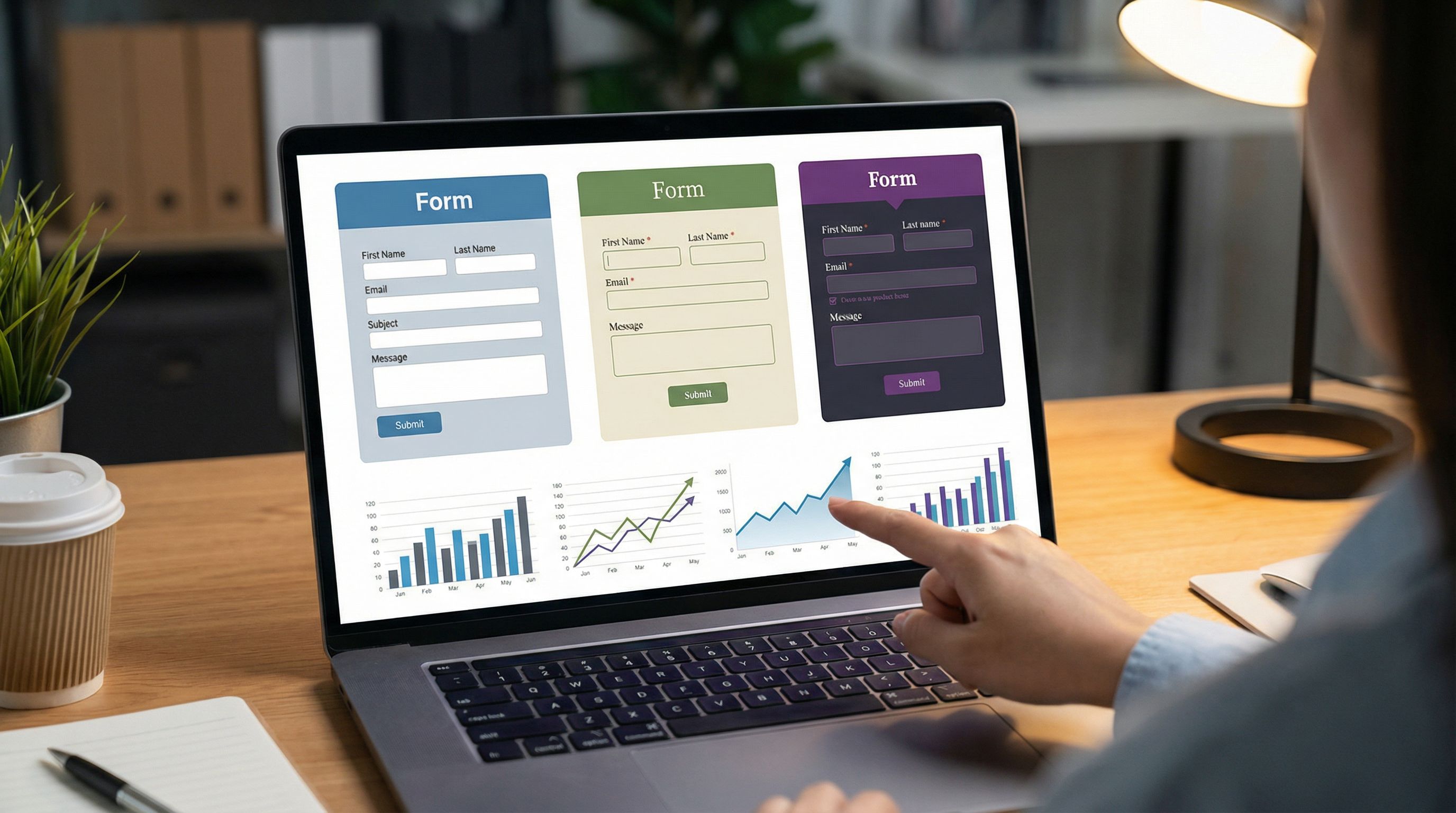
Re-skinning a form in Ezpa.ge—changing colors, typography, spacing, and a few key copy elements—takes hours, not weeks. You can:
- Spin up multiple theme variants around different brand directions.
- Attach each to a custom URL that maps to a specific campaign or audience.
- Keep the underlying questions and logic identical, so you’re testing brand, not structure.
This is the same mindset we talk about when we treat forms as systems instead of one-off artifacts. If that’s new to you, it’s worth reading about how to design URL taxonomies in Form Systems, Not One-Off Links and then layering brand tests on top.
You already have the analytics
Because Ezpa.ge syncs directly into Google Sheets in real time, you don’t have to invent a new analytics stack to do this. Your brand experiment data is just:
- One Sheet tab per theme.
- Or a single Sheet with a "theme" column populated via URL parameters.
From there, you can:
- Compare completion rates.
- Filter by traffic source.
- Look at downstream metrics like deal size, churn, or NPS.
If you’re already using Sheets as your operational backbone, this is a natural extension of what we explored in Google Sheets as Your Ops Brain.
What “Theme-First Branding” Actually Looks Like
Let’s make this concrete. Theme-first branding is the practice of testing brand and positioning changes at the form level before you touch your core site.
You’re essentially asking:
“If we wrapped the same flow in a different story and visual skin, how would people behave?”
You’re not changing:
- Core product.
- Pricing.
- Information architecture of your app.
You are changing:
- Visual language: color, typography, spacing, button styles.
- Tone: headlines, helper text, field labels.
- Framing: how you describe the outcome of submitting the form.
Think of it as a mini brand lab that runs on top of your existing funnels.
The types of bets you can test at the form layer
Here are a few common brand and positioning questions that are perfect for form-level experiments:
-
Value prop emphasis
- Are you the “fastest,” the “safest,” or the “most flexible” option?
- Try variants where the form header, subcopy, and CTA lean into one of these at a time.
-
Voice and tone
- Does your audience respond better to friendly, casual language or precise, expert tone?
- Test different field labels and helper text: “Tell us about your team” vs. “Describe your current team structure.”
-
Visual personality
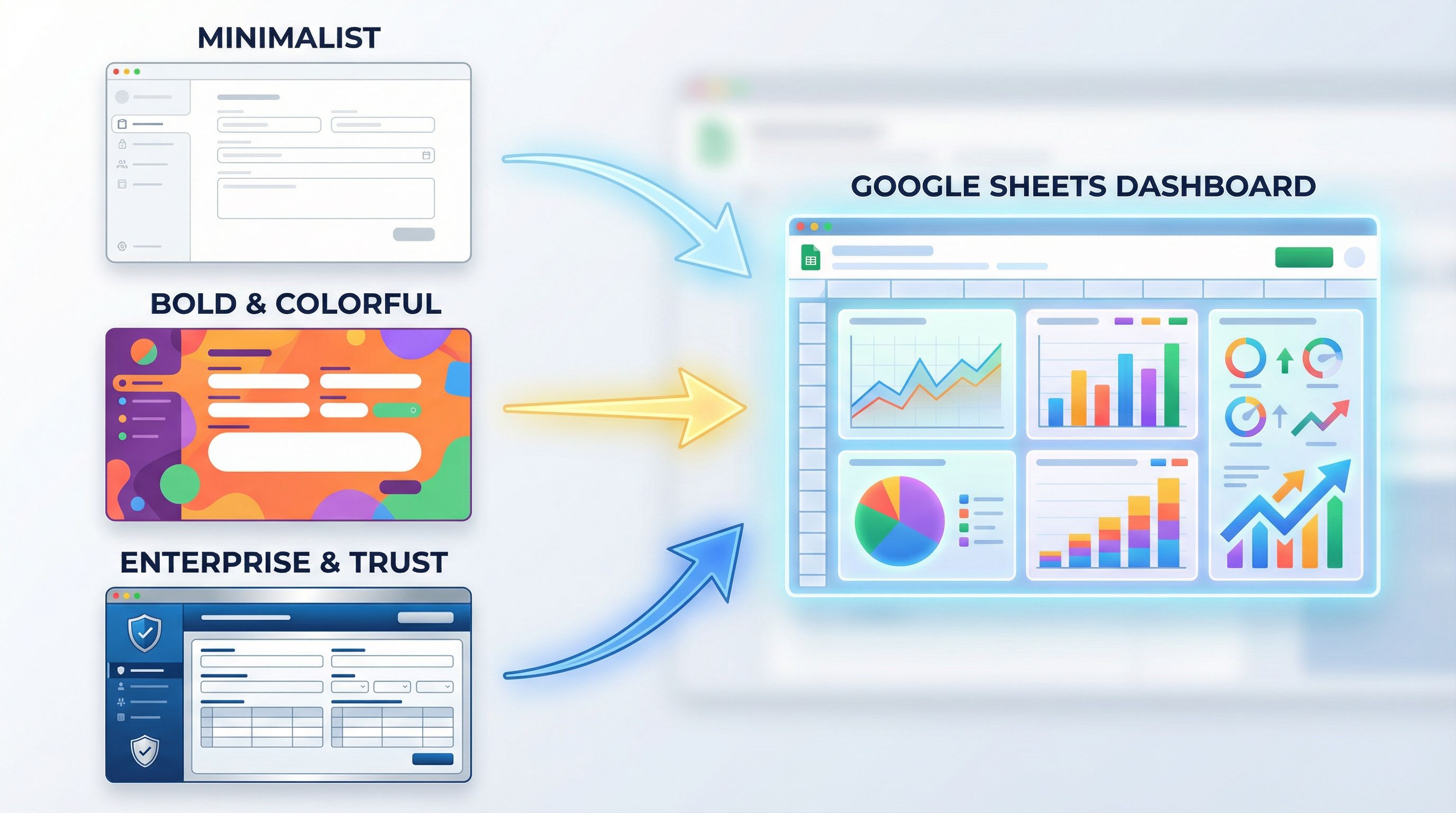
- Minimalist vs. bold color, dense vs. airy spacing, heavy vs. light typography.
- Keep layout and question order fixed; only swap the theme.
-
Risk and trust framing
- Emphasize security and compliance, social proof, or speed to value near sensitive fields.
- Pair this with subtle patterns from Quiet Security to see which trust signals matter most.
-
Audience-specific stories
- For the same product, run different themes for “Ops leaders,” “Founders,” and “People teams.”
- Use custom URLs and slight copy changes to speak directly to each persona.
Step 1: Choose the Right Forms to Experiment With
Not every form is equally useful for brand testing. You want flows that are:
- High-intent: demo requests, pricing inquiries, candidate applications, critical support requests.
- High-volume enough: so you can see patterns in days or weeks, not months.
- Close to revenue or core outcomes: so improvements actually matter.
Good candidates:
- “Talk to sales” / “Request a quote” forms.
- Partner intake or reseller application forms.
- Candidate application forms for your flagship roles.
- High-priority support or escalation forms.
Less ideal (but still useful later):
- Newsletter signups.
- Low-intent “Contact us” forms.
Start with 1–2 forms that sit closest to your most important business outcomes.
Step 2: Define 2–3 Brand Hypotheses
You’re not just making things prettier—you’re testing beliefs.
Write down 2–3 hypotheses like:
- H1: A more product-led, screenshot-heavy theme will increase demo requests from self-serve users by 15%.
- H2: A trust-forward, compliance-emphasizing theme will increase completion rates for enterprise security review forms.
- H3: A warmer, more human tone will lead to longer, more thoughtful answers in candidate applications.
Each hypothesis should specify:
- The audience (e.g., PLG leads, enterprise buyers, senior candidates).
- The behavior you expect to change (completion rate, depth of answers, speed to submit, etc.).
- The direction of change (up or down).
This makes it much easier to design themes with intent instead of “let’s see what happens.”
Step 3: Build Theme Variants in Your Form Tool
In Ezpa.ge, you can create multiple themes and apply them to the same underlying form structure. Treat each theme as a coherent brand direction, not just a color tweak.
For each hypothesis, design 2–3 variants:
-
Baseline / current brand
- Your existing look and feel, lightly cleaned up.
- This is your control.
-
New direction A
- Change: color palette, typography, button style.
- Adjust: header copy, subheading, CTA text, helper text tone.
-
New direction B (optional)
- A second distinct direction, not just a softer version of A.
Keep the following constant across themes:
- Field set and order.
- Validation rules.
- Logic and conditional paths.
You’re isolating the impact of brand and positioning, not UX structure. If you want to iterate on structure, that’s a separate experiment (and you can borrow patterns from Form UX for Busy Operators).
Step 4: Wire Up Tracking With Custom URLs and Sheets
Once your themes are ready, you need a clean way to attribute performance.
Use custom URLs as your routing layer
Give each theme its own custom URL. For example:
/demo→ current brand (control)/demo-product-led→ product-forward theme/demo-trust-first→ compliance / trust-first theme
You can then:
- Point different campaigns to different URLs (e.g., PLG nurture emails to
/demo-product-led, enterprise outbound to/demo-trust-first). - Or rotate URLs evenly in A/B tests.
If you’re already using URLs as routing logic in your funnels, this fits nicely with the patterns in Custom URLs as Routing Logic.
Structure your Sheet for analysis
With Ezpa.ge’s real-time Google Sheets sync, you have options:
- One Sheet per theme (simple, but more tabs).
- Single Sheet with a
themecolumn (more scalable).
If you go with a single Sheet, you can:
- Add a hidden field that captures the theme name or URL slug.
- Use filters, pivot tables, or Looker Studio/Data Studio to compare performance.
Key metrics to track:
- Completion rate: submissions / starts.
- Time to complete: especially for longer forms.
- Field-level drop-off: where do people abandon?
- Response quality proxies: length of free-text answers, presence of specific keywords, etc.
For hiring or intake flows, you can go further and connect this to the patterns described in From Intake to Interview: use live filters to see which themes correlate with better downstream outcomes.
Step 5: Run the Experiment Long Enough to Learn Something
Brand experiments need enough data to be meaningful, but they don’t need to drag on forever.
A few practical guidelines:
- Aim for at least 100–200 submissions per variant for directional insight. More is better, but don’t let perfect be the enemy of useful.
- Keep external factors as stable as you can: avoid running major pricing changes or product launches at the same time, or at least note when they happen.
- Segment by traffic source: a theme that works brilliantly for warm email traffic might underperform for cold ads.
Look beyond surface-level metrics:
- A theme that increases raw submissions but reduces lead quality might not be a win.
- A trust-heavy theme that slightly lowers completion but improves enterprise close rate could be a big success.
Because all of this lives in Sheets, it’s easy to layer on additional columns—"qualified?", "hired?", "closed-won?"—and see which theme is pulling its weight across the full funnel.
Step 6: Translate Winning Themes Into a Confident Redesign Brief
Once you’ve run a few rounds of experiments, you’ll have:
- Concrete evidence about which value props resonate.
- Real user behavior around tone and trust.
- A short list of visual directions that helped (or hurt) performance.
This is gold for your eventual redesign.
Instead of handing your design team a vague brief like “Make us feel more enterprise,” you can say:
- “When we emphasized compliance and reliability in the header and helper text, enterprise demo completion went up 18%.”
- “A warmer, more conversational tone in candidate flows led to 25% longer answers in ‘Why this role?’ and a higher pass-through rate to onsite.”
- “The minimalist theme with generous whitespace outperformed our current brand by 12% on high-intent forms, especially on mobile.”
Your redesign brief now includes:
- Screenshots and URLs of the top-performing themes.
- Quantitative metrics from Sheets.
- Qualitative insights from free-text answers (“This felt simple,” “This looks trustworthy,” etc.).
Designers and brand strategists can use this as a starting point, not a constraint. You’re not dictating pixels; you’re sharing evidence about what your audience already told you they prefer.
Step 7: Keep the Brand Lab Running
Theme-first branding isn’t a one-time project. It’s a continuous, lightweight way to:
- Try new stories without committing your whole site.
- Validate risky ideas with a small slice of traffic.
- Keep your brand evolving alongside your product and audience.
A few ongoing practices:
- Quarterly theme refreshes: pick one or two high-traffic forms and test a new theme each quarter.
- Persona-specific experiments: run different themes for different segments and let performance guide your segmentation strategy.
- Microcopy sprints: once a theme direction is stable, run small copy-only tests on headers, CTAs, and helper text.
Because Ezpa.ge makes it easy for non-designers to adjust themes and copy, this doesn’t have to be a design bottleneck. Operators, marketers, and PMs can own the experiments while still respecting guardrails set by brand.
Bringing It All Together
Theme-first branding flips the usual sequence:
Instead of “Rebrand first, hope it works later,” you quietly test brand directions where it matters most—inside the flows where people decide.
By using Ezpa.ge’s form skins, custom URLs, and real-time Google Sheets syncing, you can:
- Wrap your existing funnels in multiple brand directions.
- Route real traffic through them with clear attribution.
- Measure the impact on completion, quality, and downstream outcomes.
- Turn the winners into a confident, data-backed redesign brief.
You de-risk the big bets. You give your design team sharper inputs. And you learn, quickly, how your brand actually performs under real-world pressure.
Your Next Move
If you’re even thinking about a brand refresh or site redesign this year, don’t wait for the big project to start learning.
You can:
- Pick one high-intent form (demo, pricing, candidate intake).
- Clone it in Ezpa.ge and create two new themes that reflect the directions you’re considering.
- Give each theme a custom URL and wire them into your existing campaigns.
- Sync everything into a single Google Sheet and watch what happens over the next few weeks.
By the time you’re ready to brief a designer or agency, you won’t be guessing. You’ll have a living, breathing brand lab—and a clear story about what your audience is already choosing.
If you’re using Ezpa.ge, you already have the pieces. The only question is: which theme are you going to test first?