Forms as Quiet CRMs: Capturing Relationship Signals Without Forcing Full Signups

Forms as Quiet CRMs: Capturing Relationship Signals Without Forcing Full Signups
Traditional CRMs expect a lot from people upfront.
“Create an account.”
“Pick a password.”
“Fill in your company, role, budget, timeline, phone number…”
Meanwhile, the person on the other side is just trying to do something simple:
- Get a question answered.
- Download a resource.
- See if your product is even relevant.
That gap—between what your systems want and what your users are ready to give—is where forms can quietly become your best CRM.
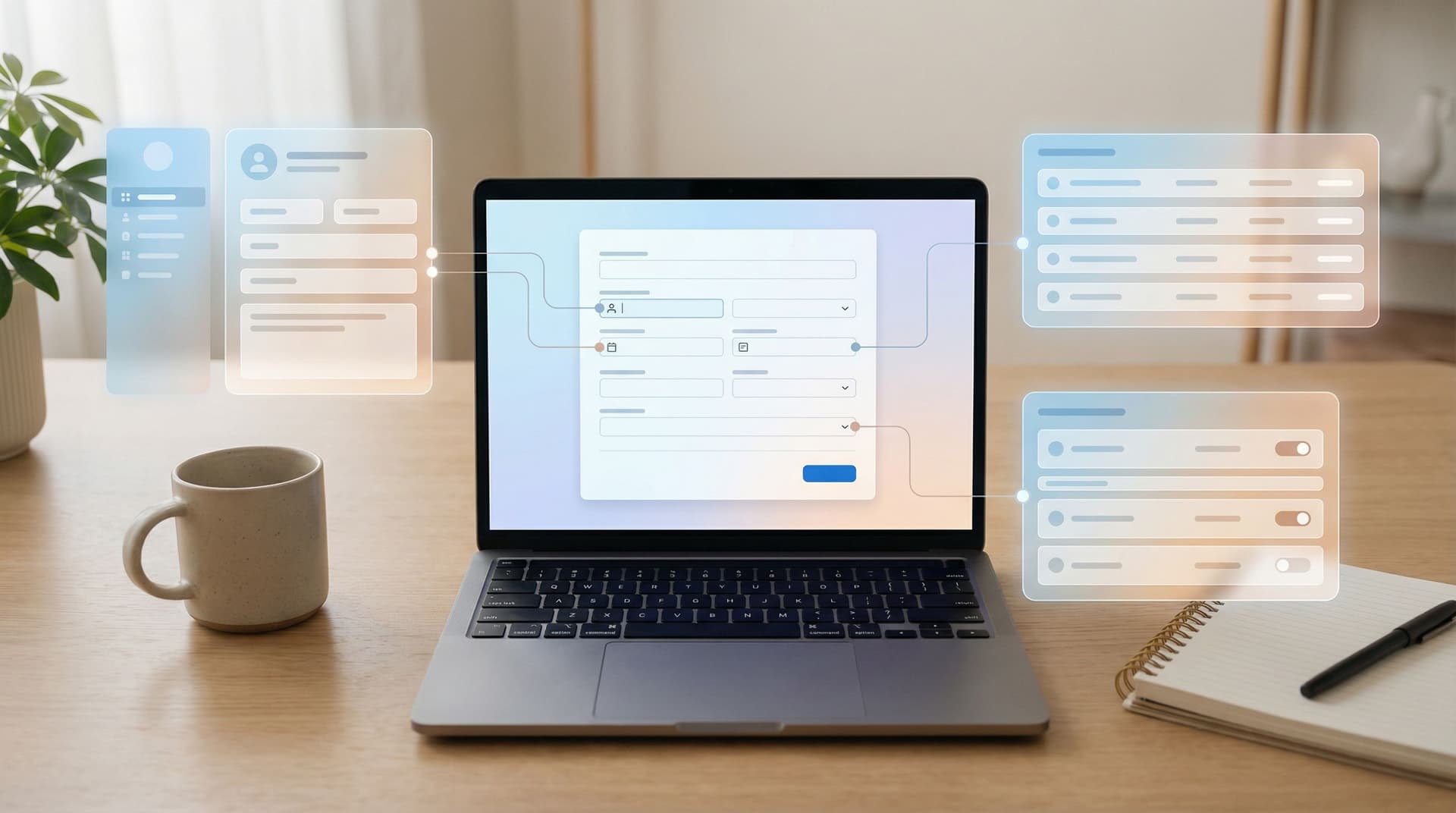
Instead of forcing full profiles, you can use forms as quiet CRMs: lightweight touchpoints that capture relationship signals over time, across many small interactions, and sync them into a system (like Google Sheets + your existing tools) that behaves like a CRM without feeling like one.
This isn’t about replacing Salesforce or HubSpot. It’s about recognizing that:
- Most relationships start before a formal signup.
- The strongest signals often come from small, low-friction forms.
- You can stitch those signals together into a rich picture of each person—without scaring them off.
Why Quiet CRMs Matter
If you treat “Create account” as the first moment of truth, you’re missing most of the story.
People:
- Click your ads and bounce.
- Fill out a single-question poll.
- Ask a quick support question before they buy.
- Sign up for a webinar with their personal email, then later trial your product with a work email.
Each of those is a relationship signal. If you only log data once someone completes a full signup or becomes an “MQL,” you:
- Lose context about how they got there.
- Over-personalize based on one snapshot instead of a journey.
- Miss chances to follow up in ways that feel natural and helpful.
Quiet CRMs flip that pattern:
- Start with low commitment. A form is just a question and a promise: “If you answer this, we’ll do something useful with it.”
- Capture intent, not just identity. You care what they’re trying to do as much as who they are.
- Accumulate context over time. Dozens of tiny forms, all feeding a shared sheet or database, can tell a better story than one giant signup.
Teams that do this well see benefits like:
- Higher completion rates on forms (and fewer abandoned signups).
- Better-qualified conversations for sales and success teams.
- Marketing that feels eerily well-timed—but never creepy.
- Cleaner data structures, because you design for signals first, enrichment later.
If this framing resonates, you’ll probably also enjoy thinking in terms of signals instead of surveys and tiny forms that still move revenue.
What Counts as a “Relationship Signal”?
Before you design anything, get clear on what you want to learn—without defaulting to “name, email, company” on every form.
Think in three layers:
-
Identity signals – Who is this person, at a basic level?
- Email (often the only truly required field)
- Role or function (e.g., “I’m a designer / engineer / founder”)
- Company size or segment (e.g., “solo / small team / 50+”)
-
Intent signals – What are they trying to get done right now?
- “What brought you here today?” (multiple choice)
- “Which best describes what you’re looking for?”
- “How urgent is this?” (e.g., Just exploring → Need help this week)
-
Behavioral signals – How are they interacting with you over time?
- Which forms they’ve submitted (and in what order).
- Which options they consistently choose (e.g., always picking “Enterprise”).
- How they respond to follow-ups (do they click, reply, ignore?).
Quiet CRMs are about capturing just enough of each layer at each touchpoint—and making sure all of that lands in a place you can actually use.
With Ezpa.ge, that “place” is often Google Sheets, with real-time syncing and structured tabs that act like a lightweight CRM. From there, you can push into whatever tools you already use.
Designing Forms That Feel Like Conversations, Not Applications
If your goal is to capture relationship signals without forcing a heavy signup, your forms need to feel like conversations.
A few guiding principles:
1. Lead with value, not fields
Every form should answer the question: “What does the user get in return for answering this?”
Good value exchanges:
- “Tell us your role so we can send you a tailored onboarding checklist.”
- “Pick your main challenge and we’ll point you to the right resources.”
- “Share a bit about your use case and we’ll route you to the best person on our team.”
Weak value exchanges:
- “We need this for our records.”
- “Please fill out all fields to proceed.”
- “Required.” (with no explanation)
This is especially critical when you’re dealing with more sensitive data. If you haven’t yet, read how to balance this in Security Without Paranoia.
2. Ask for the minimum viable profile
For a first interaction, you rarely need more than:
- One or two intent questions
- Optional context (free text)
You can always:
- Enrich later (via tools like Clearbit, Apollo, or your own research).
- Ask follow-up questions in subsequent forms.
- Use micro-surveys inside your product or emails to refine the profile.
Think of each form as a step in a conversation, not a one-shot attempt to get the entire story.
3. Match the tone to the moment
A support escalation form can be more direct. A feedback micro-form can be casual. A high-stakes verification flow needs calm, precise language (see Form UX for High-Stakes Data).
But they all share a pattern:
- Clear, honest labeling of what you’re asking and why.
- No surprise extra fields at the end.
- A sense that you’re listening, not interrogating.

Turning Forms into a Quiet CRM System
Let’s walk through how to actually set this up using Ezpa.ge and Google Sheets as the backbone.
Step 1: Decide your “source of truth” structure
Before creating forms, design the data model that will hold your relationship signals.
A simple starting point in Google Sheets:
- Contacts sheet – One row per unique person.
- Columns: email, first_seen_at, last_seen_at, primary_role, lifecycle_stage, notes
- Interactions sheet – One row per form submission.
- Columns: timestamp, email, form_name, intent, channel (e.g., ad, blog, in-app), extra_details
Using Ezpa.ge’s real-time Sheets syncing, you can:
- Point multiple forms at the same Interactions sheet.
- Use formulas or lightweight Apps Script to roll up those interactions into the Contacts sheet.
If structuring Sheets is a recurring headache, bookmark From Spreadsheet Chaos to Source of Truth for a deeper dive.
Step 2: Map your key touchpoints
List out the places where someone might naturally share a bit of information with you:
- Blog CTAs (e.g., “Send me this as a checklist”)
- Webinar registrations
- Product waitlists
- Pricing or sales contact forms
- In-app feedback prompts
- Post-purchase or post-onboarding check-ins
For each touchpoint, ask:
- What is the minimum we need to deliver value?
- What one extra signal would be most helpful for understanding this person’s journey?
Examples:
- Blog CTA → Ask for email + “What are you most interested in?” (3–4 options).
- Waitlist → Ask for email + “Team size” + “How are you solving this today?” (short text).
- In-app feedback → Ask for a 1–2 question micro-survey, no email if they’re already logged in.
Step 3: Design forms as reusable patterns
Instead of building each form from scratch, think in patterns:
- “Raise your hand” pattern – Email + 1 intent field.
- “Route me to the right person” pattern – Email + role + urgency.
- “Quick feedback” pattern – 1–2 rating or multiple-choice questions + optional text.
With Ezpa.ge, you can:
- Create one form per pattern.
- Apply branded themes that adapt to any device.
- Clone and tweak them for campaigns, using custom URLs for tracking.
If you like this modular approach, Atomic Form Patterns walks through how to build a true pattern library.
Step 4: Wire up light automation
A quiet CRM isn’t just about storing signals—it’s about responding to them.
Starting from your Ezpa.ge → Google Sheets setup, you can use tools like Zapier, Make, or native integrations to:
- Create or update a contact in your CRM when a new email appears in the Contacts sheet.
- Trigger a personalized email sequence based on the intent field.
- Send a Slack notification when someone submits a high-urgency form.
For example:
- If
intent = "Talk to sales"andcompany_size = "50+", create a high-priority deal and alert the AE. - If
intent = "Just exploring", send a low-pressure nurture sequence with guides and case studies.
For more on turning forms into live workflows, see From Form to Workflow and Ops in the Loop.
Step 5: Respect consent and expectations
Quiet doesn’t mean sneaky. You’re building a relationship, not a dossier.
A few guardrails:
- Be explicit about follow-up. If answering a form means they’ll get emails, say so near the submit button.
- Give clear opt-out paths. Every automated email should make it easy to adjust preferences or unsubscribe.
- Avoid unnecessary cross-context tracking. You don’t need to mention every page they’ve visited in your outreach; use signals to shape your strategy, not to impress them with how much you know.
If your forms ever touch on sensitive or high-stakes data (payments, healthcare, legal), pair this approach with the patterns in High-Stakes, Low Friction.
Real-World Examples of Quiet CRMs in Action
Let’s make this concrete with a few scenarios.
1. The “I’m curious, but not ready to talk to sales” visitor
You publish a guide on your blog. At the end, instead of a hard “Book a demo” push, you offer:
“Want a version of this guide tailored to your role? Share your email and we’ll send it.”
The form collects:
- Email (required)
- Role (dropdown)
- “Biggest challenge right now” (multiple choice)
Behind the scenes:
- Submission lands in your Interactions sheet with
form_name = "Guide CTA"and the chosen challenge. - An automation sends a short, role-specific email with the guide and 1–2 extra resources.
- If they click a specific resource, you tag that interest in your CRM.
No account created. No 12-field signup. But you now know:
- Who they are (at least at an email + role level).
- What they care about.
- That they’re engaged enough to read and respond.
2. The product-curious waitlist
You’re launching a new feature. Instead of a full-blown signup, you use a simple Ezpa.ge waitlist form:
- “How are you handling this today?” (short text)
- “When would you like to start using this?” (timeframe options)
You sync this to Google Sheets and:
- Sort by urgency and current workaround (e.g., spreadsheets, manual work, another tool).
- Invite the highest-urgency folks to early access calls.
- Use their words to refine your landing pages.
You’ve effectively built a mini-CRM for this initiative without touching your main signup flow.
If you want to go from idea to this kind of waitlist in a weekend, Form-First Launches is a playbook worth following.
3. The ongoing customer who keeps raising their hand
Inside your product, you sprinkle micro-forms:
- A 1-question check-in after someone completes onboarding.
- A quick “What blocked you today?” form when they close a session.
- A short feature request form linked in your help center.
Each of these:
- Uses the logged-in email to tie submissions to the same contact.
- Writes to your Interactions sheet with
form_nameand intent fields. - Triggers routing: high-frustration feedback might go to support; high-excitement feedback might go to customer marketing.
Over time, you can:
- See which customers are deeply engaged vs. quietly struggling.
- Spot expansion opportunities before they ask.
- Feed structured feedback directly into your roadmap (see From Survey to System).
All of this happens through small, optional forms that feel like part of the product, not like a separate research project.

Avoiding Common Pitfalls
Quiet CRMs are powerful, but there are a few traps to watch for.
Trap 1: Turning every interaction into a survey
If every click opens a form, people will tune you out.
Fix:
- Use micro-forms sparingly and strategically.
- Keep most to 1–3 questions.
- Make sure the value is immediate (better recommendations, faster support, clearer next steps).
Trap 2: Fragmented data across too many forms
If each team spins up its own forms with its own Sheets, you’re back to chaos.
Fix:
- Standardize on a single Ezpa.ge workspace and a small set of shared Sheets.
- Define naming conventions for forms and columns.
- Use one Interactions sheet per major workflow, not per campaign.
Trap 3: Over-personalization that feels creepy
Just because you can mention the exact blog post they read and the city they’re in doesn’t mean you should.
Fix:
- Use signals to shape your content and offers, not to show off your tracking.
- Personalize on intent and role, not on every hidden attribute you’ve collected.
Trap 4: Treating forms as endpoints instead of on-ramps
If submissions just sit in a sheet, you haven’t built a quiet CRM—you’ve built a quiet archive.
Fix:
- Define, for each form, what happens after submit: who is notified, what is triggered, what changes in your CRM.
- Review your Interactions sheet regularly to refine automations and spot patterns.
For more on this mindset, Forms as On-Ramps, Not Dead Ends is a useful companion read.
Bringing It All Together
Forms can be more than one-off lead capture or support intake. Used thoughtfully, they become a quiet, always-on CRM layer that:
- Meets people where they are, without forcing full signups too early.
- Captures intent and behavior over time, not just identity once.
- Feeds clean, structured data into Sheets, CRMs, and automations you already use.
- Helps your team respond in ways that feel timely, relevant, and human.
The shift is subtle but powerful:
- From “How do we get all the data now?” → “What’s the next useful question to ask?”
- From “Our CRM is where deals go to live or die.” → “Our forms are how relationships quietly take shape.”
Your Next Step
You don’t need a massive rebuild to start treating forms as a quiet CRM. You just need one well-designed flow.
Here’s a simple way to begin this week:
- Pick one touchpoint where you currently use a heavy signup or no form at all (e.g., a blog CTA, a “Contact us” button, a feature announcement).
- Replace it with a tiny Ezpa.ge form that asks for:
- One intent question
- Optional context
- Sync it to a Google Sheet with a clear Interactions structure.
- Add one small automation: a tailored follow-up email, a Slack notification, or a CRM update.
- Watch what you learn over the next 2–4 weeks—and then decide where to add the next quiet touchpoint.
If you’re ready to turn your forms into a calm, powerful relationship layer—without forcing anyone through a wall of fields—Ezpa.ge is built for exactly that. Start with one form, one sheet, and one clear question.
Let the signals accumulate. Your quiet CRM will grow from there.