From Theme to Template: Building a Reusable Form Library for Every Team in Your Company

Every team in your company needs forms.
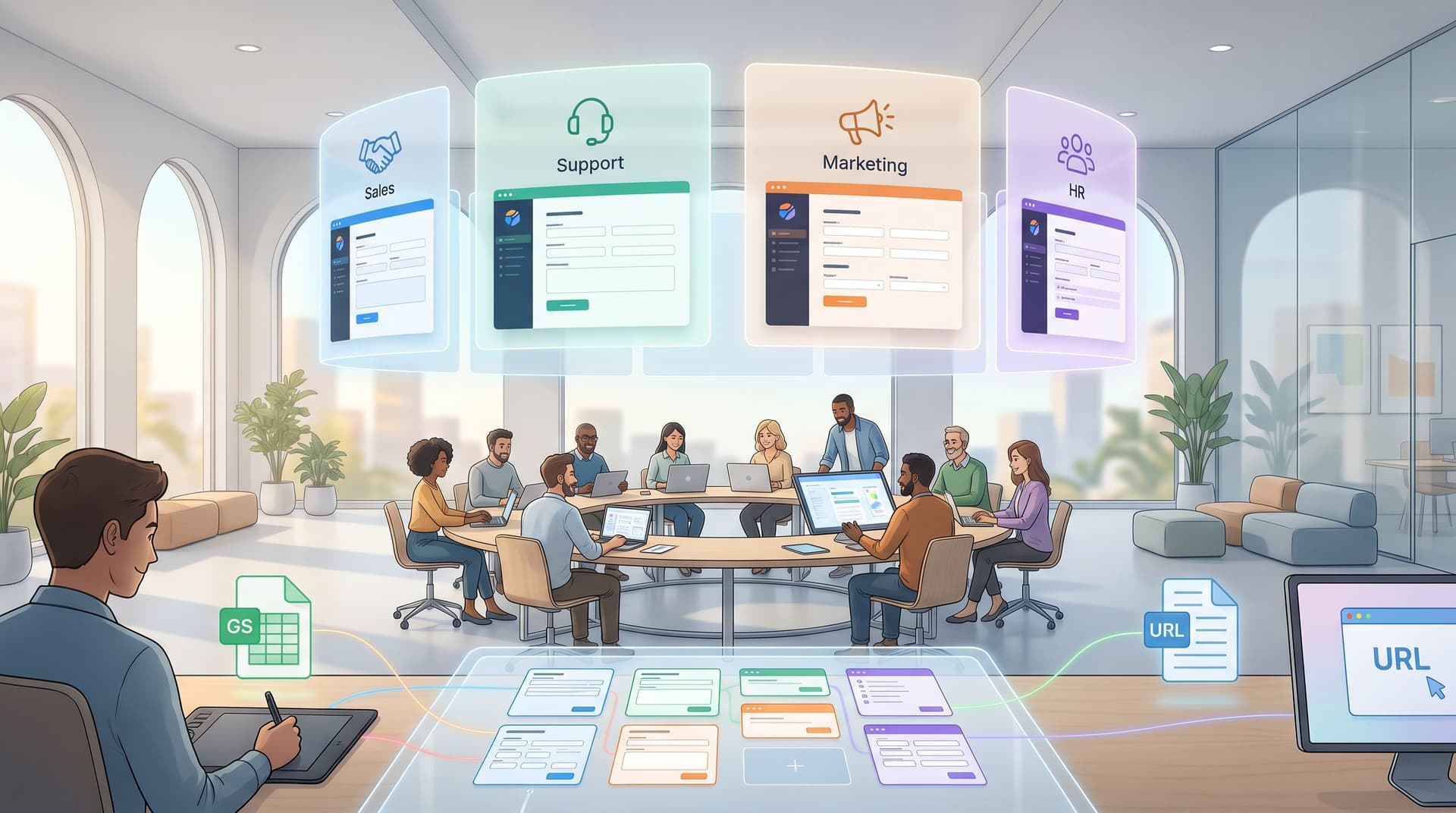
Sales needs demo requests and qualification. Marketing needs event registrations and content downloads. CX needs bug reports and feature requests. HR needs referrals and onboarding. RevOps needs exception approvals and discount requests.
If each of those teams is reinventing the wheel every time they need a form, you pay for it in:
- Slower launches
- Inconsistent data
- Brand drift
- Shadow spreadsheets
- Security and compliance risk
A reusable form library turns all of that into an asset instead of a cost. With tools like Ezpa.ge—where you can define themes, custom URLs, and real-time Google Sheets syncing—you can give every team a set of reliable building blocks that still feel tailored to their use case.
This post walks through how to design that library: from the visual theme, to the structural templates, to the governance that keeps everything sane over time.
Why a Reusable Form Library Is Worth the Effort
Before we get tactical, it’s worth framing what you actually gain when you invest in a form library instead of one-off builds.
1. Consistency without bottlenecks
A library gives you consistent UX and data structure without forcing every request through a single designer or ops lead.
- Shared themes ensure typography, spacing, and color feel on-brand.
- Standard question patterns (name, company, role, consent, etc.) show up the same way across forms.
- Teams can self-serve within guardrails instead of waiting on a custom build.
If you’ve ever tried to unify rogue intake spreadsheets, you’ve felt the cost of not doing this. (If that’s you, you’ll probably also like From Spreadsheet Chaos to Form OS.)
2. Better data, better decisions
When every team improvises, you end up with five different versions of “Company size” and three different ways of asking for consent. That makes reporting, attribution, and experimentation painful.
A library lets you:
- Standardize key fields and response options
- Reuse hidden fields and tracking parameters
- Plug forms cleanly into CRMs, data warehouses, and automation
Combined with Ezpa.ge’s Google Sheets syncing, your library becomes a structured intake layer that improves everything downstream.
3. Faster experiments, safer changes
Need to test a shorter signup flow? Want to add one more question to every post-purchase survey? When your forms share templates and themes, you can:
- Roll out changes across dozens of forms in minutes
- Test variants without rebuilding from scratch
- Know exactly which URLs and Sheets are impacted
That’s especially powerful if you’re already thinking about forms as first-party data engines and consent-forward flows. (See: Forms as First-Party Data Engines.)
4. A better first impression for every team
Forms are often the first real interaction someone has with a team: the first time they talk to sales, support, partnerships, or HR. A reusable library means you can bake in patterns that make those first meetings feel human and trustworthy, not bureaucratic.
If you’re already designing forms as “first meetings,” your library becomes the way you scale that mindset. (Related: Forms as First Meetings.)
Start with the Theme: Your Form System’s Visual Backbone
A good library starts with a theme system—the visual rules your forms share.
In Ezpa.ge, themes let you define:
- Colors (primary, secondary, accents, error states)
- Typography (headings, labels, help text)
- Spacing and layout (field grouping, section breaks)
- Button styles and hover states
Think of themes as your “design tokens” for forms.
Define 2–4 core themes, not 20
Most companies only need a small set of reusable themes:
-
Primary brand theme
- Use for public-facing forms: demo requests, waitlists, event signups.
- Closely match your marketing site.
-
Product/inside-account theme
- Use for in-app flows, support, and feature requests.
- Often slightly more minimal and utilitarian.
-
Internal/ops theme
- Use for internal requests (IT, finance approvals, internal event RSVPs).
- Can be lighter-weight and optimized for speed vs. brand storytelling.
-
Partner/brand-variant themes (optional)
- If you run multiple brands or franchises, define a base theme per brand while keeping structure and data consistent.
- Ezpa.ge’s themes + custom URLs pattern is ideal here (see also: Multi-Brand, One Stack).
Bake in accessibility and trust signals
As you define themes, lock in a few non-negotiables:
- Color contrast that meets WCAG AA for text and interactive elements
- Clear error states (red outlines, inline messages, not just color changes)
- Visible focus states for keyboard navigation
- Microcopy defaults for privacy and consent: short, clear, and human
If you want a deeper dive into how aesthetics shape trust, Signals in the Theme is a great companion read.
Once your themes are defined, freeze them as shared assets—not per-form tweaks. That way, when you adjust a button style or spacing, the change cascades across your library.
Map Your Core Use Cases Before You Build
The biggest mistake teams make is jumping straight into building templates without understanding who will use them and for what.
Spend a short working session cataloging your company’s recurring form types.
Step 1: Inventory current forms
Pull together a quick list of existing forms across teams. You’re looking for patterns like:
- Sales: demo requests, pricing questions, POC requests
- Marketing: event registrations, gated content, newsletter signups
- Support: bug reports, feature requests, outage reports
- Product: beta waitlists, user interviews, feedback surveys
- HR/People: referrals, onboarding, pulse surveys
- Ops/Finance: discount approvals, vendor onboarding, budget requests
For each, note:
- URL and owner
- What Sheet or system it feeds
- How often it’s used
- What’s painful about it (for users and internal teams)
Step 2: Group into “form families”
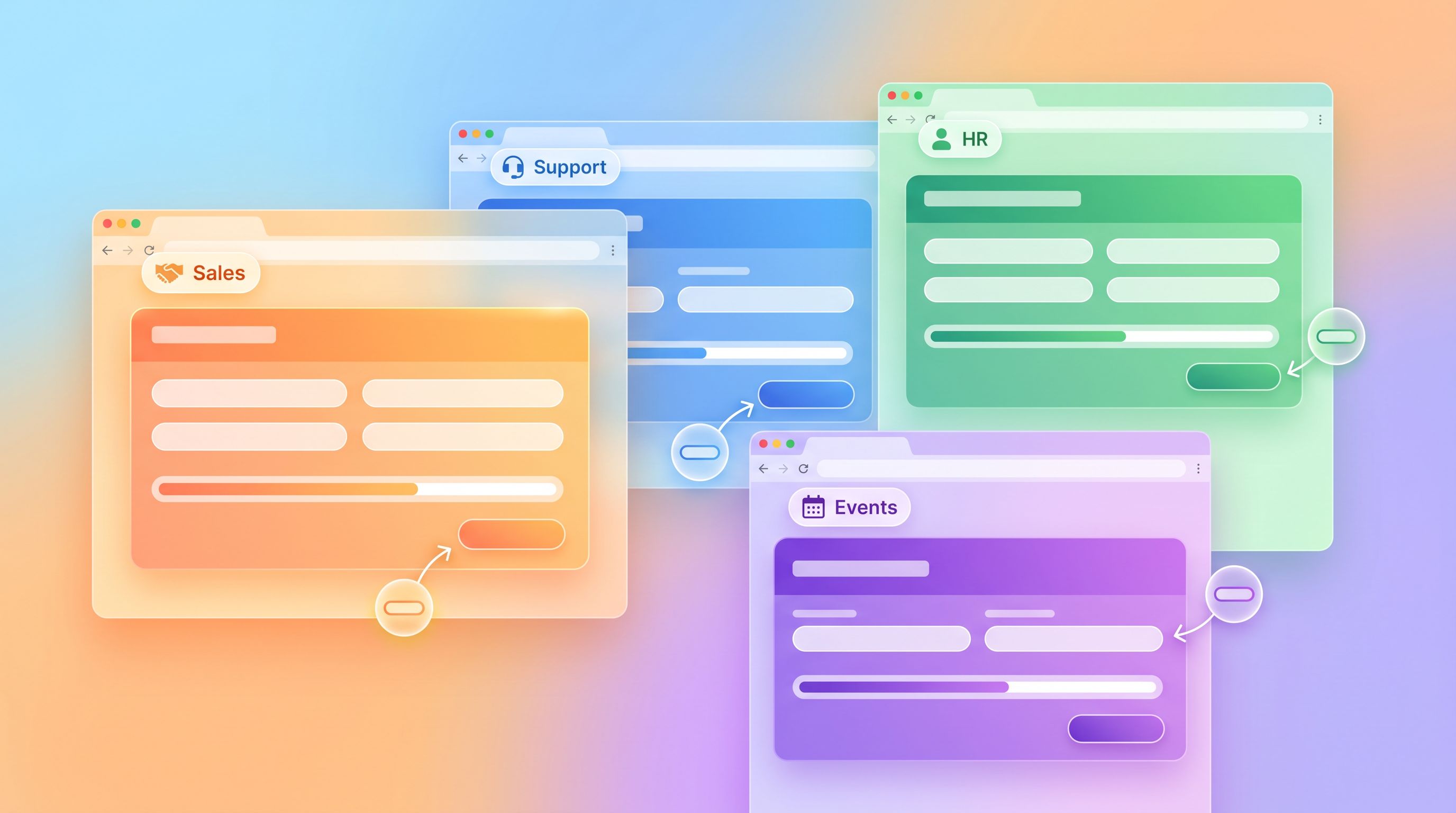
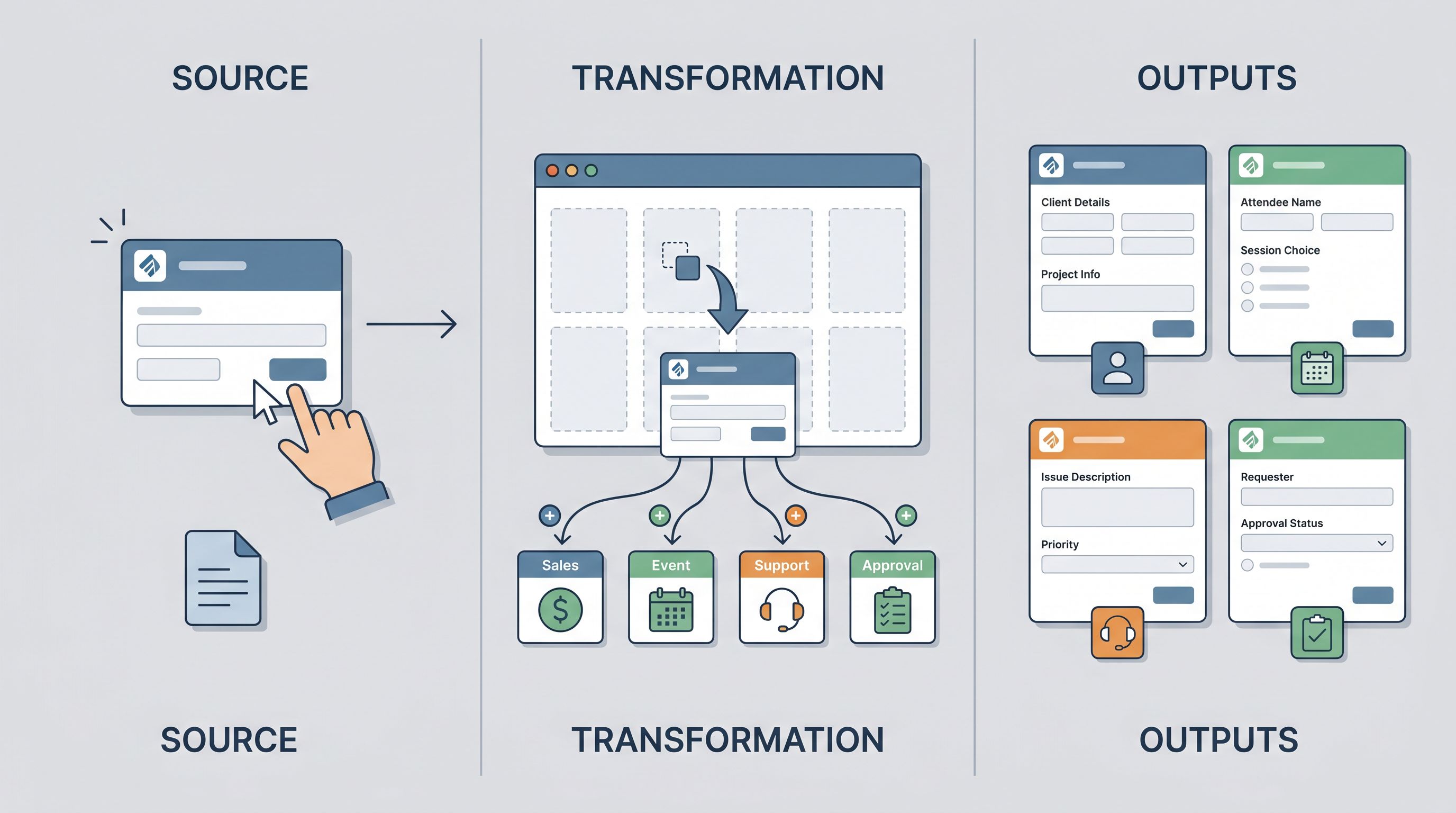
You don’t need a unique template for every form. Instead, define form families—structural patterns that can be reused:
- Intake forms (sales, partnerships, creator sponsorships)
- Support and troubleshooting forms
- Event and program registration forms
- Feedback and survey forms
- Internal request and approval forms
Each family will get its own base template, with optional fields you can toggle on/off.
Step 3: Decide what “good” looks like for each family
For each family, define:
- Primary goal (e.g., “qualify demo-ready leads,” “route issues to the right team,” “fill an event without overbooking”)
- Maximum number of fields you’re willing to ask
- Which fields are required vs. nice-to-have
- Where the data needs to go (Sheets, CRM, help desk, etc.)
This gives you a spec for your templates instead of designing in a vacuum.
Turn Themes into Templates: The Structural Layer
With themes and use cases mapped, you can start designing reusable templates that combine visual consistency with flexible structure.
What every template should include
Regardless of family, most templates should share:
- Standard identity fields
- Name, email, company, role (with consistent labels and validation)
- Consent and privacy block
- A short, reusable pattern for how you explain data use and give people choices
- Routing metadata
- Hidden fields for source, campaign, or channel
- Internal tags or categories for triage
- Thank-you state
- A default success message and optional redirect behavior
Lock these in as part of the template so teams don’t have to remember them.
Example template: Sales intake
A reusable sales intake template might include:
-
Context block
- Short intro: what happens after submission, who will follow up, expected timeline.
-
Core qualification fields
- Company name
- Role / job title (standardized dropdown + “Other”)
- Company size (standard buckets)
- Use case / what they’re trying to solve (multi-select)
-
Urgency and fit
- Timeline (this quarter / next quarter / exploring)
- Budget stage (have budget / seeking budget / not sure)
-
Free-text context
- “Anything else we should know?” with a character hint
-
Consent and communication
- Checkbox for marketing emails vs. transactional follow-up
-
Hidden fields
- Campaign, source, SDR owner, account tier
From this base, you can create variants per segment or channel using Ezpa.ge’s custom URLs and prefill capabilities—without touching the underlying structure. That’s exactly the pattern explored in Custom URL Playbooks for Sales.
Example template: Support + product feedback
A support/feedback template might include:
- Product area (dropdown)
- Type of issue (bug, feature request, billing, other)
- Severity/impact (can’t use product, blocking, annoying, suggestion)
- Steps to reproduce or context
- Attachments / links (if relevant)
- Account ID or workspace URL
Because this template is shared, your support and product teams get consistent, structured signals instead of free-form chaos.
Make Templates Truly Reusable: Naming, URLs, and Sheets
A template isn’t reusable if nobody can find it or understand what it’s for. This is where naming, URL strategy, and Sheets structure matter.
Create a clear naming convention
For templates, aim for names that encode team + purpose + version:
Sales – Intake – v1Marketing – Event Registration – v2Support – Bug Report – v1HR – Referral – v1
For actual forms cloned from templates, use:
Sales – Intake – Enterprise – Q3 2026Marketing – Event Registration – Customer Summit 2026
This keeps your library scannable and makes it obvious which forms are canonical templates vs. one-off instances.
Use custom URLs as part of the system
Ezpa.ge’s custom URLs are a superpower for a form library. Instead of random slugs, define URL patterns that map to your template structure:
/forms/sales/demo-request/forms/marketing/event/{event-name}/forms/support/report-issue/forms/internal/{team}/request
Then, for campaigns or specific channels, you can create URL variants that still point to the same underlying template but carry different tracking parameters or prefilled context. If you want to go deeper on how URLs shape behavior, see Custom URLs as Brand Signals and The URL Is the New CTA.
Standardize your Sheets structure
Since Ezpa.ge syncs to Google Sheets, use that to your advantage:
- Create one master Sheet per form family (e.g.,
Sales_Intake,Support_Issues,Events_Registration). - Use one tab per live form, all sharing the same column structure.
- Reserve the first columns for shared fields (timestamp, form name, URL, source, owner).
This makes it trivial to:
- Build Looker Studio or BI dashboards on top
- Merge data across forms in the same family
- Decommission old forms without losing structure
If you’re already visualizing form flows in Sheets, your library will plug nicely into the patterns described in From Form to Funnel Map.
Governance: Who Owns the Library?
A library is only as good as its maintenance. Without lightweight governance, templates drift, themes fork, and you’re back to chaos.
Define clear roles
You don’t need a big committee, but you do need clarity:
- Form system owner (often RevOps, Marketing Ops, or CX Ops)
- Owns themes, naming conventions, URL strategy, and Sheets structure
- Reviews and approves new templates
- Team champions (one per major team)
- Request new templates or updates
- Help colleagues choose the right template
- Flag issues or inconsistencies
Set simple rules for new forms
Publish a short, friendly “How we use forms” doc that covers:
- When to clone an existing template vs. request a new one
- How to choose the right theme
- How to name your form and set its URL
- Where your form’s data will land in Sheets
Keep it to one page. The goal is adoption, not bureaucracy.
Schedule small but regular maintenance
Once a quarter, the form system owner should:
- Archive unused forms and tabs in Sheets
- Review themes for accessibility and brand updates
- Audit templates for drift (extra fields, odd microcopy)
- Gather feedback from team champions
This cadence keeps your library healthy without turning it into a major project.
Layer on Advanced Patterns Over Time
Once your core library is in place, you can start layering on more sophisticated patterns—all while reusing the same themes and templates.
A few ideas:
- Micro-form funnels: Break long templates into chained single-question flows for higher completion rates, especially on mobile. (See Micro-Form Funnels.)
- Adaptive forms by URL: Use custom URLs and conditional logic so one template can handle multiple states—like the “one canonical URL” pattern in Form UX for Membership Businesses.
- AI-assisted triage: Use AI to read long-text responses and propose tags, priorities, or next steps, while humans keep final control. (More on that in AI Triage in Forms.)
- Consent-forward first-party data: Standardize how you ask for, store, and act on consent across all templates. (Deep dive: Forms as First-Party Data Engines.)
Because your themes, URLs, and Sheets are already unified, these advanced patterns become multipliers, not bespoke projects.
Bringing It All Together
Let’s recap the path from theme to template to reusable library:
- Define a small set of themes that encode your brand, accessibility standards, and trust signals.
- Inventory your existing forms and group them into a handful of form families.
- Design base templates for each family, with shared identity, consent, and routing patterns.
- Standardize naming, URLs, and Sheets so templates are easy to find, clone, and analyze.
- Assign light governance so someone owns the system and teams know how to use it.
- Layer on advanced patterns—micro-funnels, adaptive forms, AI triage—once the foundation is solid.
The result is a form library that:
- Lets every team move faster without sacrificing quality
- Keeps your brand and data structure coherent
- Makes experimentation and reporting dramatically easier
Most importantly, it turns forms from one-off chores into a shared, strategic asset.
Your Next Step
You don’t need a six-month project to start. You can get meaningful leverage in a single afternoon.
Here’s a practical first move:
- Pick one form family that matters right now—sales intake, support requests, or event registration.
- Audit the 3–5 forms you already use for that purpose.
- Draft one shared template in Ezpa.ge using:
- A unified theme
- Standardized fields and consent
- A clear naming convention and custom URL
- A synced Google Sheet with a clean column structure
- Have two teams try it for their next form instead of starting from scratch.
Once that template proves itself, you’ll have the pattern—and the internal proof—to expand into a full library.
If you’re ready to make forms a first-class part of how your company operates, start by opening Ezpa.ge, defining your first theme, and turning one messy cluster of forms into a single, reusable template. From there, you’re only a few iterations away from a form library every team will quietly rely on.